Most “best AI note-taking app” lists are built from feature checklists and vendor homepages, not from anyone actually sitting through meetings with the tools running. That’s why half of them rank apps that fall apart the moment someone has an accent, talks over a colleague, or joins from a noisy café.
So I did it the hard way. Over several weeks I ran 11 of the most popular AI note-taking apps across real meetings (team syncs, client calls, a couple of lectures) to see which ones produced notes I’d actually trust, and which ones quietly mangled names, missed action items, or made people uncomfortable with a recording bot in the room.
A few impressed me. Others looked great in a demo and disappointed in practice. This guide gives you the honest version: how each app performed, who it’s best for, what it costs, and where it falls short. If you’re choosing a tool for a whole team, also see our roundup of the best note-taking apps for Windows.
How We Chose the Best AI Note-Taking Apps
This isn’t a list of whoever paid the most or has the slickest landing page. I tested each app across at least three meeting types (a team sync, a client call, and a lecture-style talk) and scored them on the things that actually matter once you’re using a tool every day:
Transcription accuracy — how well it handled accents, crosstalk, jargon, and filler-word cleanup.
Summary quality — whether it pulled real decisions and action items, or just shortened the transcript.
Setup and ease of use — how fast I could go from install to usable notes.
Bot vs. bot-free — whether a visible recording bot joins the call, and how that felt to other participants.
Privacy and security — local processing, encryption, GDPR/SOC 2 posture, and data-retention policies.
Free plan and pricing — what you actually get for free, and what the first paid tier costs.
Tools that couldn’t clear a basic bar on accuracy or privacy didn’t make the list.
TL;DR — Quick Picks
Best overall (bot-free + noise cancellation): Krisp — clean transcripts even in noisy rooms, no bot in your calls.
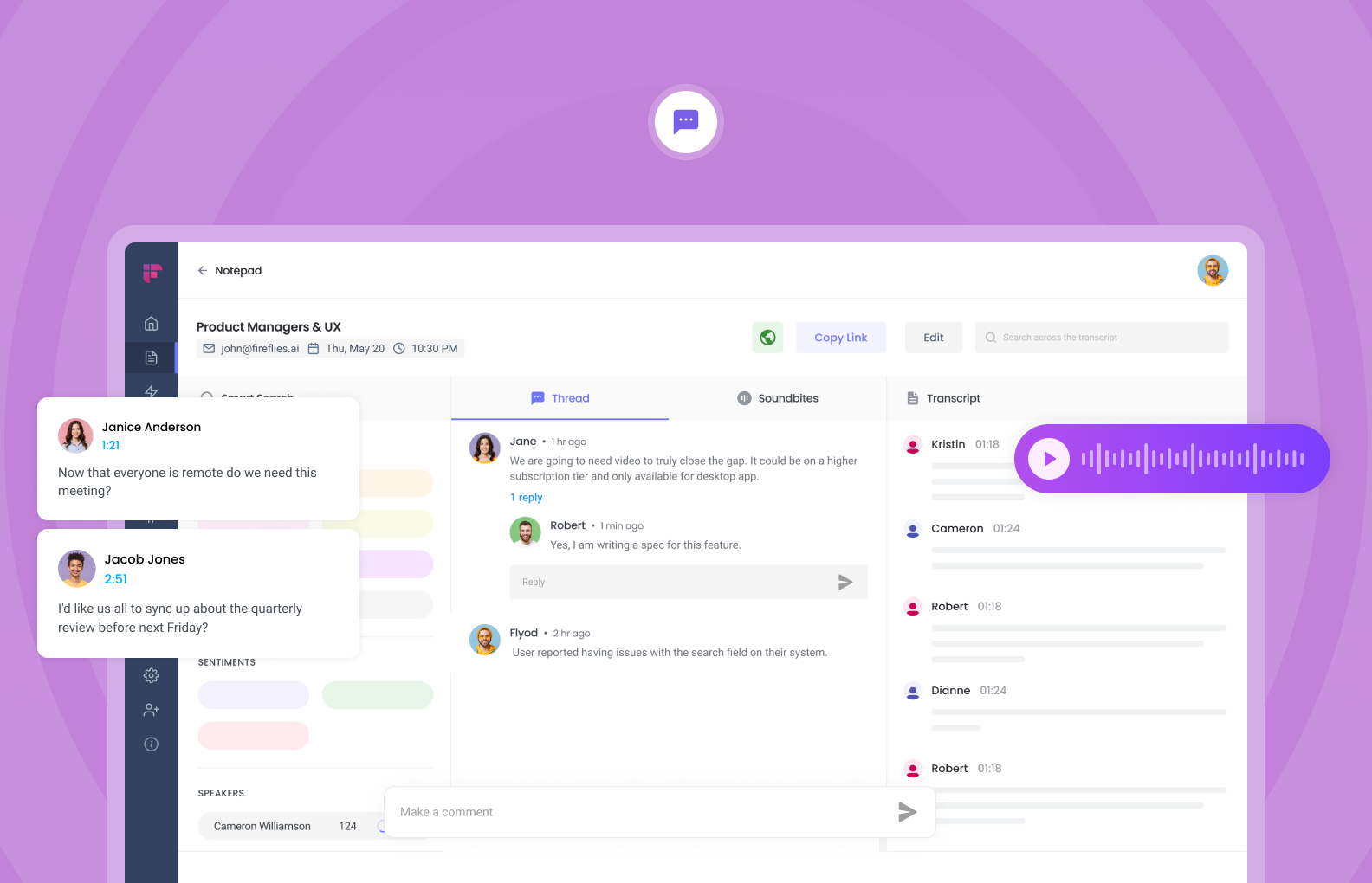
Best for team collaboration: Fireflies — searchable archive, broad integrations, “AskFred” assistant.
Best free plan for Zoom users: Fathom — unlimited recording and transcription, 5.0/5 on G2.
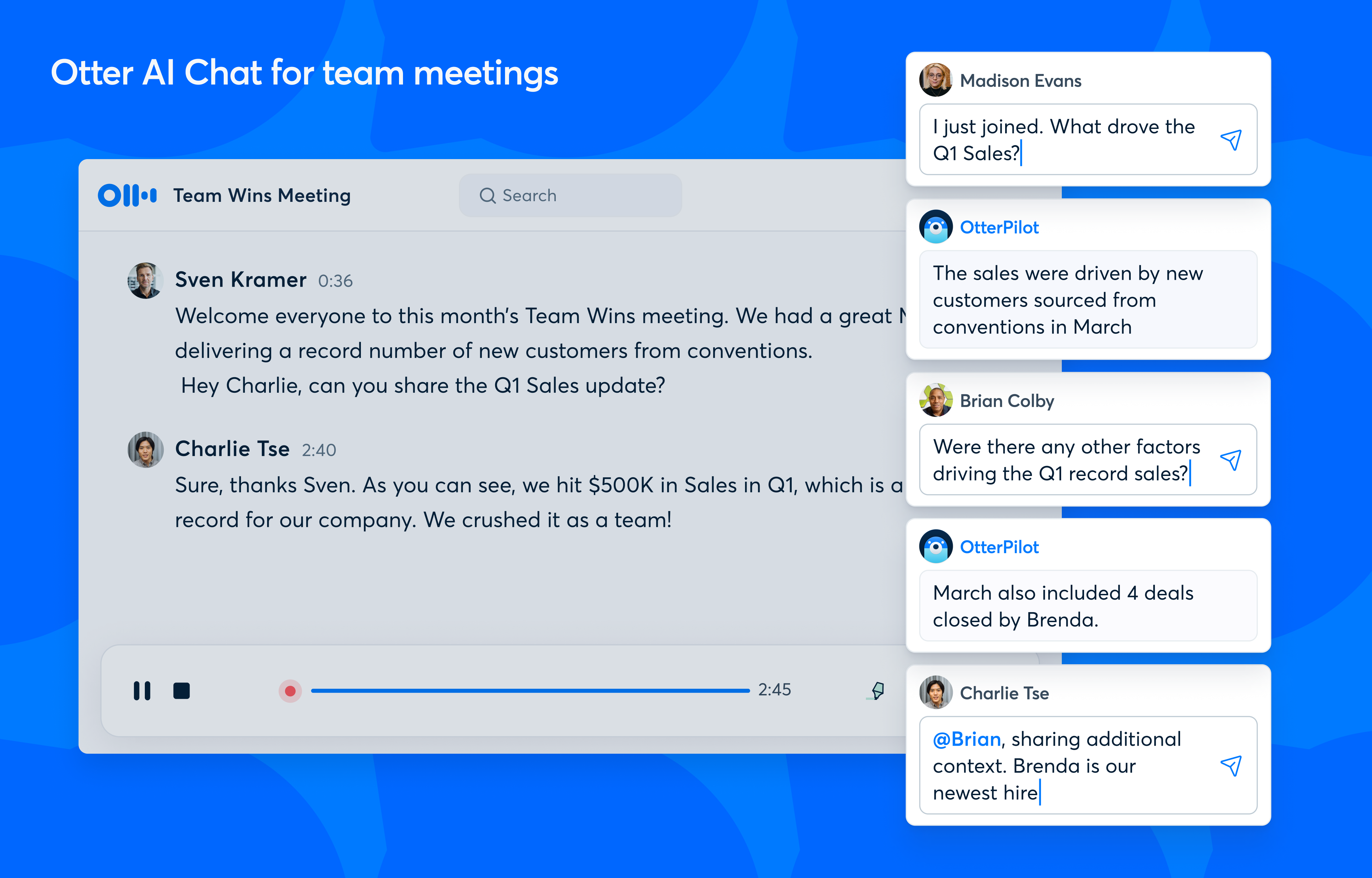
Best for education and live captions: Otter.ai — strong real-time transcription and in-meeting AI chat.
Best bot-free minimalist option: Granola — polishes your own notes, never joins the call.
Best for privacy-first European teams: Jamie — bot-free, EU-hosted, GDPR by design.
All prices and ratings below were verified in June 2026.
Comparison Table: 11 Best AI Note-Taking Apps at a Glance
Use this to narrow the field fast, then read the full reviews for the two or three that fit your workflow.
Feature
Krisp
Fireflies
Otter
Fathom
tl;dv
Granola
MeetGeek
Fellow
Jamie
Tactiq
Supernormal
Bot-free capture
✅
❌
❌
⚠️ beta
❌
✅
❌
❌
✅
✅
✅
Real-time transcription
✅
✅
✅
✅
✅
❌
✅
✅
❌
✅
✅
AI noise cancellation
✅
❌
❌
❌
❌
❌
❌
❌
❌
❌
❌
Accent conversion
✅
❌
❌
❌
❌
❌
❌
❌
❌
❌
❌
Speaker ID
✅
✅
✅
✅
✅
✅
✅
✅
✅
✅
✅
AI summaries & action items
✅
✅
✅
✅
✅
✅
✅
✅
✅
✅
✅
AI chat / ask-your-meetings
✅
✅
✅
✅
✅
✅
✅
✅
✅
❌
✅
Languages
16+
100+
6
38
30+
Multi
50+
90+
80+
30+
63
Mobile app
✅
✅
✅
✅
✅
❌
✅
✅
✅
❌
✅
Free plan / trial
7-day trial
✅ free
✅ free
✅ free
✅ free
✅ free
✅ free
✅ free
✅ free
✅ free
✅ free
Languages reflect each vendor’s documented transcription support as of June 2026. Otter’s count is the smallest on this list — worth noting if you work across languages.
What Is an AI Note-Taking App?
AnAI note taker is software that records a meeting, transcribes what’s said, and turns it into a structured summary with decisions and action items, so you can stay in the conversation instead of typing through it. Note-takers are one slice of a wider category — if you want tools that also manage agendas, scheduling, and follow-ups, see our roundup of thebest AI meeting assistants.
Under the hood, these apps combine speech recognition, natural language processing, and summarization models. They capture audio (either through a bot that joins your call or directly from your device), produce a transcript with speaker labels, then extract the key points so you’re not re-reading a wall of text afterward. Most also let you search past meetings and ask questions about them in plain language.
Demand is climbing fast. Three in four knowledge workers already use AI at work, according to Microsoft’s2024 Work Trend Index, and in a 2025Grammarly and Talker Research survey, a third of knowledge workers said they want AI to help draft their meeting notes. The AI note-taking market itself is projected to grow from roughly $450 million in 2023 to about $2.5 billion by 2033, according toMarket.us. This is moving from nice-to-have to standard kit.
Bot-Based vs. Bot-Free: The Choice That Matters Most
The single biggest difference between these tools isn’t features. It’s whether a bot shows up in your meeting.
Bot-based apps send a virtual participant into your Zoom, Teams, or Google Meet call to record and transcribe. The upside is transparency: everyone sees the meeting is being recorded. The downside is that the bot is visible, some people clam up around it, and strict company policies often block external bots from joining entirely.
Bot-free apps capture audio directly from your device, so nothing extra appears in the participant list. Conversations feel more natural, and because more of the processing can happen locally, bot-free tools tend to be the safer choice for sensitive or regulated meetings. The trade-off is that you’re responsible for starting the capture, and you won’t have a visible “this call is recorded” signal unless you say so.
If you regularly meet with clients, legal, or healthcare contacts, bot-free is usually the better fit. If your team values an obvious, on-the-record signal, a bot-based tool works fine.
Does a bot-free app record everyone, or just my microphone?
This trips up a lot of people, and it’s worth getting right before you pick a tool. There are two kinds of “bot-free”:
System-audio capture records everything coming through your speakers and mic, so you get all participants — the whole conversation. This is what you want for real meeting notes. Krisp, Granola, Jamie, and Supernormal work this way.
Microphone-only capture records just your voice. A few lightweight tools default to this, which is useless for capturing what the other side said.
Before committing, confirm the tool captures system audio, not just your mic. Every bot-free pick on this list captures the full conversation.
Are AI Note-Takers Legal and Safe to Use?
This is the question that comes up most in real discussions about these tools, and most listicles skip it. Quick disclaimer: this is general information, not legal advice — check your own jurisdiction and company policy.
Recording consent. Whether you can legally record a meeting depends on where you (and the other participants) are. Some U.S. states and many countries are “one-party consent,” meaning you can record a conversation you’re part of. Others are “all-party consent,” where everyone has to agree. If participants are in different states or countries, the strictest rule usually applies. The safe habit: tell people you’re using a note-taker and get a yes, especially on client, legal, healthcare, or HR calls.
A visible bot is not the same as consent. It’s a common myth that a recording bot showing up in the participant list counts as legal agreement. It doesn’t — no jurisdiction treats a bot in the attendee list as informed consent. You still need to actually disclose and, where required, get permission. Bot-free or bot-based, the consent rule is the same.
Is my data safe? This is the other big worry, and it’s a fair one — you’re piping private conversations into a third-party app. Before you trust a tool, check three things: where your data is stored, whether recordings are deleted or kept indefinitely, and whether your meeting content is used to train AI models. Tools with on-device processing (like Krisp’s noise cancellation), clear deletion policies, and GDPR/SOC 2 compliance are the safer bets. If a tool won’t tell you plainly whether it trains on your data, treat that as a red flag.
Can these tools join meetings my company blocks? Many IT departments block external bots from Zoom and Teams for exactly the security reasons above. Bot-free tools sidestep this, since nothing joins the call — another reason they tend to win in regulated or security-conscious environments.
The 11 Best AI Note-Taking Apps for Meetings in 2026
1. Krisp — Best Bot-Free AI Note-Taking App for Noisy and International Calls
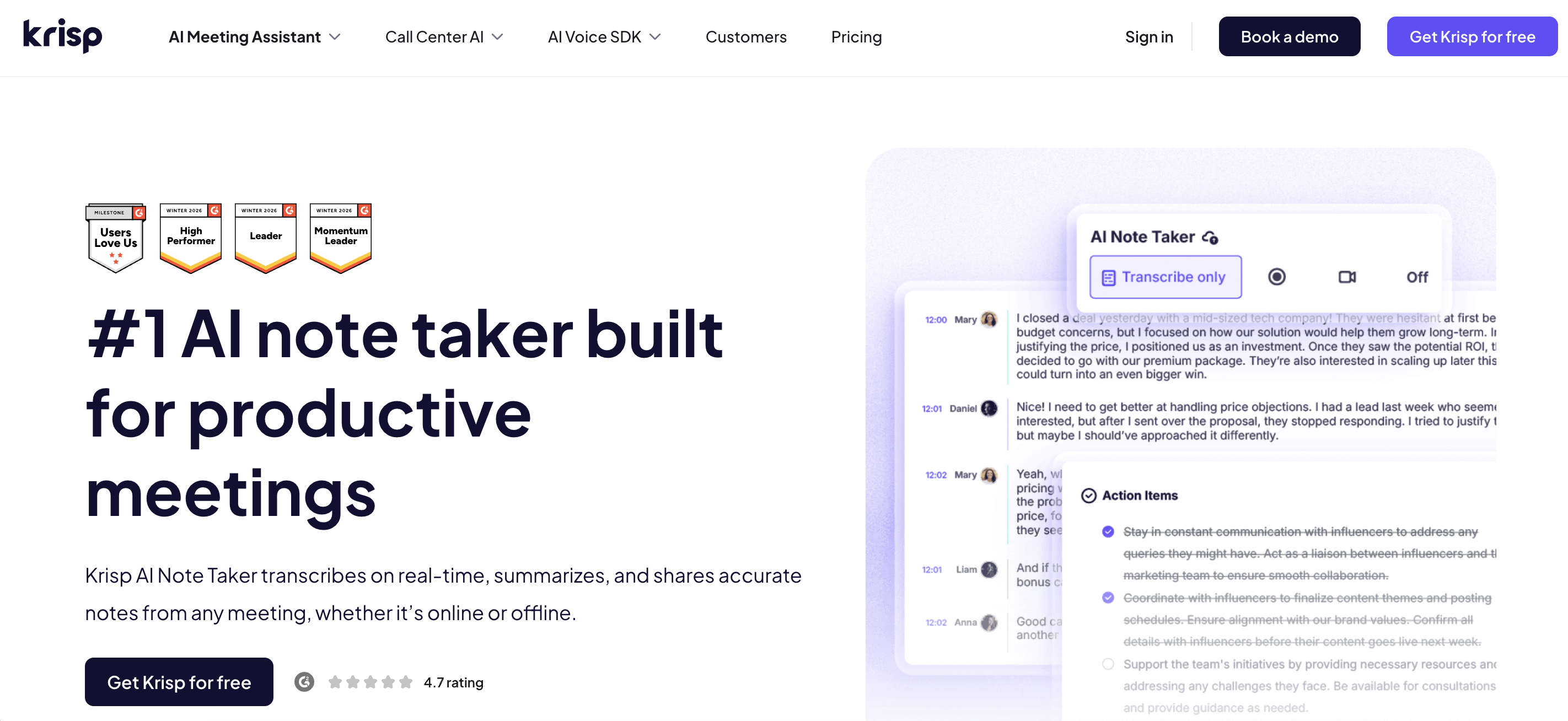
I started with Krisp because it’s the only tool on this list that solves a problem the others ignore: bad audio. In a test call from a coworking space with people talking two feet away, Krisp’snoise cancellation stripped out the background chatter, and the transcript came back clean, while the same call run through a couple of other apps produced garbled crosstalk. Setup was quick: I installed the app, selected Krisp as my mic and speaker, joined the call, and it ran in the background with no bot in the participant list. After the meeting I picked the language and had an accurate, speaker-labeled transcript and a tidy summary with action items in under a minute.
Here’s what sets Krisp apart from everything else on this list: most of these tools only help after the meeting ends. Krisp improves the meeting while it’s happening. Its noise cancellation andaccent conversion run live, in real time, so the call itself sounds clearer for everyone — fewer “sorry, you cut out,” fewer repeated sentences, less fatigue on long international calls. The transcription and summaries are the post-meeting layer on top of that. So you’re not just buying better notes; you’re buying a better meeting, and cleaner audio also happens to be why the notes come out more accurate than the competition’s.
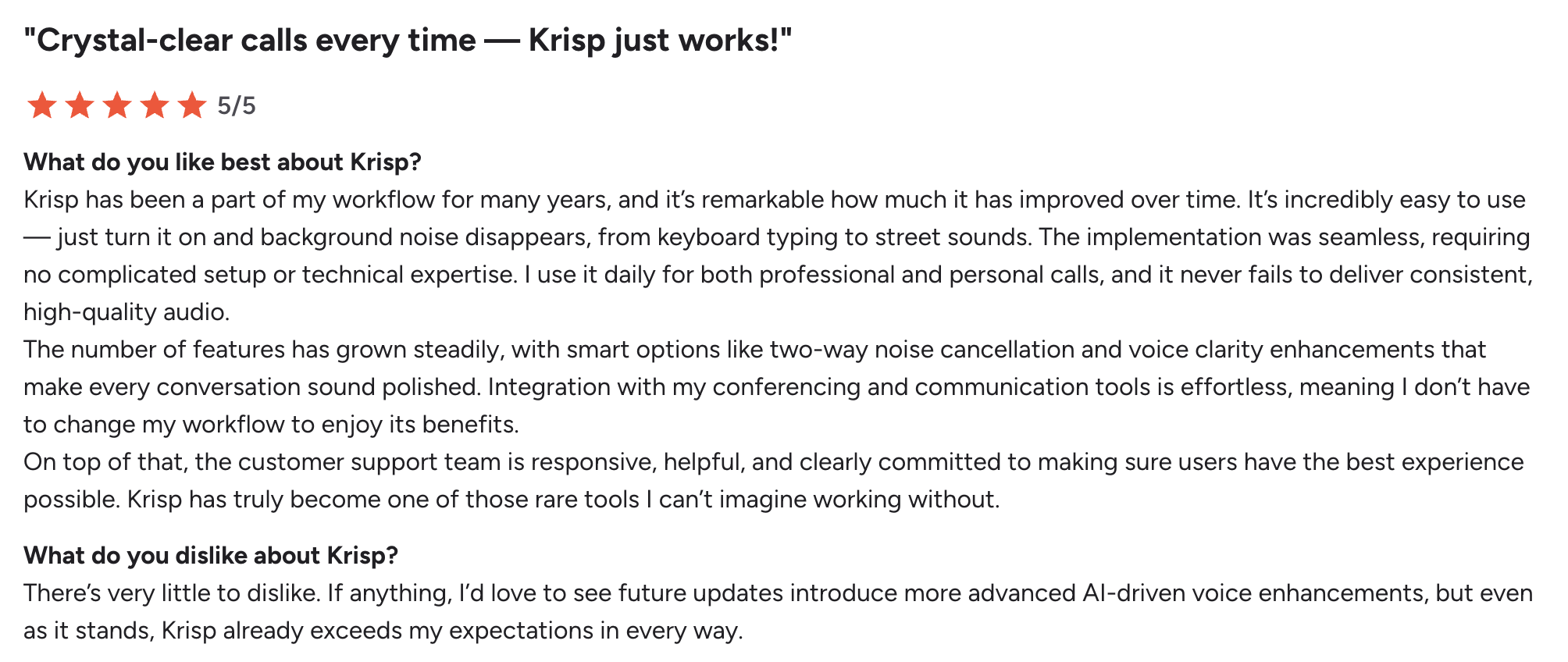
Because Krisp captures audio on-device and doesn’t drop a bot into your call, it’s also a natural fit for client-facing and privacy-sensitive work. It’s not just us saying so, either — independent reviewers rate it well, including a hands-onreview from Business Dive.
Key Features
Real-time noise cancellation and accent conversion that improve the live call, not just the notes (its signature strength)
2. Fireflies — Best AI Note-Taking App for Team Collaboration
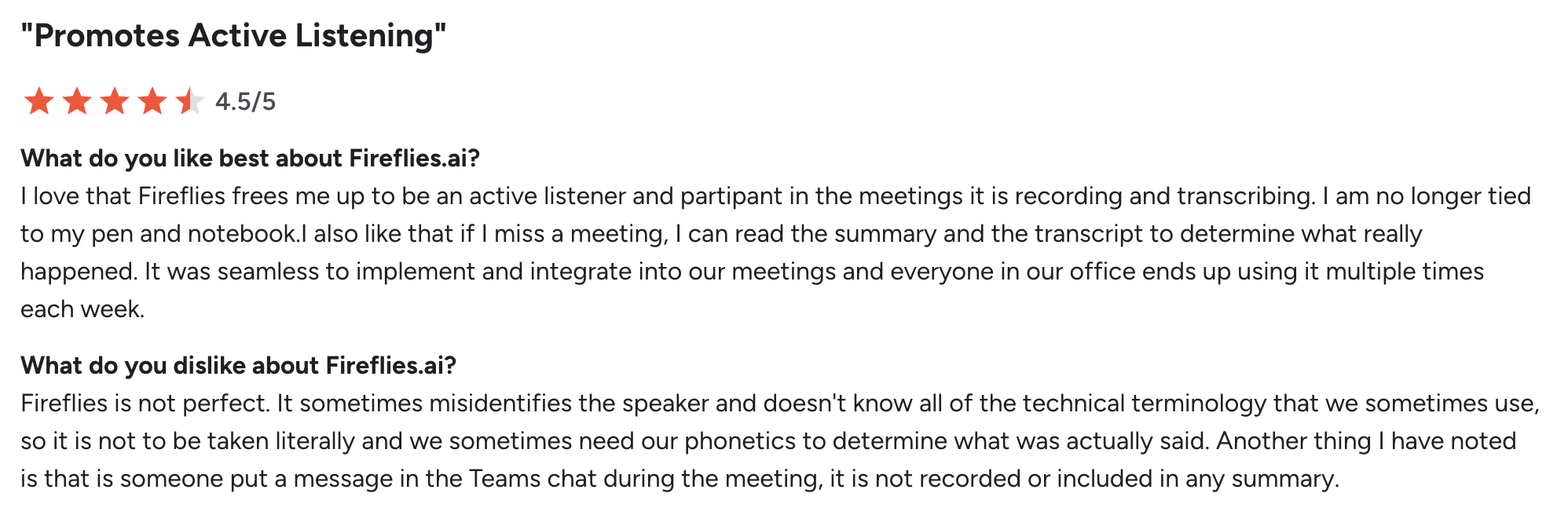
Fireflies is the one I’d hand to a whole team. Its bot (“Fred”) joins the call, records, and drops a full transcript and summary into a shared workspace where you can highlight moments, comment, and assign action items without leaving the tool. In testing, the searchable archive was the standout. I could type “pricing objections” and jump straight to every spot a client pushed back, across multiple calls. The catch is the bot itself: it’s visible in the participant list, and on a couple of client calls it felt like an uninvited guest.
Key Features
Real-time transcription for Zoom, Google Meet, Teams, and Webex
AI summaries, action items, and topic detection
“AskFred” AI assistant plus smart search and conversation analytics
Deep integrations: Slack, Notion, HubSpot, Salesforce, Asana
Mobile apps, Chrome extension, and API access
Pros
✅ Strong collaboration: highlight, comment, and share
✅ Broad integrations keep workflows connected
✅ Searchable archive across all your meetings
✅ Talk-time and sentiment analytics add useful context
Cons
❌ The bot is visible and can feel intrusive on sensitive calls; the AI-credit system confuses some users.
💰 Pricing: Free plan (unlimited transcription, 800 storage minutes/user) → Pro $10/user/mo (billed annually, $18 monthly), Business $19/mo, Enterprise from $39/mo.
⭐ G2 Rating (June 2026): 4.7/5 from ~746 reviews (Fireflies on G2)
3. Otter.ai — Best AI Note-Taking App for Education and Live Captions
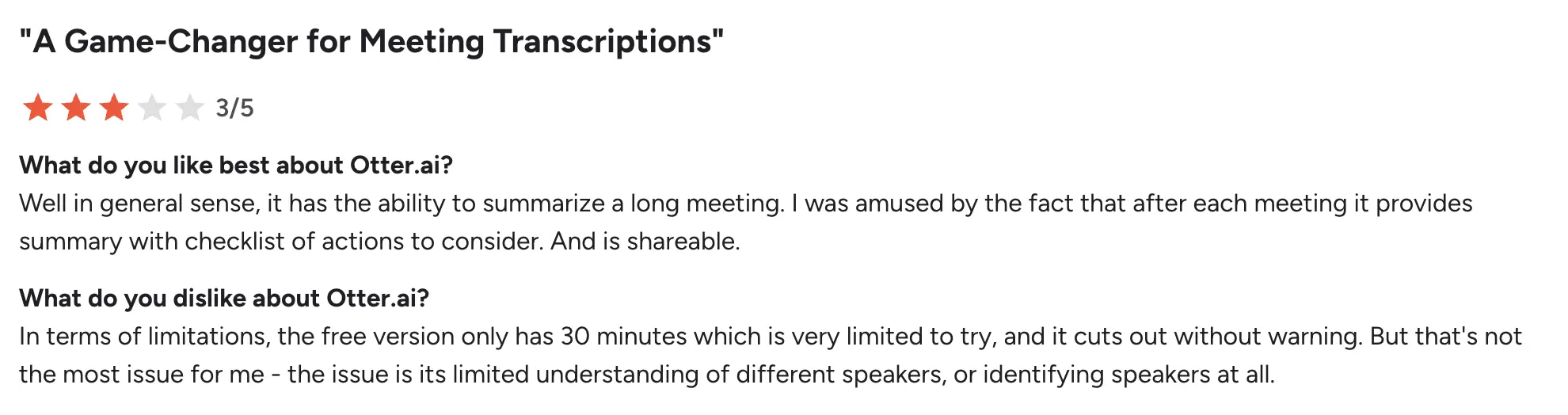
Otter is the one I’d recommend to a student or anyone who needs words on screen as they’re spoken. Its real-time transcription is fast and readable, and the in-meeting AI chat let me ask “what were the action items?” before the call even ended. The big limitation surfaced the moment I tried a non-English session: Otter officially supports just six languages, the narrowest range on this list. For English-heavy lectures and trainings it’s excellent; for multilingual teams it’s a non-starter.
Key Features
Fast real-time transcription in Zoom, Teams, and Meet
Otter AI Chat and OtterPilot for live summaries and action items
✅ In-meeting AI chat answers questions in real time
✅ Works smoothly across devices
✅ Free tier is fine for light, English-only use
Cons
❌ Only six supported languages, and accuracy dips with strong accents; OtterPilot can feel intrusive in sensitive meetings.
💰 Pricing: Free (300 minutes/month, 30-min meeting cap, 3 lifetime imports) → Pro $8.49/mo (billed annually, $16.99 monthly), Business $30/mo.
⭐ G2 Rating (June 2026): 4.4/5 from ~488 reviews (Otter on G2)
4. Fathom — Best Free AI Note-Taking App
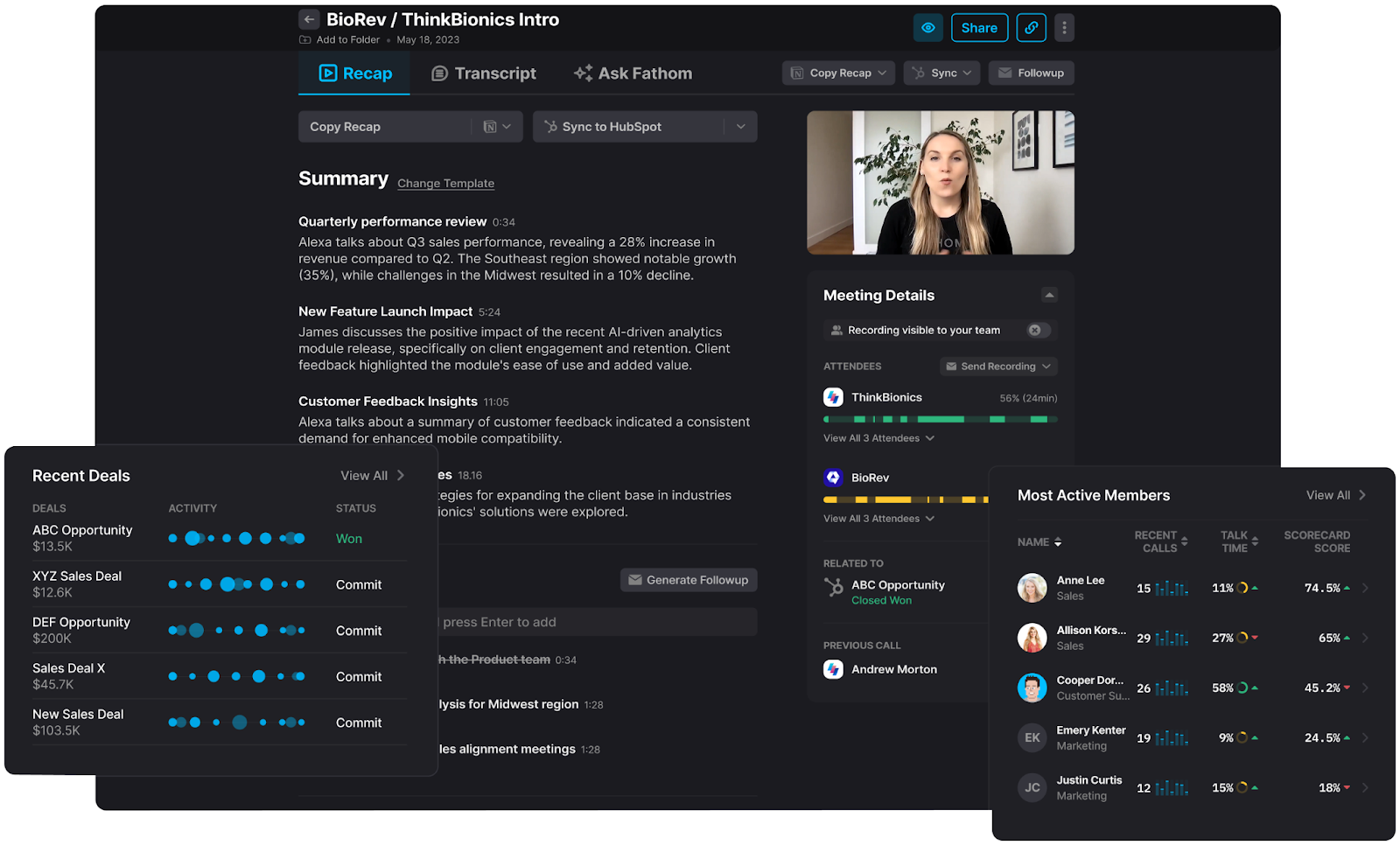
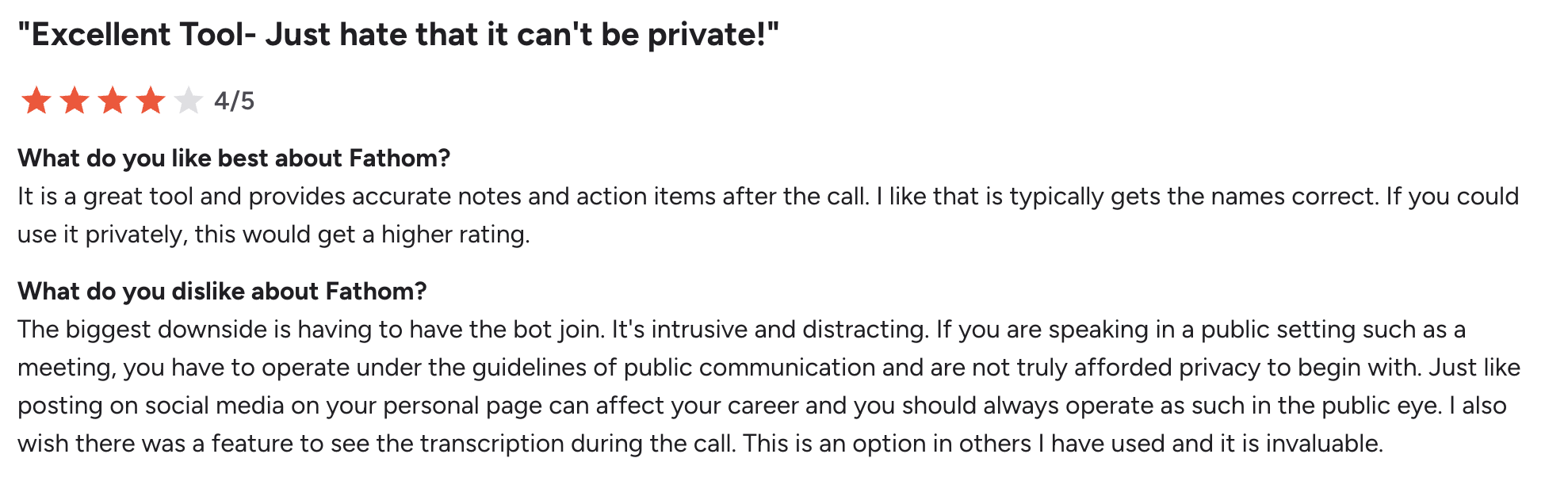
Fathom has the most generous free plan I tested, and it shows in the reviews — it carries a near-perfect G2 score from thousands of users. You install the plugin, join your call, and it runs silently, generating a transcript and a summary with highlights almost the instant you hang up. The honest caveat is the free tier’s ceiling on AI features: recording and transcription are unlimited, but advanced summaries and “Ask Fathom” are capped at five calls a month before it nudges you to upgrade.
Key Features
Unlimited recording and transcription on the free plan
Summaries and action items within ~30 seconds of the call ending
“Ask Fathom” for instant Q&A from your calls (38 languages)
HubSpot CRM sync plus Slack, Google Docs, and Zapier
Pros
✅ Unusually generous free plan — unlimited recording and transcription
✅ Lightning-fast summaries
✅ CRM sync makes it strong for sales teams
✅ Highest user satisfaction on this list
Cons
❌ Advanced AI summaries are limited to five calls/month on the free tier, and some integrations are throttled until you upgrade.
💰 Pricing: Free (unlimited recording/transcription, 5 AI summaries/month) → Team $15/user/mo, Premium $16/user/mo (billed annually, $20 monthly), Business $25/user/mo.
⭐ G2 Rating (June 2026): 5.0/5 from ~6,800 reviews (Fathom on G2)
5. tl;dv — Best AI Note-Taking App for Cross-Meeting Intelligence
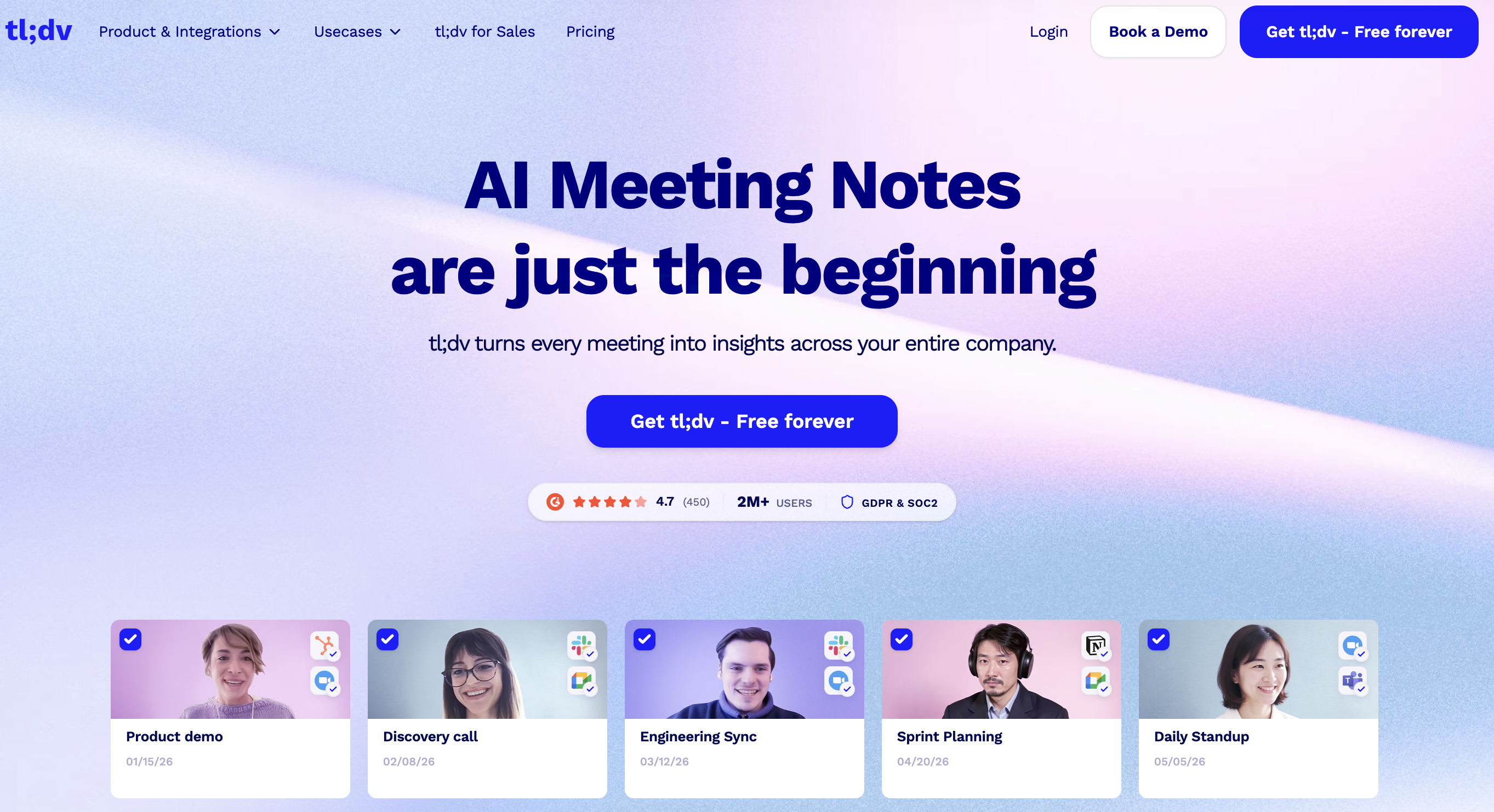
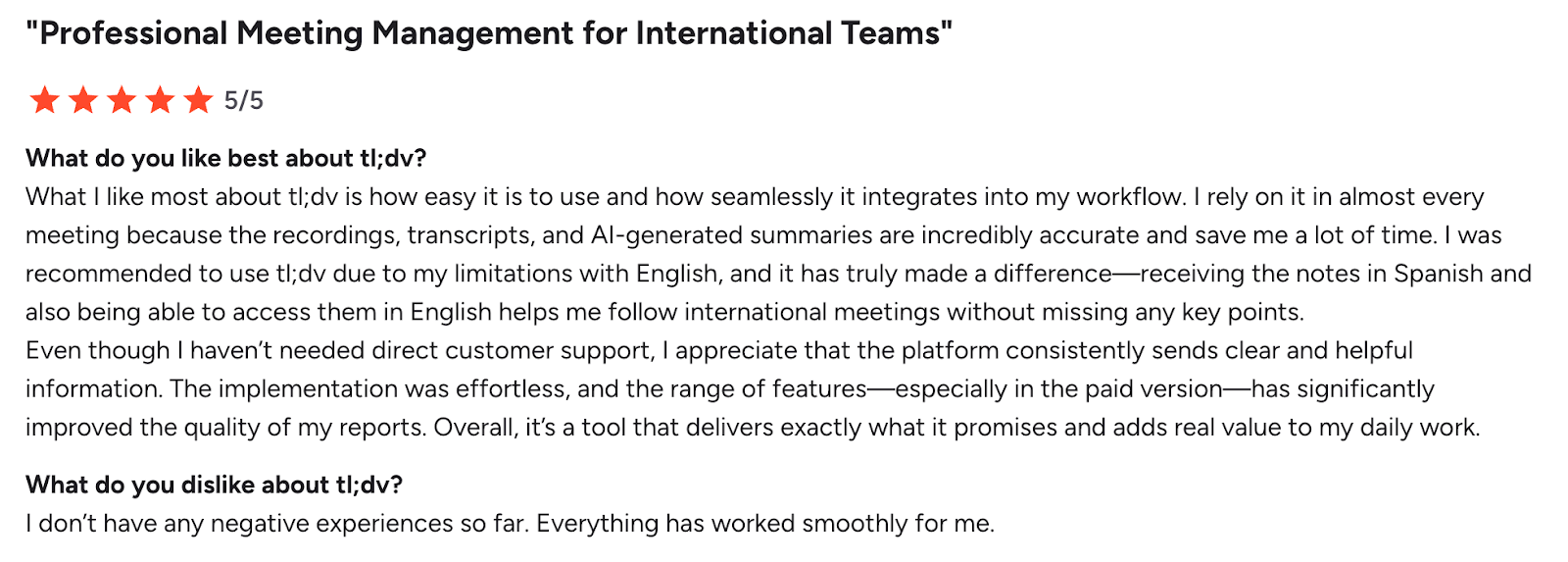
tl;dv earns its place for revenue teams that need to spot patterns across dozens of calls, not just capture one (we also pit it head-to-head in ourtl;dv vs. Fathom comparison). Its bot records and transcribes, but the real value is querying your whole meeting library at once. I searched a quarter’s worth of calls for a competitor’s name and surfaced every mention in seconds. The coaching playbooks (BANT/MEDDICC) with timestamped evidence are useful for managers. Just watch the free plan’s fine print: recordings auto-delete after three months and AI summaries are capped at 10 for the lifetime of the account.
Key Features
Cross-meeting AI search across your entire call library
Sales coaching playbooks with timestamped evidence
Video clip creation for sharing key moments
EU data centers and GDPR compliance; 30+ languages
Pros
✅ Cross-meeting intelligence surfaces patterns single-call tools miss
✅ Coaching playbooks scale manager reviews
✅ Shareable video clips for async teams
✅ EU hosting simplifies GDPR
Cons
❌ Free plan deletes recordings after 3 months and caps AI summaries at 10 lifetime; advanced features need a paid tier.
💰 Pricing: Free (unlimited recording, 10 lifetime AI summaries) → Pro $18/user/mo (billed annually, $29 monthly), Business $59/mo.
⭐ G2 Rating (June 2026): 4.7/5 from ~494 reviews (tl;dv on G2)
6. Granola — Best Bot-Free App for Minimalists
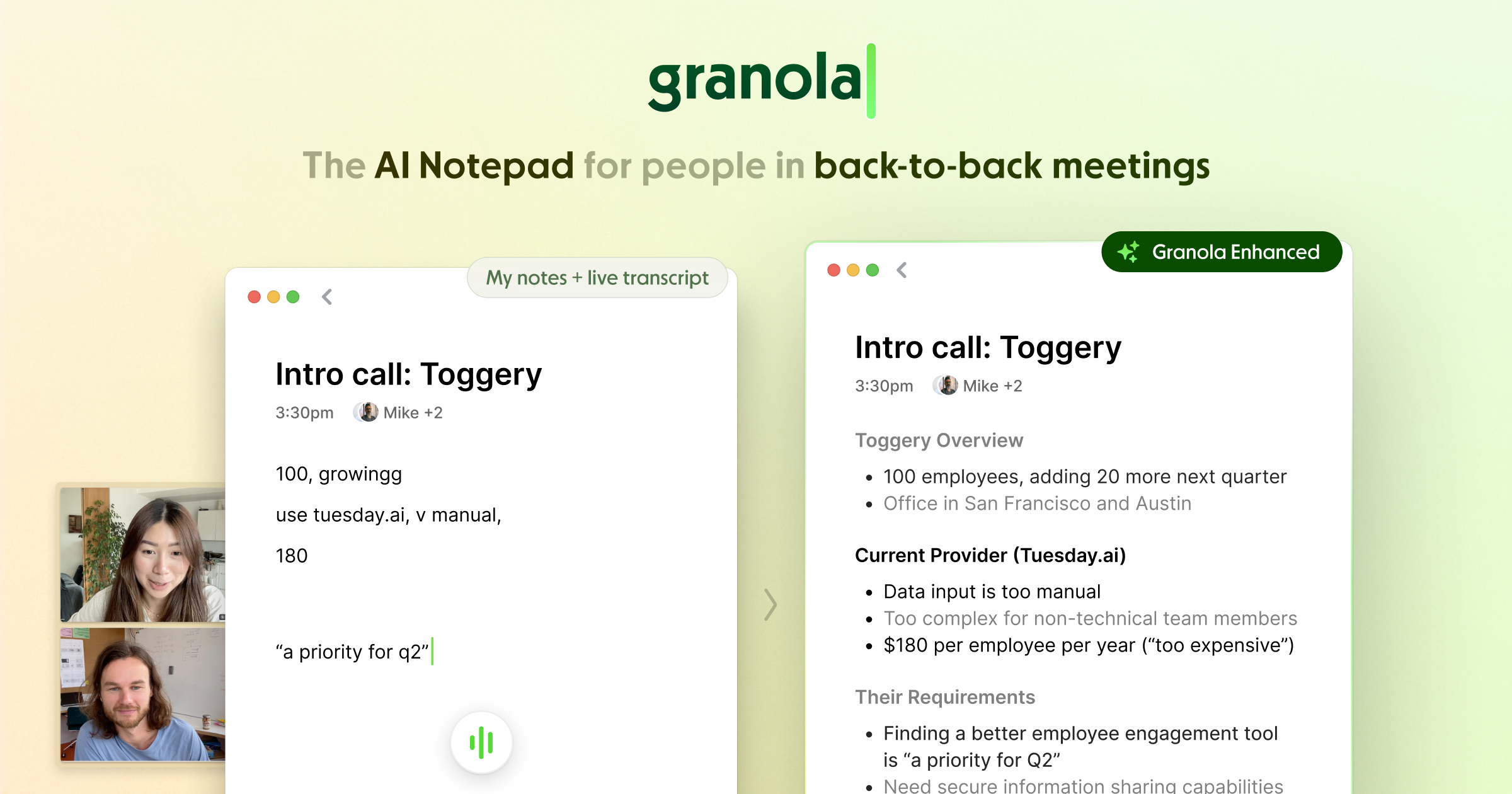
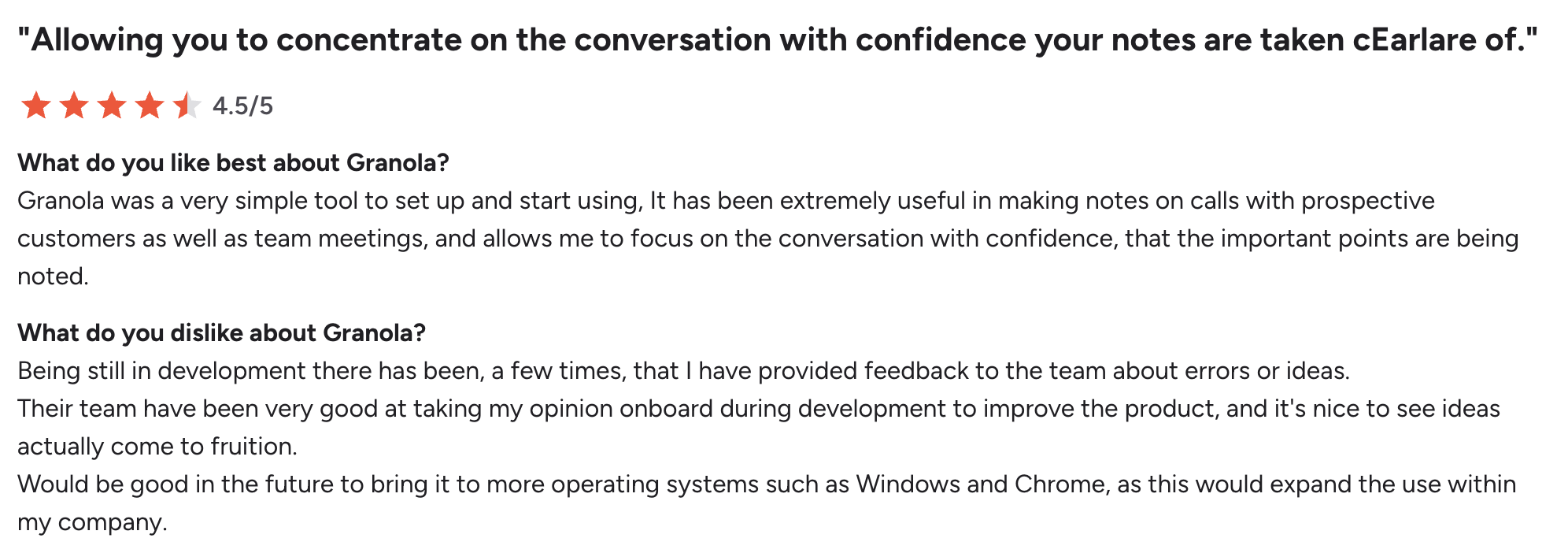
Granola is the one that changed how I take notes rather than replacing the act entirely. Instead of joining the call, it captures device audio and then enhances the rough notes you type into clean, shareable write-ups using your own templates. For executives and consultants who already jot a few bullets, it’s a perfect fit. The trade-off I noticed: because Granola doesn’t store the audio or video, you can’t go back and verify a questionable transcription against the source, and there’s no Android app yet.
AI “write-ups” that polish your rough notes into shareable docs
Customizable templates for standups, pitches, and 1-on-1s
“Ask Granola” chat for instant queries
Pros
✅ Minimalist, bot-free experience
✅ Polished, template-driven summaries
✅ Enhances your own notes instead of dumping a raw transcript
✅ Strong fit for execs who want actionable write-ups
Cons
❌ No stored audio/video to verify against, accuracy can slip in large calls, and there’s no Android app.
💰 Pricing: Free plan with limited meeting history → Business $14/user/mo, Enterprise $35/user/mo.
⭐ G2 Rating (June 2026): 4.8/5 from 20+ reviews (Granola on G2)
7. MeetGeek — Best AI Note-Taking App with Analytics
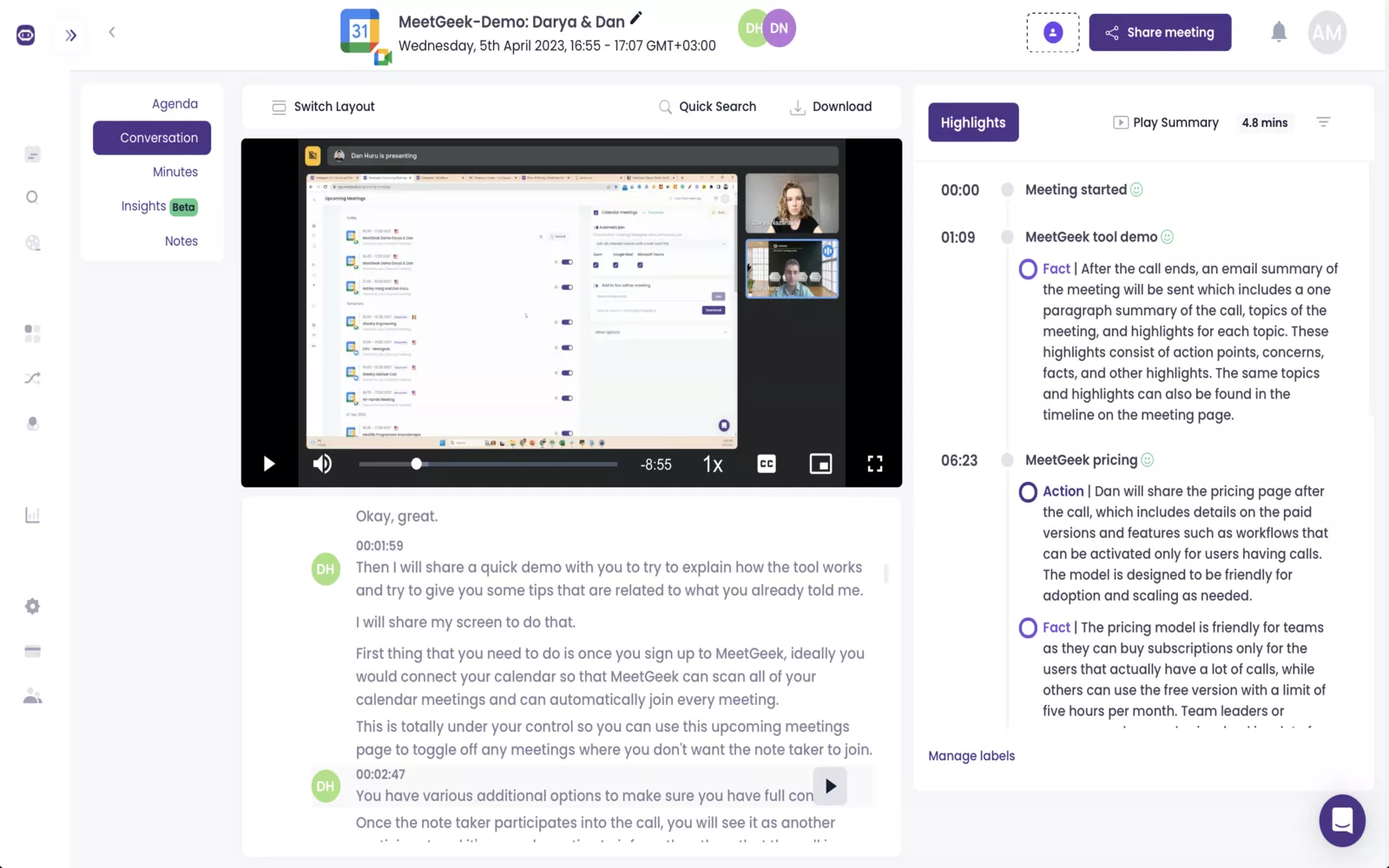
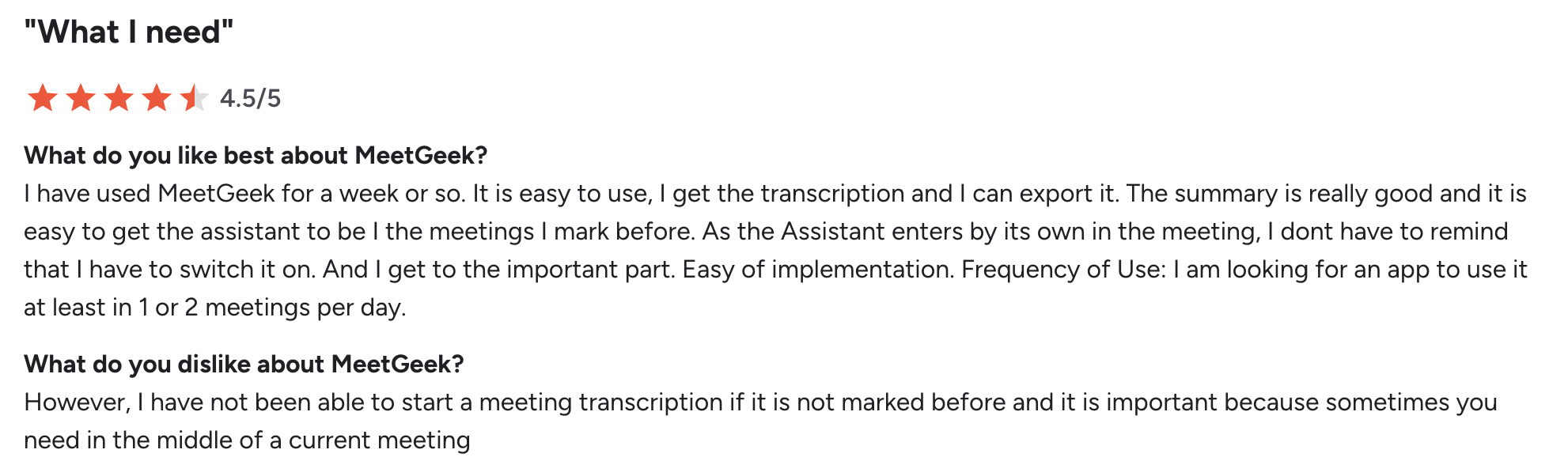
MeetGeek goes a step past transcription into meeting analytics (talk-time, engagement, outcome tracking), which makes it a good fit for sales and consulting teams that want to measure how meetings actually go. Connect your calendar and its bot joins automatically, records, transcribes, and pushes highlights to Slack or Notion. In testing, the auto-distribution of summaries to attendees was a nice touch; the weak spot was accuracy on heavily accented audio, where it slipped despite the long language list.
Key Features
Automatic recording, transcription, and AI summaries
Meeting analytics and KPI tracking
50+ languages and a large integration ecosystem (Slack, Notion, Salesforce, Zapier)
Chrome extension and mobile apps
Pros
✅ Analytics and decision tracking beyond plain notes
✅ Huge integration ecosystem
✅ Auto-sends summaries to attendees
✅ Free plan includes summaries and search
Cons
❌ Accuracy can degrade with strong accents or poor audio; advanced team features require a paid plan.
💰 Pricing: Free (3 hours transcription/month, 3-month storage) → Pro $9.99/user/mo (billed annually, $15.99 monthly), Business $17/mo.
⭐ G2 Rating (June 2026): 4.6/5 from ~481 reviews (MeetGeek on G2)
8. Fellow — Best AI Note-Taking App for Structured Meetings
Fellow is less a note-taker and more a meeting operating system. It’s built around shared agendas, 1-on-1s, and action-item accountability, with an AI co-pilot that joins to record and summarize. For managers who run a lot of recurring meetings, the agenda-plus-notes-plus-follow-up loop is powerful. The downsides I hit: it can’t be added to ad-hoc calls that aren’t on the calendar, and the desktop app was heavy on an older machine.
Key Features
Collaborative agendas, briefs, and AI action items
AI co-pilot auto-joins Zoom, Meet, and Teams
Centralized meeting library with “Ask Fellow” cross-meeting AI
50+ integrations across CRMs and PM tools; broad multilingual support
Pros
✅ Covers the full meeting lifecycle: before, during, and after
✅ Excellent for recurring meetings and 1-on-1s
✅ Strong integration lineup
✅ Enterprise-grade admin controls and compliance
Cons
❌ Can’t be added to unscheduled/ad-hoc calls; templates are gated to higher tiers and the desktop app can be resource-heavy.
💰 Pricing: Free plan (limited, up to ~5 users) → Teams $7/user/mo, Business $15/user/mo, Enterprise $25/user/mo.
⭐ G2 Rating (June 2026): 4.7/5 from ~2,350 reviews (Fellow on G2)
9. Jamie — Best AI Note-Taking App for Privacy-First European Teams
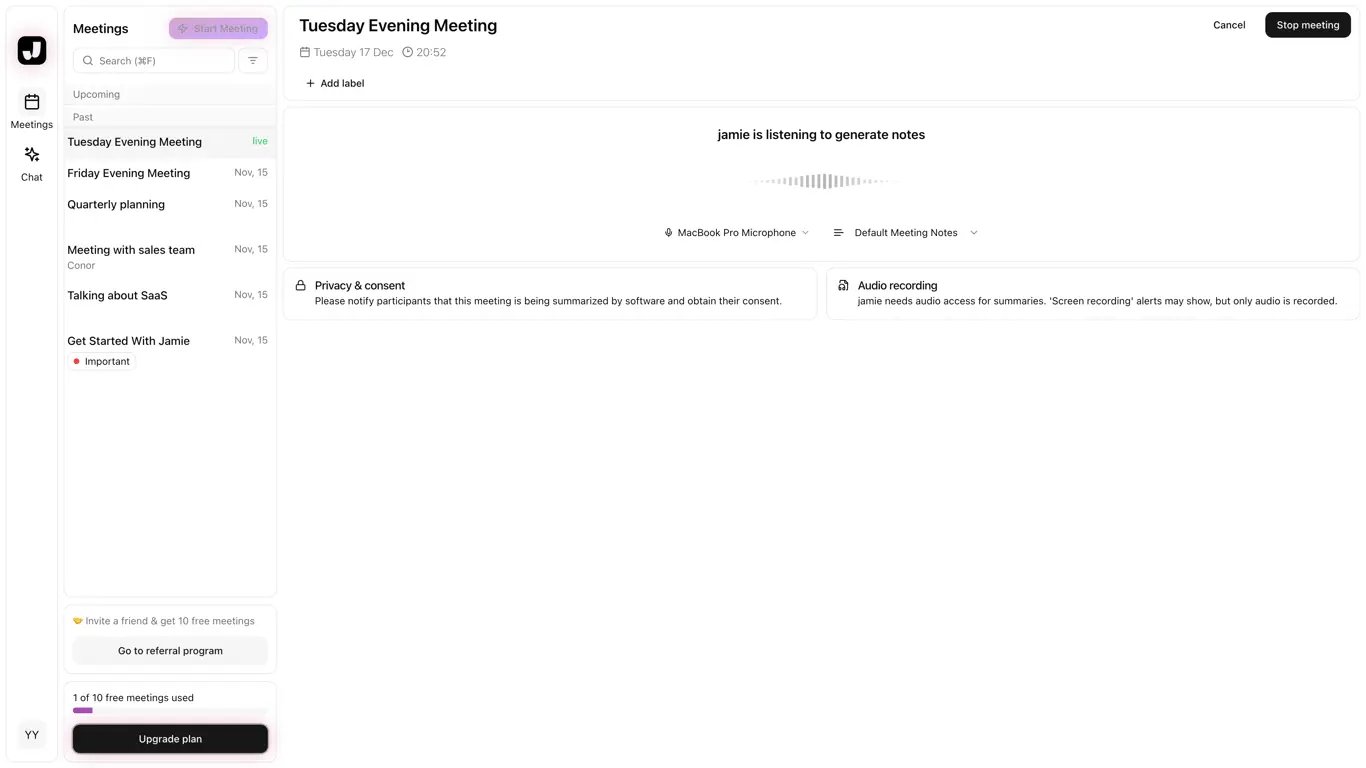
Jamie is the privacy purist’s pick. It’s bot-free, EU-hosted, and built around GDPR from the ground up, and it works for in-person meetings too, not just video calls, since it captures system audio. In testing, the summaries were concise and well-structured, and “Ask Jamie” handled follow-up questions cleanly. The constraints are real, though: there’s no live transcription (notes arrive after the meeting), the free plan caps meetings at 30 minutes, and pricing is in euros.
Key Features
Bot-free transcription that works online and in person
Concise AI summaries, action items, and speaker ID
“Ask Jamie” AI assistant; custom industry templates
GDPR-compliant, EU hosting; 80+ languages
Pros
✅ Bot-free and privacy-first
✅ Works for in-person meetings, not just video
✅ Clean, concise summaries
✅ EU data hosting by default
Cons
❌ No live transcription (post-meeting only), and the free plan caps meetings at 30 minutes.
💰 Pricing: Free (10 meetings/month, 30-min cap) → Plus €21/mo (€250/year), Pro €39/mo, Team €33/seat/mo.
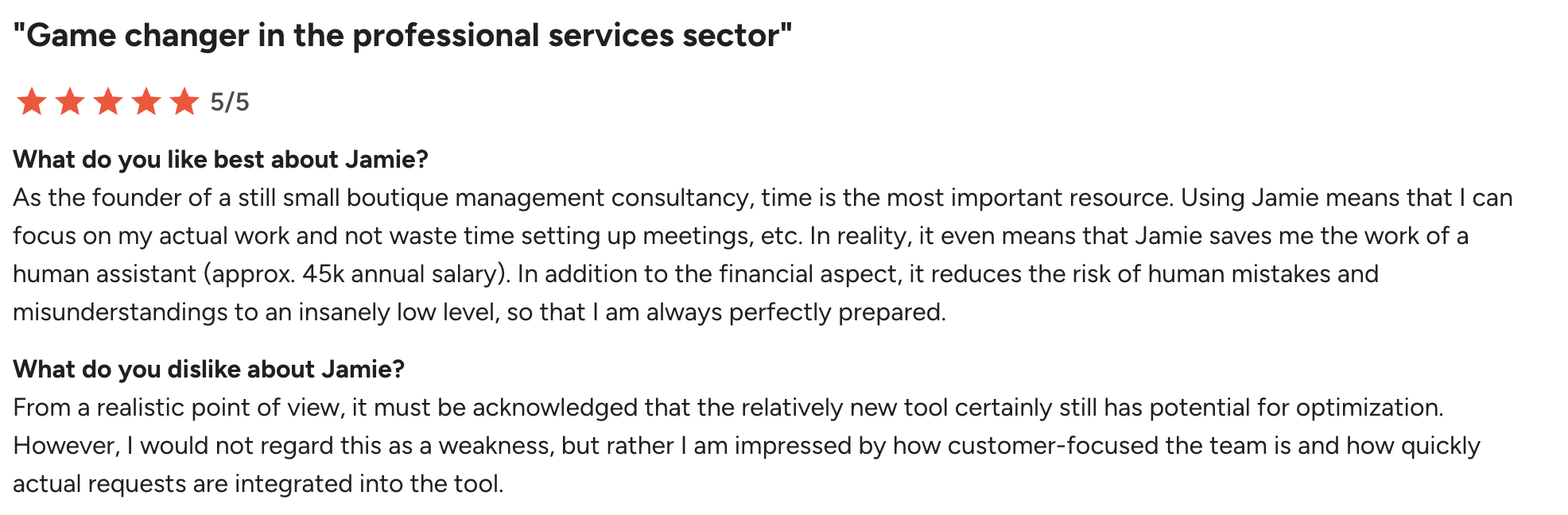
⭐ G2 Rating (June 2026): 4.8/5 from ~22 reviews (Jamie on G2)
10. Tactiq — Best Chrome-Extension Note-Taker for Google Meet
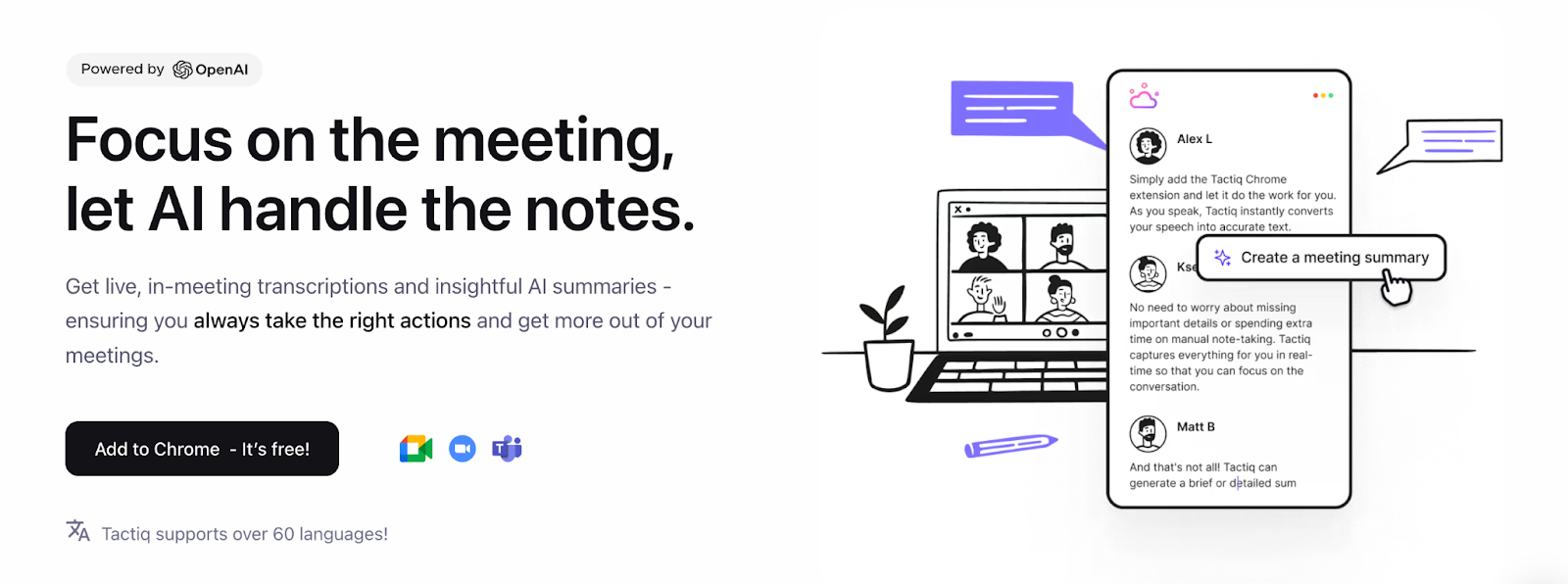
Tactiq lives in your browser. It’s a Chrome extension that overlays live transcription on Google Meet, Zoom, and Teams with no bot, then lets you turn any highlighted passage into a summary, a follow-up email, or a Jira ticket. For people who live in Google Meet, the zero-friction setup is the draw. But the extension model is also its ceiling: it doesn’t cover native desktop app calls well, and it has the lowest user rating of the tools here.
Key Features
Live, bot-free transcription via Chrome extension
On-demand summaries and AI workflows (emails, Jira tickets)
Export to Google Docs, Notion, and Dropbox
30+ languages
Pros
✅ Real-time transcription with no bot
✅ Smart AI workflows automate follow-up tasks
✅ Dead-simple Chrome setup
✅ Free plan is fine for testing
Cons
❌ Browser-extension dependency limits coverage of native desktop calls; lowest G2 rating on this list.
💰 Pricing: Free (10 transcripts/month, 5 AI credits) → Pro $12/mo ($8/mo billed annually), Team $20/mo, Business $40/mo.
⭐ G2 Rating (June 2026): 4.2/5 from ~17 reviews (Tactiq on G2)
11. Supernormal — Best AI Note-Taking App for Startups
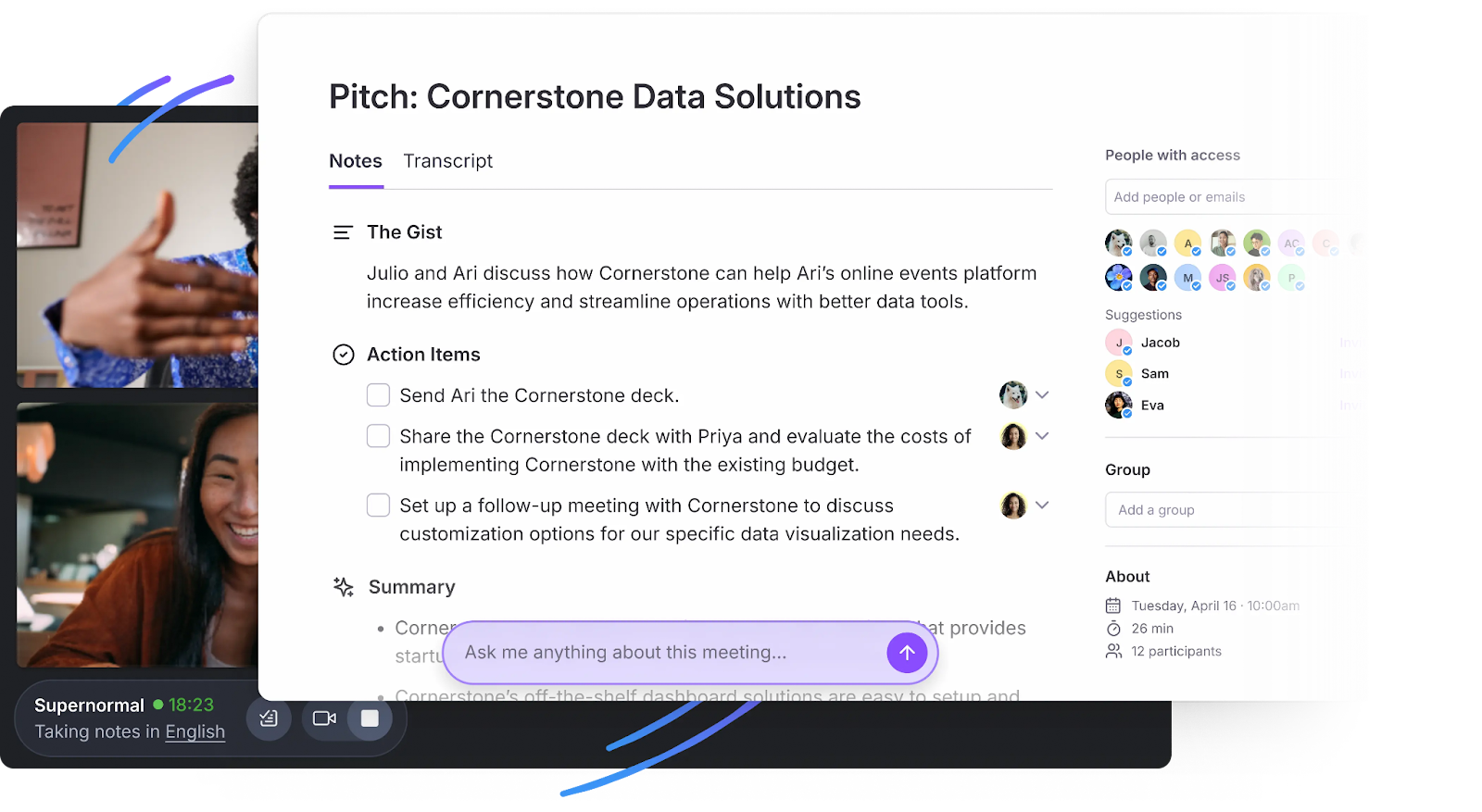
Supernormal rounds out the list with a model that suits scrappy teams: bot-free capture and credit-based pricing that doesn’t charge per seat, so a whole startup can share one pool. It detects when you join a Google Meet, Zoom, or Teams call, records without a bot, and drops a speaker-labeled summary into your workspace minutes later. The thing to weigh is the credit system — it’s flexible for light users but can get unpredictable if your team meets constantly, and the better security controls sit behind the top tier.
Key Features
Bot-free capture for Google Meet, Zoom, and Teams
Speaker-labeled transcripts, AI summaries, and action items
“Ask Norma” AI assistant; generates docs and presentations
Integrates with Asana, Slack, HubSpot, Salesforce, and Zapier; 63 languages
Pros
✅ Bot-free capture with no setup friction
✅ No per-seat pricing — shared credit pool
✅ Clear, structured summaries with labels and actions
✅ Wide integration support
Cons
❌ Credit-based pricing can be unpredictable for heavy users, and SSO/audit logs sit behind the Business tier.
💰 Pricing: Free (15 credits/month) → Team $20/mo, Business $40/mo.
Free plans vary wildly. Some are perpetual, some are short trials, and the “unlimited” ones usually cap the AI features rather than the recording. Paid plans start as low as $7/user/month. All figures verified June 2026.
Unlimited recording/transcription, 5 AI summaries/mo
$15/user/mo
tl;dv
Unlimited recording, 10 lifetime AI summaries
$18/user/mo (annual)
Granola
Limited meeting history
$14/user/mo
MeetGeek
3 hrs transcription/mo, 3-mo storage
$9.99/user/mo (annual)
Fellow
Limited, up to ~5 users
$7/user/mo
Jamie
10 meetings/mo (30-min cap)
€21/mo
Tactiq
10 transcripts/mo, 5 AI credits
$8/mo (annual)
Supernormal
15 credits/mo
$20/mo
How to Choose the Right AI Note-Taking App
You don’t need the tool with the most features. You need the one that fits how you actually meet. Work through these three steps:
Step 1: Bot or bot-free?
Client calls, legal, healthcare, or sensitive topics → go bot-free (Krisp, Granola, Jamie, Supernormal, Tactiq). No visible recorder, less awkwardness, and usually a stronger privacy posture.
Internal team meetings where transparency is welcome → a bot-based tool (Fireflies, MeetGeek, Fellow) is fine and often adds collaboration features.
Step 2: What’s your main job to be done?
Clean audio in noisy or multilingual settings → Krisp.
A searchable team knowledge base → Fireflies.
Free, unlimited recording → Fathom.
Live captions for lectures → Otter.
Patterns across many sales calls → tl;dv.
Polished write-ups from your own notes → Granola.
Step 3: Check the free-plan fine print before you commit
Don’t trust the word “unlimited” on its own. Verify three things: how long recordings are kept, how many AI summaries you get, and whether your languages are supported. The differences are bigger than the marketing suggests: Otter caps you at six languages, tl;dv deletes free recordings after three months, and Fathom limits free AI summaries to five a month.
Final Verdict: Which AI Note-Taking App Wins in 2026?
Full disclosure: Krisp is our product, so we’re not a neutral party. That said, the testing above is real, and the tools where competitors lead are called out: Fathom for its free plan, Fireflies for collaboration, Otter for live captions.
But if I had to pick one tool for the widest range of people, it’d still be Krisp — and for a reason that goes beyond note-taking. Every other app on this list only helps after the meeting ends.
Krisp also improves the meeting itself: its noise cancellation and accent conversion run live, so noisy rooms, strong accents, and crosstalk get cleaned up before a single word is spoken into the transcript — which is also why the notes come out more accurate. You’re not just getting a better record of the call; you’re getting a better call. For meeting-heavy professionals who care about how their meetings actually sound, and about privacy and clean notes, that combination is hard to match.
More resources to help you choose the right tool
These resources help you compare AI note-taking tools by specific use case, from transcription and meeting minutes to hardware, sales calls, and platform-specific workflows.
It depends on your priority. For clean audio and a bot-free experience, Krisp is our top pick. For team collaboration, Fireflies leads; for a free plan, Fathom is hard to beat. Rule of thumb: choose bot-free if your meetings are sensitive, bot-based if transparency is the goal.
Yes. Fathom and Fireflies both offer free plans with unlimited transcription, though they cap AI summaries and storage. Krisp’s free trial gives you unlimited transcription, notes, and noise cancellation for 7 days before you choose a plan.
Yes — these are called bot-free apps. Krisp, Granola, Jamie, Supernormal, and Tactiq capture audio directly from your device instead of sending a visible participant into the call, which keeps conversations natural and is generally better for privacy.
For sensitive or regulated meetings, look for bot-free capture plus GDPR/SOC 2 compliance and clear data-retention policies. Krisp, Jamie, and Fellow are strong choices because they combine privacy-focused features with business-ready controls.
It depends on your location. Some places allow one-party consent, meaning you can record a call you are part of; others require everyone to agree. When participants are in different regions, follow the strictest rule. This is not legal advice, but the safest practice is simple: tell people you are recording, get clear consent, and do not assume a visible recording bot counts as consent.
That varies by tool, so check before you commit. Look for a clear answer on three things: where your data is stored, whether recordings can be deleted, and whether your content is used to train the vendor’s AI models. Tools with on-device processing, deletion controls, and GDPR/SOC 2 compliance are generally safer choices. If a vendor is vague about training on your data, treat it as a warning sign.
Yes — bot-free, system-audio tools can capture in-person conversations through your device’s microphone. Jamie and Krisp both work for in-person meetings, not just Zoom or Teams calls. Bot-based tools, which rely on joining a video call, generally cannot. If you would rather use dedicated hardware — a smart recorder, wearable, or pen — see our guide to the best AI note-taking devices.
A visible bot can. Some people report that an obvious recording bot changes how openly colleagues or clients speak. Bot-free tools avoid the awkward “who invited this bot?” moment, but you should still disclose that you are taking notes. Transparency keeps trust intact without putting a bot in everyone’s face.
Transcription turns speech into a word-for-word text record. Summarization takes that transcript and distils it into key points, decisions, and action items. Most AI note-taking apps do both, but the real time savings come from good summarization.
Coverage varies a lot. Fireflies and Fellow support a wide range of languages, while some tools offer more limited coverage. If your team works across languages or has strong accents, check the language list first, and consider a tool that improves audio clarity before transcription.