Fathom AI Note Taker has quickly become one of the most recognizable names in the AI meeting assistant space. It’s popular because it delivers what most busy professionals want:
automatic call recording
live transcription
clean post-meeting summaries without much setup
And with good reason, the average employee now sits through 62 meetings per month, and Atlassian studies show that nearly half of them are unproductive. Poorly organized meetings cost U.S. companies an estimated $399 billion every year in lost productivity. No wonder tools like Fathom have gained traction.
However, many users hit the same pain points, such as pricing that scales fast for teams, limited integrations, accuracy struggles with noisy meetings, and the fact that it always joins your calls as a visible “bot” which, of course, isn’t ideal for sensitive conversations.
On top of that, Fathom lacks features like advanced reporting, coaching insights, or multi-meeting intelligence that other AI note takers are starting to offer.
That’s where this guide comes in. I’ve tested Fathom alongside its competitors and compared it against the best AI note taking apps, pulling together the 10 best Fathom alternatives in 2025. You’ll see each tool’s strengths, weaknesses, and ideal use cases, plus a quick buying guide so you can choose the AI meeting assistant that actually fits your workflow.
What is Fathom?
Fathom Note Taker is a meeting assistant that automatically records, transcribes, and summarizes calls on Zoom, Google Meet, and Microsoft Teams. It’s best known for its polished summaries, generous free plan for individuals, and simple integrations with tools like Google Docs, Notion, Asana, and Salesforce.
Key features include:
Automatic meeting summaries
Searchable transcripts
Integrations with popular apps
Support for 20+ languages
Fathom Pros and Cons
Pros
Cons
Generous free plan with unlimited recordings and transcripts
Pricing scales quickly for teams ($19+/user/month
Easy setup, no extra software needed
Only works with Zoom, Google Meet, and MS Teams
Clean, structured summaries with action items
No sales coaching or multi-meeting intelligence
Integrates with popular tools like Notion, Asana, and CRMs
Always joins meetings as a visible “bot” (no stealth mode)
Supports 20+ languages
Accuracy struggles with accents and multi-speaker audio
While Fathom is a solid option, it’s not for everyone. If you need more advanced insights, broader integrations, or a bot-free experience, the good news is that plenty of competitors go further. Let’s look at the best Fathom alternatives in 2025.
Best Fathom Alternatives in 2025
Now that you know what to look for in Fathom AI alternatives, let’s look at the 10 best available options for the AI meeting note taker, even going further.
1) Krisp AI — Best Overall Pick in the Best Fathom Alternatives for 2025
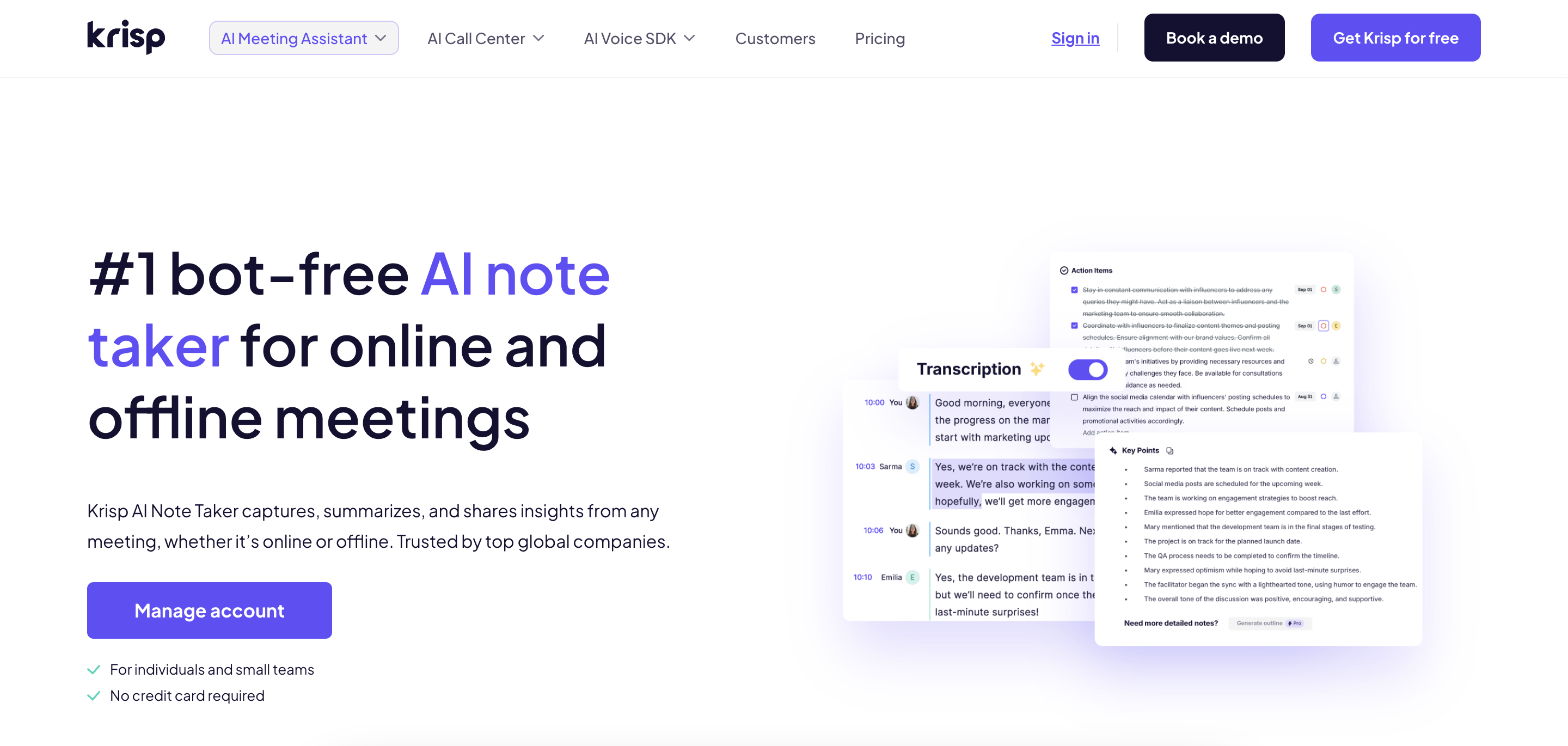
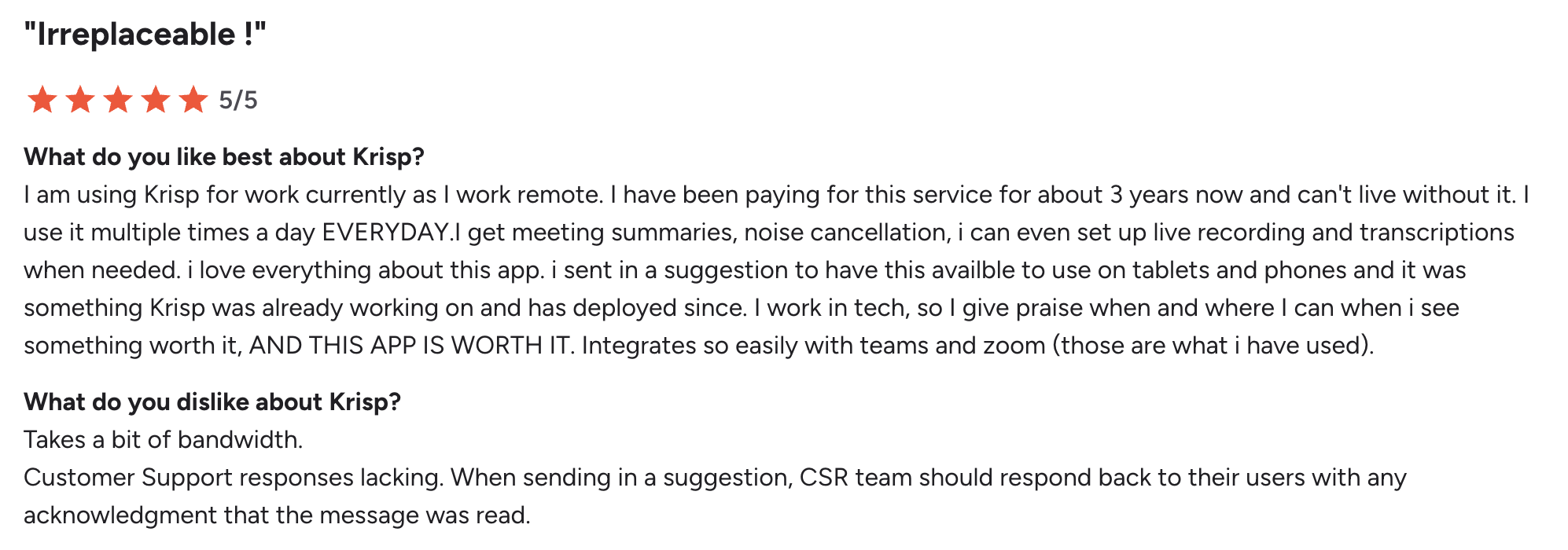
Krisp as the best AI meeting assistant and meetinig note taker that addresses the biggest Fathom limitations: no mobile app, visible bot in calls, and limited free plan. It offers bot-free real-time transcription, free AI transcriptions, and industry-leading noise, voice, and echo cancellation, making it ideal for individuals, businesses, and teams who want accurate, distraction-free meeting notes.
Krisp Key Features
Bot-free AI note-taking and meeting transcription, with optional bot-assisted recording
Unlimited free AI transcription for individuals
AI summaries, action items, and shareable notes with calendar integration
AI Accent Understanding & Accent Conversion to Improve comprehension of diverse accents and can convert speech to a clearer, standardized accent for smoother meetings.
Real-time transcription with speaker identification
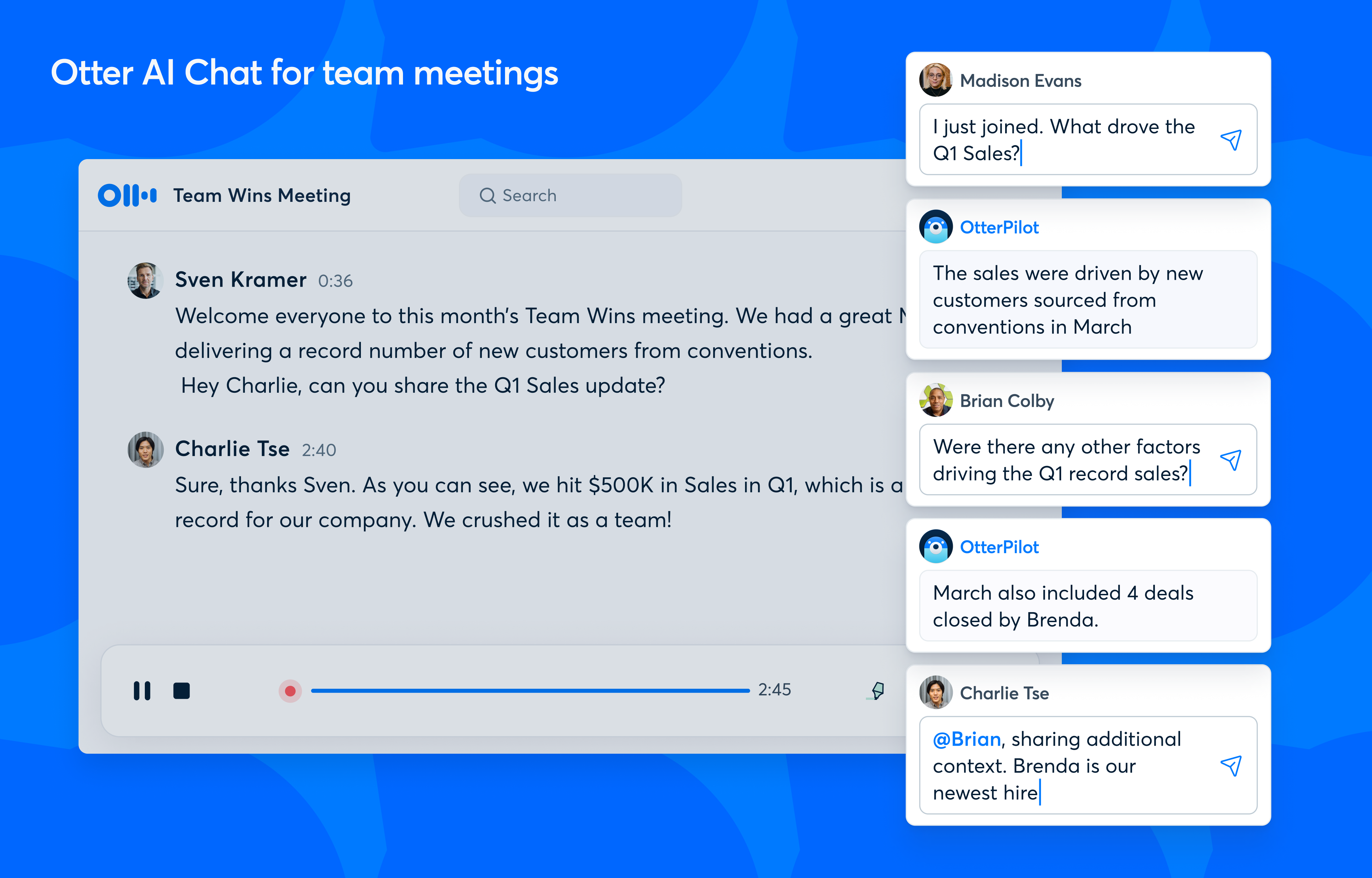
Otter is one of the most established AI meeting assistants, known for live transcription and summaries. Recent upgrades push it deeper into sales, with an AI Sales Agent for BANT insights, CRM sync, and automated follow-ups.
Otter AI Key features
Real-time, accurate transcription that distinguishes between speakers
Pushes summarized notes, action items, and BANT insights to Salesforce and HubSpot
Ask questions across all meetings to uncover trends
Auto-joins meetings to record, transcribe, and generate summaries
Pre-built and custom templates for sales, interviews, and project management
Direct integration with Zoom, Teams, and Google Meet
Otter AI Pros
✅ Strong live transcription with speaker attribution
✅ “Ask across meetings” workflow via Otter Chat for trend analysis
✅ Native sales features automate summaries, follow-ups, and CRM updates
✅ Reliable core transcription engine with proven accuracy
Otter AI Cons
❌ Enterprise-grade controls live on Business/Enterprise plans
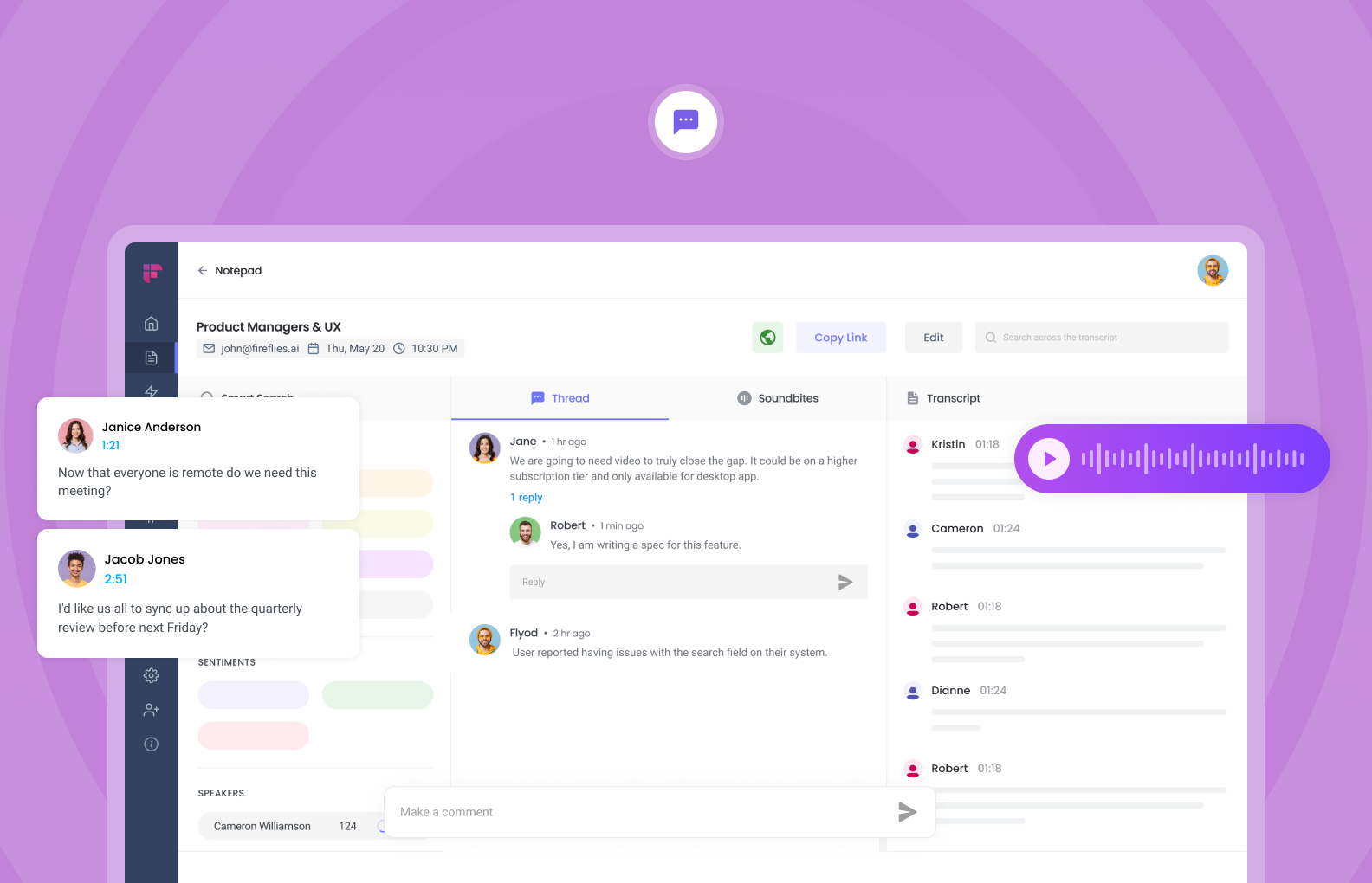
Fireflies automatically records meetings, transcribes in 100+ languages, and generates AI summaries. Its “AskFred” assistant helps you query transcripts, while mobile apps and CRM/PM integrations expand its reach.
Fireflies Key features
Meeting recorder with searchable, keyword-tagged transcripts
Automated AI summaries (bullet points, outlines) with custom topic/tracker detection
File upload support to process audio/video from any source
Mobile apps for iOS and Android
Support for transcription in 100+ languages
Native integrations with Salesforce, HubSpot, and other CRMs
Deep workflow integrations with Slack, Asana, Notion, and Google Suite
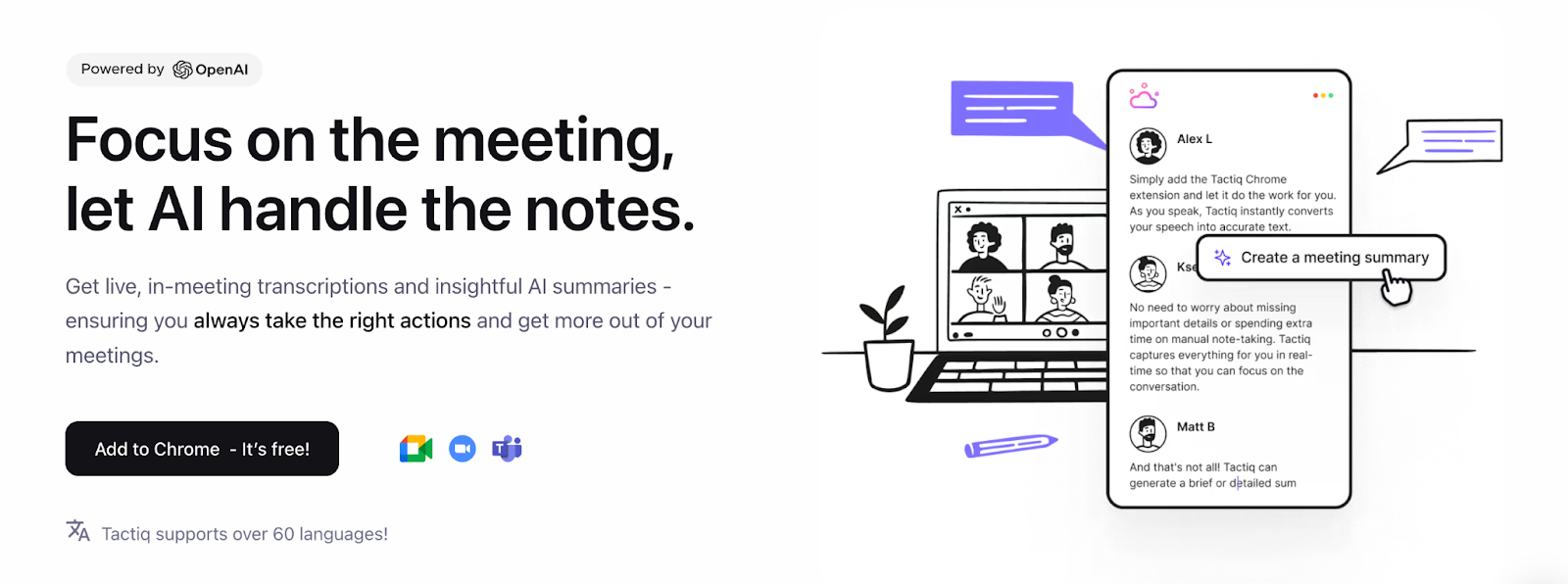
Tactiq is a lightweight, bot-free Chrome extension that delivers live transcription for Zoom, Meet, and Teams. It then generates AI summaries, action items, and workflows that plug directly into tools like Slack, Linear, and HubSpot.
Tactiq Key features
Bot-free, real-time transcription (no recorder bot joins the call)
AI summaries, action items, and “AI Workflows” with integrations
Upload recordings for transcription + global search
Tactiq Pros
✅Simple setup and discreet capture
✅ Affordable team pricing with unlimited transcripts on paid tiers
Tactiq Cons
❌Analytics, coaching, and admin controls live on higher tiers
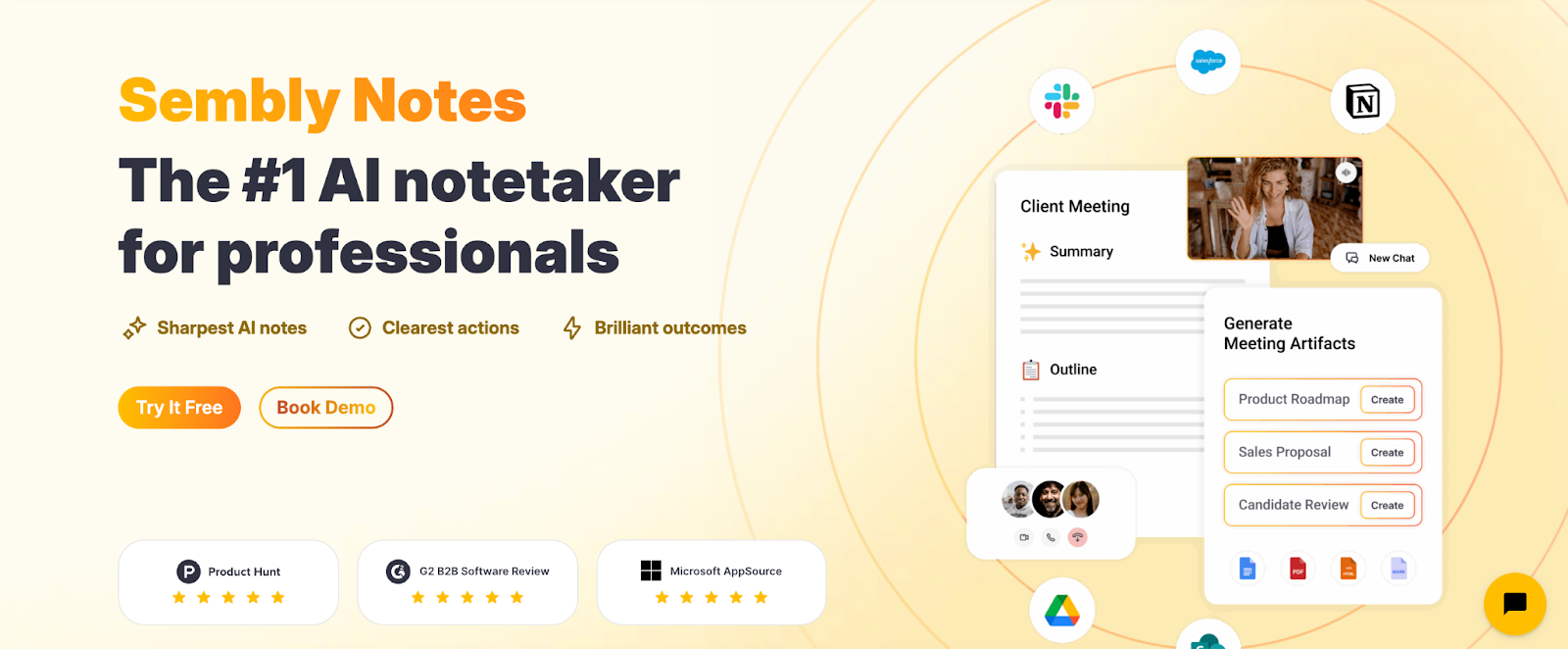
Sembly is not for sales coaching; it’s for structured documentation and working together. It records, transcribes, and summaries meetings on Zoom, Teams, and Webex. It also has features like task extraction, voice ID, and shared workspaces.
Sembly Key features
Notes made by AI that include judgments and tasks to do
Voice recognition and meeting labeling for clarity
Automatically join through file uploads, calendar events, and shared workspaces
Paid plans include screen and video recording
Sembly Pros
✅Clear, structured outputs and task extraction
✅Solid cross-platform support
Sembly Cons
❌Paid levels only include more advanced cooperation and recording
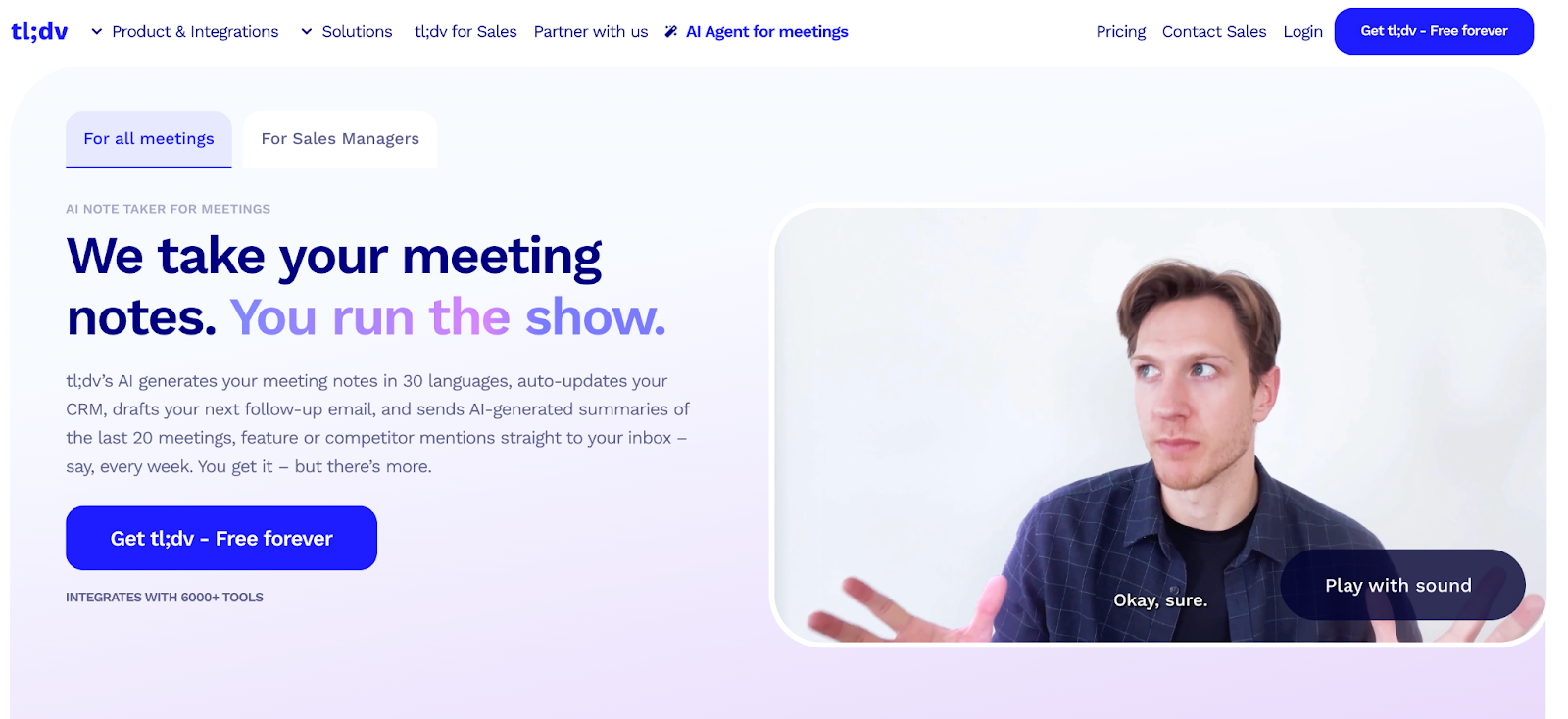
tl;dv is an AI notetaker that can automatically take notes, update your CRM, and provide you insights from several meetings. It has more than 6,000 integrations and sales coaching playbooks (BANT, MEDDIC), thus it’s one of the most complete platforms out there.
Tl;dv Key features
Auto notes & summaries across Zoom, Meet, and Teams
Recurring, multi-meeting reports and cross-meeting analytics
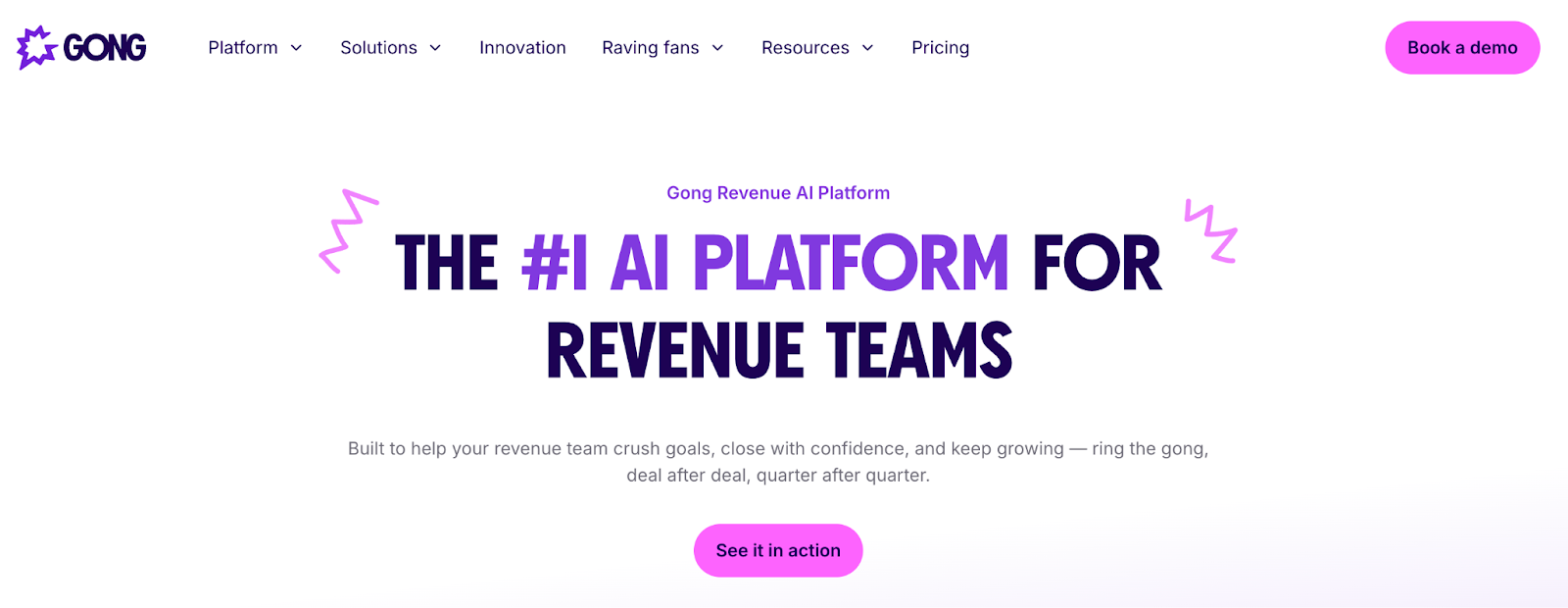
Gong is a complete platform for revenue intelligence. By recording client discussions, it gives you insights into deals, pipelines, and forecasts, along with AI-driven coaching. It’s made for big sales teams who need a lot of CRM integration.
Gong Key features
AI monitors and insights for capturing conversations
Calls are immediately linked to deal, pipeline, and forecast data.
Coaching on a large scale with performance benchmarks
Salesforce, HubSpot, Microsoft Dynamics, and a custom CRM API all work together.
Gong Pros
✅The best company in revenue analytics and forecasting
✅A big enterprise ecosystem with great CRM connectivity
Gong Cons
❌Too much for small teams; too focused on big businesses
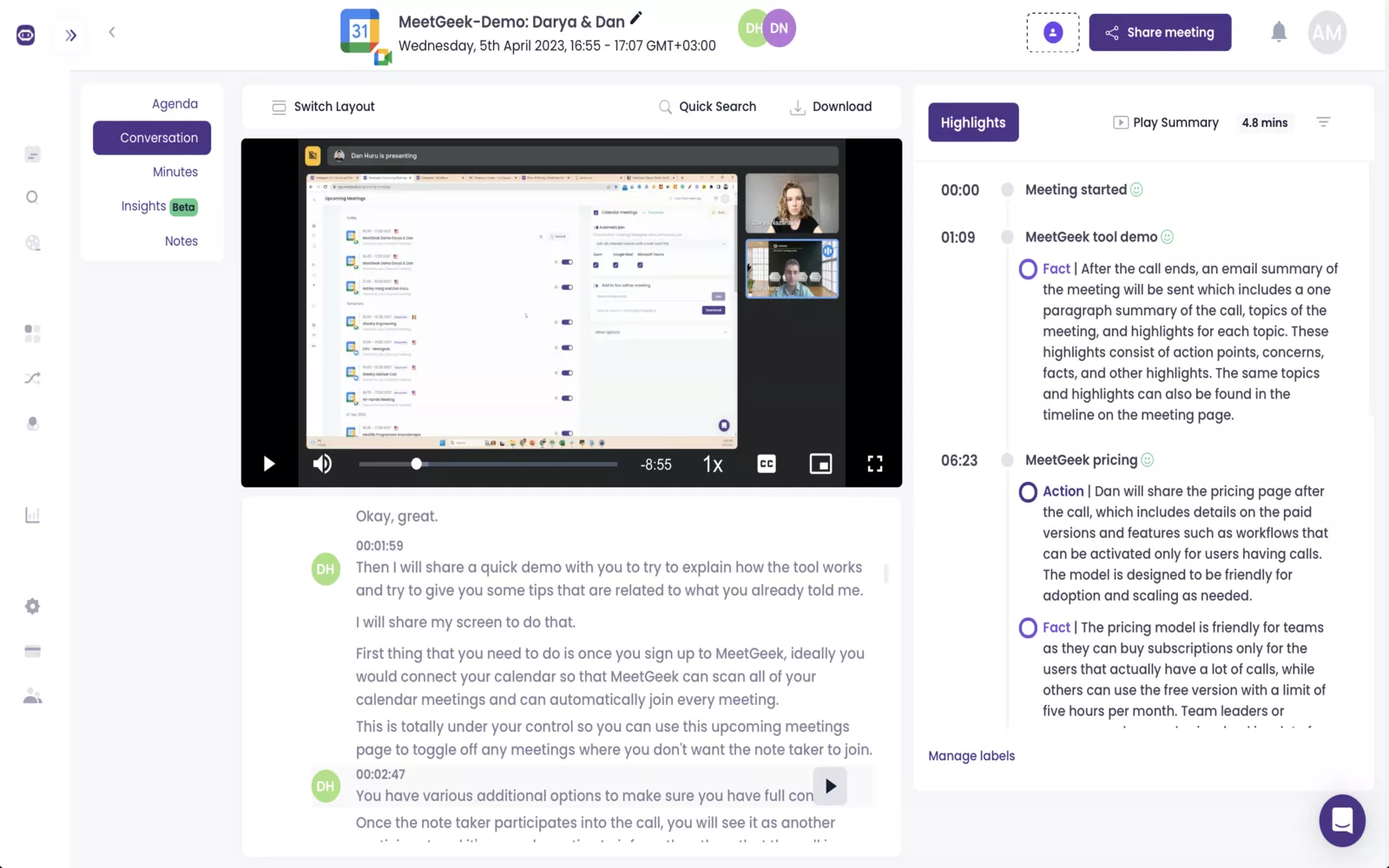
MeetGeek automatically joins and records meetings (even if there is no host), transcribes them in more than 50 languages, and makes AI summaries with highlights and templates. Its great mobile apps, which let you gather data even when you’re not connected to the internet, make it a great choice for teams who are always on the go.
MeetGeek Key features
Recording, uploading files, and capturing HD video without a host (premium tiers)
AI-made summaries, highlights, and templates just for you
Integrations with CRM/PM, Chrome extensions, and automation workflows
Apps for iOS and Android that work offline
MeetGeek Pros
✅Strong mobile features (including offline capturing)
✅Clear plan structures and many of integrations
✅Helpful templates and workflows that highlight important tasks
Avoma is a modular conversation and revenue intelligence platform as well as an AI meeting assistant. The base plan includes recording, transcription, AI notes, and follow-ups. As your team grows, you can add conversation intelligence (CI) and revenue intelligence (RI) to your plan.
Avoma Key features
Unlimited AI Meeting Assistant: auto video recording, real-time transcription, AI notes, “Ask Avoma” per meeting, AI follow-ups
Free viewer seats for unlimited teammates
CI add-on such as AI scoring, playbooks, conversation analytics
RI add-on such as deal risk tracking, methodology tracking, forecasting
Avoma Pros
✅Modular approach such as start small, add CI/RI features as needed
✅Unlimited free viewer seats make scaling easier
Avoma Cons
❌ Full CI/RI features require separate paid add-ons per user
Avoma Pricing
💰AI Meeting Assistant: $19/user/mo (annual)
💰CI add-on: $29/user/mo (annual)
💰RI add-on: $29/user/mo (annual)
💰Enterprise: additional controls and pricing on request
Bluedot is a Chrome extension-based, bot-free meeting notetaker. It delivers AI summaries, templates, and (on Pro tiers) video recording and imports. Designed for simplicity, it focuses on fast setup and lightweight note capture.
Bluedot Key features
Bot-free capture via Chrome extension
AI summaries and shareable notes
Custom meeting templates (Pro)
Zoom & Google Drive import (Pro), unlimited duration on higher tiers
Bluedot Pros
✅Clean, extension-first workflow
✅Unlimited video duration and imports available on Pro
Bluedot Cons
❌Basic plan is audio-only with a 1-hour limit per meeting
Bluedot Pricing
💰Basic: $18/member/mo (audio only, 1-hour limit)
💰Pro: $25/member/mo (unlimited video + imports/templates)
When I tested these tools, I noticed that the small things make the biggest difference. So, to keep it clear, I put my findings into the table below. It shows, at a glance, what each Fathom alternative can (and can’t) do.
Tool
Bot-free
File uploads
Multi-language transcription
Mobile app
Collaboration tools
Noise Cancellation
Accent Conversion
AI summaries/notes
Krisp AI
✅
✅
✅
✅
✅
✅
✅
✅
Otter.ai
❌
✅
✅
✅
✅
❌
❌
✅
Fireflies.ai
❌
✅
✅
✅
✅
❌
❌
✅
Tactiq
✅
✅
✅
❌
✅
❌
❌
✅
Sembly AI
❌
✅
✅
❌
✅
❌
❌
✅
tl;dv
❌
❌
✅
❌
✅
❌
❌
✅
Gong
❌
❌
❌
❌
✅
❌
❌
✅
MeetGeek
❌
✅
✅
✅
✅
❌
❌
✅
Avoma
❌
❌
✅
❌
✅
❌
❌
✅
Bluedot
✅
✅
❌
❌
❌
❌
❌
✅
Best Fathom Alternatives Pricing Comparison
I also summarized all the free and paid plans in the table below. It helped me see which tools stay budget-friendly and which ones are better suited for bigger teams or enterprises.
Pro $8/month billed yearly or $16/month billed monthly
Otter.ai
300 min/mo; 30 min/meeting; 3 file imports
Pro $8.33; Business $20/user/mo
Fireflies.ai
800 min storage, transcription + limited AI features
Pro $10; Business $19; Enterprise $39/user/mo
Tactiq
10 transcripts + 5 AI credits/mo
Pro $8–12; Team $16.67; Business $29.16/user/mo
Sembly AI
60 min recording + 1 file upload/mo
Pro $10; Team $20/user/mo; Enterprise custom
tl;dv
Unlimited free transcripts + summaries
Pro $18/user/mo (annual)
Gong
No free plan (demo only)
Quote-based (per-user + platform fee)
MeetGeek
5 hrs transcription/mo; 3 months storage
Pro $15; Business $29; Enterprise $59/user/mo
Avoma
Basic meeting assistant features
Assistant $19; CI + RI $29 add-ons each/user/mo
Bluedot
1 hr audio limit
Pro $25/member/mo
How to Choose the Right Tool from the Best Fathom Alternatives?
I’ve tried enough of these tools to know one thing: not every AI note taker is built for the same kind of user. Before you ditch Fathom, it’s worth thinking about what actually matters for your workflow.
Free vs Paid Plans
Some options, like Krisp and tl;dv, give you surprisingly generous free plans — unlimited recordings or transcripts that are more than enough for light use. Others, like Gong or Avoma, jump straight into premium pricing. If you only need transcripts every now and then, free will do. But if you’re running a team, you’ll eventually need the paid tiers for integrations, admin controls, and security.
Bot-Based vs Bot-Free (Privacy)
Fathom always pops into your call as a visible bot. That’s fine for internal syncs, but if you’re in front of a client or handling something sensitive, it can feel awkward. Tools like Krisp, Tactiq, and Bluedot solve this by running bot-free. On the flip side, Fireflies, Otter, and Sembly still use the classic “meeting guest” approach, which works, but isn’t exactly subtle.
Integrations
Every tool here plays nice with Zoom, Meet, and Teams, that’s the baseline. But if you care about pushing notes into Salesforce, HubSpot, Notion, or Trello without extra clicks, then you’ll want something like Fireflies, tl;dv, or Avoma. Their integrations go deeper than Fathom’s, which can really matter if your workflow depends on automation.
Accuracy of Transcription
Transcription is where the differences show up fast. Krisp gets a boost from its built-in noise and echo cancellation, which helps in messy audio environments. Otter is razor-sharp when the sound is clean and the speaker is clear. Fireflies and MeetGeek are the safer bets if you need multiple languages covered; both handle 50+ languages well enough for international teams.
AI Summaries & Collaboration
In 2025, just getting a transcript isn’t enough. AI summaries and collaboration tools are where the real value comes in. Krisp, Otter, and Sembly all generate decent action items and meeting summary. Sembly, MeetGeek, and Avoma focus on collaboration, with shared workspaces and searchable records. And if you care about sales coaching or cross-meeting insights, tl;dv and Gong are on another level.
Which of the Best Fathom Alternatives Fits You Best?
For Individuals & Students → Krisp AI (bot-free, unlimited free transcription, noise cancellation that makes lectures or study groups easier to follow) or Otter.ai (handy captions and a solid mobile app).
For Teams → Sembly AI (structured collaboration, task extraction) or MeetGeek (automation and offline mobile support).
For Sales & Customer Success → tl;dv (coaching and objection handling) or Gong (full revenue intelligence if budget isn’t a problem).
For Enterprises → Avoma (CI/RI add-ons, enterprise compliance) or Krisp Business (SOC 2, admin dashboards, strong privacy).
Comparing the Best Fathom Alternatives
Tool
Bot-Free
Free Plan
Paid Plan Start
Best For
Krisp AI
✅
Unlimited transcription; 60 min/day noise cancel
Pro $8/mo
Overall Best Fathom Alternative
Otter.ai
❌
300 min/mo; 30-min meetings
Pro $8.33/mo
Sales Teams
Fireflies.ai
❌
800 min storage + transcription
Pro $10/mo
Customer Support Teams
Tactiq
✅
10 transcripts + 5 AI credits
Pro $8–12/mo
UX Researchers
Sembly AI
❌
60 min + 1 file upload
Pro $10/mo
Small Teams
Tl;dv
❌
Unlimited transcripts & summaries
Pro $18/mo
Coaching
Gong AI
❌
❌
Quote-based
Enterprise Sales
MeetGeek
❌
5 hrs transcription/mo
Pro $15/mo
Mobile
Avoma
❌
Basic meeting assistant
$19/mo + add-ons
Forecasting
Bluedot
✅
1 hr audio limit
Pro $25/mo
Best for Individuals
Why Consider Best Fathom Alternatives?
I looked at reviews, user comments, and real-world testing to find the primary reasons customers are leaving Fathom. Here are the key reasons:
Fathom AI Note Taker limitations
Users frequently point out Fathom AI Note Taker’s flaws, like the limits on the free plan, the visible bot experience, the lack of business compliance, the inability to upload files, the inadequate collaboration capabilities, and the fact that there is no mobile app.
A free plan with limited features
Fathom says it is a free AI meeting assistant, however the free edition only lets you record and transcribe basic meetings. The $19/user/month subscription locks away advanced tools including Ask Fathom questions, CRM connectors, and team dashboards. A lot of people now like Fathom’s competitors more because they provide better free plans that feature integrations and automation at no extra cost.
Not having bot-free experience
A lot of people don’t like that Fathom always joins your call as a visible bot. This can make it hard to trust people in meetings with clients or when talking about sensitive topics. Several Fathom options, on the other hand, offer transcription or background recording without bots, which makes them more private and professional.
There aren’t many integrations
Fathom works with Google Docs, Notion, Asana, HubSpot, and Salesforce, but the list is modest compared to platforms that offer thousands of integrations or deeper CRM and project management links. To avoid doing things by hand, teams with complicated processes sometimes opt for meeting transcription software that works with more tools.
Enterprise demands for security and compliance
Fathom’s security is good enough for individuals and small groups. But bigger businesses need enterprise-level compliance, such as SOC 2, SSO, or enhanced admin controls. Because Fathom doesn’t satisfy all business demands currently, companies that work with sensitive data are moving toward Fathom alternatives that are more compliant and ready for business.
No file uploads for transcription
Fathom can only transcribe meetings it is present at, which is another constraint. If you wish to process webinars, interviews, or recordings that aren’t online, you can’t upload audio or video files for transcription. Fathom competitors that let you upload files for transcribing make this process a lot easier.
Weak collaboration tools
Fathom was mostly made for people to utilize on their own. It doesn’t have many good collaboration tools, such as team libraries, shared dashboards, or insights from several meetings. It only has basic folders and mentions. That’s why a lot of people move to AI note takers made for teams, which have better ways to work together and follow up after meetings.
No mobile app
Fathom still doesn’t have an app for mobile devices. You can’t use your phone to record meetings or write down what people say in person, in interviews, or on the fly. In 2025, several of the finest Fathom alternatives have mobile apps for iOS and Android, which will make them more useful for hybrid and field teams.
Why Krisp Is the Best Fathom Alternative?
1. Bot-Free Recording Mode
Most note-takers join your meeting as a guest bot—that presence can feel awkward or expose sensitive calls. Krisp flips that script: it quietly records and transcribes without ever joining the call as a participant. That makes it sleek, discreet, and perfect for client sessions where you don’t want extra faces on camera.
2. Unlimited Transcription on the Free Plan
You get unlimited AI transcriptions on its free tier. That alone makes it rare among its peers and ideal for anyone who needs frequent capture without hitting hard caps.
3. Top-Tier Noise & Echo Cancellation
Noisy backgrounds? Krisp handles it. Its built-in AI noise and echo suppression filters out everything from barking dogs to distant traffic. It’s consistently rated #1 for clarity and presence even when others are competing in quiet studios.
4. AI Summaries + Interactive AI Chat
Krisp doesn’t stop at raw transcripts. It delivers AI-generated summaries and action items, curated for quick scanning and follow-ups. On top of that, there’s ongoing support for AI Chat—meaning you can query your transcript for insights using natural language (dates, decisions, tasks).
5. Mobile App — Capture on the Go
Mobile matters in 2025, and Krisp gets that. Its mobile app lets you record in-person meetings, dictate voice notes, upload audio, or even send the AI assistant bot to virtual calls.
6. Multi-Language & Accent Support
Whether you’re working across accents or non-native speakers, Krisp’s on-device models handle it. With accent conversion and robust transcription accuracy (even in noisy environments), it adapts in real-time so nothing gets lost in translation.
After years of testing Fathom, I keep coming back to the same conclusion: it’s good, but limited. For individuals who just want free transcripts, it works fine. But the lack of file uploads, no mobile app, shallow integrations, and the constant “bot in the room” feeling make it hard to recommend for teams or anyone who wants more than the basics.
That’s why, if you’re looking for the best Fathom alternative in 2025, my top pick after this comparison is Krisp AI. It’s bot-free, so you never have to worry about distracting meeting guests. It adds something Fathom doesn’t even attempt, such as real-time noise cancellation and it offers unlimited free transcriptions, which is rare in this space. For privacy, flexibility, and accuracy, it checks every box.
If you’ve outgrown Fathom, the next step is simple:
For Zoom users, Krisp AI is the most cost-effective alternative. It works quietly in the background, integrates seamlessly with Zoom, removes background noise, and offers unlimited free transcription. Other affordable, bot-free alternatives include Tactiq and Bluedot.
Yes. Fathom’s free plan includes unlimited recordings and transcripts for individual users. Paid plans ($19/user/month) unlock advanced features such as integrations, Ask Fathom queries, and team dashboards.
It depends on your priorities: • Fathom: Generous free plan, video summaries, easy Zoom integration. • Otter.ai: High transcription accuracy in clean audio, advanced sales features, CRM syncs, and integrations.
Krisp AI is highly recommended for Zoom. It offers bot-free transcription, background noise cancellation, Zoom integrations, and unlimited free transcripts.
Yes. Krisp AI, Tactiq, and Bluedot all provide bot-free meeting transcription, letting you capture notes and summaries without a visible AI bot in your call.
Absolutely. Free AI note takers such as Krisp, tl;dv, and MeetGeek support both Microsoft Teams and Google Meet, offering transcription, searchable AI summaries, and integration with other productivity tools.
Krisp AI, Otter.ai, and Fathom support integrations with Zoom, Teams, and other productivity platforms, making it easier to sync transcripts, summaries, and action items with your workflow.
Krisp AI stands out for their unlimited free transcriptions and summaries. tl;dv and MeetGeek are also strong free options for Teams and Meet users.