Creating a poll in Slack is simple and can be done in multiple ways. You can
use emoji reactions for quick votes
Slack’s built-in message threads for discussions
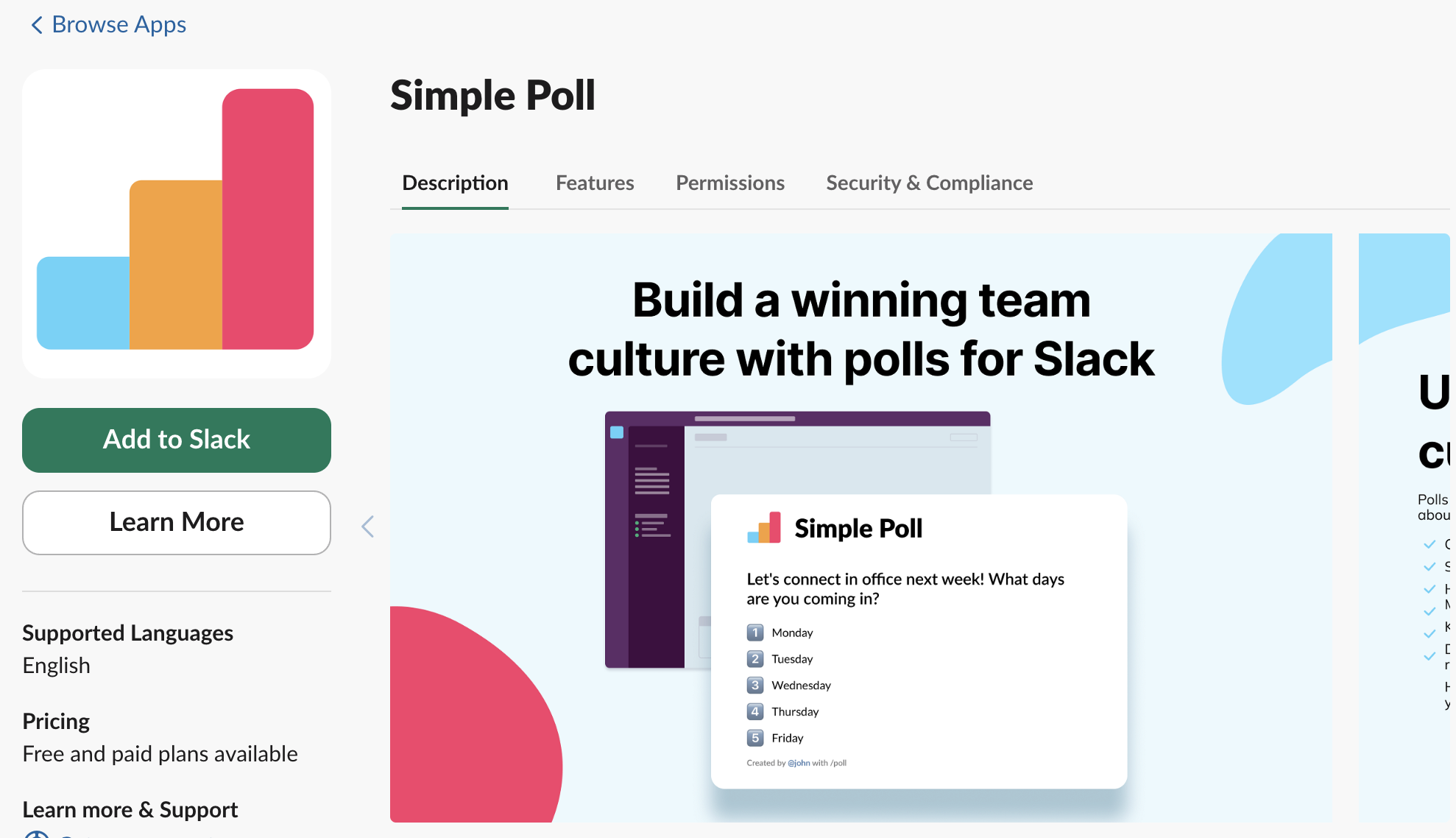
third-party apps like Polly and Simple Poll for more structured surveys.
These tools allow you to customize poll options, set deadlines, and even collect anonymous responses for honest feedback.
In this article, we’ll provide a step-by-step walkthrough on how to create polls using different methods, along with the best apps and tips to make your team surveys more effective.
How to Create a Slack Poll Using Slack’s built-in features (emoji reactions, threads)
If you need a quick and simple way to create a poll in Slack without using third-party apps, you can rely on emoji reactions and message threads. These built-in features work great for informal votes, team decisions, or quick feedback. Here’s how you can do it:
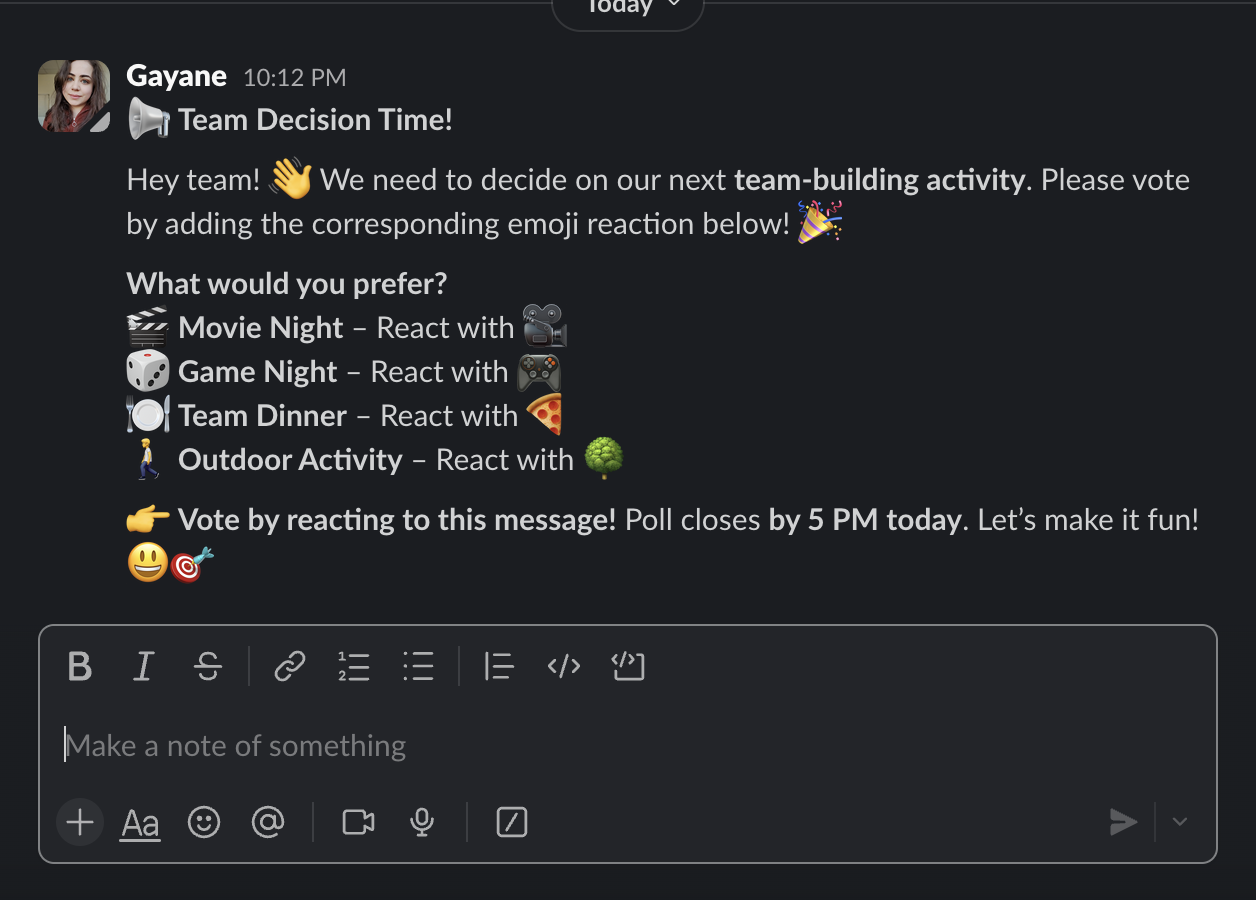
1. Create a Poll Using Emoji Reactions
This is the fastest way to get responses in Slack. Just follow these steps:
Post your question in a relevant Slack channel or direct message.
List the poll options in the message (e.g., “👍 Yes, 👎 No, 🤔 Need more info”).
React to your own message with the corresponding emojis.
Ask team members to vote by adding their reactions.
Best for: Simple yes/no questions, quick feedback, or informal team decisions.
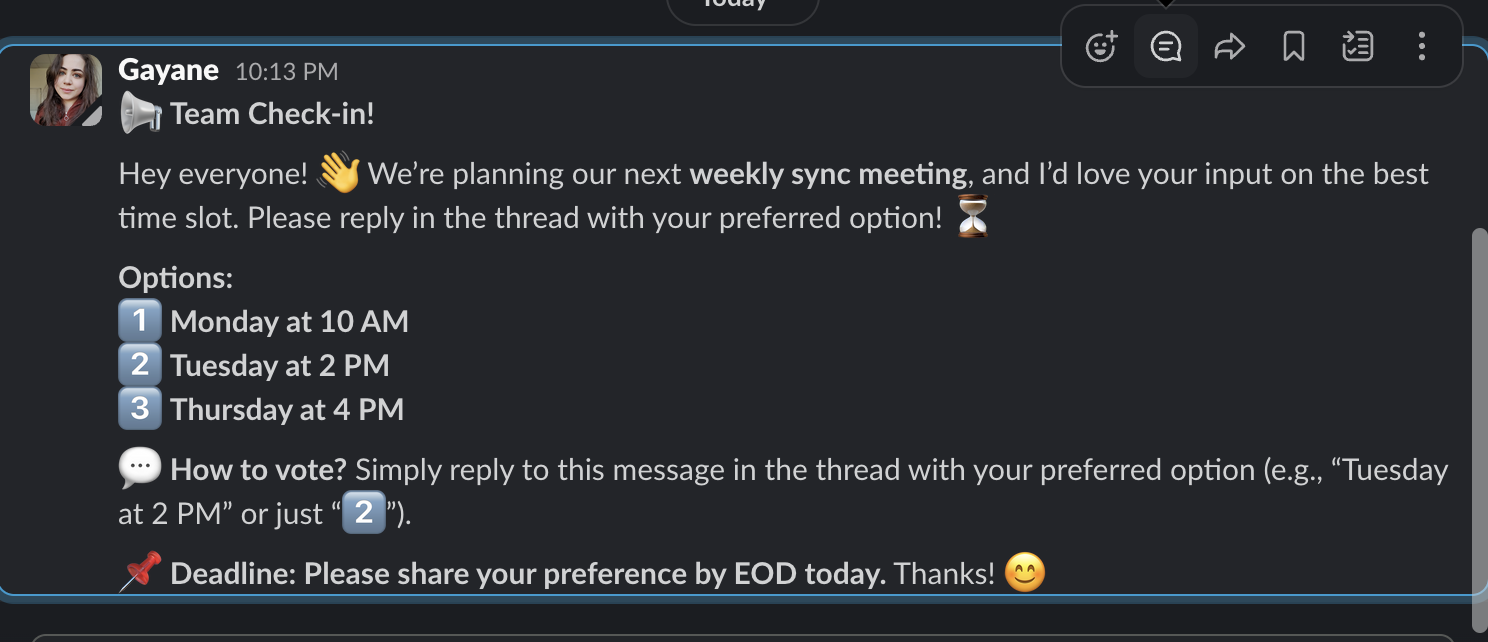
2. Create a Poll Using Slack Threads
For more detailed responses, Slack’s threaded replies work well:
Post your question in a Slack channel or direct message.
Encourage responses in the thread rather than in the main chat to keep discussions organized.
Ask participants to reply with their choice (e.g., “Option A” or “Option B”).
Summarize the results after everyone has responded.
Best for: Open-ended questions, discussions with multiple answers, and collecting detailed feedback.
While Slack’s built-in features work well for quick polls, sometimes you need more advanced options like anonymous voting, automated reminders, or detailed reports. That’s where third-party Slack poll apps come in. Here are some of the best options:
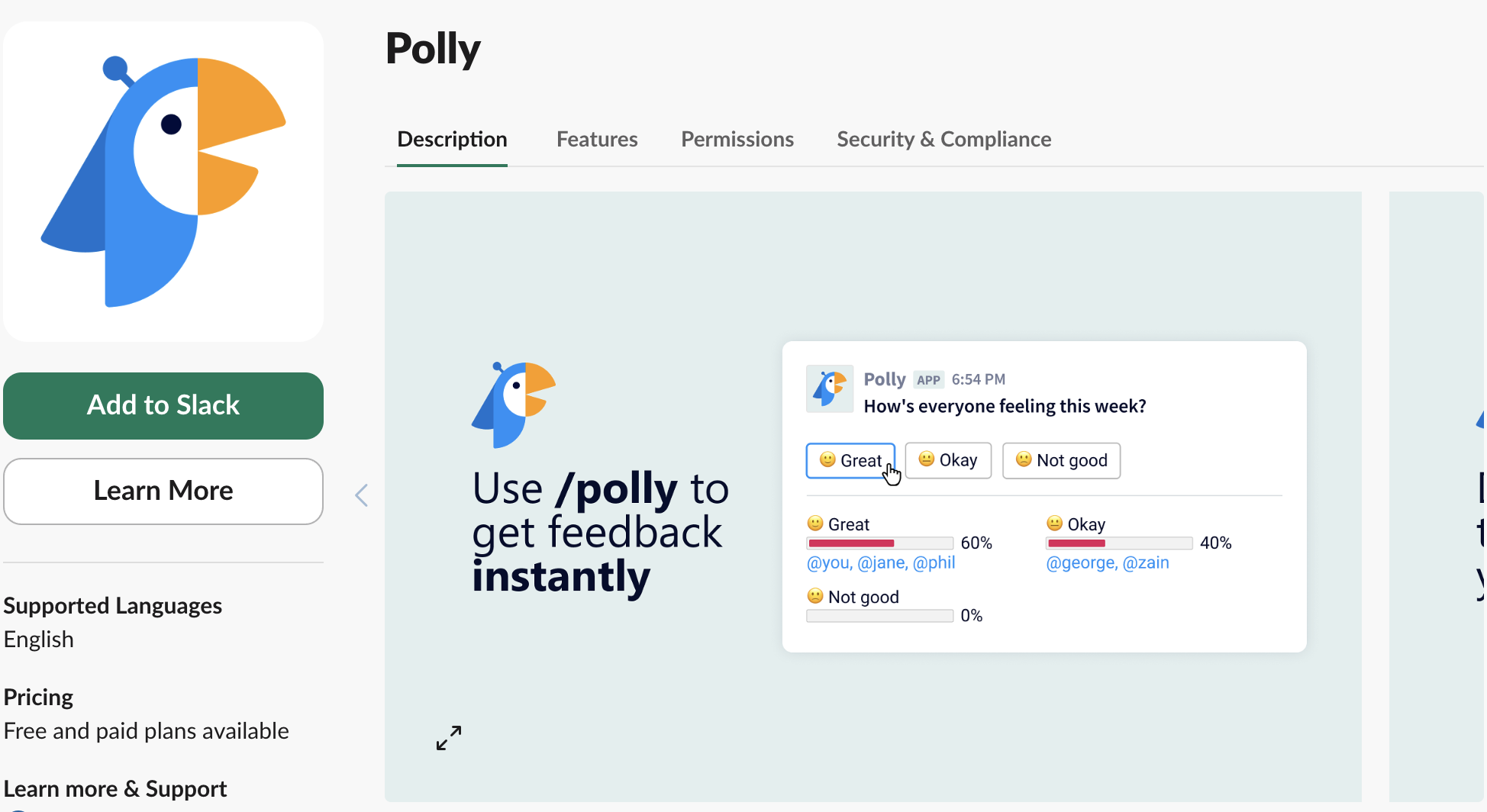
1. Polly – Best for Detailed Surveys & Team Engagement
How to Use Polly in Slack:
Install Polly from the Slack App Directory.
Type /polly in any channel or DM to create a poll.
Customize your poll with questions and answer options.
Set rules (e.g., anonymous responses, deadline for voting).
Click Send, and team members can vote directly in Slack.
Running polls in Slack is an efficient way to gather feedback, make team decisions, and improve engagement. However, to get accurate and meaningful responses, it’s important to follow some best practices. Here’s how to run Slack polls effectively:
Keep Questions Clear & Concise
Be direct – Avoid vague or overly complex questions.
Use simple language – Make sure all team members understand the question.
Example: Instead of “What do you think about our current workflow?”, ask “What’s the biggest challenge in our current workflow?”
Limit the Number of Options
Too many choices lead to indecision.
Stick to 3–5 options to make voting easier.
Example: Instead of offering 10 options, narrow it down to the most relevant ones.
Use Anonymous Polls for Honest Feedback
Some employees may feel hesitant to share opinions openly.
Apps like Polly or Simple Poll allow anonymous voting, leading to more honest feedback.
Example: If asking for feedback on leadership, an anonymous poll will yield more genuine responses.
Set a Deadline for Responses
Clearly communicate the poll closing time.
Use Slack reminders or scheduling features in poll apps to notify participants.
Example: “This poll closes at 5 PM today—please vote by then!”
Combine Slack Polls with Voice Discussions
If a poll requires further discussion, schedule a quick Slack Huddle or call.
Yes! You can create a poll in Slack using emoji reactions, message threads, or third-party apps like Simple Poll or Polly for more advanced features.
Simple Poll offers a free version with basic poll features, but advanced options like anonymous polls and multi-question surveys require a paid plan.
Slack’s built-in polls (emoji reactions, threads) are not anonymous, but third-party apps like Polly and Simple Poll offer an anonymous voting option.
With Simple Poll’s Open Poll feature, users can vote for multiple options instead of selecting just one. Use /poll “Question?” “Option 1” “Option 2” open to allow multi-choice responses.