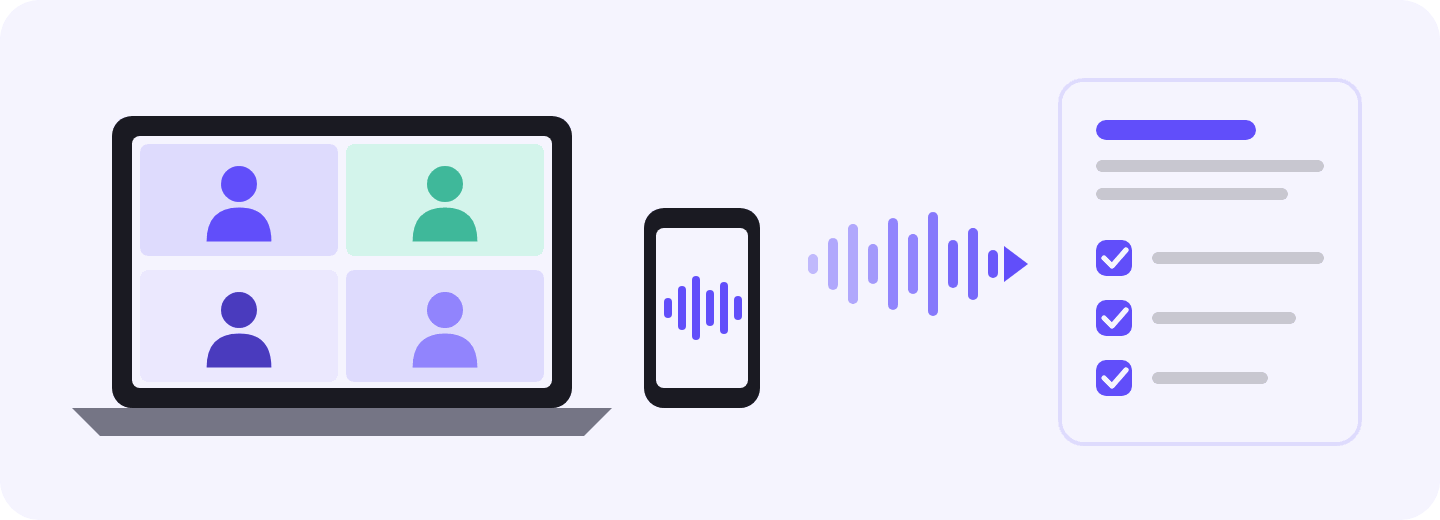
“Too many meetings” is rarely the full answer when a financial advisor is asked what limits their capacity. The real drain is everything around the meeting: the notes, the CRM entry, the tasks for the team, the recap email, the agenda for next time. The calendar fills up long before the client list when an advisor does all of that after every review and discovery call.
AI note takers for financial advisors are built to take most of that work off your plate. The problem has a second side, though, and most guides skip it. That second side is the meeting itself. A client who has to strain to hear you over a noisy office, or work hard to follow what you’re saying, remembers less of it and trusts it less. Your notes can only be as good as the call they come from.
This guide looks at both. We’ll cover where an advisor’s time actually goes, how AI note takers shorten each step, why call quality matters more than most advisors assume, how to get notes into the tools you already use, and what the SEC and FINRA expect along the way.
The short answer
AI meeting note takers make financial advisors more productive by cutting the prep and follow-up around each client meeting: they capture the conversation, draft the file note, pull out tasks and prepare the recap for your review. The biggest gains come from a tool that covers every channel (video, phone and in-person), sends notes to your CRM, and also improves the call itself, with noise cancellation that removes background sound and accent conversion that makes speech easier to follow.
TL;DR
Presence in the meeting
Live transcription captures the conversation, so you can focus on the client.
File notes
Notes arrive as structured drafts that you review and approve, so they get done faster.
Follow-ups
Commitments from the call become assigned tasks automatically, so every follow-up gets tracked.
Client recaps
Emails are drafted from the same transcript, so they can go out the same day.
Meeting prep
Search and AI chat surface what clients said months ago, so prep takes minutes.
CRM
Reviewed notes flow to the client record without retyping, so the record stays current.
Call quality
Noise cancellation and accent conversion make every call easy to follow.
The real productivity problem: the time tax on every client meeting
Kitces Research looked at how advisors spend their week before AI tools went mainstream. The typical advisor spent only about 17% of their working hours meeting with clients. Prep, servicing, investment management, business development and admin took the rest.
17%
of working hours with clients
8.8
hours a week in client meetings
11.3
hours a week on prep and follow-through
The data is from 2019, so it is the “before” picture. It also explains why AI note takers caught on so quickly. Your growth isn’t limited by how many meetings you can book if every client meeting brings roughly another hour of work with it. It’s limited by how many you can prepare for and follow up on properly.
Client work per week, in hours
Hours per week
Meetings with existing clients
8.8
Financial planning analysis
6.6
Follow-through and client servicing
6.0
Meeting preparation
5.3
Preparation and follow-through take 11.3 hours a week, more than the 8.8 hours spent in client meetings. Kitces Research, 2019
Preparation and follow-through come to 11.3 hours a week. That’s more than the 8.8 hours spent in the meetings themselves. An advisor near capacity often can’t take on new clients, even with open slots on the calendar, because they have no time left to prepare for and follow up on the meetings they already have. Every new client adds admin at the same rate.
The notes also have to do more than jog your memory. A general summary usually won’t cover it, because one meeting note feeds several parts of the client relationship:
Obligation
What the note needs to support
Recordkeeping
A dated, accurate record of what was discussed and decided, saved to the client file or CRM
Suitability and best interest
Evidence of the client’s goals, risk tolerance and circumstances behind a recommendation
Follow-through
Clear tasks, owners and deadlines for the advisor, the team and the client
Client communication
A recap the client can read and come back to
Continuity
A record the team can use to prepare for the next meeting, even months later
The client meeting lifecycle, before and after AI
A client meeting is really a loop. You prep, you have the conversation, you write the notes, you update the CRM, you hand tasks to the team, you send the client a recap, and then you build the agenda for next time. An AI note taker can support each step.
The client meeting loop
An AI note taker supports every step, before, during and after the call
1Prep→
2Meeting→
3Notes→
4CRM entry→
5Team tasks→
6Client recap→
7Next agenda→
↻ Back to prep
Stage
The manual way
With an AI note taker
Prep
Scroll through old notes and hunt for last quarter’s open items
Ask questions across past meetings in AI chat and get an answer in seconds
Meeting
Type while you listen, only half present
Give the client your full attention while the conversation is captured
Notes
Rewrite your scribbles after the call, often at night
Review a structured summary with decisions and action items
CRM entry
Copy and paste into the client record
Notes go to the CRM automatically
Team tasks
Email or message the service team one by one
Action items become tasks you can assign
Client recap
Write it from memory
Edit a recap drafted from the summary and send it the same day
Next agenda
Rebuild the context from scratch
Start from what you promised last time
The part most note takers skip: what your client hears
An AI note taker can only summarize what it heard clearly. A client who’s straining to hear you, meanwhile, is also forming an opinion of you.
Most reviews of note takers focus on what happens after the call. The call itself is part of the service for advisors. You’re asking people to make big decisions about their money based on a conversation, and good advice lands with less weight if that conversation is hard to follow.
Clarity: background noise costs you credibility
Advisor calls actually take place in a home office with a dog that barks at the mail carrier, or in a branch with open desks and a colleague on another call. They also happen with a client on speakerphone in the car, or during an annual review in a conference room that echoes.
This matters more than it seems. Eryn Newman and Norbert Schwarz played the same talks to listeners in good and poor audio quality in a study published in Science Communication.
Listeners rated the speaker as less intelligent and less likable, and the work as less important, when the audio was poor. The result didn’t change when the speakers were introduced with their credentials.
A follow-up study found that people who heard low-quality audio rated speakers as less credible and remembered fewer of the key facts.
It makes sense to expect your AI tools to help with the call itself, not only the notes after it. Every misheard detail means a repeated question, a longer meeting, or an error you’ll have to catch later in the notes.
Comprehension: accents, effort and trust
Plenty of advisors, associates and paraplanners speak English with an accent. Plenty of clients do too. That’s normal. The issue is how hard the listener has to work.
University of Chicago researchers Shiri Lev-Ari and Boaz Keysar asked people, in a well-known study, to rate whether trivia statements read aloud were true. Listeners rated identical statements as less true when the speaker had an accent, even though they knew the speakers were just reading a script. The researchers’ explanation was that people mistake the effort of understanding for doubt about the content.
Advisors end up paying an unfair tax on good advice. You see it in extra clarifying questions, longer calls, and clients who nod along without fully following.
Why call quality affects productivity
Clearer calls give the note taker cleaner input. You fix fewer transcript errors, ask fewer “what did they say about the 529?” questions afterward, and sign off on the note faster before it goes into the CRM. Time saved after the meeting starts with how clear the meeting was.
Advisors have noticed the potential. 43% of advisors said in a 2026 survey of advisor technology that they now use an AI note-taking tool, which makes it one of the fastest-adopted categories in advisor tech.
Discovery meetings are where clients tell you what really matters: the business they want to sell in five years, the parent they may end up supporting, the market drop that still makes them nervous. Real-time transcription captures all of it, so you can stay on the follow-up questions.
How the transcript gets captured matters almost as much as having one. A few details make it far more useful in an advisory practice.
Speaker labels show who said what. Most advisor meetings have more than two people in them, like a couple, an adult child or the client’s CPA. You can tell from the labels whether it was the client or the spouse who wanted to retire at 62, and who agreed to the rollover.
Timestamps take you straight to the right moment. You can jump to that part of the conversation instead of rereading an hour-long transcript when a client asks later, “Did we really agree to that?” They also make it easier to show compliance exactly where a recommendation was explained.
Bot-free capture keeps the meeting feeling like a normal conversation. A note-taking bot that joins as a visible participant can make clients hesitant, especially in a first meeting about their finances. You still tell clients you’re using an AI note taker. They just aren’t greeted by an unexplained participant on screen.
Transcript-only mode helps firms that don’t want to store audio.A recording of a client meeting can become part of your books and records, which means more to retain, archive and protect. That’s why many firms restrict recording, and why a tool that can transcribe without keeping the audio is useful.
2. Compliance-ready file notes in minutes
A file note is part of your books and records, not a memory aid. Financial advisor meeting notes need to show the client’s circumstances, what you discussed, what you recommended and what they decided.
An AI note taker turns the transcript into a structured draft covering goals, risk tolerance, changes since the last meeting, recommendations, decisions and next steps. You review it, fix what it got wrong, add what compliance requires, and approve it before it goes into your CRM or archive. A draft takes much less time to edit than a note takes to write from scratch, so notes get done the same day instead of at the end of the week.
3. Meeting discussions turned into tasks
One annual review can produce a long list of follow-ups:
A request for last year’s 1099s and tax return
An updated retirement projection in eMoney or RightCapital
An ACAT transfer for the old 401(k)
A beneficiary change form after the client’s divorce
A Roth conversion amount to confirm with the client’s CPA
This year’s RMD distribution to set up
Things slip when these live across a notepad, your inbox and the CRM. The note taker pulls the commitments out of the conversation and turns them into tasks you can assign to yourself, the client, your paraplanner or a service associate, with priorities and due dates. The tasks deserve a look before you assign them, especially when it’s unclear who agreed to do what.
4. Faster client recap emails
A recap email confirms what the client agreed to and what they need to send you, and it gives both of you a written record if questions come up later. The trouble is timing. A recap feels like doing the same work twice once you’ve finished the file note.
AI note takers draft the recap from the same transcript. It covers the main points, the decisions, the documents the client needs to send, and what your team will do next. You personalize it, check every figure, and send it while the conversation is still fresh.
5. Information without replaying the whole meeting
Old documents and handwritten notes slow down prep when you have to dig through them. A searchable meeting archive lets you find a specific term or go back to an earlier discussion in seconds. Some note takers also have an AI chat that answers questions about meeting history, like what the client said about retirement timing or which issues are still open. You spend less time searching and walk into the next meeting with the context you’ve already gathered.
6. Fewer manual CRM updates
Someone has to log the summary, update life events and risk notes, and create follow-up tasks in the CRM after each meeting. That work gets delayed, shortened or skipped when it’s done by hand, and the next person who opens the client record is missing context.
Note takers that integrate with your CRM and other tools can send reviewed notes and action items to the right records. You enter the information once, and meeting outcomes stay where your team actually manages the relationship. You should still check that the right client record was updated and that sensitive details are handled properly.
7. Clear audio on every call, both ways
Advisor calls rarely happen in perfect conditions: a client on speakerphone in the car, a couple sharing one laptop, a barking dog in your home office. Noise, echo and unfamiliar accents make names, account numbers and dollar amounts harder to catch, for you and for the transcript.
That’s why it helps when your note taker is part of a broader voice AI app that also removes background noise on both sides of the call and converts accents. Clients follow your advice more easily, and the note taker gets cleaner audio, so you spend less time correcting the transcript. You should still check figures, names and account details before they go into client records.
Where an AI note taker fits in your tech stack
A note taker is most useful when it works with the systems your firm already depends on, and the same goes for any AI software for financial advisors. The 2026 T3/Inside Information survey, which collected 2,906 responses from the advisory community, shows what those systems usually are: 91% of respondents used a CRM, 83% used financial planning software and 74% used portfolio management software. The table below shows where meeting notes fit into that setup.
Advisor workflow stage
Core industry tools
How an AI note taker helps
Meeting prep and client records
CRM (Redtail, Wealthbox, Salesforce FSC)
Saves meeting notes and summaries to the client record, through a native integration or an automation, so they’re there when you prep next time
Client meetings
Zoom, Microsoft Teams, Google Meet, in-person meetings
Transcribes the conversation live and generates notes. Some tools, like Krisp, also remove background noise and other voices and record without a bot joining the call
Financial planning
eMoney, MoneyGuide, RightCapital
Flags changes in the client’s goals, income or assets for you to review when you update the plan
Email and calendar
Outlook, Gmail, Google Calendar
Drafts client recap emails and pulls up earlier meeting notes before upcoming meetings
Tasks and team communication
CRM workflows, Asana, monday.com, Slack
Pulls out follow-up tasks, assigns next steps, shares summaries with the team and sends tasks to project management tools
Automations and AI assistants
Zapier, webhooks, ChatGPT, Claude
Sends meeting recaps to other apps when a call ends, and lets AI assistants search and analyze past meetings through MCP
Where Krisp AI Note Taker fits: one app for the call and everything after it
Most note takers are built for what happens after the call. They document the meeting and pass the notes along, but the call itself stays exactly as it was. That covers only half the job if you meet clients on every channel and want those calls to sound as professional as your advice.
Krisp covers four jobs in one app: capturing the conversation, keeping the audio clear, making speech easier to understand, and connecting notes to the rest of your tools.
Capture
The Krisp AI Note Taker records and transcribes meetings without a bot joining. It works across all the conferencing apps, including Zoom, Teams, Google Meet, Webex and Slack huddles, and the mobile app handles in-person conversations. Each conversation becomes a summary with key decisions and action items, and AI chat lets you search your whole meeting history when you prep for the next review. Live and post-meeting transcripts and notes are available in 17+ languages.
Clarity
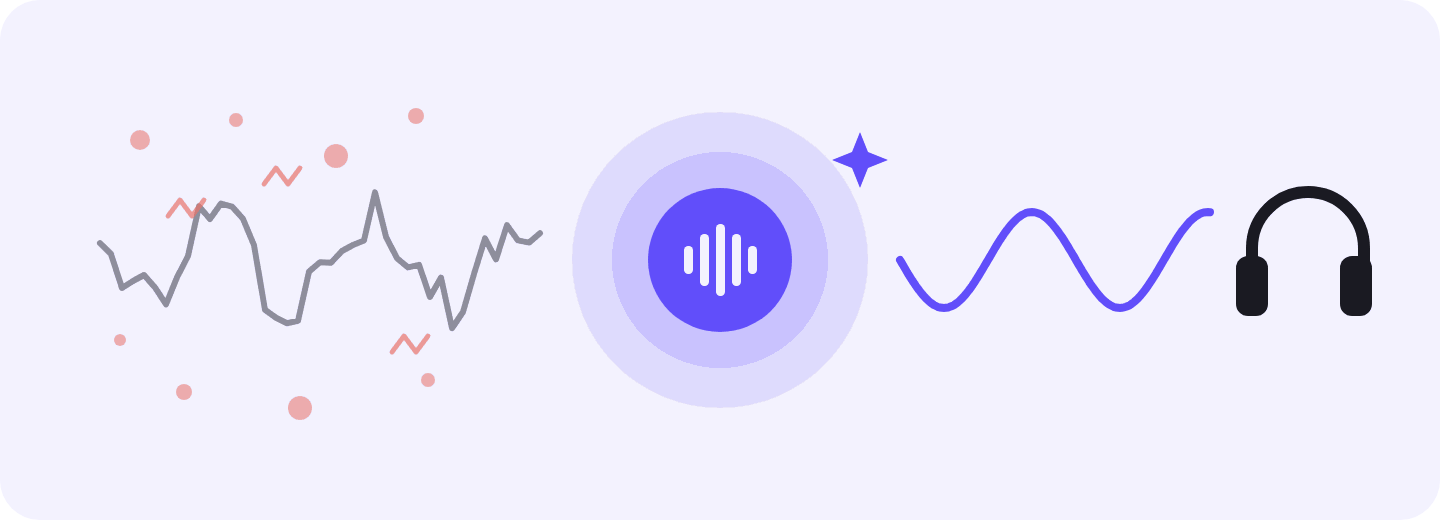
Client calls don’t always happen in quiet offices. Background noise, echo and other people talking make it harder to catch important details. Krisp’s AI Noise Cancellation reduces those distractions on both sides of the call. You can hear a client explain their priorities or correct a figure without asking them to speak up, whether you’re in a home office, a busy branch, or talking to someone calling from the car.
The notes, action items and key points come out more accurate too, because the audio is cleaned before it’s transcribed.
Comprehension
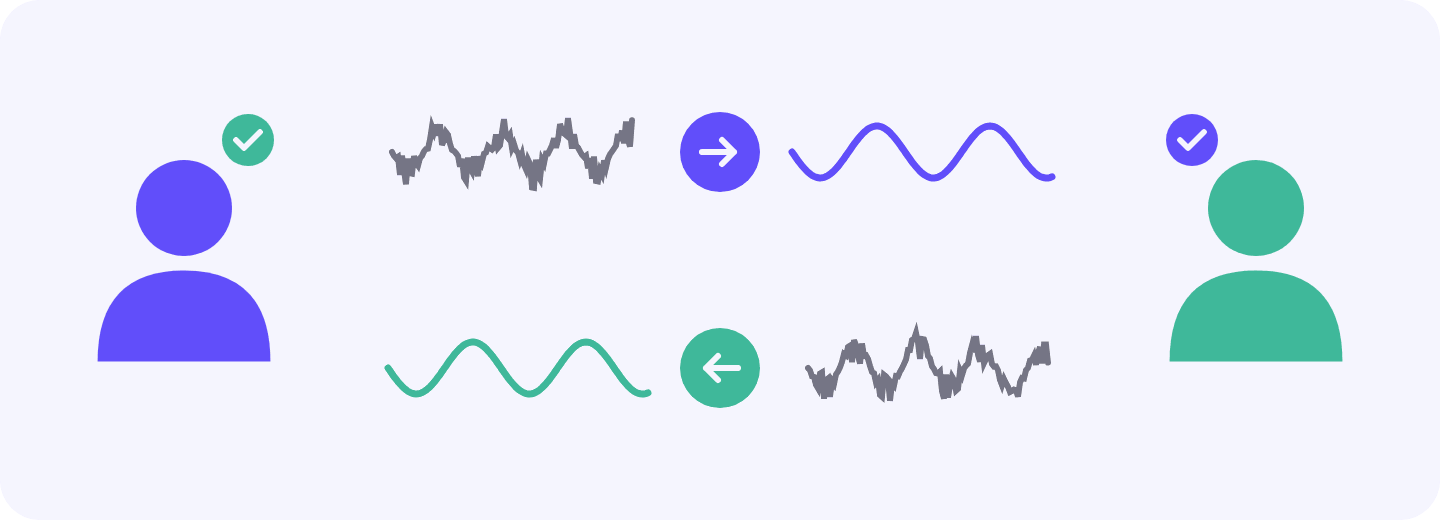
Differences in pronunciation can make names, financial terms, percentages, dates and amounts harder to catch, even when everyone speaks English. That’s especially true on a long call or when several figures come up in quick succession. Speaker-side accent conversion helps clients understand you more easily while keeping your natural voice. Listener-side conversion helps you follow clients and colleagues. Diverse advisory teams and client bases end up with fewer clarifying questions and calls that are easier on everyone.
Connection
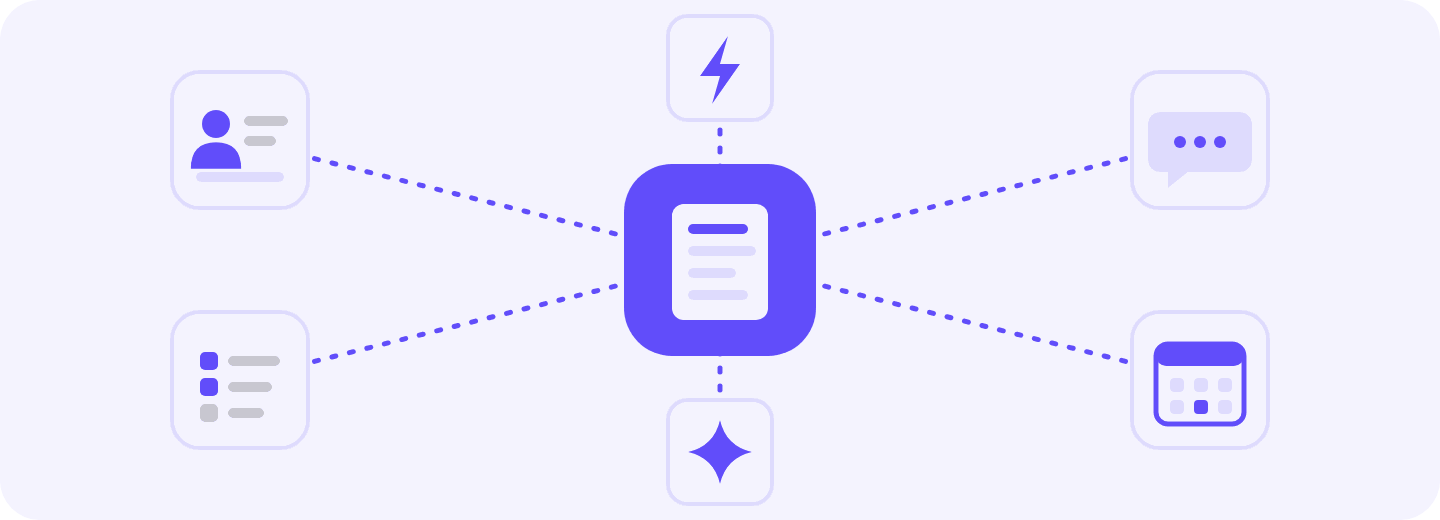
Krisp integrates directly with Salesforce and HubSpot and connects with Slack, Asana and Zapier, through which you can connect with Redtail, Wealthbox or any other app. Krisp’s Webhook API can send notes to your firm’s systems, and its MCP server lets AI assistants like Claude or ChatGPT work with your meeting data across the rest of your stack.
Krisp features, mapped to advisor work
A note taker is easier to judge when you can see what each feature does for your day-to-day work.
Capability
What it does
Why it matters for advisors
Bot-free capture
Records from your device, no bot joins
No extra participant on the client’s screen
Any meeting platform
Zoom, Teams, Meet and more, on Windows, macOS and browser
One tool, whatever platform clients prefer
In-person and uploads
Mobile apps for face-to-face meetings; upload audio or video files
Document office and kitchen-table reviews, or past recordings
Live transcription
Transcribes as you talk, in 17+ languages
Check figures as they’re discussed, in the client’s preferred language
Summaries and action items
Short or detailed summaries; assignable action items with priorities
A file-note draft and follow-up list right after the meeting
Search, tags and filters
Searchable meeting library
Find a household’s history fast
Custom vocabulary
Adds your own jargon, acronyms and names used in your organization to the transcription engine
Fund names, custodians, acronyms and client names spelled right
Connect Redtail or Wealthbox where the workflow allows
API
Programmatic access to meeting data
Custom workflows for your firm
MCP server
Connects meeting history to Claude and ChatGPT
Let an approved assistant draft agendas and recaps
Security for sensitive client conversations
Client meetings are full of the information advisors are obligated to protect: account balances, Social Security numbers, health details, estate plans, family circumstances. Any tool that captures those conversations becomes part of your firm’s vendor due diligence under Regulation S-P. The SEC also named AI use as a focus in its 2026 examination priorities.
SOC 2
Type II certified
PCI-DSS
4.0 certified
HIPAA
compliant
GDPR
compliant
Krisp holds SOC 2 Type II and PCI-DSS 4.0 certifications and is HIPAA and GDPR compliant. Data is encrypted in transit and at rest. Noise cancellation runs on your own device, so Krisp’s servers never see your voice data. Capture is bot-free too, so no third-party participant joins the client’s call.
Krisp supports centralized deployment, user access management, and SSO or OAuth sign-in for firms. Your personal data, voice audio and transcripts are never used to train Krisp’s AI models.
Advisor-specific note takers vs. Krisp vs. built-in meeting app notes: which fits your practice?
Advisors usually end up choosing between three kinds of financial advisor note taking software, and each one is good at different things.
Advisor-specific toolsJump, Zocks, FinMate
Krisp AI Note TakerCall quality + notes in one app
Built-in meeting app notesZoom, Teams, Meet
Built for
Advisors and RIAs only
Any client-facing teams and individuals
Users of one platform
Meetings covered
Virtual; some phone and in-person
Any conferencing app, plus in-person conversations
Own platform only
Call audio
Not offered
Two-way noise cancellation
Basic noise suppression
Accent support
Not offered
Accent conversion for speaker and listener
Not offered
Integrations
Wealthbox, Redtail and Salesforce
Salesforce, HubSpot, Asana, Slack, monday.com and more; Wealthbox and Redtail through Zapier. Krisp MCP connects meeting data to any MCP-compatible AI tool
Mostly own suite
Security
Consent capture, PII redaction (varies)
SOC 2 Type II, HIPAA, PCI-DSS 4.0, GDPR
Platform security
Custom vocabulary
Not offered
Industry jargon, abbreviations and acronyms taught to the AI, so transcripts fit your context
Not offered
Best for
Turnkey advisor workflow on Wealthbox or Redtail
Advisors who meet across apps and in person and care how they sound
Quick summaries on one platform
Advisor-specific note takers like Jump, Zocks, FinMate and Zeplyn are built only for financial advisors. They come with advisor note formats, native connections to Wealthbox, Redtail and Salesforce, and compliance features like consent capture and PII redaction. They also tend to cost the most, because they try to cover so much of the advisor workflow. Pick one if you want a turnkey setup on Wealthbox or Redtail and don’t mind paying for it.
Built-in meeting app notes like Zoom AI Companion, Microsoft Teams Copilot and Gemini in Google Meet are the easiest to turn on. They work well for quick summaries, but only for meetings on their own platform. The moment a client calls your phone or sits across your desk, they’re out of the picture.
Krisp sits in between. It isn’t built only for advisors, so it doesn’t come with advisor CRM connectors like Wealthbox out of the box (you can connect with those through Zapier). Its strength is coverage and call quality: live transcripts with summaries and action items, bot-free capture across meeting apps, and two-way noise cancellation and accent conversion during the call. Neither of the other two categories does that last part, and for advisors who meet clients everywhere and care how they sound, that’s the part that changes the meeting itself.
The bottom line
The biggest productivity win from an AI note taker for financial advisors isn’t a faster summary. The real win is getting back the hour of prep and follow-up that surrounds every client meeting: the file note, the CRM entry, the tasks for the team, the recap and the next agenda.
The right tool captures every conversation and gets those notes into the systems your firm already uses. It should also help clients hear and understand you clearly, because good notes start with a good call. Once a tool gets those pieces right, an all-in-one AI Note Taker for financial advisors like Krisp frees up time for more clients, deeper planning, or simply your evenings, and clients leave every meeting confident about what was decided.
They take over much of the admin around client meetings. A note taker like Krisp captures the conversation, drafts the CRM note, picks out action items and writes a first version of the recap email. You review and send instead of writing everything yourself, which leaves more time for actual client work.
The Oasis Group estimates AI note takers can cut post-meeting work by up to 70%. That works out to roughly five hours saved per week for an advisor with 10 meetings a week and 45 minutes of admin after each. Your own savings depend on how many meetings you run and how long your follow-up takes now.
AI note takers can fit into a compliant workflow, but how you use them matters. FINRA has made it clear that its rules apply to AI tools just as they do to other technologies, and SEC recordkeeping requirements still apply. Krisp supports the vendor review process with SOC 2 Type II and PCI DSS 4.0 certifications, HIPAA and GDPR compliance, encryption for data in transit and at rest, and a policy of never using transcripts to train its AI models. Your firm is still responsible for how the tool is used: get your CCO’s approval, follow client consent procedures, review AI-generated summaries, and store final notes in your official books-and-records system.
Recording consent depends on federal and state law, and about a dozen states require everyone on the call to agree. A practical approach is to mention AI note taking in your advisory agreement and say it again at the start of each recorded meeting. The rules that apply to your clients and your firm still need a check before you record.
A transcript can only reflect what the system hears. Background noise, echo and people talking over each other lead to missed words or wrong figures that you then have to fix. Krisp AI Note Taker has built-in noise cancellation that makes the conversation easier to follow and gives the transcription cleaner audio to work with.
Yes, if the note taker supports MCP (Model Context Protocol), a standard that lets AI assistants access meeting history directly. Krisp has an MCP server, so you can ask an assistant about earlier client meetings or have it draft a follow-up without copying and pasting transcripts. The assistant may handle client information, so your firm needs to have approved any tool you connect.