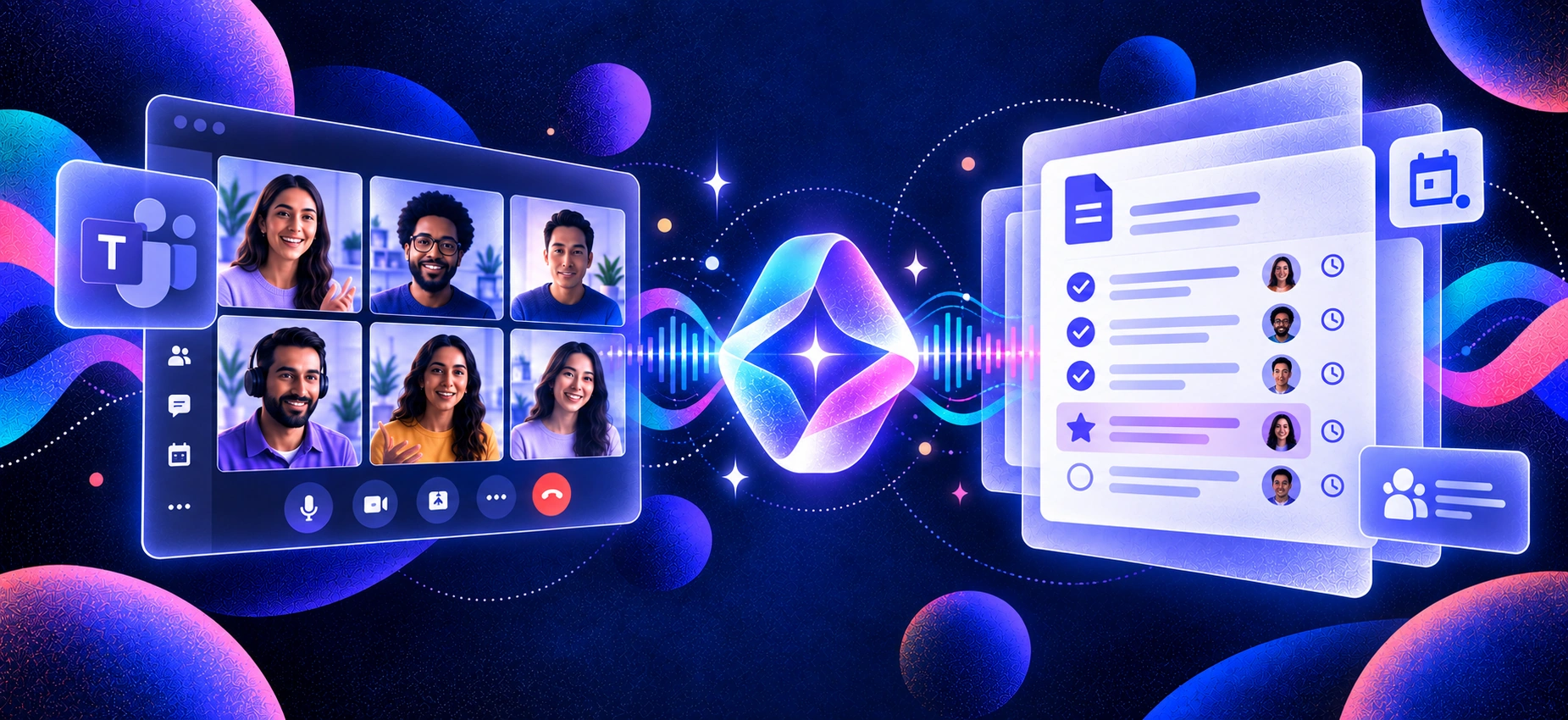
Microsoft Teams already offers native AI meeting notes, but the most advanced features depend on your licensing. Teams Premium adds AI-generated notes, suggested tasks, and Intelligent Recap, while Microsoft 365 Copilot brings broader AI assistance across Teams and the wider Microsoft 365 ecosystem.
That makes choosing the best AI note taker for Microsoft Teams about more than transcription. Teams that also use Zoom or Google Meet may need broader platform coverage, while others may prioritise bot-free capture, cleaner audio, CRM integrations, or simpler workflows. Microsoft has also expanded its native experience with tools such as Facilitator, which can generate real-time AI notes and track decisions during Teams meetings.
AI note-taking is also becoming increasingly common at work. A July 2026 survey of 500 employed US adults found that 33.4% had already encountered an AI note taker or transcription bot in a work meeting. In this guide, we compare leading Teams note takers based on transcription and summary quality, capture method, cross-platform support, integrations, pricing, and usability. For a broader comparison, see ourbest AI note-taking apps for meetings.
How We Chose
We evaluated a dozen AI note takers on Microsoft Teams and narrowed the list based on the factors that matter most in everyday meetings:
Teams compatibility — reliable capture from Microsoft Teams on desktop or web
Transcription and summary quality — accurate transcripts, useful summaries, and clear action items
Capture method — bot-based, bot-free, or native recording and how each affects the meeting experience
Cross-platform support — whether the same tool also works with Zoom, Google Meet, phone calls, or in-person meetings
Setup and usability — how quickly users can start capturing a meeting and access useful notes afterward
Integrations — how easily meeting insights move into CRMs, collaboration tools, and other workflows
Privacy and data handling — clear policies around recording, storage, and AI training
Pricing and free access — what users can realistically do before upgrading
We compared each tool across these criteria, with particular attention to accuracy, summary quality, capture flexibility, and setup friction. The final seven represent the strongest options for different Microsoft Teams workflows.
TL;DR: Best AI Note Takers for Microsoft Teams
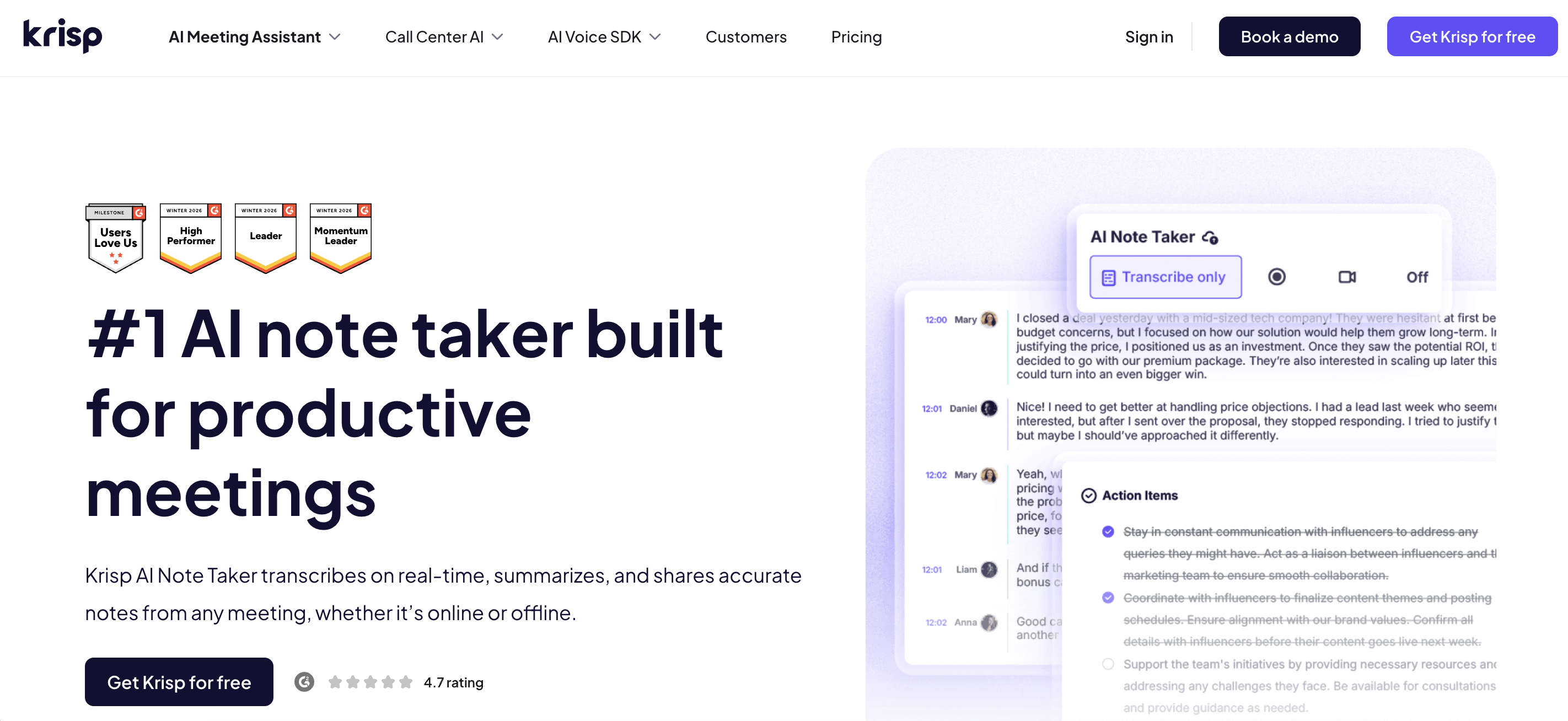
Best overall / best for bot-free capture:Krisp — combines bot-free AI meeting notes with noise cancellation and works across Teams, Zoom, Google Meet, and in-person conversations.
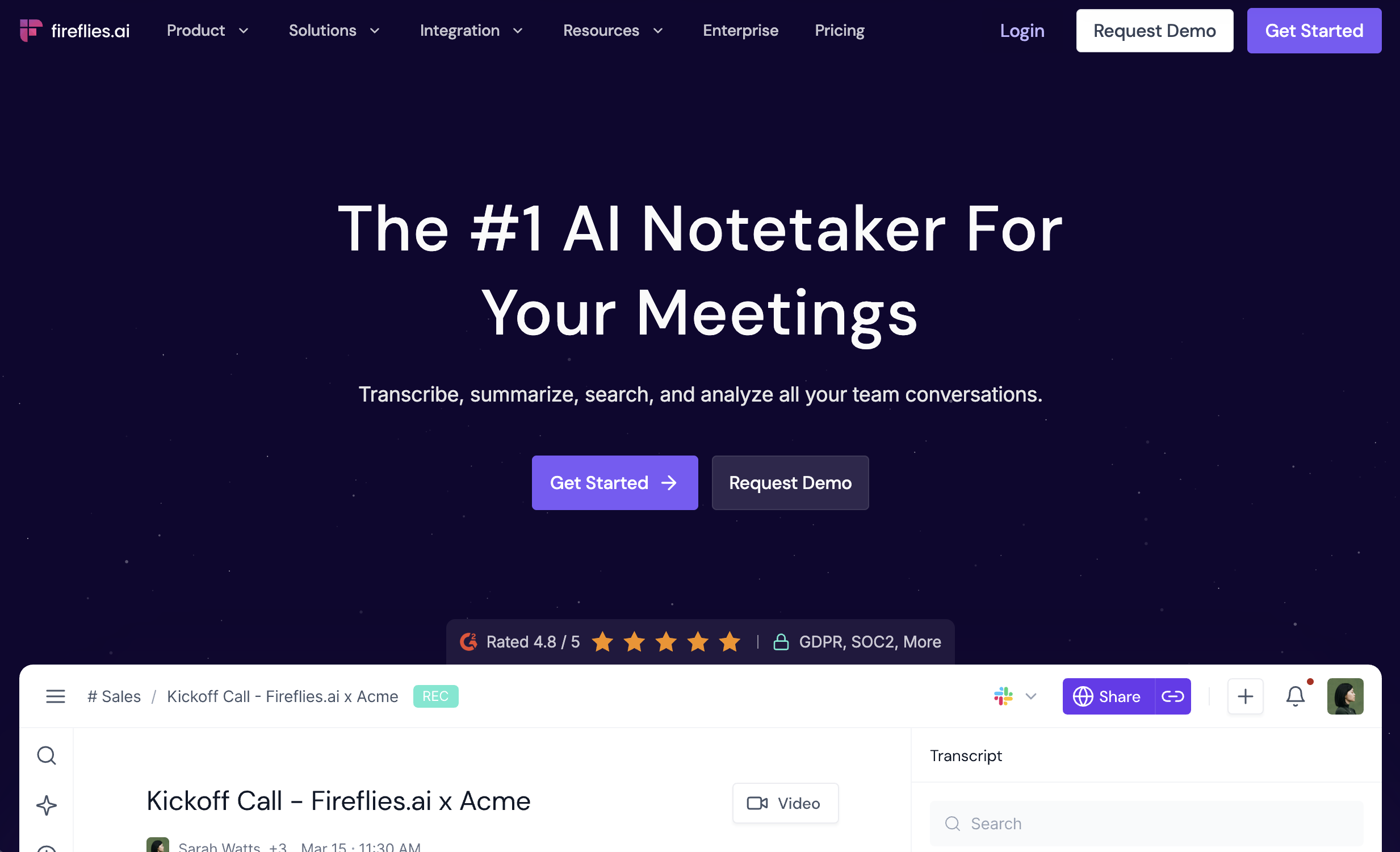
Best for sales and CRM workflows:Fireflies — strong CRM integrations, searchable meeting history, and workflow automation.
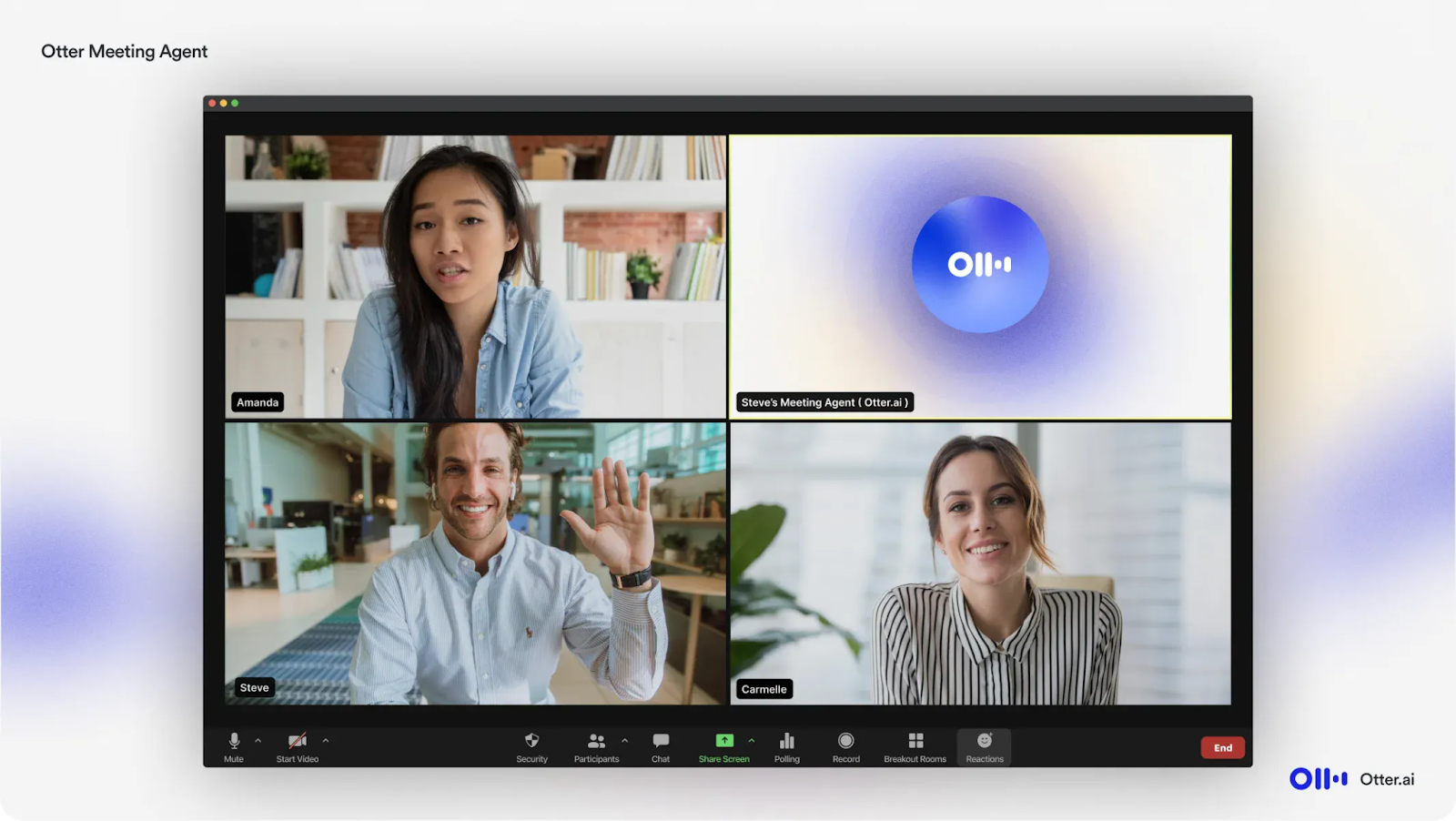
Best for live collaboration:Otter — real-time transcripts with highlights, comments, and collaborative meeting features.
Best free option:Fathom — unlimited recordings and transcription on its free plan, plus AI-generated meeting summaries.
Best for video and coaching:tl;dv — combines recordings, clips, meeting insights, and sales coaching features.
Best for structured team meetings:Fellow — brings agendas, AI notes, action items, and recurring meeting workflows into one workspace.
Best lightweight option:Tactiq — bot-free live transcription for Teams meetings in the browser.
Best native Microsoft option:Teams Premium / Microsoft 365 Copilot — the strongest fit for organisations that want AI meeting notes deeply integrated with Teams and the wider Microsoft 365 workflow.
Comparison Table
Here’s how the top options compare across capture method, platform coverage, Microsoft licensing requirements, free access, and price.
Tool
Capture method
Works beyond Teams
Needs Teams Premium/Copilot
Free access
Paid from*
Krisp
✅ Bot-free + optional bot
✅ Zoom, Meet, phone, in-person
❌ No
7-day free trial
$8/user/mo
Fireflies
Bot + ✅ bot-free
✅ Zoom, Meet + more
❌ No
✅ Free forever
$10/seat/mo
Otter
Bot + ✅ bot-free desktop
✅ Zoom, Meet + device-recorded meetings
❌ No
✅ 300 min/mo
$8.49/user/mo
Fathom
Bot + ✅ bot-free beta
✅ Zoom, Meet
❌ No
✅ Free forever
$15/user/mo
tl;dv
Bot + ✅ bot-free desktop
✅ Zoom, Meet
❌ No
✅ Free forever
$18/user/mo
Fellow
Bot + ✅ bot-free desktop
✅ Zoom, Meet + other platforms
❌ No
✅ 5 AI notes + 5 recordings lifetime
$7/user/mo
Tactiq
✅ Bot-free browser extension
✅ Zoom, Meet
❌ No
✅ 10 transcripts/mo
$8/user/mo
Teams Premium / Copilot
✅ Native, bot-free
❌ Teams only
✅ Yes
1-month Teams Premium trial
$10/user/mo for Teams Premium
*Starting prices use annual billing where applicable. Pricing and plan limits can change.
Does Microsoft Teams Have a Built-In AI Note Taker?
Yes. Microsoft Teams offers several native AI note-taking features. Teams Premium includes Intelligent Recap, which can generate meeting notes, follow-up tasks, speaker insights, and personalised highlights after a transcribed meeting. Microsoft 365 Copilot adds broader AI assistance, including the ability to ask questions about a meeting and work with that context across Microsoft 365.
Microsoft also offers Facilitator, a Copilot-powered meeting agent that creates AI notes in real time, tracks decisions and open questions, and helps teams manage meeting agendas.
What Teams’ Native AI Notes Do Well
The biggest advantage is deep Microsoft integration. Recaps, transcripts, AI-generated notes, tasks, and speaker information stay inside Teams, while Copilot can connect meeting context with other Microsoft 365 workflows.
For organisations already standardised on Microsoft tools, that creates a streamlined experience without adding another meeting app.
Where Teams’ Native AI Notes Fall Short
Advanced AI features require additional licensing. Intelligent Recap is available through Teams Premium or Microsoft 365 Copilot, while Facilitator requires Copilot access. Teams Premium itself is an add-on to an existing Teams licence.
The workflow is Microsoft-centric. Native Teams AI features are designed around Teams meetings, so they do not provide the same cross-platform capture for Zoom or Google Meet calls.
AI summaries depend on transcription. Microsoft requires meetings to be transcribed for AI-generated summaries and notes, and some recap features also depend on the meeting type and duration.
For teams that work primarily in Microsoft 365, the native experience can be a strong choice. But if your meetings span multiple platforms or you want bot-free capture, broader integrations, or a separate AI note-taking workflow, a third-party tool may offer more flexibility.
The 7 Best AI Note Takers for Microsoft Teams
1. Krisp — Best bot-free AI note taker for Microsoft Teams (no Copilot license)
Here’s the pitch in one line: Krisp gives you AI Teams notes without a Copilot seat and without a bot in the meeting. It captures from your own audio, so nothing joins the call, and there’s no per-user AI add-on to justify to finance. On a Teams call where a colleague dialed in from a moving car, Krisp’s noise cancellation scrubbed the road noise before it ever hit the transcript. The summary came out clean where a bot-based tool logged “[inaudible]” a dozen times.
The reframe: Krisp is a full AI note taker (transcript, summary, action items) with the best audio engine in the category, and it captures device audio across any app. One install covers Teams, Zoom, Meet, phone, and in-person, which no native Microsoft tool does.
Key Features
Bot-free capture — nothing joins the Teams call
No Copilot or Teams Premium license required
Works across Teams, Zoom, Meet, phone, and in-person audio
Fireflies is a strong choice for teams that need meeting notes to feed directly into sales and customer workflows. It records, transcribes, summarizes, and makes past conversations searchable, while integrations with tools such as Salesforce and HubSpot help move meeting insights into your CRM.
It is also no longer limited to a visible meeting bot. Fireflies can join scheduled Teams meetings with its Notetaker, or capture device audio without a bot through its desktop app.
Key Features
Bot-based and bot-free meeting capture
Microsoft Teams, Zoom, Google Meet, and other platform support
Searchable transcripts and meeting history
AI summaries, action items, and live notes
CRM integrations with tools such as Salesforce and HubSpot
AskFred AI assistant for meeting insights
Pros
✅ Strong CRM and workflow integrations
✅ Bot and bot-free capture options
✅ Searchable meeting history for sales and customer-facing teams
Cons
❌ Deeper conversation intelligence and team analytics require higher-tier plans
💰 Pricing: Free forever plan available. Pro starts at $10/seat/month billed annually or $18 monthly.
3. Otter.ai — Best for Live, Collaborative Transcription
Otter is particularly strong for teams that want to work with meeting content while the Teams call is happening. It provides live transcription, speaker identification, AI Chat, and meeting workflows that make conversations easier to follow and revisit.
Otter also supports more than one capture method. Its Notetaker can join scheduled meetings, while its Mac and Windows desktop apps can capture Microsoft Teams directly from device audio without adding a bot to the call.
Key Features
Real-time meeting transcription
Bot-based and bot-free desktop capture
AI-generated meeting summaries
Speaker identification
AI Chat across meeting content
Microsoft Teams, Zoom, and Google Meet support
Pros
✅ Strong real-time transcription experience
✅ Bot and bot-free recording options
✅ Useful AI Chat and searchable meeting content
Cons
❌ The free plan is limited to 300 transcription minutes per month
💰 Pricing: Basic is free with 300 monthly transcription minutes. Pro starts at $8.49/user/month billed annually or $16.99 monthly.
4. Fathom — Best Free AI Note Taker for Microsoft Teams
Fathom stands out for individual users who want a capable free meeting note taker without a monthly transcription allowance. Its Free plan includes unlimited recordings, storage, and transcription, along with AI-generated meeting summaries.
Fathom traditionally captures Teams meetings through its meeting assistant, but it is also rolling out a new bot-free experience. Bot-free support for Microsoft Teams is still being expanded, so availability can vary depending on your device and how you join the meeting.
Key Features
Unlimited recordings and transcription on the Free plan
AI-generated meeting summaries
Action items and follow-up tools
Search across recorded meetings
Microsoft Teams, Zoom, and Google Meet support
Bot-free capture in the newer beta experience
Pros
✅ Strong ongoing free plan
✅ Unlimited recordings and transcription
✅ Useful summaries and post-meeting workflows
Cons
❌ Advanced AI features are limited on the Free plan
❌ Bot-free Teams support is still being rolled out and can vary by setup
💰 Pricing: Free forever plan available. Premium starts at $15/user/month billed annually.
5. tl;dv — Best for Video, Meeting Insights, and Sales Coaching
tl;dv combines AI note-taking with meeting recordings, shareable clips, CRM workflows, and multi-meeting insights. That makes it particularly useful for sales, customer success, coaching, and enablement teams that want to analyse conversations rather than simply store transcripts.
For Microsoft Teams, tl;dv also offers bot-free capture through its desktop app, which records directly from system audio. Users can then search transcripts, create clips, highlight important moments, and push meeting insights into other tools.
Key Features
Bot-free Microsoft Teams recording
AI notes, summaries, and action items
Unlimited recordings and transcripts on the Free plan
Shareable video clips and timestamps
Search across meeting recordings and transcripts
CRM and workflow integrations
Multi-meeting insights and sales coaching on paid tiers
Pros
✅ Strong video recording and sharing features
✅ Bot-free Microsoft Teams capture
✅ Useful for sales coaching and meeting intelligence
Cons
❌ Advanced AI insights, integrations, and coaching capabilities require paid plans
💰 Pricing: Free Forever plan available. Pro starts at $18/user/month billed annually.
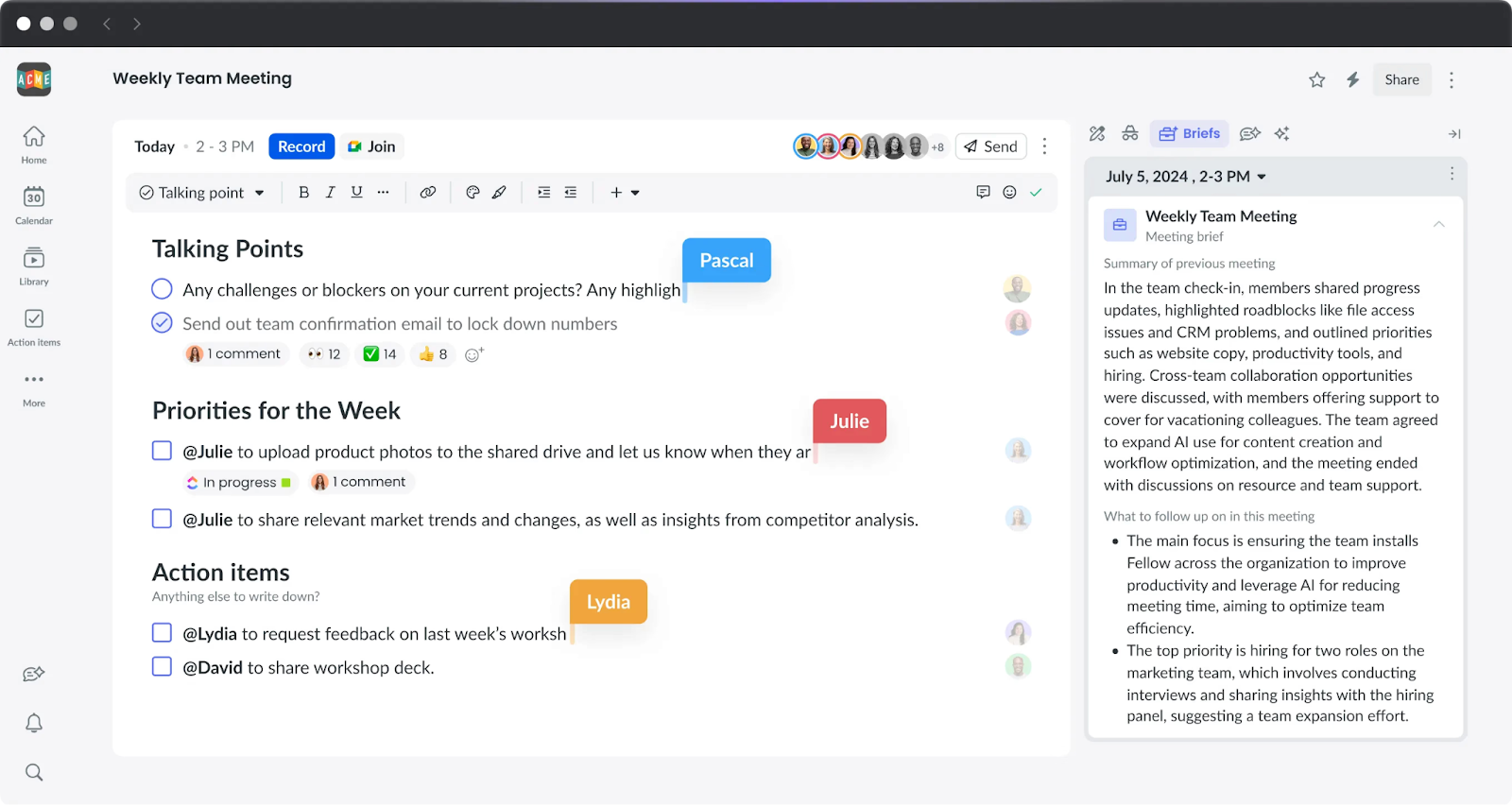
Fellow combines AI meeting notes with collaborative agendas, action items, and recurring meeting workflows. That makes it a strong fit for 1:1s, team meetings, retrospectives, and other conversations that need structure before and after the call.
Fellow also supports flexible capture. Its Note Taker bot works with Microsoft Teams, while its desktop app can capture meetings without a bot on any meeting platform. The recording, transcript, AI summary, and action items are then stored alongside the meeting agenda and notes.
Key Features
Collaborative meeting agendas
AI transcripts, summaries, and action items
Bot-based and bot-free Teams capture
Recurring meeting and 1:1 workflows
Ask Fellow for searching past meeting content
Microsoft Teams, Zoom, Google Meet, and other platform support
Project management and productivity integrations
Pros
✅ Combines meeting preparation, notes, and follow-up
✅ Bot and bot-free capture options
✅ Strong fit for recurring and structured team meetings
Cons
❌ Free AI usage is limited to 5 AI notes and 5 recordings per user for the lifetime of the plan
❌ More functionality than necessary if you only need basic transcription
💰 Pricing: Free plan available with limited lifetime AI usage. Team starts at $7/user/month billed annually or $11 monthly.
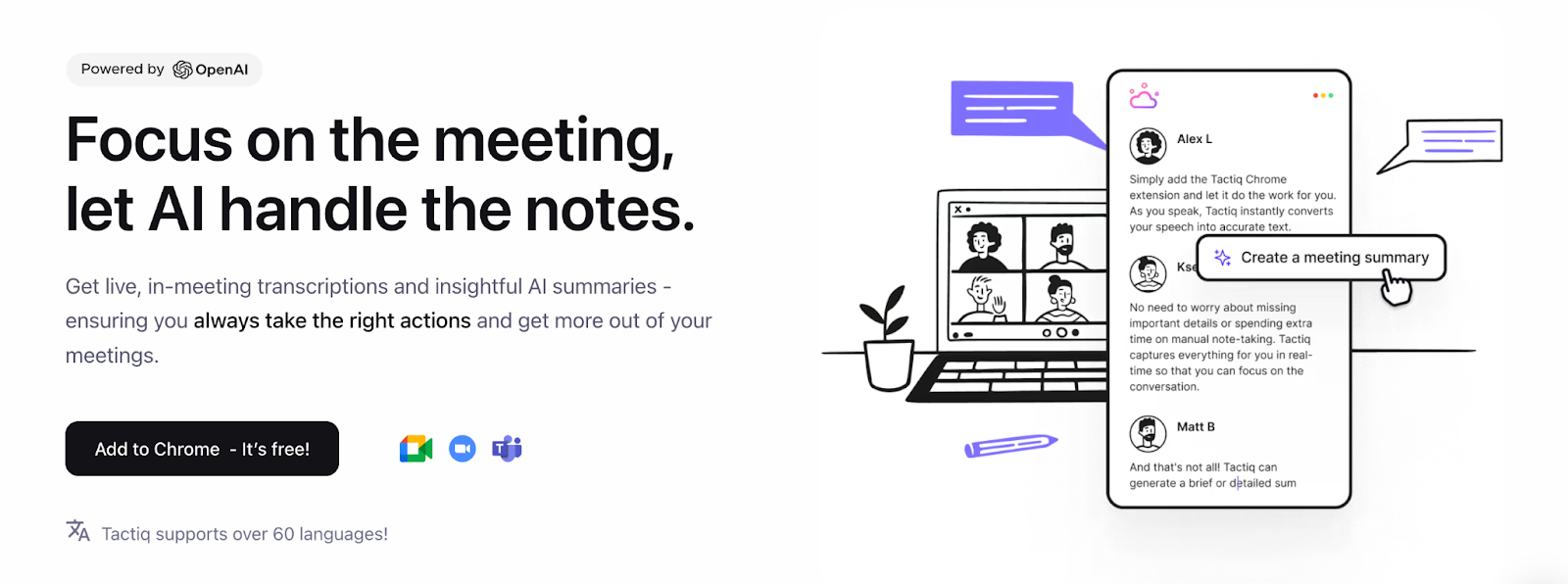
Tactiq is a lightweight choice for users who want live Microsoft Teams transcription without adding a meeting bot. Its browser extension displays the transcript as the conversation happens and can generate AI summaries, action items, and other meeting insights afterward.
There is one important limitation for Teams users: Tactiq currently works with the web version of Microsoft Teams through Chrome or Microsoft Edge, rather than the native Teams desktop application.
Key Features
Bot-free Microsoft Teams transcription
Real-time transcripts during meetings
AI-generated summaries and action items
Custom AI prompts
Microsoft Teams, Google Meet, and Zoom browser support
Export and sharing options
Pros
✅ No meeting bot required
✅ Live transcription with minimal setup
✅ Low-cost paid plan
Cons
❌ Microsoft Teams requires the web version rather than the desktop app
❌ Free plan is limited to 10 transcripts and 5 AI credits per month
💰 Pricing: Free forever with 10 transcripts and 5 AI credits per month. Pro starts at $8/user/month billed annually or $12 monthly.
Bot-Free vs. Bot-Based AI Note Takers: Why It Matters
AI note takers can capture Microsoft Teams meetings in different ways. Some join as a visible meeting bot, while others record directly from your device or browser without adding another participant.
The difference matters for meeting etiquette, IT restrictions, privacy, and automation.
Benefits of Bot-Free Capture
Less meeting friction. No extra “Notetaker” participant appears in the attendee list or needs to be admitted.
Better fit for client-facing calls. Bot-free capture keeps the participant list clean and avoids introducing an external recorder into the meeting.
Fewer access issues. Device-based capture can continue working when external meeting bots are restricted by an organisation or meeting host.
Cross-platform flexibility. Some bot-free tools can capture Teams, Zoom, Google Meet, and other conversations from the same device.
Privacy still depends on how a provider stores, processes, and protects meeting data, not simply whether it uses a bot. That distinction matters because 46% of workers cite privacy concerns as a drawback of AI note-taking tools, according to aSoftware Finder study.
When Bot-Based Capture Makes Sense
Bot-based tools have advantages too. They can automatically join scheduled meetings, reduce the need to start recording manually, and make it clear to participants that an AI note taker is present.
Many platforms now support both bot-based and bot-free capture, including Fireflies, Otter, tl;dv, and Fellow. Krisp focuses on bot-free device capture, while Tactiq offers bot-free transcription for Teams meetings in the browser.
The better question, then, isn’t simply “bot or no bot?” It’s which capture method fits your Teams workflow, security requirements, and meeting habits.
How to Choose the Right AI Note Taker for Microsoft Teams
Step 1: Do You Want to Stay Inside Microsoft 365?
Yes → Teams Premium or Microsoft 365 Copilot may be the best fit if you want AI notes tightly connected to Teams and other Microsoft workflows.
No → Consider a third-party note taker if your meetings also happen on Zoom, Google Meet, or other platforms.
Step 2: How Do You Want Meetings Captured?
No visible meeting bot → Consider Krisp, Tactiq, or the bot-free modes available from Fireflies, Otter, tl;dv, and Fellow.
Automated bot-based capture → Fireflies, Otter, Fathom, tl;dv, and Fellow can automate meeting recording through a meeting assistant.
Both options → A hybrid tool can give you automatic capture for internal calls and bot-free recording when you want a cleaner meeting experience.
Bot-free notes plus real-time audio enhancement → Krisp
Native Microsoft 365 integration → Teams Premium / Microsoft 365 Copilot
To evaluate what’s the best AI note taker for MS Teams, one should consider different factors such as where your meetings happen, how you want them captured, and what your team needs to do with the notes afterward.
Yes. Microsoft Teams offers AI-generated meeting notes through Teams Premium or Microsoft 365 Copilot, both of which require paid licences. Standard Teams can provide a transcript but not a full AI-generated recap.
Not necessarily. Microsoft’s native AI recap requires Teams Premium or Microsoft 365 Copilot, but third-party tools such as Krisp can generate AI meeting notes without either licence.
Microsoft 365 Copilot costs around $30 per user per month with an annual commitment, in addition to an eligible Microsoft 365 subscription. A third-party AI note taker may therefore be more affordable for teams that primarily need meeting transcription and summaries.
Fathom offers one of the most generous free plans. Krisp’s free plan is a strong option if you also need bot-free, cross-platform capture without depending on a Copilot licence.
Yes. Krisp captures Teams meetings without sending a bot, while Tactiq runs in the browser without appearing as a separate participant. Many other AI note takers use bots that join the meeting.
Yes. Fireflies and Otter both support Microsoft Teams by sending a bot to join and capture the meeting. Neither requires a Microsoft 365 Copilot licence.
No. Teams Premium adds advanced meeting capabilities, including intelligent recap, while Microsoft 365 Copilot is a broader AI assistant that also works across applications such as Word, Outlook, Excel, and Teams. Both are separate paid products.