You’re deep in a good conversation with a prospect when a small box slides into the participant list: “Otter.ai has joined.” The prospect stops mid-sentence. “Wait, are we being recorded?” The next two minutes go to explaining a bot instead of moving the deal forward. The call never quite recovers.
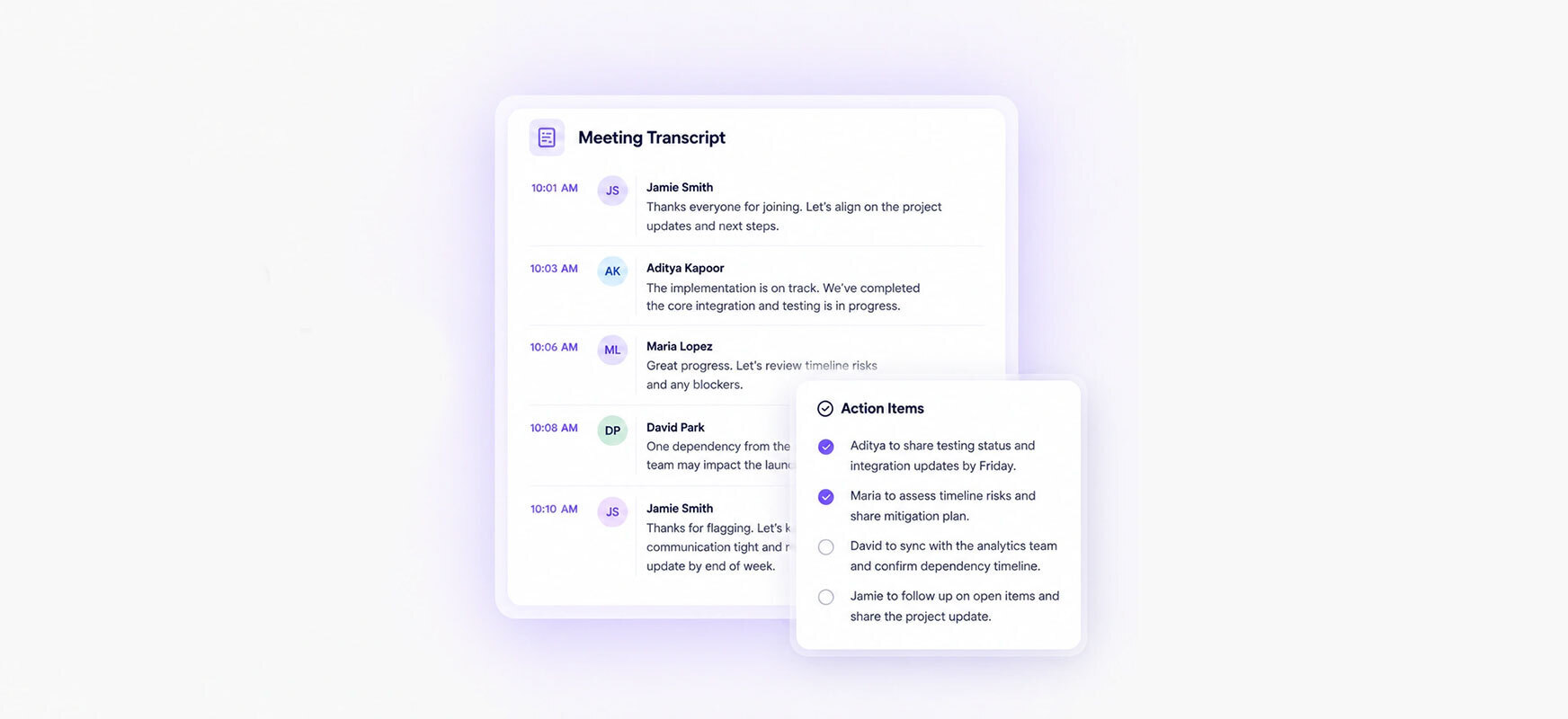
If you’ve lived that moment, you already understand why bot-free note takers exist. Instead of sending a visible participant into your meeting, they capture the conversation straight from your device, so you get the transcript, summary, and action items without anyone new showing up in the room.
We’ve spent years testing meeting note takers in the conditions that actually break them: noisy rooms, strong accents, back-to-back calls, in-person conversations, and external meetings where a visible bot is a liability. This guide is the reference we wish we’d had when we started. Eight bot-free tools, what each one is genuinely good at, and where each one falls short, so you can pick the right fit for how you actually meet.
One thing we’ll say up front: Krisp is our product, and we rank it first. We’ll show you the specific reason why, and we’ll point out where other tools beat us. If you want the wider field including bot-based options, see our broader roundup of the best AI note-taking apps.
What is a bot-free AI note taker?
A bot-free AI note taker, sometimes called a botless note taker, produces meeting notes without adding a visible participant to the call.
Bot-free tools generally use one of two capture methods:
Device-level audio capture: The application records microphone and system audio directly from your computer or phone.
Caption-based capture: A browser extension reads the live captions generated by the meeting platform and converts them into a transcript and summary.
Because the tool does not enter as a participant, attendees will not see a message such as “Notetaker has joined the meeting,” and hosts will not need to admit a third-party recording bot from the waiting room.
Device-level tools can often work across Zoom, Google Meet, Microsoft Teams, Webex, Slack huddles, phone calls, and in-person meetings. Caption-based tools usually have narrower platform coverage and may only work in supported browser-based meetings.
Bot-free does not mean consent-free. You should still inform participants when a conversation is being recorded or transcribed and follow applicable laws, organizational policies, and customer agreements.
Bot-based vs. bot-free: which do you need?
Both approaches produce transcripts and summaries. The difference is how they get the audio, and what that feels like to the other people on the call.
Works anywhere the device hears audio, including in person
Processing
Usually cloud
Often on-device or local-first
The honest trade-off: bot-based tools tend to label speakers more reliably because they receive richer meeting metadata, while bot-free tools win on discretion, in-person capture, and calls where a visible bot would be awkward or blocked. Speaker identification is the weak spot to watch for across almost every bot-free tool on this list.
Why go bot-free in 2026?
Three reasons come up repeatedly.
Client and external calls. A visible recording bot can change the tone of a conversation. External guests may pause to ask what it is, request its removal, or become more guarded once an unfamiliar participant appears. Bot-free capture keeps the participant list uncluttered and avoids interrupting the discussion. You should still tell attendees when a meeting is being recorded or transcribed.
Fewer admission issues. In March 2026, Google introduced a safeguarded guest-admission flow in Google Meet. The update separates people requesting access into two queues, placing requests that require closer review in a secondary queue where denial is the default action. Google’s official announcement did not specifically identify AI note-taking bots, but meeting-tool vendors have reported that third-party bots may be marked as a “Potential Risk” and require manual admission. Hosts can still review and admit them, so this is additional friction rather than a ban. Because a bot-free application does not request entry as a separate participant, it avoids this admission step.
More control over privacy and data processing. Some bot-free tools support on-device transcription or local storage, which can reduce the amount of meeting audio sent to third-party servers. However, bot-free is a capture method—not a guarantee that all processing happens locally. Some products still use cloud transcription or store recordings and notes on vendor infrastructure. For example, Krisp supports on-device English transcription, while transcription in additional languages is server-based; eligible Business users can also select on-device storage for English transcripts and recordings. Review each vendor’s processing, retention, and AI-training policies before using it for sensitive conversations.
How we tested
Use “How we evaluated” unless the team actually conducted repeatable hands-on tests of every product.
How We Evaluated the Tools
We evaluated each product using the criteria that most directly affect whether a bot-free AI note taker is practical for everyday use:
Capture method: How the tool accesses meeting content, whether it records device audio or uses platform captions, and whether a visible participant bot is required
Audio processing: Whether transcription happens on the device, in the cloud, or through a combination of both
Transcription performance: Reported accuracy, speaker identification, and documented performance limitations involving accents, background noise, or overlapping speech
Platform coverage: Support for Zoom, Google Meet, Microsoft Teams, Slack huddles, browser meetings, mobile use, and in-person conversations
Privacy and compliance: Data retention, AI-training policies, hosting, encryption, and documented support for standards such as SOC 2, GDPR, and HIPAA
Integrations: Connections with CRM, project-management, communication, and productivity platforms
User feedback: Recurring strengths, complaints, and reliability concerns reported on G2, Capterra, and Trustpilot
Product features, pricing, capture methods, privacy policies, and compliance claims were checked against each vendor’s official website and documentation.
Pros, cons, and reliability concerns were informed by published user reviews. Review comments were treated as user-reported experiences rather than universal product-performance findings, particularly when a product had only a small number of reviews.
All product information and review figures were checked in July 2026. Prices, features, policies, ratings, and review counts can change, so confirm the latest terms before purchasing.
TL;DR: quick picks
Best overall (bot-free + noise cancellation):Krisp — clean, accurate notes even in noisy rooms, no bot in your calls.
Best for enterprise governance: Fellow — bot and botless under one admin and compliance framework.
Best for any-platform individual use: Jamie — device capture that works on any call, privacy-first.
Best for solo note-augmentation: Granola — enhances the notes you type yourself.
Best for live transcription: Otter — real-time captions, with a bot-free desktop mode.
Best zero-install option: Tactiq — a Chrome extension that never records audio.
Best for sales teams: Bluedot — bot-free capture with strong CRM automation.
Best open-source, local option: Hyprnote (now Anarlog) — runs fully on your machine.
Comparison table
A quick side-by-side before the full reviews. “Bot-free” below means the tool can capture without a participant bot joining the call.
Tool
Bot-free
Standout
In-person capture
Paid plans from
G2 (Jul 2026)
Krisp
Yes (bot optional)
Noise cancellation + accent conversion
Yes
$8/user/mo (annual)
4.7 (1,529)
Fellow
Yes (desktop app) or bot
Unified enterprise governance
Yes
$7/user/mo (annual)
4.7 (2,427)
Jamie
Yes
Works across platforms
Yes
€21/mo (annual)
4.5 (27)
Granola
Yes
Augments your own notes
Yes (iOS)
$14/user/mo
4.7 (34)
Otter
Hybrid
Live captions
Yes (mobile)
$8.33/user/mo (annual)
4.4 (499)
Tactiq
Yes (captions, no audio)
Browser extension; no audio recording
No
$8/user/mo (annual)
4.2 (17)
Bluedot
Yes (bot optional)
CRM automation
Yes
$14/user/mo (annual)
4.8 (226)
Anarlog (formerly Hyprnote)
Yes (local)
Open-source, offline
Yes
$15/mo or $150/yr
No G2 Ranking
The 8 best bot-free AI note takers
1. Krisp — best overall bot-free AI note taker
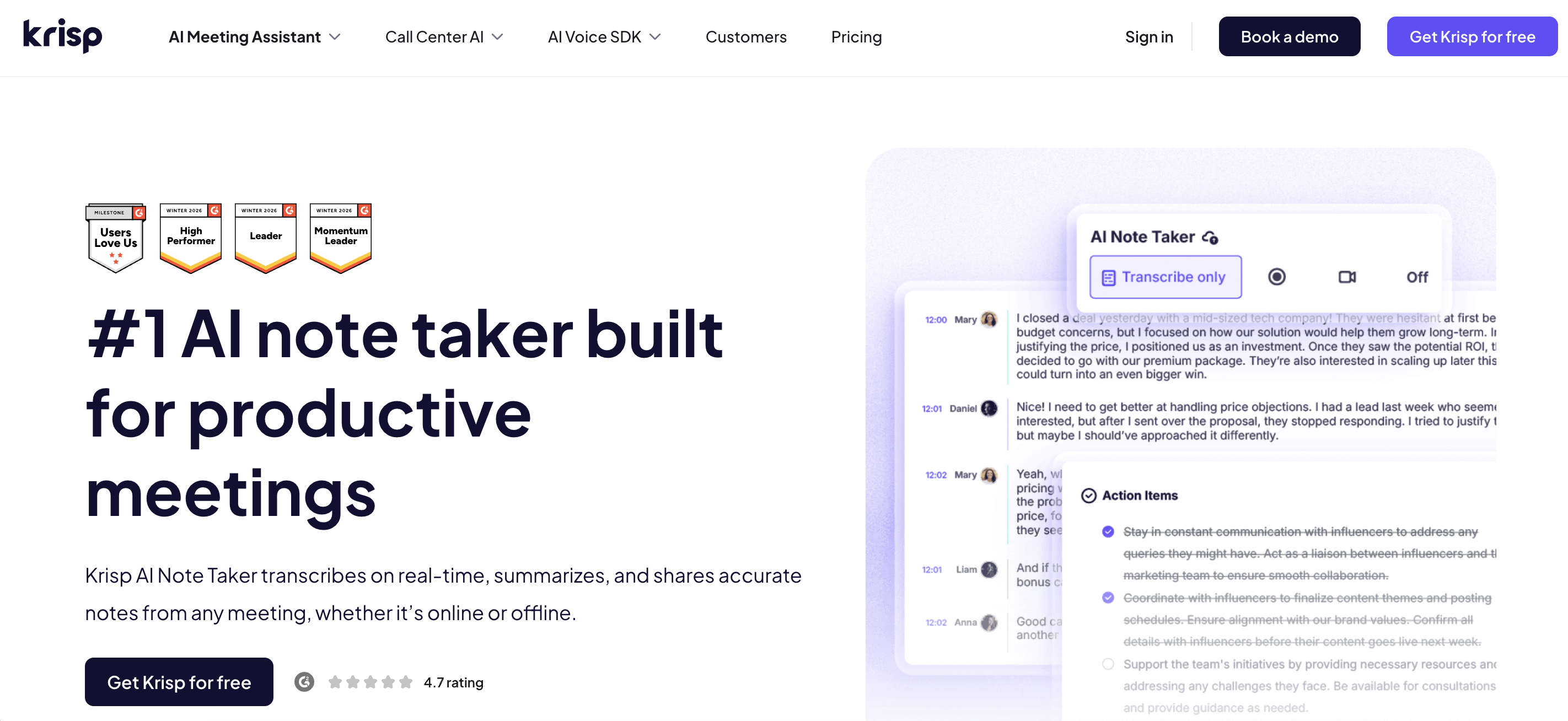
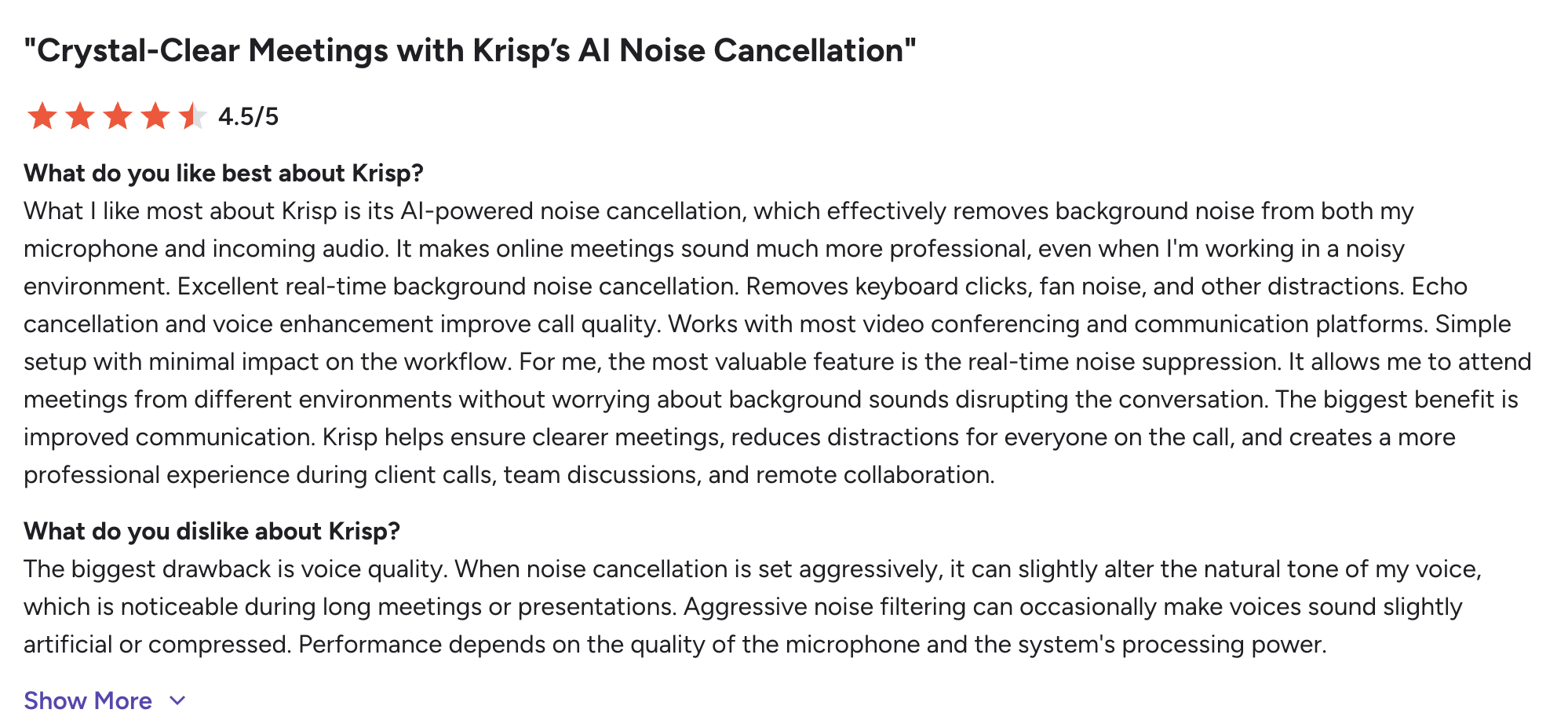
Krisp is the tool we build, so treat the ranking with that in mind. Here is the specific, checkable reason it leads: it is the only bot-free option that cleans your audio before it transcribes it. In a test call from a coworking space with people talking two feet away, Krisp’s noise cancellation stripped out the background chatter and the transcript came back clean, while the same call run through other apps produced garbled crosstalk. Most bot-free tools capture whatever your microphone hears, background and all. Krisp strips the noise first, then transcribes.
There’s a bigger idea underneath that. Most tools on this list only help after the meeting ends. Krisp’s noise cancellation and accent conversion run live during the call, so the conversation itself sounds clearer for everyone. Cleaner audio going in is also why the notes come out more accurate. It captures at the audio level through a virtual microphone, so no bot joins the call, and it processes audio on-device, so no voice data is visible to Krisp’s servers. The real-timeaccent conversion is a feature no other tool on this list offers.
One honest note on capture: Krisp is bot-free by default, but it also offers an optional bot mode if you specifically want automated joining. You choose.
AI chat across your notes; customizable summary templates; integrations with Salesforce, HubSpot, Pipedrive, Asana, Jira, monday.com, Slack, and Zapier
📌 Verdict: Best for teams that need bot-free meeting notes and clearer audio in noisy, real-world conditions.
2. Fellow — best for enterprise governance
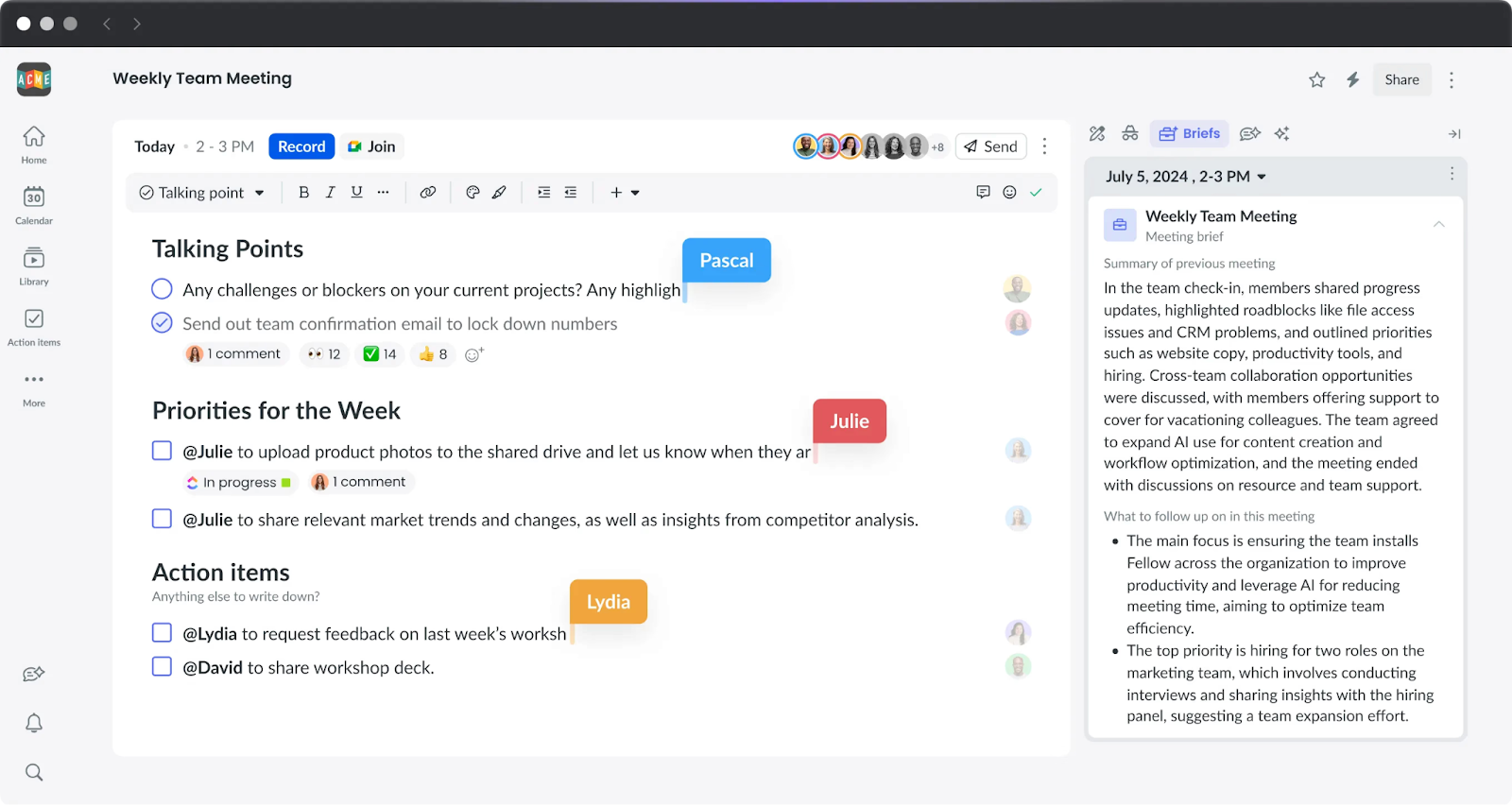
Fellow’s pitch is that you shouldn’t have to choose between bot and botless. Its botless mode runs through the desktop app and captures audio at the system level, so no participant joins, and you can switch to a bot when a meeting calls for it, all under one set of admin controls. In reviews, that flexibility is the recurring reason larger teams pick it. The flip side, also from reviewers, is that the bot mode can feel intrusive and the desktop floating bar sometimes gets in the way.
Key features
Bot and botless recording under one governance framework
AI notes, action items, and “Ask Fellow” across your meeting history
Transcription in 99 languages (the homepage says 90+, a minor site inconsistency)
50+ integrations including Salesforce, HubSpot, Jira, Asana, Slack, and a Claude connector
Pros
✅ Only tool here that unifies bot and botless under the same admin controls
✅ Deepest compliance: SOC 2 Type II, HIPAA, GDPR, zero-day retention, and it never trains on your data
✅ Strong “Ask Fellow” search and CRM automation
Cons
❌ Botless requires the desktop app
❌ Hard to tell whether botless recording will trigger before a meeting starts (per reviewers)
❌ Per-user pricing scales expensively as you add features
💰 Pricing: Free plan with five AI notes and five recordings per user for the account’s lifetime. Team costs $7/user/month billed annually ($11 monthly), Business costs $15/user/month billed annually ($23 monthly), and Enterprise costs $25/user/month billed annually. Fellow offers a 14-day Team trial.
⭐ Ratings (July 2026): G2: 4.7/5 from 2,407 reviews. Capterra: 4.9/5 from 36 reviews.
📌 Verdict: Best for regulated teams that need bot and botless recording under one governance framework.
3. Jamie — best for any-platform individual use
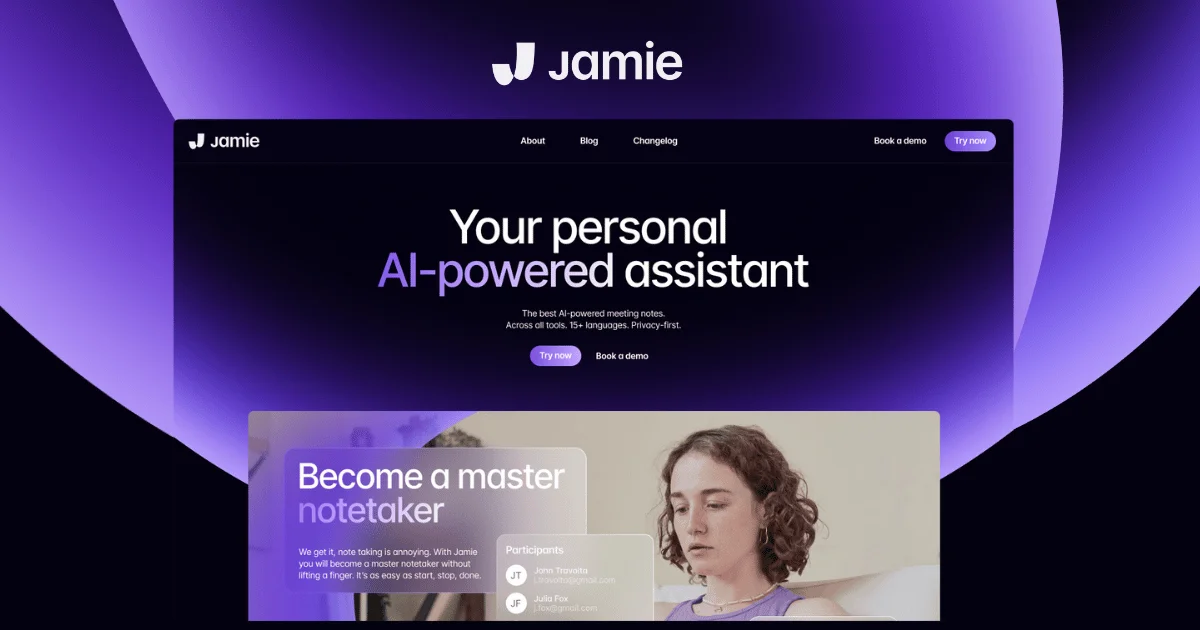
Jamie is a Berlin-built, privacy-first note taker that captures audio from your device rather than any platform integration, which means it works on any call, in any app, and in person.
Reviewers like the clean, skimmable summaries and the “no bot” feel. The caution, and it is a real one from Trustpilot users, is reliability: a few report meetings getting stuck “processing” or lost entirely, so it is worth a test run before you rely on it for something important.
Key features
On-device capture, no bot, audio deleted after transcription
Works on any platform and in-person
Notes, transcripts, action items, and “Ask Jamie” across meetings
Notes in 99+ languages (homepage says 100+)
Pros
✅ Platform-agnostic; genuinely works everywhere
✅ Privacy-first: EU hosting, ISO 27001, audio deleted after processing, no training on your data
✅ Clean, well-organized summaries
Cons
❌ Reliability complaints on Trustpilot (stuck/lost meetings)
❌ SOC 2 Type II is listed as pending, not certified
❌ Meeting caps on lower tiers feel tight for daily use
💰 Pricing: Free plan with 10 meetings per month and a 30-minute meeting limit. Plus costs €25/month or €21/month billed annually. Pro costs €47/month or €39/month billed annually. Team costs €39/seat/month or €33/seat/month billed annually, plus applicable VAT. Enterprise pricing is custom.
⭐ Ratings (July 2026): G2: 4.8/5 from 22 reviews. Trustpilot: 2.7 TrustScore from six reviews—a very small sample.
📌 Verdict: A bot-free, privacy-focused choice for individuals who move between meeting platforms, but test its reliability before using it for critical meetings.
4. Granola — best for solo note-augmentation
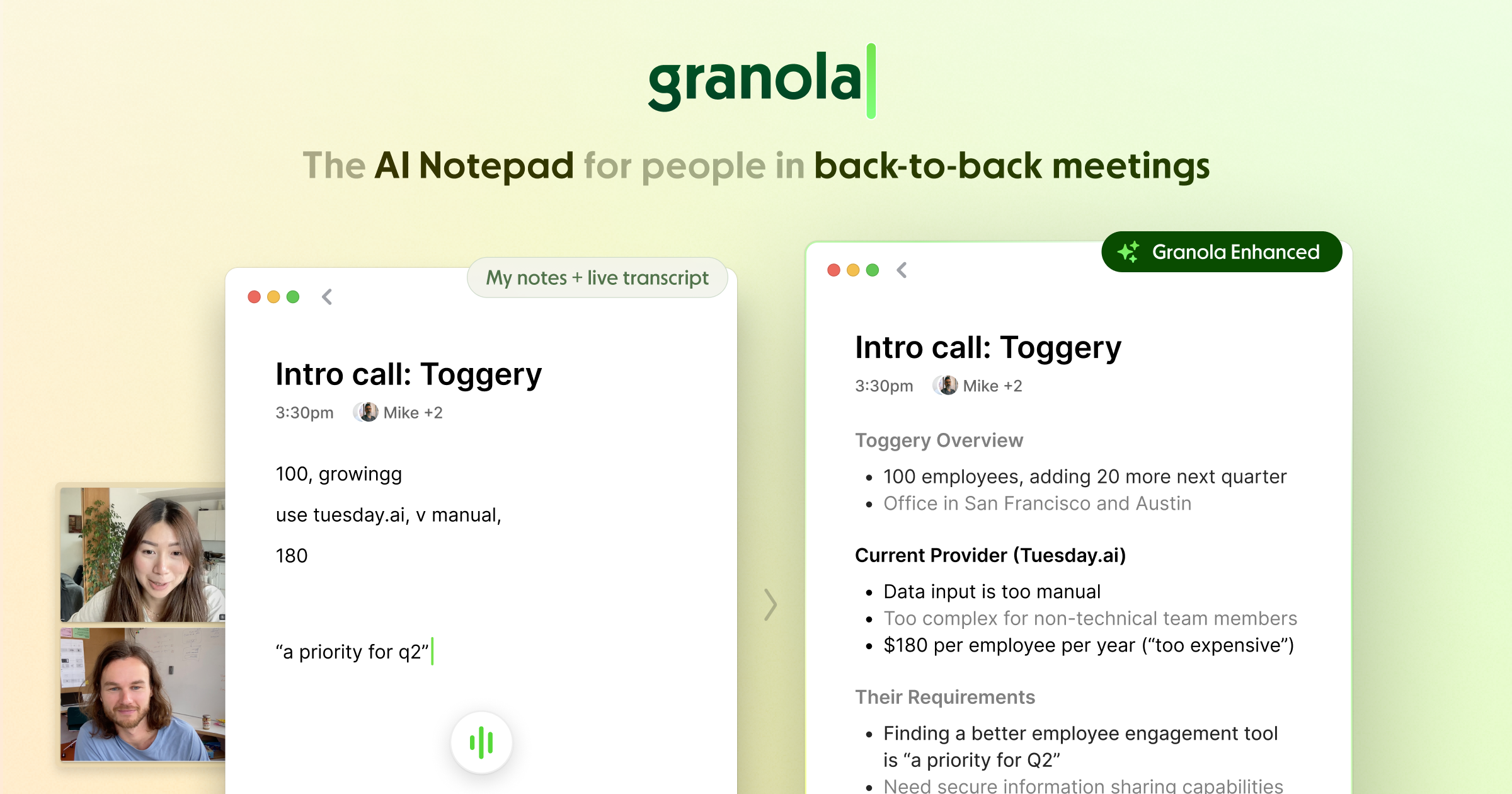
Granola works differently from everything else here. Instead of fully automating, it takes the rough notes you type during a call and fills them in with context from the transcript afterward. The result feels more intentional than a hands-off summary, and reviewers who like it really like it. Two things to know: speaker identification is weak (it doesn’t access participant data), and, importantly for a privacy-focused list, Granola uses your anonymized data to improve its models by default on non-enterprise plans. You can opt out in settings, and enterprise accounts are opted out automatically.
Key features
Note-augmentation: blends your typed notes with the transcript
AI chat across meetings and folders; 29+ post-meeting templates
Captures device audio with no bot; no raw audio stored
Mac and Windows desktop, plus an iOS app for in-person
Pros
✅ Polished, human-feeling summaries
✅ Bot-free and quick to set up
✅ Works on Mac, Windows, and iPhone
Cons
❌ AI training is on by default for non-enterprise users (opt-out available) (per Granola’s own docs)
❌ Weak speaker identification in 3+ person calls
❌ No raw audio to replay; no proper web app
💰 Pricing: Basic is free with access to the last 30 days of meeting notes. Business costs $14/user/month, and Enterprise starts at $35/user/month. Annual billing is not currently available.
⭐ G2 rating (July 2026): 4.8/5 from 30 reviews. No verified Capterra listing was found.
📌 Verdict: A strong choice for solo knowledge workers who want to stay engaged during meetings and enhance their own notes. Users who do not want anonymized data used for Granola’s model improvement should opt out in settings.
5. Otter — best for live transcription
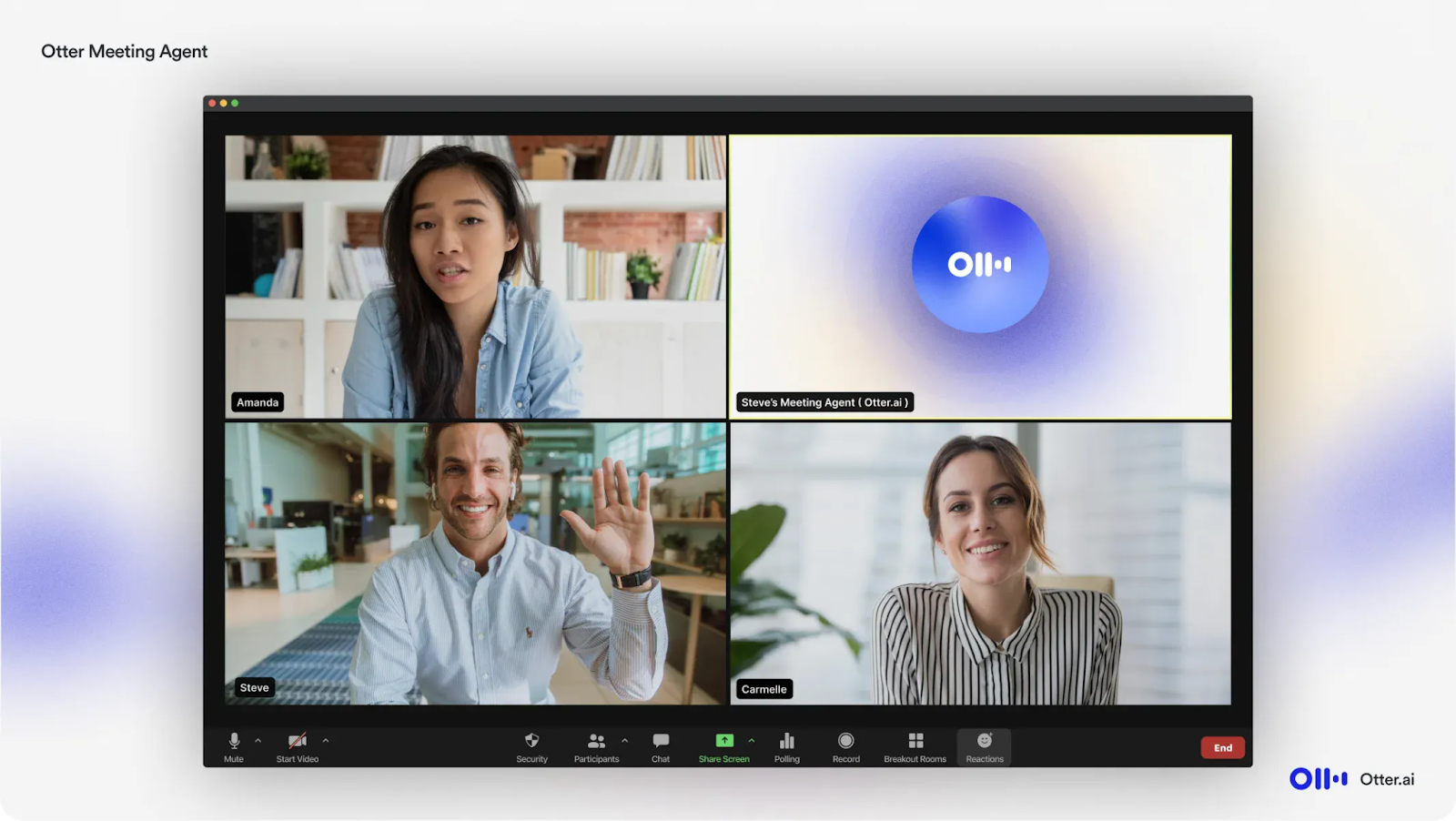
Otter is a hybrid. Its Meeting Agent (OtterPilot) joins calls as a visible bot, but it also records bot-free from the Mac/Windows desktop app or a Chrome extension. The standout is live transcription: captions scroll in real time during the call, which is genuinely useful for accessibility and following along. Two caveats from reviewers and Otter’s own privacy page: accuracy dips with accents and background noise, and Otter trains its models on de-identified user recordings by default. So the “privacy-first” framing needs that asterisk.
Key features
Bot-free desktop/Chrome recording, plus an optional bot
Real-time live captions during meetings
Otter AI Chat and an MCP server (available even on the free tier)
Integrations with Salesforce, HubSpot, Slack, Notion
Pros
✅ Live, real-time transcription is a genuine differentiator
✅ Flexible: bot-free or bot, plus solid mobile capture for in-person
✅ Large, mature ecosystem
Cons
❌ The bot is visible when used, and reviewers say it auto-joins too eagerly
❌ Trains on de-identified recordings by default
❌ Accuracy is hit-or-miss with accents and noise; HIPAA is Enterprise-only
💰 Pricing: Free plan with 300 transcription minutes per month and a 30-minute limit per meeting. Pro costs $8.33/user/month billed annually ($16.99 monthly), Business costs $19.99/user/month billed annually ($30 monthly), and Enterprise pricing is custom.
⭐ Ratings (July 2026): G2: 4.4/5 from 484 reviews. Capterra: 4.4/5 from 100 reviews.
📌 Verdict: Best for live, on-screen transcription, provided you are comfortable with Otter using de-identified user data to train its models.
6. Tactiq — best zero-install option
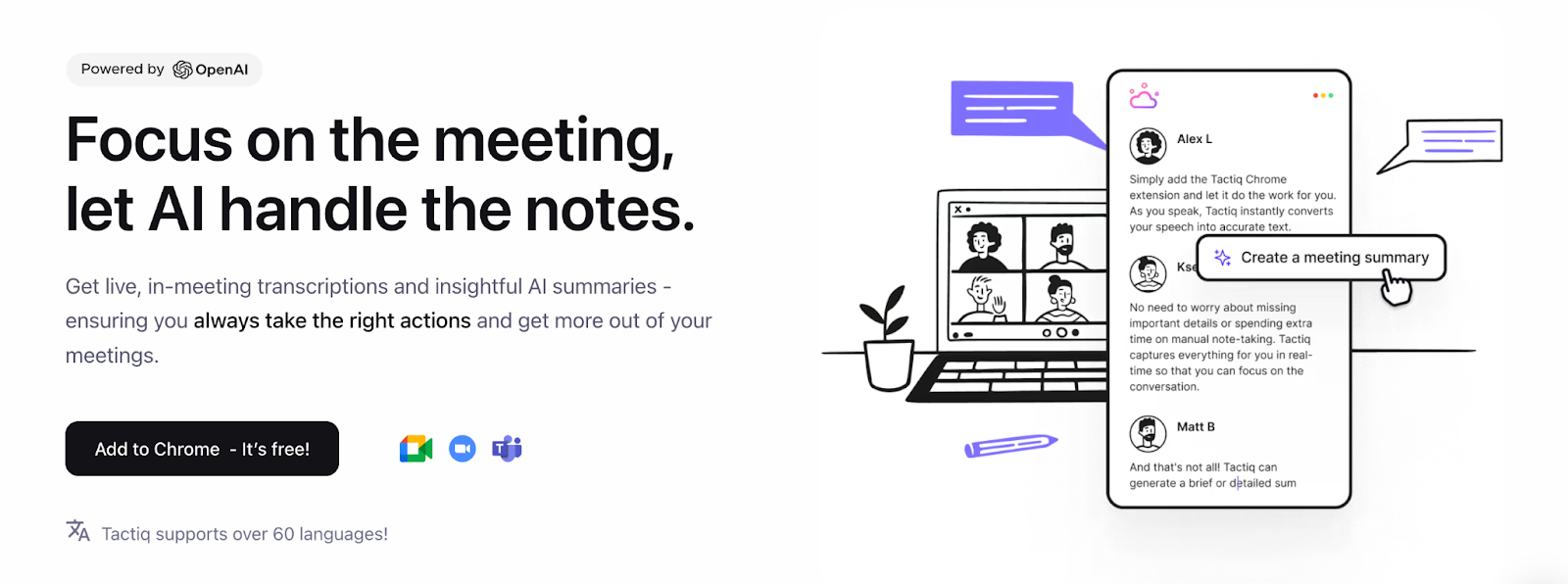
Tactiq is bot-free in a stricter sense than most: it doesn’t record audio at all. The Chrome extension reads the meeting platform’s live captions and turns them into a text transcript, so there’s no bot and no audio file. Setup is genuinely frictionless. The trade-offs follow from the mechanism: transcription quality depends on the platform’s captions, it’s browser-based (reviewers flag not being able to use Teams outside the browser), and accented speech trips it up. Support also draws complaints in reviews.
Key features
Reads live captions in-browser; no bot, no audio recording
AI summaries, action items, and reusable AI prompts
Works on Google Meet, Zoom, and Teams (browser)
Integrations with Google Docs, Notion, Slack, and an AI workflow builder
Pros
✅ No bot and no audio stored, a clean privacy story
✅ Zero-install, works in seconds
✅ Solid free tier for light use
Cons
❌ Caption-dependent accuracy; struggles with accents
❌ Browser-only, no in-person capture
❌ Support and cancellation complaints in reviews; free plan caps AI credits
💰 Pricing: Free plan with 10 transcripts and five AI credits per month. Pro costs $8/user/month billed annually, Team costs $16.67/user/month billed annually, and Business costs $29.17/user/month billed annually. Enterprise pricing is custom.
⭐ Ratings (July 2026): G2: 4.2/5 from 17 reviews. Capterra: 4.5/5 from six reviews.
📌 Verdict: Best for browser-based meetings when you want live transcripts without recording or storing meeting audio.
7. Bluedot — best for sales teams
Bluedot captures via a Chrome extension or desktop app with no bot in the call, and it’s built around sales and customer-success workflows: it syncs notes and action items to your CRM and automates follow-ups. Reviewers consistently praise how non-intrusive and easy it is, and accuracy holds up well for them. The honest caveats: the “free” plan is really a 5-meeting lifetime trial, there’s no HIPAA, and review volume outside G2 is still modest for a younger product.
Key features
Bot-free capture via extension or desktop; optional bot mode
Transcription and summaries in 100+ languages
CRM and ATS sync (Salesforce, HubSpot, Pipedrive, Greenhouse) with follow-up automation
Works across Zoom, Meet, Teams, Slack huddles, and in-person
Pros
✅ Strong CRM automation for customer-facing teams
✅ Non-intrusive, easy setup, reliable across speakers
✅ SOC 2 Type II and GDPR; data not used to train models
Cons
❌ “Free” plan is a 5-meeting lifetime trial, not ongoing
❌ No HIPAA; 1-hour recording cap on the entry paid tier
❌ Lower review volume outside G2
💰 Pricing: Free plan with five meetings over the account’s lifetime. Basic costs $14/user/month billed annually ($18 monthly), Pro costs $20/user/month billed annually ($25 monthly), and Business costs $32/user/month billed annually ($39 monthly).
⭐ Ratings (July 2026): G2: 4.8/5 from 223 reviews. Chrome Web Store: 4.7/5 from 168 ratings. No verified Capterra listing was found.
📌 Verdict: Best for sales and customer-success teams that want bot-free meeting capture connected to CRM workflows.
8. Hyprnote (now Anarlog) — best open-source, local option
Worth knowing before you search for it: Hyprnote has been renamed. The open-source meeting notetaker now ships as Anarlog (the team’s broader productivity app became a separate product called Char). Under either name, it’s the most private option here: it runs locally, transcribes on-device with open models, and can work fully offline, storing your notes as plain markdown files you own. No bot, no account, no cloud required.
The trade-offs are what you’d expect from an early, open-source tool: it’s macOS Apple Silicon first (Windows isn’t confirmed shipping), the feature set is sparse, and the double rename in under a year is a stability flag worth mentioning.
Key features
Local, on-device transcription; works offline
Open-source (MIT), no accounts, notes saved as markdown files
Bring-your-own API key for cloud STT/LLM if you want it
Captures device audio with no bot
Pros
✅ Genuinely private and local; nothing leaves your machine by default
✅ Open-source and free to use with your own API keys
💰 Pricing: Free and open-source with on-device transcription and your own API keys. Pro costs $15/month or $150/year and adds hosted transcription, hosted AI models, speaker identification, calendar connections, and cloud sync.
⭐ Rating: No verified G2 or Capterra listing. The open-source repository has approximately 8.8K GitHub stars.
📌 Verdict: Best for privacy-focused users and developers who want local transcription, open-source software, and direct control over their meeting files.
When a bot-based note taker is actually better
Bot-free isn’t always the right call. A visible bot makes sense when:
You need strong speaker labels. Large scheduled calls with many participants are where bot-free tools most often struggle with “who said what.” A bot that receives platform metadata usually labels speakers better.
Explicit in-call disclosure is required. In some regulated or two-party-consent situations, a visible “recording” participant is a feature, not a bug.
You need to capture shared screens or video playback. A bot that sits in the meeting can capture more than device audio alone.
If your team needs both, hybrid tools like Fellow and Otter let you switch per meeting. This is also the safe home for the “note taking bot” use case: sometimes you genuinely want the bot.
How to choose
Step 1: Match the tool to where you actually meet.
Regulated team needing both bot and botless → Fellow
Any platform, individual, privacy-first → Jamie
Solo, you like taking your own notes → Granola
Step 2: Check the privacy fine print. Ask three questions before you commit: Does audio stay on my device? Is my data used to train AI models (and can I opt out)? What compliance certifications does it actually hold? On this list, Krisp, Fellow, Jamie, Bluedot, and Anarlog do not train on your data by default; Granola and Otter do unless you opt out.
Step 3: Test the free plan on a real call. Every tool here has a free plan or trial. Run it on the messiest meeting you have, background noise, accents, several speakers, and see whether the transcript and speaker labels hold up. That single test tells you more than any feature list.
Yes. Krisp, Jamie, Granola, Bluedot, Tactiq, and Hyprnote/Anarlog all capture meetings without a bot joining the call, while Fellow and Otter offer bot-free modes alongside their bots. They capture audio at the device level instead of adding a participant.
Yes. Tools like Krisp, Jamie, and Bluedot capture your device’s audio directly, so you get a transcript and summary of a Zoom call with no bot in the participant list. Otter and Fellow can also record Zoom meetings bot-free through their desktop apps.
Most do because they record through your device’s microphone rather than a video platform. Krisp, Jamie, Granola, Bluedot, and Fellow all support in-person capture. Quality depends on the room and your microphone. Tactiq is the exception because it reads video-call captions and cannot capture an in-person conversation.
Under good audio conditions, yes. Bot-based tools may have a slight advantage in speaker labelling because they receive platform metadata, but transcription accuracy is generally comparable. The biggest variable is audio quality, which is why Krisp’s noise cancellation matters: it cleans the audio before transcription.
Several tools offer free plans, but their limits vary. Jamie’s free plan allows 10 meetings per month, Otter provides 300 minutes per month, Granola offers a rolling 30-day history, and Tactiq allows 10 transcripts per month. Bluedot’s free option is a five-meeting lifetime trial, while Anarlog is free and open-source. Krisp offers a free trial with unlimited transcription before moving to a paid plan. “Bot-free” describes how a tool captures meetings, not whether it is free.
Because bot-free tools capture audio at the device level, most work with Microsoft Teams. Krisp and Jamie both handle Teams calls without a bot. Fellow and Otter also capture Teams meetings bot-free through their desktop apps and provide enterprise compliance features for organisations that need them.