7 Best AI Note Takers for Google Meet in 2026 (Beyond Gemini)
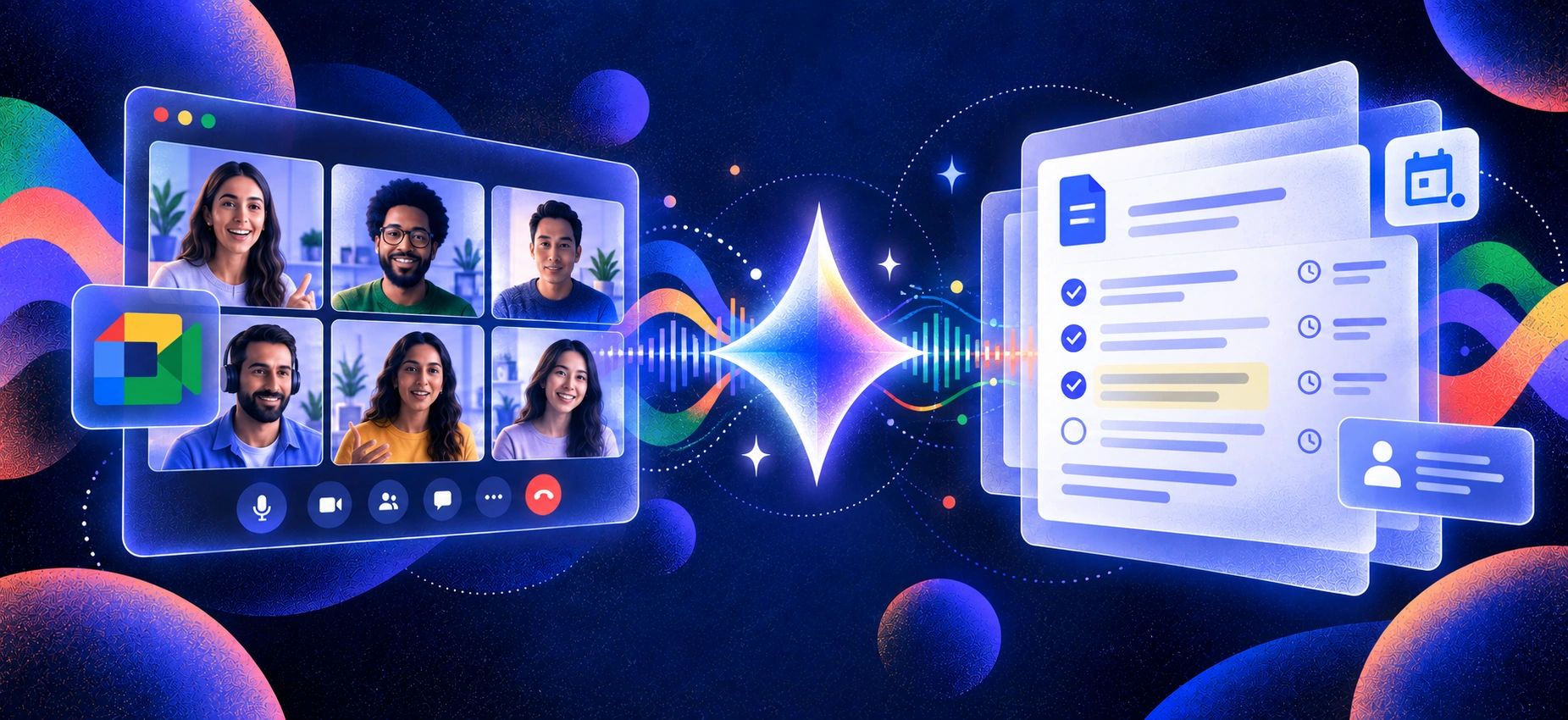
Google Meet now has its own AI note taker: Gemini’s Take notes for me. For teams already working in Google Workspace, it can be a convenient option. But it still has limits. The feature requires an eligible paid Google Workspace edition or Google AI plan, supports one language at a time, and doesn’t natively follow your meetings into Zoom or Microsoft Teams.
Those limitations matter as AI note-taking becomes more common. A 2026 survey found that roughly one in three US workers had already encountered an AI note taker or transcription bot in a work meeting. As adoption grows, choosing the right tool comes down to more than simply generating a transcript. Accuracy, summary quality, capture method, integrations, and cross-platform support all affect how useful those notes are afterward.
For this guide, we compared leading AI note takers for Google Meet across those factors, with particular attention to how well they fit real meeting workflows. Whether you’re in sales, running an agency, managing a team, or regularly switching between Meet, Zoom, and Teams, the goal is to help you find the right fit. For a broader comparison, see ourbest AI note-taking apps for meetings.
How We Chose
We evaluated a dozen AI note takers on Google Meet and narrowed the list based on the factors that matter most in real meetings:
Google Meet compatibility — reliable capture from Meet on desktop or browser
Transcription and summary quality — accurate transcripts, useful summaries, and clear action items
Capture method — bot-based, bot-free, or browser-based recording and how each affects the meeting experience
Cross-platform support — whether the same tool also works with Zoom, Microsoft Teams, phone calls, or in-person meetings
Language support — available transcription languages and how easily users can switch between them
Setup and usability — how quickly you can start recording and access useful notes afterward
Privacy and data handling — clear policies around meeting data, storage, and AI training
Pricing and free access — what users can realistically do before upgrading
We compared each tool across these criteria, with particular attention to accuracy, summary quality, capture flexibility, and setup friction. The final seven represent the strongest options for different Google Meet workflows.
TL;DR: Best AI Note Takers for Google Meet
Best overall / best for bot-free capture:Krisp — combines bot-free meeting notes with noise cancellation and works across Meet, Zoom, Teams, and in-person conversations.
Best for sales and CRM workflows:Fireflies — strong CRM integrations, searchable meeting history, and workflow automation.
Best free option:Fathom — unlimited recordings and transcriptions on its free plan, plus AI summaries.
Best for live collaboration:Otter — real-time transcripts with highlights, comments, tasks, and team collaboration.
Best for video and coaching:tl;dv — meeting recordings, clips, cross-meeting insights, and sales coaching features.
Best lightweight option:Tactiq — bot-free live transcription with a simple browser-based workflow.
Best for structured team meetings:Fellow — combines AI notes with agendas, action items, and recurring meeting workflows.
Best native option:Gemini Take notes for me — a convenient choice for teams already working primarily in Google Meet and Google Workspace.
Comparison Table
Here’s how the top options compare across capture method, platform coverage, free access, pricing, and best-fit use case.
Tool
Capture method
Works beyond Google Meet
Free access
Paid from*
Best for
Krisp
✅ Bot-free
✅ Zoom, Teams, phone, in-person + other online meetings
7-day free trial
$8/user/mo
Bot-free notes + audio enhancement
Fireflies
Bot + ✅ bot-free Chrome capture
✅ Zoom, Teams + other platforms
✅ Free forever
$10/seat/mo
CRM and sales workflows
Otter
Bot + ✅ bot-free desktop
✅ Zoom, Teams + device-recorded conversations
✅ 300 min/mo
$8.49/user/mo
Live transcription + collaboration
Fathom
Bot + ✅ bot-free beta
✅ Zoom, Teams
✅ Free forever
$15/user/mo
Free individual meeting notes
tl;dv
Bot + ✅ bot-free desktop
✅ Zoom, Teams + other system audio
✅ Free forever
$18/user/mo
Video, insights + sales coaching
Tactiq
✅ Bot-free browser extension
✅ Zoom, Teams
✅ 10 transcripts/mo
$8/user/mo
Lightweight live transcription
Fellow
Bot + ✅ bot-free desktop
✅ Any meeting platform
✅ 5 AI recordings lifetime/user
$7/user/mo
Agendas + structured team meetings
Gemini “Take notes for me”
✅ Native, bot-free
⚠️ In-person/on-the-go; not Zoom or Teams
14-day Workspace trial; no ongoing free tier
$14/user/mo via Workspace Standard
Google Workspace workflows
*Starting prices use annual billing where applicable. Pricing and plan limits can change.
Does Google Meet Have a Built-In AI Note Taker?
Yes. Google Meet has a built-in AI note taker called Gemini “Take notes for me.” During a meeting, it can capture key discussion points, decisions, and suggested next steps, then save the generated notes to a Google Doc in Drive.
For teams already using Google Workspace, that makes AI meeting notes easy to access without adding another app or meeting bot.
What Google Meet’s AI Note Taker Does Well
Gemini’s biggest advantage is convenience. Take notes for me is built directly into Google Meet, so there is nothing extra to install and no separate note-taking participant appears in the call.
It also fits naturally into Google Workspace. Meeting notes are saved to Google Docs and can be shared with participants, making it particularly useful for teams that already manage meetings, documents, and collaboration inside Google’s ecosystem.
Where Gemini “Take Notes for Me” Falls Short
Google’s native AI note taker is useful, but it won’t suit every meeting workflow:
Limited cross-platform coverage. It is designed around Google Meet and does not natively follow your meetings into Zoom or Microsoft Teams.
Requires an eligible plan. Take notes for me is available through eligible Google Workspace editions or Google AI plans, not standard free personal Google accounts.
One meeting language at a time. Google currently supports one selected language per meeting, which can be limiting for multilingual or code-switching conversations.
Google-centric workflow. Notes naturally flow into Google Docs and Drive, which is convenient for Workspace users but may require extra steps if your team relies heavily on CRM, sales, or other third-party workflows.
For teams that work almost entirely in Google Meet, Gemini may provide everything they need. But if you need cross-platform meeting notes, more flexible capture options, or deeper integrations, a dedicated AI note taker may be a better fit.
The 7 Best AI Note Takers for Google Meet
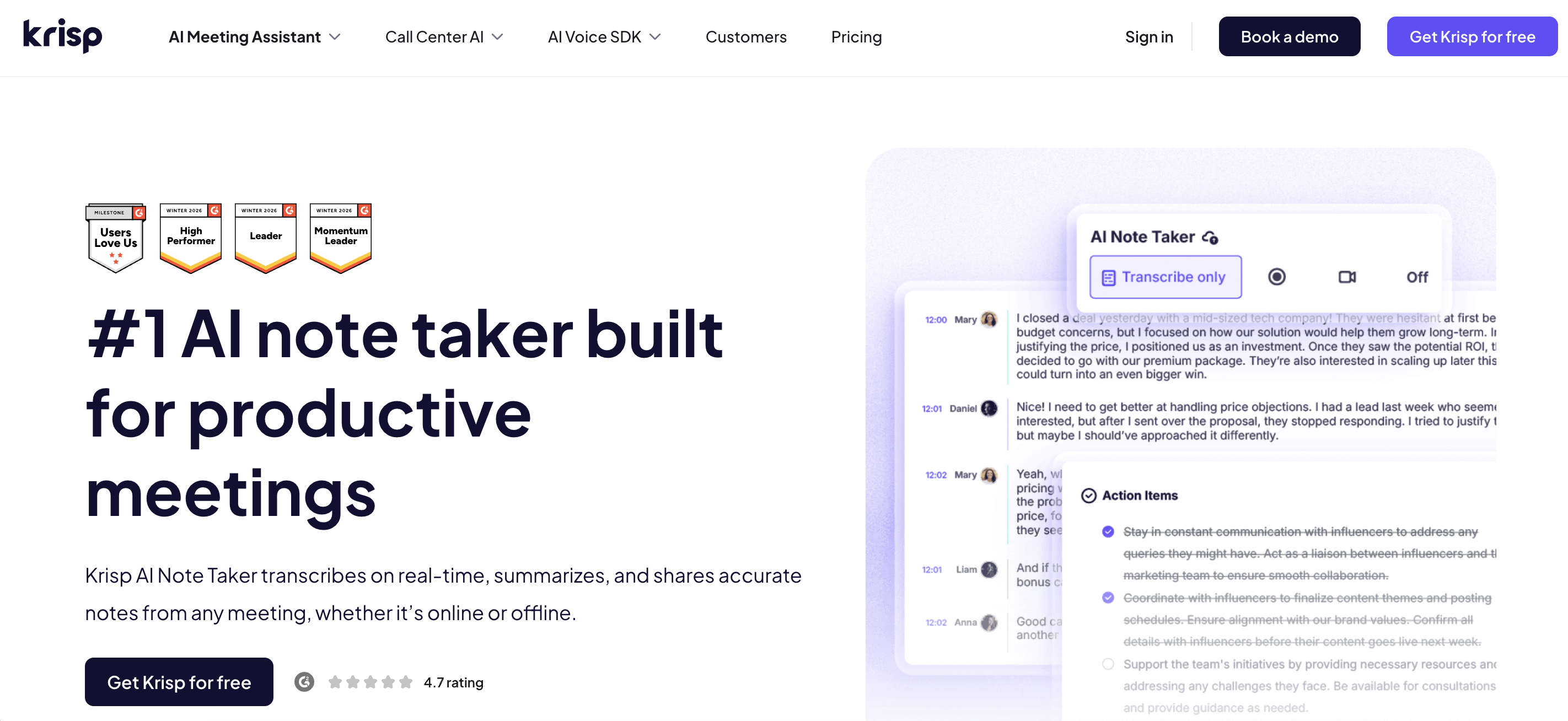
1. Krisp — Best bot-free, cross-platform AI note taker for Google Meet
Nearly every tool here joins your Meet call as a visible bot. Krisp doesn’t. It captures from your own audio, so there’s no participant added to the meeting and nothing for guests to clock. On a bilingual Meet call that flipped between English and Spanish, exactly where Gemini’s one-language limit bites, Krisp kept transcribing without forcing me to pick a lane, and itsnoise cancellation held the transcript together when a housemate’s dog joined in.
Worth stating plainly: Krisp is a fullAI note taker (transcript, summary, action items), not just an audio cleaner. And because it captures device audio, one install covers Meet, Zoom, Teams, phone, and in-person, which is the exact thing Gemini can’t do.
Key Features
Bot-free capture — no participant added to the Meet call
Works across Meet, Zoom, Teams, phone, and in-person audio
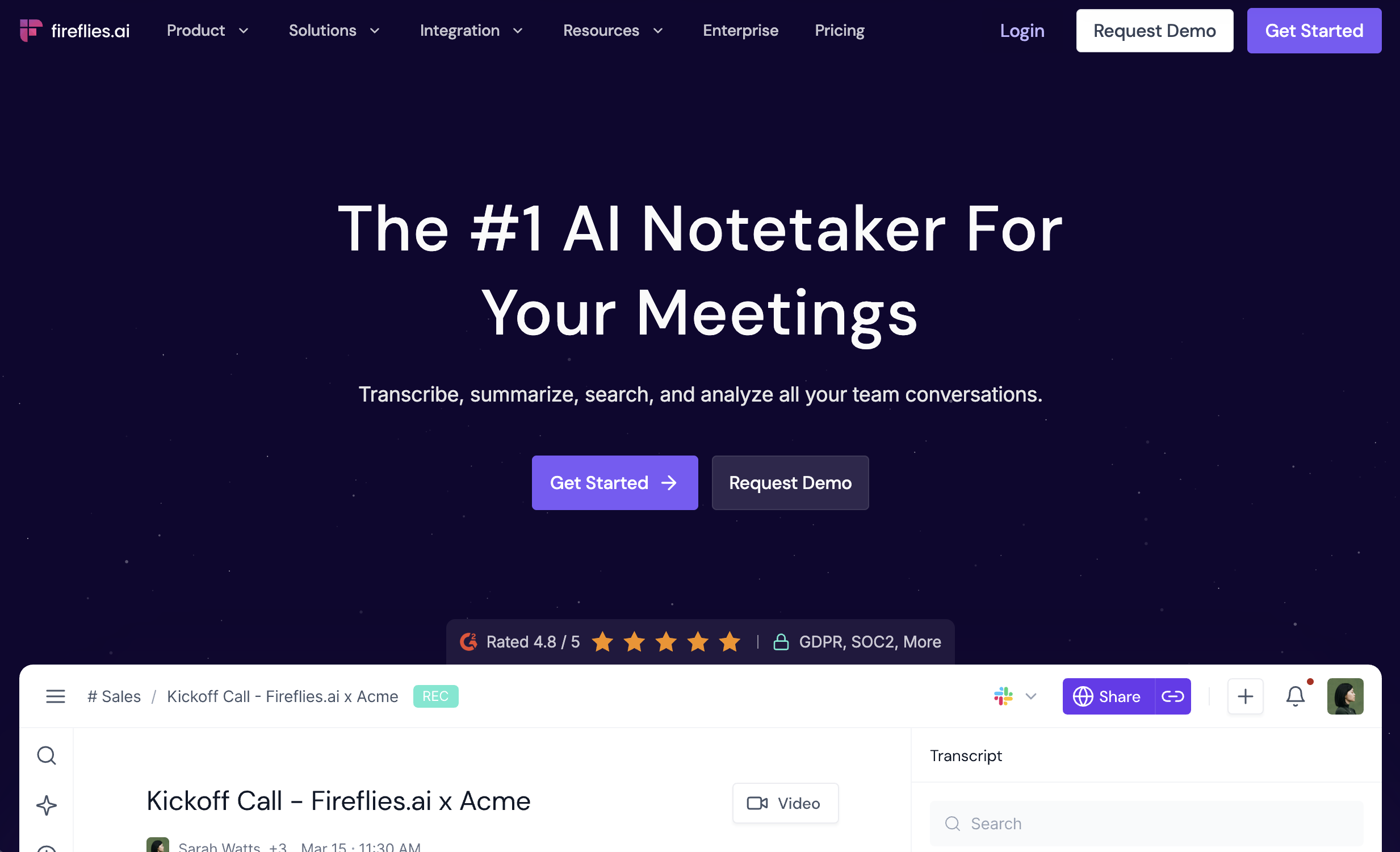
Fireflies is a strong fit when Google Meet notes need to feed directly into a sales workflow. It records, transcribes, summarizes, and makes past conversations searchable, while integrations with platforms such as Salesforce and HubSpot help teams move meeting insights into their CRM.
Fireflies is also no longer a bot-only tool. You can let its Notetaker join meetings automatically or use its desktop app and Google Meet Chrome extension for bot-free capture. That flexibility makes it useful for teams that want automated recording on some calls and a cleaner participant list on others.
Key Features
Bot-based and bot-free meeting capture
Google Meet, Zoom, Microsoft Teams, and other meeting support
Searchable meeting transcripts and history
AI summaries, key decisions, and action items
CRM integrations and sales workflows
Live transcription and AI assistance
Pros
✅ Strong CRM and workflow integrations
✅ Bot-based and bot-free capture options
✅ Searchable meeting history for sales and customer-facing teams
Cons
❌ Advanced conversation intelligence and automation features require higher-tier plans
💰 Pricing: Free forever plan available. Pro starts at $10/seat/month billed annually or $18 monthly.
3. Otter.ai — Best for Live, Collaborative Transcription
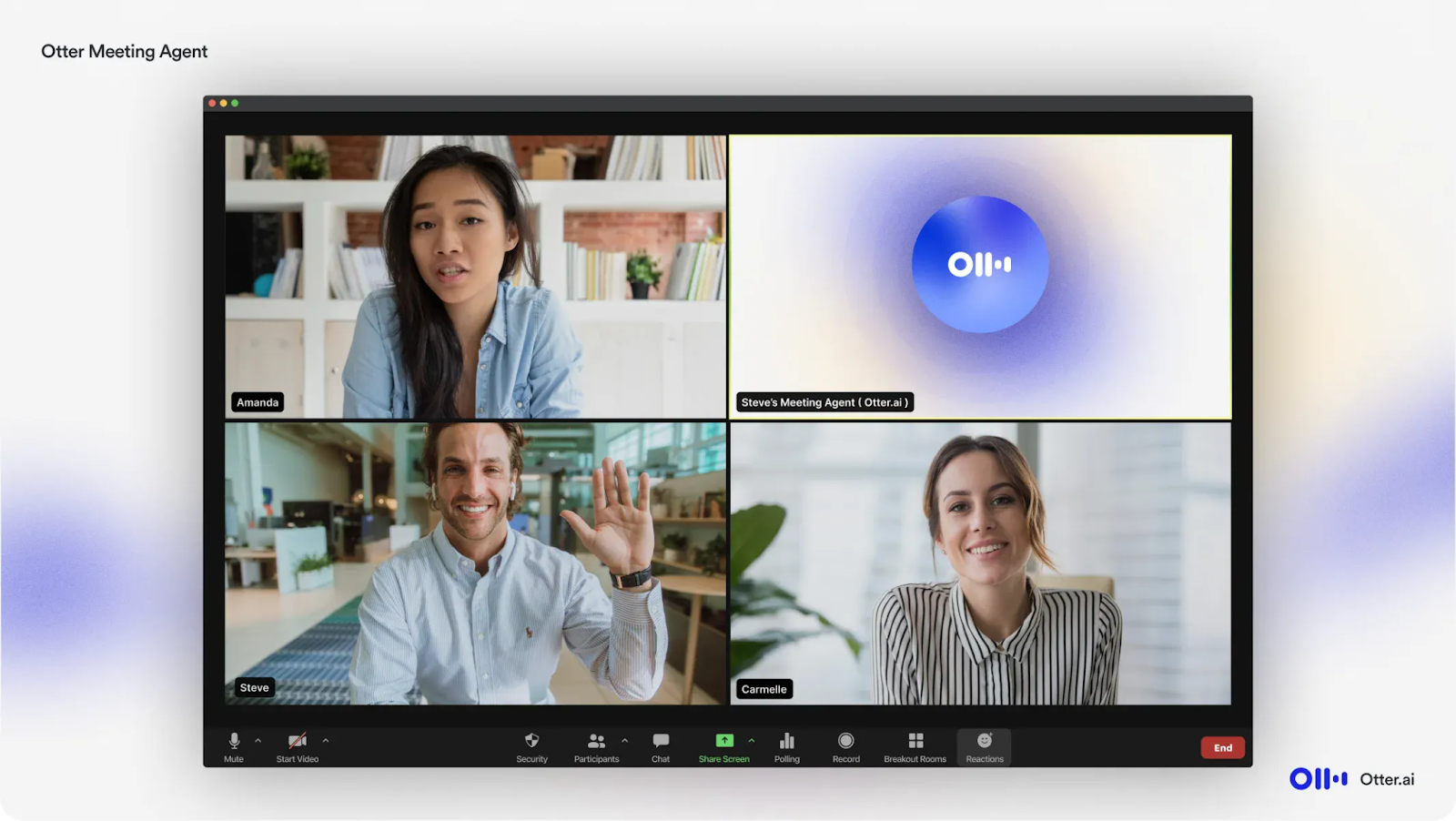
Otter stands out for real-time transcription and collaboration. As a Google Meet conversation unfolds, users can follow the live transcript, highlight important moments, add comments, and work with meeting content instead of waiting until the call ends.
Otter also gives users more flexibility in how meetings are captured. Its Notetaker can join Google Meet, Zoom, and Microsoft Teams automatically, while the Mac and Windows desktop apps support botless recording directly from device audio.
Key Features
Real-time meeting transcription
Bot-based and bot-free desktop recording
Highlights, comments, and collaborative notes
Automated meeting summaries and action items
AI Chat across meeting content
Google Meet, Zoom, and Microsoft Teams support
Pros
✅ Excellent live transcription experience
✅ Strong collaboration during and after meetings
✅ Choice between meeting bot and bot-free desktop recording
Cons
❌ The free plan is limited to 300 transcription minutes per month
💰 Pricing: Basic is free with 300 monthly transcription minutes. Pro is currently listed from $8.49/user/month on annual billing, while the standard monthly price is $16.99.
4. Fathom — Best Free AI Note Taker for Google Meet
Fathom remains one of the strongest free options for individual users. Its Free plan includes unlimited recordings, storage, and transcription, so you can use it regularly without watching a monthly transcription-minute allowance.
Free users also receive advanced AI summaries, action items, follow-up emails, and other advanced AI features for their first five calls each month. Fathom is also rolling out a new bot-free experience: eligible Mac users can choose transcript-only or audio-only capture without adding a bot, while its broader bot-free Google Meet experience continues to roll out.
Key Features
Unlimited recordings and transcription on Free
AI meeting summaries and action items
Meeting clips and playlists
Search across past meetings
Zoom, Google Meet, and Microsoft Teams support
Bot-free capture options in the new beta experience
Pros
✅ Very capable ongoing free plan
✅ Unlimited recordings and transcription
✅ Useful summaries, clips, and post-meeting features
Cons
❌ Advanced AI features are limited to the first five calls each month on Free
❌ Bot-free functionality is still being rolled out and availability varies by platform and setup
💰 Pricing: Free forever plan available. Premium starts at $15/user/month on annual billing.
5. tl;dv — Best for Video, Meeting Insights, and Sales Coaching
tl;dv combines AI meeting notes with video recording, shareable clips, CRM workflows, and meeting intelligence. That makes it particularly useful for sales, customer success, and enablement teams that want to do more with a conversation than simply store its transcript.
For Google Meet, tl;dv supports both capture methods. Its Chrome extension can use a meeting bot for video recording, while its desktop app captures system audio directly for bot-free recording. The Free plan includes unlimited recording and transcription, with AI notes for up to 10 meetings per month.
Key Features
Bot-based and bot-free Google Meet recording
Unlimited recordings and transcription on Free
AI notes and summaries
Shareable meeting clips
Search across recorded conversations
CRM sync and workflow integrations
Sales coaching and multi-meeting insights on higher tiers
Pros
✅ Strong video recording and sharing capabilities
✅ Flexible bot and bot-free capture
✅ Useful for coaching, sales, and customer-facing workflows
Cons
❌ More advanced multi-meeting intelligence and coaching capabilities require higher-tier plans
💰 Pricing: Free forever with unlimited recording and transcription and AI notes for up to 10 meetings per month. Pro starts at $18/user/month billed annually or $29 monthly.
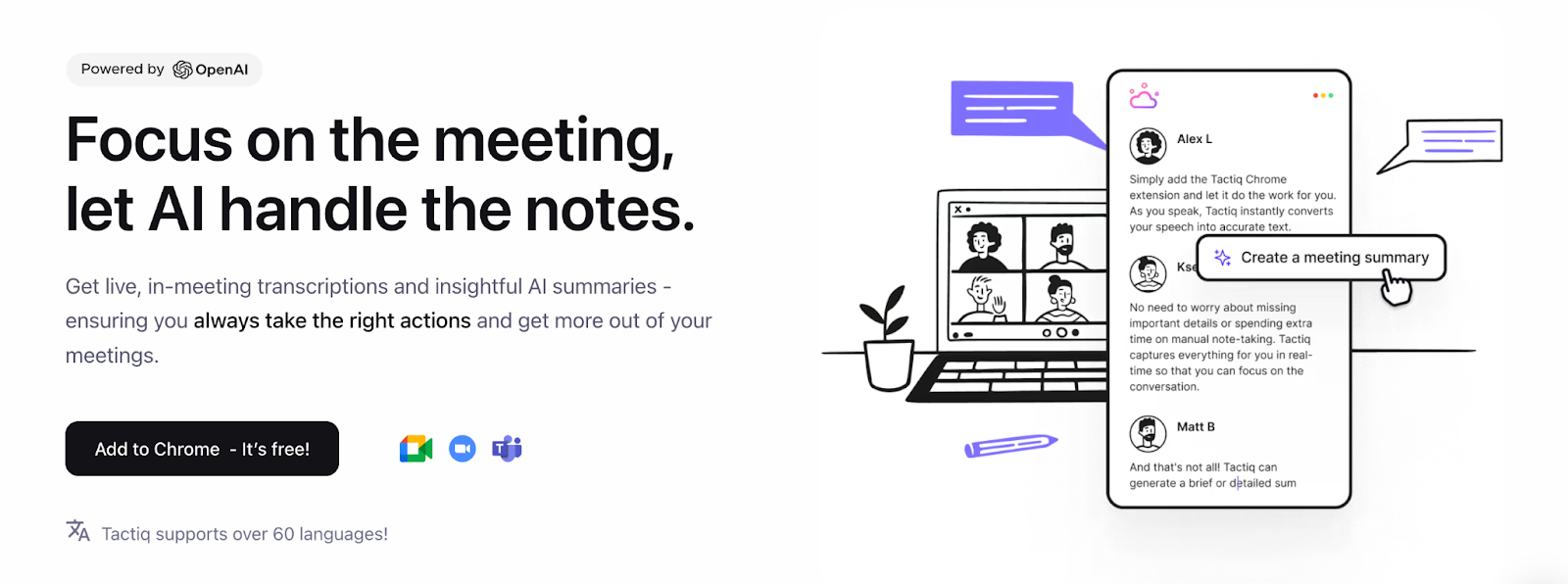
Tactiq is a lightweight option for users who want live Google Meet transcription without adding a bot. Its Chrome extension works directly inside browser-based Google Meet, displaying the transcript while the conversation happens and providing AI-generated summaries, insights, and action items afterward.
Tactiq also supports browser-based Zoom and Microsoft Teams. It now has a native Mac app in beta, although that app currently focuses on Zoom desktop calls rather than Google Meet, so the Chrome extension remains the main option for Meet users.
Key Features
Bot-free Google Meet transcription
Real-time transcripts during meetings
AI-generated summaries and insights
Action-item extraction
Google Meet, Zoom, and Teams browser support
Share and export options
Pros
✅ No meeting bot required for Google Meet
✅ Simple setup and lightweight browser workflow
✅ Live transcription rather than post-meeting transcription only
Cons
❌ Free plan is limited to 10 transcripts and 5 AI credits per month
❌ Google Meet capture still relies on the browser extension
💰 Pricing: Free forever with 10 transcripts and 5 AI credits per month. Pro starts at $8/user/month billed annually.
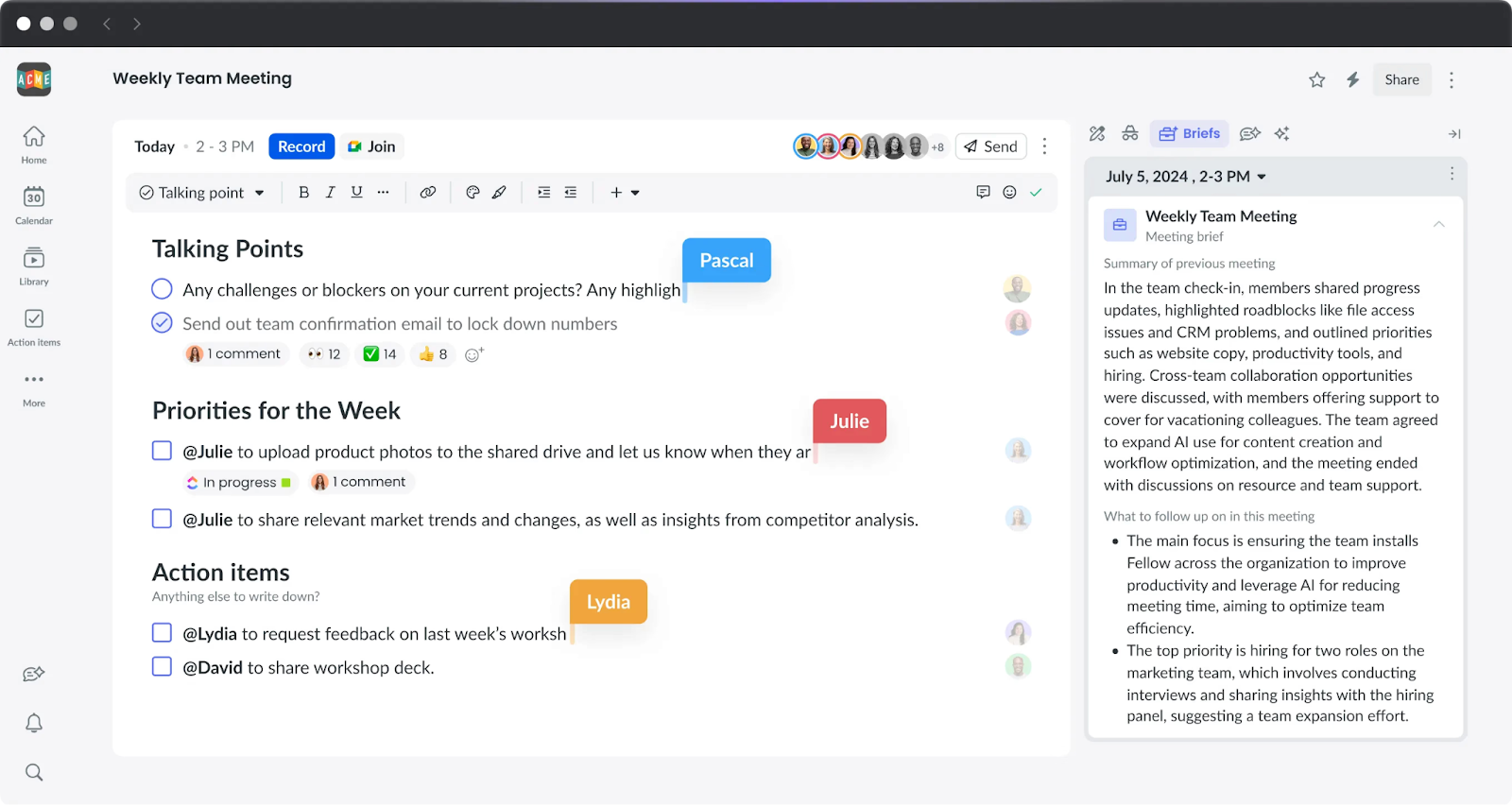
Fellow combines AI note-taking with collaborative agendas, action items, and meeting management, making it a strong option for recurring team meetings, 1:1s, retrospectives, and other conversations that benefit from structure before and after the call.
It also now supports both bot-based and bot-free recording. Fellow’s desktop app can capture meetings directly without adding another participant across Google Meet, Zoom, Microsoft Teams, Slack Huddles, and other platforms. Afterward, recordings, transcripts, AI notes, agendas, and action items live in the same workspace.
Key Features
Collaborative meeting agendas
AI meeting notes, transcripts, and summaries
Automated and assignable action items
Bot-based and bot-free capture
Google Meet, Zoom, Microsoft Teams, and other platform support
Recurring meeting and 1:1 workflows
Project-management integrations
Pros
✅ Combines meeting preparation, AI notes, and follow-up
✅ Strong fit for recurring and structured team meetings
✅ Bot and bot-free recording options
Cons
❌ The Free plan includes only 5 AI notes and 5 recordings per user for the lifetime of the plan
❌ Teams that only want simple transcription may not need the broader meeting-management feature set
💰 Pricing: Free plan available with limited lifetime AI usage. Team starts at $7/user/month billed annually or $11 monthly.
Bot-Free vs. Bot-Based AI Note Takers: Why It Matters
AI note takers can capture Google Meet conversations in different ways. Some join the call as a visible meeting bot, while others record directly from your device or browser without adding another participant.
Neither approach is automatically better. The right choice depends on how much you value meeting visibility, automation, privacy, and capture flexibility.
Benefits of Bot-Free Capture
Less meeting friction. No extra “Notetaker” participant appears in the attendee list or needs to be admitted.
Useful for client-facing calls. Bot-free capture keeps the meeting experience cleaner when you do not want an additional recorder visible to guests.
Fewer access issues. Device- or browser-based capture can still work when external meeting bots are restricted.
More flexible capture. Some bot-free tools can record across Meet, Zoom, Teams, and other conversations from the same device.
Privacy still depends on how each provider stores, processes, and protects meeting data—not simply whether a bot joins the call. That distinction matters because 46% of workers cite privacy concerns as a drawback of AI note-taking tools, according to aSoftware Finder study.
When Bot-Based Capture Can Be Better
Meeting bots also have advantages. They can automatically join scheduled calls, capture meetings without requiring the host to start recording manually, and make it obvious to participants that AI note-taking is active.
Many tools now support both approaches. Fireflies, Otter, tl;dv, and Fellow offer bot-based and bot-free capture options, while Krisp and Tactiq focus on bot-free workflows.
For Google Meet users, the better question is therefore not simply “bot or no bot?” but which capture method best fits your meetings and what you need to do with the notes afterward.
How to Choose the Right AI Note Taker for Google Meet
Step 1: Do You Mainly Work Inside Google Workspace?
Yes → Gemini Take notes for me may be enough if you want native Meet notes saved into Google Docs and your meetings usually stay within Google’s ecosystem.
No → Choose a cross-platform note taker that also supports Zoom, Microsoft Teams, or in-person conversations.
Step 2: How Do You Want Meetings Captured?
No visible meeting bot → Consider Krisp, Tactiq, or the bot-free modes available from Fireflies, Otter, tl;dv, and Fellow.
Automatic bot-based recording → Fireflies, Otter, tl;dv, Fellow, and Fathom can automate capture by joining scheduled meetings.
Both options → Choose a hybrid tool if you want automatic recording for internal meetings but bot-free capture for client calls.
Step 3: What Matters Most After the Meeting?
CRM and sales workflows → Fireflies
Live transcription and collaboration → Otter
Strong free individual use → Fathom
Video clips, insights, and coaching → tl;dv
Lightweight bot-free transcription → Tactiq
Agendas and structured team meetings → Fellow
Bot-free notes plus real-time audio enhancement → Krisp
Native Google Workspace workflow → Gemini Take notes for me
The best AI note taker for Google Meet ultimately depends on how you capture meetings, where those meetings happen, and what needs to happen with the notes afterward.
Yes — Gemini’s “Take notes for me” feature summarises Google Meet calls in a Google Doc. However, it is only available with eligible paid Google Workspace or Google AI plans and works exclusively in Google Meet
No. It requires an eligible paid Google Workspace edition or Google AI plan. Free personal Google accounts do not include the feature.
No. Google states that “Take notes for me” supports one language at a time, so it may not accurately capture multilingual meetings. A tool such as Krisp is better suited to mixed-language conversations.
Fathom offers one of the most generous free plans. Krisp’s free plan is a strong choice if you also need bot-free, cross-platform meeting capture.
Yes. Krisp captures meetings without sending a bot, while Tactiq works in the browser without appearing as a separate participant. Many other tools use a bot that joins the call.
Yes. Both Otter and Fireflies support Google Meet by sending a bot to join and capture the call.
You need an eligible paid Google Workspace or Google AI plan to use Gemini’s native note-taking feature. Third-party tools such as Krisp work regardless of your Google plan.