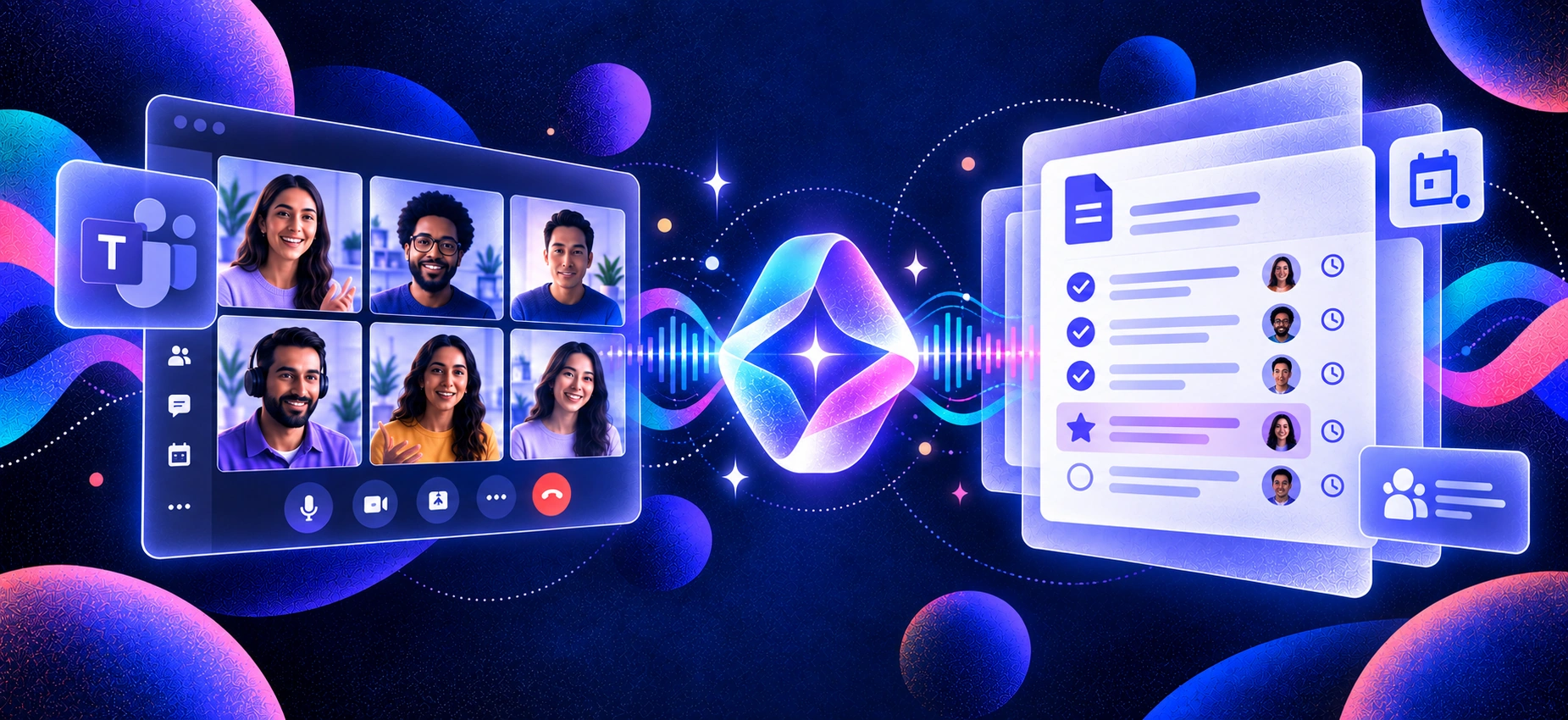
Zoom’s built-in AI note-taking has become more capable, but that doesn’t mean it’s the best fit for every workflow. The best AI note taker for Zoom should do more than generate a transcript. It should capture conversations accurately, create useful summaries and action items, and make it easy to use those insights after the meeting ends.
That matters as AI-generated meeting notes become part of everyday work. According to a Software Finder survey of 1,000 full-time professionals, 19% of workers frequently use AI to generate meeting notes, while 48% cite inaccuracy or lost nuance as a drawback. As adoption grows, the difference between simply recording a meeting and producing reliable, useful notes becomes more important.
For this guide, we compared seven leading AI note takers for Zoom based on transcription and summary quality, capture method, integrations, privacy, cross-platform support, and pricing. We also looked at where each tool performs best, from bot-free note-taking to CRM workflows and live collaboration. Whether you’re in sales, customer success, recruiting, or spend much of your day in meetings, this guide will help you find the right fit. For a broader comparison, see ourbest AI note-taking apps for meetings.
How We Chose
We tested a dozen AI note takers on live Zoom calls and narrowed the list to seven based on the factors that matter most in everyday meetings:
Zoom compatibility — reliable capture from Zoom meetings on desktop or browser
Transcription and summary quality — accurate transcripts, useful summaries, and clear action items
Capture method — bot-free, bot-based, or browser-based recording and how each affects the meeting experience
Cross-platform support — compatibility with Google Meet, Microsoft Teams, phone calls, and in-person meetings
Setup and usability — how quickly you can start recording, access notes, and use them after the call
Privacy and data handling — clear policies around meeting data, storage, and AI training
Pricing and free access — whether the free tier is genuinely useful and what you get when you upgrade
We compared each tool across these criteria, with particular attention to accuracy, summary quality, and setup friction. The final seven represent the strongest options for different Zoom workflows, rather than seven tools that all solve the same problem.
TL;DR
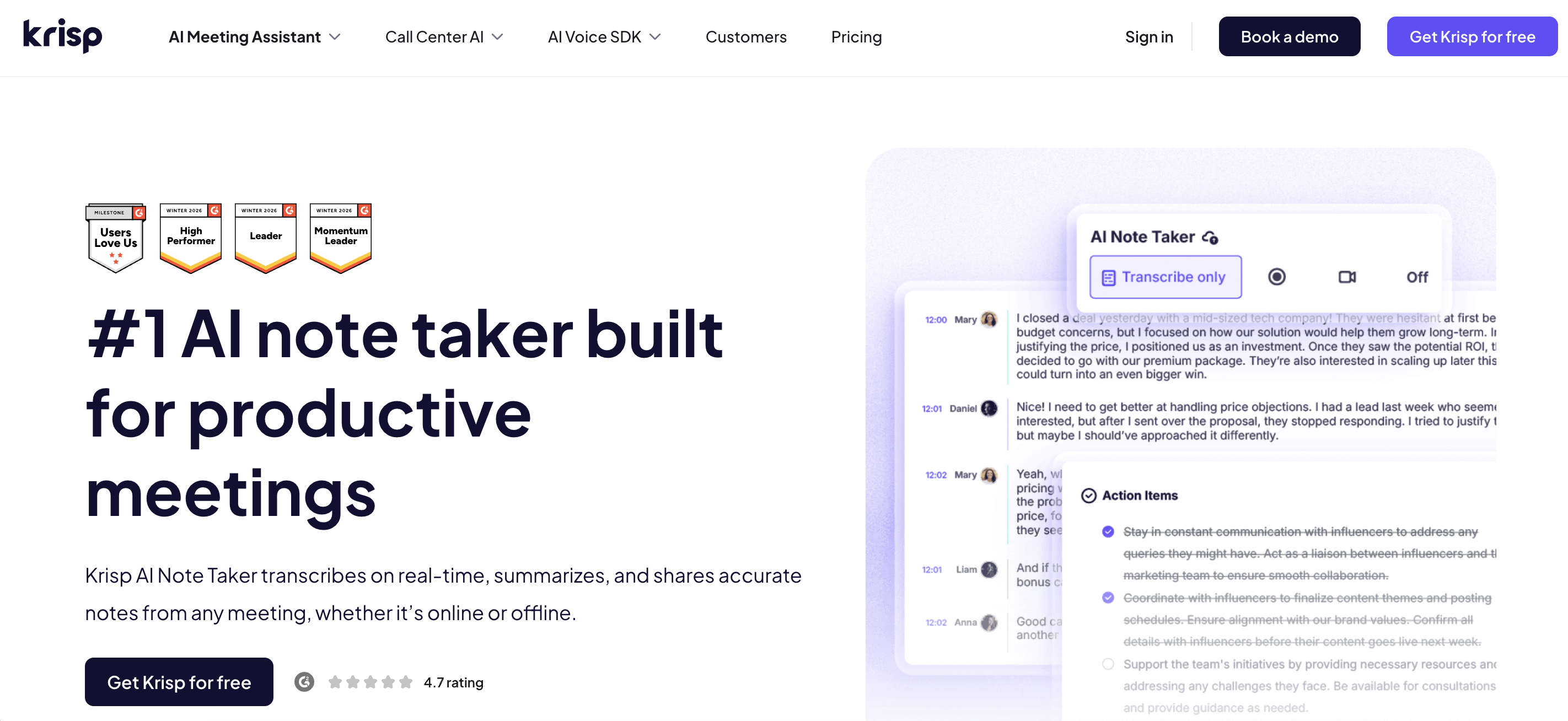
Best overall / best bot-free:Krisp — captures notes on any Zoom call without sending a bot into the meeting, works across every platform, and cleans the audio first so the transcript is accurate.
Best for sales/CRM teams: Fireflies — deep CRM sync and conversation search.
Best free option: Fathom — genuinely generous free plan.
Best for live collaboration: Otter — real-time shared transcripts.
Native baseline: Zoom AI Companion is fine if you’re 100% Zoom and on a paid plan — otherwise you’ll outgrow it fast.
Quick Picks
Best for capturing every meeting, not just Zoom →Krisp Bot-free capture plus the cleanest noise cancellation we tested, so your Zoom notes hold up even from a coffee shop — and the same tool covers your Meet and Teams calls.
Best for revenue teams →Fireflies If your notes need to land in Salesforce or HubSpot automatically, this is the workhorse.
Best truly-free pick →Fathom The free plan actually gets you summaries and action items without a credit card.
Comparison Table
Here’s how the picks stack up on the things that actually decide it — capture model, reach beyond Zoom, free tier, and price.
Tool
Capture method
Works beyond Zoom
Free access
Paid from
Best for
Krisp
✅ Bot-free
✅ Online + in-person meetings
7-day free trial, no card required
$8/user/mo annually; $16 monthly
Bot-free notes + audio clarity
Fireflies
Bot + ✅ bot-free desktop/extension
✅ Zoom, Meet, Teams + others
Free forever; unlimited transcription + AI summaries
$10/seat/mo annually; $18 monthly
CRM-heavy workflows
Otter
Bot + ✅ bot-free desktop
✅ Zoom, Meet, Teams + in-person
Free Basic: 300 transcription min/mo
$8.33/user/mo annually; $16.99 monthly
Live transcription + collaboration
Fathom
Bot + ✅ bot-free beta on Mac
✅ Zoom, Meet, Teams, Slack Huddles
Free forever: unlimited recordings + transcripts
$16/user/mo Premium annually; $20 monthly
Strong free individual plan
tl;dv
Bot + ✅ bot-free desktop
✅ Zoom, Meet, Teams + system-audio capture
Free forever: unlimited recordings + transcripts
$18/user/mo annually; $29 monthly
Video recording + meeting insights
Tactiq
✅ Bot-free browser extension
✅ Zoom, Meet, Teams
Free forever: 10 transcripts/mo
$8/user/mo annually; $12 monthly
Lightweight live transcription
Jamie
✅ Bot-free
✅ All online platforms + in-person
Free: 10 meetings/mo, 30 min each
€21/mo annually; €25 monthly
Bot-free cross-platform notes
Zoom My Notes
✅ Native, bot-free
✅ Zoom, Meet, Teams, other platforms + in-person
Free: 3 AI note-taking uses/mo
$8.33/user/mo standalone annually
Native Zoom ecosystem
Prices and plans as of 2026 — verify on each vendor’s site, as tiers change often.
Does Zoom Have a Built-In AI Note Taker?
Yes. Zoom has a built-in AI note taker called My Notes, which works alongside its AI-powered meeting summaries. It can capture conversations, generate transcripts, organize key takeaways, and help turn meetings into actionable notes.
Zoom retired the AI Companion name in June 2026, but the AI features previously associated with it remain available across Zoom Workplace.
What Zoom’s AI Note Taker Does Well
The biggest advantage is convenience. If you already use Zoom Workplace, My Notes is built into the desktop app, so you don’t need a separate note-taking tool or meeting bot.
It also isn’t limited to Zoom calls. My Notes works with Zoom Meetings, Microsoft Teams, Google Meet, other browser-based conversations, and in-person meetings by capturing system and microphone audio from your device.
Zoom also offers limited AI note-taking on its free Basic plan, currently capped at three uses per month.
Where Zoom’s Built-In Note Taker Falls Short
Zoom’s improvements make it a much stronger option than it used to be, but there are still reasons to consider a dedicated AI note taker:
Limited free usage. Three AI note-taking sessions per month won’t be enough for frequent meeting users.
Still centred on Zoom Workplace. My Notes can capture meetings on other platforms, but it does so through the Zoom desktop app rather than operating as an independent note-taking workspace.
Different tools go deeper in different workflows. Sales teams may prioritise CRM automation, while others may care more about advanced audio processing, live collaboration, or flexible bot-free capture.
For teams already working heavily in Zoom, My Notes may be all they need. But if meeting notes need to support a broader workflow, comparing Zoom with dedicated AI note takers can reveal important differences in capture, integrations, audio quality, and post-meeting automation.
The 7 Best AI Note Takers for Zoom
Each review below follows the same shape: what it is, what stood out in testing, the honest catch, and the price.
1. Krisp — Best Bot-Free, Cross-Platform AI Note Taker for Zoom
Most tools on this list join your Zoom call as a visible participant, a little “Notetaker” tile everyone can see. Krisp doesn’t. It captures the call from your own audio, so there’s no bot in the meeting, nothing for clients to notice, and nothing for a security-conscious IT team to block. In one test on a call from a loud room, with someone running a blender two feet away, Krisp’snoise cancellation kept the transcript clean while a bot-based competitor produced half a page of garbled cross-talk.
Here’s the reframe worth making. Krisp isn’t “the noise-cancellation app that also takes notes.” It’s a full AI note taker (transcript, AI summary, action items) that happens to have the best audio engine in the category, and it works on any call, not just Zoom. The same install covers Google Meet, Teams, phone calls, and in-person meetings, which is the one thing AI Companion can’t do.
Key Features
Bot-free capture — no participant added to the Zoom call
Works across Zoom, Google Meet, Teams, phone, and in-person audio
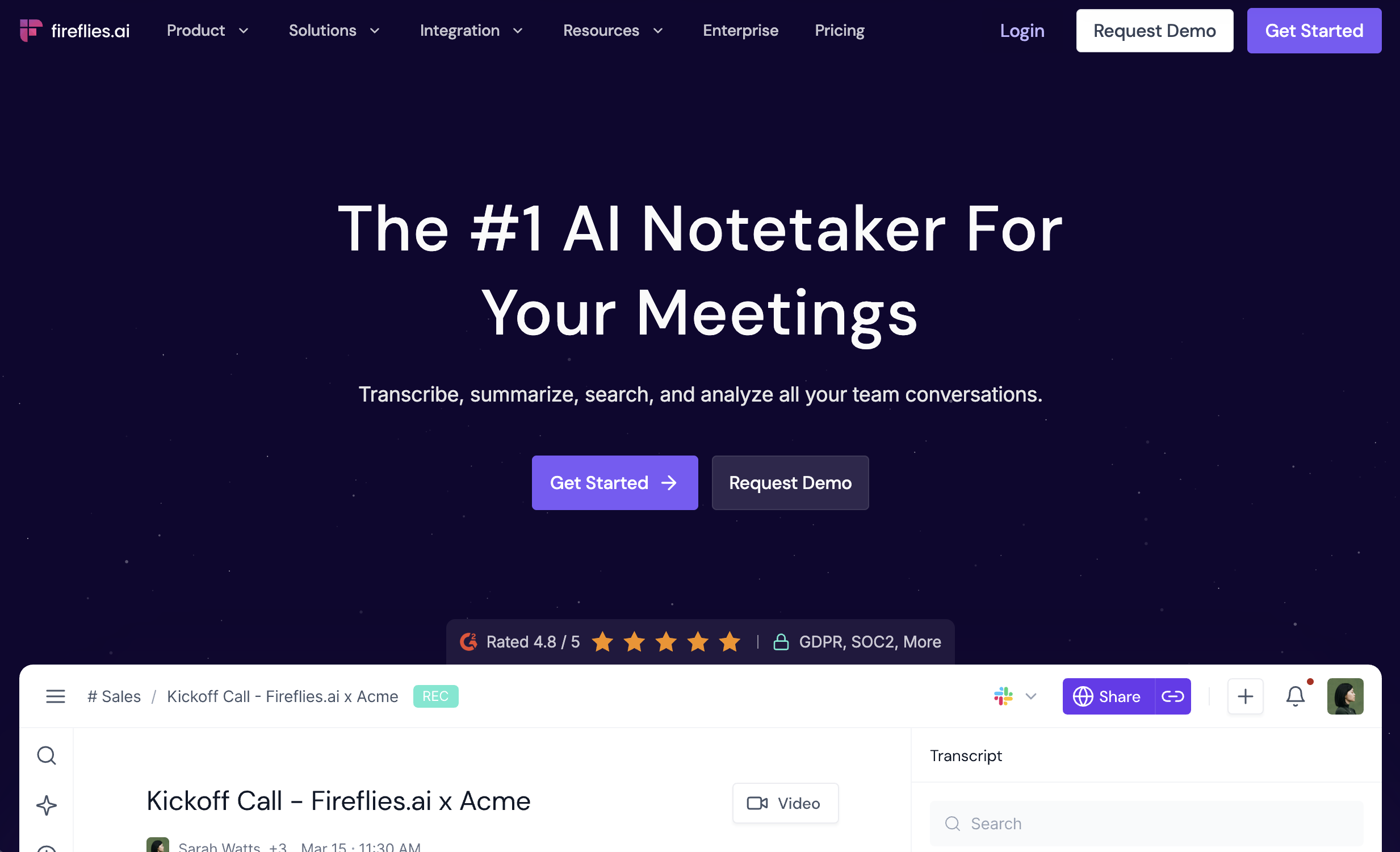
Fireflies is particularly strong when meeting notes need to move into a sales or customer workflow. It integrates with CRMs such as Salesforce and HubSpot, automatically syncing meeting notes and call information instead of leaving them in a separate transcript library.
Importantly, Fireflies is no longer a bot-only note taker. You can still invite its Notetaker to a Zoom meeting, but its desktop app can also capture system audio without adding a visible participant. Bot-free recordings still produce transcripts and meeting notes, while Live Assist can provide real-time transcripts, AI suggestions, and answers during the call.
Pros
✅ Strong CRM and workflow integrations
✅ Bot-based and bot-free capture options
✅ Conversation intelligence and cross-meeting search
Cons
❌ More advanced sales and automation capabilities sit behind paid tiers.
💰 Pricing: Free forever plan with unlimited transcription and AI summaries. Pro starts at $10/seat/month billed annually.
3. Otter.ai — Best for Live, Collaborative Transcription
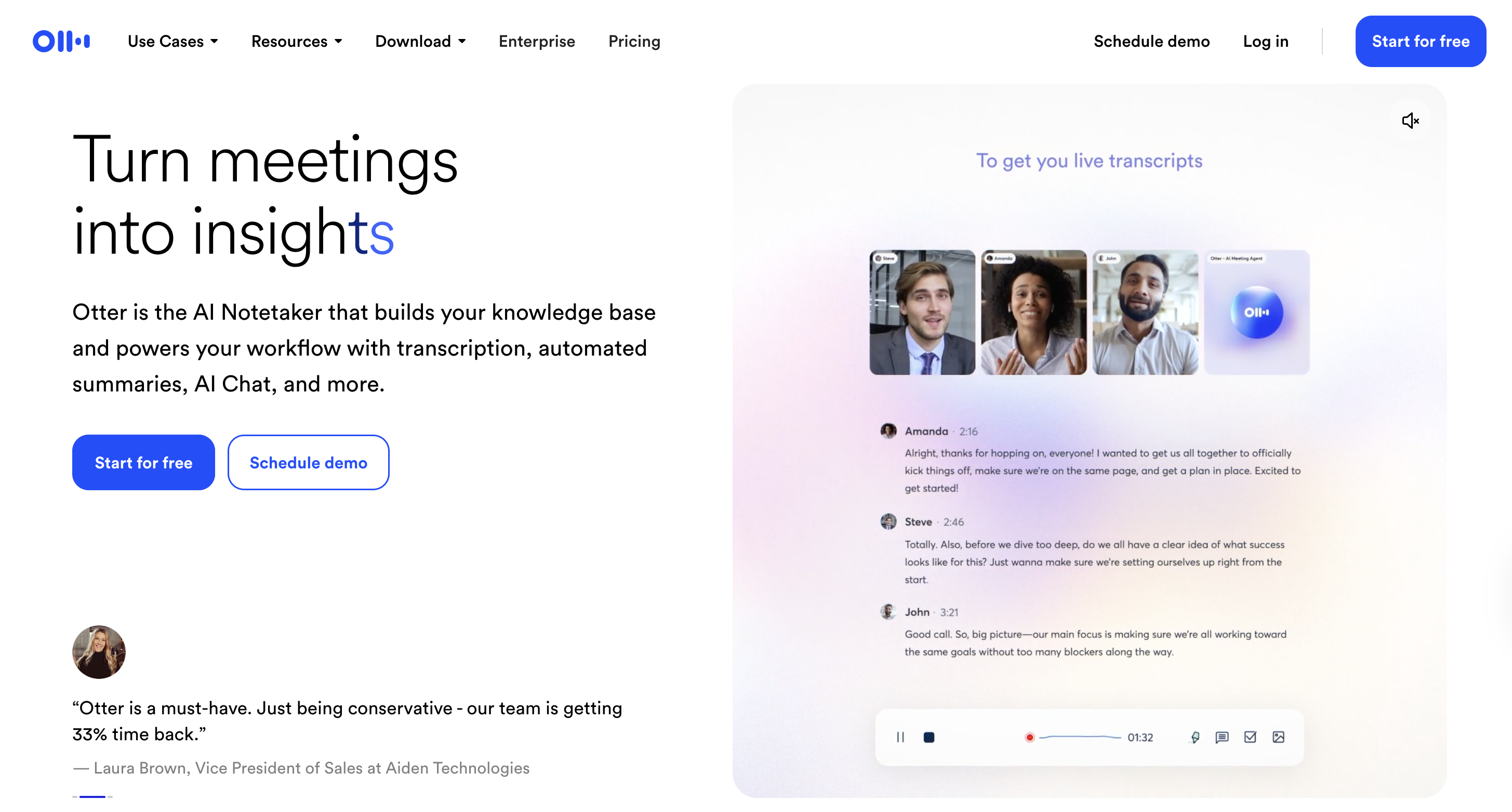
Otter remains one of the strongest options for teams that want to work with the transcript while the Zoom meeting is still happening. It transcribes conversations in real time, while users can highlight text, add comments, assign tasks, and share conversations with teammates.
Otter also offers more flexibility in how meetings are captured than it used to. Its AI Meeting Agent can join Zoom, Microsoft Teams, and Google Meet automatically, while the Otter desktop app can record directly from your device without adding a bot to the meeting.
Pros
✅ Real-time transcription and collaboration
✅ Bot-based or bot-free desktop capture
✅ Highlights, comments, tasks, and searchable meeting history
Cons
❌ The free plan limits each conversation to 30 minutes, which can be restrictive for longer Zoom meetings.
💰 Pricing: Basic is free with 300 transcription minutes per month and a 30-minute limit per conversation. Pro starts at $8.33/user/month with annual billing.
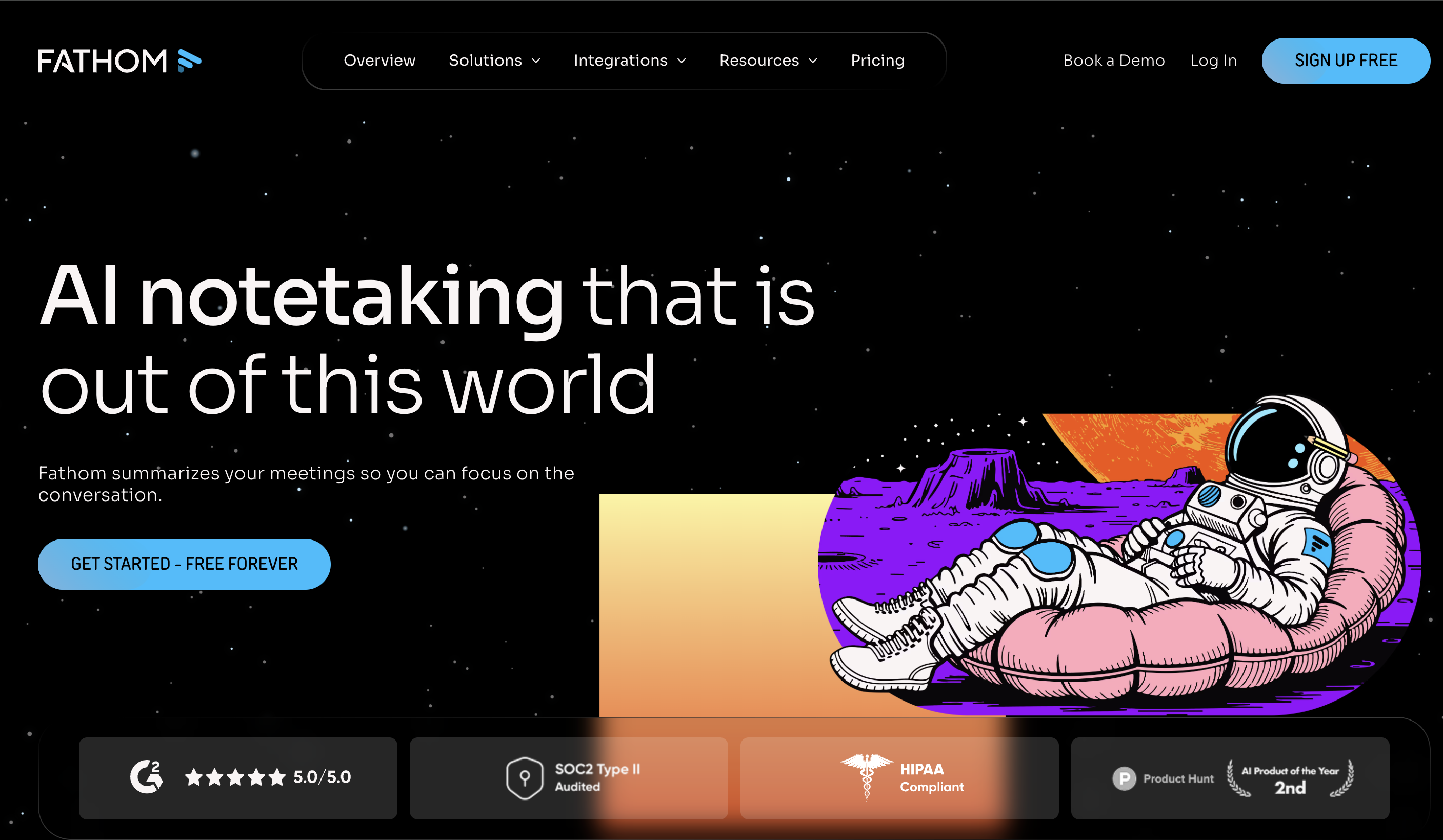
Fathom stands out for individual users who want a capable free AI note taker for Zoom without a monthly transcription allowance. Its Free plan includes unlimited recordings and transcriptions, instant AI call summaries, clips, playlists, and search across calls.
Fathom also now gives users a choice between traditional bot capture and bot-free capture. However, the bot-free experience is currently a beta feature for Mac, so availability is more limited than its standard meeting-bot workflow.
Pros
✅ Free forever with unlimited recordings and transcriptions
✅ Instant AI summaries on the free plan
✅ Bot and bot-free capture options
Cons
❌ Bot-free capture is currently in beta on Mac
❌ AI-generated action items and more advanced summaries are part of Premium
💰 Pricing: Free forever. Premium starts at $16/user/month billed annually or $20 monthly.
5. tl;dv — Best for Video, Meeting Insights, and Sales Coaching
tl;dv goes beyond basic Zoom transcription by putting more emphasis on recorded meetings, searchable insights, workflow automation, and sales coaching. It can generate transcripts and summaries, surface insights across multiple calls, sync meeting information into business tools, and help sales teams review conversations and coaching opportunities.
It is also no longer strictly bot-based. tl;dv’s desktop app supports bot-free system-audio capture, while users can still use a meeting bot when they want video recording in Zoom, Google Meet, or Microsoft Teams.
Pros
✅ Unlimited recordings and transcripts on the free plan
✅ Both bot-based and bot-free capture
✅ Strong meeting intelligence, integrations, and sales workflows
Cons
❌ More advanced sales intelligence and coaching capabilities require higher paid tiers.
💰 Pricing: Free forever. Pro starts at $18/user/month billed annually or $29 month-to-month.
6. Tactiq — Best Lightweight Bot-Free AI Note Taker
Tactiq is a good fit if you want live Zoom transcription without adding a meeting bot. It transcribes Zoom, Google Meet, and Microsoft Teams in real time, then uses AI to generate summaries, action items, and other meeting insights.
It began primarily as a browser extension, but that description is now too narrow. Tactiq still offers its Chrome extension and now also provides a native Mac app. That makes it more flexible while preserving the lightweight, bot-free experience that distinguishes it from traditional meeting agents.
Pros
✅ No meeting bot required
✅ Real-time transcription
✅ Simple setup for Zoom, Meet, and Teams
Cons
❌ The free plan is limited to 10 transcripts and 5 AI credits per month.
💰 Pricing: Free forever with 10 transcripts/month. Pro starts at $8/user/month billed annually and includes unlimited transcripts.
7. Jamie — Best for Bot-Free Personal Meeting Notes
Jamie is built around a bot-free approach to meeting notes. It runs on your device rather than joining Zoom as another participant and works across online meeting platforms as well as in-person conversations.
Its focus is straightforward: automatically produce transcripts, structured notes, speaker recognition, and detected tasks without changing the meeting experience. Jamie also positions privacy prominently, with EU hosting, GDPR compliance, and a policy stating that user data is not used for model training.
Pros
✅ Fully bot-free capture
✅ Works across online platforms and in-person meetings
✅ Strong privacy positioning and EU data hosting
Cons
❌ The free plan is limited to 10 meetings per month at 30 minutes each
❌ The €21 Plus plan still caps usage at 20 meetings per month
💰 Pricing: Free plan with 10 meetings/month. Plus starts at €21/month billed annually for 20 meetings; unlimited meetings require Pro at €39/month annually.
Bot-Free vs. Bot-Based AI Note Takers: Why It Matters
AI note takers generally capture meetings in one of two ways. Bot-based tools join your Zoom call as a separate participant, while bot-free tools capture meeting audio directly from your device without adding another attendee.
The difference can affect privacy, meeting etiquette, setup, and how reliably the tool fits into your workflow.
Benefits of Bot-Free Capture
Less disruption. No extra “Notetaker” participant appears in the attendee list or needs to be admitted to the meeting.
More natural client calls. Bot-free capture avoids introducing a visible recorder that may distract participants or require additional explanation.
Fewer meeting-access dependencies. Because the note taker runs from your device, it does not depend on a separate participant being allowed into the call.
More platform flexibility. Device-level capture can work across different meeting platforms without changing how each call is configured.
Privacy still depends on how each provider stores, processes, and protects meeting data—not simply whether it uses a bot. That matters because 46% of workers cite privacy concerns as a drawback of AI note-taking tools, according to aSoftware Finder study.
When Bot-Based Capture Makes Sense
Bot-based tools also have advantages. They can automate scheduled meeting capture, make recording status more visible to participants, and connect directly with cloud-based meeting workflows.
The better choice therefore depends on how you work. If you want Zoom notes without adding another participant, a bot-free tool such asKrisp offers a simpler approach while also providing transcription, summaries, action items, and real-time audio enhancement.
Thinking of Turning Off Zoom AI Companion?
You may still see searches and older documentation referring to Zoom AI Companion, although Zoom retired that product name in June 2026. Its AI-powered meeting features remain available across Zoom Workplace, while My Notes is now Zoom’s primary personal AI note-taking experience.
If you want to turn off AI-generated meeting summaries, Zoom lets you disable Meeting summary with AI under Settings → Zoom AI → Meeting. My Notes transcription and AI-generated note enrichment can also be enabled or disabled separately.
Turning Zoom’s AI features off doesn’t mean giving up automated notes. If you prefer bot-free capture, a separate note-taking workspace, or a tool designed to work consistently across different meeting environments, a dedicated option such asKrisp may be a better fit.
How to Choose the Right AI Note Taker for Zoom
Step 1: Are all your meetings on Zoom?
Yes, and you’re on a paid Zoom plan → AI Companion may be enough.
No → pick a cross-platform tool (Krisp) so one app covers everything.
Step 2: Do you care about bots in your calls?
Yes → go bot-free (Krisp or Jamie).
No → Fireflies, Otter, Fathom, and tl;dv all use bots.
Yes — Zoom AI Companion generates summaries and next steps, but only on paid Zoom Workplace plans and only for Zoom meetings.
Yes, either with Zoom’s native AI Companion or a third-party tool. Bot-based tools such as Fireflies, Otter, and Fathom join the call, while bot-free tools such as Krisp and Jamie capture notes without adding a participant.
It’s solid for Zoom-only teams on a paid plan. It falls short if you use other platforms, want CRM or Slack integrations, or are on Zoom’s free plan.
Fathom has the most generous free tier. Krisp’s free plan is the best pick if you also want bot-free capture and unlimited transcription across platforms.
Not directly — ChatGPT can summarize a transcript you paste in, but it won’t join or capture the meeting. A purpose-built AI note taker handles the entire process, from capture to summary.
No. Copilot works inside Microsoft 365 and Teams, not Zoom. For Zoom meetings, use Zoom AI Companion or a third-party note-taking tool.
Disable it in your Zoom settings under AI Companion. If you’re turning it off because it’s limited to Zoom, a bot-free, cross-platform tool may be a better long-term option.
Not all of them. Krisp and Jamie capture meetings without a bot, while Tactiq works in the browser without adding a separate participant. Most others, including Fireflies, Otter, Fathom, and tl;dv, send a bot to the meeting.