Want the best AI note taker for sales calls without drowning in admin after every meeting? The right tool delivers accurate sales call transcription, a clear AI sales call summary, action items, and reliable HubSpot or Salesforce logging. This guide compares 10 options for 2026 and shows what to prioritize for results and compliance.
TL;DR
AI note takers automatically record, transcribe, and summarize sales calls, turning conversations into structured notes.
They help sales reps stay focused during calls instead of taking manual notes.
Key outputs typically include call transcripts, summaries, action items, and searchable meeting records.
Many tools sync notes with CRM systems, helping keep deals, contacts, and next steps updated automatically.
Sales leaders also use them for call reviews, coaching insights, and knowledge sharing across teams.
The main benefits are less admin work, cleaner CRM data, and faster post-call execution.
Sales calls create the signal you need to close deals. They also create the admin who slows reps down. The best AI note taker for sales calls turns every conversation into a usable package: sales call transcription, a clean AI sales call summary, automatic action items, and CRM updates. This guide compares the top tools for 2026, with a focus on HubSpot and Salesforce follow-ups, coaching insights, and compliance controls.
Why sales teams need an AI notetaker for sales calls?
Sales teams handle many calls every week, and it’s difficult to actively listen while also taking detailed notes. Important information, such as customer needs, objections, or next steps, can easily be missed during fast-moving conversations. AI meeting assistants for sales teams solve this by automatically recording, transcribing, and summarizing sales calls, helping teams stay focused and organized.
Sales teams use AI note takers to:
Automatically record and transcribe calls so no details are missed
Generate quick summaries with key points and action items
Capture customer needs and objections for better follow-ups
Update CRM records faster with structured call notes
Review past conversations for coaching, insights, and deal tracking
This helps sales teams save time, stay organized, and focus more on building relationships and closing deals.
Quick picks (jump links)
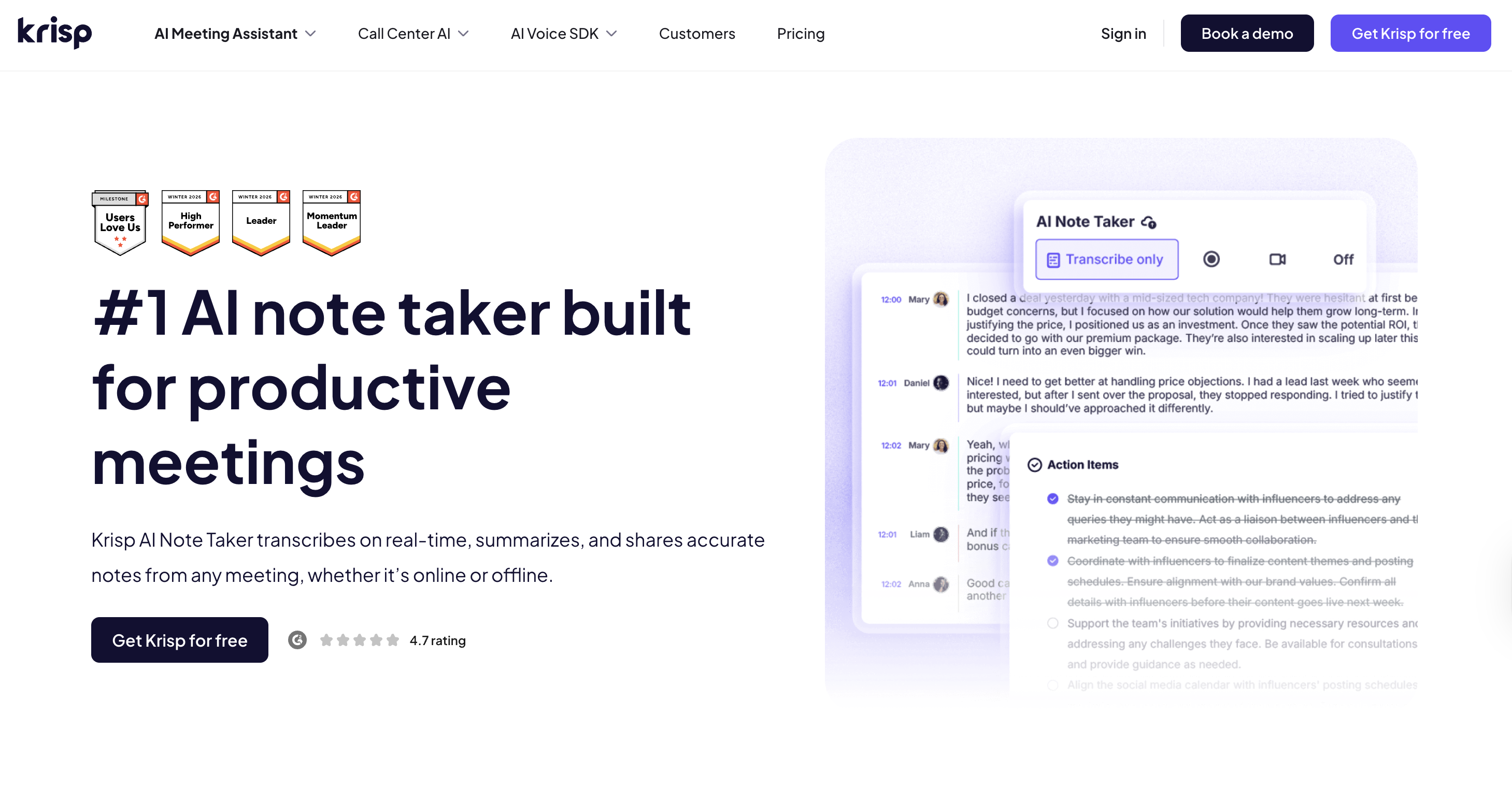
Krisp: Best overall for sales calls notes
Krisp offers a well-balanced combination of high-quality transcription, strong summaries, and clear action capture. It also includes solid compliance features and native CRM integrations for HubSpot, Salesforce, Affinity, Pipedrive and other tools that help sales teams stay productive. This makes Krisp a versatile choice for sales agents that want reliable meeting documentation, searchable knowledge, and structured insights from sales conversations.
Krisp also combines AI note-taking with advanced Voice AI features, including noise cancellation for distraction-free meetings and accent conversion, helping sales agents convert their accent and understand accented speech easily, and communicate with clients without accent-related barriers.
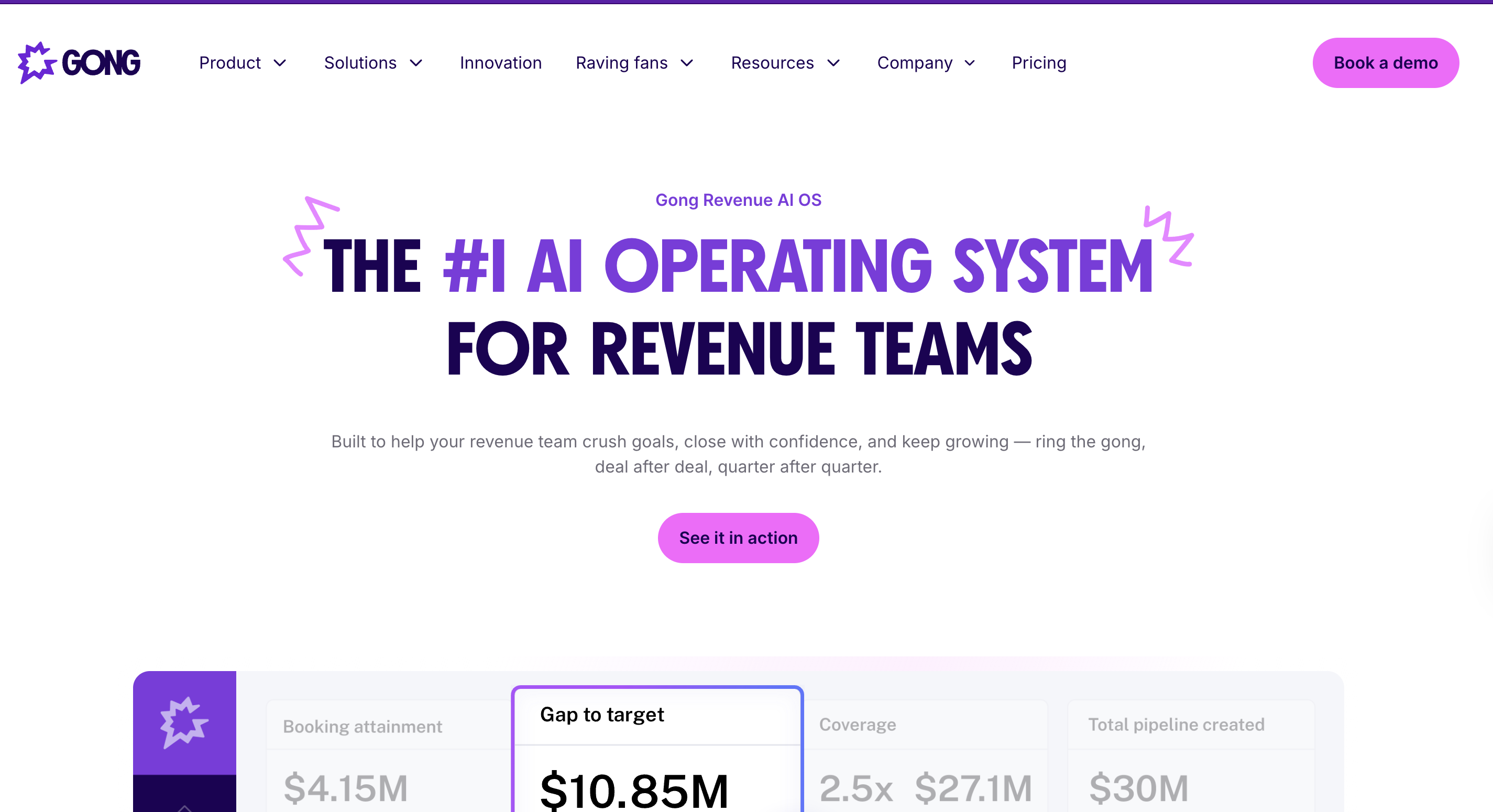
Gong: Best for Salesforce
Gong is built for revenue teams that rely heavily on Salesforce. In addition to recording and transcribing calls, it provides deep conversation intelligence, deal insights, and coaching analytics. This makes it particularly valuable for organizations that want to analyze pipeline conversations and improve sales performance at scale.
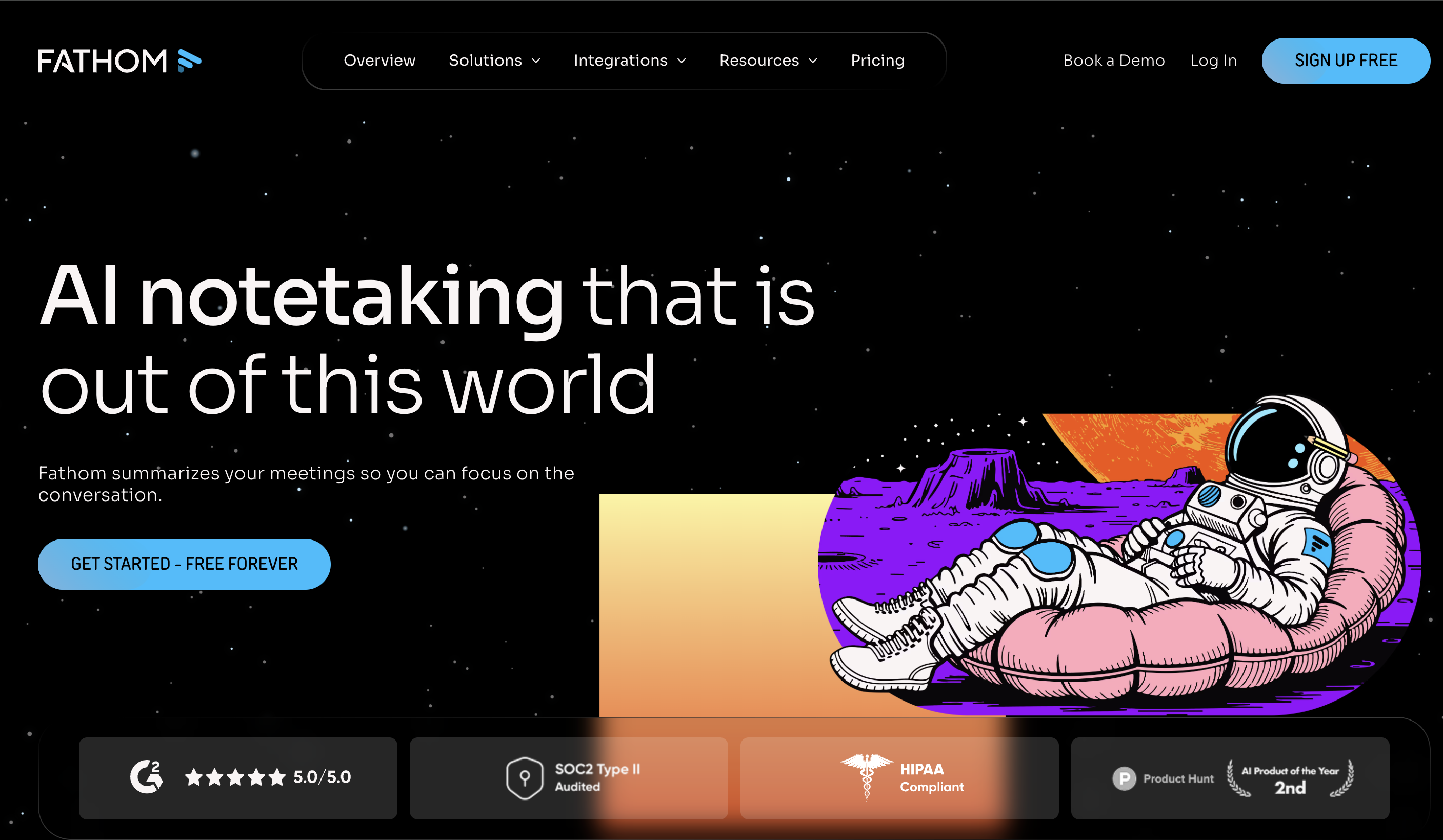
Fathom: Best for HubSpot
Fathom works well for HubSpot users who want a lightweight AI note taker that automatically captures and summarizes meetings. Its simple setup and clear summaries make it useful for documenting customer conversations, sharing meeting insights internally, and keeping CRM records organized.
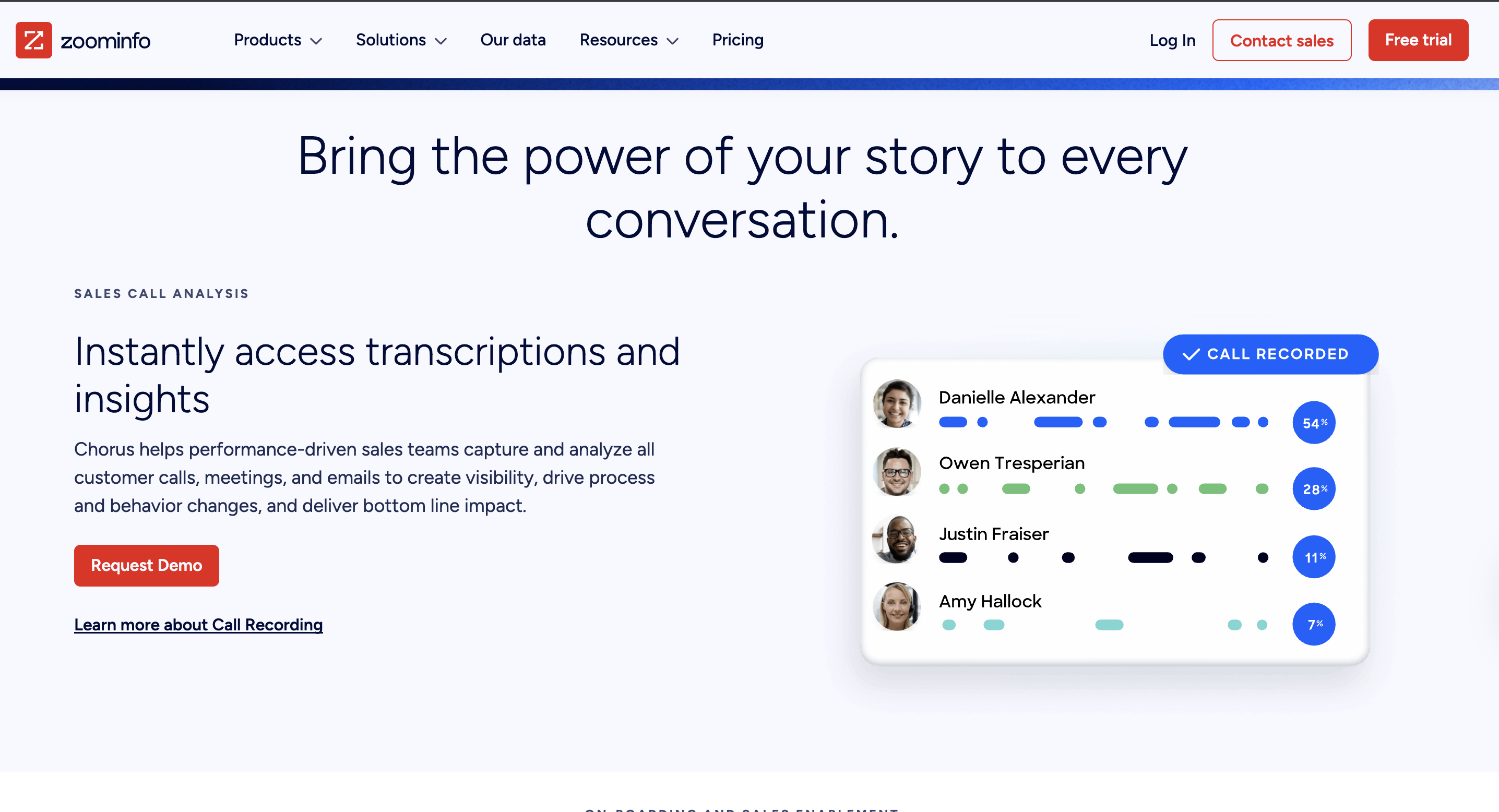
Chorus (ZoomInfo): Best for enterprise coaching:
Chorus focuses on conversation intelligence and coaching. Beyond transcription, it helps sales leaders review calls, identify patterns across deals, and improve how teams communicate with prospects. It’s particularly useful for larger organizations that want deeper insights into sales conversations and performance.
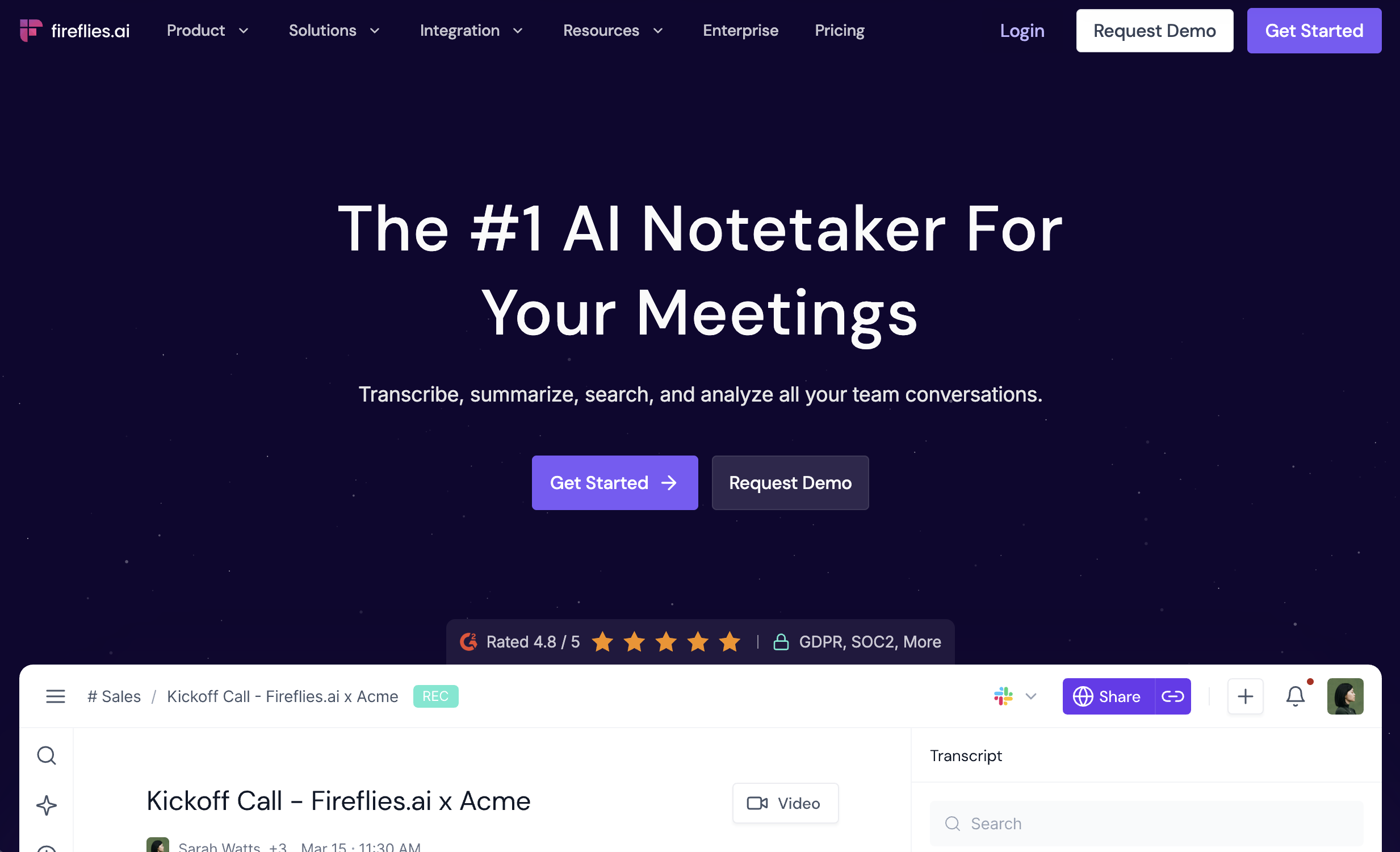
Fireflies.ai: Best for SMB (fastest setup):
Fireflies.ai is known for its quick setup and broad integrations. Teams can start capturing meeting transcripts and summaries almost immediately, making it a good fit for small or growing teams that want a fast way to document conversations and build a searchable meeting library.
MeetGeek: Best budget-friendly option
MeetGeek offers useful meeting summaries, transcripts, and task capture with a free tier. It’s a practical option for teams that want to experiment with AI meeting documentation and automation without committing to higher enterprise pricing.
Quick comparison: best AI note takers for sales calls (2026)
Tool
Transcript quality
Summary quality
Action items
Follow-up email
CRM sync (HubSpot/SF)
Coaching insights
Compliance/admin
Price tier
Best for
Krisp
High
High
High
Medium
HubSpot + SF (native on Business/Enterprise)
Medium
High
Paid (7-day free trial)
CRM-ready follow-ups with clean notes
Fireflies.ai
High
Medium–High
High
Medium
HubSpot + SF
Medium
Medium–High
Free + paid
Fast rollout and broad integrations
Otter.ai
High
Medium
Medium
Low–Medium
HubSpot + SF
Low–Medium
Medium
Paid (some tiers)
Transcript-first teams with light CRM logging
Avoma
High
High
High
Medium
HubSpot + SF
Medium–High
Medium–High
Paid
More workflow control for RevOps
Gong
High
High
High
Medium
HubSpot + SF
High
High
Contact sales
Enterprise coaching + deal intelligence
Chorus (ZoomInfo)
High
High
High
Medium
HubSpot + SF
High
High
Contact sales
CI plus pipeline views in larger orgs
Fathom
High
High
High
Medium
HubSpot + SF
Low–Medium
Medium
Free + paid
Simple summaries that land in CRM
tl;dv
Medium–High
Medium–High
Medium–High
Medium
HubSpot + SF
Medium
Medium
Free + paid
Meeting library with CRM workflows
MeetGeek
Medium–High
Medium–High
High
Medium
HubSpot + SF
Medium
Medium
Free + paid
Automated minutes plus task capture
Sembly AI
Medium–High
Medium–High
Medium–High
Medium
Varies by setup
Medium
Medium
Free + paid
Notes plus automations across tools
Key features to look for in an AI notetaker in 2026 (Our evaluation criteria)
To pick the best AI note taker for sales calls, focus on outputs that keep reps focused, prevent missed details, and create shared visibility across the team. We used the criteria below to compare tools consistently.
1) Transcript quality
A sales transcript is only useful if it is accurate enough to quote in follow-ups.
Sales calls often include sensitive customer data. Trust features matter as much as outputs.
Look for:
Clear consent and participant notice controls
Admin settings for recording, sharing, and exports
Data retention controls and deletion workflows
Security documentation that is easy to validate
Role-based access and audit-friendly logs
9) Reporting and pipeline impact
If your goal is better forecasting and cleaner CRM updates, you need measurable impact.
Look for:
Pipeline updates from calls (stage movement support)
Consistent tagging for objections and competitors
Team dashboards for follow-up completion and note quality
RevOps-friendly exports for analysis
10) Pricing fit for your team stage
Don’t choose based on sticker price alone. Choose based on rollout friction and value.
Look for:
Transparent tiering for CRM sync and admin controls
Team features and governance in the right plan
Trial limits and paid-only add-ons that affect adoption
Best note-taking apps for CRM follow-ups (HubSpot/Salesforce)
If your main goal is to reduce admin, speed up follow-up, and keep CRM data clean, prioritize tools that can do three things well:
Produce a strong sales call summary plus action items
Match the right CRM record automatically
Auto log call notes to CRM with structured fields, not just a text dump
Krisp
Krisp AI note taker is the best fit when you want AI notes that are easy to act on, then reliably push into HubSpot or Salesforce. It combines meeting capture with that to create call-ready outputs.
Best for
Sales teams and RevOps who want consistent post-call notes and stronger CRM hygiene.
Why it stands out for CRM follow-ups
AI sales call notes that are structured and scannable.
Clear action items and key decisions, so reps can move fast.
CRM sync for HubSpot and Salesforce
Extra value for call clarity from noise cancellation, which can improve outcomes in noisy environments.
What does it help you do
Send follow-ups faster using a clean summary and next steps.
Keep Opportunities/Deals updated without manual retyping.
Standardize notes across SDRs and AEs, which helps with forecasting.
Alternatives worth considering
Fireflies.ai
Best for: teams that want extensive integrations and a searchable meeting database.
Fireflies is a good option for teams that want to automatically capture meetings across many tools and turn them into a searchable knowledge base. Its strength is the large number of integrations and workflow connections, which makes it useful for organizations that want meeting data to flow across multiple apps. It works well when the goal is to centralize conversations and automate documentation across the stack.
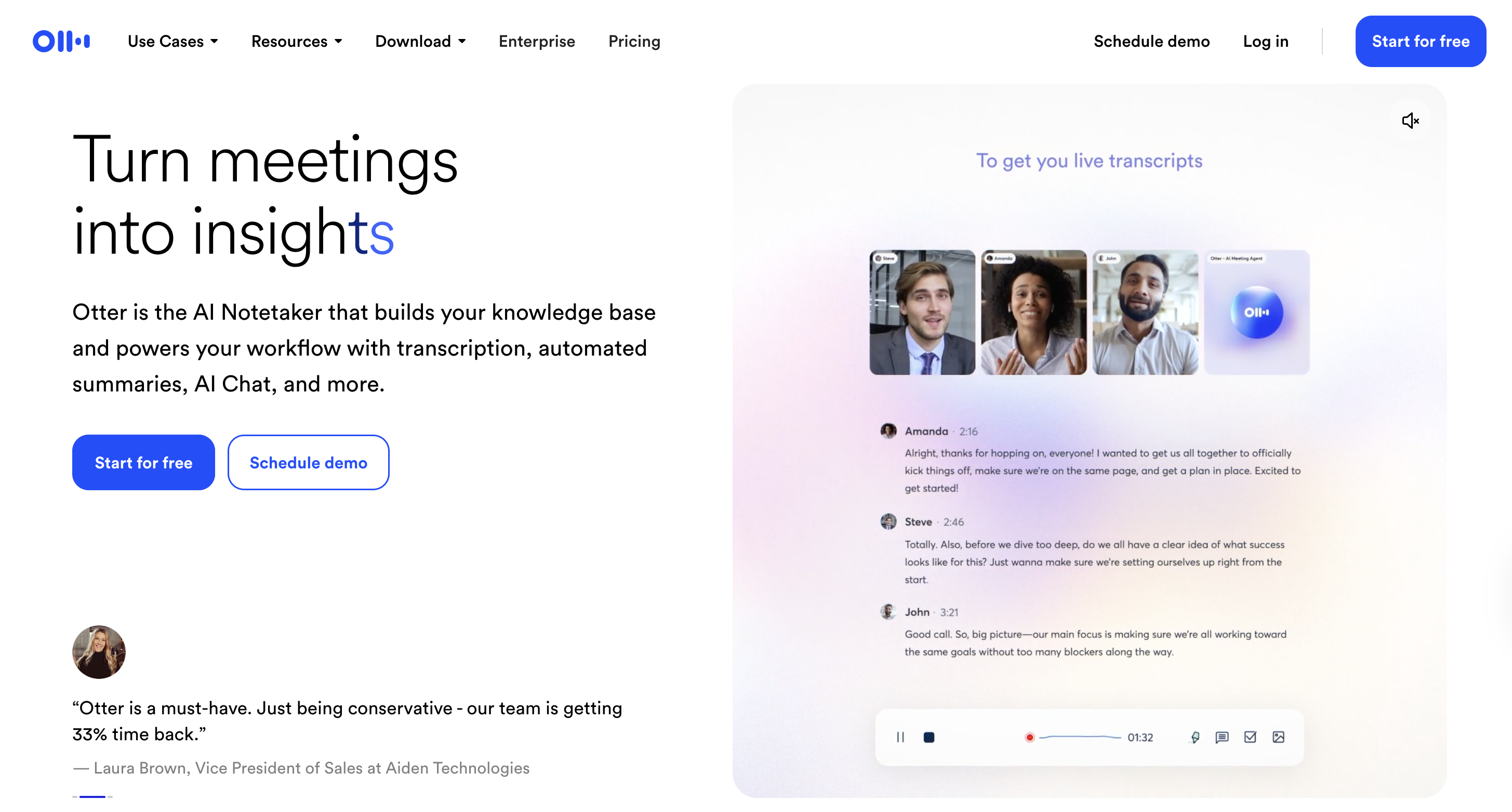
Otter.ai
Best for: transcript-first teams that want simple summaries and CRM integrations.
Otter is a strong pick when accurate transcription is the priority, and you want lighter-weight sales outputs. It suits teams that prefer a straightforward interface focused on transcripts and basic summaries rather than deeper coaching analytics or conversation intelligence features.
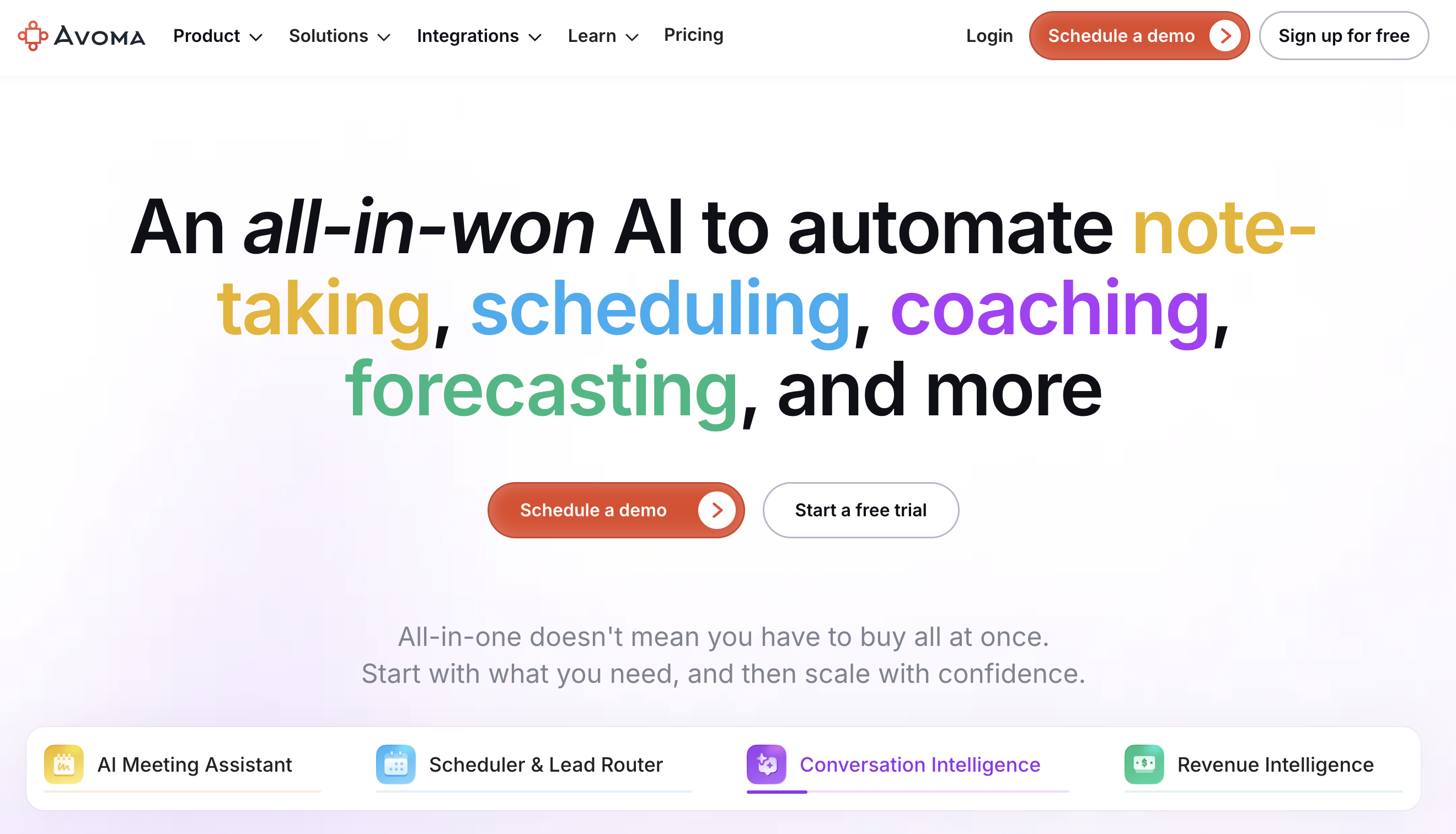
Avoma
Best for: teams that want more control over what goes into CRM and how it’s routed.
Avoma is a strong fit for RevOps-led workflows where teams want more structure and flexibility in CRM updates. In addition to sales call notes, it offers deeper meeting intelligence features and configurable workflows that help route insights and actions to the right places in the sales process.
Quick decision guide
Choose Krisp if your priority is clean notes-to-CRM with action items and consistent structure.
Choose Fireflies if you want fast rollout and broad integration coverage.
Choose Otter if you are transcription-first and want lighter CRM logging.
Choose Avoma if RevOps needs more control and routing for CRM fields.
10 best AI note takers for sales calls (with CRM sync)
Below are 10 strong options if you need sales call transcription, AI sales call notes, and CRM logging.
1) Krisp
Best for: accurate transcriptions, notes, and CRM integrations
Meeting notes and insights with structured summaries and tasks.
Automations can route outputs into business tools and workflows.
Searchable meeting library supports recall and alignment.
CRM support may depend on integrations and workflow setup.
Useful for teams that want notes plus process automation.
Pros
Automation-friendly for routing notes and tasks.
Solid summaries for internal alignment and handoffs.
Good for teams building repeatable post-call workflows.
Cons
CRM sync depth can depend on your setup and plan.
Sales-specific coaching features can be lighter than CI suites.
Best results often require consistent templates and configuration.
Verdict (who should buy)
Buy if you want automation-first workflows for notes and tasks.
Playbook: How to use AI notes to close deals faster
This playbook turns AI sales call notes into faster follow-up, cleaner CRM, and more consistent execution. Use it with any AI meeting assistant for sales teams.
1) Use a repeatable sales call note template
Ask your tool to generate the same structure every time. Consistency makes CRM updates and handoffs easier.
Include these fields:
Customer goal (what they want to achieve)
Current setup (tools, process, constraints)
Pain points (top 2–3, in their words)
Decision process (who signs off, timeline)
Requirements (must-haves vs nice-to-haves)
Risks (security, budget, switching effort)
Next steps (with dates and owners)
Pro tip: keep it under one screen. Reps actually use it.
2) Turn action items into a same-day follow-up
Your goal is to send a strong follow-up within 10 minutes after the call.
Workflow:
Review the automatic action items from sales calls.
Assign owners: rep, prospect, internal teammate.
Convert the top 3 items into a simple plan:
What happens next
Who owns it
When it’s due
What to avoid:
Vague tasks like “send info” or “follow up next week.”
3) Generate a follow-up email that drives momentum
Use the AI output, but keep it human. The email should confirm value and lock the next step.
Follow-up email structure:
1 sentence recap of their goal
3 bullets:
What they care about
What you agreed on
What happens next
2 short questions that unblock progress
Calendar link or confirmed next meeting time
Pro tip: Save 2–3 templates by stage: discovery, demo, procurement.
4) Update CRM in a “minimum viable” way
CRM updates should be short, structured, and consistent. Don’t dump the full transcript.
Log:
AI sales call summary (short, scannable)
Next step + date
Key stakeholders
Primary objection
Competitor mentioned
Stage impact (if the call changed it)
This is where strong conversation intelligence CRM sync matters. It reduces manual logging and improves forecasting.
5) Add a pipeline rule: no next step, no stage
A deal without a dated next step is a risk. Use AI notes to enforce a simple rule.
Operational rule:
If the summary has no next step date, the deal stays in the same stage.
What this fixes:
“Hope-based pipeline”
Stale opportunities that look healthy
6) Track objections and competitors with a simple system
You don’t need complex analytics to benefit. You need consistent tagging.
Discovery depth (did we clarify impact and urgency?)
Objection handling quality
Next step clarity
Keep it lightweight:
Pick one focus area per week.
Share 1–2 short moments with the rep.
8) Don’t break trust: handle consent and retention correctly
Sales calls often include sensitive information. Keep a simple governance approach.
Do:
Confirm your org’s policy on recording and transcription.
Use clear participant notice and consent practices.
Set retention rules that match your compliance needs.
Limit access by role and team.
Avoid:
Recording without clear notice.
Storing transcripts longer than needed.
Sharing call links too broadly.
Conclusion
If your priority is faster follow-up and cleaner CRM data, start with tools that can auto-log call notes to CRM with structured summaries and next steps. Krisp is the best fit for CRM-ready follow-ups, while Fireflies, Otter, and Avoma each win in specific scenarios. Shortlist two tools, test them on real calls, and verify the same three outcomes: usable summary, clear action items, and accurate CRM sync.
FAQs
Yes. Most note takers for sales calls work well on Zoom, Microsoft Teams, and Google Meet. Phone calls are more mixed, since support depends on dialer integrations, call imports, or a native recorder. Test your exact workflow, including guest joins and audio quality, before rolling out team-wide.
Set strict CRM rules. Log to the correct record first (Deal or Opportunity), then attach the summary and next steps. Push a short structured note, not the full transcript. Standardize a small set of mapped fields like next step date, objection, competitor, and stakeholders. Use sync rules based on meeting owner, pipeline stage, or call type to avoid duplicates.
A meeting assistant focuses on capture, transcription, summaries, action items, and basic sharing. Conversation intelligence adds sales analytics like objection and competitor tracking, coaching scorecards, talk ratios, deal risk signals, and forecasting support. Choose meeting assistants for speed and admin reduction. Choose conversation intelligence for coaching and pipeline visibility.
Accuracy varies by audio quality, overlap, and speaker clarity. You should test speaker identification, proper nouns, acronyms, and jargon. Include calls with cross-talk, weak microphones, and different accents. To ensure accurate transcripts in noisy environments or with accented speech, choose tools like Krisp that cancel background noise and convert accents, providing clearer communication and capturing meetings accurately.
RevOps should standardize the note template, required CRM fields, and sync rules. Use a consistent structure by stage and map key fields like next step date, stage impact, objection, competitor, use case, and stakeholders. Define who owns record matching errors, how duplicates are handled, and what data is excluded from syncing.
Many tools can generate follow-up email drafts and extract action items automatically. The best setups assign owners, include due dates, and push tasks into your CRM or task manager. Treat emails as drafts and do a quick edit for accuracy and tone before sending.
Measure three outcomes: time saved, CRM cleanliness, and coaching lift. Track minutes saved per rep per week on notes and CRM updates. Audit the percentage of calls logged to the correct record with a next step date. Then monitor improvements in discovery quality, follow-up speed, stage conversion, and ramp time for new reps.