








Zoom AI Transcription for Meetings
Get accurate Zoom transcription for every meeting. Krisp captures conversations so you can focus while your notes are handled for you.

 KRISPBF2026
 Back
Back


Get accurate Zoom transcription for every meeting. Krisp captures conversations so you can focus while your notes are handled for you.
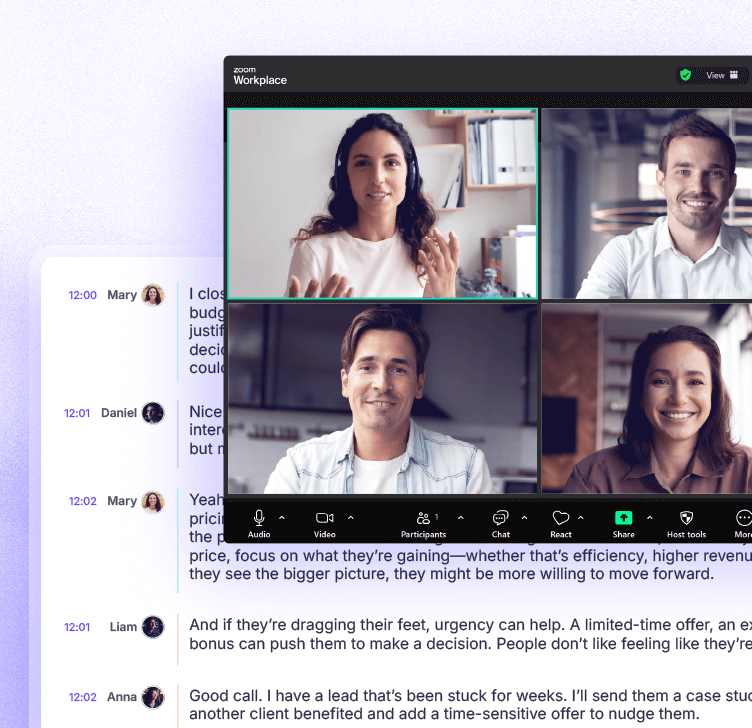










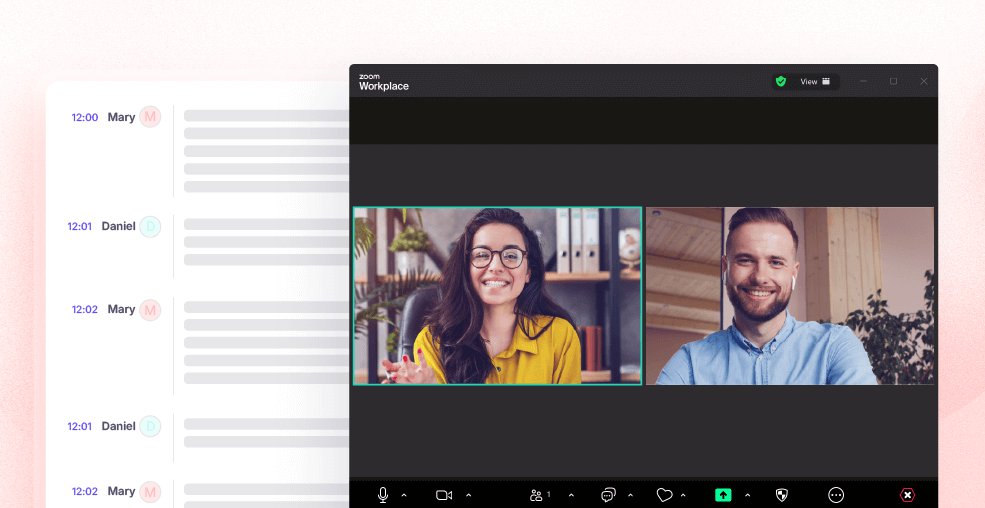
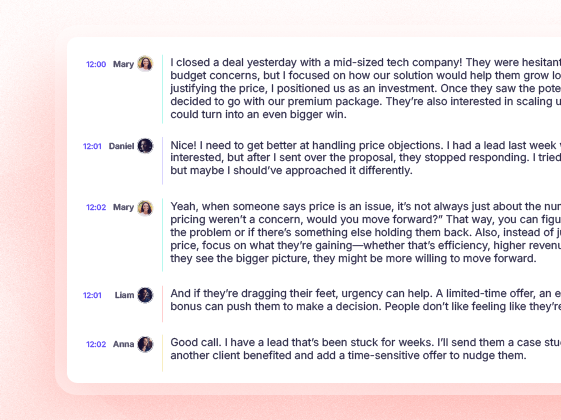
Krisp creates accurate Zoom transcription for live calls and meeting recordings with clear speaker labels.
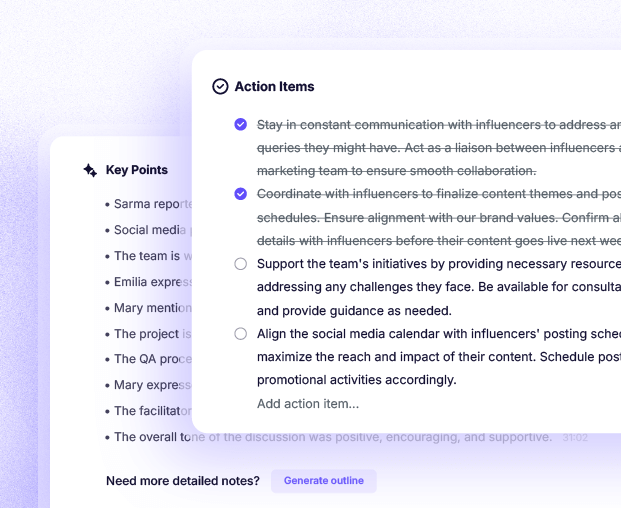
Krisp turns your Zoom transcripts into simple summaries that highlight key decisions and tasks.
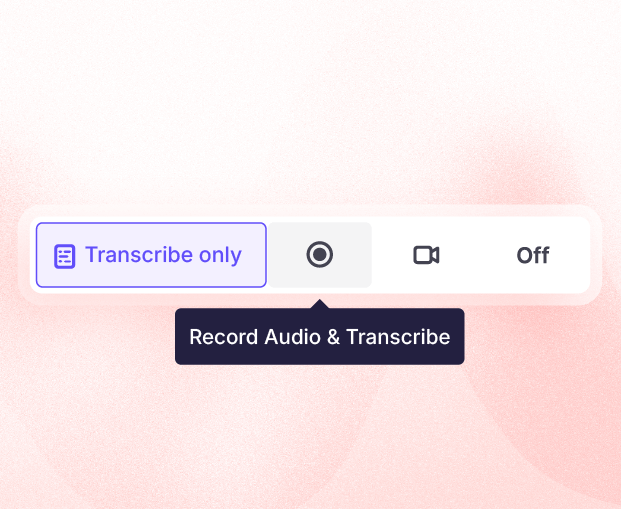
Krisp offers Zoom transcription without bots and supports both recording and transcript-only options.
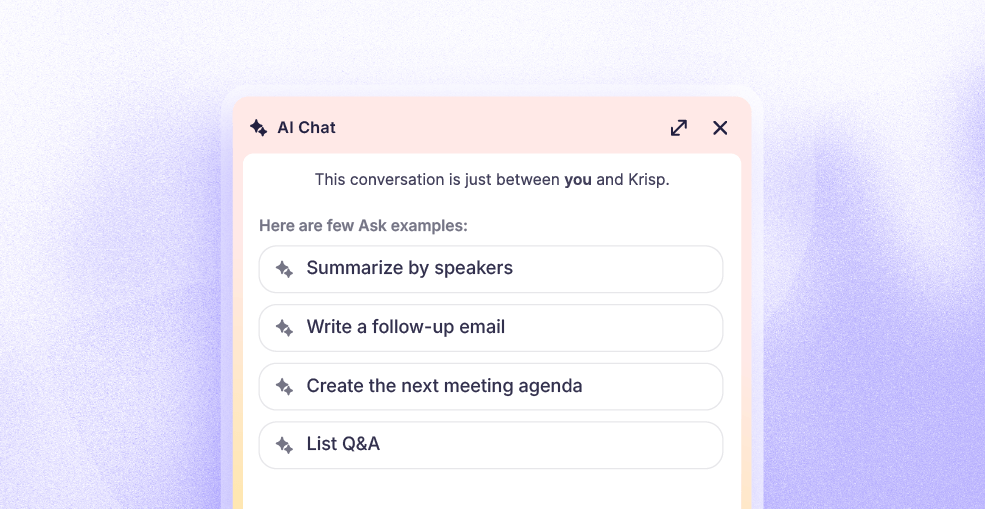
Krisp AI Chat gives quick answers from your Zoom transcripts and supports multiple languages.
Krisp turns your Zoom transcription into clear next steps by identifying tasks and assigning them to the right people. This helps teams move faster with less manual review.

Krisp uses AI to enhance your Zoom transcripts with multilingual understanding so teams can follow conversations and review details no matter what language is spoken.

Krisp adds speaker labels to your Zoom transcription so you always know who said what. This makes reviews, follow ups, and decision tracking much easier.
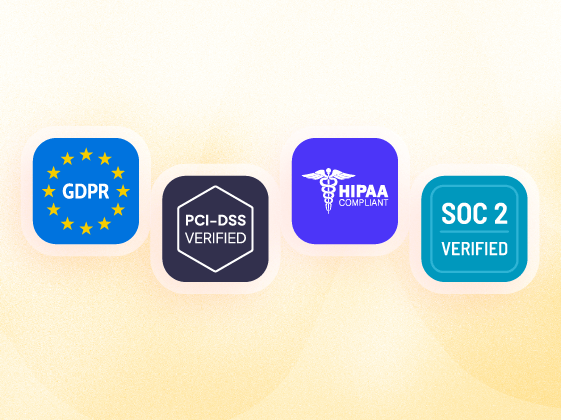
Krisp protects your Zoom transcripts with strong security controls and clear privacy practices. All data is handled transparently so your organization stays in full control.



 Zoom only
 Cloud recording with transcript Online only Higher cost
 Limited apps Audio recording with transcript Online only Higher cost Bot only
 Limited apps Higher cost Bot only
 Limited apps Online only Higher cost Bot only
Krisp works across your tools so your Zoom transcription stays connected to every workflow you use.


Download the Krisp desktop app and sign up. Krisp AI Meeting Assistant connects to Zoom automatically with no plugins or extra setup.
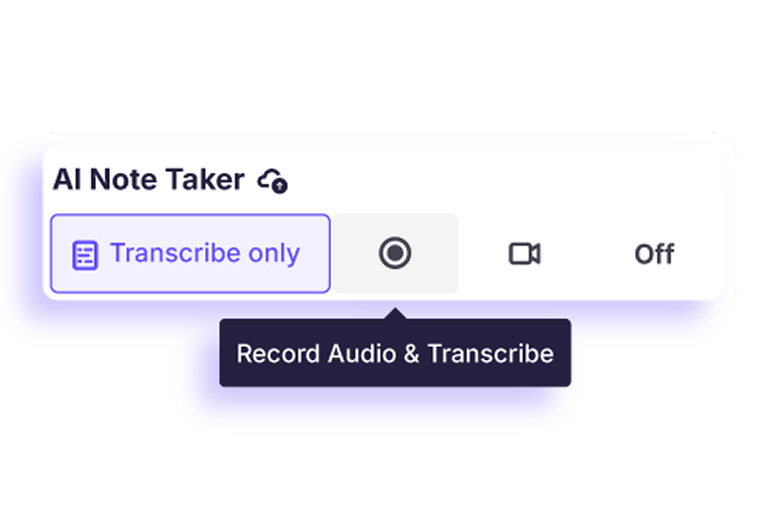
Open Krisp and turn on the AI Note Taker. Select your preferred recording type: audio, video, or transcript only. Your setting will stay active for all future meetings.
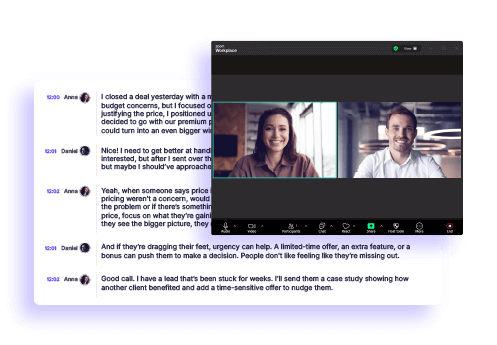
Join your Zoom call as you normally do. Krisp will immediately begin generating your transcript based on your selected recording type, with no extra steps needed.




 Zero connect time
Instant support for 60+ languages
No integration required with CX and voice platforms
No voice data visible to Krisp servers
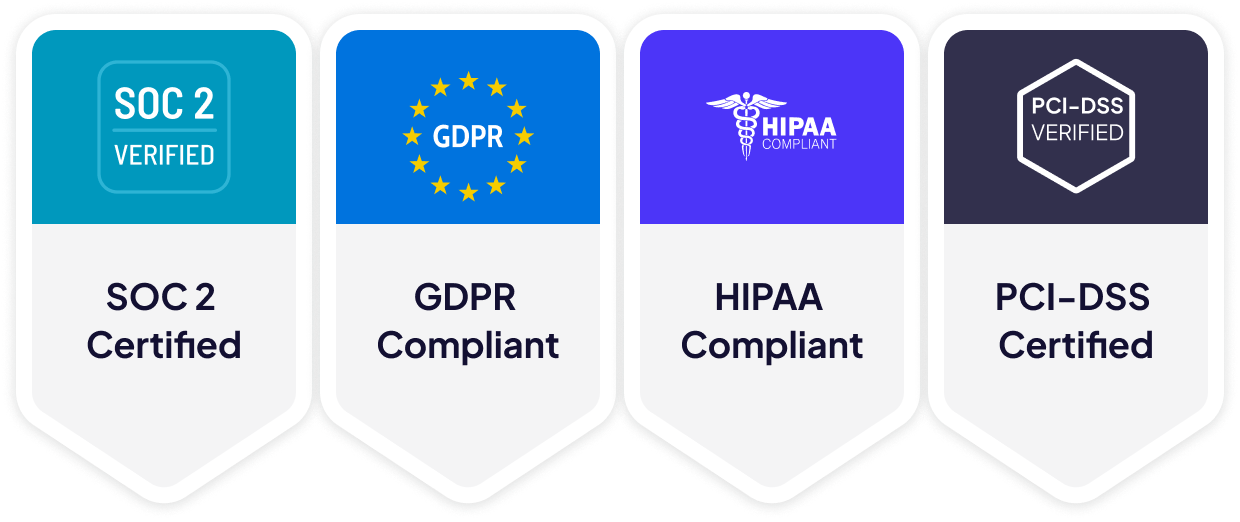
GDPR compliant
SOC 2 Type II certified
Encryption in-transit and at-rest
PCI-DSS 4.0 certified
HIPAA compliant

In this guide, we’ll show you how to record Zoom meetings step by step so you can stay organized and make meetings work for you.

Krisp’s Zoom AI notetaker listens, organizes, and summarizes your meetings, making it easy to revisit key points without losing focus during the conversation.
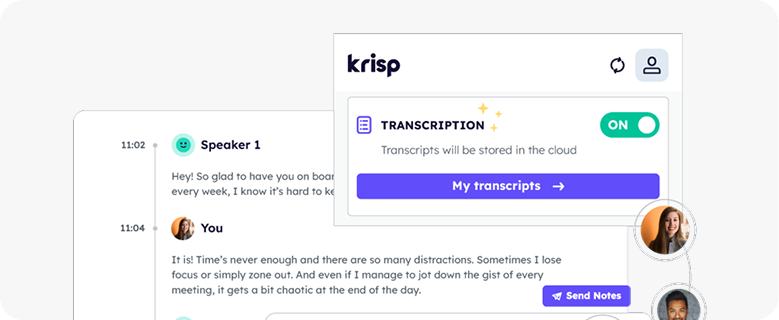
Record and transcribe Zoom meetings with Krisp’s AI Zoom meeting recorder. No host permissions required.
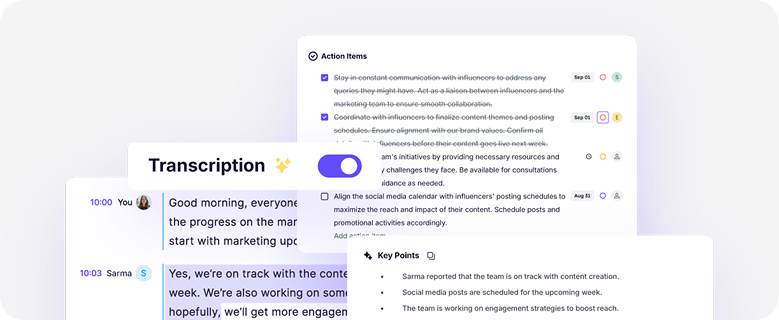
Powered by AI, Krisp goes beyond recording and delivers accurate meeting transcriptions you can trust.
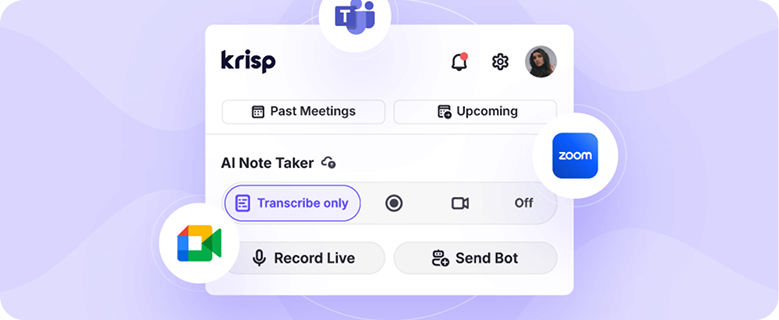
Krisp AI Note Taker captures, summarizes, and shares insights from any meeting, whether it’s online or offline. Trusted by top global companies.

Looking for a noise-cancelling app for Windows? Here are 10 tried-and-tested options that work in 2025.

