Krisp AI Meeting Note Taker
Voice Notes and Memo Recorder
 Back
Back
Back
Back




Krisp maximizes productivity by removing background noises, voices and echoes from your calls and meetings in real-time.

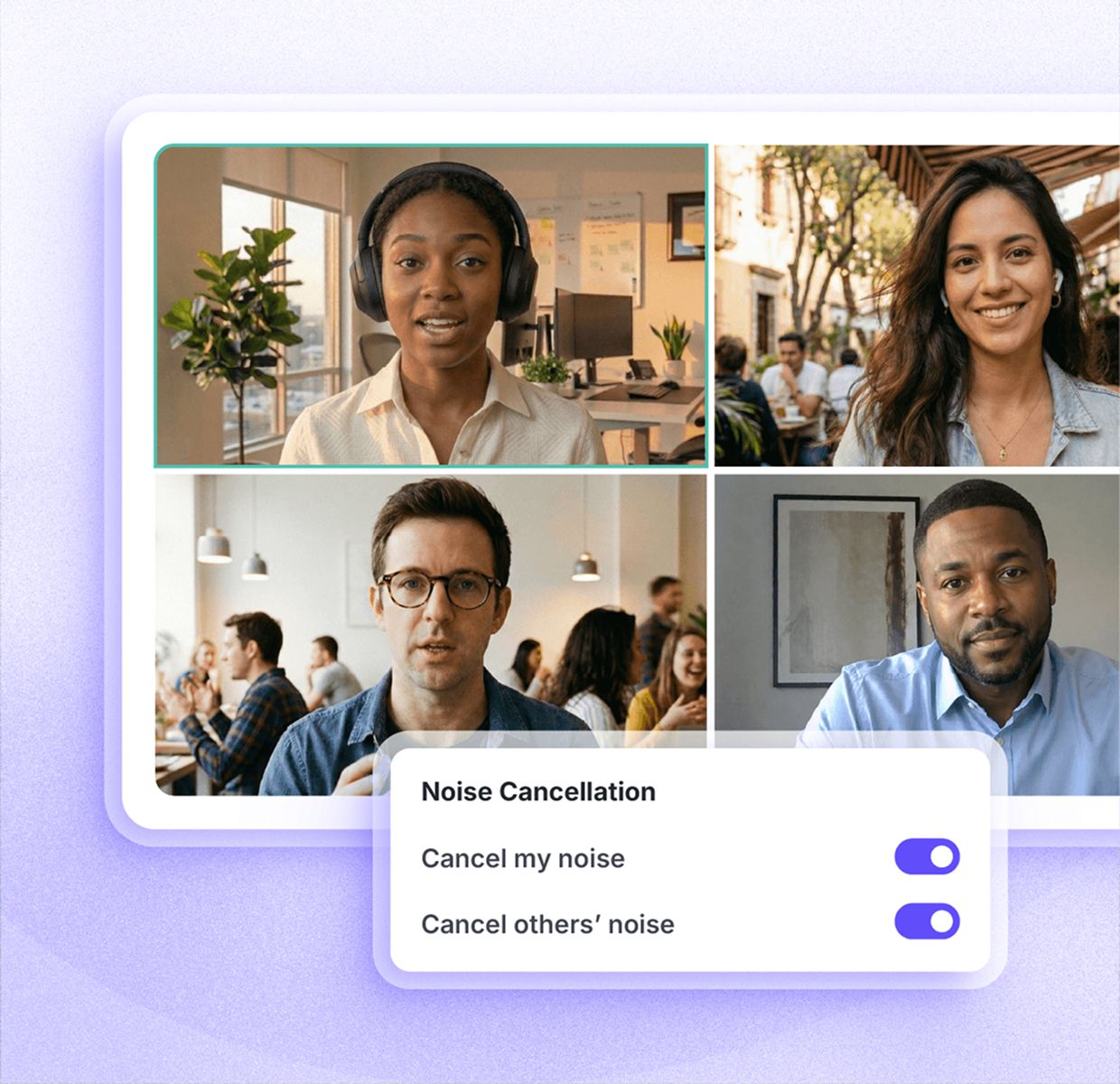









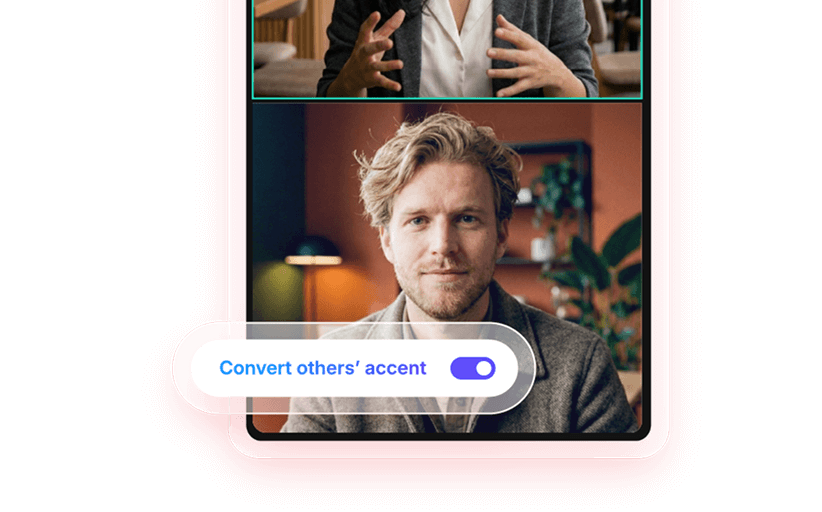
Background noise removal, AI meeting notes, and clear speech across accents — all inside the same Krisp app.
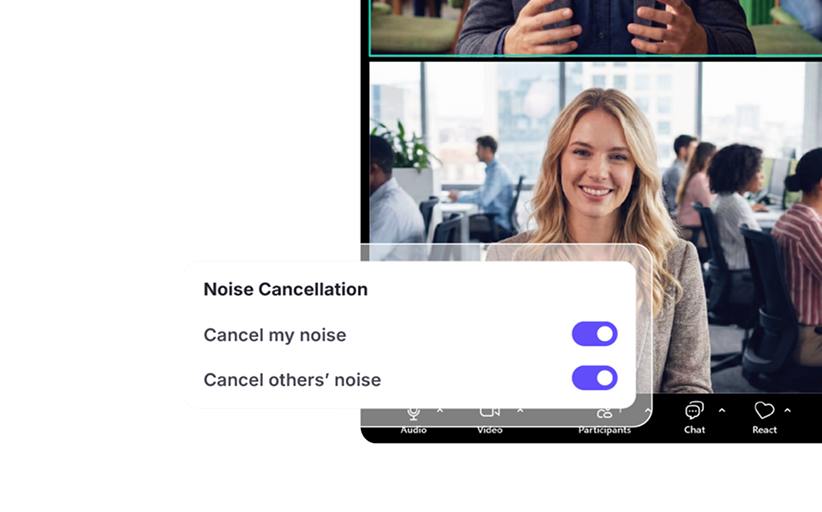


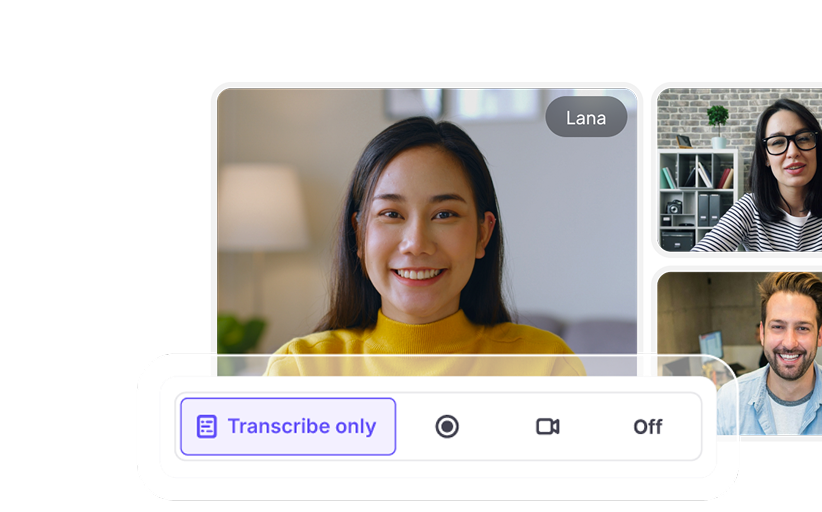

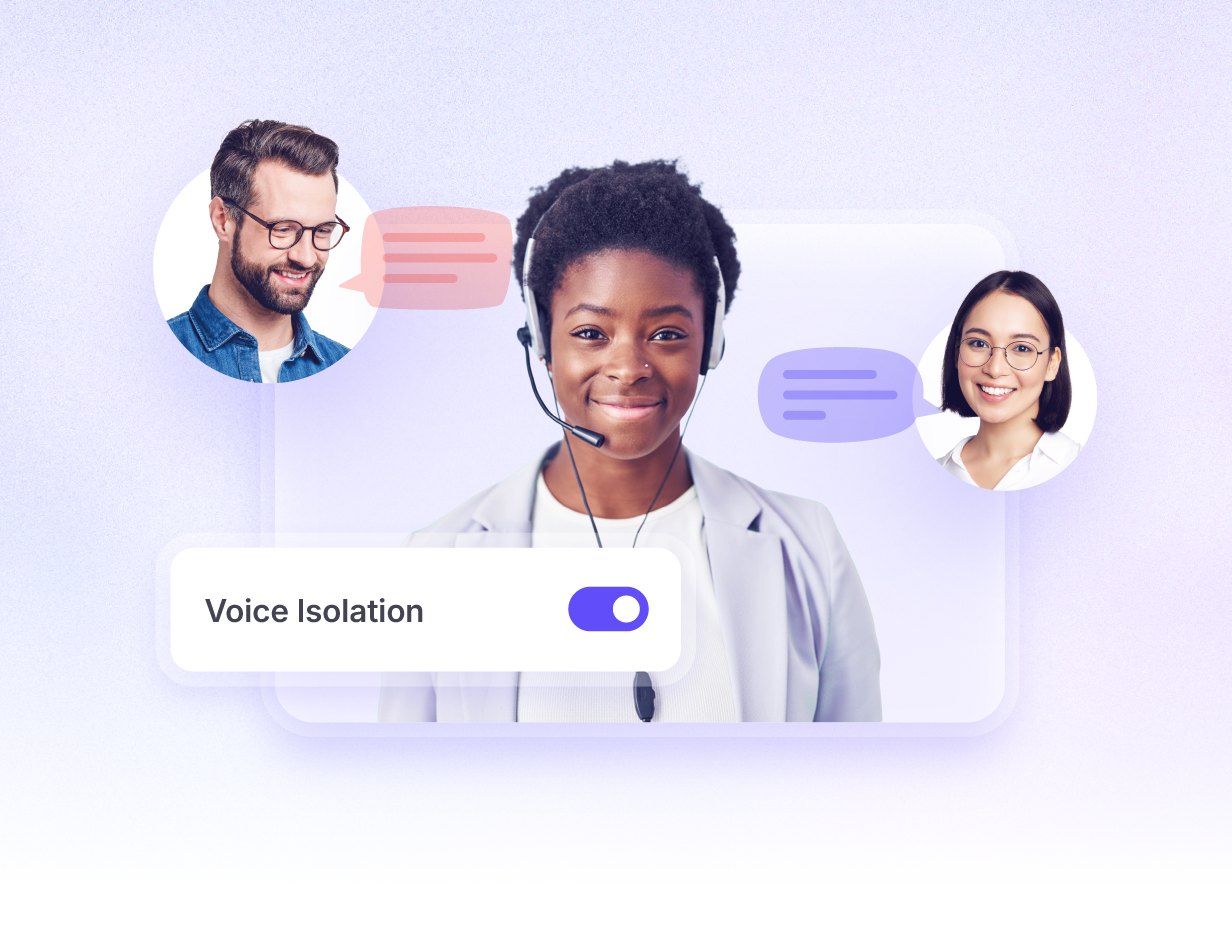
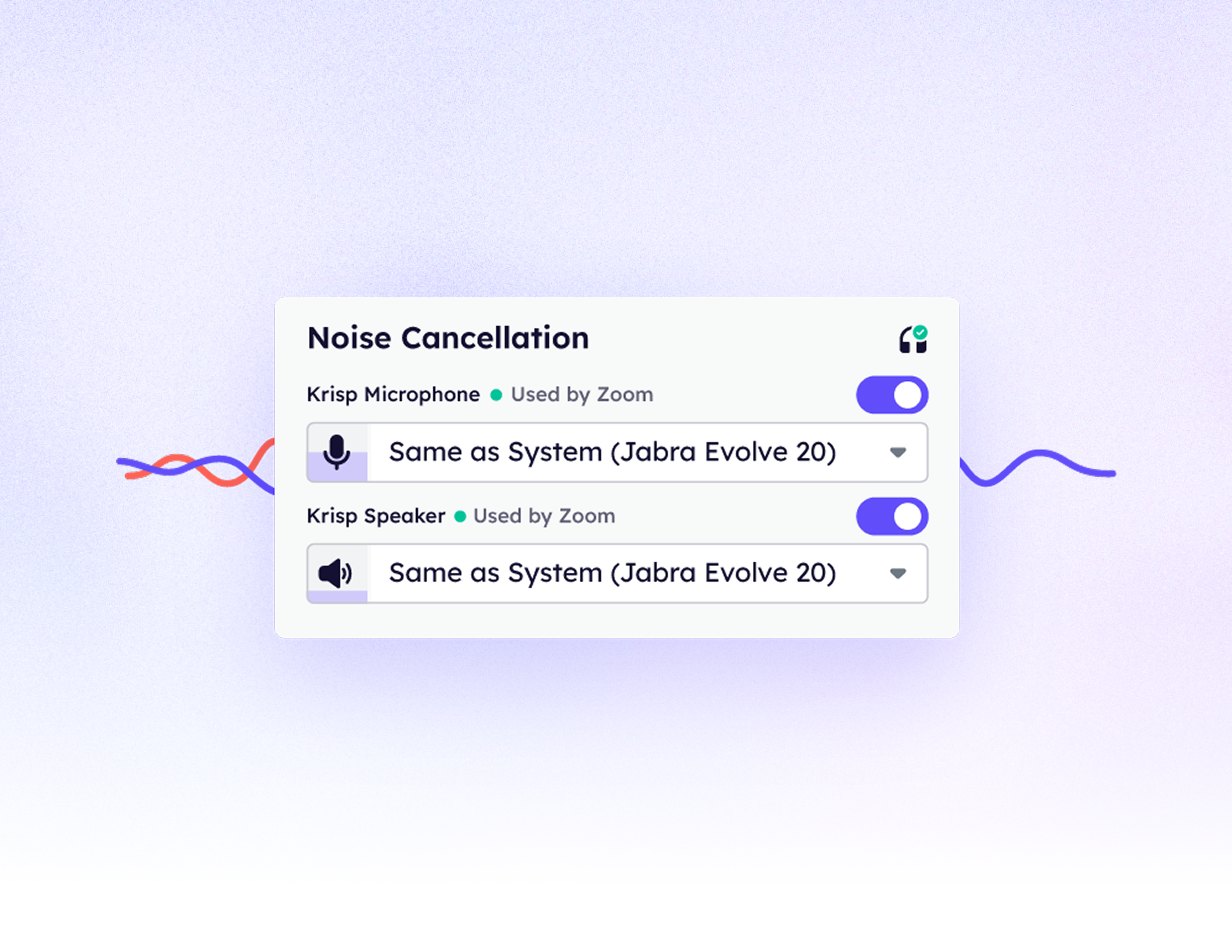

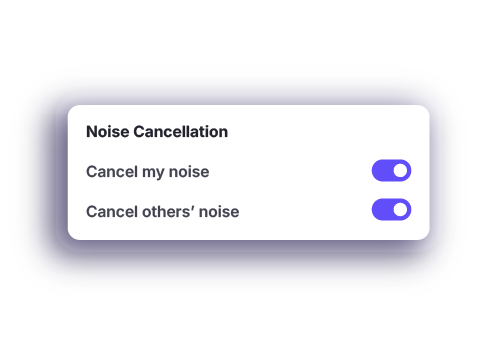
Choose “cancel my noise” to remove background noise from your side. Choose “cancel others' noise” to remove background noise coming from other participants.
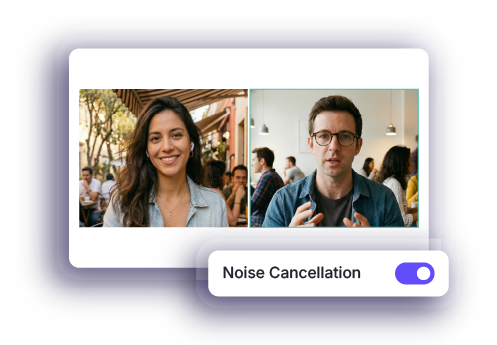
Join any meeting as usual. Krisp background noise remover runs automatically in the background and applies your chosen settings the moment your call starts.











Trusted by millions and recognized by G2 as a leader in Voice AI.
Read G2 reviews


 Mostly for post-meeting video noise removal Limited or not available
  Available for video and audio files only Basic or inconsistent Often not included Limited integrations Not supported Not supported
“I love how Krisp is noninvasive, seamlessly fitting into my workflow without the awkwardness of having a chatbot participate in my meetings. This makes it unique compared to other AI tools that often feel intrusive. I appreciate the seamless experience it provides, especially with note-taking, as Krisp helps me stay focused during meetings and eliminates the need for manual note-taking. I find value in the action lists and summaries it offers, allowing me to reassess and ... Read more”

“I use Krisp for all my online meetings, including Google Meet, Microsoft Teams, Zoom, and Webex, which shows its versatility and compatibility with various platforms. I particularly appreciate how Krisp allows me to focus entirely on the meeting without the distraction of taking notes. With Krisp recording the call and providing a full transcript, summary, and highlighting action items, I can confidently give the meeting my full attention”

“I almost never post about tools, but I've been working to improve how I follow up after customer conversations.
Having clear and accurate summaries and notes from calls makes a big difference, especially when switching between conversations or looping in teammates. I have been using Krisp for this, and it has helped me stay aligned on key ... Read more”

“Krisp is agent-less, and its AI identifies and transcribes audio with impressive accuracy. I have been using Krisp on my Mac every day for over a year, and I find it straightforward to install and use. The integration process is simple, making it easy to record meetings on Teams, Zoom, Meet, and just about any other platform. I have also used the feature to record in-person meetings a few times. It also works with meeting conducted in other languages, a great advantage for us since a 30% of them are in Spanish.”

“I really appreciate that Krisp works exceptionally well for transcription, providing almost 100% accuracy. Its ability to notate everything word by word with minimal mistakes is incredibly useful for my daily online activities, such as phone calls and Zoom meetings, and it proves to be very reliable”

“I love how Krisp allows me to record all the calls with my work team to be able to remember important data and generate minutes with certainty. This is especially useful for accessing information that could be forgotten or misinterpreted during a meeting. Additionally, I appreciate that it allows me to play back the audio with all the details that existed during the call, offering an exact fidelity of what happened. I can even hear comments I made when I was muted, which I consider ... Read more”
 Quick, easy deployment to all computers at once
User access and management
Centralized billing
Email, OAuth, and SSO user verification
No voice data visible to Krisp servers
GDPR compliant
SOC 2 Type II
Encryption in-transit and at-rest
PCI-DSS 4.0
HIPAA compliant
Quick, easy deployment to all computers at once
User access and management
Centralized billing
Email, OAuth, and SSO user verification
No voice data visible to Krisp servers
GDPR compliant
SOC 2 Type II
Encryption in-transit and at-rest
PCI-DSS 4.0
HIPAA compliant

A hands-on review of 11 noise cancellation tools tested across real conditions, comparing quality, latency, and pricing.

Explore noise cancellation technology, from passive and active methods to AI-powered software like Krisp for clearer communication.

Learn how AI-powered Krisp removes background noise with one click, making crystal-clear audio accessible to anyone.
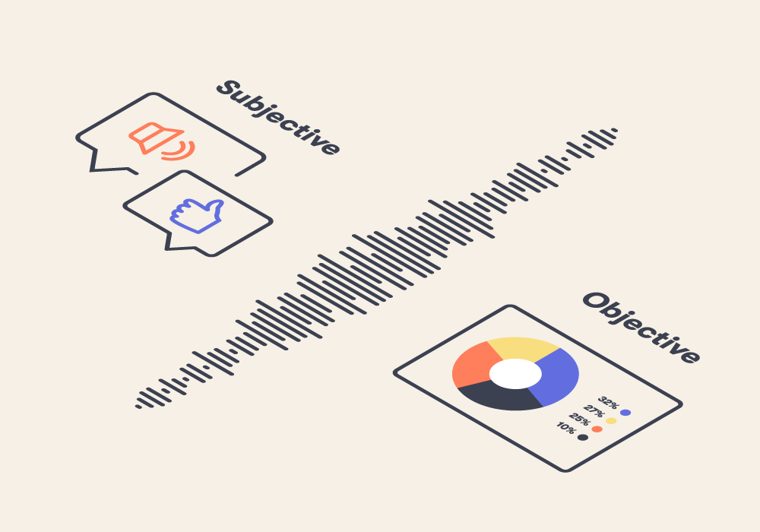
How Krisp evaluates its AI noise-cancellation algorithm through subjective and objective testing to balance noise removal with voice preservation.