G2 Badge for Krisp G2 Badge for Krisp G2 Badge for Krisp G2 Badge for Krisp G2 Badge for Krisp

Microsoft Teams Transcription: live and post-meeting

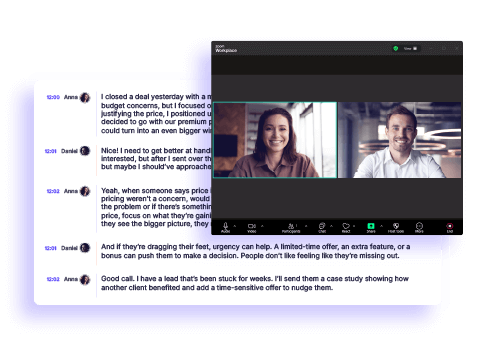
Krisp transcribes every word of your Teams meetings in real time. No bot on the call, no recording, no admin setup - just join and talk. Walk away from every MS Teams meeting with a full transcript, AI-generated notes, and action items ready to share.

Krisp customers intro image
Organizations worldwide trust us
Everise logo
Startek logo
Transparent BPO
FirstSoruce logo
Movate logo
TTEC logo
TransUnion logo
Arrivia logo
Officegurus logo
Km2 logo
ResultsCX logo
iContact logo
eClerx Logo
Genpact Logo
Frontline Logo
Virtual Staffing Logo
Foundever logo
WNS logo
Conduent logo
Afni logo
IDFC logo
Intercontinental logo
Manulife logo
Nutun logo
Everise logo
Startek logo
Transparent BPO
FirstSoruce logo
Movate logo
TTEC logo
TransUnion logo
Arrivia logo
Officegurus logo
Km2 logo
ResultsCX logo
iContact logo
eClerx Logo
Genpact Logo
Frontline Logo
Virtual Staffing Logo
Foundever logo
WNS logo
Conduent logo
Afni logo
IDFC logo
Intercontinental logo
Manulife logo
Nutun logo

MS Teams Transcription
that just works

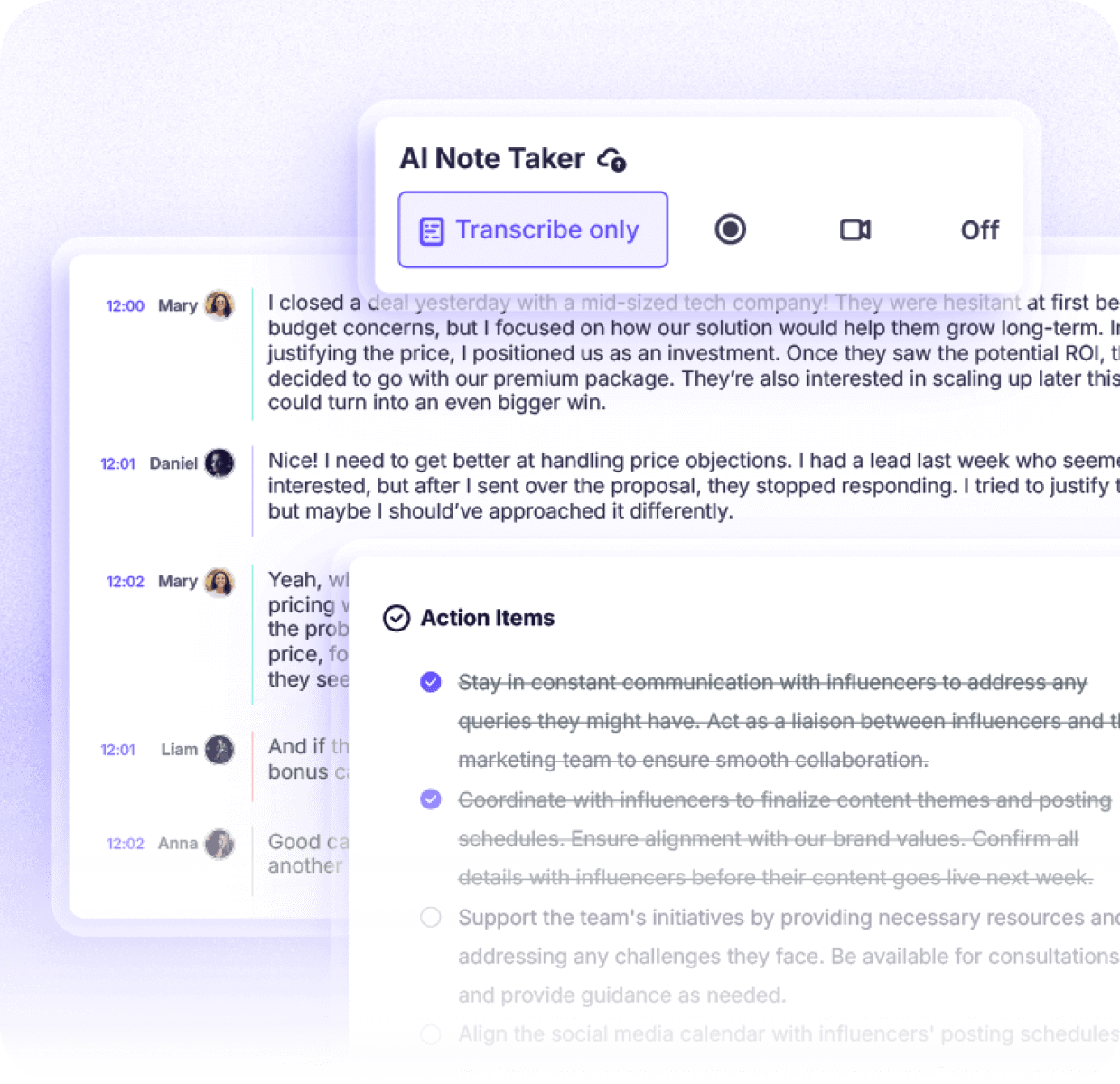
Real-time Teams transcription across 17 languages

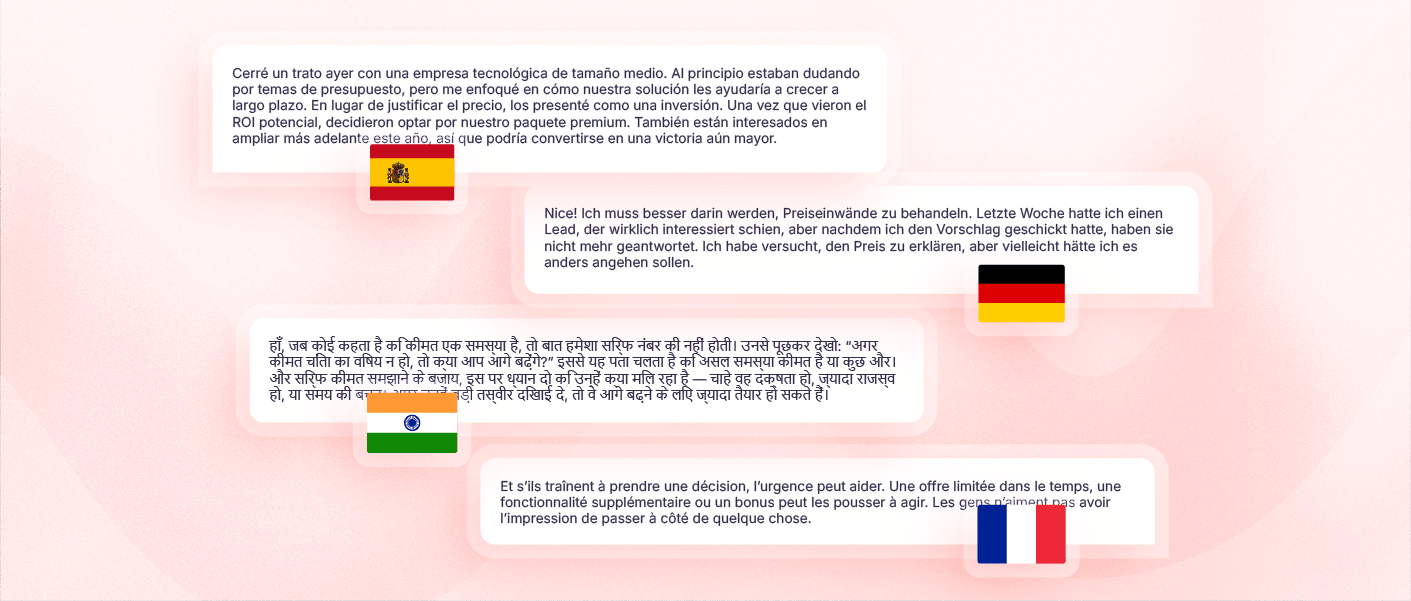
Krisp transcribes meetings in real time, so multilingual teams and international calls are fully covered without any additional configuration.
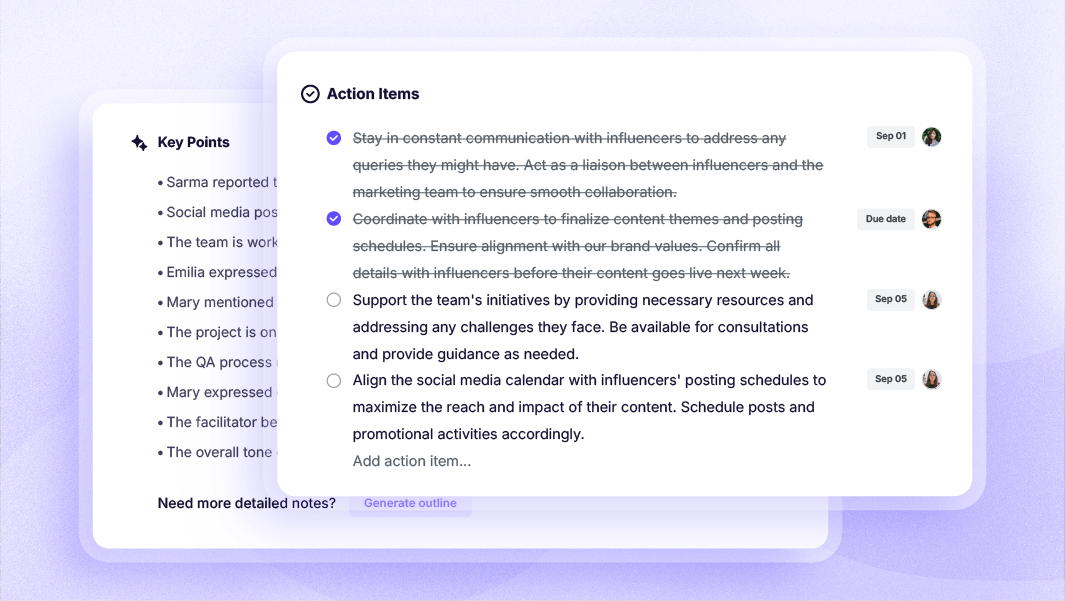
AI Notes and Action Items - Automatically

AI meeting notes, key decisions, action items, and meeting summaries are pulled out without any manual work. The output is an organized record of what was said and what comes next.
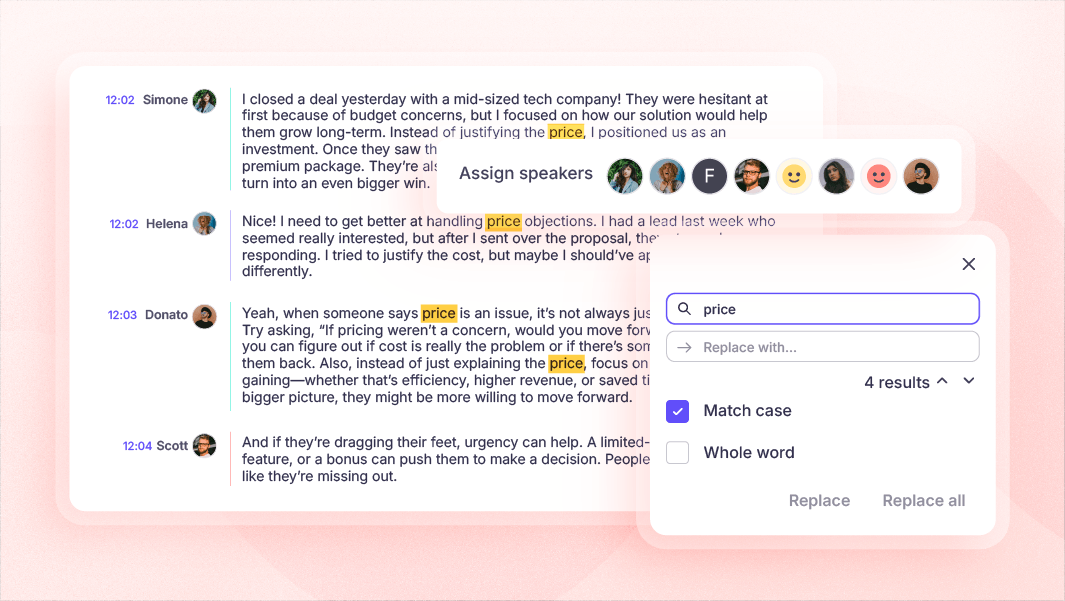
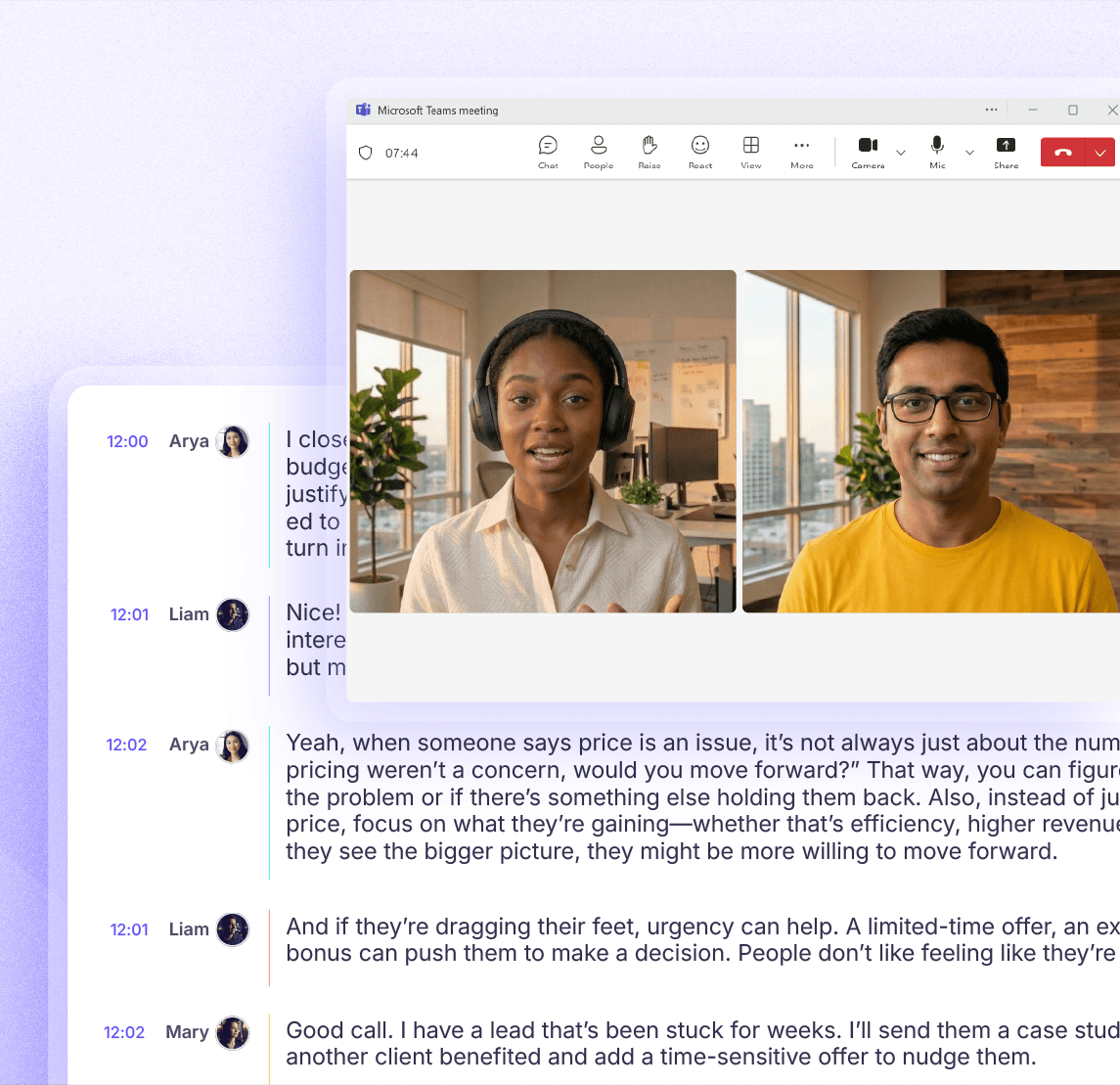
Speaker-labeled transcripts for every Teams meeting

Every MS Teams transcript is fully searchable and tags every line by speaker. so you can find any quote or discussion point from past Teams meetings in seconds.
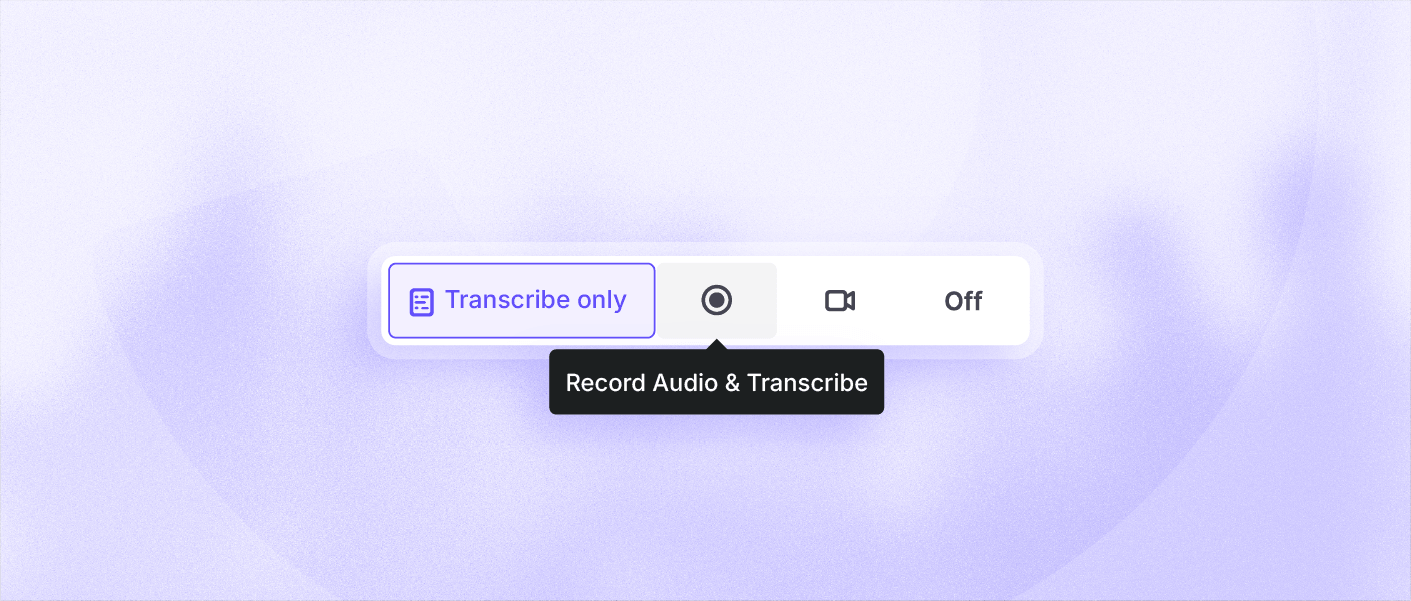
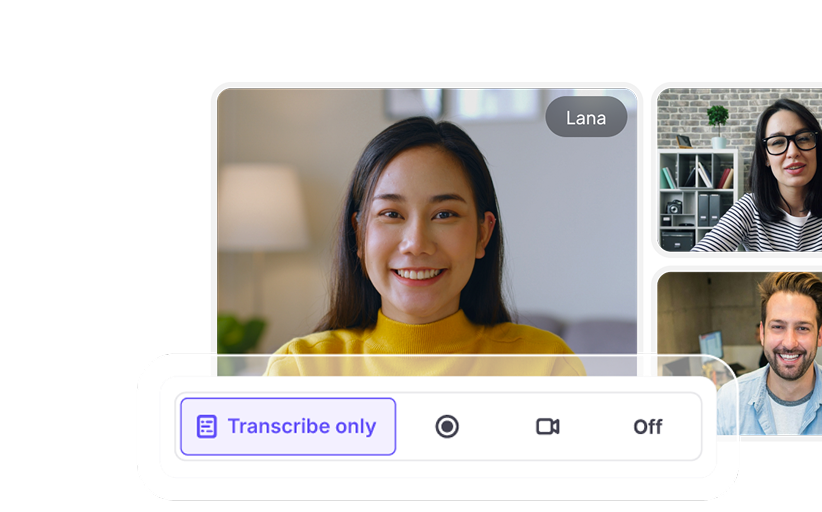
Transcribe MS Teams meeting without recording

Choose the mode that fits your meeting: “transcribe only” for captions without a recording, or record audio or video alongside the transcript.

One app. Every
Voice AI feature for meetings.

Now listener side Accent Conversion expands the suite - all inside the same Krisp app.

Why choose Krisp for
Microsoft Teams transcription

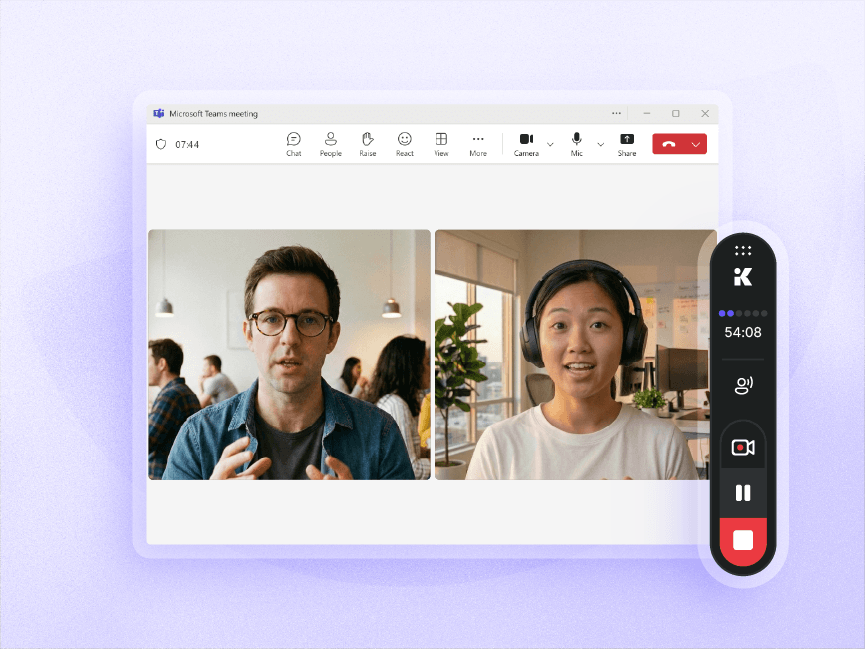
No bot joins your meeting

Record meetings without adding a bot to the call. Participants don’t see an extra attendee, and your conversation isn’t streamed to a third-party service during the meeting. Every recording is transcribed automatically for a seamless meeting experience.
No bot joins your meeting

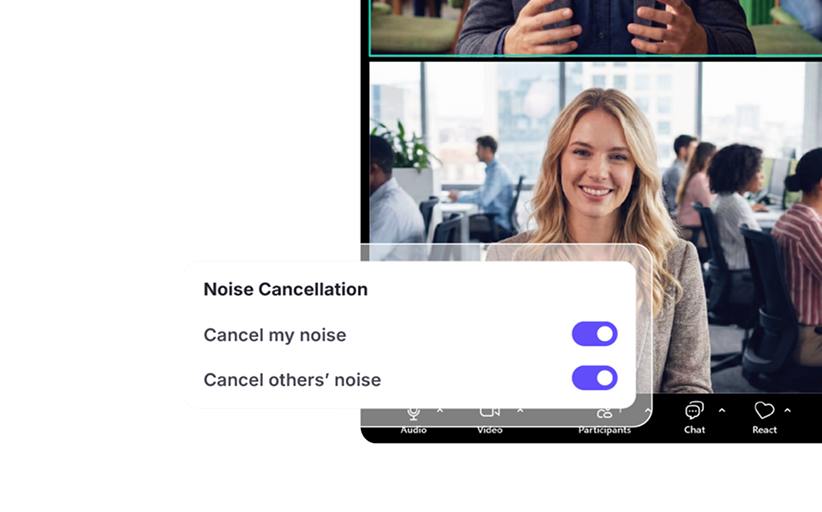
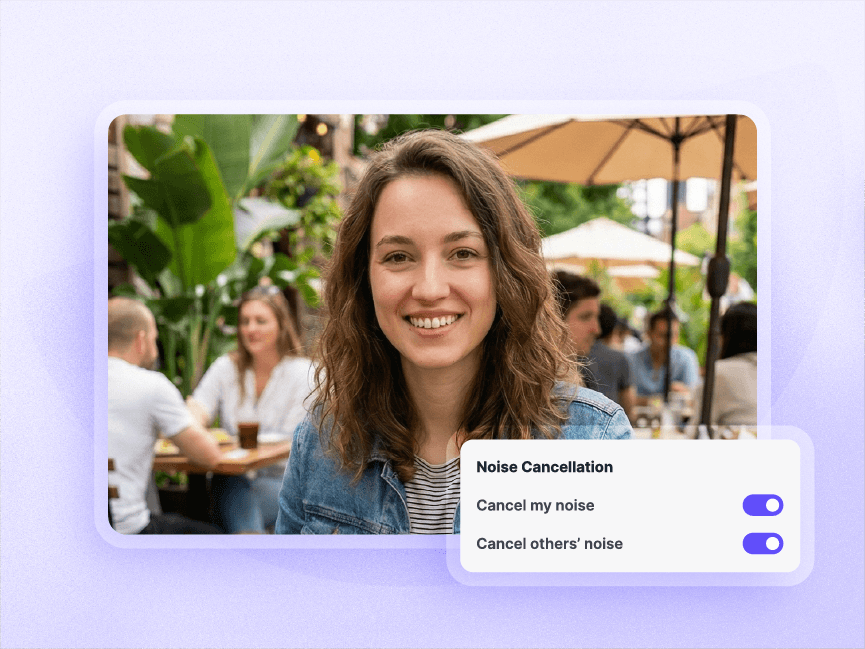
Accuracy that holds across noisy conditions

By removing background noise in real time, Krisp makes meetings easier to hear and follow. The cleaner audio also improves MS Teams transcription accuracy, helping capture what participants actually say across noisy environments.
Accuracy that holds across noisy conditions

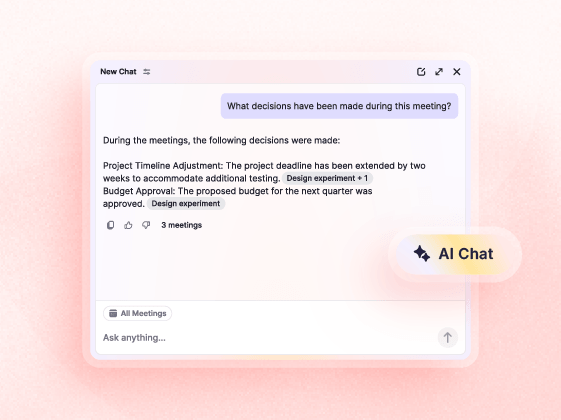
AI Chat for instant meeting insights

AI Chat helps you find the information you need without rereading long transcripts. Ask questions about past Microsoft Teams meetings and get answers based on the conversation, making it faster to revisit decisions, clarify action items, and catch up on meetings you missed.
AI Chat for instant meeting insights

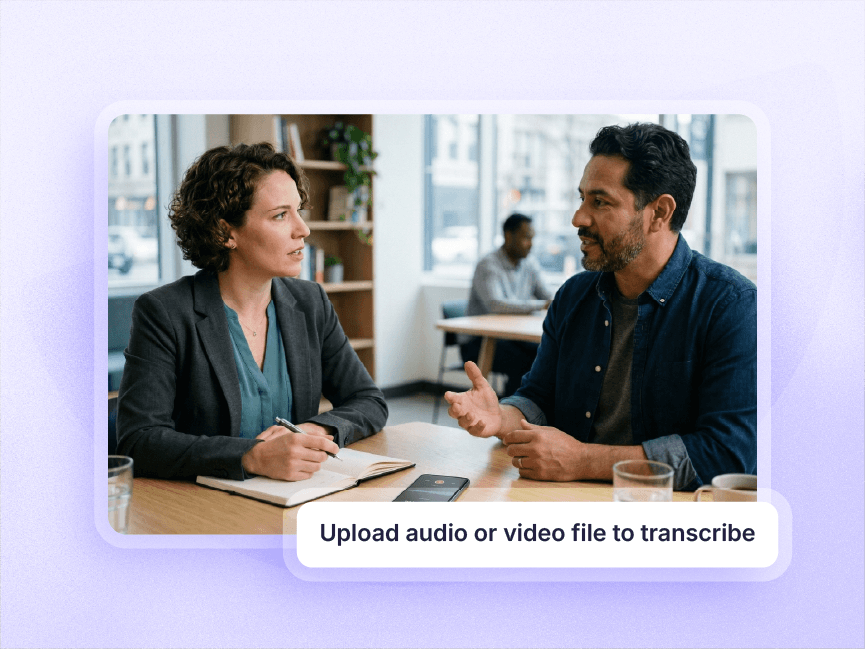
In-person meetings in the same workspace

Important conversations don’t happen only on MS Teams calls. Record, transcribe and get notes from in-person meetings with the Krisp mobile app, then keep every transcript in the same workspace alongside your Teams meetings.
In-person meetings in the same workspace

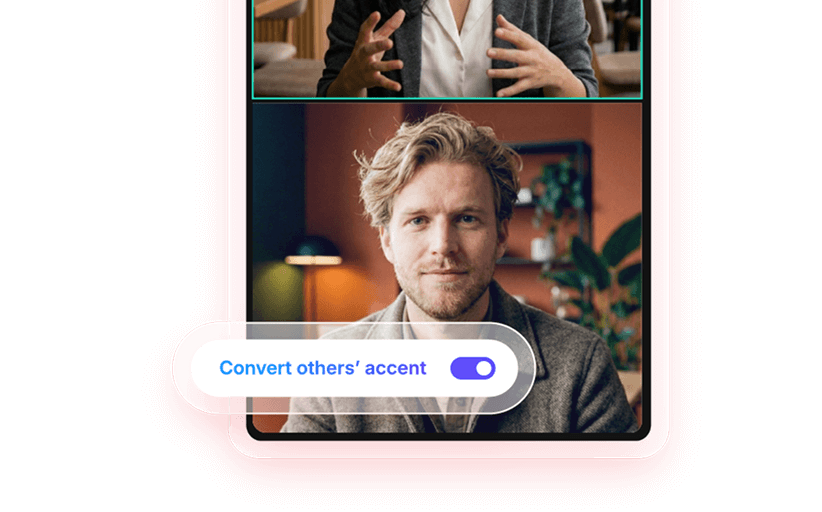
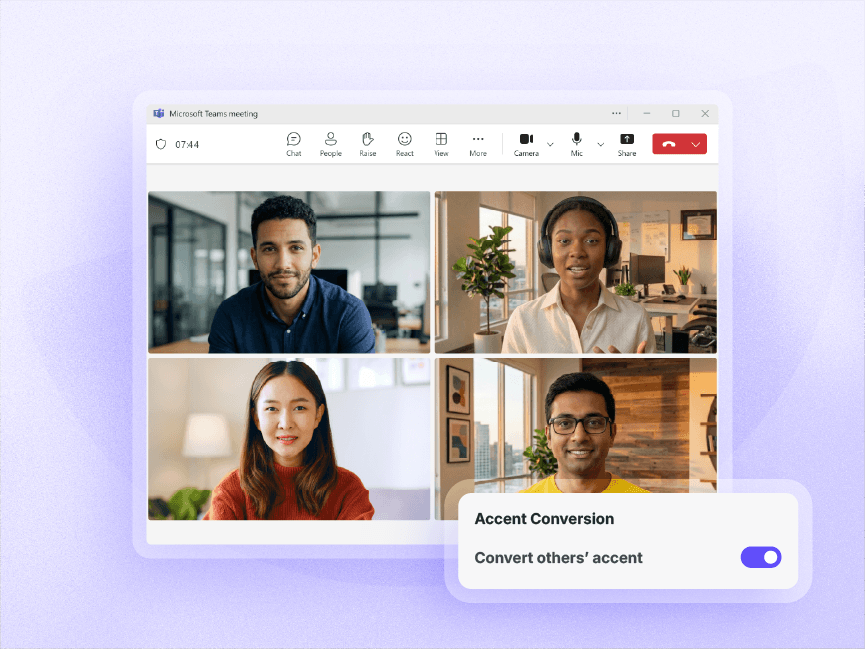
Speaker-side and Listener-side Accent Conversion

Break through accent-related communication barriers from both sides of the Teams conversation.

The result is a better Microsoft Teams meeting experience and more accurate transcripts.
Speaker-side and Listener-side Accent Conversion

Your MS Teams transcription, connected to your stack

Krisp automatically pushes Microsoft Teams meeting transcription, notes and summaries, action items to the tools your team already uses - so nothing sits in a silo after the call.

Hubspot and Krisp integration Salesforce and Krisp integration Pipedrive and Krisp integration Affinity and Krisp integration
CRM
Asana and Krisp integration Kira and Krisp integration Zapier and Krisp integration Monday and Krisp integration
Project Management
Zoom and Krisp integration Slack and Krisp integration Google Meet and Krisp integration
Collaboration

How Krisp’s Microsoft Teams transcription works

01
Set up Krisp

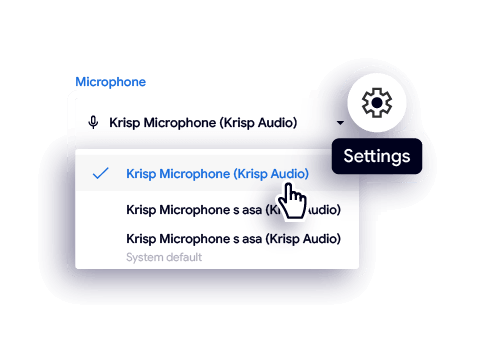
Sign up and download the Krisp desktop app and sign up. Krisp AI Meeting Assistant connects to MS Teams automatically with no plugins or extra setup.
02
Enable AI Note Taker

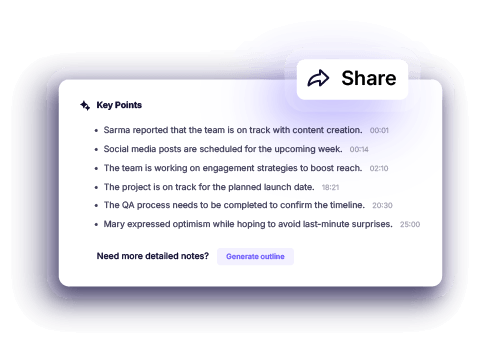
Open Krisp and turn on the AI Note Taker. Select your preferred recording type: audio, video, or transcript only. Your setting will stay active for all future meetings.
03
Review and share your notes

Review your transcripts, make any necessary edits, and share them with your team. Every MS Teams and notes becomes a fully actionable resource your team can rely on.


Who Krisp’s Microsoft Teams transcription is for

Sales teams
Every commitment and next step captured automatically
Action items pushed to Salesforce or HubSpot after each call
Searchable Teams call transcripts for coaching and deal review
Recruiters and HR teams
Speaker-labeled transcripts for every interview in MS Teams
Searchable across all candidates for a single role
No bot in the call - no consent friction with candidates
Customer success managers
Full transcript of every Teams check-in
Follow-up action items extracted automatically
Meeting summaries synced to your CRM timeline
Managers and team leads
Key decisions and blockers surfaced automatically
Action items attributed to specific speakers
AI Chat for instant answers from any past meeting transcript
Remote and distributed teams
Full MS Teams call transcript shared across the team after each call
17-language support for multilingual teams
Every commitment and next step captured automatically
Action items pushed to Salesforce or HubSpot after each call
Searchable Teams call transcripts for coaching and deal review
Speaker-labeled transcripts for every interview in MS Teams
Searchable across all candidates for a single role
No bot in the call - no consent friction with candidates
Full transcript of every Teams check-in
Follow-up action items extracted automatically
Meeting summaries synced to your CRM timeline
Key decisions and blockers surfaced automatically
Action items attributed to specific speakers
AI Chat for instant answers from any past meeting transcript
Full MS Teams call transcript shared across the team after each call
17-language support for multilingual teams

Enterprise-grade security
for all your MS Teams transcriptions

Enterprise-grade security <br> for all your MS Teams transcriptions

Governance

Zero connect time
Instant support for 80+ languages
No integration required with CX and voice platforms

Privacy & Security

No voice data visible to Krisp servers
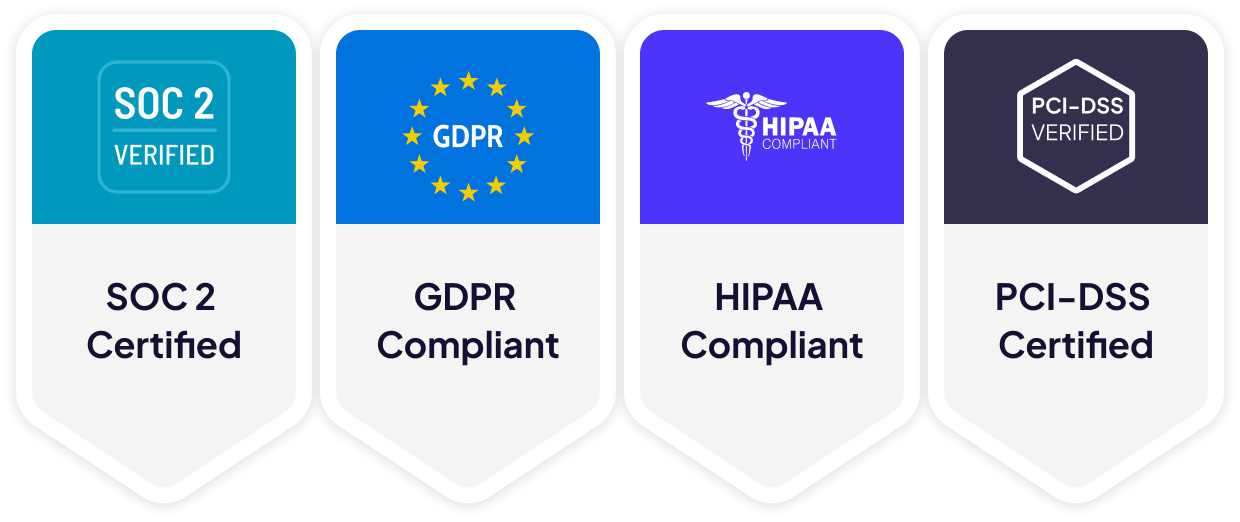
GDPR compliant
SOC 2 Type II certified
Encryption in-transit and at-rest
PCI-DSS 4.0 certified
HIPAA compliant
Enterprise-grade security <br> for all your MS Teams transcriptions

Explore more on
transcripts and notes

Zoom AI Transcription for Meetings

Zoom AI Transcription for Meetings

Get accurate Zoom transcription for every meeting. Krisp captures conversations so you can focus while your notes are handled for you.
Real-time Google Meet transcription

Real-time Google Meet transcription

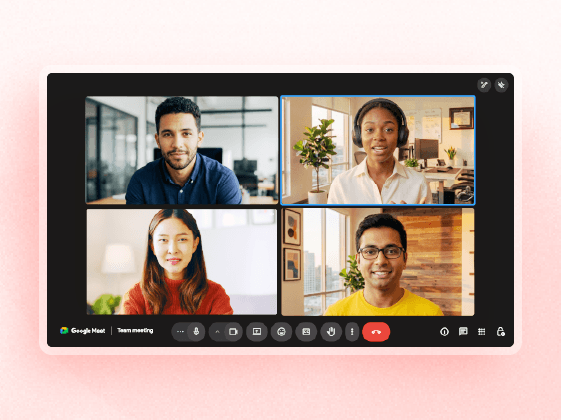
Get searchable Google Meet transcripts with speaker labels, AI notes and summaries in 17 languages.
The World’s #1 AI Meeting Assistant

The World’s #1 AI Meeting Assistant

Krisp’s AI Meeting Assistant records, transcribes, and summarizes your online and in-person meetings, so you can focus on the conversation.

11 Best AI Note-Taking Apps for Meetings in 2026

11 Best AI Note-Taking Apps for Meetings in 2026

This guide gives you the honest version: how each app performed, who it’s best for, what it costs, and where it falls short.
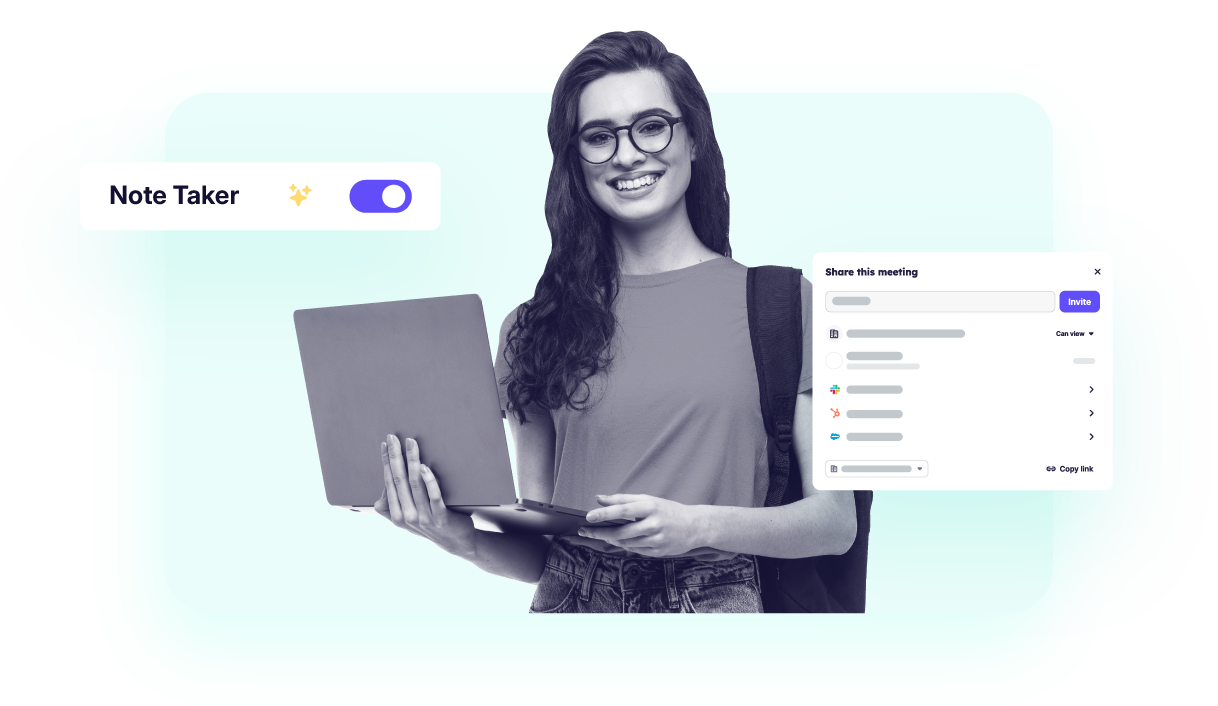
Best Note-Taking Apps for Students

Best Note-Taking Apps for Students

This guide covers 13 best ai note taking apps for students for every use case: live lecture capture, PDF/textbook studying, iPad handwriting, flashcards and spaced repetition, and group study sessions.

FAQs about Microsoft Teams transcription

Does Krisp work with Microsoft Teams?
Yes. Krisp integrates directly with Microsoft Teams on Mac and Windows. It transcribes your meetings in real time without joining as a bot or requiring a recording. Once installed, it runs in the background during any Teams call and delivers a full transcript, AI-generated notes, and action items when the meeting ends.
Can I transcribe a Teams meeting without recording it?
Yes. Krisp transcribes Teams meetings live without creating an audio or video recording. The transcript is generated from the audio stream in real time, so you get a full written record of the conversation without any file to store, manage, or share. No recording consent prompts are triggered.
Does Krisp join my Teams meeting as a bot?
No. Krisp runs entirely on your device as a desktop app and never joins the call as a participant. External attendees see no bot, no notification is triggered, and no audio is uploaded to a third-party server during the call.
Can everyone see the Krisp transcript during a Teams meeting?
No. Krisp’s transcript is private to the user running the app. Other participants in the Teams call cannot see the transcript being generated and receive no indication that Krisp is running. You choose what to share after the meeting ends.
Where do I find my Teams transcript after the meeting?
The transcript appears automatically in the Krisp app the moment your Teams meeting ends. From there, you can search it by speaker or keyword, export it, share it with your team, or use AI Chat to ask questions about what was discussed.
Can I transcribe an existing Teams recording with Krisp?
Yes, Krisp is designed for both live meeting transcription and uploaded audio and video files. AI notes and summaries apply to both live and uploaded content from the same account.
Does Krisp work for in-person meetings, not just Teams calls?
Yes. Krisp supports in-person meeting transcription through its iOS and Android mobile app. Face-to-face conversations get the same speaker identification, AI note-taking, and export capabilities as virtual Teams meetings —-from the same account and workspace.
How accurate is Krisp’s Teams transcription?
Krisp delivers 96% transcription accuracy across languages, accents, and audio conditions. The accuracy holds even when participants join from noisy environments or speak with regional accents - so the transcript reflects what was actually said, not a best-effort approximation.

You're one click from every Teams
meeting becoming a searchable record

background for toggle