Most lists of “meeting management software” miss the point. Some are really video conferencing roundups with Zoom at the top. Others include outdated tools that no longer exist or products that only solve one small part of the meeting process.
That is why this guide uses a stricter definition.
Meeting management software helps teams manage the full meeting workflow: planning the agenda, capturing notes and minutes, assigning action items, tracking decisions, and following up after the meeting ends. It is not the same as a video conferencing tool, which only hosts the call. It is also not the same as a pure AI note taker, which mainly records or summarizes what was said. If your main need is meeting transcription or summaries, start with our guide to the best AI meeting assistant apps instead.
This guide is for the people responsible for making meetings useful: managers running 1:1s and team syncs, operations and project leads, and founders who need decisions and next steps to stay visible.
Below, we compare the 10 best meeting management software tools for 2026 by use case, key features, and where each tool fits in the meeting workflow. Every tool included is active in 2026, offers a free plan or trial, and serves a clear purpose, with Krisp included as the AI capture layer that can support the system you choose.
What is meeting management software?
Meeting management software helps teams plan, run, document, and follow up on meetings in one organized workflow. Instead of creating an agenda in one tool, taking notes in another, and tracking action items somewhere else, a meeting management system keeps the full process connected: agenda, discussion, decisions, owners, deadlines, and follow-up.
This makes it different from tools that only support one part of the meeting. Video conferencing platforms like Zoom or Google Meet host the call. AI note takers record, transcribe, and summarize what was said. Meeting management software focuses on the structure around the meeting: why the meeting is happening, what needs to be discussed, what decisions were made, and who is responsible for the next steps.
You may also see these platforms called meeting management systems, meeting management solutions, or corporate meeting management software.
The terms vary, but the purpose is the same: to help teams make meetings more organized, accountable, and useful after the call ends.
Types of meeting management software
The category covers a few overlapping tool types, and most teams end up combining two or three:
Meeting agenda software: builds and shares structured agendas before the call so meetings stay on topic (for example, Fellow and Hypercontext).
Meeting minutes software: captures notes, decisions, and a clean record after the call. Krisp’s AI meeting minutes generates these automatically, and tools like Lucid Meetings and nTask keep structured minutes too.
All-in-one meeting management platforms: handle agendas, notes, and action items in one workflow (Fellow, Avoma).
Scheduling and follow-up tools: sort out the logistics around the meeting, from booking the time (Calendly) to tracking the resulting tasks (monday.com).
Corporate and board meeting management software: adds governance, secure document sharing, and formal minutes for high-stakes meetings (Lucid Meetings, plus dedicated board platforms).
Knowing which type you need makes the list below easier to navigate.
How we chose these tools
We looked at dozens of options and kept the ones that genuinely manage meetings rather than just host or record them. The criteria:
Real management features: agendas, shared notes or minutes, and action items at a minimum.
Still maintained in 2026: no discontinued or abandoned tools.
Integrations: works with the calendar and conferencing tools you already use.
Free plan or trial: you can test before paying.
Privacy and security: clear data handling, especially for anything that records.
Honest trade-offs: every pick gets a real limitation, not a sales line.
Meeting management software at a glance
Here’s the full lineup with the job each tool does best and where pricing starts. Most have a free plan, so you can try before you buy.
Tool
Best for
Free option
Starting price
Fellow
Overall meeting management
Yes
$7/user/mo, billed annually
Krisp
AI notes + noise-free calls
7-day free trial
$8/user/mo billed annually, or $16/user/mo monthly
Avoma
Sales and revenue teams
14-day free trial
$19/recorder/mo, billed annually
Fireflies
AI notes + CRM automation
Yes
$10/seat/mo billed annually, or $18/seat/mo monthly
nTask
Budget meetings + tasks
Yes
$3/mo billed yearly
Spinach AI, formerly Hypercontext
Managers, 1:1s, and meeting follow-up
Yes
$2.90/meeting hour, or $19/user/mo billed annually
Lucid Meetings
Formal, structured meetings
Free tier/trial available
$12.50/mo
Notion
Free meeting documentation
Yes
$10/user/mo, billed annually
monday.com
Tracking action items
Yes
$9/seat/mo, billed annually
Calendly
Scheduling
Yes
$10/seat/mo, billed annually
Most teams need three layers: a tool to structure the meeting, a capture layer to record what happened, and a workspace to track follow-up. Fellow, Krisp, monday.com, and Notion cover those core needs, while the rest of the tools are better for more specific workflows.
The 10 best meeting management software tools in 2026
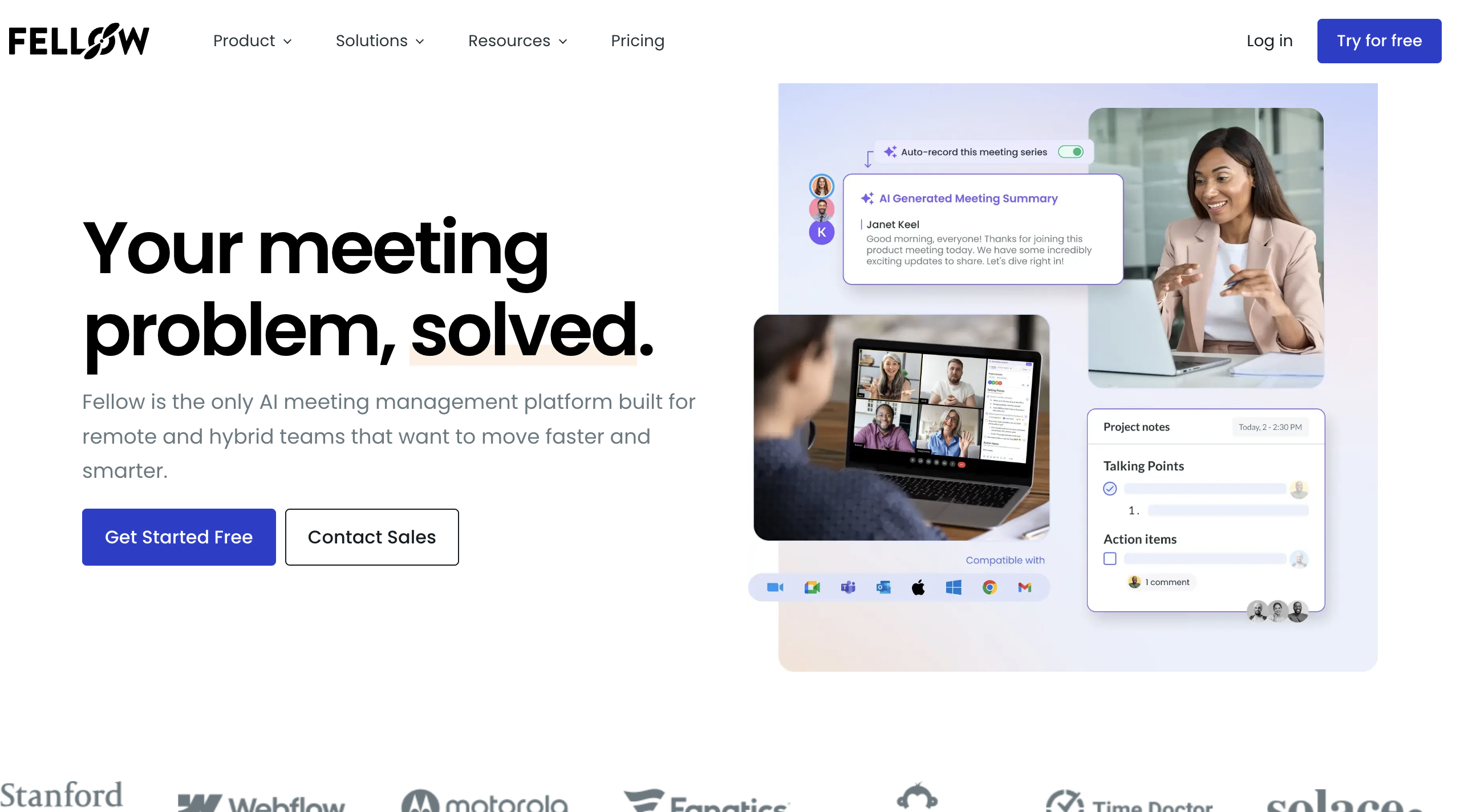
1) Fellow: best overall meeting management software
Fellow is the tool I keep recommending to managers, because it’s built around the meetings they actually run. The first recurring 1:1 I set up had last week’s open action items waiting at the top, so nothing fell through. You build shared agendas both people can add to, take collaborative notes, assign action items during the call, and Fellow nudges everyone on follow-ups.
Key features
Collaborative agendas for 1:1s, team meetings, and standups
Action items with owners, tracked across recurring meetings
Templates and conversation prompts
Integrations with Google Meet, Zoom, Slack, and Asana
Pros
✅ Built for structured, recurring meetings
✅ Strong accountability with assigned action items
✅ Great for people managers
Cons
❌ It’s not bot-free, and it doesn’t capture full audio or video on its own, so many teams pair it with a note taker
💰 Pricing: Free for teams of up to 10 users; Team starts at $7/user/month, billed annually.
📌 Verdict: Fellow is the best all-around meeting management software for teams that need structured agendas, shared notes, action items, and follow-up accountability in one place.
2) Krisp: best for AI meeting notes and noise-free calls
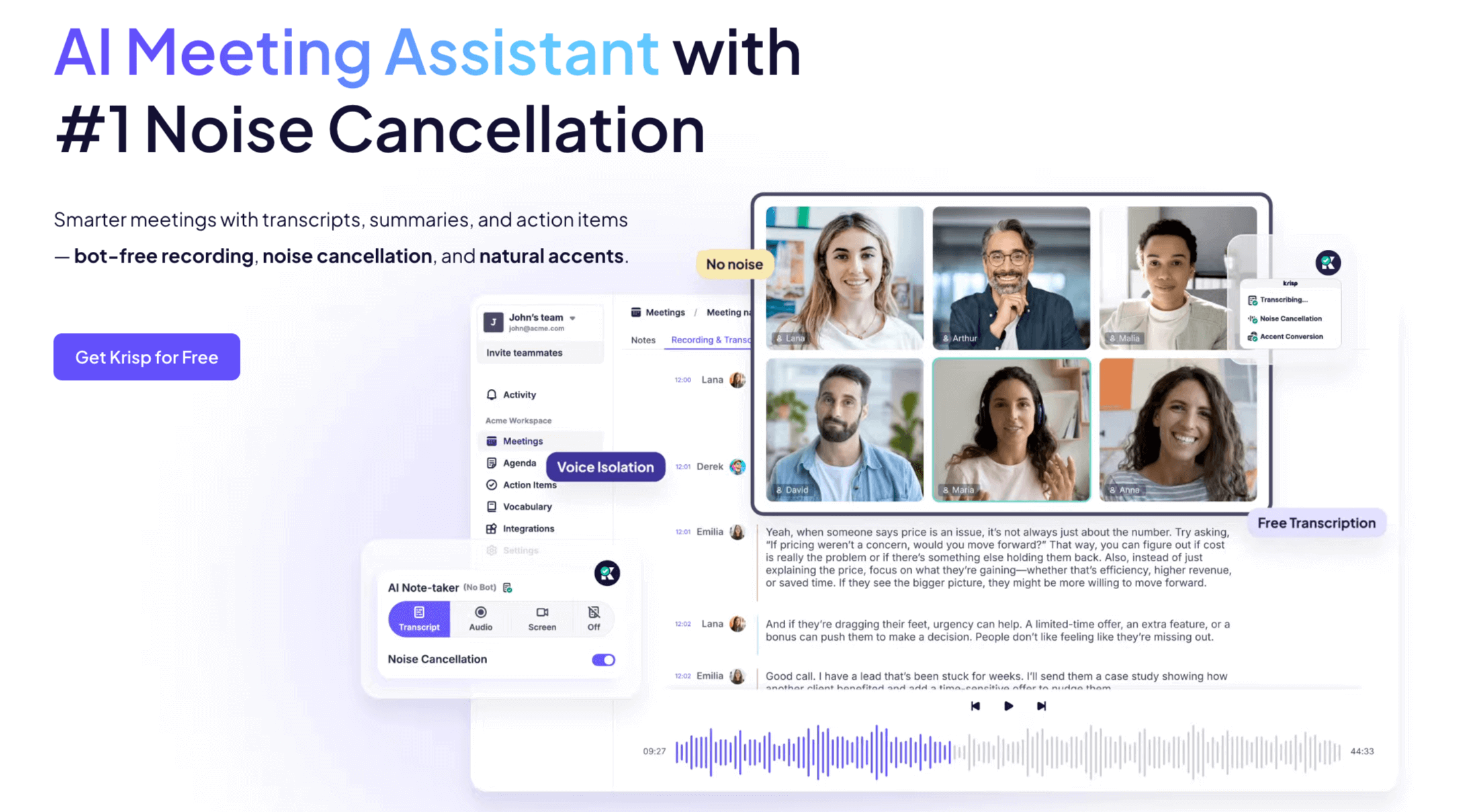
Here’s the piece most meeting management setups are missing: clean capture. You can have the tidiest agenda in the world, but if the notes are garbled or a clunky bot named “Notetaker” joins the call and spooks your client, the system breaks. I tested Krisp in a loud room, with two people talking nearby and a blender running, and its noise cancellation kept both the call and the transcript clean while other tools turned to mush.
Krisp runs quietly in the background as an AI meeting assistant. It captures notes, transcripts, and summaries without a bot joining the call, works across Zoom, Meet, and Teams, and cancels background noise on both ends in real time. It isn’t a full agenda-and-task platform, so it sits alongside something like Fellow rather than replacing it. What it does, it does better than anything else here.
Key features
Bot-free AI note taker: notes, transcripts, and summaries with no visible participant
Real-time, AI-powered noise cancellation for both sides of the call
Because Krisp runs inside your calls and handles audio, privacy is the point, not an afterthought. Krisp processes noise cancellation on-device, so your audio never leaves your machine just to be cleaned. The bot-free model means no third-party recorder joins your meeting. Krisp is GDPR compliant and SOC 2 certified, and it doesn’t use your data to train third-party AI models.
Pros
✅ No bot joining the call, which matters for client-facing and sensitive meetings
✅ Noise cancellation that holds up in loud rooms, which the rest of this list doesn’t tackle
✅ Free plan covering transcription, recording, and noise cancellation
✅ Works with every major conferencing platform
Cons
❌ It’s the capture layer, not a full agenda or task manager, so pair it with one
❌ Desktop-first, with lighter mobile support
💰 Pricing: 7-day free trial available; Core starts at $16/user/month, or $8/user/month when billed annually. Advanced starts at $30/user/month, or $15/user/month when billed annually.
⭐ G2 Rating for June 2026: 4.6/5 based on 1,155 reviews.
📌 Verdict: Krisp is the capture layer every meeting system needs. It records, transcribes, summarizes, and keeps calls clear with bot-free AI note-taking and noise cancellation, making it a strong companion to agenda and task management tools.
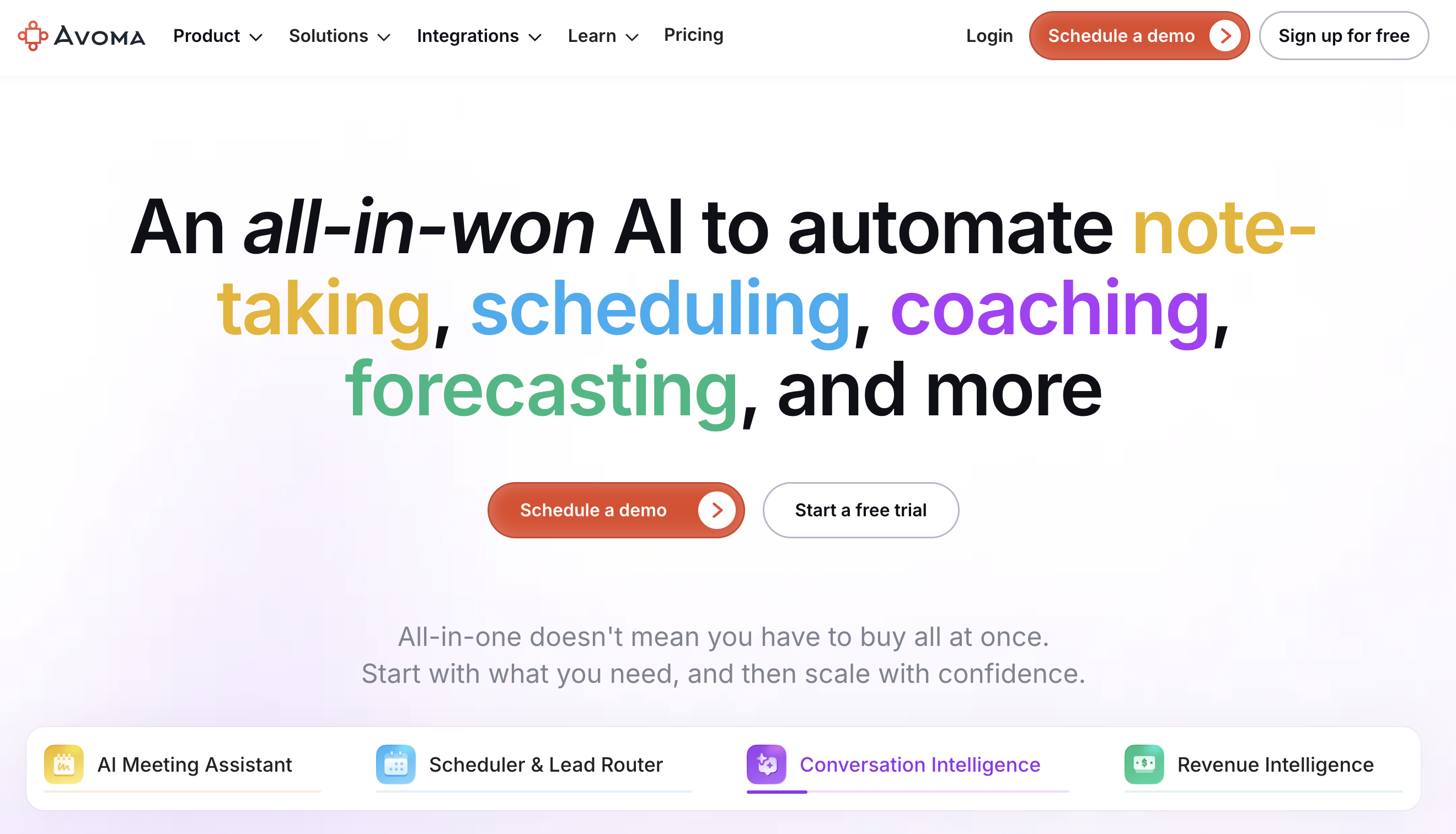
Avoma blends meeting management with conversation intelligence, which is why sales teams like it. Beyond agendas and notes, it scores calls, tracks talk time, and ties insights back to your pipeline. In testing, the automatic topic detection was handy for jumping straight to the pricing part of a long discovery call.
Key features
Agendas, notes, and AI-generated summaries
Conversation and revenue intelligence for sales calls
CRM integrations (Salesforce, HubSpot)
Searchable meeting transcripts
Pros
✅ Strong fit for sales and customer-facing teams
✅ Combines meeting notes with deal insights
✅ Good automatic summaries
Cons
❌ More than smaller teams need if you only want agendas and notes
💰 Pricing: 14-day free trial available; paid plans start at $19/recorder/month, billed annually. View-only users are free.
📌 Verdict: Avoma is best for sales and revenue teams that need meeting notes, transcripts, CRM sync, and pipeline visibility in one workflow.
4) Fireflies: best for AI notes and CRM automation
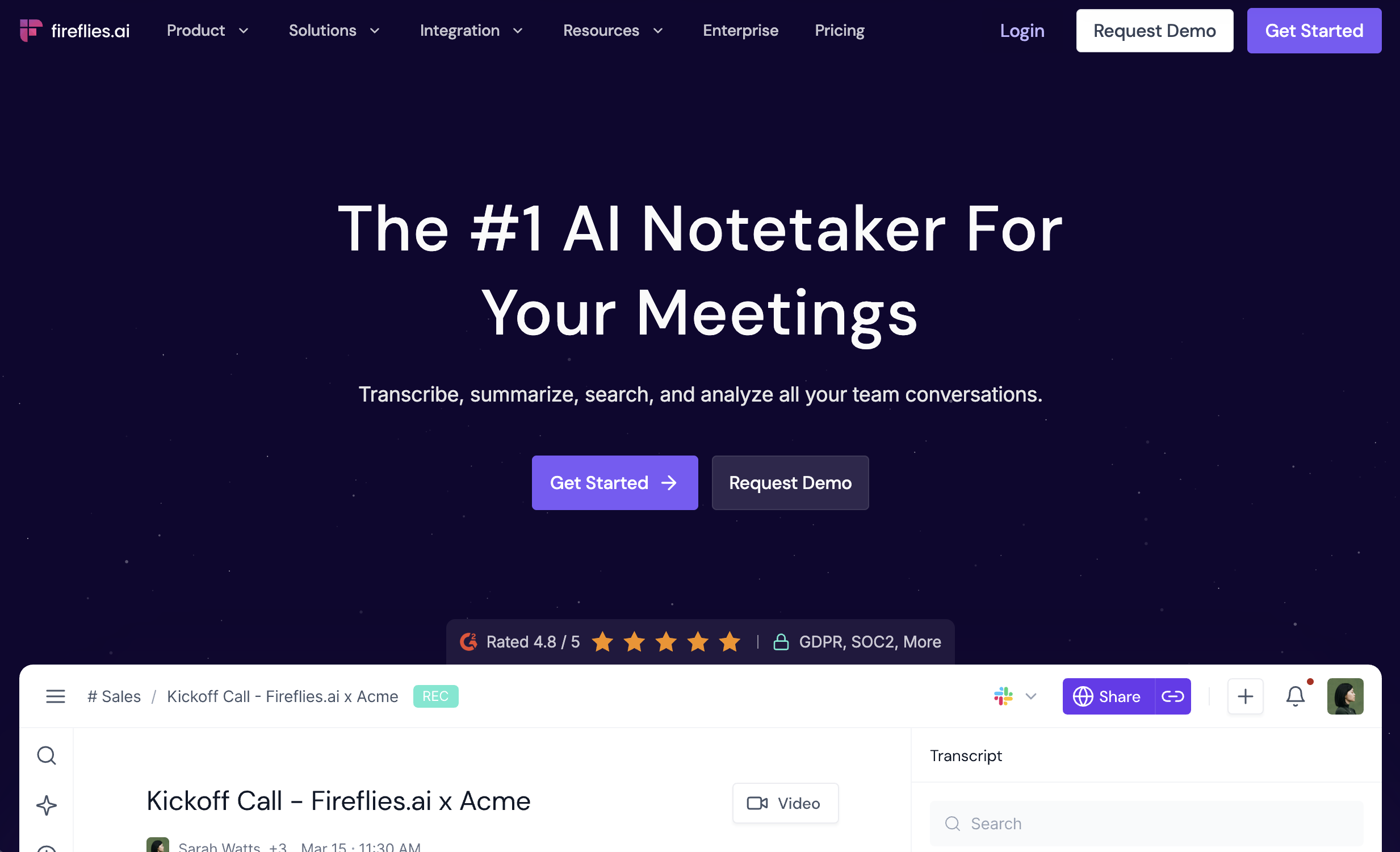
Fireflies records and transcribes across platforms, then pushes the output into the rest of your stack. Its smart search is the standout: I could filter past calls by keyword or topic and pull up the exact moment a decision was made without scrubbing through audio.
Key features
Records and transcribes Zoom, Meet, and Teams
Smart search across transcripts by keyword, topic, and speaker
Auto-sync to CRMs and PM tools (50+ integrations)
AI summaries and action items
Pros
✅ Deep search across your meeting history
✅ Automates follow-ups into CRMs and task tools
✅ Works with live calls and uploaded recordings
Cons
❌ Joins as a bot, which isn’t ideal for sensitive calls
❌ The feature set can overwhelm new users
💰 Pricing: Free plan available; Pro starts at $10/seat/month, billed annually, or $18/seat/month when billed monthly.
📌 Verdict: Fireflies is best when you want AI meeting notes, summaries, action items, and integrations that push meeting insights into your CRM and task tools. For a fuller look at this category, see our best AI note-taking apps guide.
5) nTask: best budget option for meetings and tasks
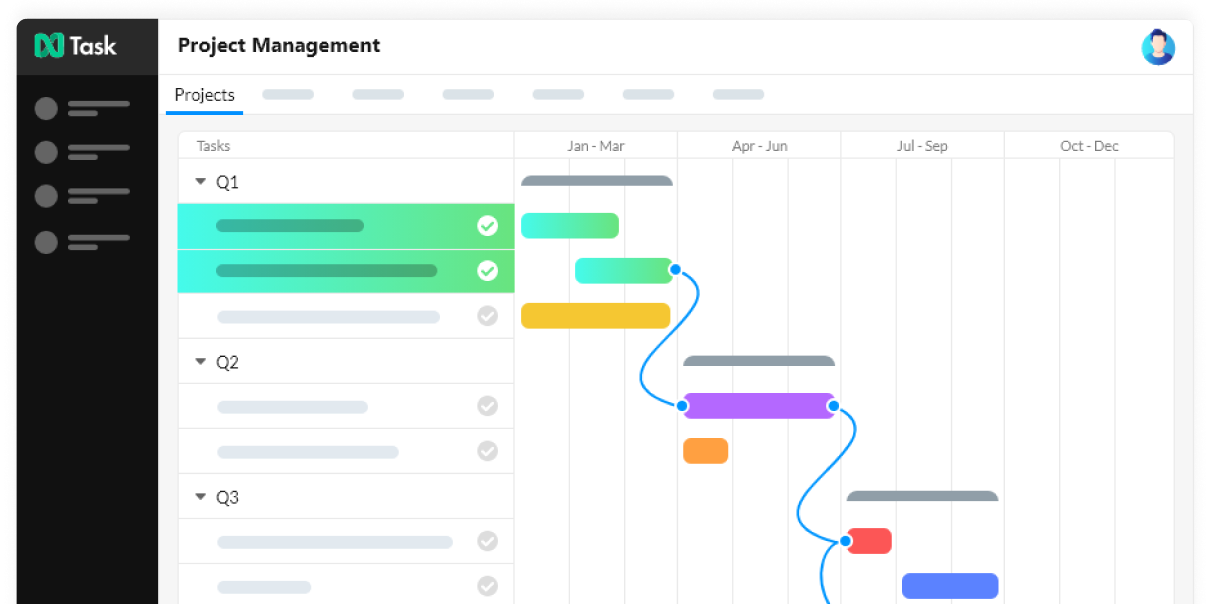
nTask packs meeting management and task management into one affordable tool. You can invite attendees, share an agenda, log meeting minutes and decisions, and turn takeaways into tracked tasks. It’s a solid pick for small teams that don’t want to pay for two separate platforms.
Key features
Meeting agendas, minutes, and follow-up actions
Built-in task and project management
Recurring meeting support
Pros
✅ Affordable, with meetings and tasks in one place
✅ Good for small teams and freelancers
✅ Keeps decisions and tasks linked
Cons
❌ Fewer integrations and less polish than pricier tools
💰 Pricing: Free Forever plan available for teams of up to 5 people; paid plans start at $3/user/month, billed annually.
📌 Verdict: nTask is the best budget-friendly option if you want meeting management and task tracking in one lightweight project management tool.
6) Hypercontext: best for managers and 1:1s
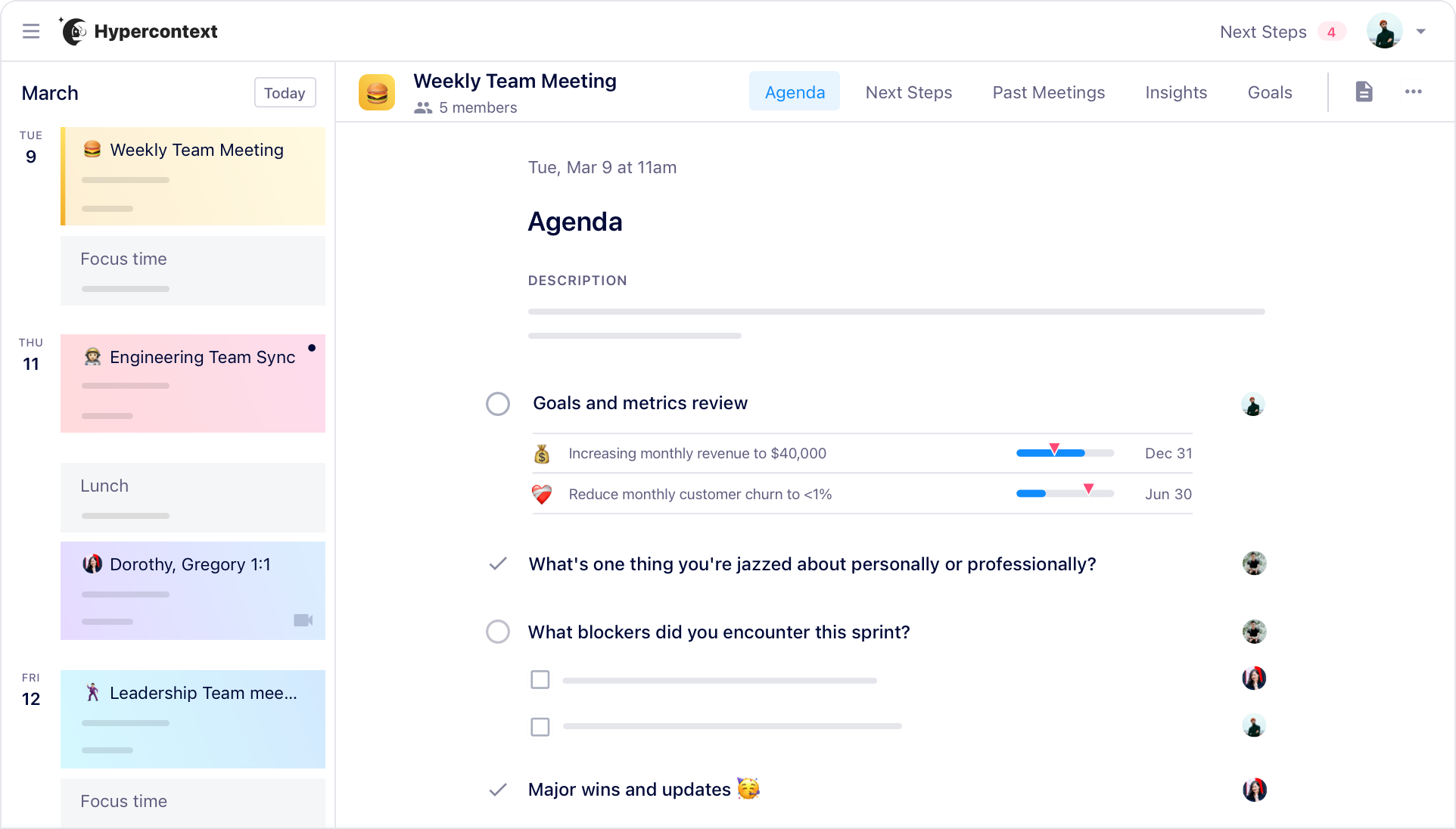
Hypercontext is built around manager workflows: shared agendas, goals, and feedback in one flow. What sets it apart is how it ties meetings to goals, so a 1:1 isn’t just a chat but a check on what each person is working toward. It also has a big library of conversation starters for managers who freeze on what to ask.
Key features
Shared agendas for 1:1s and team meetings
Goal tracking tied to meetings
Hundreds of conversation templates
Action items and feedback loops
Pros
✅ Strong for people managers
✅ Connects meetings to goals and growth
✅ Helpful prompts for better 1:1s
Cons
❌ Most useful when the whole team adopts it
💰 Pricing: Free Starter plan available; Pro starts at $2.90/meeting hour. Business starts at $19/user/month, billed annually.
📌 Verdict: Best for managers who want AI meeting follow-up, action items, and team accountability without building a heavier meeting management system.
7) Lucid Meetings: best for formal, structured meetings
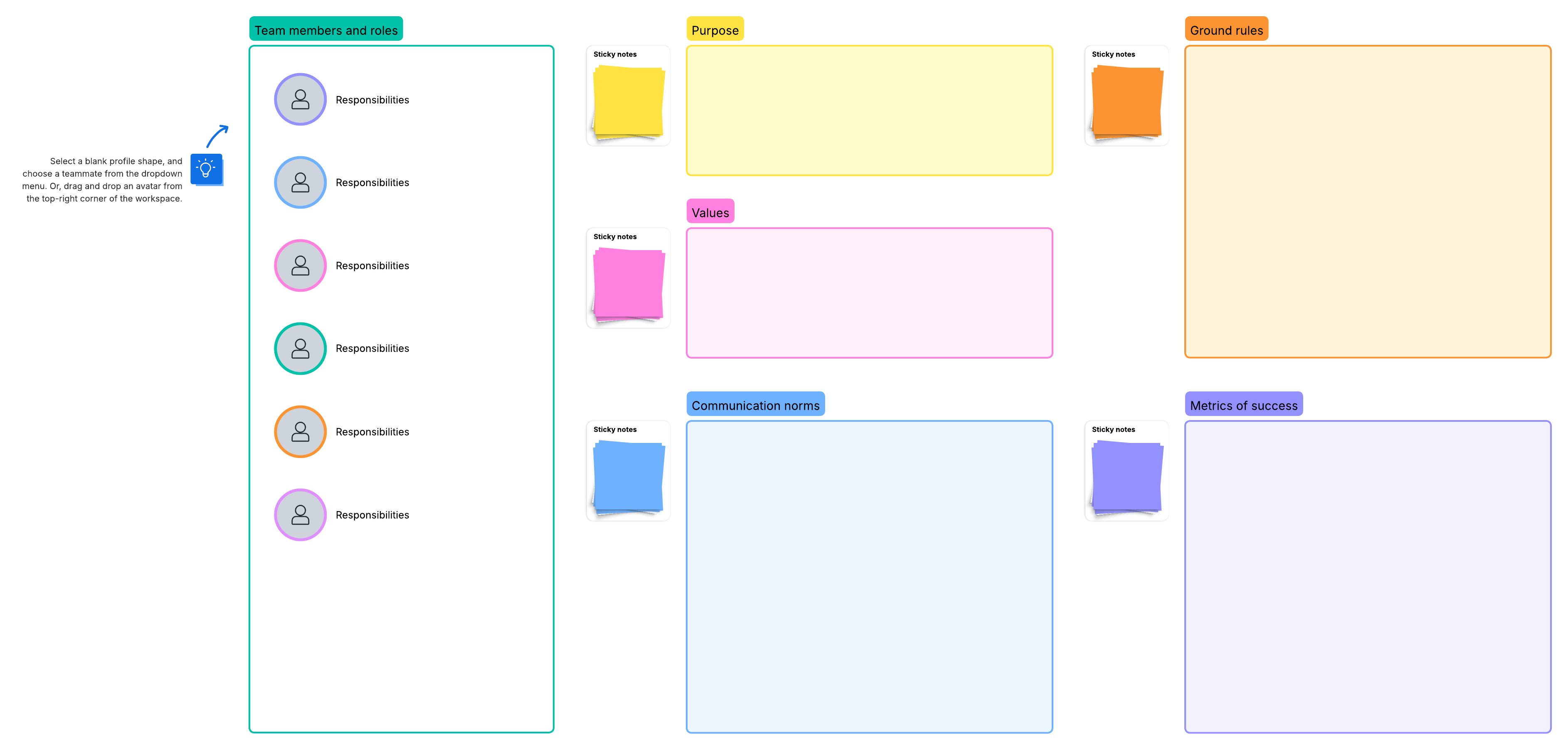
Lucid Meetings is for organizations that run formal, repeatable meetings: boards, committees, and recurring operational reviews. It leans into process, with agenda templates, roles, minutes, and decision records built in. It’s heavier than the rest, which is the point if your meetings need a paper trail.
Key features
Structured agenda templates and meeting roles
Minutes and decision records
Process-driven, repeatable meeting flows
Pros
✅ Built for formal, accountable meeting processes
✅ Strong minutes and record-keeping
✅ Good for boards and committees
Cons
❌ Overkill for casual team syncs
💰 Pricing: Free trial available; paid pricing is commonly listed from $12.50/month, but confirm on the latest checkout or vendor page before publishing.
📌 Verdict: Lucid Meetings is best for formal, structured meetings where teams need agendas, facilitation workflows, decisions, action items, and a documented record after every meeting.
8) Notion: best free option for meeting documentation
Notion isn’t a dedicated meeting tool, but it’s where a lot of teams run their meeting docs, and the free plan goes a long way. I keep a meetings database where every recap lands with the same template, so months later I can find what we decided without digging through email.
Key features
Shared docs, wikis, and databases
Meeting-note templates
Linking and search across your workspace
Pros
✅ Flexible home for agendas, notes, and decisions
✅ Generous free plan
✅ One place for everything, not just meetings
Cons
❌ Needs setup discipline, and it won’t capture or transcribe a call for you
💰 Pricing: Free plan available; Plus starts at $10/user/month, billed annually, or $12/user/month when billed monthly.
📌 Verdict: Notion is the best free option for teams that want to document, organize, and revisit meeting notes in a flexible shared workspace.
9) monday.com: best for tracking action items
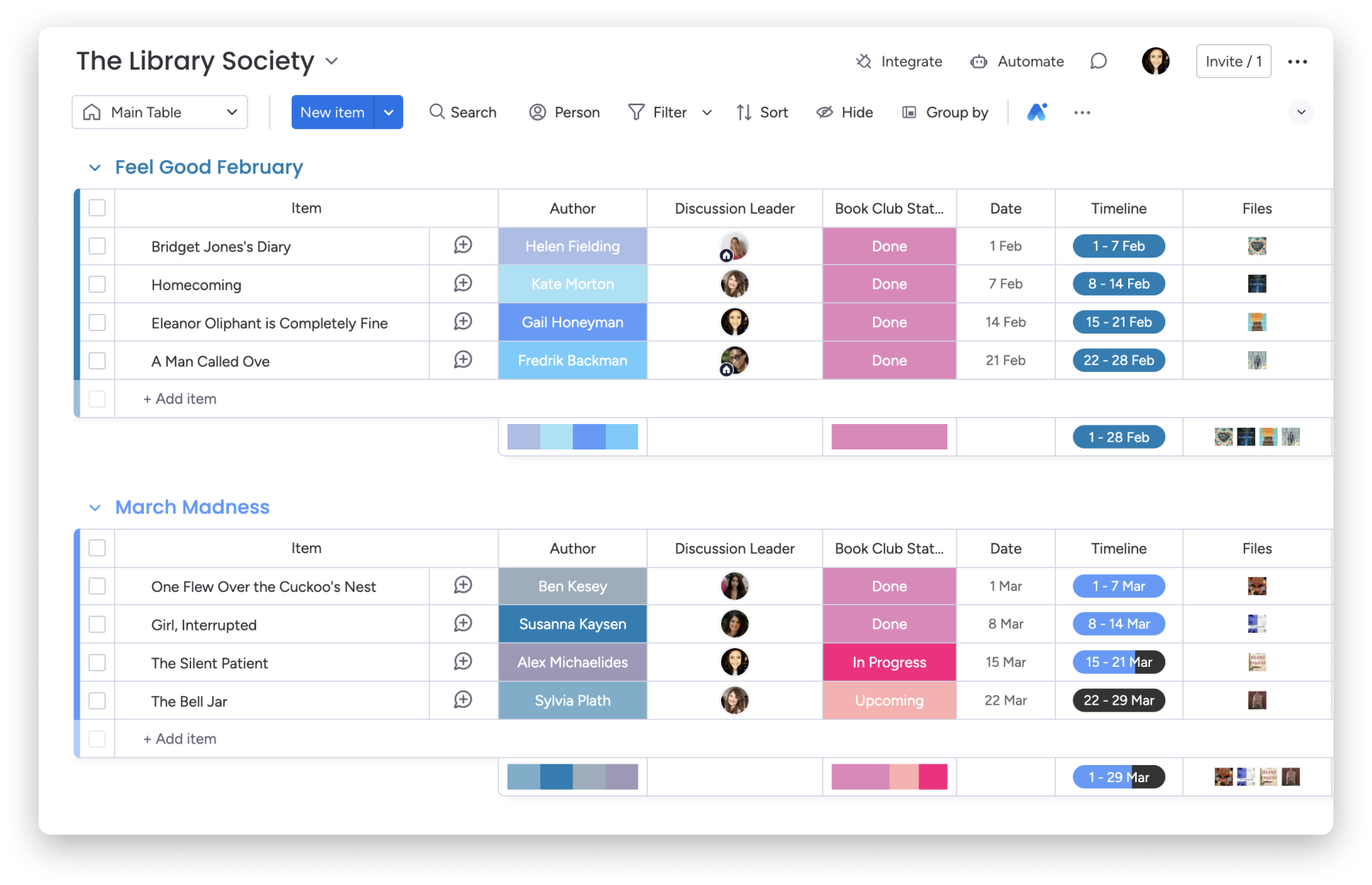
A meeting only matters if the action items get done. monday.com is where I move decisions so they become tasks with owners and due dates, on boards the whole team can see. It’s a work platform first, so it shines on the follow-through side of meeting management.
Key features
Boards, timelines, and task assignments
Automations for reminders and follow-ups
Integrations with calendars and conferencing tools
Pros
✅ Strong accountability and visibility
✅ Flexible boards for any workflow
✅ Scales with the team
Cons
❌ More than you need if you only want agendas and notes
💰 Pricing: Free plan available for up to 2 seats; Basic starts at $9/seat/month, billed annually.
📌 Verdict: monday.com is best for turning meeting decisions into visible, trackable work, especially when teams need shared boards, owners, deadlines, and status updates after the meeting ends.
10) Calendly: best for scheduling
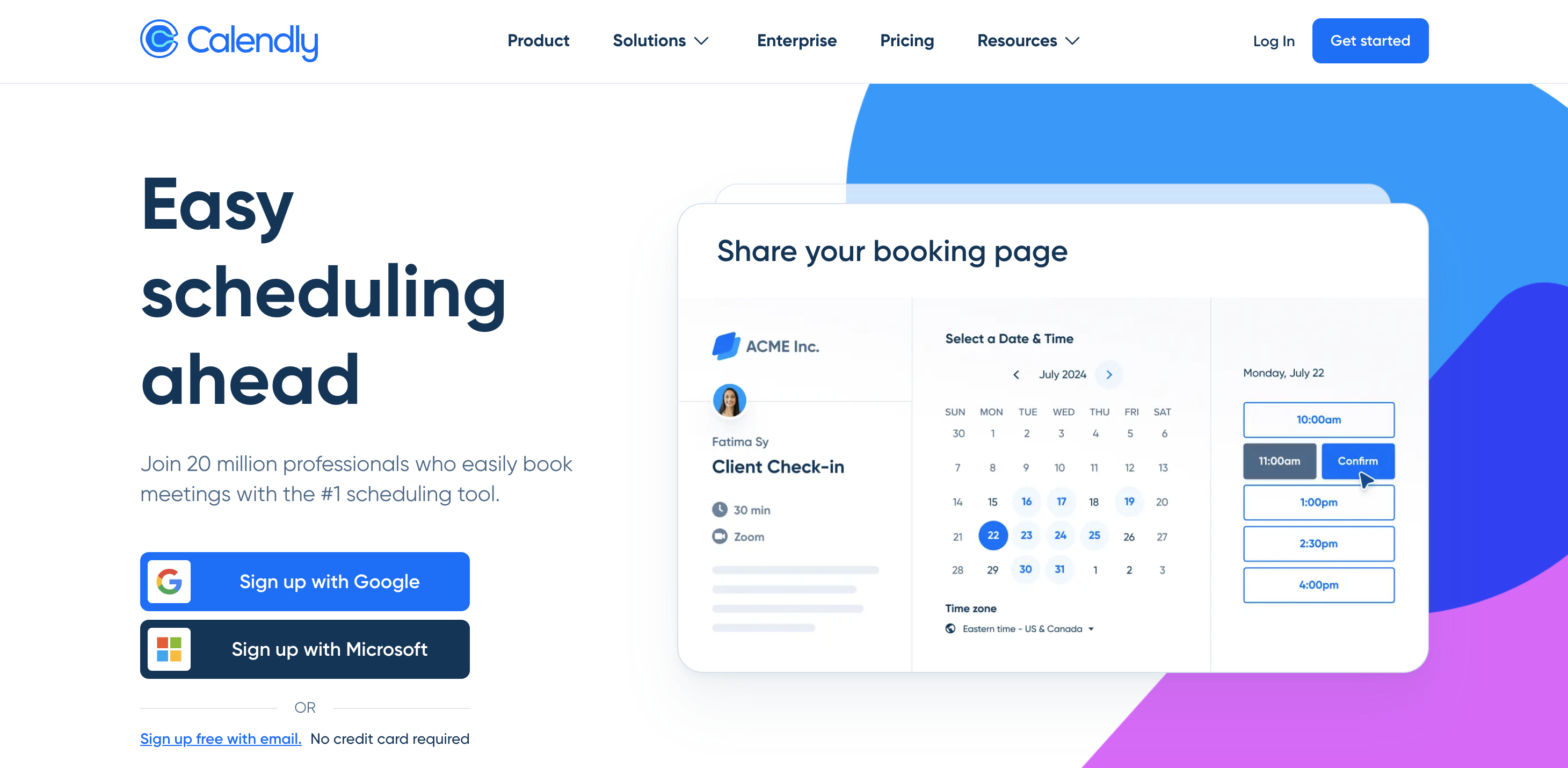
Meeting management starts before the meeting, and scheduling is where teams waste the most time up front. Calendly removes the back-and-forth: share a link, and people book a slot that’s already free on your calendar. The first time I used it instead of trading emails, a call was booked in under a minute, time zone sorted.
Key features
Share-your-availability booking links
Calendar sync with Google, Outlook, and Apple
Automated reminders and time-zone detection
Pros
✅ Kills scheduling email chains
✅ Fast setup
✅ Works for internal and client meetings
Cons
❌ The most useful features sit behind paid tiers
💰 Pricing: Free plan available; Standard starts at $10/seat/month, billed annually, or $12/seat/month when billed monthly.
📌 Verdict: Calendly is best for removing scheduling friction from the meeting workflow, especially when teams need booking links, availability rules, reminders, and calendar integrations before the meeting starts.
How to choose the right meeting management software
You do not need every tool on this list. The right choice depends on which part of your meeting workflow is currently slowing your team down.
If your meetings lack structure, start with an agenda and accountability tool like Fellow. It helps teams prepare agendas, capture decisions, assign action items, and keep follow-up visible. If your priority is manager-led 1:1s, goals, and team check-ins, Spinach AI, formerly Hypercontext, may be a better fit.
If you run sales, customer success, or revenue meetings, look at Avoma. It combines meeting notes, transcripts, CRM updates, and conversation insights, making it more useful for teams that need visibility into calls and pipeline activity.
If your main problem is capturing what happened in the meeting, add Krisp. It works as the AI capture layer for notes, summaries, transcripts, and clean audio, without adding a bot to the meeting room.
If follow-through is the weak point, use a workspace like monday.com or Notion. monday.com is stronger for tracking owners, deadlines, and status updates, while Notion is better for organizing meeting notes, decisions, and documentation in one shared place.
For smaller teams on a tighter budget, nTask is a practical choice because it combines meeting features with task management at a lower starting price.
Most teams end up with two or three connected tools: one for agendas, one for capture, and one for follow-up. Start with the free plan or trial, test it in real meetings, and keep the tool that actually reduces admin work instead of adding another system to manage.
Full disclosure: Krisp is our product, so this list is not written from a completely neutral position.
Still, we have kept the comparison practical and clear about what each tool is best for. Fellow leads for agendas and accountability, Avoma is stronger for sales and revenue teams, and monday.com is better for tracking follow-through after meetings.
Krisp has a narrower role. It is the capture layer that records, transcribes, summarizes, and keeps meeting audio clear without adding a bot to the room. That makes it a strong companion to a meeting management tool, not a replacement for one.
Choose the tool that fits how your team runs meetings, add a capture layer if you need cleaner notes and audio, and start with the free plan or trial before committing.
FAQs
Meeting management software helps teams plan, run, document, and follow up on meetings in one workflow: agendas, notes and minutes, decisions, and action items with owners. It’s different from video conferencing, which hosts the call, and from a note taker, which only captures it.
For most teams, Fellow is the best all-around pick because it combines agendas, collaborative notes, and tracked action items. Sales teams often prefer Avoma, and any setup benefits from adding Krisp as the capture layer for clean notes and audio.
Yes. Fellow, Notion, nTask, monday.com, Calendly, and Krisp all offer free plans, usually with limits on users, meetings, or advanced features. Free plans are a good way to test the workflow before paying.
Yes. For formal board and committee meetings, look for tools built around agendas, minutes, and decision records, like Lucid Meetings, or dedicated governance platforms. The key features are secure document sharing, a clear record of decisions, and access controls.
A note taker captures and summarizes what was said. Meeting management software wraps around the whole workflow: agenda, discussion, decisions, and follow-up. Many teams use both, pairing a management tool like Fellow with a capture tool like Krisp. For a deeper look at capture tools, see our best AI note-taking apps guide.
Meeting agenda software helps you plan and share what a meeting will cover before it starts, keeping the discussion focused. Meeting minutes software captures what actually happened afterward: notes, decisions, and action items. Several tools on this list, like Fellow and Lucid Meetings, do both, while AI tools like Krisp handle the minutes side automatically.