Professionals spend nearly three hours per day simply reading and answering emails (Harvard Business Review), which means the ability to distil key insights quickly is a necessity. This is where an AI summary generator becomes an indispensable tool, using advanced algorithms to condense lengthy content into digestible summaries. The right AI summarizer can reclaim hours in your workweek, but with a crowded market of options, identifying the best tool for text, PDFs, videos, and meetings is a significant challenge.
To cut through the noise, we conducted a rigorous hands-on evaluation of 15 leading platforms. We put each AI summary generator through its paces with our standardized test set and core rubric on five critical factors, such as: fidelity and context retention, output controls, format coverage, integrations, and overall value for money.
This guide presents our findings to help you choose the best AI summary generator for your needs in 2025. Read on to discover which tools deliver on their promise and how to integrate them seamlessly into your workflow.
Our Methodology for Finding the Best AI Summary Generator
How We Tested the AI Summarizers?
To identify the best AI summary generator for any scenario, we constructed a rigorous, multi-format test suite. We challenged each AI summarizer with a diverse set of real-world content types. The table below outlines our test suite and what each element was designed to measure.
Test Material
Description
Capabilities Tested
A 20-Page PDF Report
This complex document, containing data tables and figures, tested each tool’s ability to parse structured layouts, extract key data points, and accurately summarize lengthy research material without losing critical context.
Ability to parse technical formats, extract key data points, and accurately summarize lengthy research material without losing critical context.
A 12-Minute YouTube Talk
Using a publicly available transcript, we assessed how well each platform could distill the core narrative and main arguments from video-based content, a crucial feature for summarizing videos and educational materials.
Proficiency in distilling the core narrative and main arguments from video-based content, a crucial feature for summarizing videos and lectures.
A 45-Minute Multi-Speaker Meeting Transcript
A simulated real-world business conversation with multiple participants, featuring speakers with a variety of accents. We evaluated the AI summary generator‘s proficiency in differentiating between speakers, identifying action items, decisions, and key discussion points from a chaotic conversation.
Skill in differentiating between speakers, accurately transcribing diverse accents, and identifying action items, key decisions, and main discussion points from a dynamic, multi-voice conversation.
The 5-Point Scoring System for AI Summarizers
To ensure a fair and balanced comparison, we scored each AI summary generator on a 25-point scale across five critical categories. Each category was rated from 0 to 5, allowing us to pinpoint the specific strengths and weaknesses of every tool we tested.
Scoring Category
What We Measured (0-5 Points)
Fidelity & Accuracy
How well the summary reflected the source’s core facts, meaning, and intent, without introducing errors or “hallucinations.”
Output Controls
The flexibility to customize the summary’s format (e.g., bullets vs. paragraphs) and length (e.g., with a word count or percentage slider).
File & Format Coverage
The range of supported inputs, including plain text, PDFs, website URLs, audio files, and video content.
Integrations & Collaboration
How seamlessly the tool works with other platforms like Zoom, Slack, Notion, and Google Docs, and its features for team sharing.
TL;DR: Best Summary Generators: Top Picks by Use Case
Here’s a quick breakdown of the best AI summary generators based on your specific needs. Our top picks deliver exceptional performance where it matters most.
Excellently transforms multi-speaker conversations into structured summaries with clear action items and decisions.
Best for PDFs & Research
Scholarcy
A powerhouse for academic work, specifically designed to digest complex research papers and highlight key findings.
Best for Post-Meeting Automation
MeetFeek
It automatically turns meetings into follow-ups—extracting action items, decisions, and key moments, then syncing them into workflows, so nothing gets lost once the call ends.
Best Free Text Summarizer
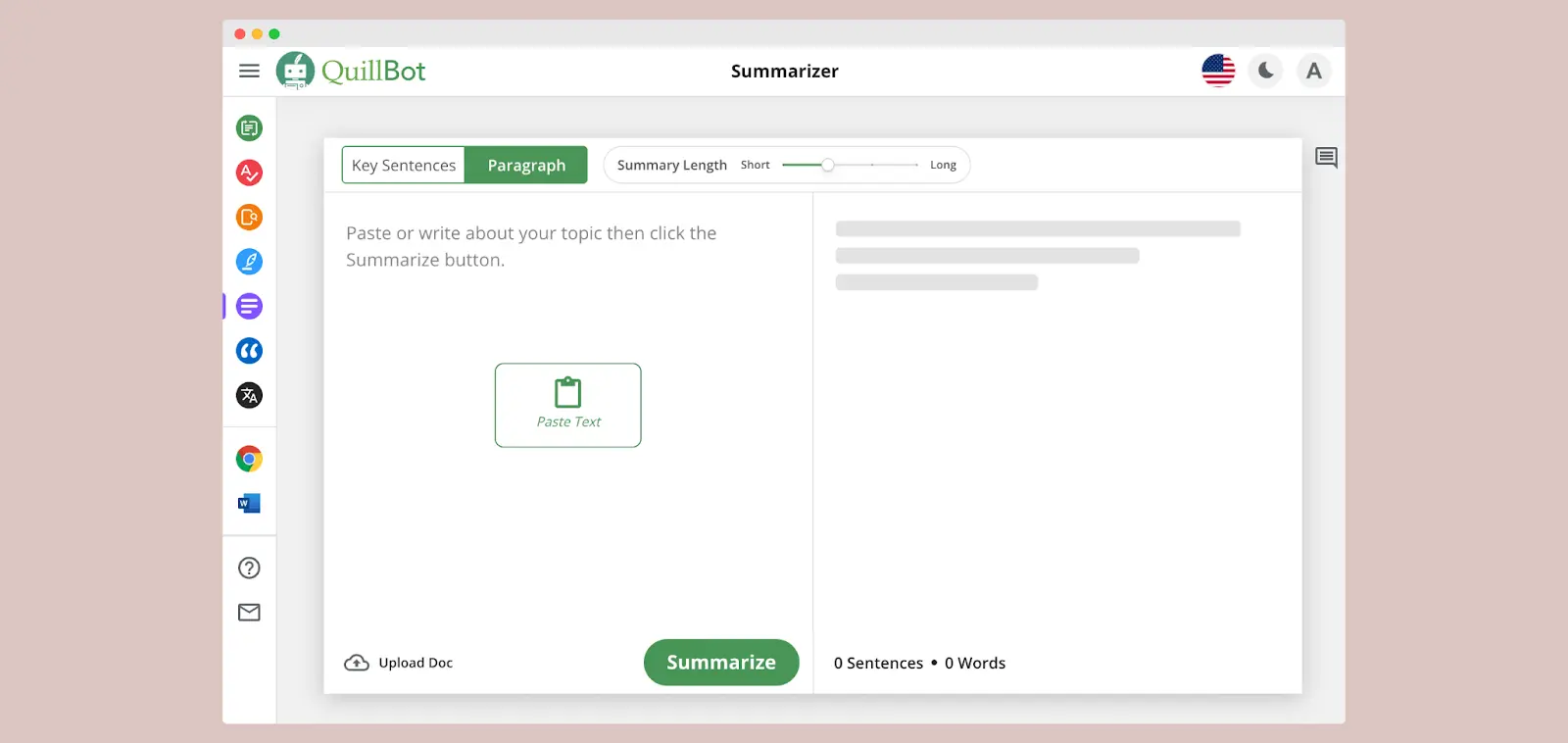
QuillBot
Offers a powerful and user-friendly summarization tool for text and paragraphs for free, with generous (but limited) daily access.
Best for Team Workspaces
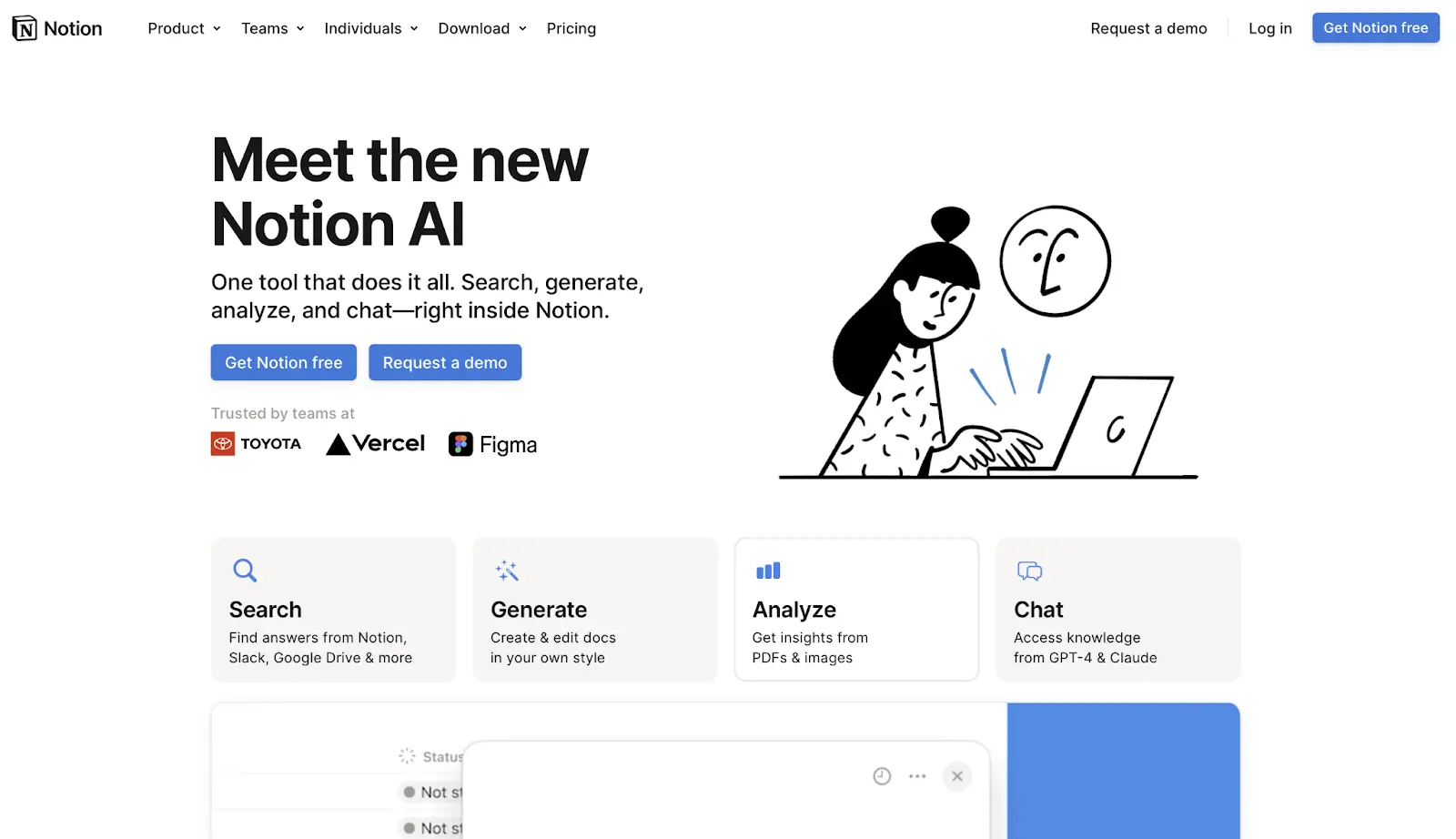
Notion AI
Brings summarization directly into your collaborative notes and docs, allowing teams to condense information right where they already work.
The Best AI Summary Generators
Now that you’ve seen our top picks for specific use cases, let’s take a deeper dive into each AI summary generator. In the following sections, we’ll break down the pros, cons, and pricing for every tool we tested, giving you a comprehensive understanding of their unique strengths and weaknesses to help you make the perfect choice.
1. Best AI Summary Generator for meetings: Krisp
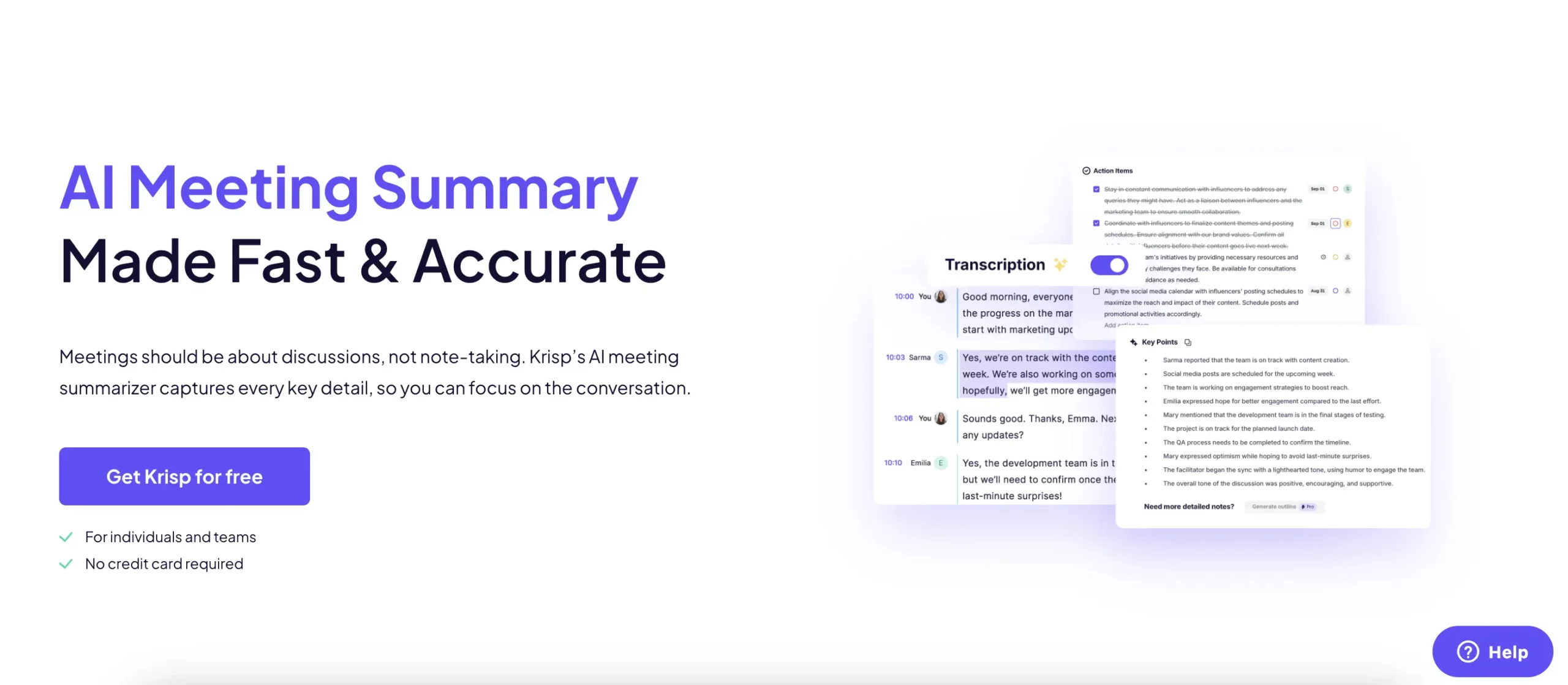
Krisp AI proved to be a specialized powerhouse, living up to its reputation as the top tool for meeting summaries. This AI summary generator excelled in the specific domain it was designed for, turning our challenging 45-minute, multi-speaker meeting transcript into a clear, structured, and immediately useful summary.
How Krisp AI Performed in Our Tests?
Our evaluation using the 45-minute meeting transcript revealed Krisp’s core strength: understanding conversational context. It didn’t just extract random sentences; it identified the intent behind the dialogue. The summary clearly listed debated topics, final decisions, and, most impressively, action items with assigned owners. While we tested with a transcript, its live integration means this all happens in real-time during actual calls on platforms like Zoom and Teams.
Bot-free: Experience flawless, uninterrupted meetings with technology that works silently in the background—no virtual attendees or clunky bots join your call.
Action Item Detection: Automatically identifies and assigns tasks to participants.
Video & Audio Transcription: Converts recorded meetings, podcasts, and video files into accurate text transcripts
Accent Conversion: This feature locally adjusts your accent in real-time to enhance clarity and comprehension for international teammates, without changing your voice identity or the meaning of your words.
Works on Any Conferencing App: Uses device-level magic to work with Zoom, Teams, Meet, etc.
Easy Sharing: Allows you to share meeting notes via link or export.
🏷️ Pricing for November 2025: Freemium model available | Paid plans start from $8/user/month 🏷️
✅ Krisp AI Pros
Incredibly accurate for meeting transcription and summarization
Platform-agnostic – works with any audio/video conferencing tool
Excellent background noise cancellation
Real-time note-taking during live meetings
Easy to set up and use
❌ Krisp AI Cons
Primarily focused on meetings (not good for documents/articles)
Ideal for: If your primary need is to capture the intelligence from meetings without manually taking notes, Krisp AI is the undisputed best AI summary generator for the task. It removes the friction from the process and delivers immediate ROI by saving time and improving meeting accountability.
💡 Pro Tip for Krisp AI Users
Enable the “Action Items” feature to automatically track decisions and tasks—perfect for keeping team meetings focused and accountable!
2. Best AI Summary Generator for PDFs & Research: Scholarcy
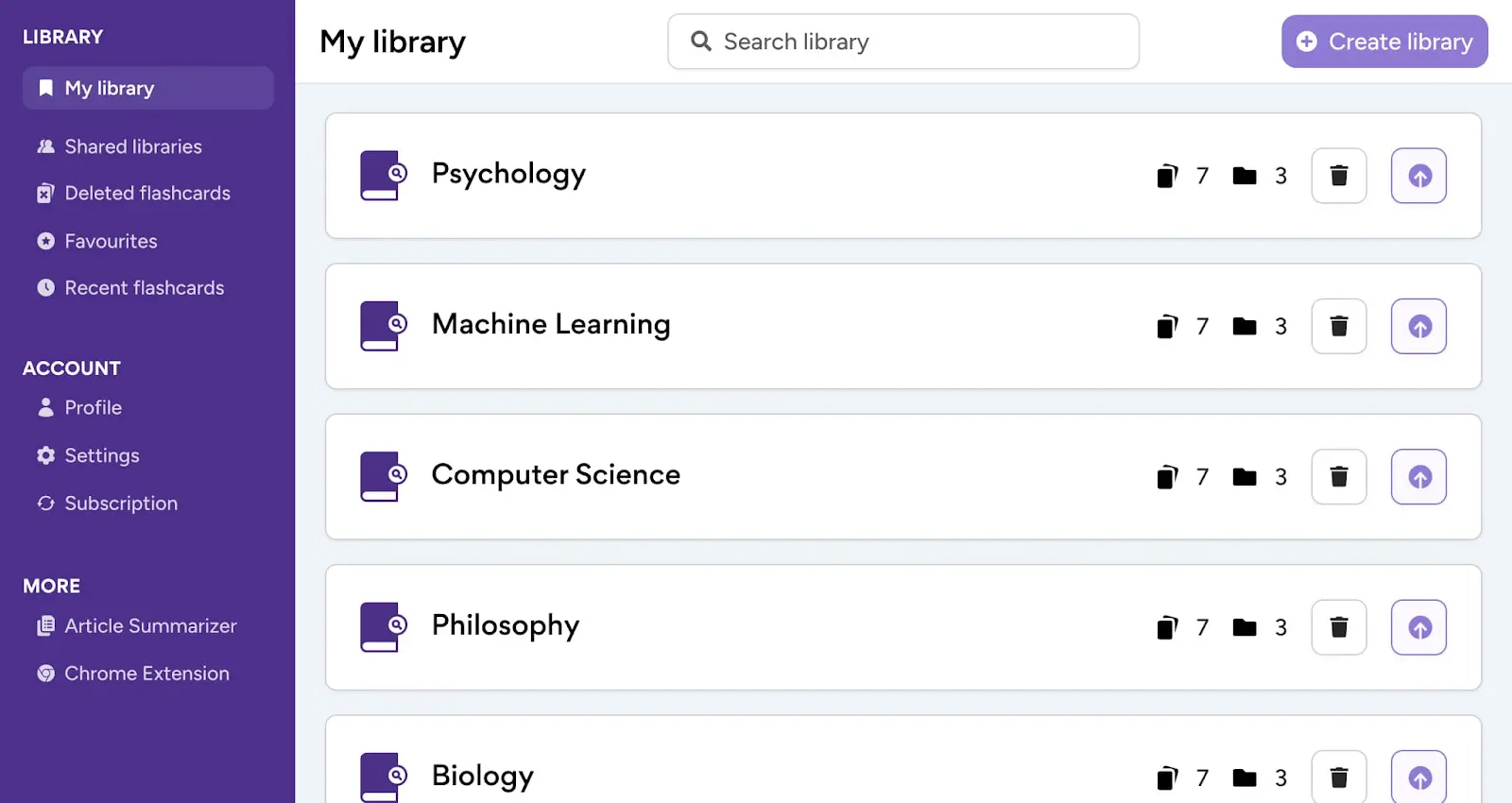
Scholarcy established itself as a research powerhouse in our testing, specifically engineered to tackle the complex challenge of academic and technical documents. This AI summary generator transformed our dense 20-page PDF report—complete with tables and figures—into digestible, structured knowledge flashcards, demonstrating exceptional prowess in research-oriented summarization.
How Scholarcy Performed in Our Tests?
When put to the test with our complex 20-page technical PDF, Scholarcy showcased its specialized academic capabilities. Unlike generic summarizers, it intelligently extracted key concepts, statistical findings, and methodological details while preserving crucial context. The tool excelled at identifying and linking reference sources, creating a interconnected knowledge map that researchers will find invaluable.
☑️ Scholarcy Standout Features
Interactive Summary Flashcards: Breaks down papers into digestible, linked chunks
Reference Extraction: Automatically pulls and links cited sources
Data & Table Recognition: Preserves and summarizes key figures and results
Key Concept Highlighting: Identifies and emphasizes core research contributions
Export to Reference Managers: Compatible with Zotero, Mendeley
🏷️ Pricing (November 2025)
Free tier available with limited features | Premium plans start from $9.99/month
✅Scholarcy Pros
Exceptional at parsing complex academic formatting and terminology
Preserves crucial research context and methodology details
Creates interconnected knowledge maps from reference materials
Handles technical tables and data visualization effectively
Saves significant research time with batch processing
❌ Scholarcy Cons
Less effective for casual content like articles or meetings
Free version has substantial limitations
Ideal For: Academic researchers, PhD students, literature reviewers, and anyone regularly navigating complex research papers. If you need to synthesize multiple studies or conduct systematic reviews, Scholarcy dramatically accelerates the research process while maintaining academic rigour.
💡 Pro Tip for Scholarcy Users
Use the batch processing feature to summarize multiple related papers at once—perfect for literature reviews or building comprehensive research backgrounds efficiently!
3. MeetGeek – Best AI Summary Generator for Post-Meeting Automation
How MeetGeek Performed in Our Tests?
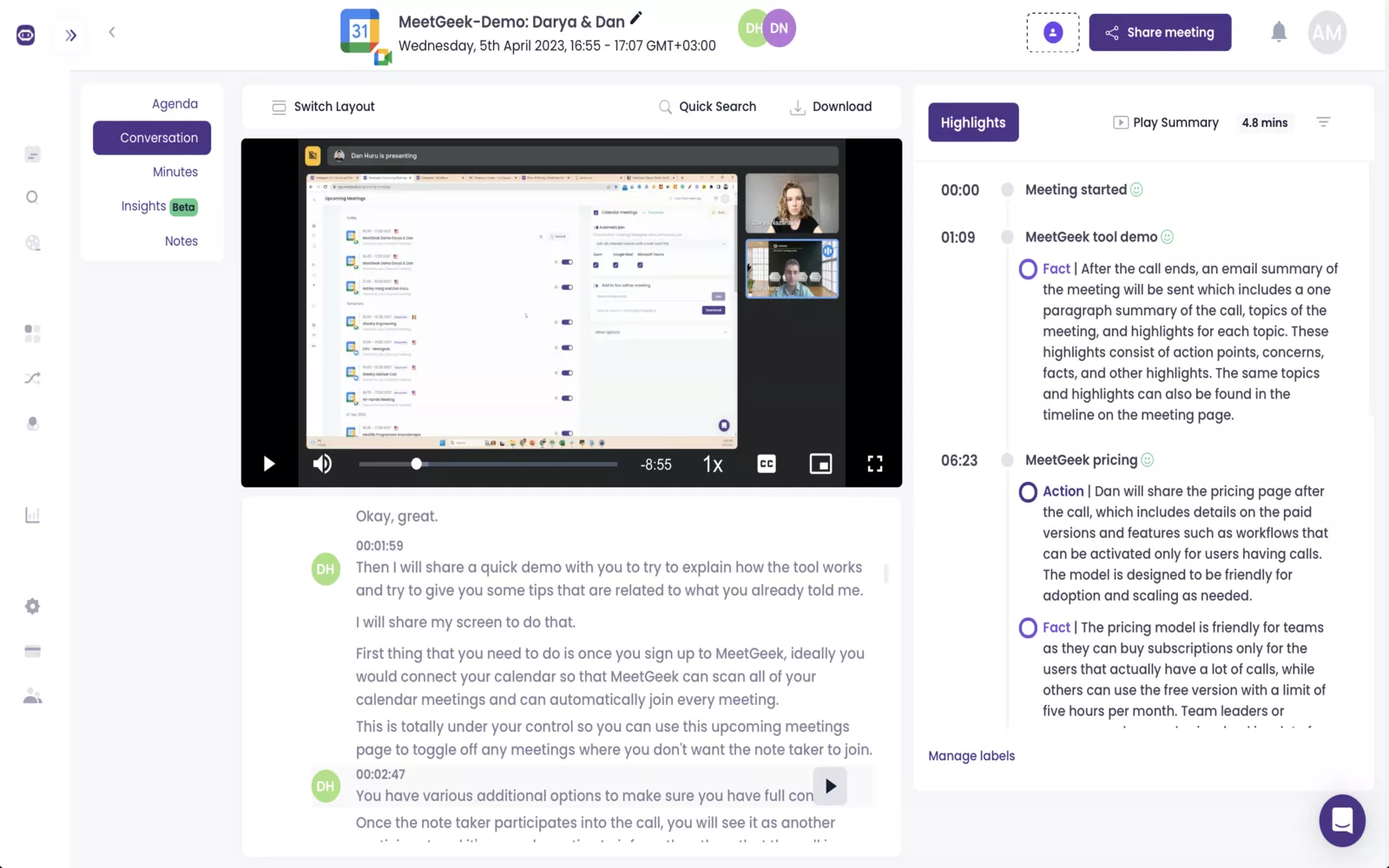
In our tests, MeetGeek stood out for what happens after your meeting: it turns well-structured summaries into streamlined outcomes automatically, capturing key points, decisions, and action items, then making it easy to share, search, and route outputs into the tools your team already uses. It’s especially strong when your goal is reducing post-meeting busywork through workflows and automation, not just generating a recap.
☑️ MeetGeek Standout Features
Meeting automation first: automatic summaries + action items, with AI agents/workflows to reduce manual follow-ups
Live meeting capture + “no-bot” options (via browser/desktop apps), depending on how you prefer to record
Search + AI chat across meetings so historical conversations are easy to retrieve
Integrations at scale: native integrations plus automation via Zapier/Make/n8n and thousands of connected apps
Team collaboration & analytics (spaces, sharing, comments, meeting analytics) for consistent rollout across teams
Built for meeting automation, not just transcripts (agents/workflows, sharing, and structured outputs)
Strong integration + routing story (including Zapier/Make/n8n and broad integration coverage)
Great for teams that need searchable meeting history and ongoing visibility via analytics
❌ MeetGeek Cons
Free plan has limited storage
Advanced org controls are gated to Enterprise
Meeting duration limits and storage expand with higher tiers
Ideal for: Teams that want automatic meeting summaries, action items, and searchable notes without heavy setup, especially product, marketing, and remote teams running lots of recurring calls.
💡 Pro Tip for MeetGeek Users
Create custom summary templates for different meeting types (sales calls, sprint reviews, user interviews). MeetGeek will structure notes around what actually matters for each call, so action items and decisions don’t get buried in generic summaries.
4. Best Free Text Summarizer: QuillBot
QuillBot proved to be the most accessible and capable free summarizer in our testing, offering a robust set of paraphrasing and summarization tools without requiring a subscription. It handled our standard text summary tests with impressive accuracy, making it the go-to choice for students and casual users on a budget.
How QuillBot Performed in Our Tests?
The tool offers helpful customization options, allowing users to choose between paragraph and bullet point formats while adjusting summary length with a simple slider. While it has daily limits on the free plan, the quality of output makes it stand out among free alternatives.
Customizable Output: Adjustable length slider and format options (paragraph/bullet points)
Integrated Paraphrasing: Switch seamlessly between summarizing and rewording text
Browser Extension: Works across websites and platforms
Grammar Checker: Includes additional writing assistance tools
Simple Interface: Clean, intuitive design with minimal learning curve
🏷️ Pricing (November 2025)
Free version available | Premium plans start from $8.33/month (billed annually)
✅ QuillBot Pros
Excellent value with substantial free access
User-friendly interface perfect for beginners
Flexible output customization options
Reliable accuracy for standard text summarization
Integrated writing tools beyond just summarization
No complex setup or learning required
❌QuillBot Cons
Daily limits on free version can be restrictive for heavy users
Limited capabilities for audio/video content
No meeting transcription capabilities
Ideal For: Students, budget-conscious users, non-technical users, and anyone needing reliable text summarization without the commitment of a paid subscription. Perfect for summarizing essays, articles, and documents where cost is a primary concern.
💡 Pro Tip for QuillBot Users
Use the “Keyword Highlighting” feature to see which terms QuillBot considers most important in your summary. This helps you quickly verify the accuracy and focus of the condensed content!
5. Best AI Summary Generator for Team Workspaces: Notion AI
Notion AI stood out as the seamless integrator in our testing, bringing powerful summarization capabilities directly into your team’s existing workspace. This AI summary generator excelled at transforming lengthy project documentation and meeting notes into actionable summaries without ever leaving the Notion environment, making collaboration effortless and context-aware.
How Notion AI Performed in Our Tests?
When working with our multi-page documents and meeting transcripts within Notion pages, the AI demonstrated exceptional contextual understanding of team workspace content. It automatically formatted summaries in Notion’s native block structure, maintained links to original source material, and preserved crucial project context that external tools would miss.
☑️ Notion AI Standout Features
Native Integration: Summarize any Notion page, database, or document without leaving the platform
Real-time Collaboration: Team members can access and build upon summaries simultaneously
Database Automation: Auto-generate summaries for new database entries and project updates
Context-Aware Output: Understands project-specific terminology and team workflows
Source Preservation: Maintains links to original documents and referenced materials
Cross-Platform Sync: Access and create summaries across all devices
🏷️ Pricing (November 2025)
Free with Notion plan limitations | Full AI access is now included with all Business ($20/user/mo) and Enterprise plans.
✅ Notion AI Pros
Perfectly integrated with existing Notion workflows
Maintains full context of team projects and documentation
Excellent for summarizing meeting notes and project updates
Real-time collaboration features enhance team productivity
Preserves database relationships and page hierarchies
No additional platform learning curve for existing Notion users
❌ Notion AI Cons
Only works within Notion ecosystem
Requires team adoption of Notion as primary workspace
Less effective for external content like YouTube videos
Ideal For: Teams already using Notion as their central hub, project managers, remote teams, and organizations wanting to keep summarization capabilities within their existing workflow environment. Perfect for companies committed to the Notion ecosystem.
💡 Pro Tip for Notion AI Users
Create a “Meeting Notes” database with an AI-generated summary property that automatically condenses lengthy discussions into actionable bullet points for quick team reference!
AI Summary Generators: Top Picks Comparison
This overview brings together the top AI summary generators of 2025, tested across text, PDFs, videos, audio, and meeting workflows.
Tool
Best For
Test Score
Price (Start)
Free Tier
Text
Meetings
Video
Audio
Krisp AI
Meetings
23/25
$8/user/month
✅Generous
❌
✅
✅
✅
Scholarcy
Research & PDFs
22/25
$9.99/month
✅ Limited
✅
❌
❌
❌
MeetGeek
Post-Meeting Automation
21/25
$9.99/user/mo.
✅ Limited
❌
✅
✅
✅
QuillBot
Free Text
19/25
$8.33/month
✅ Generous
✅
❌
❌
❌
Notion AI
Team Workspaces
21/25
$8/user/month
❌ Add-on
✅
✅
❌
❌
Once you know the basic strengths of each summarizer, the next step is understanding how they behave in real workflows. This second table compares output control, integrations, and collaboration depth to show where each tool fits inside a daily productivity stack.
Tool
Output Controls
Integrations
Collaboration
Best Use Case Example
Krisp AI
🟡 Limited
✅ All meeting apps
✅ Team sharing
Daily standups & client calls
Scholarcy
🟡 Moderate
🟡 Reference managers
❌ Individual
Literature reviews & research
MeetGeek
✅ Good
✅ Meeting platforms
🟡 Limited sharing
Best for Post-Meeting Automation
QuillBot
✅ Excellent
✅ Browser extension
❌ Individual
Student essays & quick summaries
Notion AI
✅ Good
✅ Native Notion
✅ Team workspace
Project docs & meeting notes
More Top AI Summarizers by Use Case
The five leading tools cover most everyday needs, but the landscape of AI summarization is broader and more nuanced. Beyond the top picks, there are ten other strong contenders that shine in specific niches—whether you need bulk PDF handling, multilingual summaries, CRM integrations, mobile-first workflows, or budget-friendly alternatives.
Best Summary Generators for Quick Web: TLDR This
How TLDR This Performed in Our Tests?
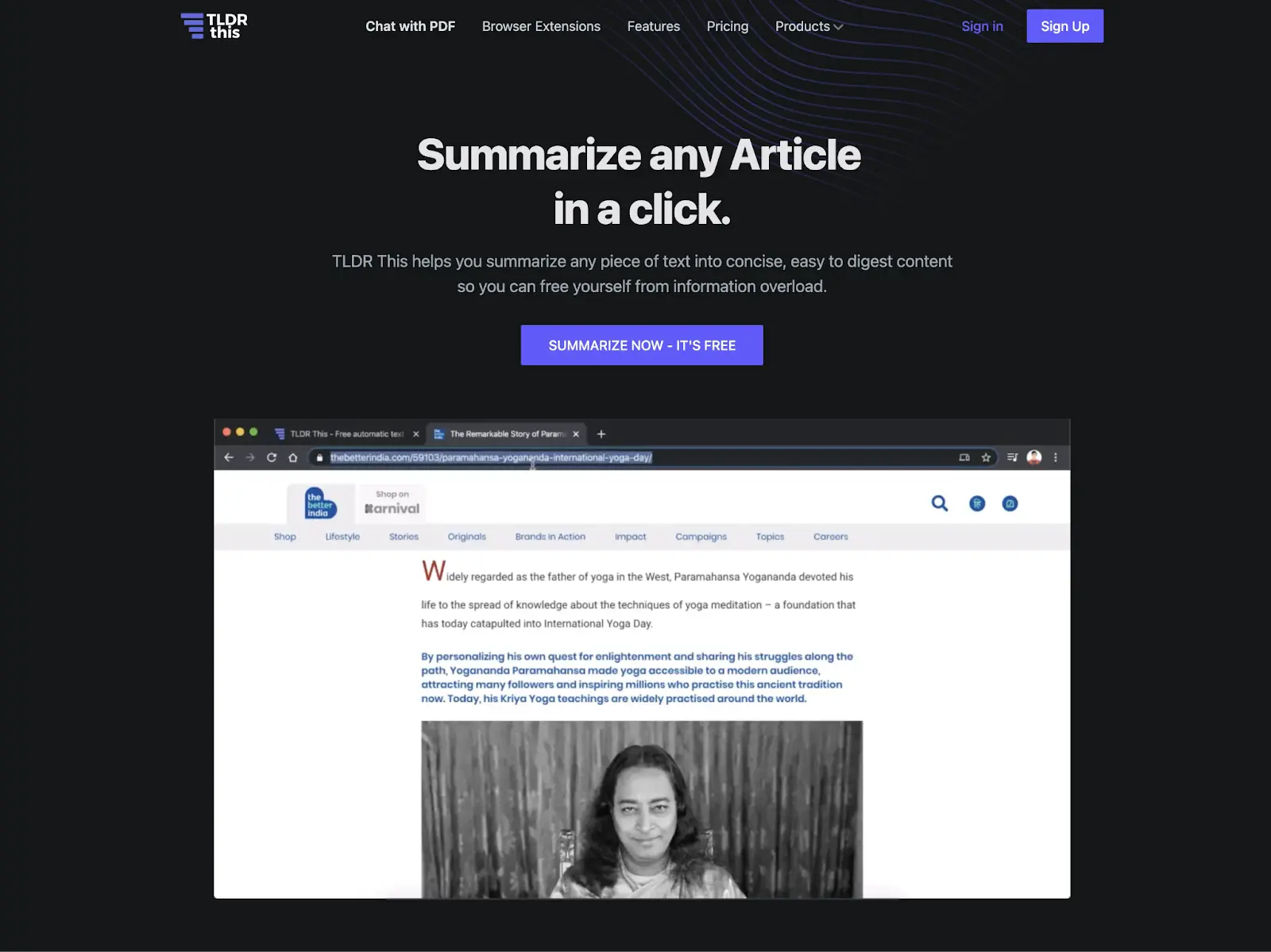
TLDR This is a specialized web summarizer that instantly creates clean, scannable summaries of any online article while removing ads and clutter. The tool preserved key facts while eliminating fluff, and its “Key Points” bullet format proved highly effective for quick comprehension.
☑️ TLDR This Standout Features
One-Click Browser Extension: Instant summaries on any webpage
Smart Readability Mode: Automatically removes ads and distractions
AI-Powered Categorization: Identifies article type and key topics
Save & History: Cloud storage for your summarized articles
Lightning Speed: Generates summaries in 2-3 seconds
🏷️ Pricing (November 2025)
Free version available | Premium: $4.99/month
✅ TLDR This Pros
Superior context preservation and accuracy
Clean, modern interface with zero distractions
Excellent ad removal and readability features
Fastest processing time in its category
Useful categorization and tagging system
❌ TLDR This Cons
Limited customization options
No text length adjustment slider
Only supports web articles and pasted text
Best AI Summary Generator for Quick Web & Articles: Wordtune
Wordtune emerged as the champion for speed and convenience in our tests, perfectly designed for anyone who needs the “gist” of online content in seconds.
How Wordtune Performed in Our Tests?
When applied to our lengthy news article, Wordtune delivered instant, high-quality summaries that captured the core narrative and key facts flawlessly. Its seamless operation as a browser extension means there’s no copying, pasting, or switching tabs. Just a single click on any webpage delivers a clear and concise breakdown, living up to its name as the digital equivalent of a “tune-up” for text.
☑️ Wordtune Standout Features
One-Click Browser Extension: Summarizes any online article instantly without leaving the page
Adjustable Summary Length: Choose from short, key-point summaries to more detailed overviews
Focus on Key Facts: Excels at extracting dates, names, events, and central claims
PDF & Document Support: Also works on uploaded PDFs and document files
Integrated Writing Assistant: Offers paraphrasing and rewriting tools alongside summarization
🏷️ Pricing (November 2025)
Free plan with limited summaries per day | Premium plans start from $9.99/month
✅ Wordtune Pros
Unbeatable speed and convenience for web content
Exceptionally user-friendly with minimal learning curve
Accurate at capturing the essential meaning of news and blog articles
The browser extension integrates perfectly into daily browsing habits
Offers great value with additional writing tools beyond summarization
❌Wordtune Cons
Less effective for complex, multi-speaker meeting transcripts
Not designed for deep, analytical research like academic papers
The free tier has a restrictive daily limit
Ideal For: Students, content creators, professionals, and casual readers who need to quickly process news, blog posts, and online reports. If you find yourself constantly saving articles “to read later,” Wordtune is the perfect solution to clear your backlog instantly.
Best Summary Generators for Complex Texts: Google NotebookLM & Resoomer
How NotebookLM Performed in Our Tests?
Google NotebookLM is a revolutionary AI research assistant that creates a specialized model based on your own source materials, enabling interactive summarization and Q&A for complex documents. Its ability to answer follow-up questions based solely on the source material proved invaluable for deep research.
☑️ NotebookLM Standout Features
Source-Grounding: Creates AI model from your specific documents
Interactive Q&A: Ask questions about your source materials
Citation Tracking: Every claim links back to original text
Multi-Format Support: Handles PDFs, Word docs, and text pastes
🏷️ Pricing (November 2025)
Paid Tiers: Plus ($9.99/mo) | Pro (Price on request) | Included in Google One AI Premium ($19.99/mo)
✅ NotebookLM Pros
Accurate for technical and research documents
Source-grounded responses reduce hallucinations
Reliable for literature reviews and academic work
Interactive for deeper understanding
Clean, intuitive research-focused interface
❌ NotebookLM Cons
Accuracy depends on quality of uploaded sources
Occasional incomplete citations or simplifications
Limited support for images, tables, or multimedia
How Resoomer Performed in Our Tests?
Resoomer is a text analysis tool that specializes in summarizing complex arguments and academic texts through semantic analysis and key idea extraction. Resoomer delivered functional summaries but struggled with technical nuance. This AI summary generator effectively identified main arguments but missed subtle contextual details, making it better for argument extraction than technical comprehension.
☑️ Resoomer Standout Features
Argument Detection: Identifies key thesis statements and arguments
Text Analysis Engine: Semantic processing for idea extraction
Browser Extension: One-click summarization on web pages
Idea Mapping: Visual representation of key concepts
Selective Summarization: Choose specific text sections
🏷️ Pricing (November 2025)
Free basic version | Premium: €9.90/month
✅ Resoomer Pros
Strong argument and thesis identification
Good for philosophical and opinion pieces
Multiple language support
Browser extension available
Affordable premium tier
❌ Resoomer Cons
Struggles with highly technical content
Limited document format support
Less accurate than NotebookLM
Dated user interface
Best Summary Generators for Audio/Video & Live Meeting Capture: Notta & Otter.ai
How Notta Performed in Our Tests?
When processing our 45-minute multi-speaker meeting transcript and 12-minute YouTube video, Notta delivered exceptional accuracy in speaker differentiation and key point extraction. Its real-time transcription captured nuanced discussions effectively, and the automated summaries highlighted decisions and action items with impressive precision.
☑️ Notta Standout Features
Real-time Transcription: Live captioning and note-taking during meetings
Smart Speaker ID: Automatically identifies and labels different speakers
Action Item Detection: Pulls out tasks and decisions automatically
Multi-Platform Support: Works with Zoom, Teams, Meet, and in-person meetings
File Processing: Transcribes audio/video files in 100+ formats
Team Collaboration: Shared workspaces with comment features
Strong speaker identification in multi-person meetings
Effective action item and decision tracking
Generous free plan minutes
Good integration with calendar and conferencing apps
❌ Notta Cons
Advanced features require Business plan
Limited editing tools in mobile app
Export options could be more versatile
How Otter.ai Performed in Our Tests?
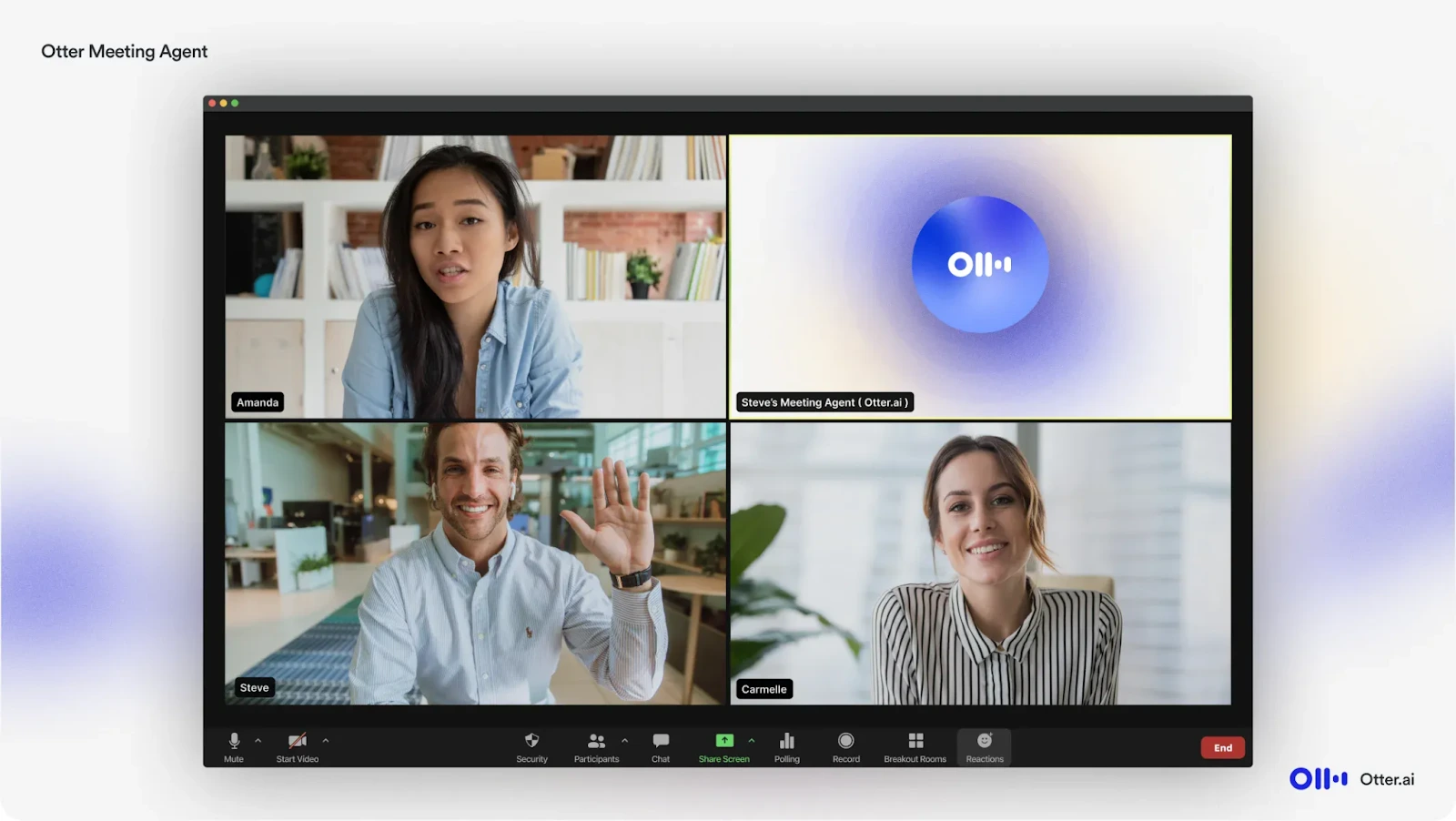
In our meeting transcript and video tests, Otter.ai demonstrated robust performance with good accuracy and useful collaboration features. While this AI summary generator is slightly less precise than Notta in speaker identification, it excelled in post-meeting organization and search capabilities, making historical content easily accessible.
☑️ Otter.ai Standout Features
OtterPilot: Automatically joins and records scheduled meetings
Advanced Search: Find specific terms across all your conversations
Live Collaboration: Real-time editing and commenting during meetings
Conversation Management: Folder organization and tagging system
Mobile Optimization: Excellent mobile experience with quick recording
Best for Customizable, Multi-Format Summaries: ChatGPT
How ChatGPT Performed in Our Tests?
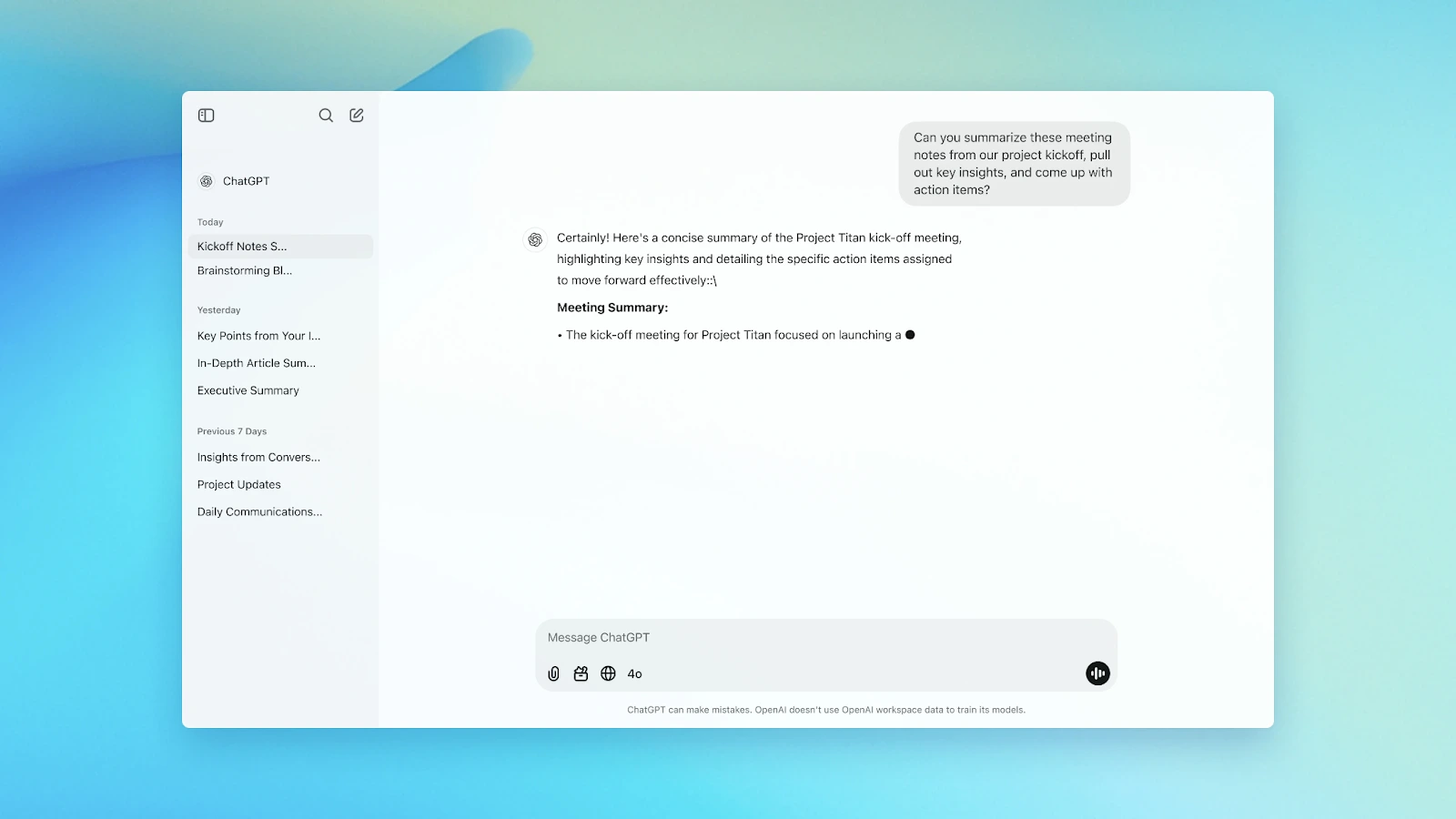
Across all test formats—PDFs, meeting transcripts, articles, and video content—ChatGPT delivered highly adaptable summaries. Its strength shone in customizing output length (from one paragraph to detailed reports) and adjusting tone (formal to casual). The ability to request specific formats like bullet points, tables, or executive summaries made it exceptionally versatile.
☑️ ChatGPT Standout Features
Infinite Customization: Adjust length, tone, style, and format with simple prompts
Multi-Format Mastery: Handles text, PDFs, images, web links, and audio transcripts
Interactive Refinement: Real-time back-and-forth for perfecting summaries
Template Flexibility: Can mimic specific summary formats (executive, academic, technical)
Context Awareness: Maintains conversation context for complex, multi-document summarization
🏷️ Pricing (November 2025)
Free version available | Plus: $20/month | Team: $25/user/month
✅ ChatGPT Pros
Unmatched customization through natural language prompts
Excellent handling of diverse content types and formats
Strong context retention across long conversations
No arbitrary length limits on inputs or outputs
Continuous improvements and feature additions
❌ ChatGPT Cons
Requires clear prompting for optimal results
File uploads limited to certain plan tiers
Can occasionally miss nuance without proper guidance
Best Summary Generators Marketing: ClickUp, Jasper & Writesonic
How ClickUp Performed in Our Tests?
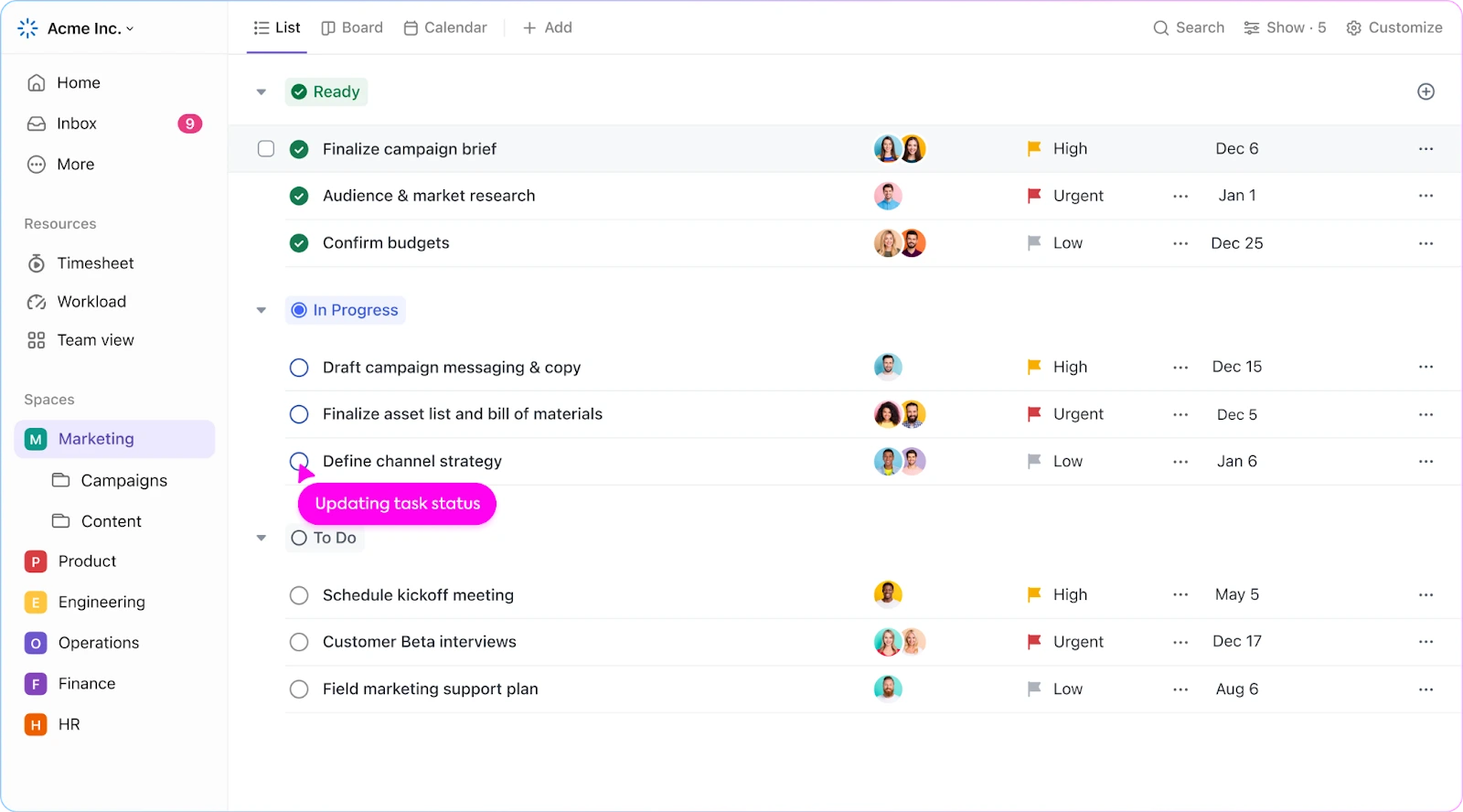
When tested with marketing documents and campaign reports, ClickUp’s AI effectively distilled complex marketing data into actionable summaries. It excelled at pulling key metrics and insights from performance reports, though it sometimes missed nuanced creative context in brand storytelling content.
☑️ ClickUp Standout Features
Project-Context Aware: Understands marketing terminology and goals
Metric Extraction: Automatically pulls key KPIs from reports
Team Workflows: Shared summaries with assignable action items
Content Repurposing: Turns long-form into social media snippets
Free Forever plan available | Business: $12/user/month through annual billing (note: AI not included—ClickUp Brain is a separate add-on ($9/user/month)
✅ ClickUp Pros
Seamless integration with marketing project management
Excellent for performance report summarization
Strong collaboration and assignment features
Good understanding of marketing terminology
Cost-effective as part of existing platform
❌ ClickUp Cons
Less effective for creative/abstract marketing content
Requires team adoption of ClickUp ecosystem
AI features locked behind Business plan
Can be overwhelming for simple summarization needs
How Jasper Performed in Our Tests?
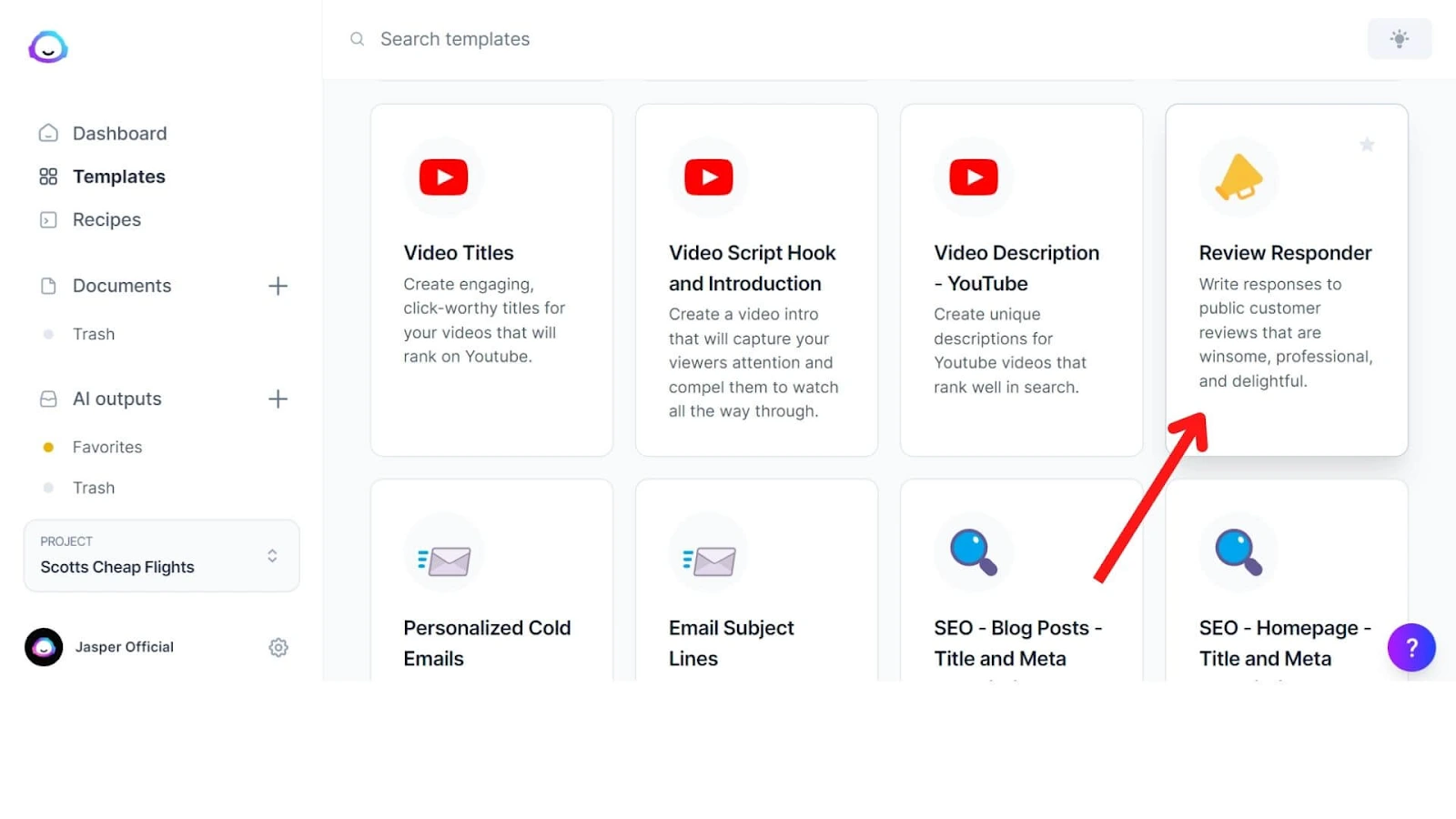
Jasper is an AI content platform specifically trained on marketing language, specializing in repurposing long-form content into compelling summaries for different channels and audiences. Jasper excelled in our tests at transforming detailed marketing content into engaging, brand-aligned summaries. It consistently maintained brand voice and excelled at creating multiple variations for different platforms (social media, email, ads) from a single source.
☑️ Jasper Standout Features
Brand Voice Control: Learns and maintains consistent brand tone
Multi-Platform Optimization: Tailors summaries for specific channels
Content Repurposing Engine: Turns one piece into 10+ formats
Marketing Frameworks: Built-in AIDA, PAS, and other formulas
🏷️ Pricing (November 2025)
Pro: $59/month billed annually, or $69 if billed monthly | Business: Contact for custom pricing
✅ Jasper Pros
Superior brand voice consistency
Excellent for content repurposing across channels
Marketing-specific training and frameworks
High-quality output for customer-facing content
Extensive template library for different use cases
❌ Jasper Cons
Premium pricing compared to general tools
Less effective for internal reporting summaries
Can be overly “salesy” for some content types
How Writesonic Performed in Our Tests?
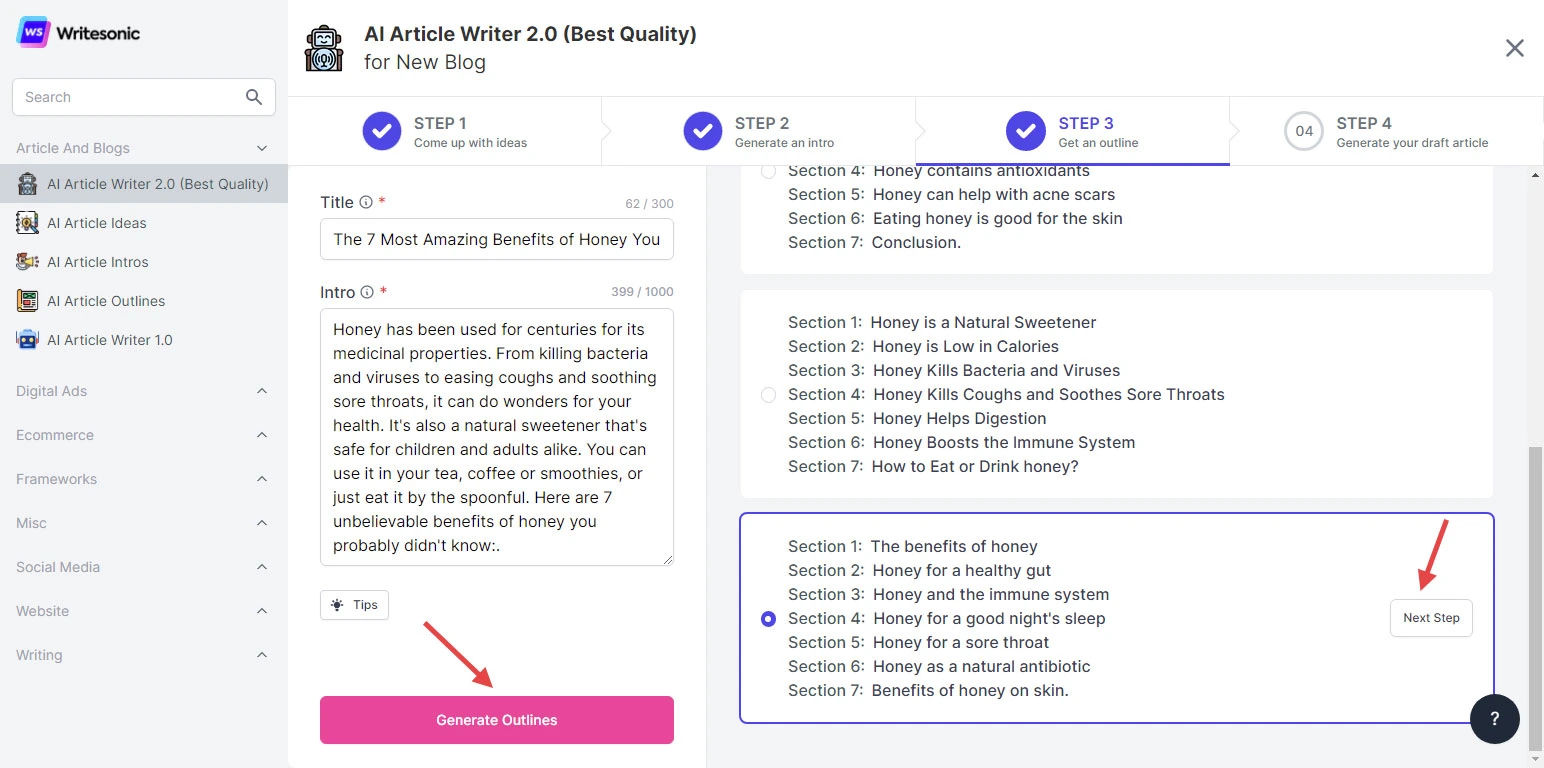
Writesonic excelled in creating marketing-optimized summaries with built-in best practices. Its template-driven approach delivered consistent results for social media, email, and blog summaries, though it was less flexible than ChatGPT for highly specialized or technical formatting needs.
☑️ Writesonic Standout Features
Template Library: 100+ summary templates for different use cases
Brand Voice Preservation: Maintains consistent tone across all summaries
SEO Optimization: Integrates keyword analysis into summary creation
Multi-Format Support: Handles documents, web pages, and audio transcripts
One-Click Repurposing: Instant transformation of long content into multiple summary formats
🏷️ Pricing (November 2025)
Lite plan: $49/month (or US $39/month billed annually), with higher tiers up to $499/month and a custom-priced Enterprise plan.
✅ Writesonic Pros
Excellent for marketing and business content summarization
Consistent, professional results with minimal prompting
Built-in SEO and engagement optimization
Faster workflow for repetitive summary types
Strong brand voice consistency features
❌ Writesonic Cons
Less flexible for highly technical or academic summaries
Template-based approach can feel limiting
Some advanced features require higher-tier plans
AI Summary Generators: Complete Comparison Table
Tool
Test Score
Price (Start)
Free Tier
PDF
Meetings
Video
Audio
Krisp AI
23/25
$8/user/month
✅ Generous
❌
✅
✅
✅
Scholarcy
22/25
$9.99/month
✅ Limited
✅
❌
❌
❌
MeetGeek
21/25
$9.99/user/month
✅ 3 hrs/mo
❌
✅
✅
✅
QuillBot
19/25
$8.33/month
✅ Generous
✅
❌
❌
❌
Notion AI
21/25
$8/user/month
❌ Add-on
✅
✅
❌
❌
TLDR This
18/25
$4.99/month
✅ Limited
✅
❌
❌
❌
Wordtune
21/25
$9.99/month
✅ Limited
✅
❌
❌
❌
ChatGPT
23/25
$20/month
✅ Limited
✅
✅
✅
✅
Notta
22/25
$13.99/month
✅ 120 mins
✅
✅
✅
✅
Otter.ai
21/25
$16.99/month
✅ 300 mins
✅
✅
✅
✅
Writesonic
20/25
$16/month
✅ Trial
✅
❌
✅
✅
What to Look For in an AI Summarizer (Buying Guide)
Choosing the right AI summary generator depends heavily on your specific workflow and content types. Here are the key factors to consider before making a decision.
File/Format Support (Text, PDFs, URLs, YouTube, Audio/Video)
The best tool should handle the content formats you use daily. While some tools are specialists, others are generalists. You don’t want one tool for articles and another for meetings. Krisp exemplifies a specialist approach here, focusing exclusively on the audio/video format of meetings and calls. It supports live meetings on any platform and can process uploaded audio/video files and YouTube links for transcription and summarization.
Output Controls (Bullets vs Paragraph, Length Slider, Tone)
Look for customization options that let you tailor the summary to your needs, from a quick bulleted list to a formal executive paragraph. Different contexts require different formats. A quick team sync needs action items; a research summary needs more detail. Krisp is optimized for meeting outcomes, providing structured outputs like key points, decisions, and automated action items.
Seamless integration into your existing apps is crucial for adoption and efficiency. A tool that lives outside your workflow will rarely get used. Krisp’s key advantage is its platform-agnostic “device-level” integration. Instead of building separate links for Zoom, Teams, and Meet, it works with all of them simultaneously by acting as a virtual microphone and speaker. This makes it incredibly versatile for users who jump between different conferencing apps.
Collaboration and Shareability (Links, Comments, Export)
Consider how easily you can share and collaborate on summaries with your team. Summaries often need to be distributed and acted upon. Krisp facilitates this by allowing you to share meeting notes via a simple link or export them, making it easy to circulate decisions and action items with attendees and stakeholders who couldn’t join the call.
Privacy & Storage (Data Retention, Opt-Out, PII)
Your data’s security is paramount. Scrutinize the vendor’s privacy policy, data handling practices, and retention periods. Summaries often contain sensitive information. Krisp addresses this by emphasizing its data encryption and privacy controls, assuring users that their meeting conversations are handled securely. It’s critical to check if a vendor, like Krisp or others, allows you to delete data or opt-out of model training.
Understand the total cost of ownership. A low monthly fee can become expensive if you hit usage caps quickly. Budgets are finite. Krisp employs a common freemium model, offering a generous free tier for individual users to test core features, with paid plans that unlock unlimited usage and advanced capabilities like CRM integrations, making it scalable from solo professionals to entire teams.
Most “free” AI summarizers have some limitations, such as a cap on the number of words, summaries per day, or access to advanced features. Tools like QuillBot and SMMRY offer generous free tiers that are sufficient for casual use, but unlimited usage usually requires a paid plan. Truly unlimited free access is rare because AI processing is costly.
Yes, AI can summarize all of these, but usually not with a single tool. PDFs are best handled by tools like Scholarcy or Notion AI, YouTube videos by tools like Krisp or Notta, and meetings by real-time assistants like Krisp AI or Otter.ai.
Extractive summaries pull key sentences directly from the original text, while abstractive summaries rewrite the core meaning in new wording. Extractive is faster but less natural; abstractive requires more advanced AI like Krisp.
ChatGPT works well for general summarization, but dedicated tools may be better for automated meeting action items (Krisp), academic citation extraction (Scholarcy), or quick article summaries via browser extensions (TLDR This).
Scholarcy is considered the strongest tool for academic papers because it breaks down research into structured flashcards, highlights findings, and extracts references for easier literature review.
Zoom, Teams, and Google Meet have improving built-in summarization, but standalone tools like Krisp offer better speaker identification, deeper analysis, platform-agnostic use, and more advanced action item detection.
Policies vary. Most providers use encryption and allow user control, but you should always check each tool’s current privacy policy to understand how your data is handled.