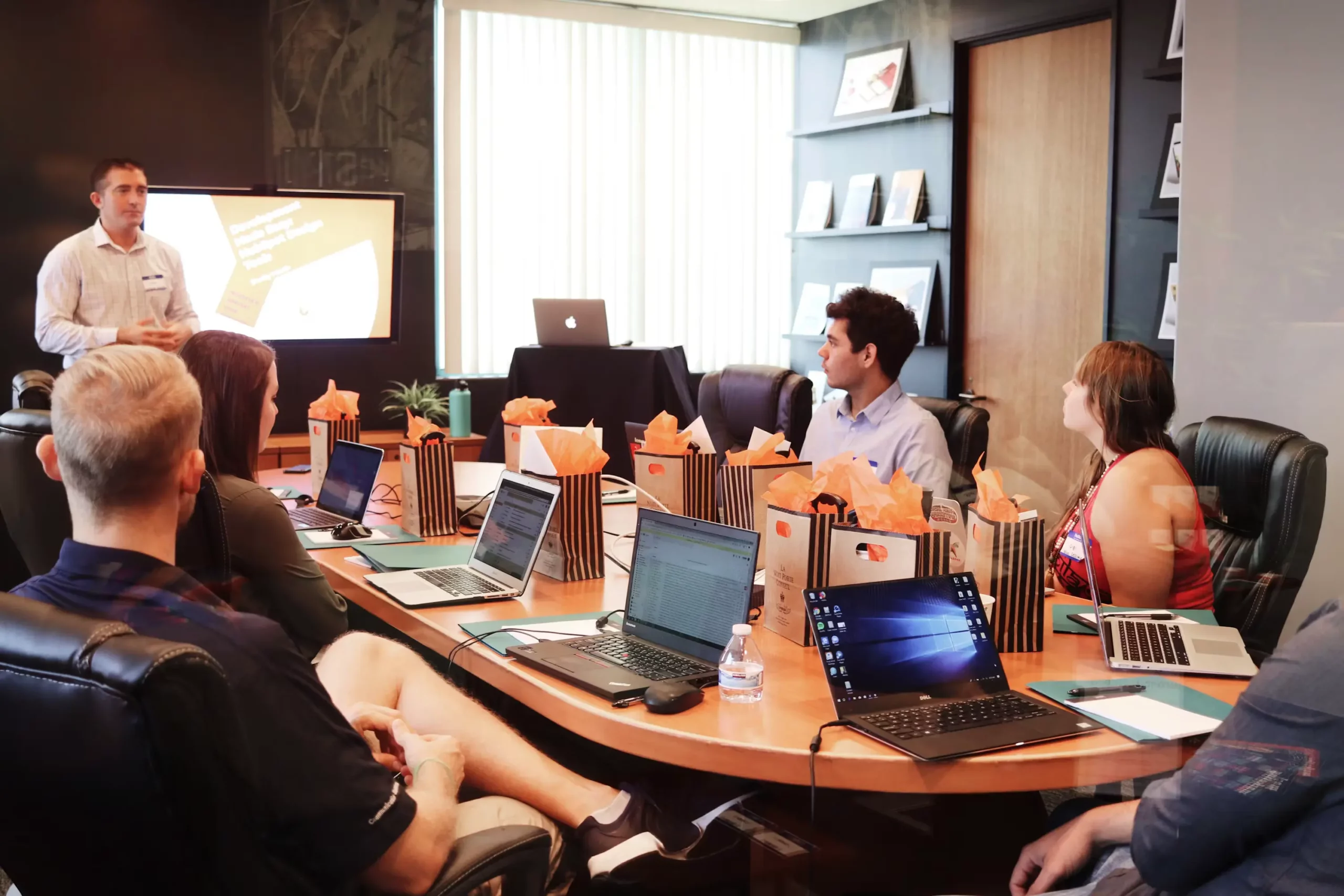
You join the call. There is no agenda, no clear owner, and no decision on the table. Someone starts with a long update. Another person asks a question that should have been answered before the meeting. By the end, people have talked for 30 minutes, but no one knows what was decided, who owns the next step, or when anything is due.
That is why learning how to make meetings productive matters in 2026. Many meetings fail before they start because the goal is unclear, the right information is hard to find, or the team is using the meeting to solve problems that should have been handled before the call. Atlassian’s State of Teams 2025 found that teams waste 25% of their time searching for answers. Its 2026 report shows the next problem: 87% of knowledge workers say that when everyone is stuck in execution mode, they do not have enough time or capacity to coordinate.
AI can help, but only when it supports a better meeting process. Microsoft’s Work Trend Index 2026 found that 66% of AI users say AI helps them spend more time on high-value work.
This guide shows you how to run more effective meetings step by step: first, decide whether the meeting needs to happen; next, define the outcome, invite the right people, and use a clear agenda; then, keep the conversation focused, capture decisions and action items, and send a useful follow-up. You will also get a productive meeting agenda template and checklist you can use before your next call.
How to make meetings productive (quick answer)
To make meetings more productive, follow these 10 steps:
What makes a meeting productive? The 3 things that matter
A productive meeting is not just a meeting that ends on time. That is efficiency. A productive meeting creates a clear result people can act on after the call.
Three things matter most.
The meeting needs a clear purpose: everyone should know why they are there and what has to happen before they leave.
The right people need to be prepared. That means decision-makers, contributors, and anyone with essential context — not everyone who might be vaguely interested.
The meeting needs action items that outlive the conversation. If no one captures what was decided, who owns the work, and when it is due, the meeting simply creates another meeting.
1. Ask if it needs to be a meeting at all
The easiest way to make meetings more productive is to stop holding the ones that do not need to happen. Many meetings exist because information is scattered, not because a live conversation is necessary. Atlassian’s State of Teams 2025 found that employees spend 31% of their time in meetings, making it even more important to ensure every meeting serves a clear purpose.
Before you send the invite, ask three questions:
Is there a decision to make?
Does that decision need real-time discussion?
Will the actual decision-makers be there?
If the answer is no, choose a better format. A status update can be an async message. A simple announcement can be an email. Feedback on a draft can happen in a shared document. A quick explanation can be recorded instead of turned into a 30-minute call.
Save meetings for work that needs discussion, trade-offs, alignment, or commitment. Everything else is probably this meeting could have been an email.
2. Define a clear purpose and desired outcome
A meeting should not start with a vague topic. It should start with a specific outcome. Before you send the invite, write this sentence: “By the end of this meeting, we will have decided/produced X.”
That one line makes the meeting easier to plan and easier to end. It also tells people what kind of preparation they need.
Instead of: “Marketing campaign discussion”
Use: “By the end, we will choose the final concept for the July campaign.”
Instead of: “Website updates”
Use: “By the end, we will approve the homepage copy changes and assign final edits.”
If you cannot name the outcome, the meeting is not ready. Fix the purpose first, then invite people.
3. Send a productive meeting agenda in advance
A productive meeting agenda tells people what will happen, who is responsible, and what needs to be decided. Share it at least 24 hours before the meeting so attendees can review context, prepare input, and avoid wasting the first 10 minutes catching up.
Keep the agenda simple. Each item should have a topic, owner, time box, and label: Decision, Discussion, or FYI. If something is only an FYI, ask whether it needs meeting time at all.
Meeting purpose: By the end of this meeting, we will [decide/approve/produce/solve] [specific outcome].
Pre-read:
[Link to document, brief, report, or draft]
Agenda:
Time
Agenda item
Owner
0–5 min
Confirm the meeting purpose and desired outcome
[Name]
5–15 min
Review context, constraints, and key information
[Name]
15–35 min
Discuss options, risks, or trade-offs
[Name]
35–50 min
Make the decision or agree on the next step
[Name]
50–60 min
Confirm action items, owners, and deadlines
[Name]
Decisions needed:
[Decision 1]
[Decision 2]
Action items:
[Task] — Owner: [Name] — Deadline: [Date]
4. Invite only the people who need to be there
More attendees usually means slower discussion, weaker ownership, and more people sitting silently while two people talk. For decision meetings, a useful rule of thumb is 5–7 people. That is usually enough to include the decision-maker, the people with essential context, and the people who will own the work.
For cross-functional meetings, invite one representative per team and record or summarize the meeting for everyone else. This keeps the live discussion small while still giving non-attendees the context they need.
5. Match the meeting length to the purpose
Most calendars push people into 30- or 60-minute meetings by default. That does not mean the work needs that much time.
Microsoft’s 2025 Work Trend Index found that half of all meetings happen during peak productivity hours, so meeting length is not just a scheduling detail. It affects focus.
Use the meeting goal to set the time:
Meeting type
Better default
Daily stand-up
15 minutes
Focused decision
30 minutes
Planning discussion
45 minutes
Deep working session
45–60 minutes
One-way update
No meeting
Parkinson’s Law applies here: work expands to fill the time available. If you give a simple decision 60 minutes, people will usually find a way to use all 60. Start shorter, then extend only when the conversation genuinely needs more time. For recurring formats like daily syncs, see how to run an effective stand-up meeting.
A productive meeting needs someone watching the process, not just the topic. Assign three simple roles before the meeting starts:
Role
What they do
Facilitator
Keeps the conversation tied to the purpose.
Note-taker
Captures decisions, blockers, and action items.
Timekeeper
Protects the agenda and stops one topic from taking over.
For recurring meetings, rotate these roles. It keeps responsibility shared and stops one person from becoming the permanent meeting admin.
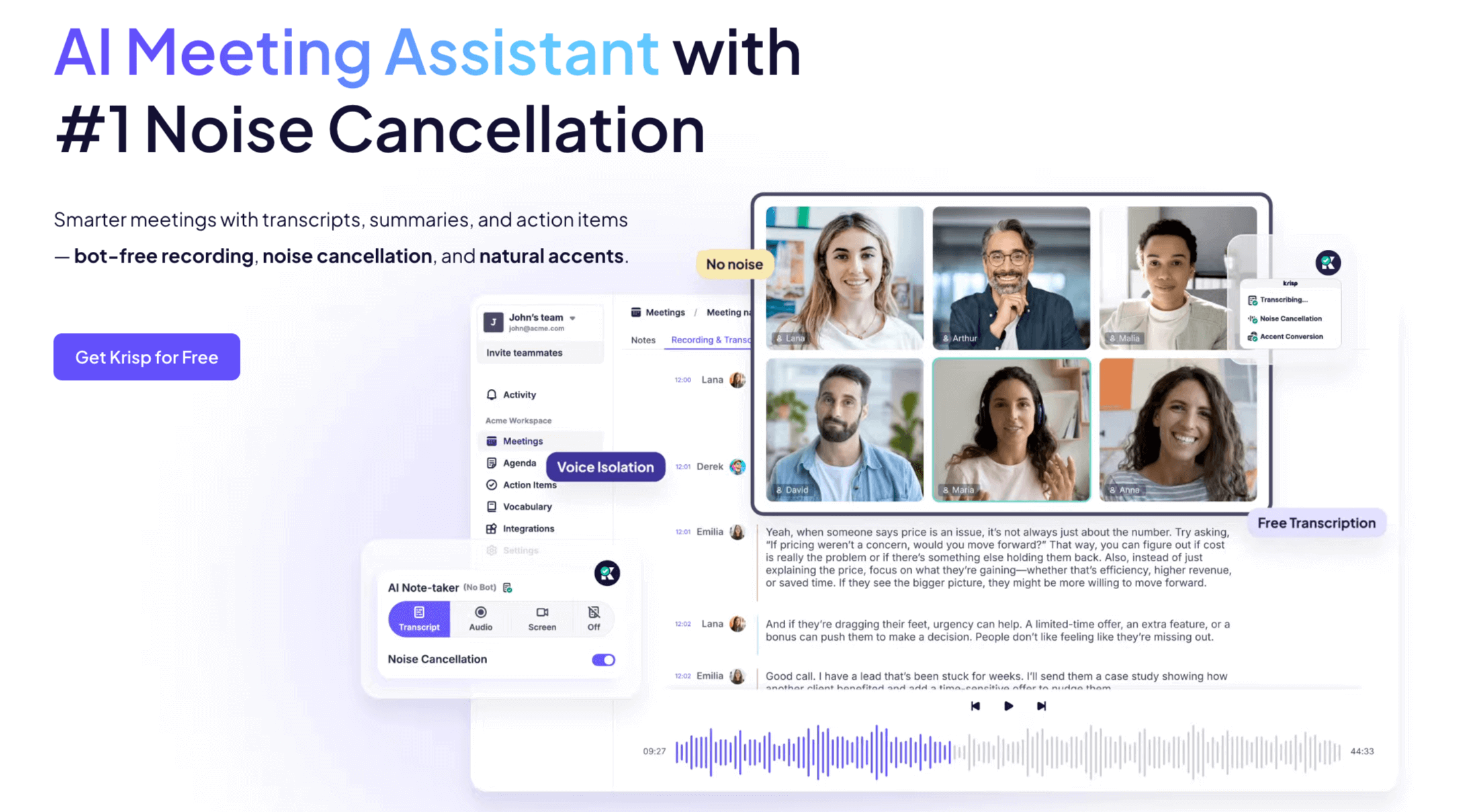
The note-taking role is also the easiest one to automate. An AI note taker can capture the discussion, summarize key points, and pull out action items while people stay focused on the conversation.
But handing the job to AI only works if the tool can reliably capture what actually matters. If you’re deciding what to automate this role with, this breakdown of what actually makes an AI note taker good covers the criteria worth looking at beyond basic transcription and summaries.
That matters because a human note-taker often has to choose between typing everything down and actually participating. Automated note-taking tools like Krisp can handle the capture layer, so the team can listen, discuss, and decide without losing the record.
7. Open with action, not a recap
Do not spend the first 10 minutes re-reading last week’s notes. People can read updates before the meeting. The live discussion should start with the decision, question, or task that needs attention now.
Use this simple opening structure:
What needs to be decided
Why it matters now
What constraints or blockers are on the table
Weak opening:
“Let’s go over where we are with the launch plan.”
Stronger opening:
“Today we need to decide whether to launch on July 15 or delay by two weeks. The blockers are QA, budget approval, and campaign timing.”
That opening gives people the context, the decision, and the pressure point immediately. It also makes the meeting easier to facilitate because everyone knows what progress should look like.
8. Keep remote and hybrid meetings focused
Remote and hybrid meetings usually fail for two reasons: people cannot hear clearly, or remote attendees get pushed to the edge of the conversation. Both problems make meetings slower and less useful. For a fuller checklist, see our remote meeting best practices.
Fix the basics first:
Problem
What to do
Background noise
Use noise cancellation before the call starts.
People talking over each other
Set mute discipline and pause before jumping in.
Remote people going quiet
Call on remote or quieter attendees first.
Too many side comments
Use chat for parallel input, links, and quick reactions.
Room-only discussion
Repeat key points aloud so everyone has the same context.
Clean audio matters because people cannot contribute well if they are fighting keyboard clicks, echo, traffic, or someone making coffee in the background. Krisp’s noise cancellation can help remove that noise during the meeting, while an AI meeting assistant can capture the notes after it. That gives the team a better live conversation and a cleaner record of what happened.
9. End with clear action items
Do not end the meeting with “Great, let’s follow up.” That is how action items disappear.
Use the last 60 seconds to confirm every next step out loud. Each action item should answer three questions:
Who owns it?
What exactly will they do?
By when will it be done?
Use this quick test: every action item should be specific, actionable, and trackable.
Weak action item:
“Follow up on the campaign.”
Better action item:
“Maya will send the final campaign budget to the team by Friday at 3 PM.”
An AI meeting summary can also help by automatically pulling action items from the conversation, so the team does not have to rebuild the list from memory after the call.
10. Follow up and share the notes
A meeting is not finished when everyone leaves the call. It is finished when the summary, decisions, and action items are shared.
Send the follow-up within one day. Keep it short and useful:
Summary: what was discussed
Decisions: what was agreed
Action items: who owns what, and by when
Open questions: what still needs input
Recording or transcript: only if people need the full context
This also helps you keep future meetings smaller. The people who did not need to attend can still get the key information afterward. Automated summaries make this easier, especially when teams have back-to-back calls and no one wants to write notes from scratch at 5:47 p.m. If notes are a weak spot for your team, start with our guide on how to take meeting notes.
A quick productive-meeting checklist
Use this checklist before, during, and after every meeting.
Before the meeting
During the meeting
After the meeting
Confirm the meeting needs to happen.
Write the purpose in one sentence.
Define the desired outcome.
Invite only the people who need to be there.
Share the agenda and pre-read in advance.
Start with the decision, question, or task.
Keep the discussion tied to the agenda.
Give remote and quieter attendees space to contribute.
Capture decisions as they happen.
End with action items, owners, and deadlines.
Send the summary within one day.
List decisions and next steps clearly.
Share notes with people who did not attend.
Track action items before the next meeting.
How Krisp helps make meetings more productive
A productive meeting still needs a clear purpose, the right people, and a useful agenda. Krisp helps with the parts that often break during and after the call: audio quality, note-taking, and follow-up.
During the meeting, Krisp’s noise cancellation removes background sounds like keyboard clicks, nearby conversations, traffic, and echo, so people can hear each other clearly and stay focused on the discussion. This is especially useful for remote and hybrid meetings, where one noisy microphone can slow down the whole conversation.
After the meeting, Krisp’s AI meeting assistant can generate notes, summaries, and meeting transcription automatically, along with action items. Notes and summaries help teammates who read the language they were written in. Lara Translate can translate meeting notes and summaries accurately, so a clear record of the call reaches everyone who needs it, not just the people in the room.
Instead of asking someone to type through the call, the team can focus on the conversation while Krisp captures the key points: what was discussed, what was decided, who owns each task, and when it is due.
Conclusion
Productive meetings are not about adding more rules to everyone’s calendar. They come from fewer unnecessary meetings, clearer purpose, better preparation, and outcomes people can actually use after the call.
Tools can help, but they will not fix a meeting that has no reason to exist. Start with the process: decide whether the meeting is needed, define the outcome, invite the right people, and close with clear next steps. Then let AI handle the busywork. When you are ready to compare options, see our roundup of the best AI meeting assistants of 2026.
Let Krisp’s AI meeting assistant handle the notes and action items, so you can focus on the conversation.
FAQ
To make a meeting more productive, first ask whether it needs to happen. Then define the outcome, invite the right people, send an agenda, keep the discussion focused, improve remote participation, end with clear action items, and follow up with notes.
Run an effective meeting by preparing before it starts: write a one-sentence purpose, share an agenda 24 hours in advance, and invite only the people who need to be there. During the meeting, open with the decision, keep the discussion on the agenda, and capture action items as they come up. Afterward, send a short summary with decisions, owners, and deadlines within a day.
Match the length to the goal rather than defaulting to 30 or 60 minutes. A daily stand-up needs about 15 minutes, a focused decision about 30, a planning discussion about 45, and a deep working session 45–60 minutes. Start shorter and extend only when the conversation genuinely needs more time.
The 5 P’s of meetings are usually purpose, participants, process, preparation, and payoff. They help you check whether the meeting has a clear reason, the right people, a useful structure, prepared attendees, and a result that makes the time worthwhile.
The 7 P’s of meetings usually expand the framework to purpose, people, preparation, process, participation, productivity, and payoff. The wording can vary, but the idea is simple: a meeting should have a clear goal, prepared people, focused discussion, and a useful outcome.
The 40/20/40 rule means meeting success depends on 40% preparation, 20% live discussion, and 40% follow-up. In other words, the meeting itself is only one part of the process. The agenda before and the action items after matter just as much.
The 7-minute rule means people should understand the purpose, structure, and expected outcome within the first seven minutes. If the meeting still feels unclear after that, it will probably drift. Start by naming the decision, task, or problem immediately.