How to Understand Accented YouTube Videos: From Subtitles to Real-Time AI Conversion (2026)
You’re 20 minutes into a highly rated YouTube tutorial. The instructor clearly knows their subject, but you’ve replayed the same 30 seconds six times. Not because the concept is difficult, but because the accent keeps getting in the way. You’re not struggling with English. You’re struggling with this specific accent while trying to keep up with the content.
This is where the problem is often misunderstood. When your brain has to work harder to process pronunciation, rhythm, and stress patterns, it has less capacity left to understand the actual message.
In learning contexts, that tradeoff is immediate: you lose focus, miss key points, and fall behind. Most advice doesn’t solve this. Subtitles, slower playback, or repeated listening can help—but they add effort and interrupt the flow.
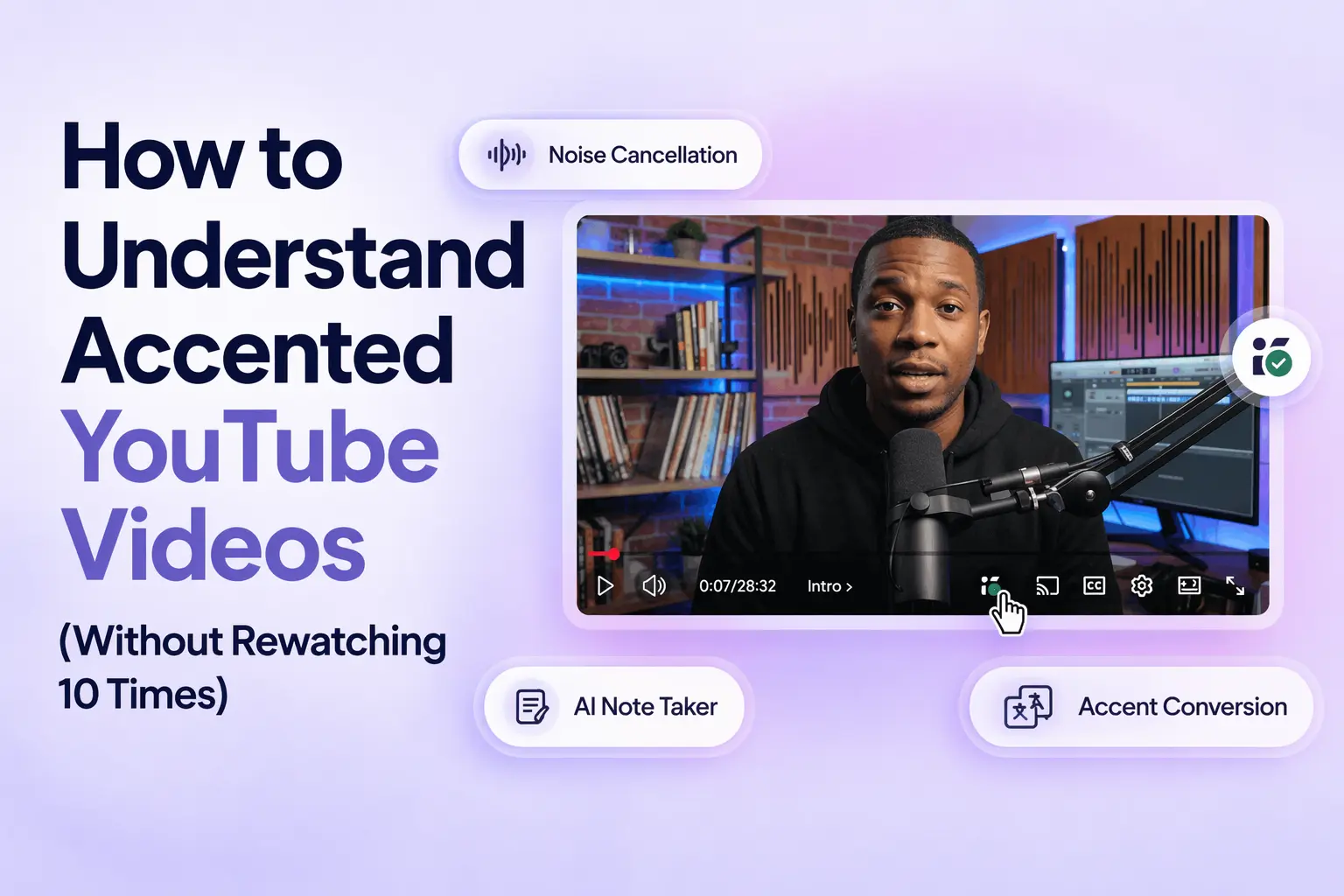
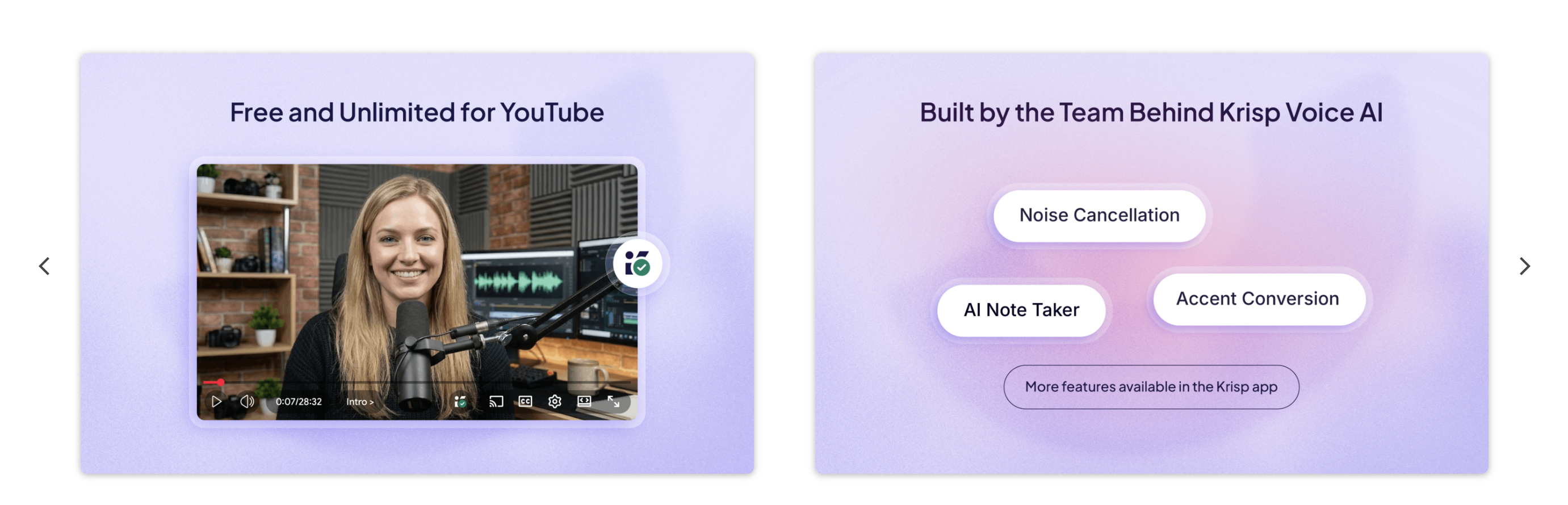
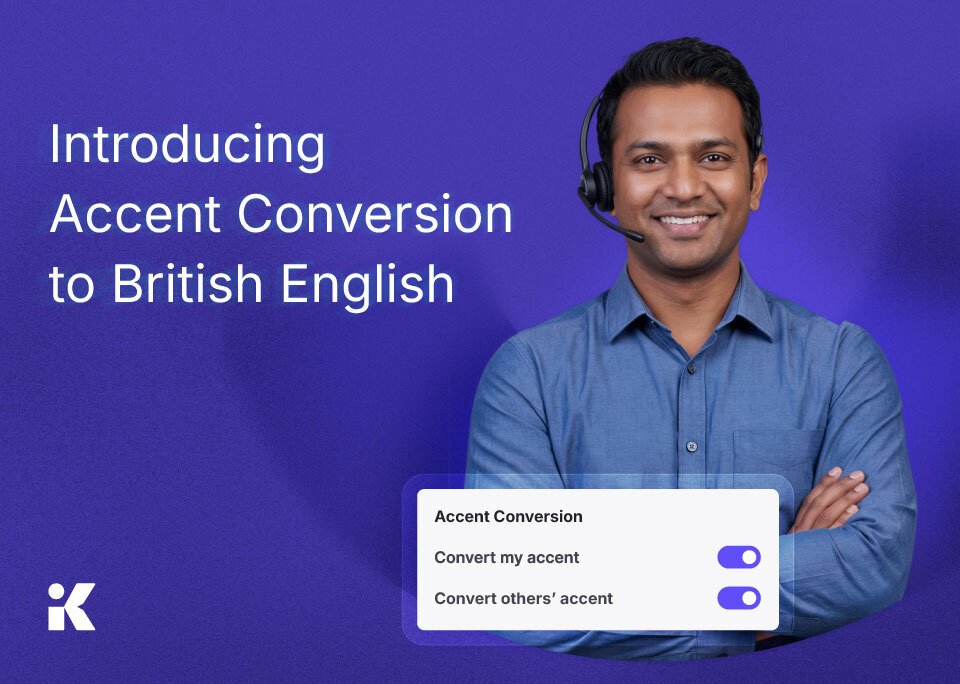
This guide focuses on what actually works. It breaks down common fixes by effort and effectiveness, then moves to tools that remove the friction entirely. Newer solutions, like Krisp’s Accent Converter for YouTube (based on listener-side accent conversion), reduce accent complexity as the audio plays—so you can focus on the content instead of decoding speech.
Quick Answer: How to understand accented YouTube videos?
The most effective ways to understand accented YouTube videos include using subtitles, adjusting playback speed, increasing exposure to different accents, and using tools like real-time accent conversion that make speech easier to follow without repeated listening.
Why Some Accents Are Harder to Understand on Video (It’s Not Just You)
Understanding speech isn’t just about vocabulary. It’s about how your brain processes sounds (phonemes) and speech patterns (rhythm, stress, intonation) at the same time. When an accent uses patterns you’re not used to, your brain has to work harder to decode how something is being said before it can understand what is being said.
That extra step is what slows you down.
Some accents tend to create more friction, especially in fast-paced or technical videos:
Indian English often uses syllable-timed rhythm and retroflex consonants, which can sound very different from standard American or British patterns.
British accents (especially RP or regional varieties) shift vowel sounds—words like “bath” or “thought” may not sound the way you expect.
Australian English tends to flatten vowels and use rising intonation, which can make sentences feel less clearly structured.
Nigerian English is influenced by tonal languages, with distinct rhythm and stress patterns that may feel unfamiliar if you haven’t been exposed to them.
Important note: None of this makes the speech incorrect and it just means your brain has to adjust in real time.
The problem becomes more noticeable in educational content. When you’re learning something new—coding, finance, science—you’re already processing unfamiliar terms. Add an unfamiliar accent on top of that, and you get a dual processing load: understanding the concept and decoding the speech at the same time. This is well explained by cognitive load theory (Sweller, 1988), which shows that working memory has limited capacity. When too much of it is used on decoding speech, less is available for actually learning. Research also shows that unfamiliar accents increase listening effort and reduce comprehension speed, even for fluent speakers (Adank et al., 2009; Van Engen & Peelle, 2014).
So if you feel like you understand the topic but the delivery keeps slowing you down—that’s not a personal limitation. It’s a processing issue your brain is trying to manage in real time.
The Old-School Workarounds (And Where They Fall Short)
Most people try the same fixes first. They help—to a point. But each comes with tradeoffs that show up quickly, especially with strong accents or technical content.
1. Turn on YouTube auto-subtitles
Pros
Cons
Instant support
High error rates with strong accents
Helps catch missed words
Often unreliable for:
Indian English
Nigerian English
Scottish accents
2. Slow playback speed (0.75x – 0.9x)
Pros
Cons
Gives you more time to process speech
Changes natural rhythm and stress patterns. Also, it can make some accents harder to follow, not easier
3. Use auto-translate captions
Pros
Cons
Useful if English isn’t your first language
inaccurate captions → worse translations
Can distort meaning in technical or fast speech
4. Rewatch difficult sections
Pros
Cons
You eventually understand the content
Time-consuming
Breaks your focus and learning flow
Some people also suggest “training your ear” by increasing exposure to different accents over time. While this can help in the long run, it doesn’t solve the immediate problem—especially when you’re trying to follow a specific video right now.
Why These Workarounds Still Leave You Frustrated
All of these methods add effort instead of removing the root problem:
You’re asked to do more—read subtitles, slow things down, replay sections—while still dealing with the same accent. Nothing actually changes at the source.
And that’s the core issue: accent decoding happens before comprehension.
If your brain is still working to figure out how words are being pronounced, it doesn’t matter how many tools you stack on top—you’re still using mental energy on decoding instead of understanding.
A few key limitations show up consistently:
Subtitles create split attention
You’re reading and listening at the same time, which divides focus
Auto-captions fail when you need them most
The stronger the accent, the less accurate they become
Slower playback doesn’t mean clearer speech
It stretches sound, but doesn’t make pronunciation easier to recognize
At best, these methods help you cope. At worst, they slow you down even more. These methods manage the symptoms. They don’t remove the source of friction—the accent itself.
How to Train Your Ear for Different Accents (Long-Term)
If you regularly watch content with different accents, improving your listening skills over time can make a big difference.
Some effective strategies include:
Watching content from the same speaker consistently
Listening without subtitles first, then rechecking
Practicing with shorter clips and repeating key phrases
Exposing yourself to a variety of accents (British, Indian, Australian, etc.)
While this takes time, it reduces reliance on tools and improves overall comprehension.
How Krisp’s Accent Converter for YouTube Works
Instead of asking you to adapt to the accent, Krisp changes how you hear it.
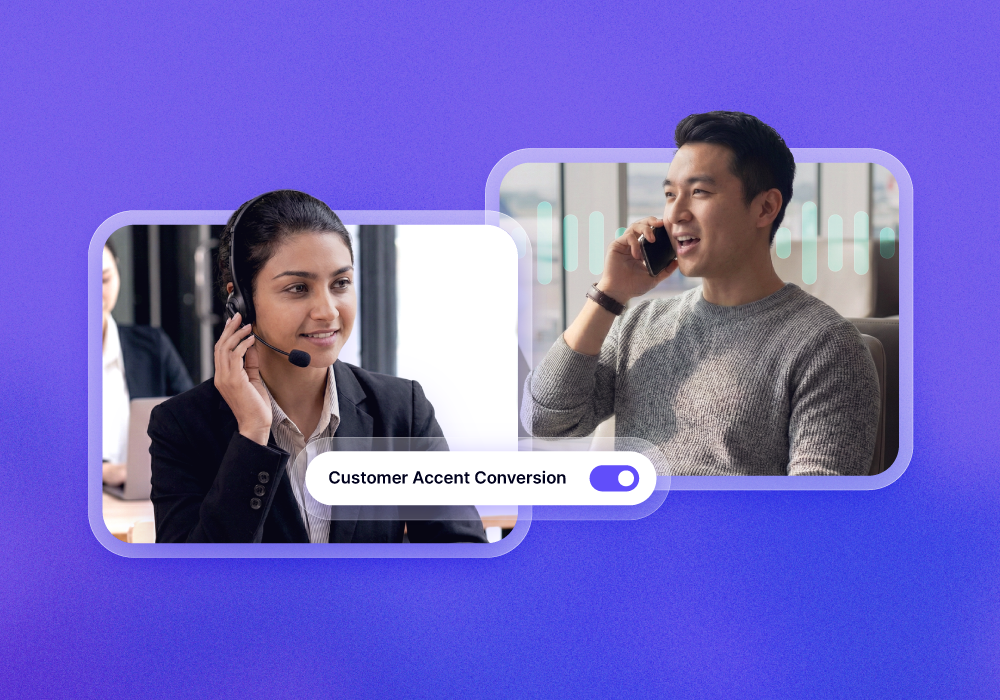
Krisp’s Accent Converter for YouTube uses real-time listener-side audio processing. As the video plays, the tool adjusts the accent before it reaches your ears. The speech becomes easier to follow, but the speaker still sounds like themselves.
Nothing is replaced or rewritten. The system keeps:
The speaker’s voice
Their tone
Their natural delivery and emotion
This is what makes it fundamentally different from other approaches.
It’s not dubbing (no new voice added).
It’s not text-to-speech (no robotic playback).
It’s not subtitles (no extra layer to read).
The processing happens locally in your browser, in real time, while you watch the video.
This technology builds on Krisp’s existing Accent AIsystem, originally developed for meetings and calls. If you want to understand the underlying approach, you can explore how
AI accent conversion works, the concept of listener-side accent conversion, and more details on how Krisp’s accent conversion works. Recent updates like Krisp Accent Conversion v3.7 have further improved clarity and responsiveness.
When Does Krisp’s Accent Converter Make the Most Difference?
This isn’t about convenience. It’s about removing friction in moments where understanding matters most.
Some situations amplify accent-related difficulty—and that’s where real-time accent conversion has the highest impact.
Long-form courses (YouTube, Coursera, Udemy): When you’re following a full course, you’re exposed to the same instructor for hours. If their accent is hard to follow, the difficulty compounds over time. Instead of adapting after repeated exposure, you stay in a constant loop of decoding.
Technical tutorials: In coding, finance, or science content, missing a single word can break your understanding of everything that follows. If you don’t catch a key term, you’re forced to pause, rewind, and reconstruct context.
Live streams: Live content removes your safety net. There’s no rewind, no replay—just real-time comprehension. If you miss something, it’s gone. Accent clarity becomes critical.
Studying in a second language: If English isn’t your first language, your brain is already processing vocabulary and structure. Adding an unfamiliar accent increases cognitive load further, making it harder to keep up consistently.
Professional content (lectures, talks, interviews) In expert-led content, speakers often use domain-specific language at a natural pace. There’s little redundancy. If comprehension drops—even briefly—you lose key insights.
In all of these cases, the issue isn’t a minor inconvenience. It’s efficiency.
You’re either spending time decoding speech or using that time to actually understand and retain information.
Best Ways to Understand Accented YouTube Videos (Comparison)
Method
Best for
Limitation
Subtitles
Quick support
Errors with strong accents
Slower playback
Short clips
Distorts natural speech
Rewatching
Deep understanding
Time-consuming
Accent conversion
Real-time clarity
Requires extension
Conclusion: Stop Rewatching, Start Understanding
Rewatching the same part of a video isn’t a learning strategy—it’s a workaround for something that shouldn’t be a barrier in the first place.
Accented speech becomes a problem when it competes with your ability to focus on the content. Subtitles, slower playback, and repetition can help, but they all require extra effort and interrupt your flow. They don’t remove the source of the issue—they just help you manage it.
Real-time accent conversion changes that dynamic. Instead of adapting your behavior, it reduces the friction at the input level, so you can stay focused on what actually matters: understanding and learning.
If you regularly watch educational or professional content on YouTube, it’s a way to improve how efficiently you learn.
FAQ: Common Questions About Understanding Accented YouTube Videos
Accent differences change pronunciation, rhythm, and stress patterns. Your brain must decode these variations before processing meaning, increasing cognitive load—especially in fast or technical content where there is little time to adapt.
No. YouTube provides captions and playback controls, but it does not modify audio or convert accents in real time.
Yes. Tools like Krisp’s Accent Converter process audio in real time in your browser, making speech easier to follow without relying on subtitles or slowing playback.
Common approaches include using subtitles, reducing playback speed, and replaying sections. These methods help, but require additional effort. Real-time accent conversion improves clarity immediately, reducing the need for repetition.
Not consistently. Auto-captions often struggle with regional and non-native accents, particularly in fast or technical speech, where accuracy tends to drop.
Accent conversion adjusts pronunciation in real time while preserving the speaker’s original voice and tone. Dubbing replaces the voice entirely, altering how the content is delivered.