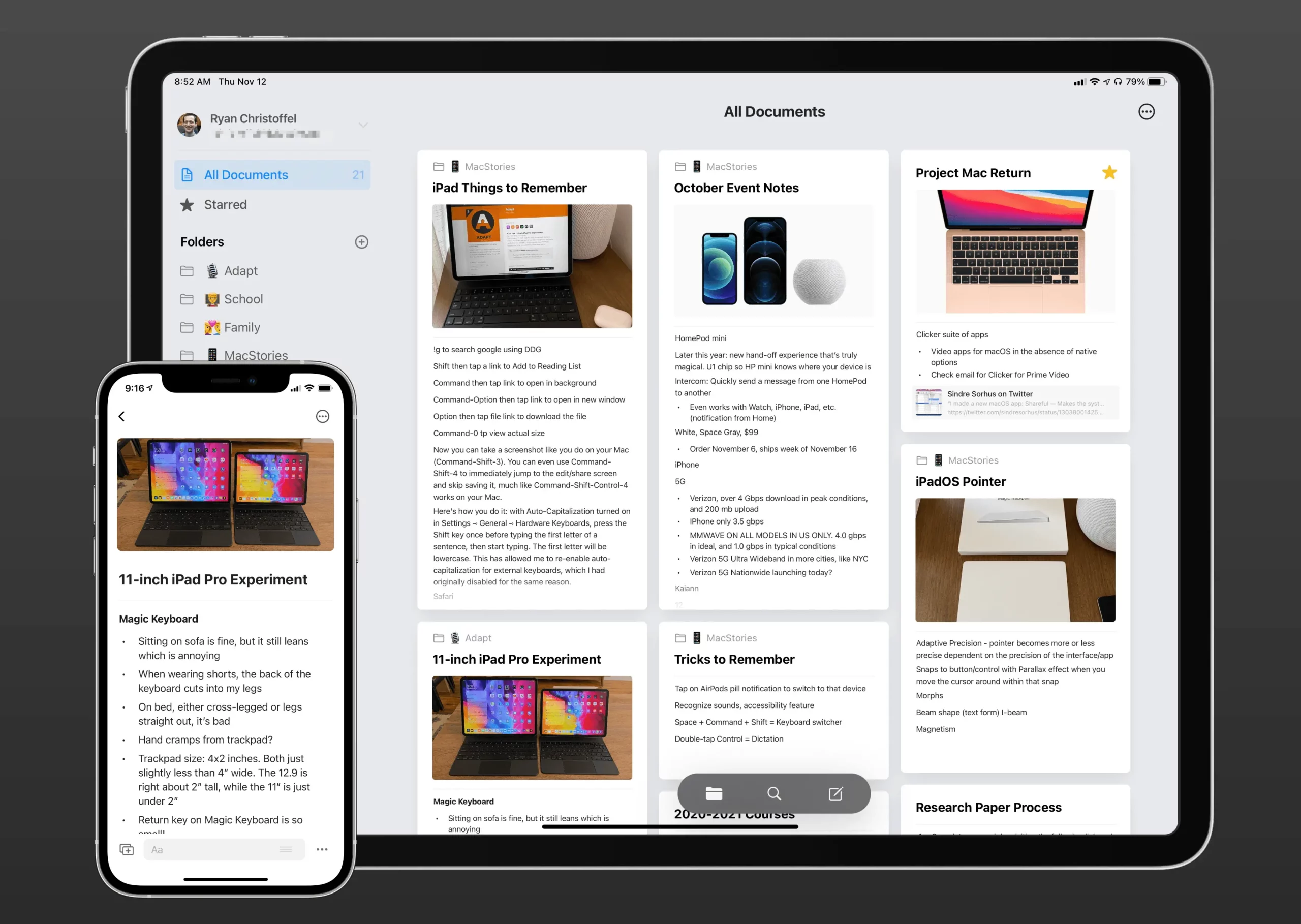
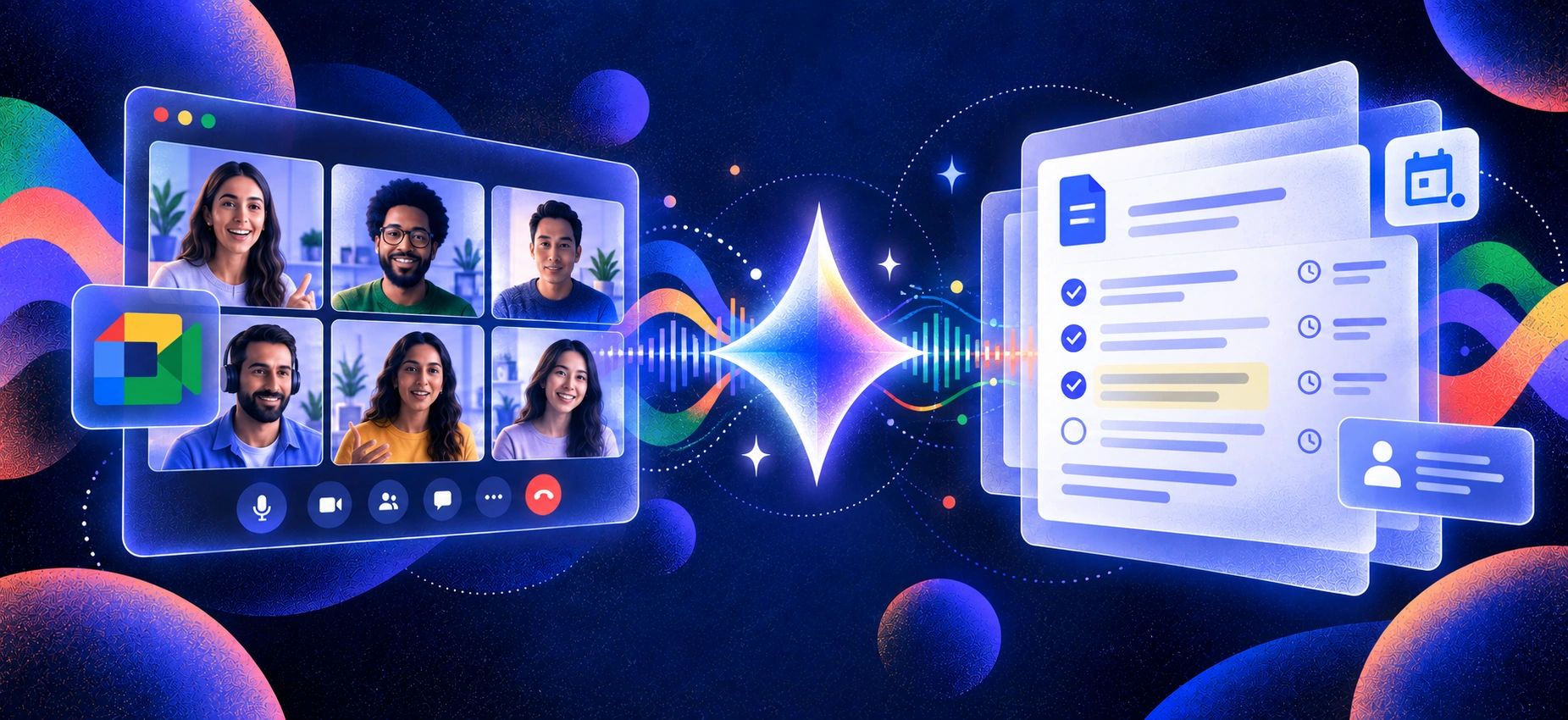
The best note taking app for iPad is no longer just about handwriting or organizing pages. In 2026, note-taking has evolved into a full AI workflow — capturing conversations, generating transcripts, creating summaries, and extracting action items automatically. Instead of simply storing notes, modern iPad apps help users process information faster and turn ideas into decisions.
This guide is designed for meeting-heavy professionals who need reliable conversation capture, students managing lectures and study materials, Apple Pencil users focused on handwriting, and researchers working with PDFs and structured knowledge. Different workflows require different tools, and choosing the right app depends on how you actually take notes.
To help you decide quickly, this guide includes fast picks by use case, a feature comparison table, a step-by-step decision framework, and detailed reviews of the best note-taking apps for iPad in 2026.
The goal is simple: help you choose the tool that fits your workflow, improves productivity, and makes taking notes on iPad more efficient.
Quick picks (with jump links)
If you want a quick answer, the picks above highlight the strongest iPad note-taking apps by use case. But the right choice depends on how you actually take notes — whether you rely on meetings and conversations, Apple Pencil handwriting, academic research, or cross-device workflows.
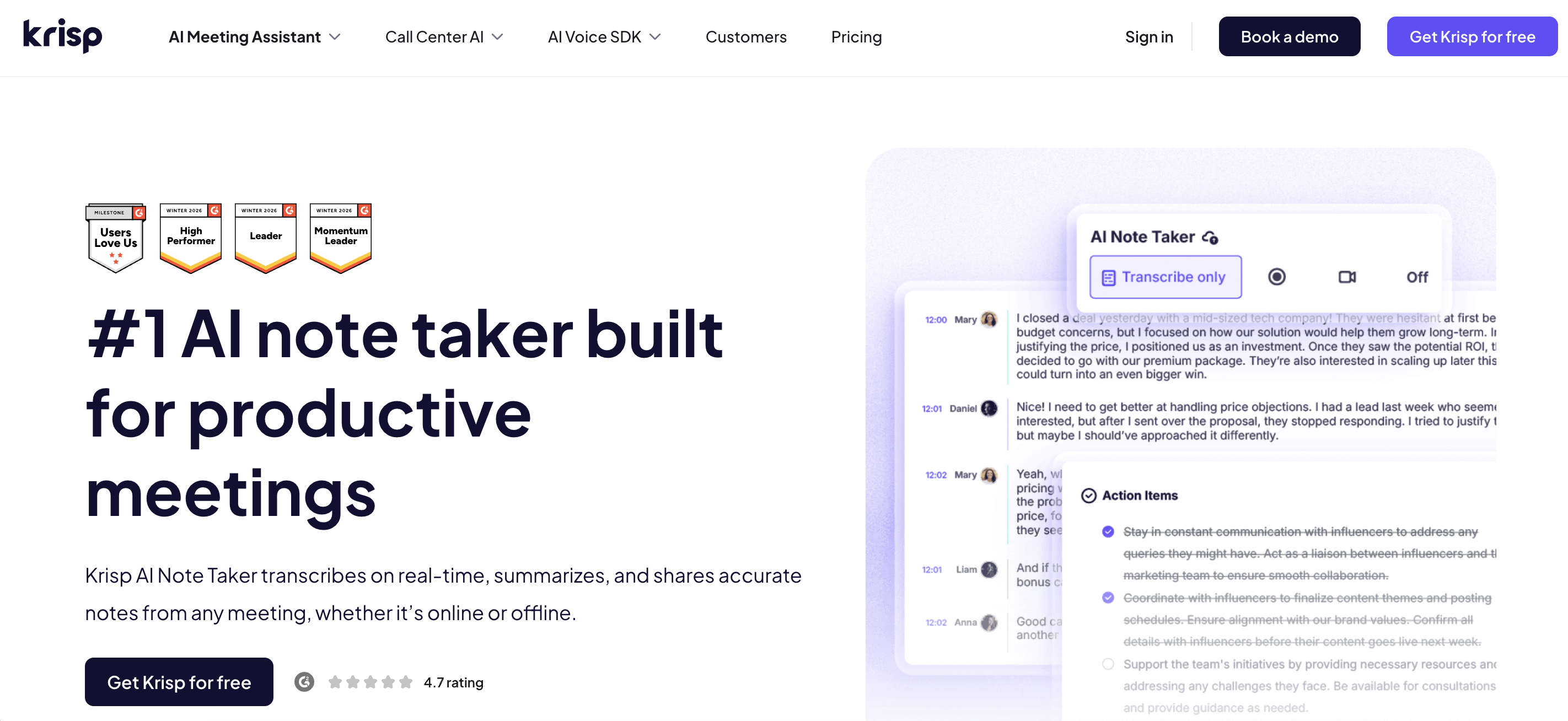
Krisp stands out as the most complete AI-driven option for iPad note-taking. It covers the full workflow from conversation capture to transcript, notes, summary, and structured action items — making it ideal for professionals who rely on meetings, interviews, and discussions as primary inputs.
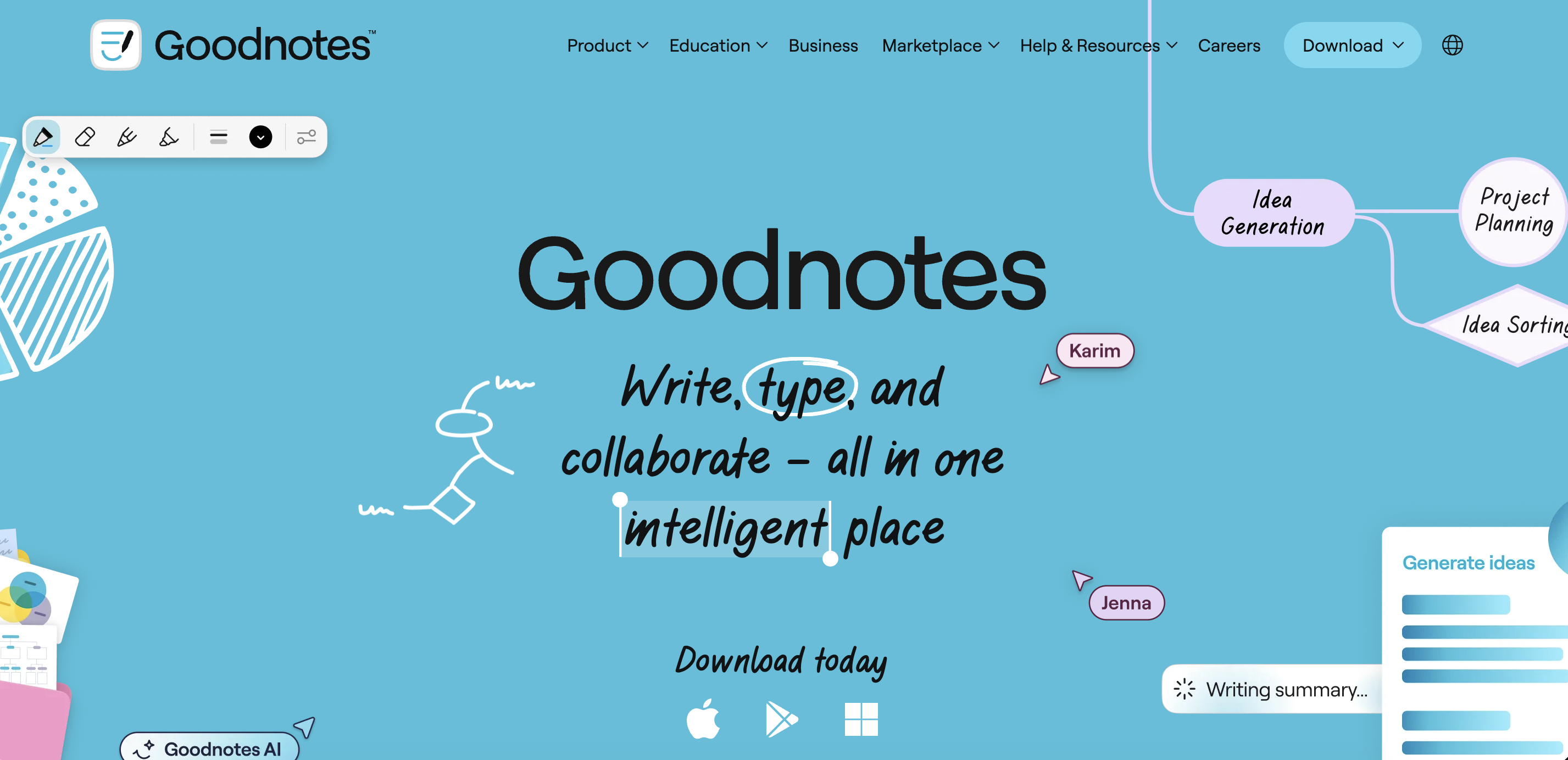
Goodnotes remains one of the strongest handwriting-first apps on iPad. It delivers a responsive Apple Pencil experience, robust handwriting search, and intuitive notebook organization for students and visual thinkers.
Notability combines audio recording with a high-quality handwriting and typing interface. Its synchronized audio replay lets you tap on notes and hear what was said at that moment — a powerful workflow for lecture-style meetings and classroom discussions.
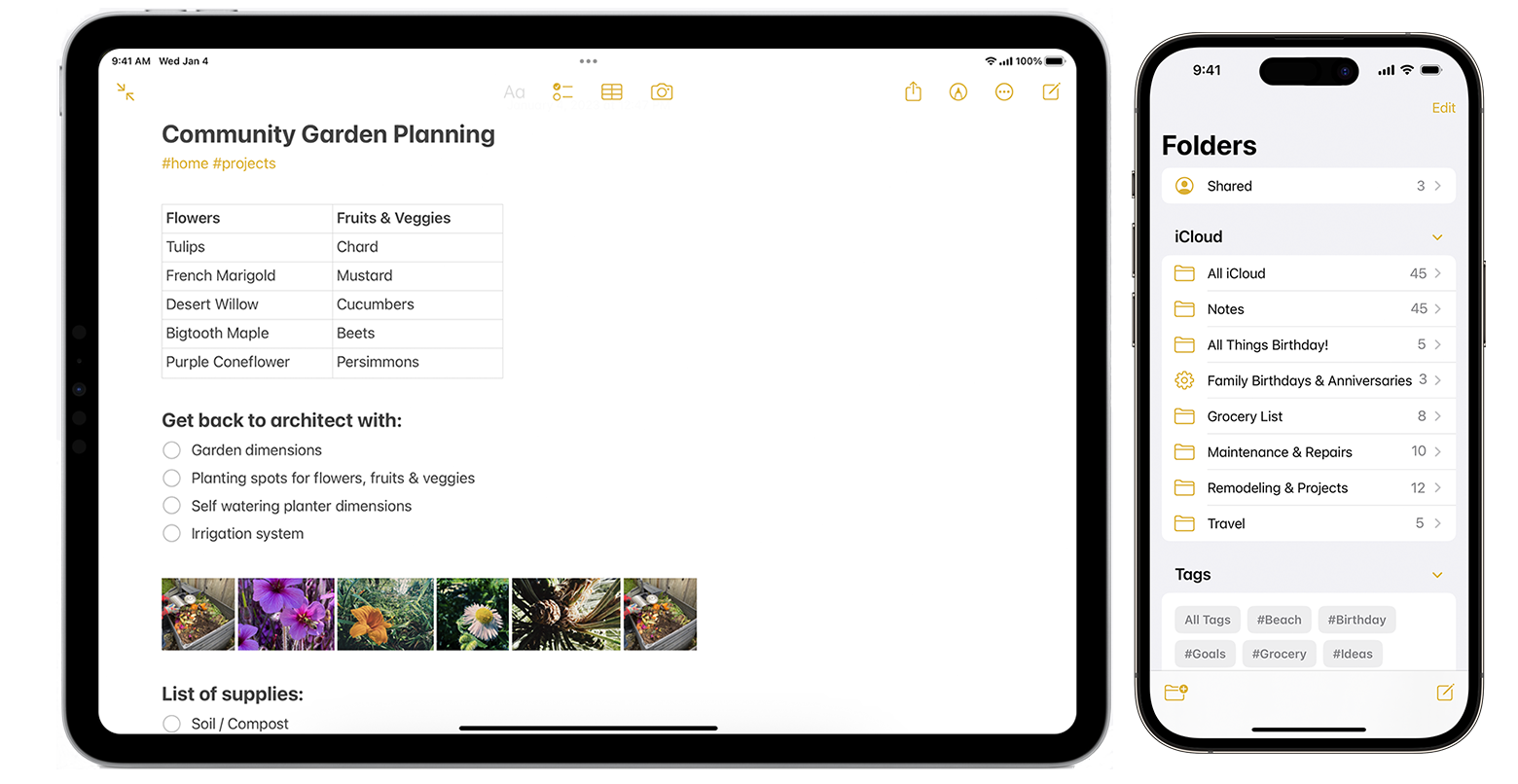
Apple Notes offers solid core functionality at no cost, including Apple Pencil support, handwriting recognition, document scanning, and seamless iCloud sync across Apple devices.
LiquidText is optimized for deep reading and research workflows. Its interactive multi-document workspace and dynamic linking tools make it especially useful for annotating and connecting complex sources.
Microsoft OneNote provides strong cross-device compatibility across iPad, Mac, Windows, and web. It is well-suited for users who need structured organization and consistent syncing across ecosystems.
These quick picks highlight the strongest iPad note-taking apps by primary workflow, from AI meeting automation to handwriting and research tools. Next, the comparison table breaks down their features side by side so you can evaluate capabilities, tradeoffs, and pricing in more detail.
Comparison Table — Features, AI Capabilities, Pricing
The table below compares the best note taking apps for iPad based on core capabilities, AI features, and practical workflow support. Rather than focusing only on handwriting or storage, this comparison evaluates the full note lifecycle — capture, processing, organization, and sharing.
Key differences appear in AI-driven workflows (transcription, summaries, action items), Apple Pencil experience, and research or PDF handling. Apps vary significantly depending on whether they prioritize conversation capture, handwriting, document analysis, or knowledge organization.
App
Apple Pencil
Handwriting → Text
Audio Recording
Live Transcription
AI Notes & Summaries
Action Items Extraction
PDF Markup
Cross-Device Sync
Pricing / Free Tier
Krisp
No
No
Yes
Yes
Yes
Yes
No
Yes
Free tier + subscription
Goodnotes
Yes
Yes
No
No
Limited
No
Yes
Yes
Limited free / paid
Notability
Yes
Yes
Yes
No
Limited
No
Yes
Yes
Limited free / subscription
Apple Notes
Yes
Yes
No
No
Limited (Apple Intelligence dependent)
No
Yes
Apple ecosystem only
Free
Nebo
Yes
Advanced
No
No
Limited
No
Yes
Yes
Paid app
Noteshelf
Yes
Yes
Yes
No
No
No
Yes
Yes
Paid app
CollaNote
Yes
Yes
Yes
No
No
No
Yes
Yes
Free
Otter.ai
No
No
Yes
Yes
Yes
Limited
No
Yes
Free tier + subscription
LiquidText
Yes
No
No
No
No
No
Advanced
Yes
Limited free / paid
MarginNote
Yes
No
No
No
Limited
No
Advanced
Yes
Paid app
Microsoft OneNote
Yes
Yes
Yes
Limited
Limited
No
Yes
Yes
Free
Craft
No
No
No
No
Yes
No
Limited
Yes
Free tier + subscription
What “AI Note-Taking” Means on iPad in 2026
Taking notes on iPad now goes beyond writing and storage. Most modern apps fall into three categories, each supporting a different workflow: handwriting enhancement, conversation capture, or knowledge organization.
1. Handwriting AI
Enhances the Apple Pencil experience by improving the clarity and usability of handwritten notes:
Apple Pencil optimization for low latency and a natural writing feel
Handwriting recognition that converts written notes into editable text
Shape correction to clean up diagrams and geometric drawings
Handwriting search, allowing you to find words inside handwritten pages
Best for students and visual note-takers who prefer writing but want searchable content.
2. Meeting AI Notes (Fastest-Growing Category)
Automates the full conversation-to-notes workflow:
Audio capture during live discussions
Speech-to-text transcription
Automatic notes and summaries
Action items extraction
Decision tracking
This category delivers the highest productivity impact by reducing manual note-taking and turning conversations into structured outputs.
3. Knowledge-Base AI
Focuses on organizing and connecting information across notes:
Smart organization that automatically structures notes and content
Linking notes to connect ideas, topics, and documents
Semantic search that finds information by meaning, not just keywords
Document summaries that condense long materials into key points
Best for research, writing, and long-term knowledge management.
These three approaches reflect how taking notes on an iPad has evolved from simple note storage to intelligent information processing. The right app depends on which workflow you rely on most.
How to Choose the Right iPad Note Taking App (Decision Tree)
The best notes app for iPad depends on how you actually capture and use information. Start with your primary workflow, then evaluate privacy, sync reliability, and long-term flexibility.
Step 1: Identify Your Main Use Case
Meetings & conversations → Choose AI transcription tools
If your notes come from discussions, interviews, or standups, prioritize apps with live transcription, notes, summaries, and action items (e.g., Krisp, Otter).
Handwriting-first → Choose Apple Pencil leaders
If you think visually and write by hand, prioritize low-latency writing, handwriting recognition, and search (Goodnotes, Notability, Nebo, Noteshelf).
Lectures & classes → Look for audio + note sync
Apps that sync audio recording with written notes allow for efficient review later.
Heavy PDFs & research → Choose document-focused tools
If you annotate academic papers or complex reports, prioritize deep PDF markup and linking (LiquidText, MarginNote).
If you work across iPad, Mac, Windows, and web, reliability and structure matter (Microsoft OneNote, Apple Notes, Craft).
Step 2: Evaluate AI Depth
Ask:
Does it only transcribe, or also summarize?
Does it extract action items?
Can it structure decisions automatically?
Is AI core to the workflow, or an add-on feature?
iPad note taking apps vary significantly in how complete their AI pipeline is.
Step 3: Privacy & Backup Mini-Checklist
Before committing, verify:
Where is your data stored? (Cloud vs local processing)
Are recordings and transcripts encrypted?
Can you export your notes easily? (PDF, text, markdown)
Is deletion straightforward?
Does it support automatic backups?
Does it work offline when needed?
For meeting-heavy workflows, pay special attention to how audio and transcripts are stored and shared.
Step 4: Consider Long-Term Fit
Subscription vs one-time purchase
Free tier limitations
Ecosystem lock-in
Cross-platform reliability
The right choice of notes app for iPad is less about feature count and more about workflow alignment. Once you identify whether your priority is handwriting, conversation capture, research, or knowledge management, the best app becomes much clearer.
The Best Note-Taking Apps for iPad (2026) — Full List
Below are the top note-taking apps for iPad evaluated using the same criteria: AI capabilities, Apple Pencil experience, organization, workflow fit, and overall productivity value.
1. Krisp — Best iPad note-taking app for AI Meeting Notes & Transcription
Krisp AI Note Taker is an iPad-friendly AI assistant that transcribes and takes notes in real time during meetings, and can also process prerecorded audio and video files — lectures, interviews, podcasts — turning them into clear summaries and action points. If you’re looking to replace manual note-taking on iPad, Krisp is a solid choice.
🚀Best for: AI notes from live meetings, pre-recorded files and conversation-based workflows
📌Verdict: Krisp is the strongest AI-first workflow for turning conversations, interviews or lectures into structured notes, making it the best overall choice for meeting-heavy users looking for good note taking apps for iPad.
2. Goodnotes — Best Note Taking App for iPad with Apple Pencil Handwriting
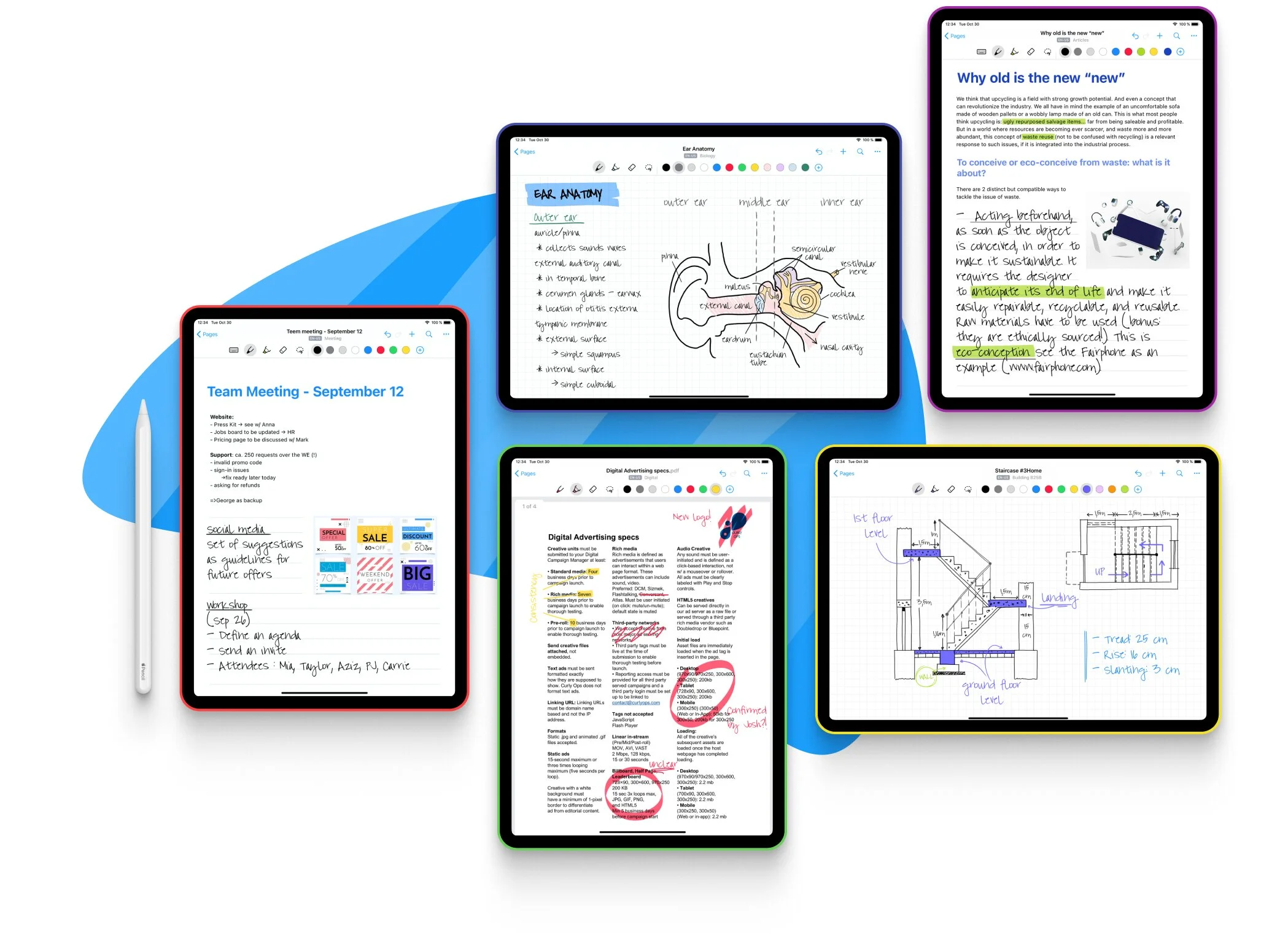
Goodnotes is one of the top handwriting-first note-taking apps for iPad, built for users who want a natural Apple Pencil experience, searchable handwritten notes, and clean notebook-style organization. It is especially well suited to students, visual thinkers, and anyone who prefers writing by hand over AI-driven meeting transcription.
🚀Best for: Apple Pencil handwriting and digital notebooks
☑️Standout features
Natural Apple Pencil writing experience
Handwriting recognition and search
PDF annotation and notebook organization
Document import and template support
✅Pros
Excellent handwriting feel and responsiveness
Strong organization for study workflows
Reliable offline use
❌Cons
No live transcription
Limited AI automation
Audio recording not core functionality
💰Pricing: Free version + $11.99/year subscription or $35.99 one-time purchase for the Apple edition.
⚙️Platforms: iPad, iPhone, Mac, Windows
📌Verdict: One of the best handwriting-first apps for iPad, ideal for students and visual note-takers.
3. Notability — Best Note Taking App for iPad for Audio Notes
Notability is one of the most popular note taking apps for iPad, especially for users who rely on audio recordings during lectures, meetings, or interviews. It combines Apple Pencil handwriting, typed notes, and audio recording, allowing you to replay exactly what was said while reviewing your notes.
🚀Best for: audio-synced note-taking
☑️Standout features
Handwritten and typed notes with Apple Pencil support
Audio recording synced with notes
Handwriting-to-text conversion
AI summaries and note review tools
✅Pros
Strong lecture workflow with audio replay
Combines handwriting, typing, and media
AI features for summarizing notes
❌Cons
Subscription for advanced features
Limited action-item automation
Less structured AI workflow than meeting tools
💰Pricing: Free starter plan + paid plans starting from $19.99/year, with Pro at $99.99/year for advanced AI features.
⚙️Platforms: iPad, iPhone, Mac, Web
📌Verdict: Best choice for students or professionals who want audio recordings linked to handwritten notes.
4. Apple Notes — Best Free Note Taking App for iPad
Apple Notes is one of the most accessible note taking apps for iPad, offering a fully free solution built directly into iPadOS. For users who want a free note taking app for iPad without subscriptions, Apple Notes remains a practical starting point.
🚀Best for: Free everyday note-taking
☑️Standout features
Apple Pencil handwriting support
Document scanning and PDF markup
Seamless iCloud sync
Simple tagging and search
✅Pros
Completely free for Apple users
Deep Apple ecosystem integration
Reliable and simple interface
❌Cons
Limited AI automation
Basic organization compared to advanced tools
Apple ecosystem only
💰Pricing: Free (included with iPadOS and iCloud).
⚙️Platforms: iPad, iPhone, Mac
📌Verdict: A solid default option for everyday notes and simple workflows.
5. Nebo — Best Note Taking App for iPad for Handwriting to Text Conversion
Nebo is a powerful note taking app for iPad designed for users who want highly accurate handwriting-to-text conversion with Apple Pencil. It can transform handwritten notes, diagrams, and math equations into clean, structured digital text in real time.
🚀Best for: Handwriting-to-text accuracy
☑️Standout features
Advanced handwriting recognition
Structured document editing
Math and diagram recognition
Apple Pencil optimization
✅Pros
Highly accurate handwriting conversion
Clean structured output
Strong for technical writing
❌Cons
No audio or transcription features
Limited collaboration tools
Paid app
💰Pricing: $8.99 one-time purchase (price may vary slightly by App Store region).
⚙️Platforms: iPad, Windows, Android
📌Verdict: Best for users who want handwritten notes converted into clean typed documents.
6. Noteshelf — Best Note Taking App for iPad for Digital Handwritten Notes
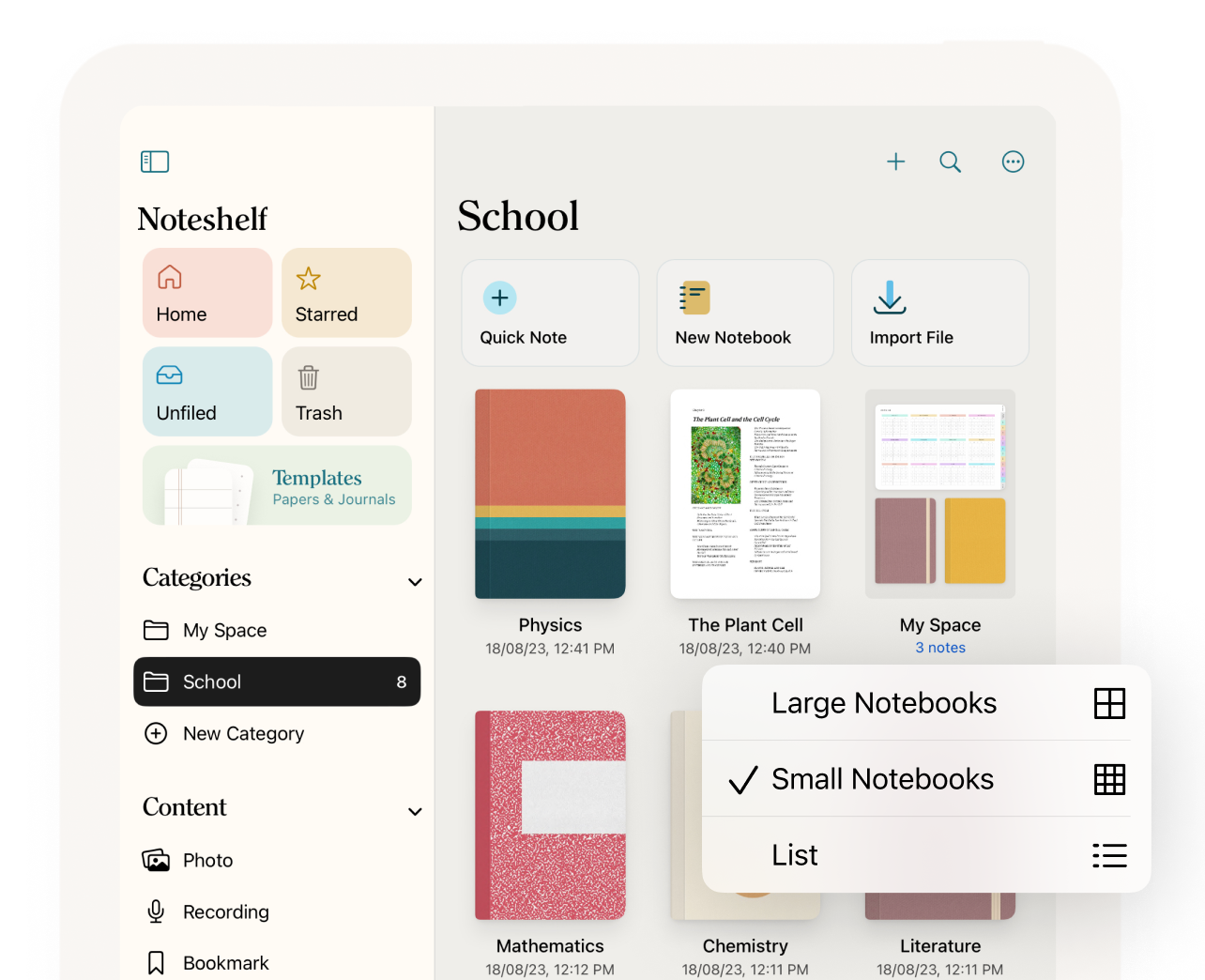
Noteshelf is a versatile note taking app for iPad built for users who enjoy digital handwritten notes with Apple Pencil. It offers smooth handwriting tools, customizable notebook templates, and reliable PDF annotation
🚀Best for: Digital journaling and handwriting
☑️Standout features
Apple Pencil writing tools
Audio recording support
Notebook templates and customization
PDF annotation
✅Pros
Smooth handwriting experience
Good template variety
Offline functionality
❌Cons
Limited AI capabilities
Basic search features
Paid app
💰Pricing: $9.99 one-time purchase (typical App Store pricing).
⚙️Platforms: iPad, iPhone, Mac, Android
📌Verdict: A strong handwriting-focused alternative with customizable notebooks.
7. CollaNote — Best Free Note Taking App for iPad with Apple Pencil
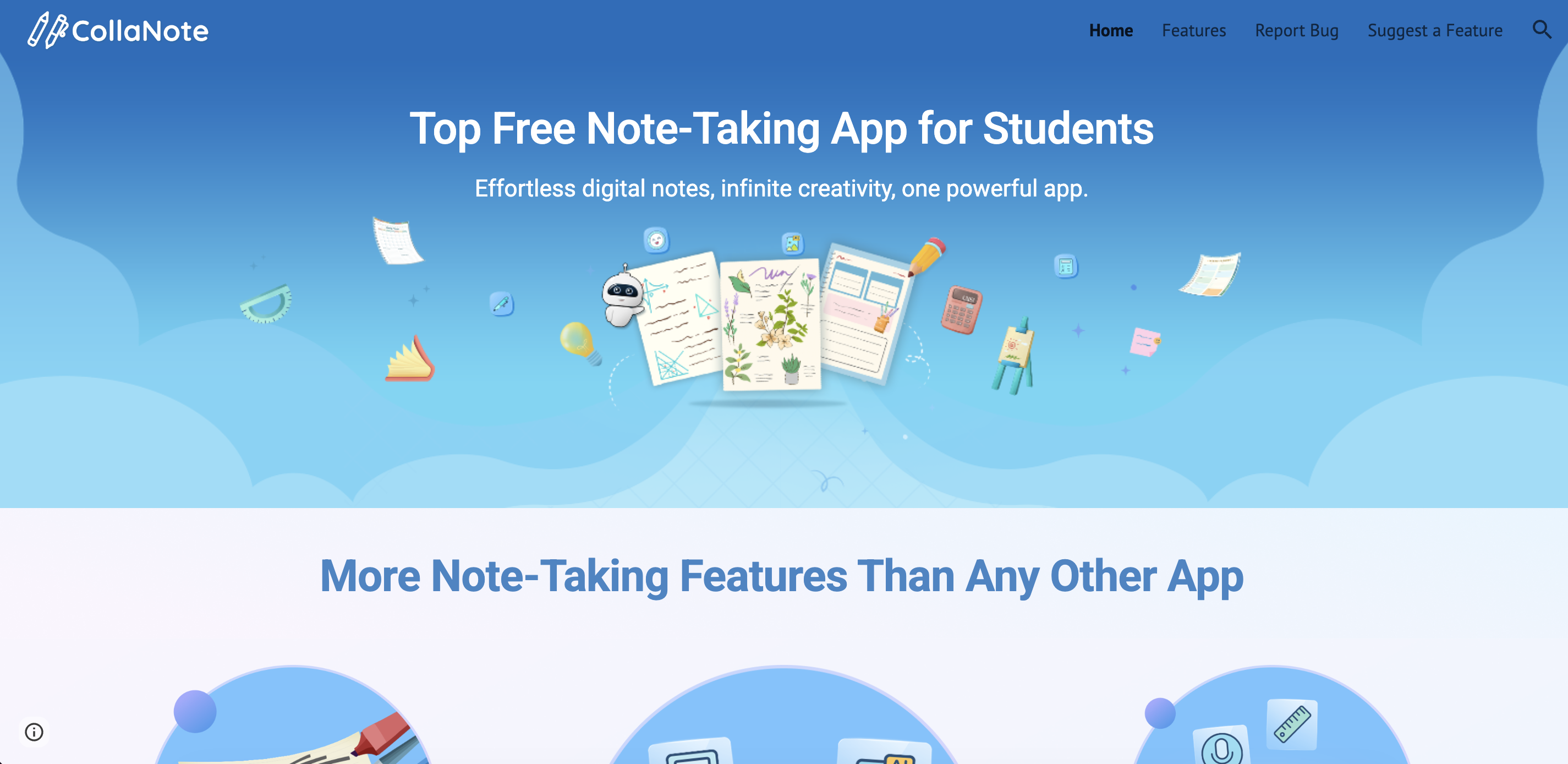
CollaNote is a free note taking app for iPad designed for Apple Pencil users who want handwritten notes without a subscription. It supports smooth handwriting, PDF annotation, audio recording, and real-time collaboration.
🚀Best for: Free collaborative handwriting notes
☑️Standout features
Apple Pencil support
Real-time collaboration
Audio recording
Free handwriting tools
✅Pros
Fully free core features
Lightweight and simple
Good for shared notes
❌Cons
Basic organization
Limited AI features
Fewer advanced tools
💰Pricing: Free with optional in-app purchases.
⚙️Platforms: iPad, iPhone
📌Verdict: The best free handwriting option for collaborative note-taking.
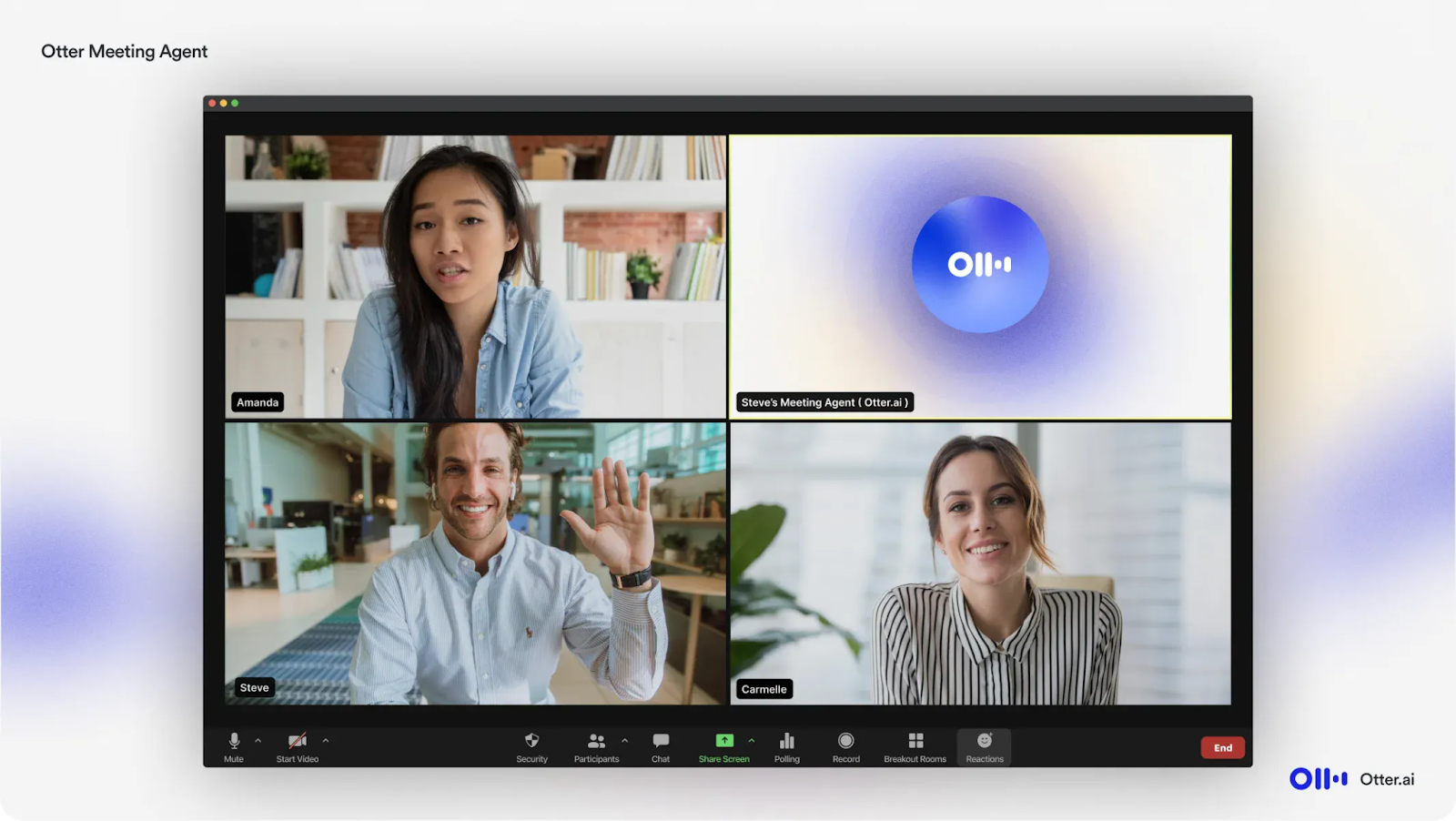
8. Otter.ai — Best Note Taking App for iPad for Voice Notes and Transcription
Otter.ai is a powerful note taking app for iPad focused on voice notes and real-time transcription. It automatically converts conversations, lectures, and meetings into searchable text with speaker identification.
🚀Best for: Live transcription and voice notes
☑️Standout features
Real-time speech transcription
Speaker identification
Searchable transcripts
Meeting recording
✅Pros
Accurate voice-to-text conversion
Strong transcript search
Collaboration features
❌Cons
No handwriting support
Limited action-item automation
Subscription for full usage
💰Pricing: Free plan + paid plans starting from $8.33/month (billed annually).
⚙️Platforms: iPad, iPhone, Web, Android
📌Verdict: A strong alternative for transcription-focused note-taking.
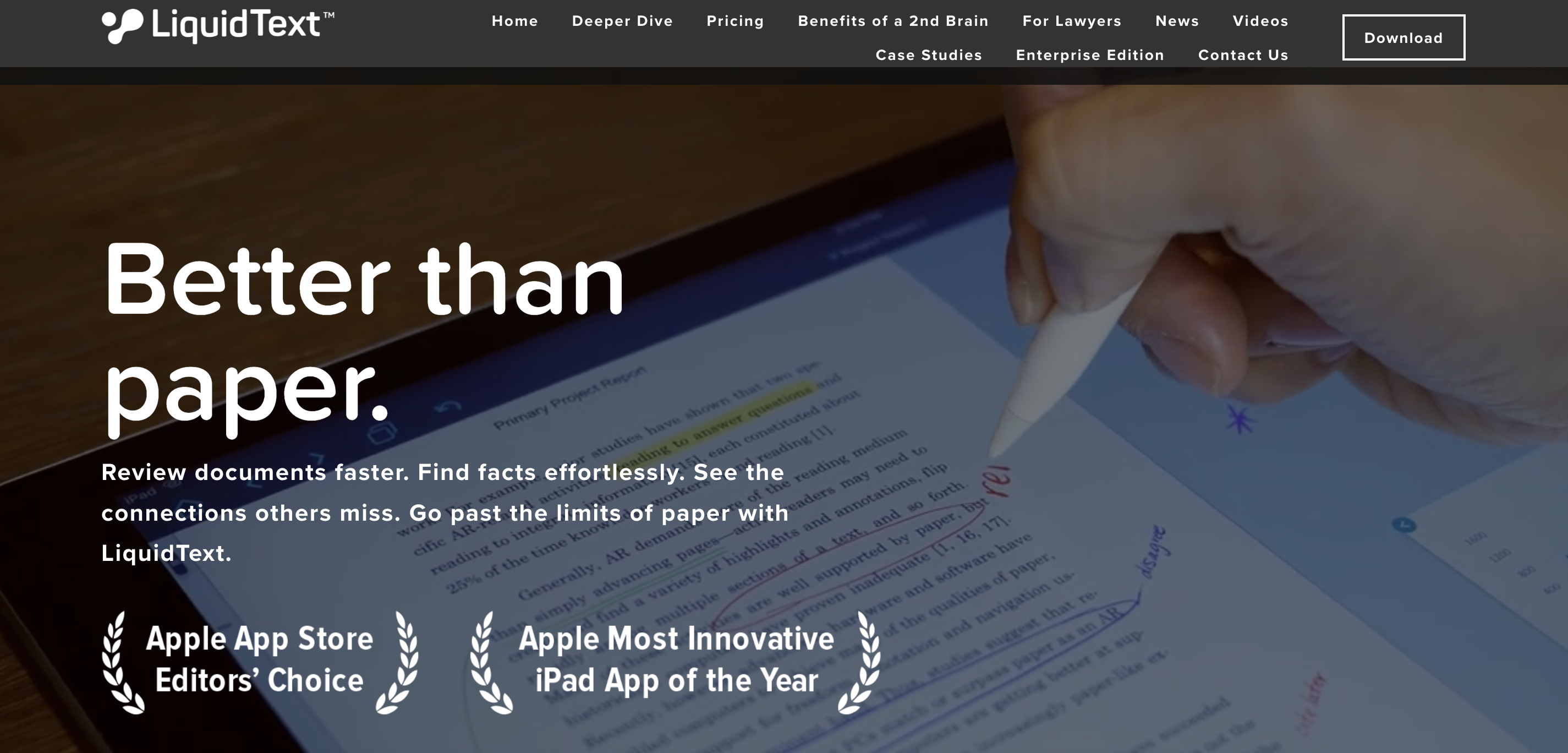
9. LiquidText — Best Note Taking App for iPad for PDFs and Research
LiquidText is a specialized note taking app for iPad designed for reading, annotating, and analyzing PDFs and research materials. It allows users to extract passages, connect ideas across documents, and organize insights visually in a flexible workspace.
🚀Best for: Research and PDF analysis
☑️Standout features
Interactive PDF annotation
Multi-document workspace
Dynamic linking between sources
Apple Pencil markup
✅Pros
Excellent for academic research
Powerful document comparison
Strong visual workflow
❌Cons
Not designed for meetings
Learning curve
Limited AI automation
💰Pricing: Free version + paid plans starting from $3.99/month for advanced features.
⚙️Platforms: iPad, Windows
📌Verdict: The best option for deep reading and research workflows.
10. MarginNote — Best Note Taking App for iPad for Academic Study and Knowledge Mapping
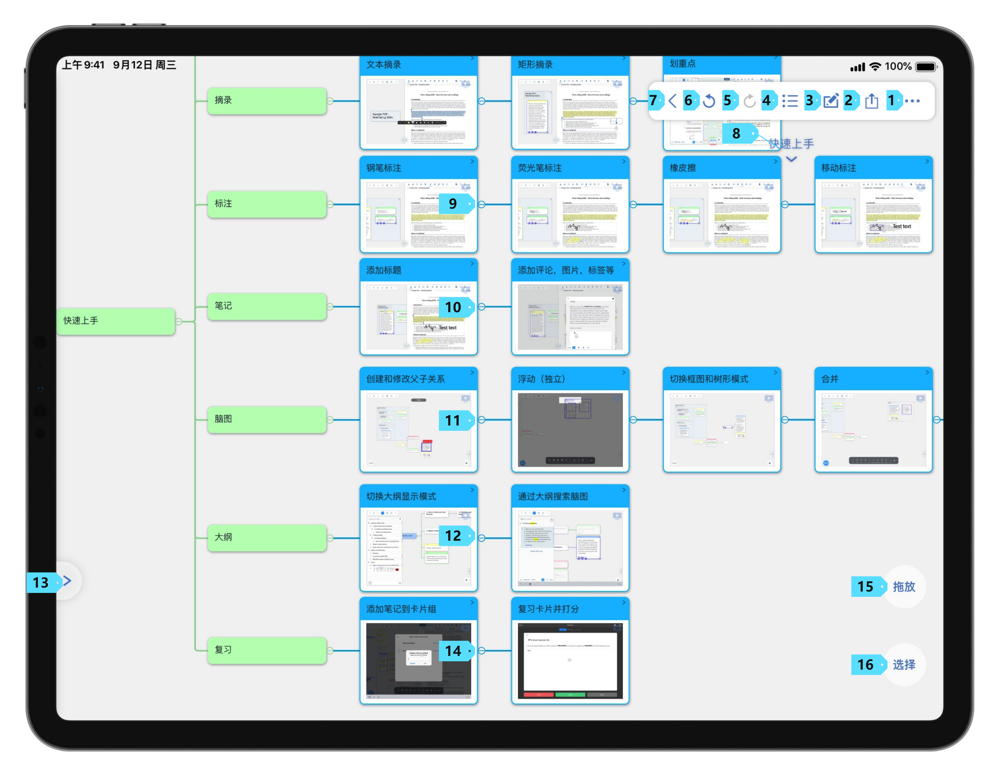
MarginNote is an advanced note taking app for iPad built for academic study and structured knowledge organization. It combines PDF annotation, note linking, and visual knowledge maps to help users connect ideas across multiple documents.
🚀Best for: Academic knowledge mapping
☑️Standout features
Knowledge graph visualization
PDF annotation
Flashcards and study tools
Research organization
✅Pros
Strong knowledge organization
Ideal for students and researchers
Advanced linking features
❌Cons
Complex interface
No meeting transcription
Paid app
💰Pricing: $9.99–$12.99 one-time purchase depending on region and version.
⚙️Platforms: iPad, Mac
📌Verdict: Designed for structured academic learning and knowledge building.
11. Microsoft OneNote — Best Note Taking App for iPad and Cross-Platform Sync
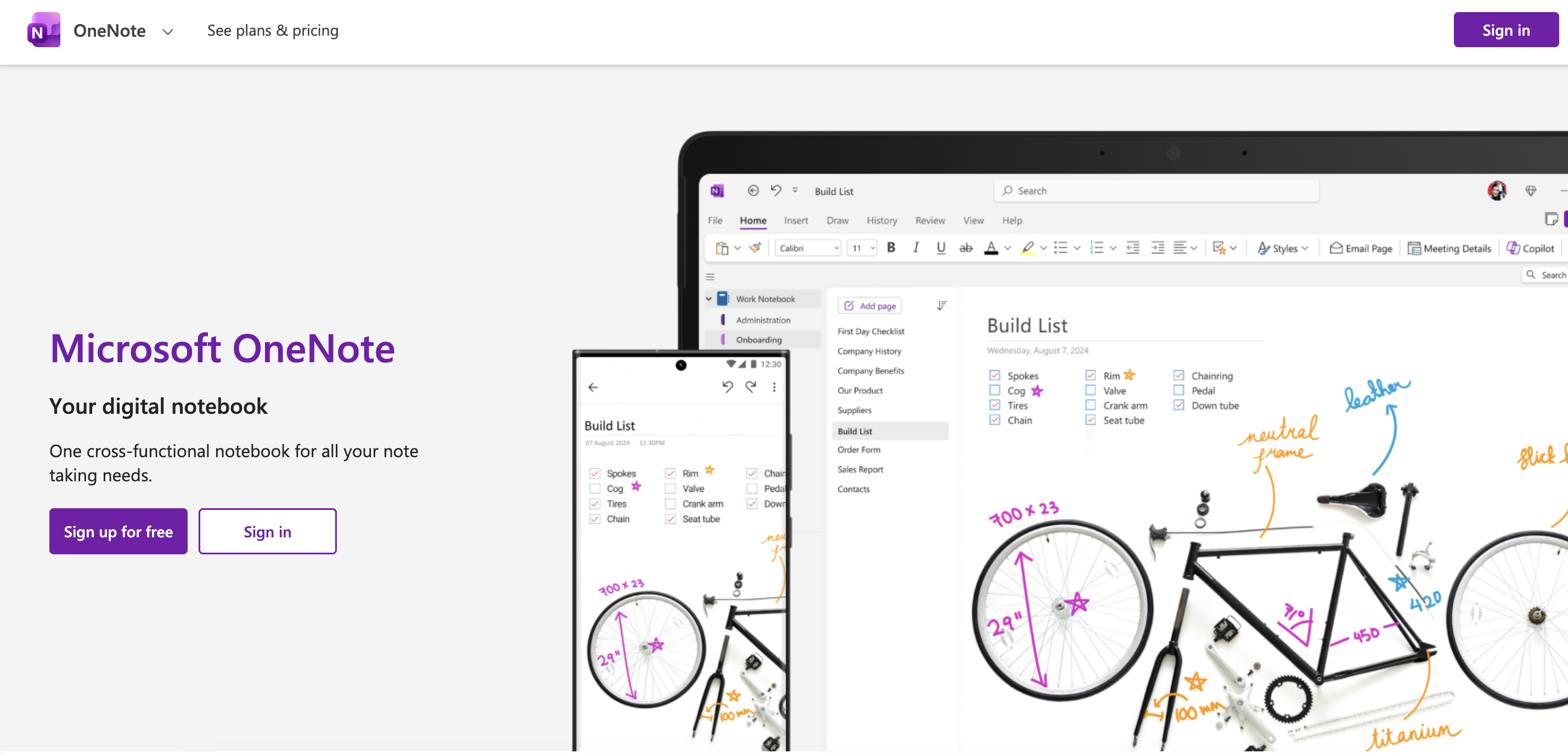
Microsoft OneNote is a flexible note taking app for iPad designed for users who work across multiple devices and platforms. It offers notebook-style organization, Apple Pencil support, and reliable syncing across iPad, Mac, Windows, and the web.
🚀Best for: Cross-platform note organization
☑️Standout features
Notebook-based structure
Apple Pencil support
Cross-device syncing
Audio recording and tagging
✅Pros
Free and widely accessible
Excellent cross-platform reliability
Flexible organization
❌Cons
Limited AI automation
Interface can feel complex
Handwriting experience not best-in-class
💰Pricing: Free, with optional Microsoft 365 subscription for additional features and storage.
⚙️Platforms: iPad, Mac, Windows, Web
📌Verdict: Best for users who need consistent note access across devices.
12. Craft — Best Note Taking App for iPad for Knowledge Management and Organization
Craft is a modern note taking app for iPad built for structured documents and knowledge organization. It allows users to create linked notes, organize ideas into clean documents, and use AI tools for writing and summarizing content.
🚀Best for: Structured documents and knowledge management
📌Verdict: A modern knowledge-base tool for structured writing and documentation.
Best Free Note-Taking Apps for iPad (2026)
Free note-taking apps vary significantly. Some are fully free with core functionality, while others offer limited free tiers that require a subscription to unlock advanced features like AI tools, unlimited storage, or export options.
Truly Free Note-Taking Apps
These provide complete core functionality without required upgrades.
Apple Notes — Built into iPadOS, offering handwriting support, document scanning, and iCloud sync at no cost.
CollaNote — Free Apple Pencil note-taking with handwriting tools, collaboration, and audio recording features.
Microsoft OneNote — Free cross-platform note organization with notebook structure and cloud sync.
These are best if you want reliable note-taking without subscriptions or feature restrictions.
Limited Free Tier Apps
These apps are free to download but restrict features, storage, or advanced tools.
Krisp — Offers a 7-day free trial with full access to paid features, including unlimited transcription, AI summaries, and action items.
Goodnotes — Free version limits notebooks and imports; full functionality requires upgrade.
Notability — Free download with subscription required for AI tools, handwriting recognition, and advanced features.
Limited tiers work well for testing apps before committing to paid plans.
How to Choose a Free Option
Choose truly free apps for everyday notes or long-term use.
Choose limited free tiers if you want advanced features and plan to upgrade later.
Check storage limits, export options, and sync restrictions before committing.
FAQs
The best note taking app for iPad depends on your workflow. If you attend frequent meetings and want automatic transcripts, summaries, and action items, an AI-driven tool like Krisp is a strong choice. If you primarily write by hand with Apple Pencil, Goodnotes or Notability may fit better. Rule of thumb: choose meeting AI for conversation-heavy work, handwriting apps for study, and PDF-focused tools for research.
For the most natural writing feel and strong notebook organization, Goodnotes is a leading choice. Notability is also strong, especially if you want audio recording synced to handwriting. Nebo stands out for accurate handwriting-to-text conversion. Rule of thumb: prioritize writing feel and handwriting search quality if Apple Pencil is your main input method.
Notability is particularly effective for lectures because it records audio while syncing it to your handwritten notes. You can tap a word and replay what was said at that moment. For fully automated transcripts and summaries, AI-driven meeting tools like Krisp are stronger. Rule of thumb: choose audio-sync apps for replay learning; choose AI transcription if you want structured summaries.
Apps built for AI meeting workflows offer transcription, summaries, and structured outputs. Krisp focuses on converting conversations into transcripts with summaries and action items. Otter.ai provides real-time transcription and searchable transcripts. Rule of thumb: if your priority is reducing manual note-taking during discussions, choose a tool with end-to-end transcription and summary automation.
Yes. Apps like Goodnotes and Notability allow free-form mixing of typed text, handwriting, images, and PDFs on the same page. Apple Notes also supports mixed input but with simpler layout flexibility. Rule of thumb: choose free-form canvas apps if you want flexible layouts; choose structured document tools if you prefer cleaner formatting.
Apple Notes and Microsoft OneNote are truly free with strong core functionality. CollaNote also offers free handwriting tools. Limited free tiers (like Goodnotes or Notability) often restrict notebook count, storage, or AI features. Rule of thumb: use truly free apps for long-term basic note-taking; use limited tiers to test advanced features before upgrading.
LiquidText and MarginNote are optimized for research workflows. They allow deep PDF annotation, linking between documents, and structured knowledge mapping. Goodnotes and Notability support PDF markup but are less advanced for complex research. Rule of thumb: choose research-focused apps if you regularly analyze academic papers or multi-document projects.
Cross-platform reliability becomes critical. Microsoft OneNote works across iPad, Mac, Windows, and web. Apple Notes works seamlessly within the Apple ecosystem. Craft supports structured documents across devices. Rule of thumb: if you switch devices daily, prioritize sync stability and export flexibility over niche features.
Use apps that support automatic cloud backup (iCloud, OneDrive, or similar) and allow exporting to common formats like PDF, text, or markdown. Avoid tools that lock notes into proprietary formats without export options. Rule of thumb: regularly export important notes and confirm you can access them outside the app ecosystem to ensure long-term accessibility.