G2 Badge for Krisp G2 Badge for Krisp

Zoom AI Transcription for Meetings

From small and large teams, global enterprises and call centers to leading
AI labs and voice technology pioneers — Krisp is the #1 choice for real-
time voice excellence.

Krisp customers intro image

Smarter Zoom Meetings,
Powered by Krisp

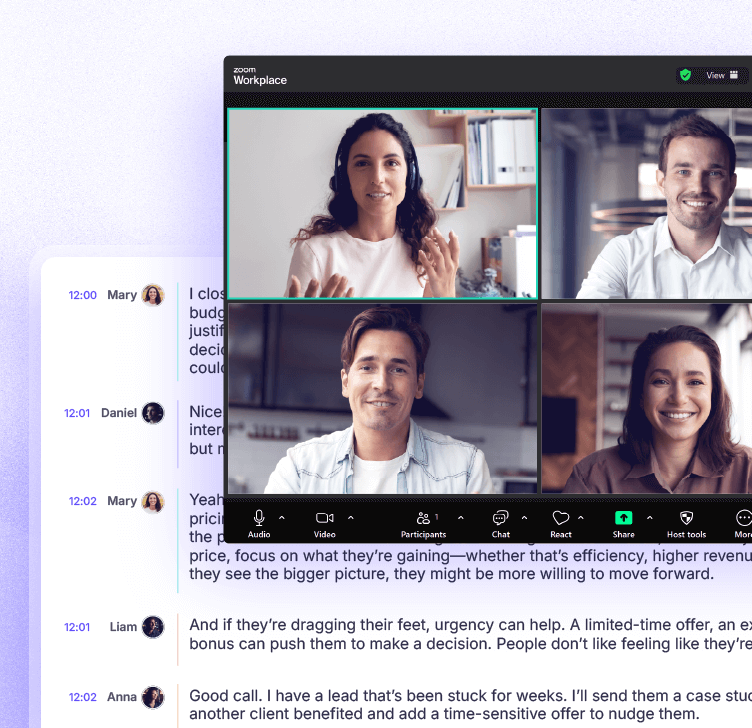
Transcription for live and recorded meetings

Krisp creates accurate Zoom transcription for live calls and meeting recordings with clear speaker labels.
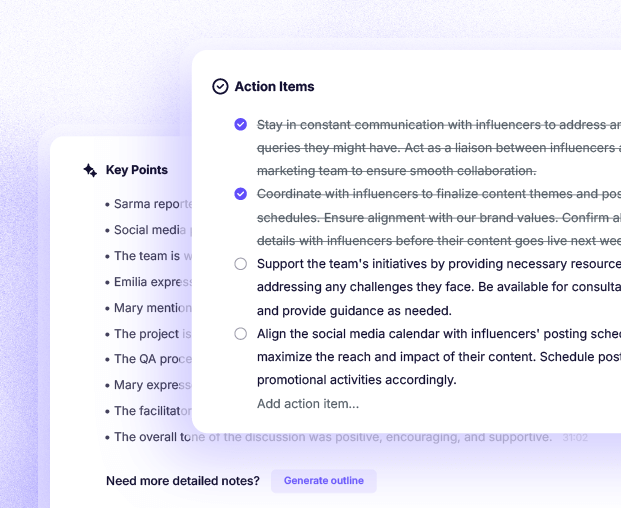
Post meeting summaries and action items

Krisp turns your Zoom transcripts into simple summaries that highlight key decisions and tasks.
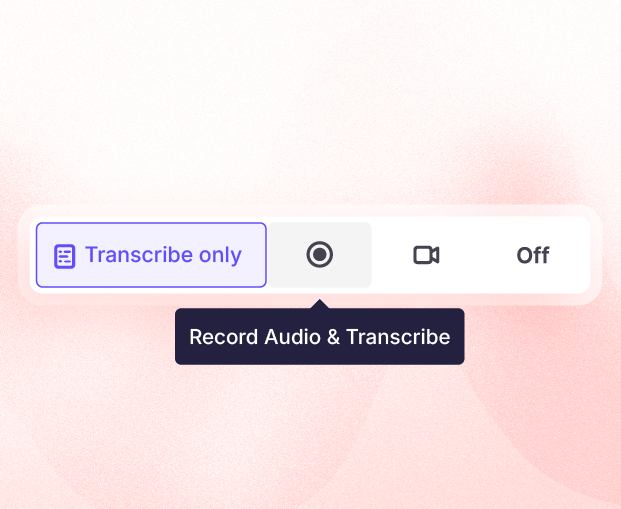
Bot free Zoom transcription with or without recording

Krisp offers Zoom transcription without bots and supports both recording and transcript only options.

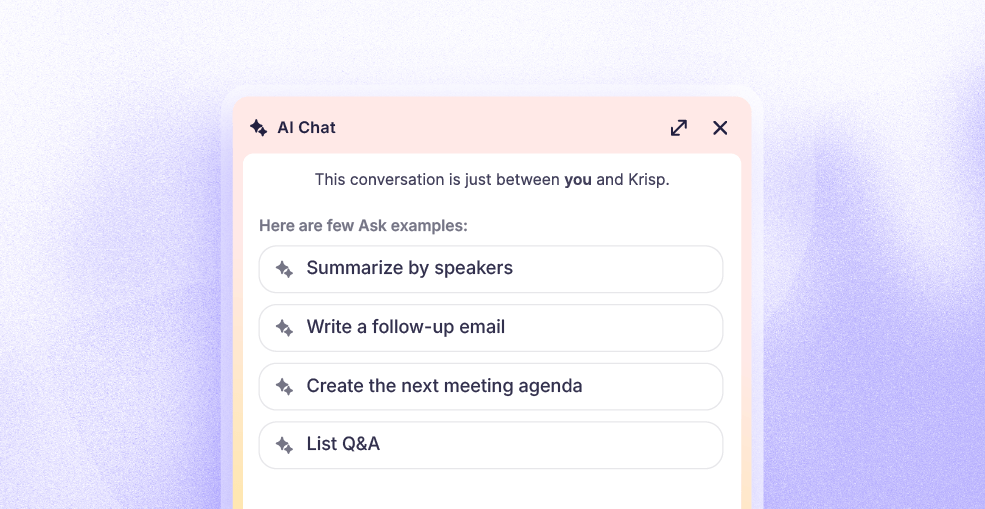
AI chat with multilingual support

Krisp AI Chat gives quick answers from your Zoom transcripts and supports multiple languages.

Why choose Krisp AI-powered Zoom transcription

Smart Action Item Extraction and Assignment

Krisp turns your Zoom transcription into clear next steps by identifying tasks and assigning them to the right people. This helps teams move faster with less manual review.

Smart Action Item Extraction and Assignment

Multilingual support

Krisp uses AI to enhance your Zoom transcripts with multilingual understanding so teams can follow conversations and review details no matter what language is spoken.

Multilingual support

Speaker Identification

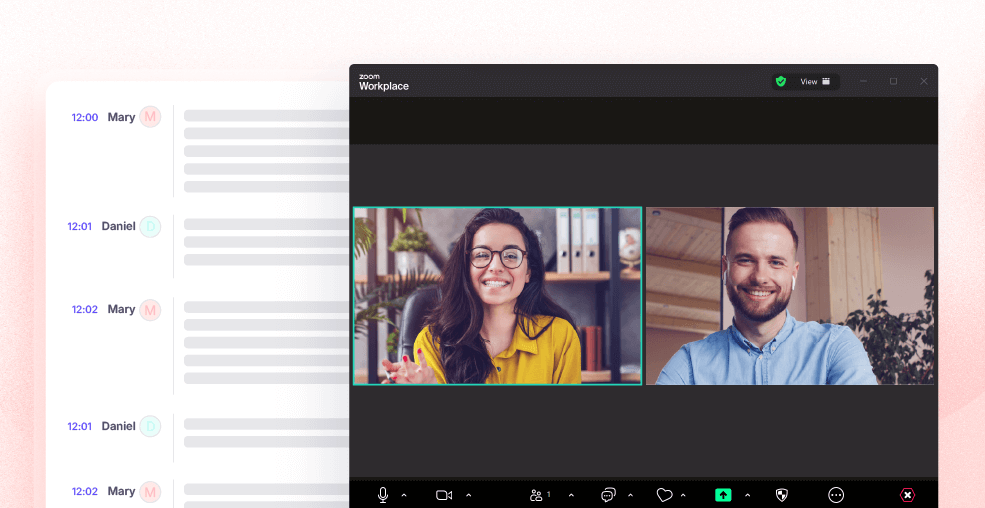
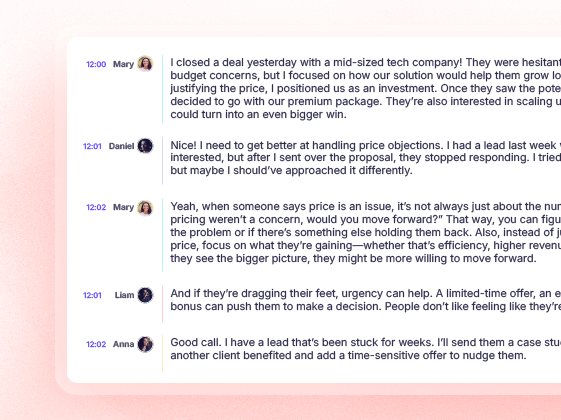
Krisp adds speaker labels to your Zoom transcription so you always know who said what. This makes reviews, follow ups, and decision tracking much easier.
Speaker Identification

Secure handling of data and transparency

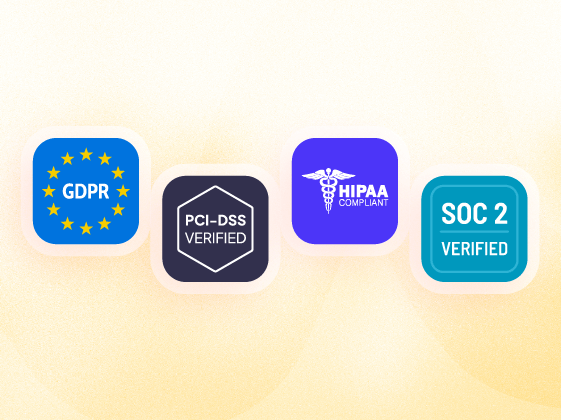
Krisp protects your Zoom transcripts with strong security controls and clear privacy practices. All data is handled transparently so your organization stays in full control.

Secure handling of data and transparency

Why choose Krisp for Zoom transcription

Works with any conferencing app
Award winning noise cancellation
Video or audio or transcript only modes
Mobile app available
Online & in person meeting support
Pricing starts $8
Choose bot or bot free mode
Zoom only
Cloud recording with transcript
Online only
Higher cost
Limited apps
Audio recording with transcript
Online only
Higher cost
Bot only

Limited apps
Higher cost
Bot only

Limited apps
Online only
Higher cost
Bot only

Works everywhere you use Zoom

Krisp works across your tools so your Zoom transcription stays connected to every workflow you use.

SalesForce Hubspot Affinity Pipecat
CRM
Asana Hubspot Monday Jira
Project management
Zoom Google calendar Slack
Collaboration

How Krisp Zoom Transcripts work

01
Set up Krisp

Download the Krisp desktop app and sign up. Krisp AI Meeting Assistant connects to Zoom automatically with no plugins or extra setup.
02
Enable AI Note Taker

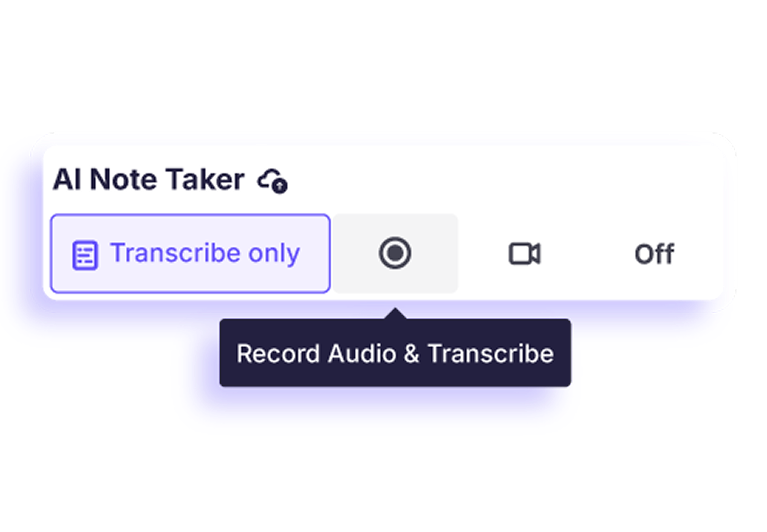
Open Krisp and turn on the AI Note Taker. Select your preferred recording type: audio, video, or transcript only. Your setting will stay active for all future meetings.
03
Start your Zoom meeting

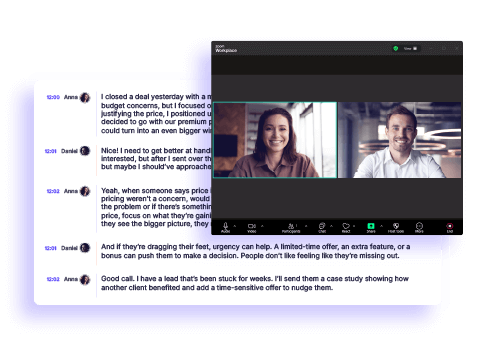
Join your Zoom call as you normally do. Krisp will immediately begin generating your transcript based on your selected recording type, with no extra steps needed.


How teams use Krisp for Zoom transcription

Remote teams
Clear Zoom transcription for shared context
Easy review of meetings across time zones
Better alignment for distributed work
Project managers and executives
Zoom transcripts that track decisions clearly
Quick visibility into tasks and next steps
Simple follow up for every project
Sales and customer service teams
Zoom meeting transcription for accurate call records
Better insight into customer needs
Fast review of key discussion points
Non native speakers
Zoom transcription that supports understanding
Easy review of complex conversations
More clarity in multilingual meetings
Clear Zoom transcription for shared context
Easy review of meetings across time zones
Better alignment for distributed work
Zoom transcripts that track decisions clearly
Quick visibility into tasks and next steps
Simple follow up for every project
Zoom meeting transcription for accurate call records
Better insight into customer needs
Fast review of key discussion points
Zoom transcription that supports understanding
Easy review of complex conversations
More clarity in multilingual meetings

Enterprise-grade
security for all your
Zoom transcriptions

Enterprise-grade <br> security for all your <br> Zoom transcriptions

Governance

Zero connect time
Instant support for 80+ languages
No integration required with CX and voice platforms

Privacy & Security

No voice data visible to Krisp servers
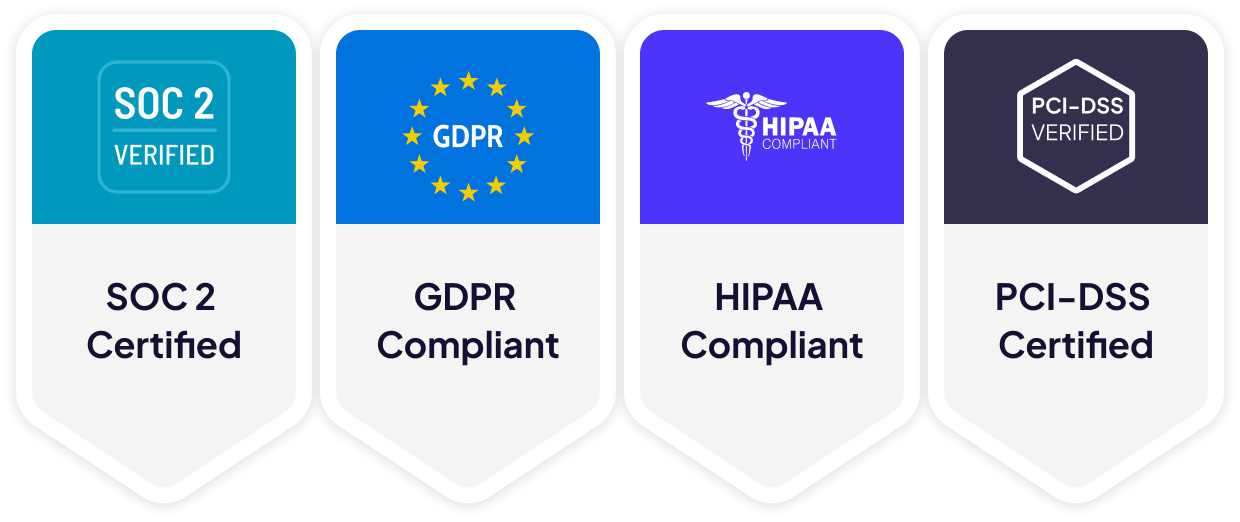
GDPR compliant
SOC 2 Type II certified
Encryption in-transit and at-rest
PCI-DSS 4.0
HIPAA compliant
Enterprise-grade <br> security for all your <br> Zoom transcriptions

Explore more on productivity

How to Record Zoom Meetings: A Guide for Hosts and Participants

How to Record Zoom Meetings: A Guide for Hosts and Participants

In this guide, we’ll show you how to record Zoom meetings step by step so you can stay organized and make meetings work for you.

Zoom AI Notetaker to stay present in your meetings

Zoom AI Notetaker to stay present in your meetings

Krisp’s Zoom AI notetaker listens, organizes, and summarizes your meetings, making it easy to revisit key points without losing focus during the conversation.
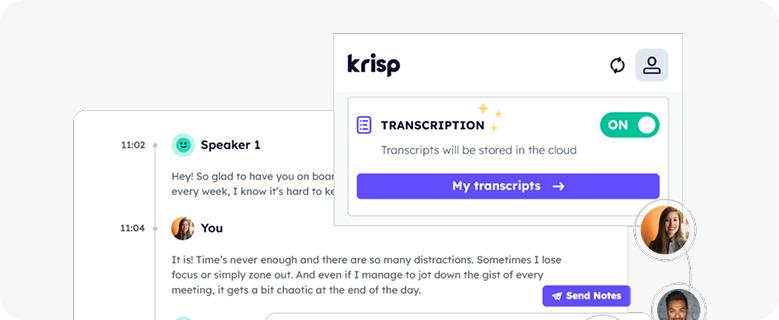
Zoom Meeting Recording

Zoom Meeting Recording

Record and transcribe Zoom meetings with Krisp’s AI Zoom meeting recorder. No host permissions required.
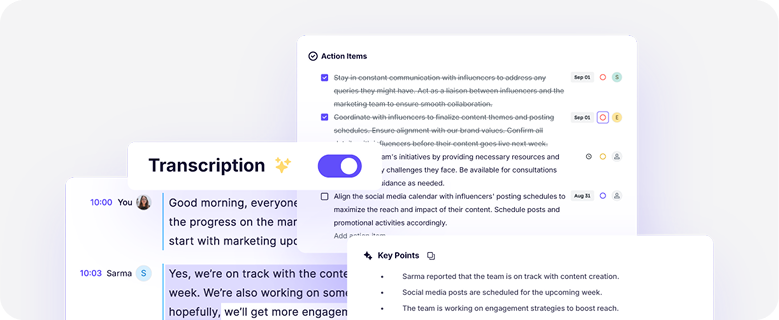
Unlimited, AI Meeting transcription

Unlimited, AI Meeting transcription

Powered by AI, Krisp goes beyond recording and delivers accurate meeting transcriptions you can trust.
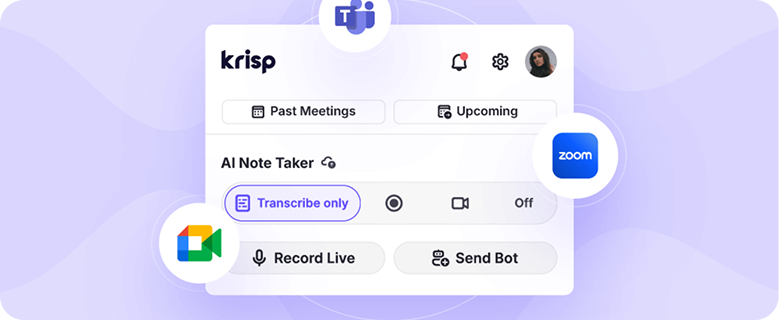
#1 bot-free AI note taker for online and offline meetings

#1 bot-free AI note taker for online and offline meetings

Krisp AI Note Taker captures, summarizes, and shares insights from any meeting, whether it’s online or offline. Trusted by top global companies.

10 Best Noise-Cancelling Apps for Windows (Nov 2025 Update)

10 Best Noise-Cancelling Apps for Windows (Nov 2025 Update)

Looking for a noise-cancelling app for Windows? Here are 10 tried-and-tested options that work in 2025.


Have questions? We've got answers!

How do I turn on and enable Zoom meeting transcription?
Turn on the AI Note Taker in the Krisp app. Once enabled and your preferred recording type is selected, Krisp Zoom transcription will start automatically for your meetings.
Can I transcribe a Zoom meeting if I am not the host?
Yes. Krisp Zoom transcription works even if you are not the host. You can join as a participant and still receive your transcript.
Can Krisp transcribe a Zoom meeting without recording it?
Yes. You can choose transcript only as your recording type. This allows Krisp to provide Zoom transcription without recording the meeting.
Where are Zoom meeting transcripts saved?
Your Zoom transcripts are saved in your Krisp account where you can view, edit, and share them after the meeting.
Can Krisp transcribe audio meetings only?
Yes. If you set your recording type to audio only, Krisp will create a Zoom transcript from the meeting audio.
How accurate is Krisp Zoom transcription?
Krisp Zoom transcription reaches up to 96% accuracy. The system removes background noise before processing the meeting, helping produce clearer results.
What’s the best AI tool to transcribe and summarize a Zoom meeting?
Krisp Zoom transcription offers transcripts, summaries, and action items in one place, making it a strong choice for capturing and reviewing meeting content.

Try Krisp for accurate Zoom meeting transcriptions.

background for toggle