Krisp AI Meeting Note Taker
Voice Notes and Memo Recorder
 Back
Back
Back
Back







Automatically transcribe Google Meet calls with Krisp as they happen. Get searchable Google Meet transcripts with speaker labels, AI notes and summaries in 17 languages.

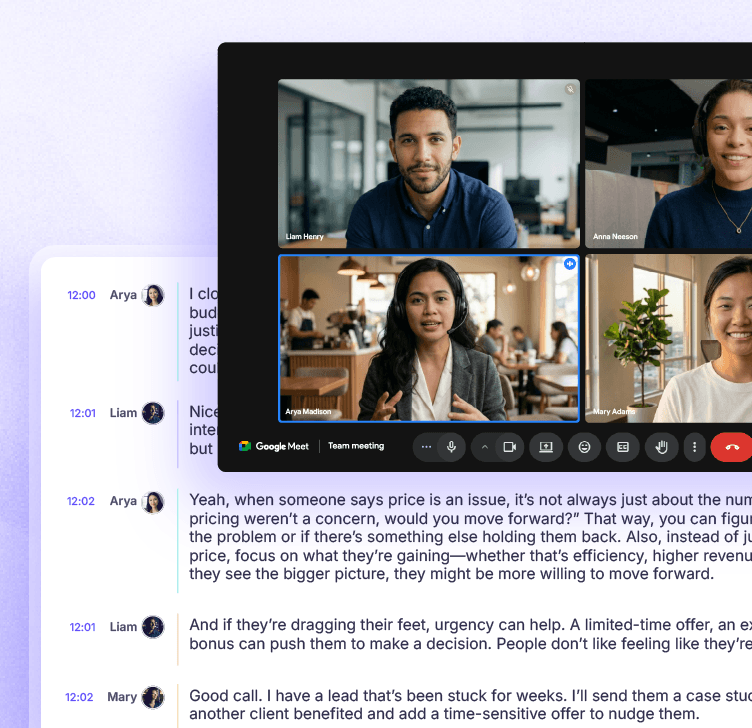


















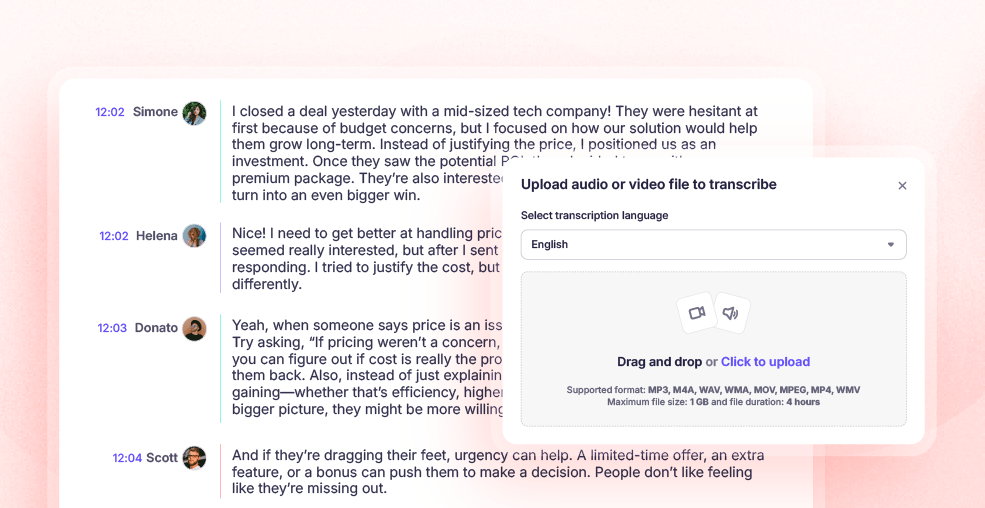
Get 96% accuracy in your Google Meet transcriptions for live and pre-recorded meetings. Need to transcribe a Google Meet recording after the fact? Upload any video/audio file and get AI-powered transcriptions within minutes.
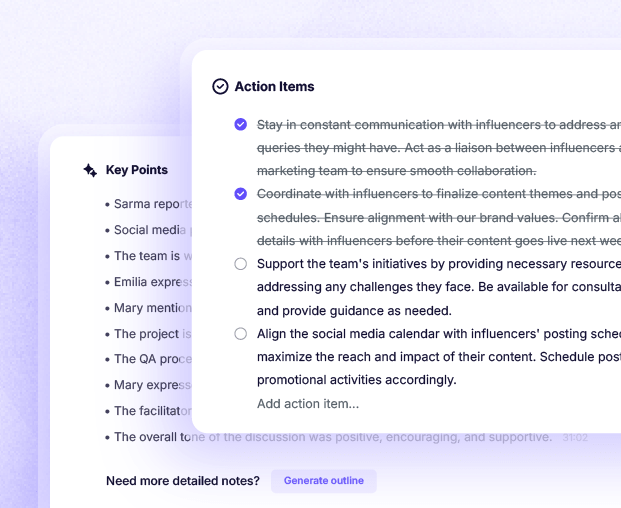
Krisp AI Note Taker creates structured notes, concise summaries and organizes key points automatically, so you have output without taking notes manually during your Google Meet calls.
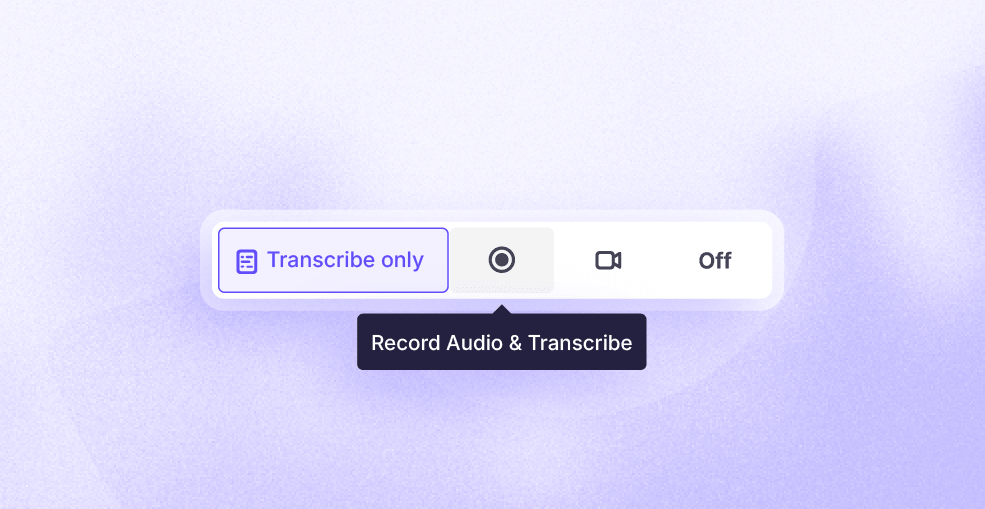
Follow conversations with live captions without recording required. Choose transcript-only mode or record meetings to get transcripts of your Google Meet calls afterwards.
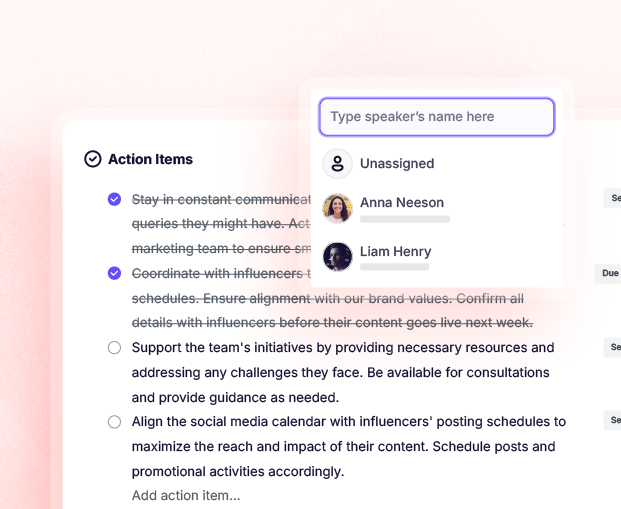
Google Meet transcription AI identifies tasks, key decisions, and assigns action items automatically so teams can move faster and improve collaboration.
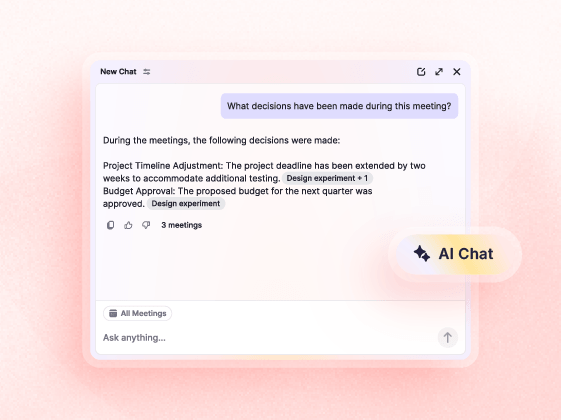
Interact with AI chat and get instant answers without leaving your Google Meet call notes. Transform the static Google Meet transcripts into interactive insights and stay fully aligned with your team.
Background noise and distractions don’t have to get in the way anymore. Krisp’s AI-powered noise cancellation removes background noise, voices, and echo, so your meetings feel cleaner and your Google Meet transcripts actually reflect what was said.
Krisp’s AI accent conversion ensures every speaker is heard and understood clearly, even in international meetings. By adjusting accents for both listeners and speakers, Krisp makes Google Meet transcription more precise with fewer errors.
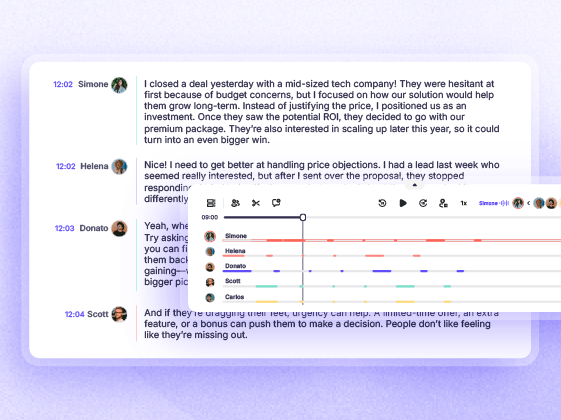
Automatically identify who said what with clear speaker labels and timestamps. Google Meet AI transcription makes it easy to follow and reference notes, giving teams complete clarity and context for every meeting.

 Yes Yes - available in $8/mo/user + in the free trial Yes - available in 17 languages Yes - timestamps per speaker Yes - on both speaker and listener side Yes - unlimited bidirectional noise cancellation Yes, you can upload any audio/video recording file and get transcripts Yes - extracts action items and assigns to speakers
  Yes
Yes  Yes - available starting from Business Standard available in €12.24/user/month + in the free trial Yes - available only in English
  No - timestamps arenot available No Yes- for limited participants No - only live transcription or recordings made with transcription enabled No
 Krisp works across your tools so your Google Meet AI transcriptions stay connected to every app you use.





Sign up for Krisp and download the application in just a few quick and easy steps. The installation process is quick; we know your time is valuable
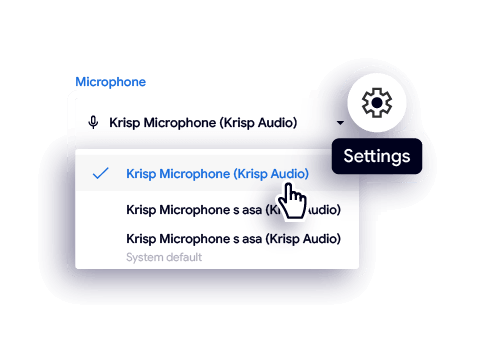
Change your microphone and speaker settings in Google Meet to Krisp, enabling Krisp AI technology to seamlessly integrate with your meetings.
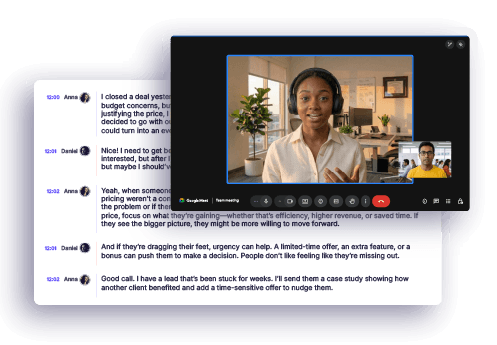
Join your Google Meet call. Krisp quietly kicks in and starts transcribing your meeting in the background, capturing every word.





 Zero connect time
Instant support for 80+ languages
No integration required with CX and voice platforms
No voice data visible to Krisp servers
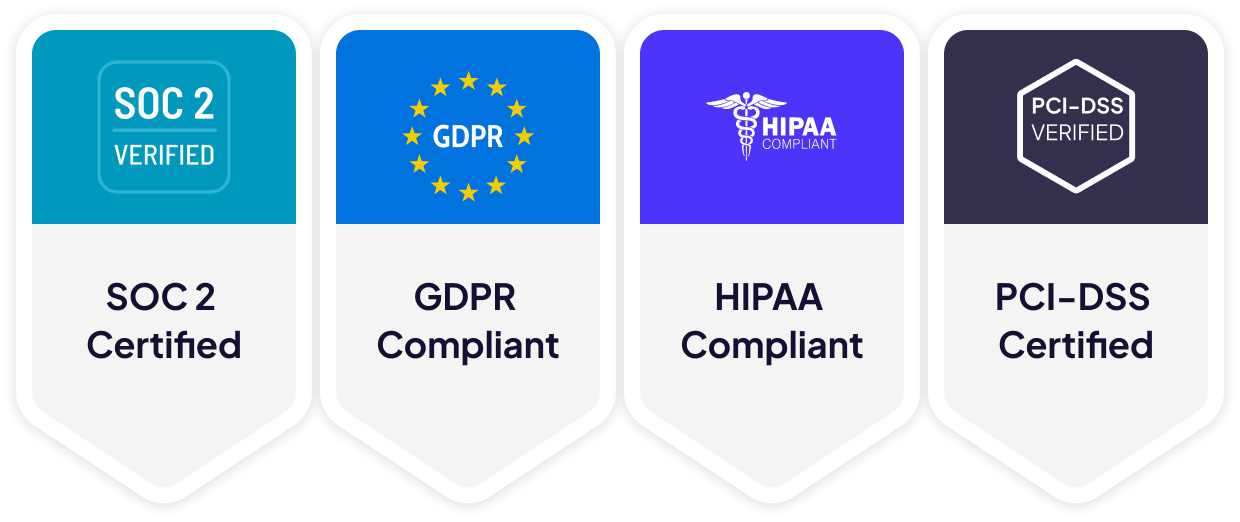
GDPR compliant
SOC 2 Type II certified
Encryption in-transit and at-rest
PCI-DSS 4.0 certified
HIPAA compliant
Zero connect time
Instant support for 80+ languages
No integration required with CX and voice platforms
No voice data visible to Krisp servers
GDPR compliant
SOC 2 Type II certified
Encryption in-transit and at-rest
PCI-DSS 4.0 certified
HIPAA compliant
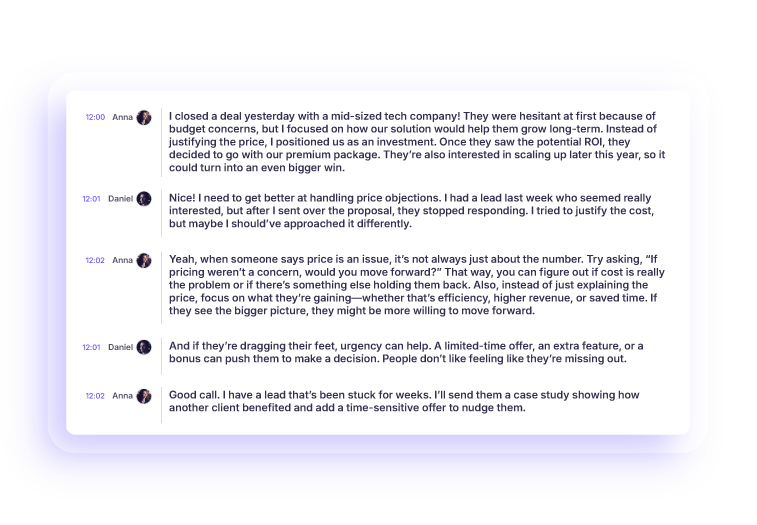
Powered by AI, Krisp goes beyond recording and delivers accurate meeting transcriptions you can trust
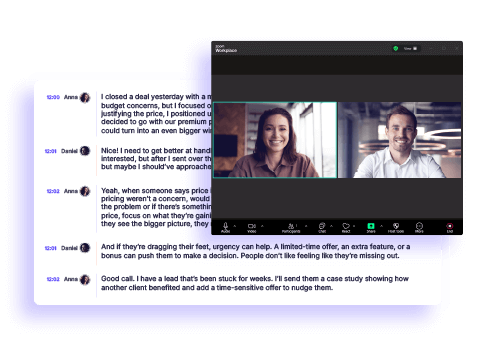
Krisp’s AI Meeting Assistant records, transcribes, and summarizes your online and in-person meetings, so you can focus on the conversation.
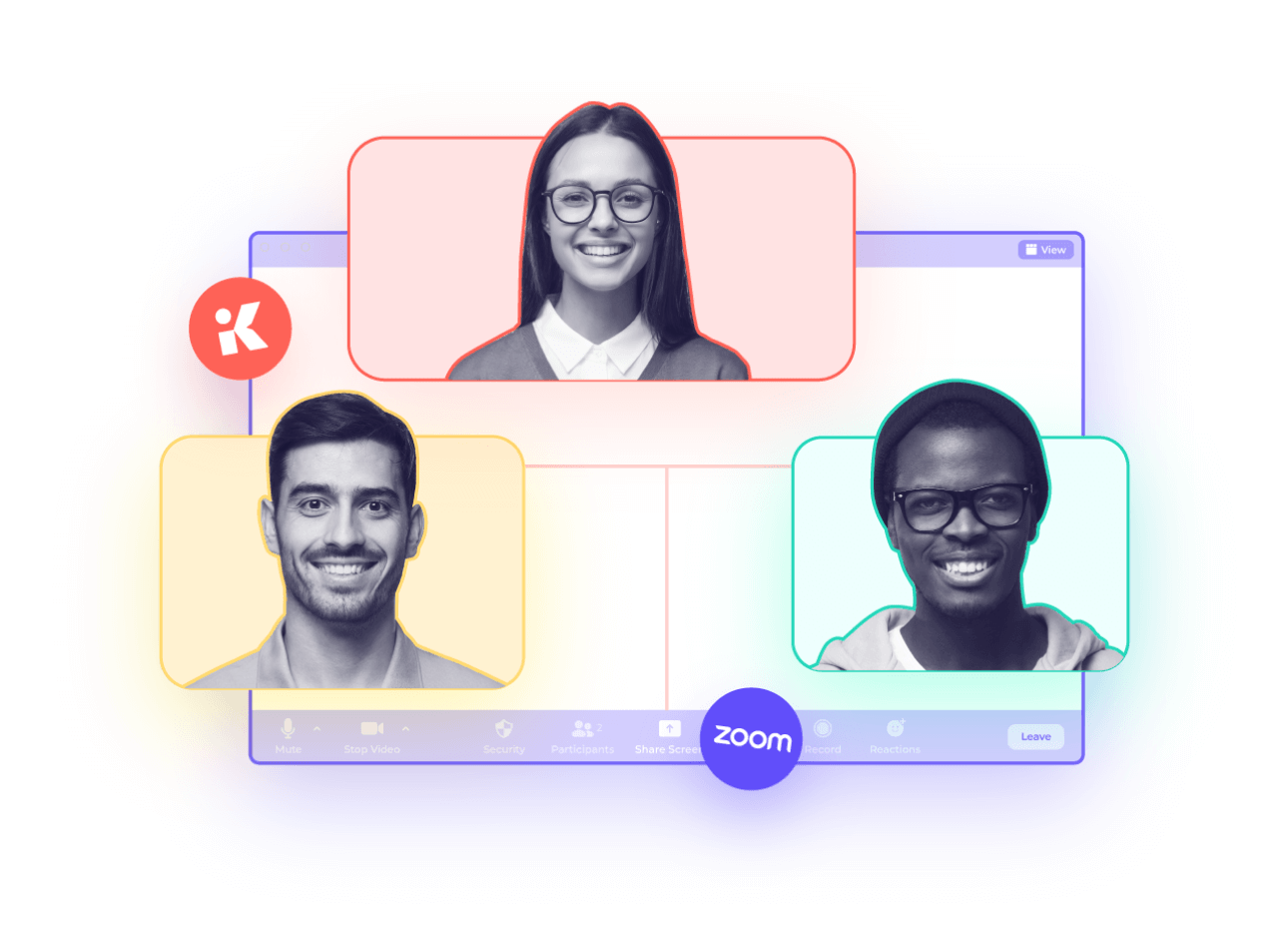
I looked at a lot of different sorts of meetings and picked the 11 top note-taking apps for meetings in 2026. I’ll give you my full review of the best AI for note-taking
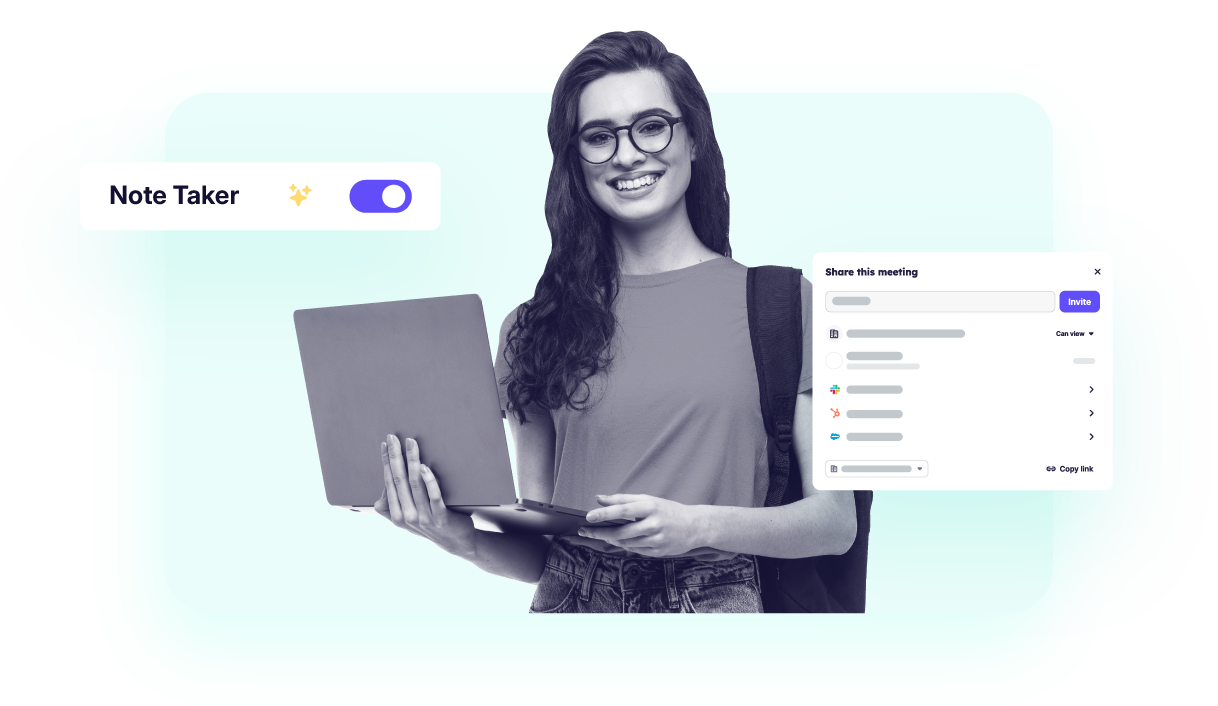
This guide covers 13 best ai note taking apps for students for every use case: live lecture capture, PDF/textbook studying, iPad handwriting etc.
This guide gives you verified benchmarks and a practical framework to select the best AI meeting assistant in 2026
I break down the best note-taking apps for Windows, who they are best for, and how they compare depending on your workflow.