In our whirlwind world, the magic of AI transcription is transforming how we work, no matter our profession. Picture this: your words, seamlessly flowing into text, capturing every nuance and turning hours of audio into accessible content at the snap of your fingers. It’s not just about getting more done in less time; it’s about opening doors to new possibilities, whether you’re crafting the next hit podcast, chasing down stories, or steering meetings in the corporate world. Let’s embark on a journey through the best AI transcription tools of 2024, helping you discover the perfect match to elevate your workflow.
What is AI Transcription?
AI Transcription uses artificial intelligence to transform spoken words into written text. It employs algorithms and machine learning to analyze voice data, recognize speech patterns, and accurately transcribe the audio into text. This technology streamlines the transcription process, drastically reducing the time and effort required compared to traditional methods. AI transcription not only captures the words but also understands context and nuances, improving accuracy. It’s widely used across various industries for tasks such as creating meeting minutes, generating video captions, and more. Advances in AI continue to enhance its capability, making it more efficient at handling diverse languages and technical terminology.
Why is AI Transcription Important?
AI transcription goes beyond mere convenience, serving as a critical tool for:
Enhancing Efficiency: Automating the transcription process saves hours of manual work.
Improving Accessibility: Making content accessible to those who are deaf or hard of hearing.
Facilitating Analysis: Offering easier ways to analyze textual data for insights.
Top 7 AI Transcription Software of 2024
As we navigate through our top picks, we’ll discuss each software’s standout features, pricing, and the unique needs they meet, providing a balanced view with pros and cons.
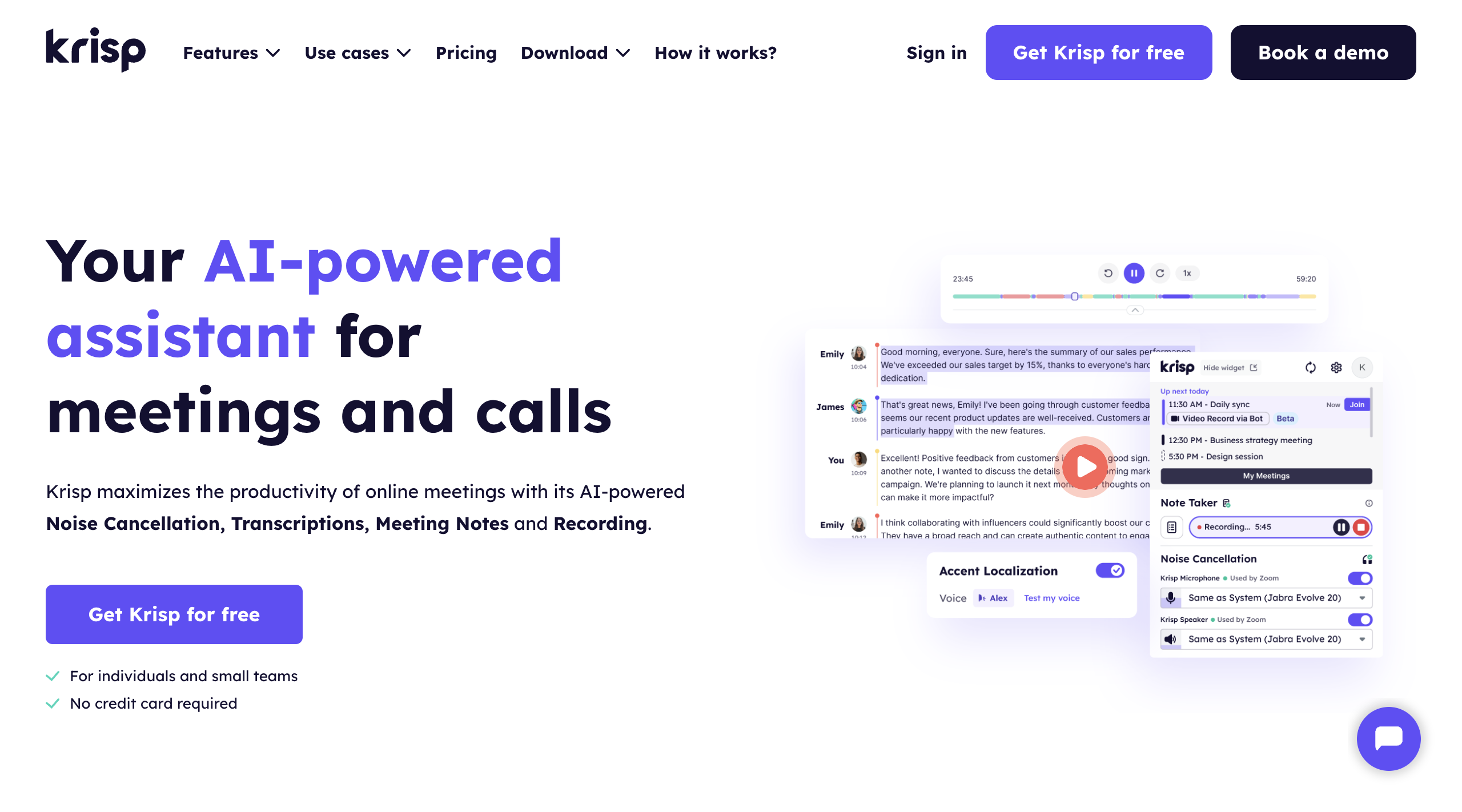
Krisp transcends the boundaries of traditional AI transcription services by offering unparalleled accuracy in AI transcription, making it ideal for professionals seeking efficient meeting documentation.
Key Features:
Automatic, highly accurate AI transcription
AI meeting notes and action items
Custom vocabulary support
Meeting recording
Works with all conferencing platforms
Price: Unlimited Transcriptions available with the Free plan, monthly plan starts at $12/user
Pros
Cons
High accuracy
Currently, English is the only supported language
All-in-one solution / AI Meeting Assistant
Limited to meeting transcription
Seamless integration with all conferencing platforms
Best for: Collaborative note-taking and transcription
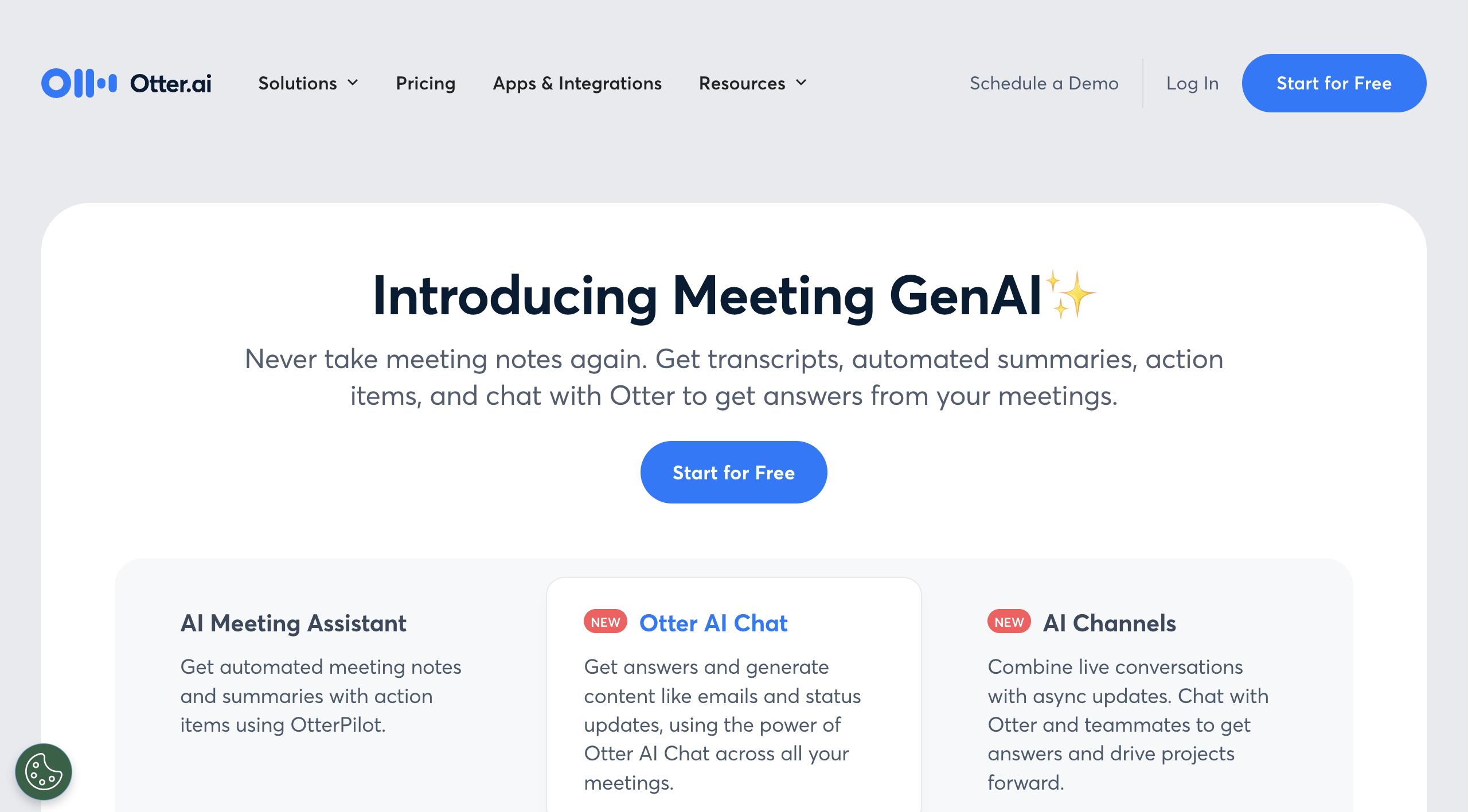
Otter.ai stands out for its real-time transcription services that cater not only to individual professionals but also to educational institutions and businesses seeking collaborative tools.
Key Features:
Real-time transcription and note-taking
Collaboration features for teams
Integration with Zoom
Voice recognition to distinguish between speakers
Price: Free plan available; paid plans start from $16.99/month
Pros
Cons
Collaborative tools for teams
Free plan with limited features
Accurate transcription
3. VEED
Best for: Video creators who need to add subtitles to their videos and make content accessible
VEED is a browser-based tool that goes beyond transcription by letting users automatically generate and add subtitles to video directly within their content — no downloads or editing software required. It’s especially useful for teams repurposing meeting recordings, webinars, or interview footage into shareable, accessible video content.
Key Features:
Auto-generated subtitles from audio
Subtitle styling and customization
Translate to 50+ languages
15+ AI tools for studio-quality videos
Browser-based, no installation needed
Price: Free plan available; paid plans start at $10/month per editor (billed yearly)
Pros and Cons:
Pros
Cons
Easy to use with no technical setup
The free plan has a watermark on exports
Combines transcription with video editing
Less suited for audio-only transcription
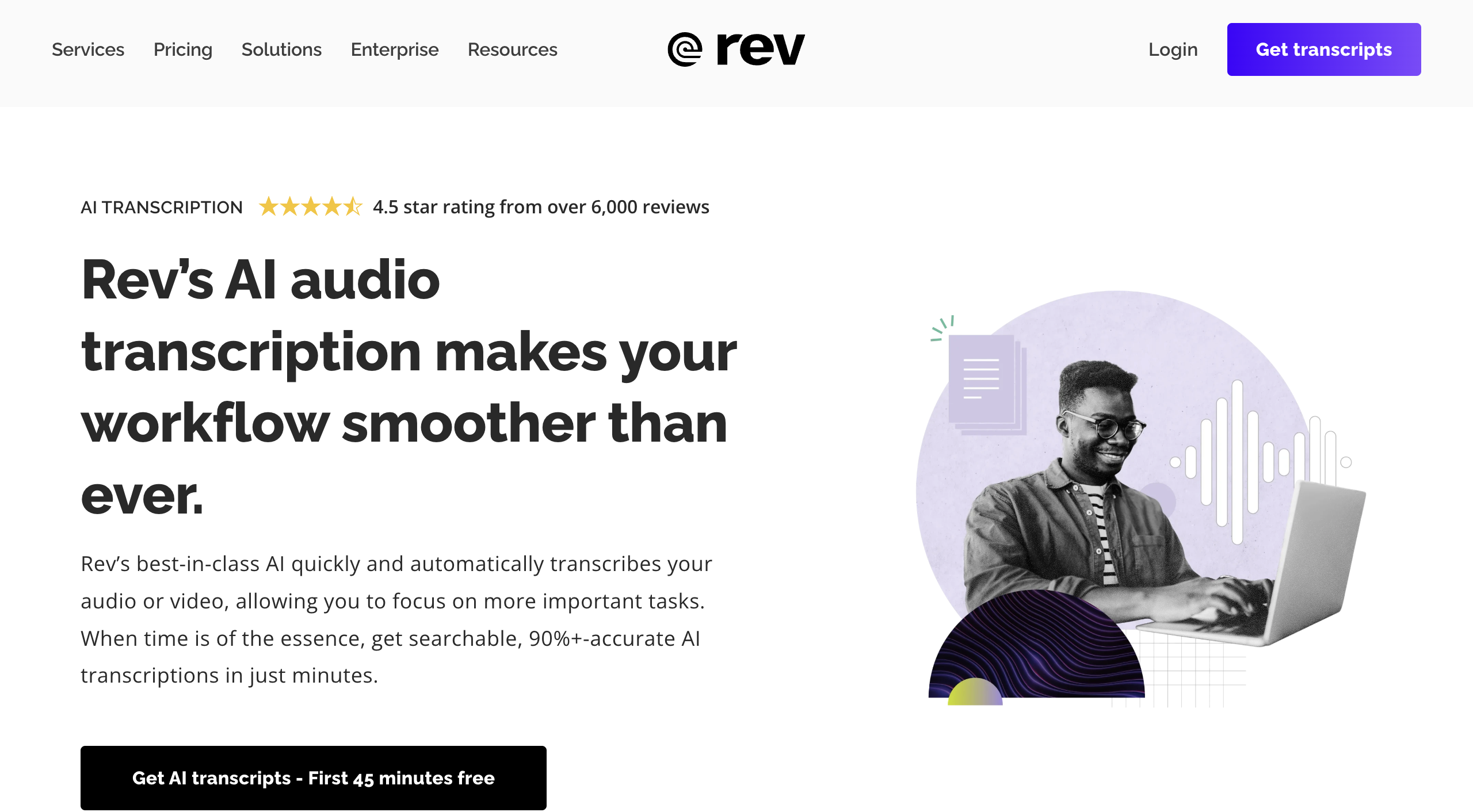
4. Rev
Best for: High-quality manual and AI transcription
Rev offers both AI-driven and human-verified transcription services, ensuring high accuracy levels for critical projects that cannot afford errors.
Key Features:
AI and human transcription services
Fast turnaround
High accuracy
Captioning and foreign subtitles available
Price: AI transcription starts at $0.25/minute; human transcription at $1.25/minute
Pros and Cons:
Pros
Cons
Hybrid model for increased accuracy
Higher cost for human transcription
Quick delivery
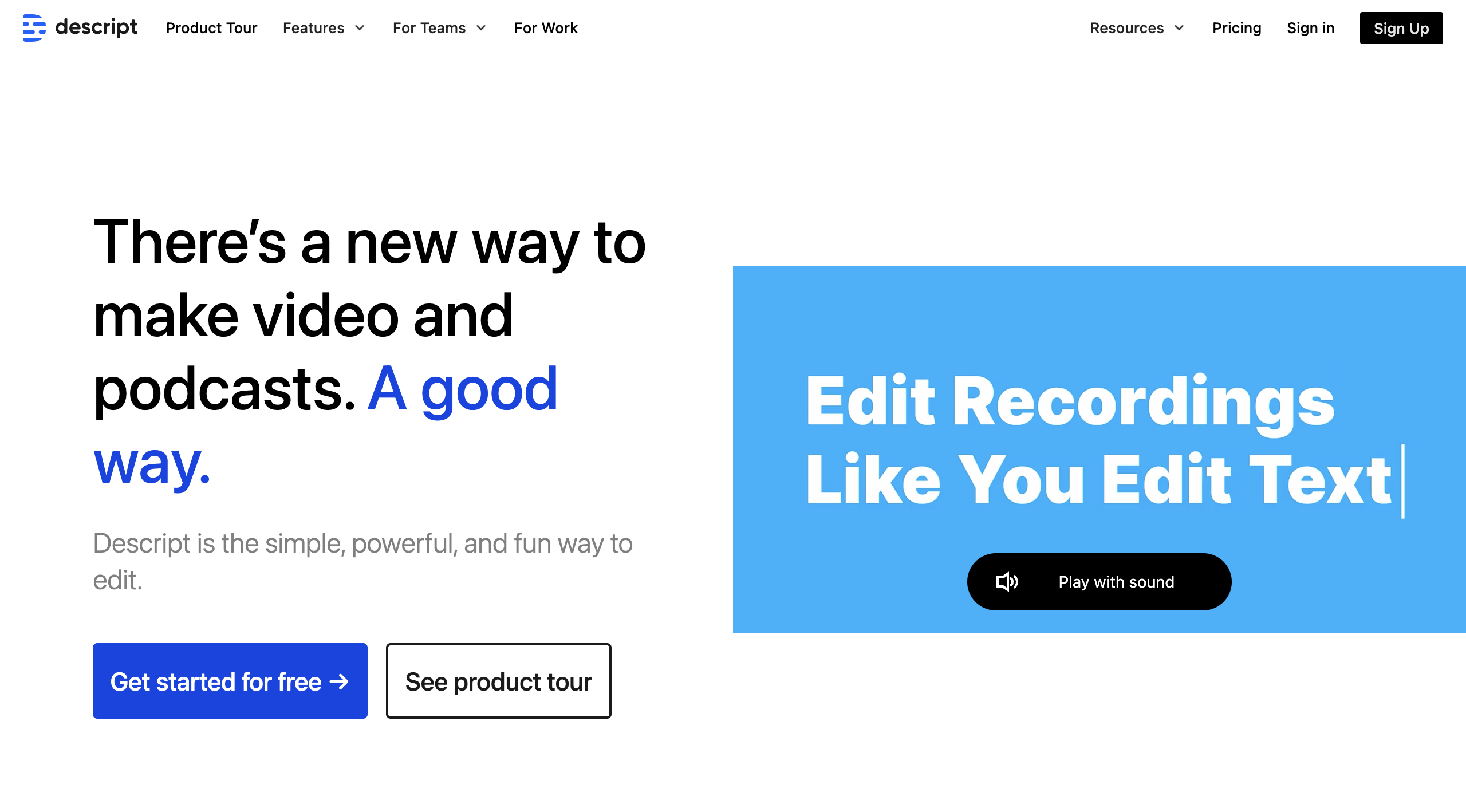
5. Descript
Best for: Content creators and podcasters
Descript provides a comprehensive suite for audio editing and transcription, making it a favorite among content creators for its ease of use in creating polished, professional-grade audio content.
Key Features:
Audio word processing
Video editing capabilities
Overdub feature to correct mistakes
Collaboration tools
Price: Free starter plan; subscriptions start at $12/month
Pros
Cons
Powerful editing features
Steeper learning curve for advanced features
Innovative overdub feature
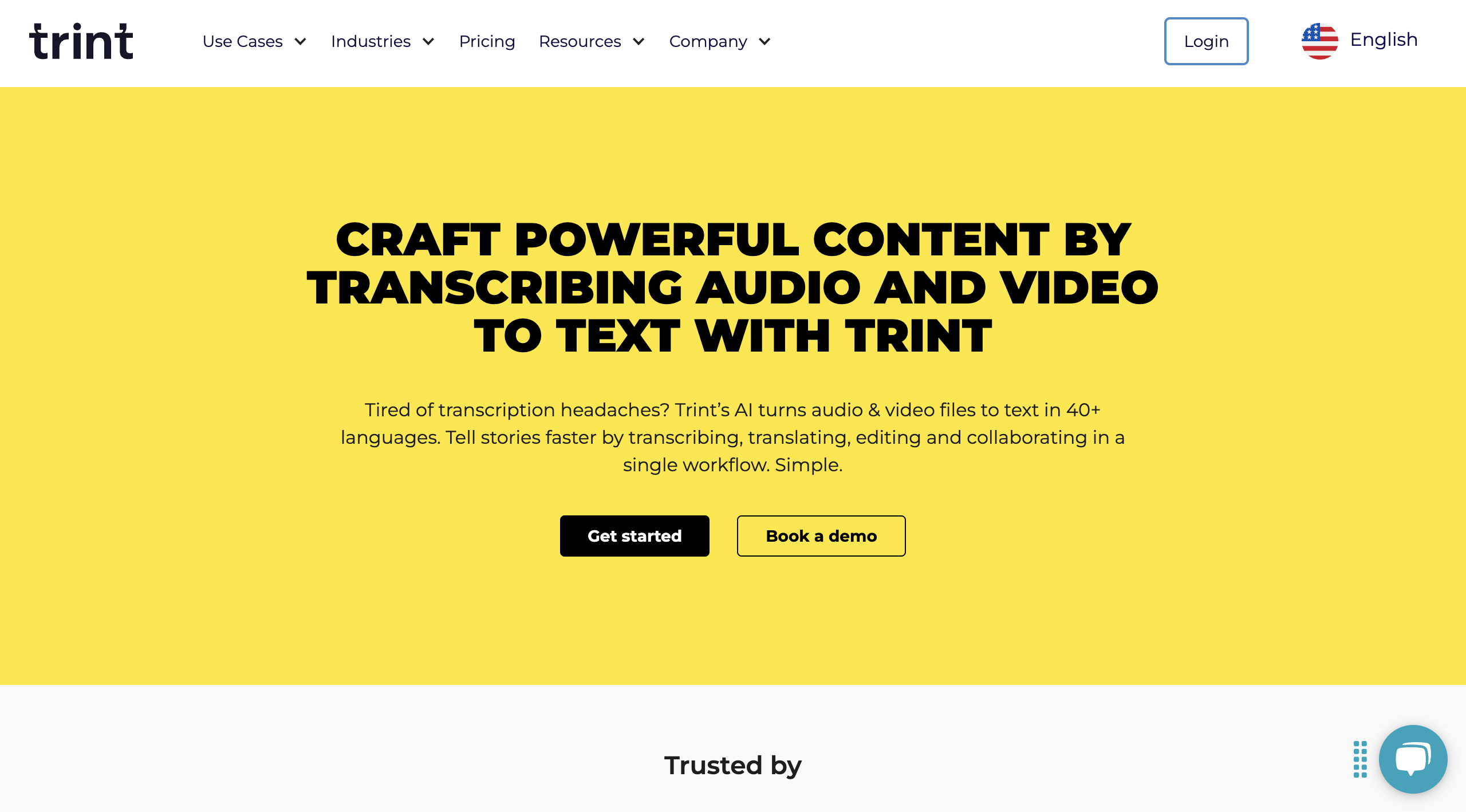
6. Trint
Best for: Journalists and professionals in media
Trint’s AI transcription software excels in converting audio and video files into searchable, editable text, making it particularly useful for journalists on tight deadlines.
Key Features:
Automated transcription
Collaboration tools
Integration with Adobe Premiere
Price: Starts at $80/month(exists a monthly 7 file upload limit)
Pros
Cons
Efficient search and organization
Higher price point
Integration with professional editing software
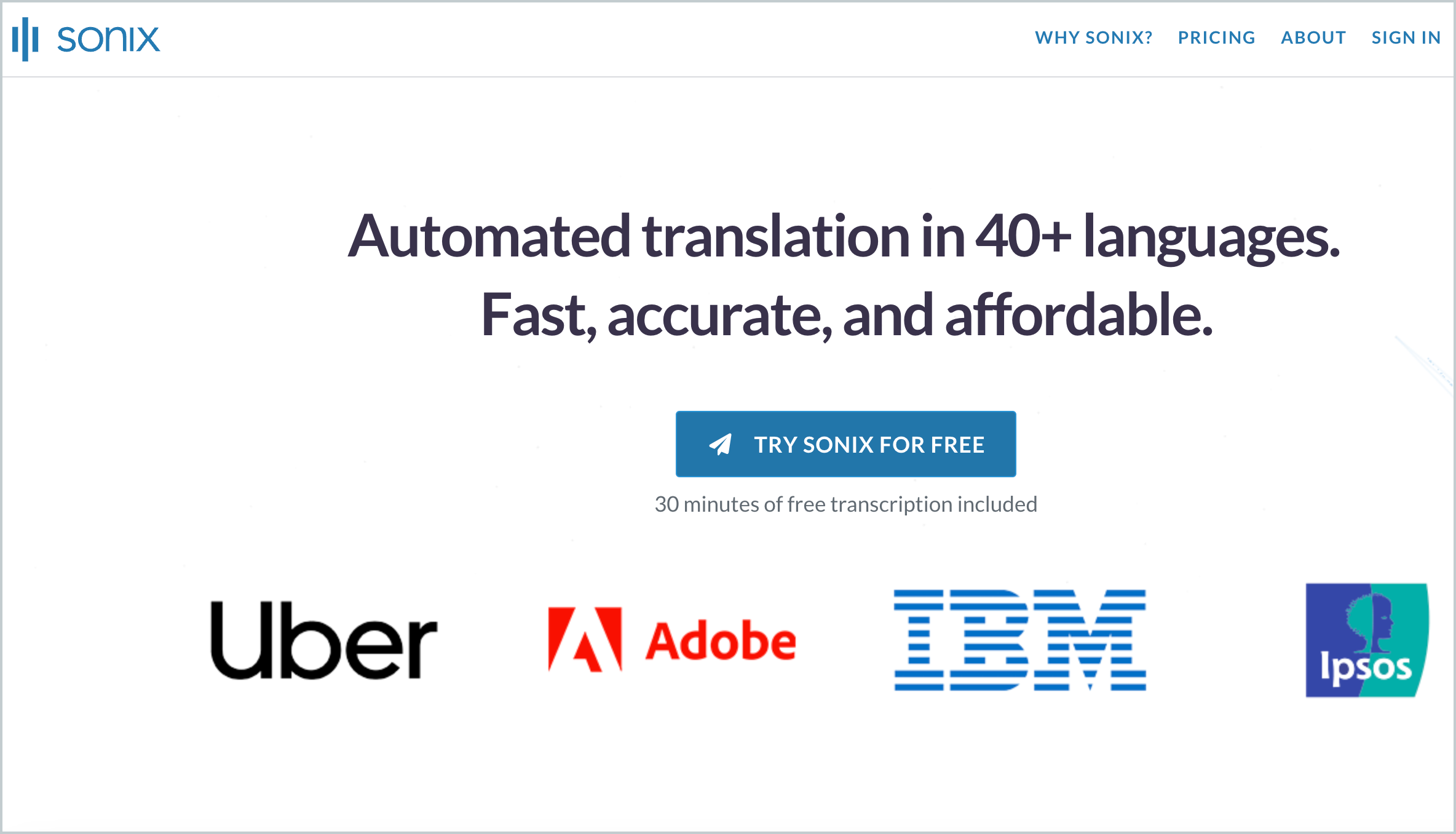
7. Sonix
Best for: Multilingual transcription
Sonix offers robust AI transcription services with support for multiple languages, catering to global businesses and multilingual research projects.
Key Features:
Support for over 40 languages
Automated subtitles
Easy-to-use interface
Secure sharing features
Price: Starting at $10/hour of transciption
Pros
Cons
Extensive language support
Costs can add up for large projects
Intuitive platform
8. Speechmatics
Best for: Custom vocabulary transcription
Speechmatics offers versatile AI transcription services with the unique feature of custom vocabulary, ideal for specialized fields with technical terminology.
Key Features:
Custom vocabulary support
Batch processing
High accuracy
Broad language support
Price: Starting at $0.30/hour(more details available on their pricing page)
Pros
Cons
Highly customizable
Pricing is not transparent
Suitable for technical fields
Choosing the Right AI Transcriber for Your Needs
When selecting an AI transcription software, consider:
Accuracy: Essential for minimizing post-transcription edits.
Speed: Look for real-time or near-real-time transcription.
Integration: Seamless integration with your existing tools enhances productivity.
Cost: Balance between features offered and the software’s price.
In conclusion, the best AI transcription software of 2024 provides a range of options tailored to different professional needs, from real-time meeting transcriptions with Krisp to specialized services like Speechmatics. Considering your specific requirements and budget will guide you to the perfect tool, with Krisp leading the pack for it.