

Krisp AI Meeting Note Taker
Voice Notes and Memo Recorder

 Back
Back
Back
Back
Back
Back
Back
Back


Krisp's Zoom AI notetaker captures, organizes, and summarizes your meetings, making it easy to revisit key points without losing focus during the conversation.
Get Zoom meeting notes and key takeaways right after each call.

Krisp’s Zoom note taker captures the details that matter and turns conversations into clear, structured notes so you can stay present without worrying about what you missed.
Krisp’s Zoom note taker isn't limited to notes only: you get accurate Zoom meeting notes along with real-time noise cancellation and accent conversion for clearer, more productive conversations
 AI-powered Note Taker that works across major meeting platforms.
AI Accent Conversion to adjust accents in real time and improve speech clarity.
Noise Cancellation that removes background sounds for distraction-free calls.
AI-powered Note Taker that works across major meeting platforms.
AI Accent Conversion to adjust accents in real time and improve speech clarity.
Noise Cancellation that removes background sounds for distraction-free calls. 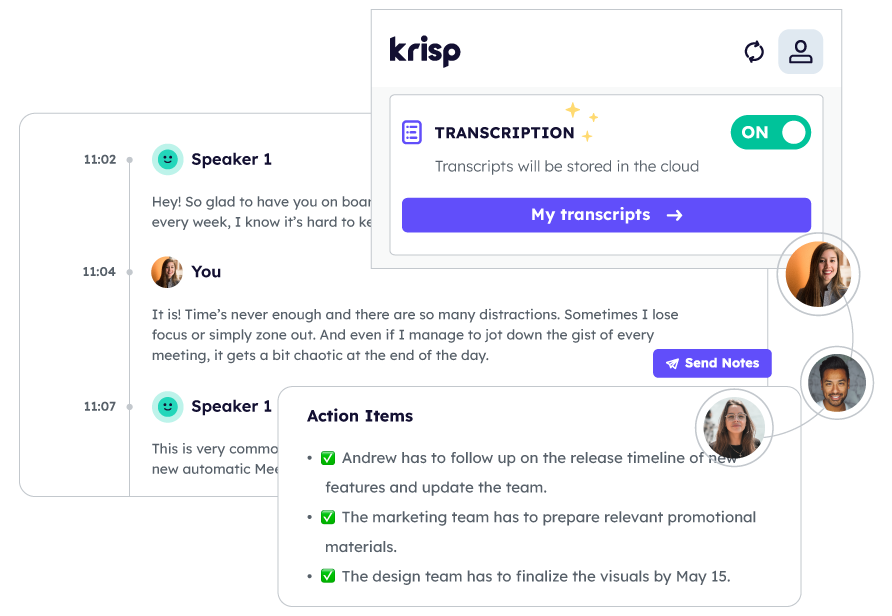
Take notes with Krisp AI Meeting Assistant for Zoom meetings, keeping your calls clear and easy to review.
Krisp AI Note Taker generates notes from both live meetings and uploaded recordings.
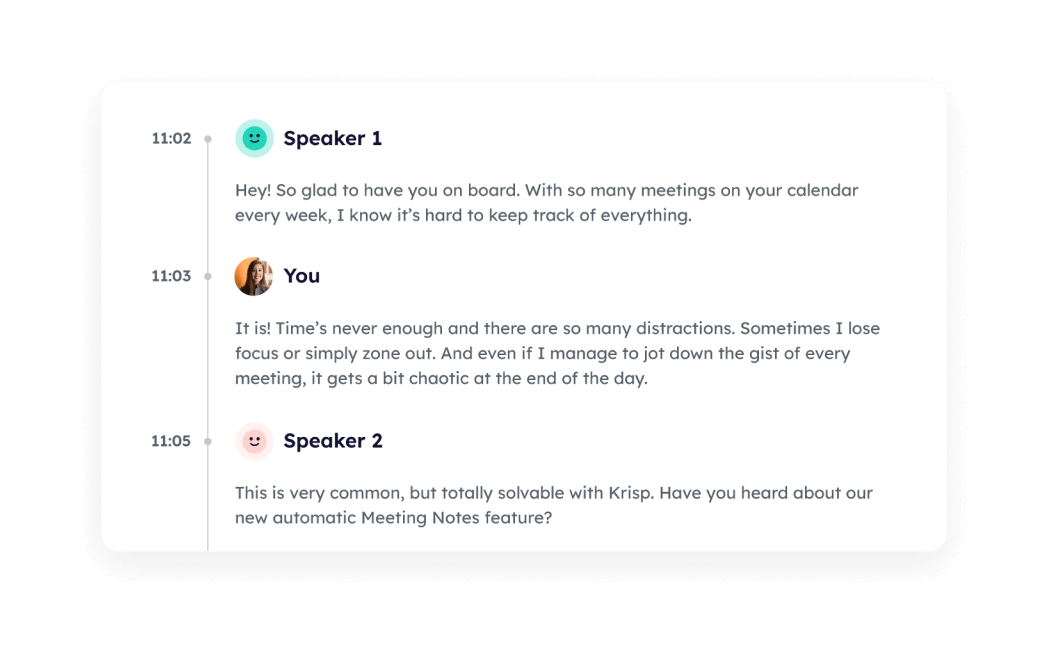

Get instant insights with summaries of your Zoom meetings.
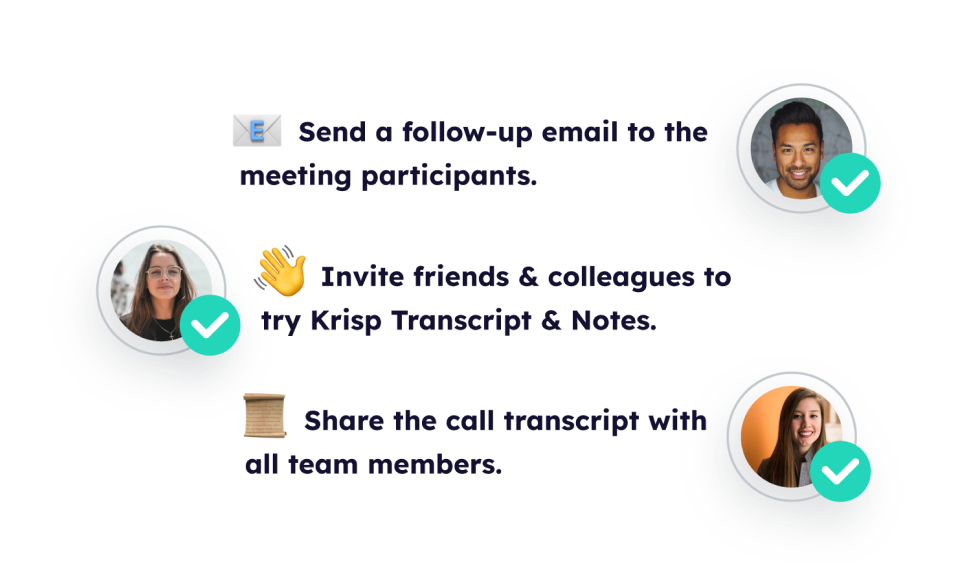
Quickly share meeting highlights with your team or attendees for smoother follow-ups and better collaboration with Zoom AI Note Taker.
Krisp’s Zoom AI Notetaker converts voice to text with high accuracy. It automates the meeting transcription process, saving you time and effort while providing live captions during the meeting and actionable insights
Clear meeting notes help teams stay aligned and move forward. Krisp’s Zoom AI Notetaker makes it simple, with just three steps.
Get started by creating your account and downloading the Krisp app. Krisp AI Meeting Assistant connects to Zoom automatically with no plugins or extra setup.
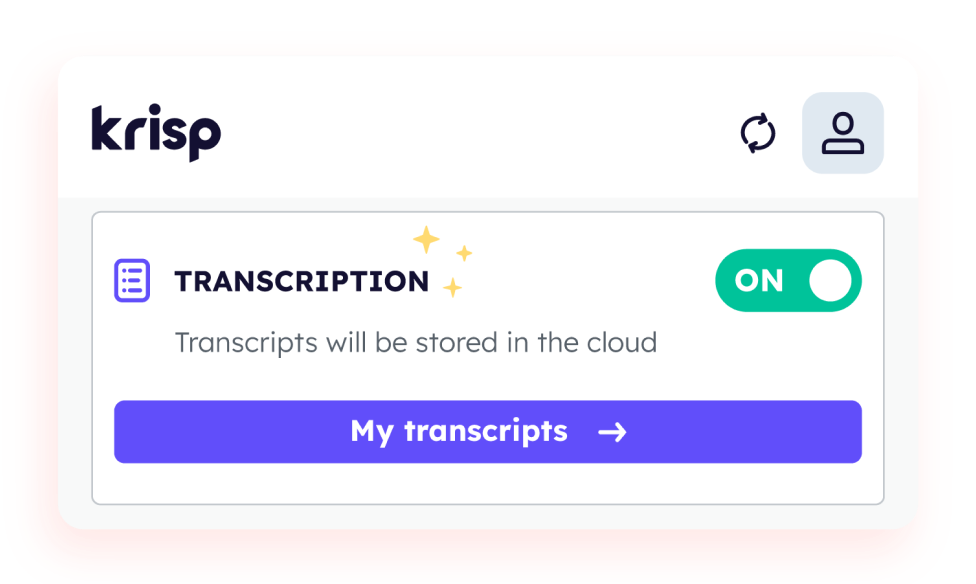
Join your Zoom call and select Krisp Microphone and Speaker. Turn on the Note Taker and choose to transcribe or transcribe and record your meeting.
Once the meeting ends, access the AI-generated notes of your Zoom call in your Krisp account. Edit, copy, or share them with your team to keep everyone informed.
Say goodbye to limitations. With Krisp AI Zoom note taker, you can enjoy the freedom of unlimited transcriptions for all your Zoom meetings.
With instant transcripts, summaries, and AI-generated insights, meetings that used to take hours to document are now captured in seconds. Krisp’s Zoom AI Notetaker not only frees up valuable time but also ensures every essential detail is captured.
With meeting tags and smart filters, you can group meeting by owner, type, or topic in seconds. Krisp’s Zoom notetaker provides searchable transcripts, making it easy to find specific moments, while built-in AI Chat lets you ask questions and get instant clarity without rereading entire meetings.
Zoom AI notetaker requires no plugins, offers bot-free meeting recording and automated, hands-free documentation
Get up and running in no time. Starting with Krisp's AI notetaker for Zoom is quick and simple, with no credit card information required for sign-up.
Streamline your note-taking process. Easily connect Krisp’s AI note-taker with your calendar to automate note-taking and sharing, ensuring a smooth and efficient workflow.











 Cool Vendor in Digital Workplace
Programs
and Applications
Cool Vendor in Digital Workplace
Programs
and Applications
 America’s Most Promising AI
Companies
America’s Most Promising AI
Companies
 People's Voice Winner in Productivity &
Collaboration
People's Voice Winner in Productivity &
Collaboration
 Leader in Noise Cancellation and Voice
Recognition
Leader in Noise Cancellation and Voice
Recognition


