G2 Badge for Krisp G2 Badge for Krisp G2 Badge for Krisp G2 Badge for Krisp

AI Noise Cancellation for clear meetings and calls

Krisp maximizes productivity by removing background noises, voices and echoes from your calls and meetings in real-time.

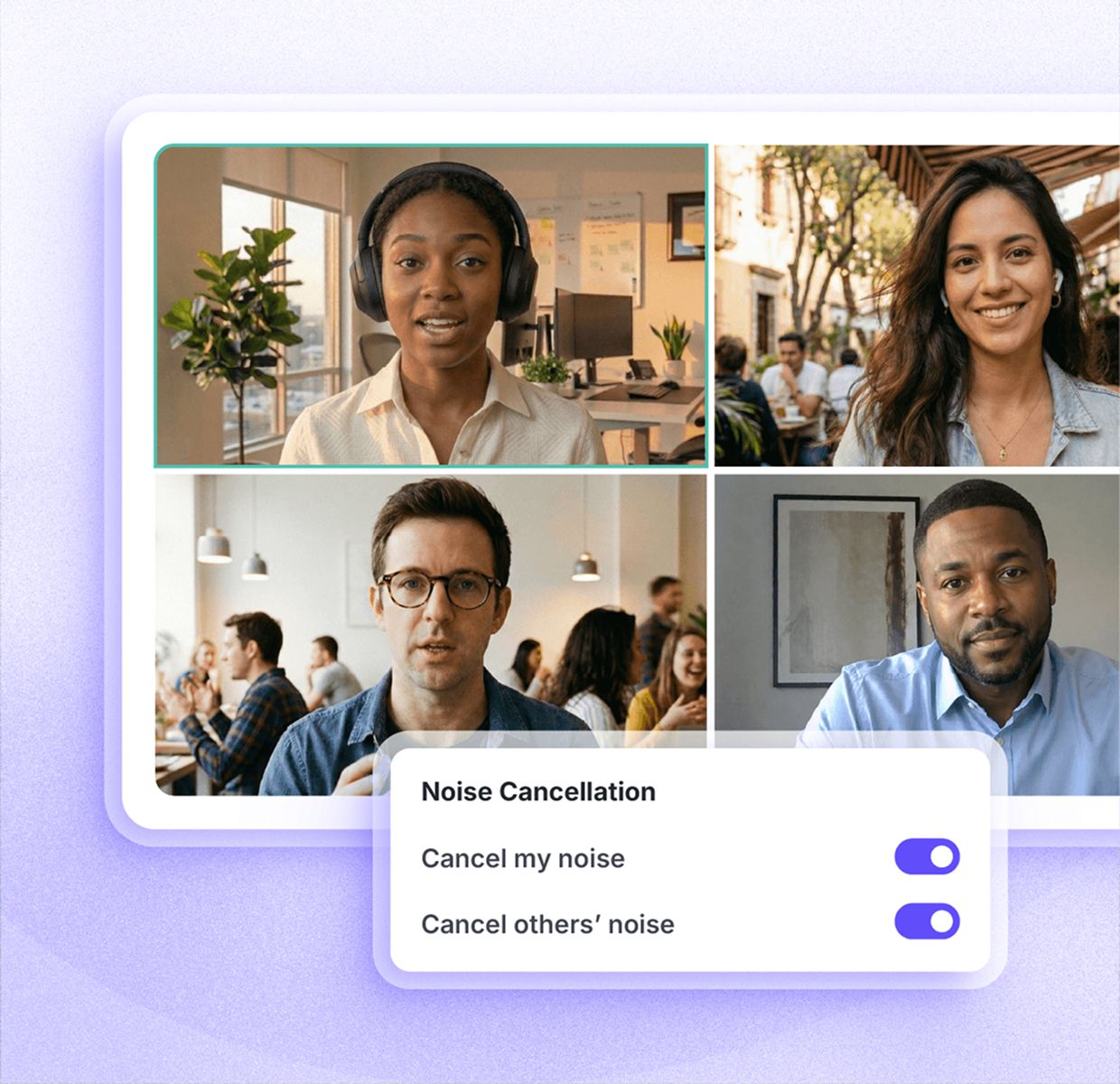
Krisp AI Noise Cancellation on a video call
Organizations worldwide trust us
Siemens logo
Medium logo
Okta logo
Skechers logo
Sony logo
Cisco logo
ServiceTitan logo
VMware logo
GitHub logo
Discord logo
Twilio logo
RingCentral logo
Vonage logo
Cognizant logo
Teleperformance logo
Concentrix logo
TTEC logo
Zoho Voice logo
Startek logo
Everise logo
Aircall logo
Daily logo
CarrierX logo
LiveKit logo
Siemens logo
Medium logo
Okta logo
Skechers logo
Sony logo
Cisco logo
ServiceTitan logo
VMware logo
GitHub logo
Discord logo
Twilio logo
RingCentral logo
Vonage logo
Cognizant logo
Teleperformance logo
Concentrix logo
TTEC logo
Zoho Voice logo
Startek logo
Everise logo
Aircall logo
Daily logo
CarrierX logo
LiveKit logo

450 million+ hours

of outbound noise

80 million+
hours

of inbound noise

3 billion+
calls

processed by Krisp

Trusted by 9M+ worldwide

from individuals to teams

One app. Every
Voice AI feature for meetings

Background noise removal, AI meeting notes, and clear speech across accents — all inside the same Krisp app.
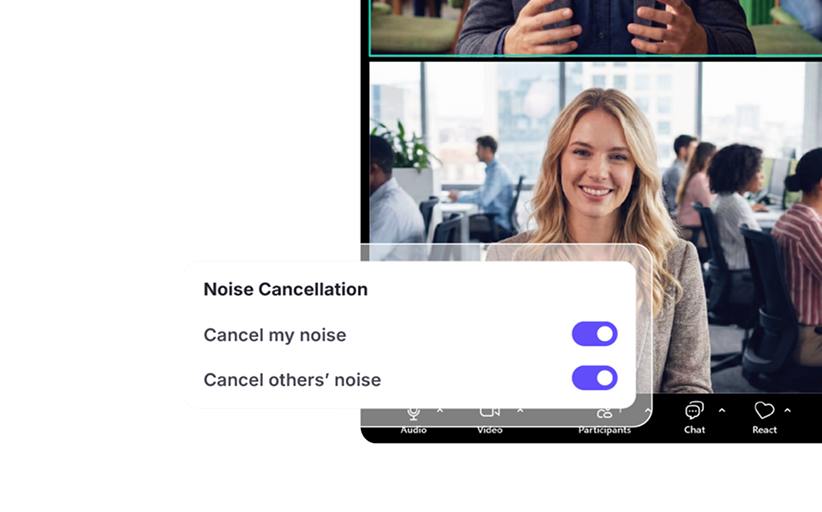
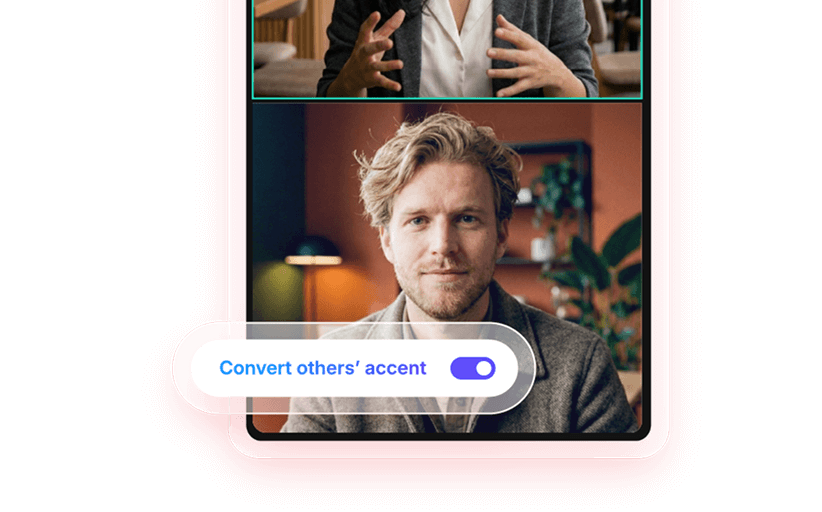
Bidirectional Accent Conversion

Bidirectional Accent Conversion

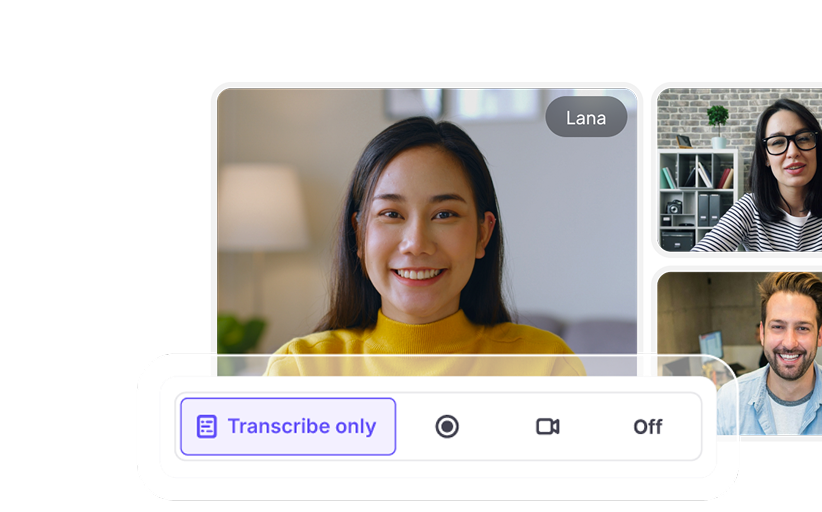
AI Note Taker

AI Note Taker

Noise-free meetings with
AI-powered Noise Cancellation

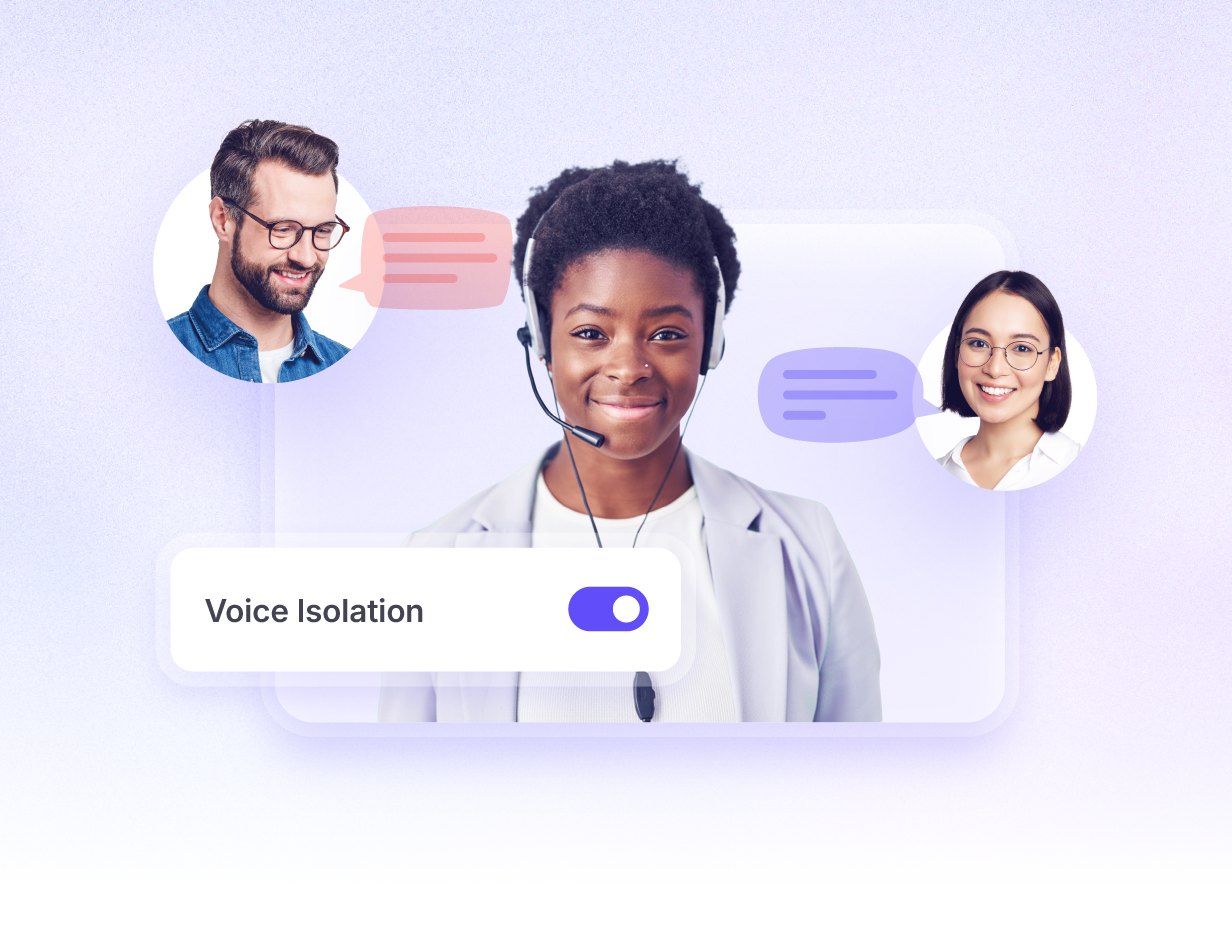
Voice Isolation
Background noise cancellation
Echo Cancellation

Noise Cancellation in action

    Play the demo
    play button
    Krisp off

    The same noise cancellation that powers Discord

    Every noise-cancelled call on Discord runs on Krisp's AI. The same technology you just heard.

    How Krisp Noise Cancelling
    software works

    01
    Install and connect Krisp

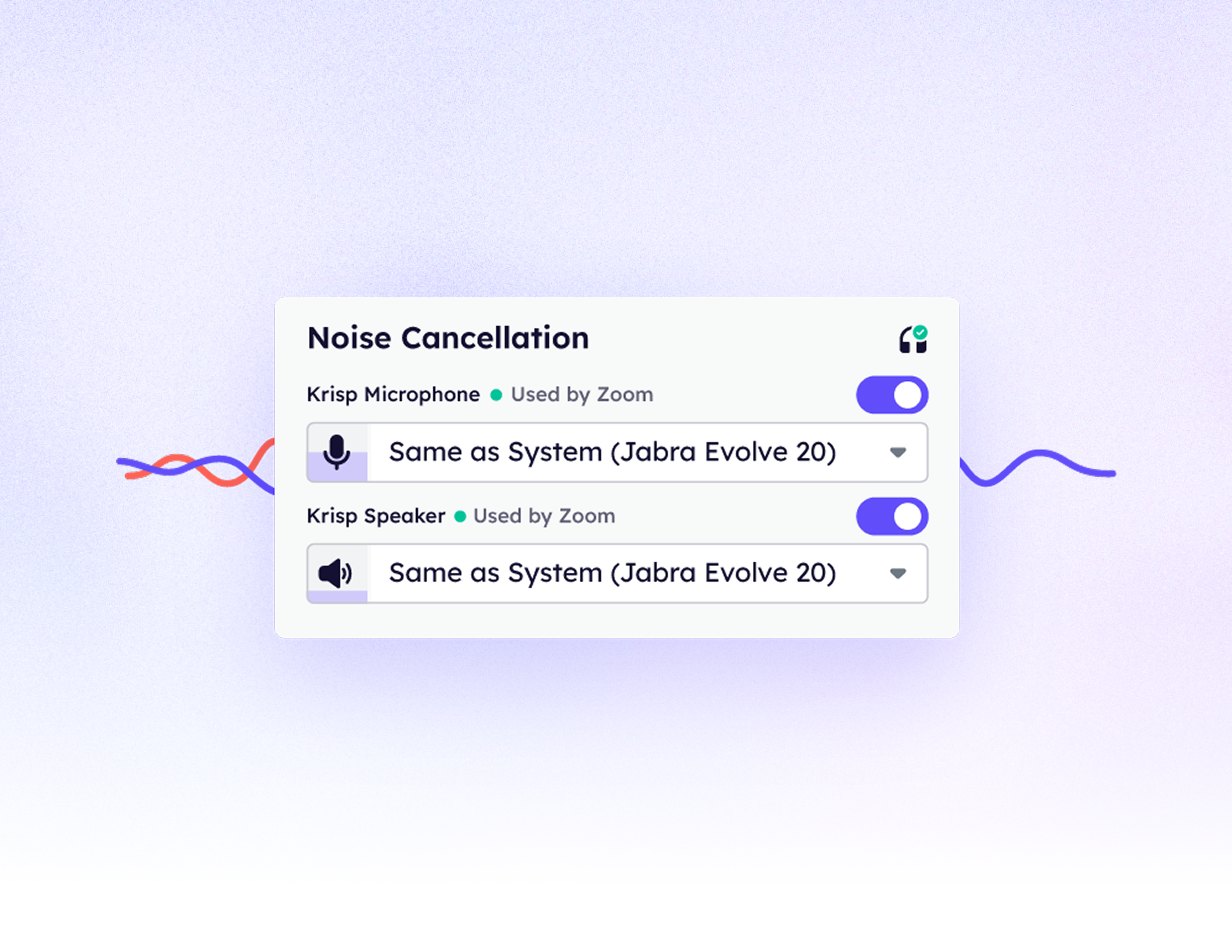
    Sign up, download and install Krisp for Mac or Windows. Open your conferencing app and select Krisp Microphone for input and Krisp Speaker for output.

    02
    Cancel your & others' noise

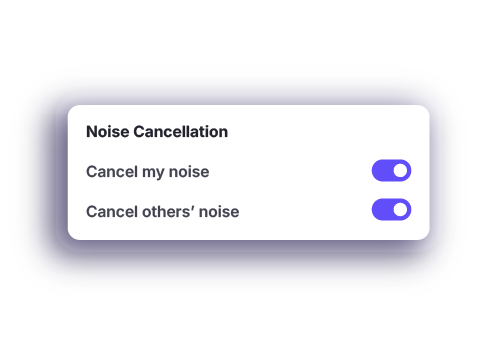
    Choose “cancel my noise” to remove background noise from your side. Choose “cancel others' noise” to remove background noise coming from other participants.
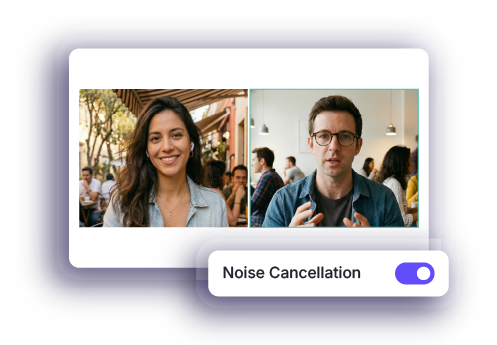
    03
    Start your call with clean audio

    Join any meeting as usual. Krisp background noise remover runs automatically in the background and applies your chosen settings the moment your call starts.


    Works seamlessly with all conferencing platforms

    Who Krisp noise reduction is for

    Sales and Customers Success teams
    Crystal-clear client calls
    Handle calls from noisy environments without losing clarity
    Focus on the conversation instead of background distractions
    Hybrid and Remote teams
    Improve remote meeting clarity with AI noise suppression
    Maintain consistent audio quality with real-time noise reduction
    Professional Services
    Professional and clear consultations with noise cancelling technology that ensures focus.
    Comprehensive capture of details
    Actionable insights from meetings
    Call Center (BPO)
    Crystal-clear calls on busy contact center floors
    Remove background noise and chatter for every agent
    Deliver consistent call quality at scale
    Call Center (Enterprise)
    Improve CSAT
    Improved AHT and Call Resolution Time
    Improved agent retention and happiness
    SDK and Developers
    Smooth integration and embedding
    Full API documentation and support
    Trusted by leading brands such as Discord, Zoho and RingCentral
    Crystal-clear client calls
    Handle calls from noisy environments without losing clarity
    Focus on the conversation instead of background distractions
    Improve remote meeting clarity with AI noise suppression
    Maintain consistent audio quality with real-time noise reduction
    Professional and clear consultations with noise cancelling technology that ensures focus.
    Comprehensive capture of details
    Actionable insights from meetings
    Crystal-clear calls on busy contact center floors
    Remove background noise and chatter for every agent
    Deliver consistent call quality at scale
    Improve CSAT
    Improved AHT and Call Resolution Time
    Improved agent retention and happiness
    Smooth integration and embedding
    Full API documentation and support
    Trusted by leading brands such as Discord, Zoho and RingCentral

    Customers love Krisp

    Trusted by millions and recognized by G2 as a leader in Voice AI.

    Read G2 reviews
    G2 Badge for Krisp G2 Badge for Krisp G2 Badge for Krisp G2 Badge for Krisp

    Most comprehensive and
    affordable noise cancellation

    Real-time background noise removal
    Speaker-side noise cancellation
    Listener-side noise cancellation
    Voice isolation
    Echo cancellation
    Works with all meeting apps
    Additionally app comes with
    Speaker- and Listener-side Accent Conversion
    AI note taker
    Krisp
    Yes
    Yes
    Yes
    Yes
    Yes
    Yes
    Yes
    Yes
    Other noise cancellation apps
    PartialMostly for post-meeting video noise removal
    PartialLimited or not available
    NoAvailable for video and audio files only
    PartialBasic or inconsistent
    NoOften not included
    PartialLimited integrations
    NoNot supported
    NoNot supported

    Hear it from our customers

    Patrick L.
    Patrick L. Read the G2 Review

    “I love how Krisp is noninvasive, seamlessly fitting into my workflow without the awkwardness of having a chatbot participate in my meetings. This makes it unique compared to other AI tools that often feel intrusive. I appreciate the seamless experience it provides, especially with note-taking, as Krisp helps me stay focused during meetings and eliminates the need for manual note-taking. I find value in the action lists and summaries it offers, allowing me to reassess and ... Read more

    Michael L.
    Michael L. Read the G2 Review

    “I use Krisp for all my online meetings, including Google Meet, Microsoft Teams, Zoom, and Webex, which shows its versatility and compatibility with various platforms. I particularly appreciate how Krisp allows me to focus entirely on the meeting without the distraction of taking notes. With Krisp recording the call and providing a full transcript, summary, and highlighting action items, I can confidently give the meeting my full attention”

    “I almost never post about tools, but I've been working to improve how I follow up after customer conversations.

    Having clear and accurate summaries and notes from calls makes a big difference, especially when switching between conversations or looping in teammates. I have been using Krisp for this, and it has helped me stay aligned on key ... Read more

    Victor D.
    Victor D. Read the G2 Review

    “Krisp is agent-less, and its AI identifies and transcribes audio with impressive accuracy. I have been using Krisp on my Mac every day for over a year, and I find it straightforward to install and use. The integration process is simple, making it easy to record meetings on Teams, Zoom, Meet, and just about any other platform. I have also used the feature to record in-person meetings a few times. It also works with meeting conducted in other languages, a great advantage for us since a 30% of them are in Spanish.”

    Carlos C.
    Carlos C. Read the G2 Review

    “I really appreciate that Krisp works exceptionally well for transcription, providing almost 100% accuracy. Its ability to notate everything word by word with minimal mistakes is incredibly useful for my daily online activities, such as phone calls and Zoom meetings, and it proves to be very reliable”

    Merced De La Grazzia G.
    Merced De La Grazzia G. Read the G2 Review

    “I love how Krisp allows me to record all the calls with my work team to be able to remember important data and generate minutes with certainty. This is especially useful for accessing information that could be forgotten or misinterpreted during a meeting. Additionally, I appreciate that it allows me to play back the audio with all the details that existed during the call, offering an exact fidelity of what happened. I can even hear comments I made when I was muted, which I consider ... Read more

    Enterprise-grade
    security for your
    noise-free meetings

    Enterprise-grade <br> security for your <br> noise-free meetings

    Governance

    Quick, easy deployment to all computers at once
    User access and management
    Centralized billing
    Email, OAuth, and SSO user verification

    Privacy & Security

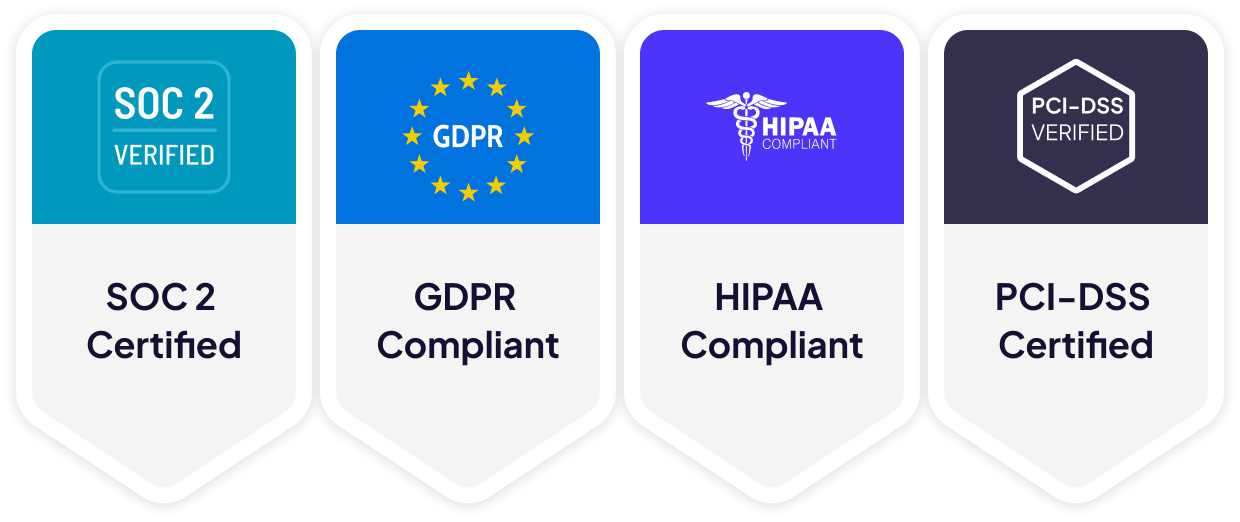
    No voice data visible to Krisp servers
    GDPR compliant
    SOC 2 Type II
    Encryption in-transit and at-rest
    PCI-DSS 4.0
    HIPAA compliant
    Enterprise-grade <br> security for your <br> noise-free meetings

    Explore more on noise cancellation

    11 Best Noise Cancelling Apps & Software in 2026

    11 Best Noise Cancelling Apps & Software in 2026

    A hands-on review of 11 noise cancellation tools tested across real conditions, comparing quality, latency, and pricing.

    How Does Noise Cancelling Work?

    How Does Noise Cancelling Work?

    Explore noise cancellation technology, from passive and active methods to AI-powered software like Krisp for clearer communication.

    How to Remove Background Noise: A One-Click Solution

    How to Remove Background Noise: A One-Click Solution

    Learn how AI-powered Krisp removes background noise with one click, making crystal-clear audio accessible to anyone.
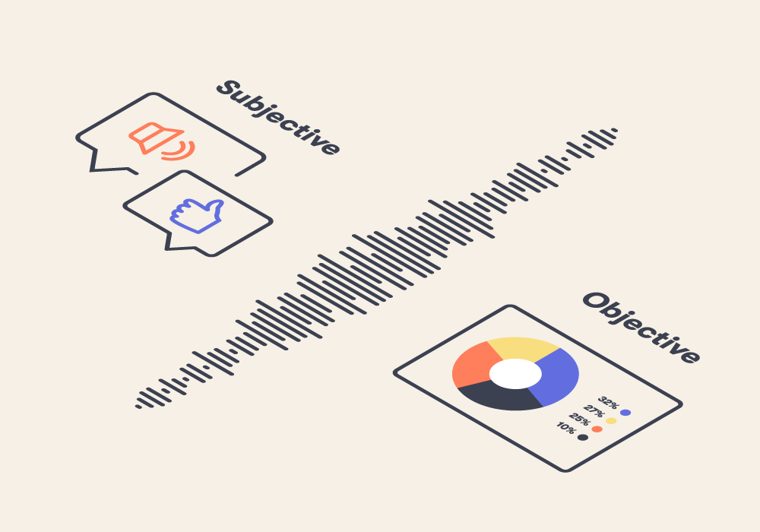
    Noise Cancellation Quality Evaluation

    Noise Cancellation Quality Evaluation

    How Krisp evaluates its AI noise-cancellation algorithm through subjective and objective testing to balance noise removal with voice preservation.

    Have Questions?
    We've got answers

    What does noise cancelling actually do?
    Noise cancelling software uses AI noise reduction to remove distracting sounds in real time while keeping speech clear. Krisp noise suppression filters out background noise like typing, street noise, or chatter, so only your voice comes through naturally. This makes every call easier to follow and more professional.
    Is 100% noise cancelling possible?
    In real life, no tool can guarantee perfect silence in every situation. But a strong noise canceling app can remove most day to day distractions and make your voice consistently clear. Krisp is built specifically for live calls, so its noise reduction is optimized for speech clarity, not just sound removal.
    How to noise cancel on PC?
    To noise cancel on PC, download and install Krisp, then open the conferencing app you use (like Zoom, Google Meet, or Teams) and set your microphone to Krisp Microphone and your speaker to Krisp Speaker. After that, open the Krisp app and choose the mode you want, either Cancel my noise to remove background noise from your side or Cancel others’ noise to clean up what you hear from other participants.
    What is the best noise cancelling software?
    The best noise suppression software is the one that works in real time on your calls, across any app, without extra setup. Krisp is designed as noise-cancelling software for meetings, so it delivers dependable noise reduction live, whether you are in a home office, cafe, or busy workspace.
    Can I remove background noise from my microphone in real time?
    Yes, real-time noise cancellation software can filter microphone input instantly so background sounds are removed before others hear you on a call.
    What is the difference between noise-cancelling headphones and Krisp?
    Noise-cancelling headphones reduce background noise you hear during playback, while Krisp also removes background noise from your microphone so others hear you clearly during calls and meetings.

    Upgrade your calls with the leading
    noise cancelling software.

    background for toggle