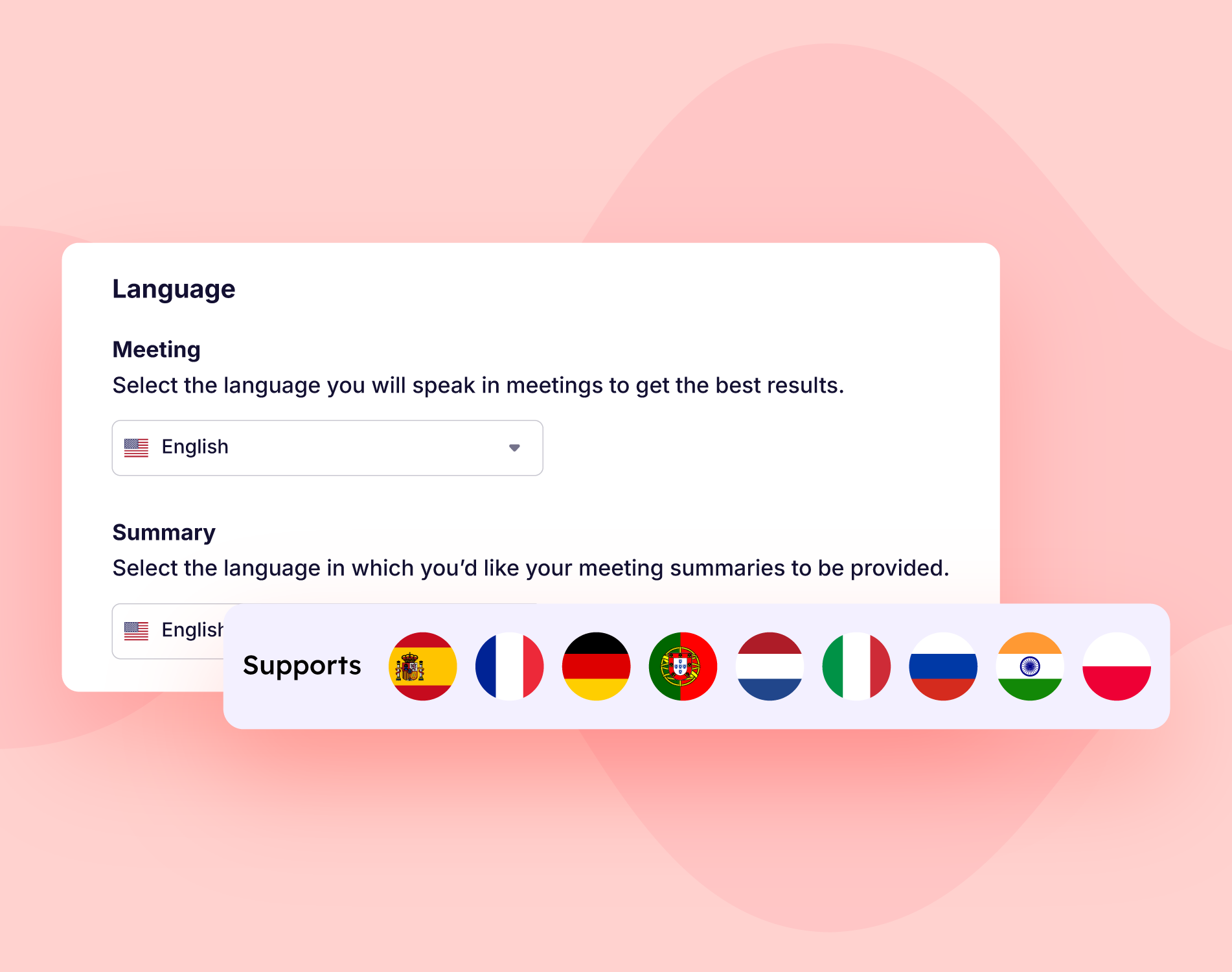
Your Meeting Notes should work for you. Now, you can choose the language of your Notes, so your Key Points, Action Items, and Outline match your workflow and communication style.
What’s New?
With this update, you can receive Notes in the same language as your transcript or select from the supported languages’ list for even more flexibility.
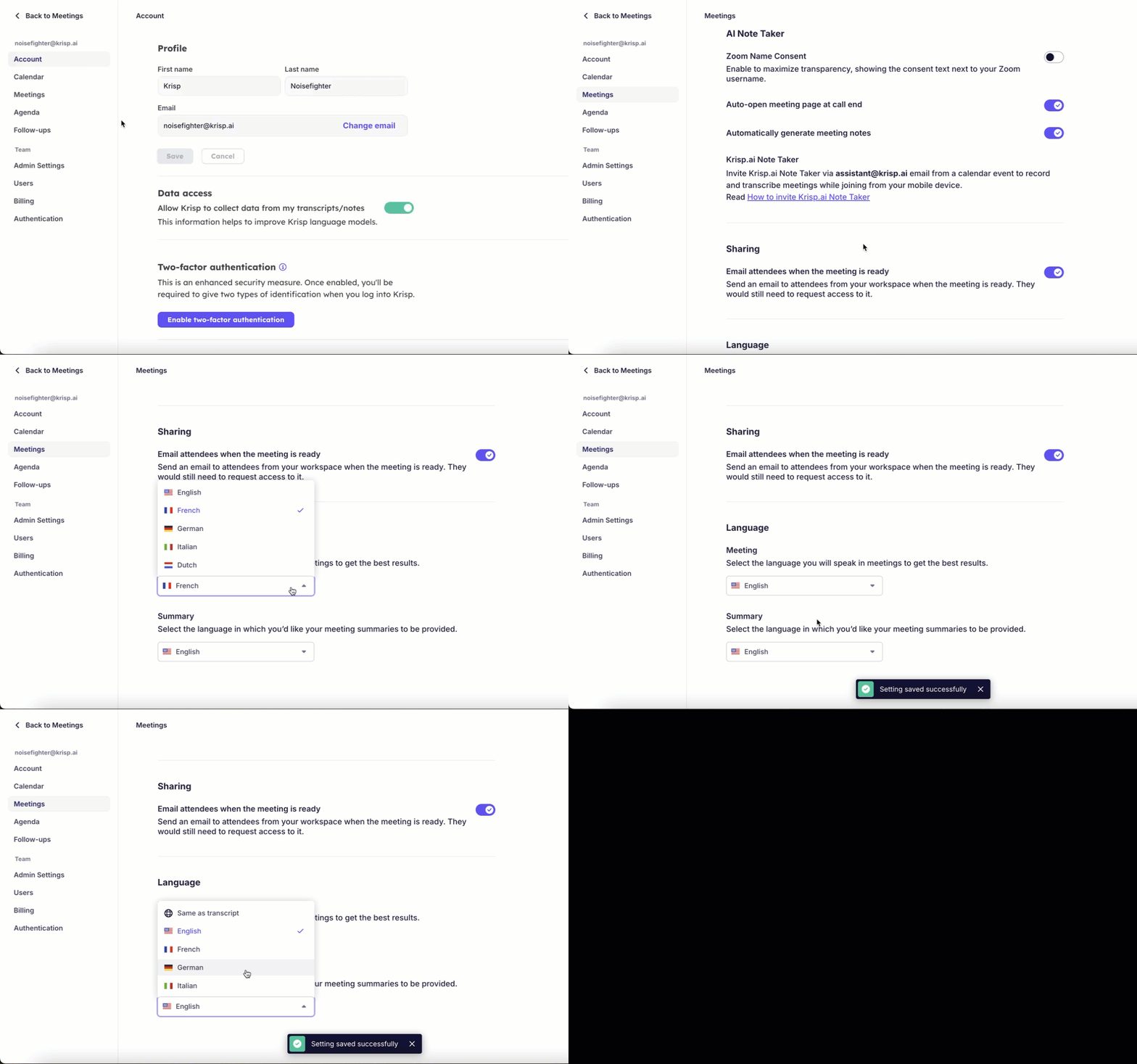
How to Set Your Preferred Language
- Go to Settings > Meetings > Language > Summary
- Choose from the supported languages’ list
- By default, Notes will match your transcript language (“Same as Transcript”), but you can change it anytime
Check our help article for more details.
Why You’ll Love It
- Notes in your language – Work the way you want without language barriers.
- Easier collaboration – Share Notes with teammates in their preferred language.
- Stay organized your way – Keep Notes aligned with how you document and review meetings.
Now, your Meeting Notes adapt to you. Try it today!