According to a study by Stanford University, remote workers are 13% more productive than their in-office counterparts. This boost in productivity is a big reason why remote work has become so popular in recent years. As more companies embrace flexible work arrangements, the need for reliable technology—especially meeting apps—has grown significantly. These tools make it easier for teams in different locations to communicate and collaborate. This helps them maintain the high productivity levels that remote work offers.
The 5 Best Online Meeting Apps
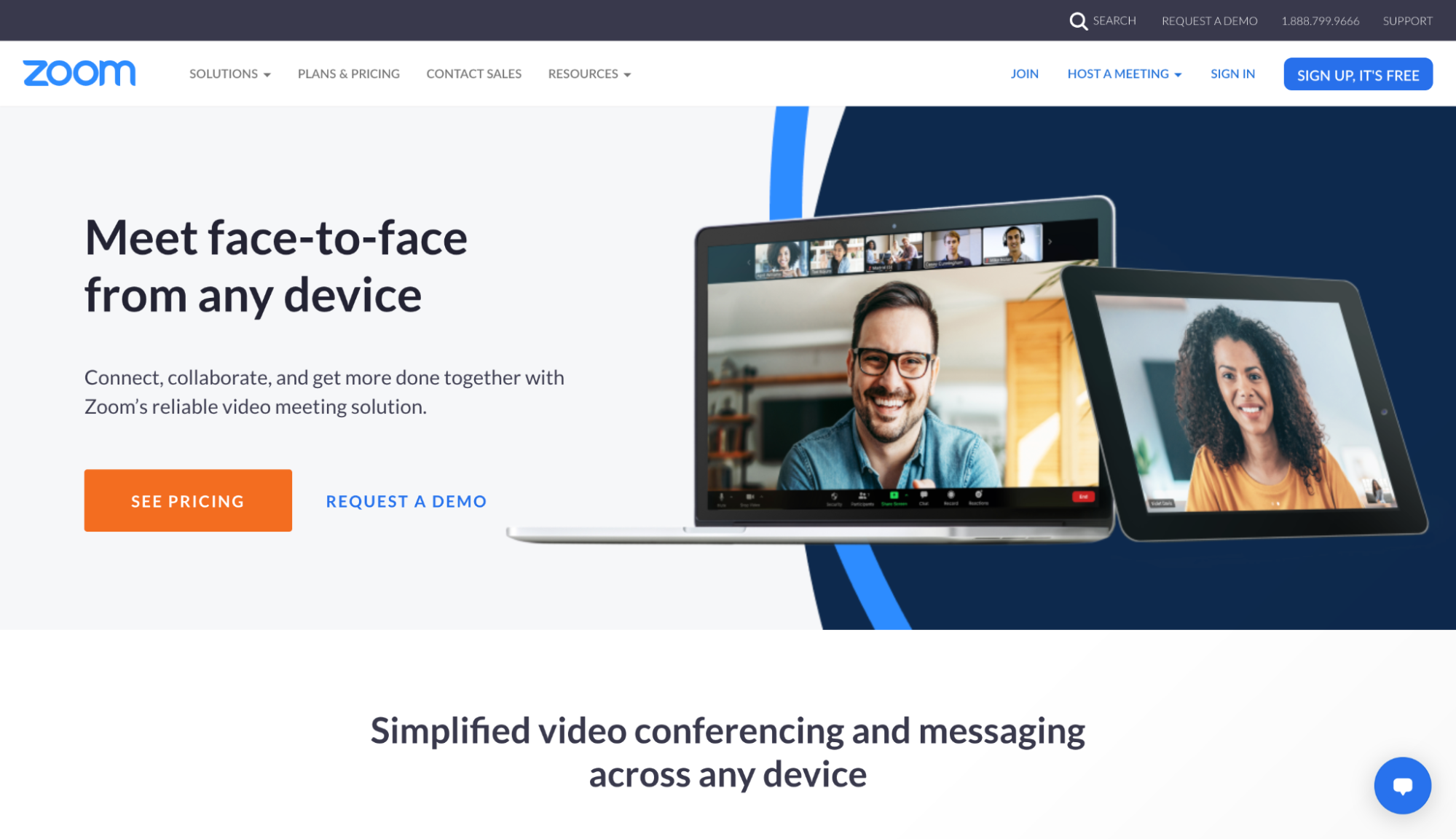
Zoom for reliable, large video calls
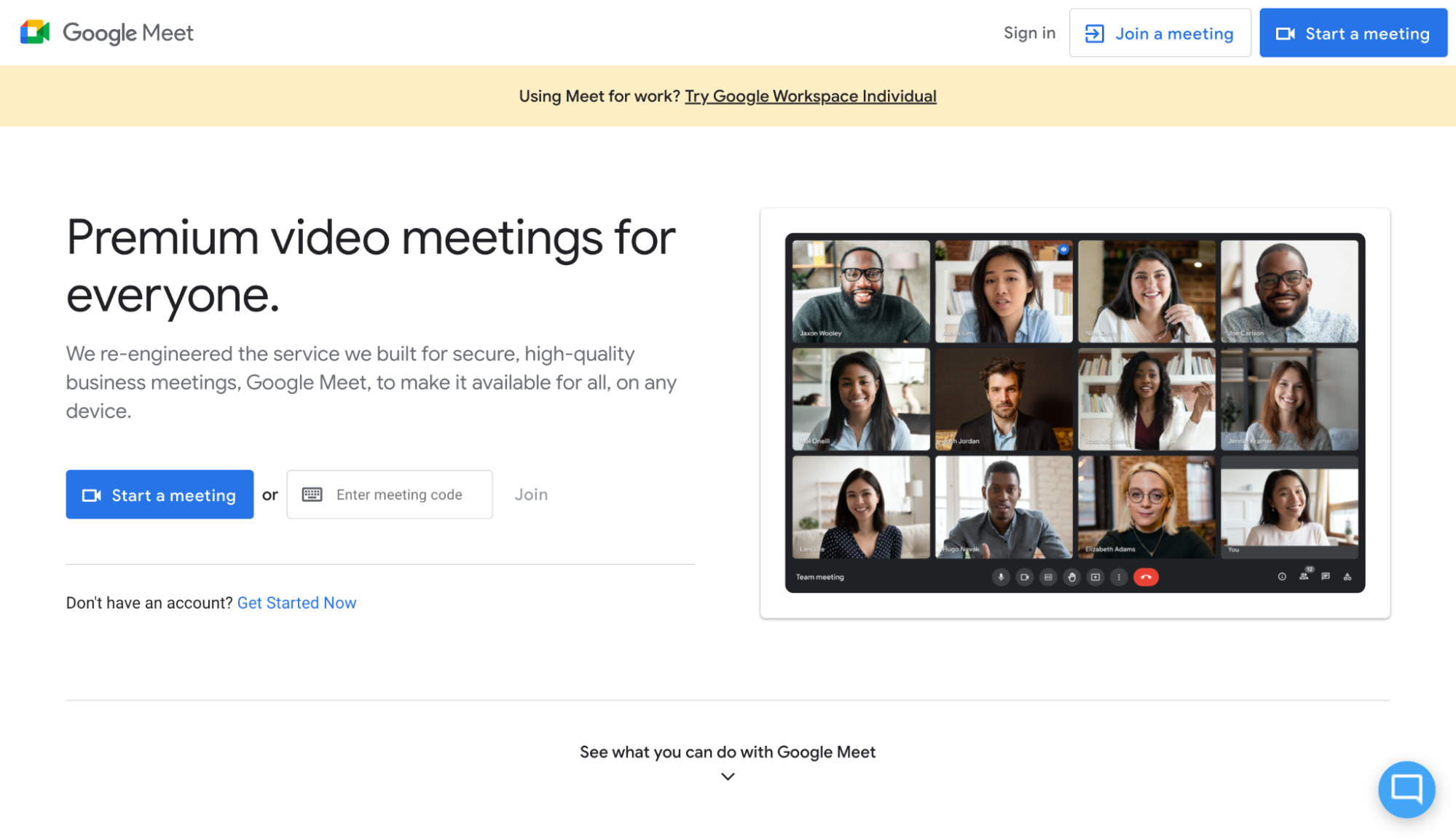
Google Meet for Google Workspace users
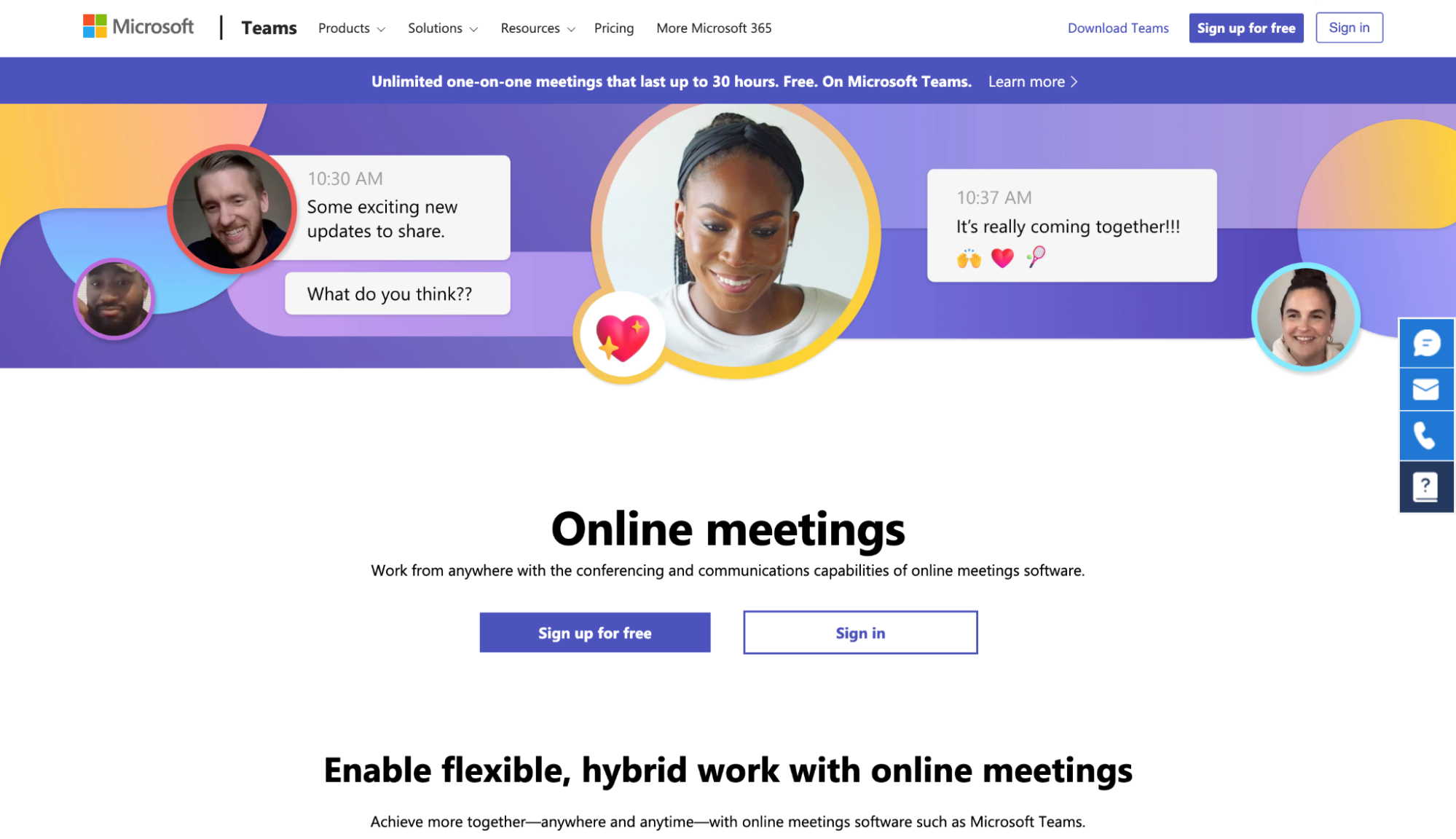
Microsoft Teams for combining team chat and video conferencing
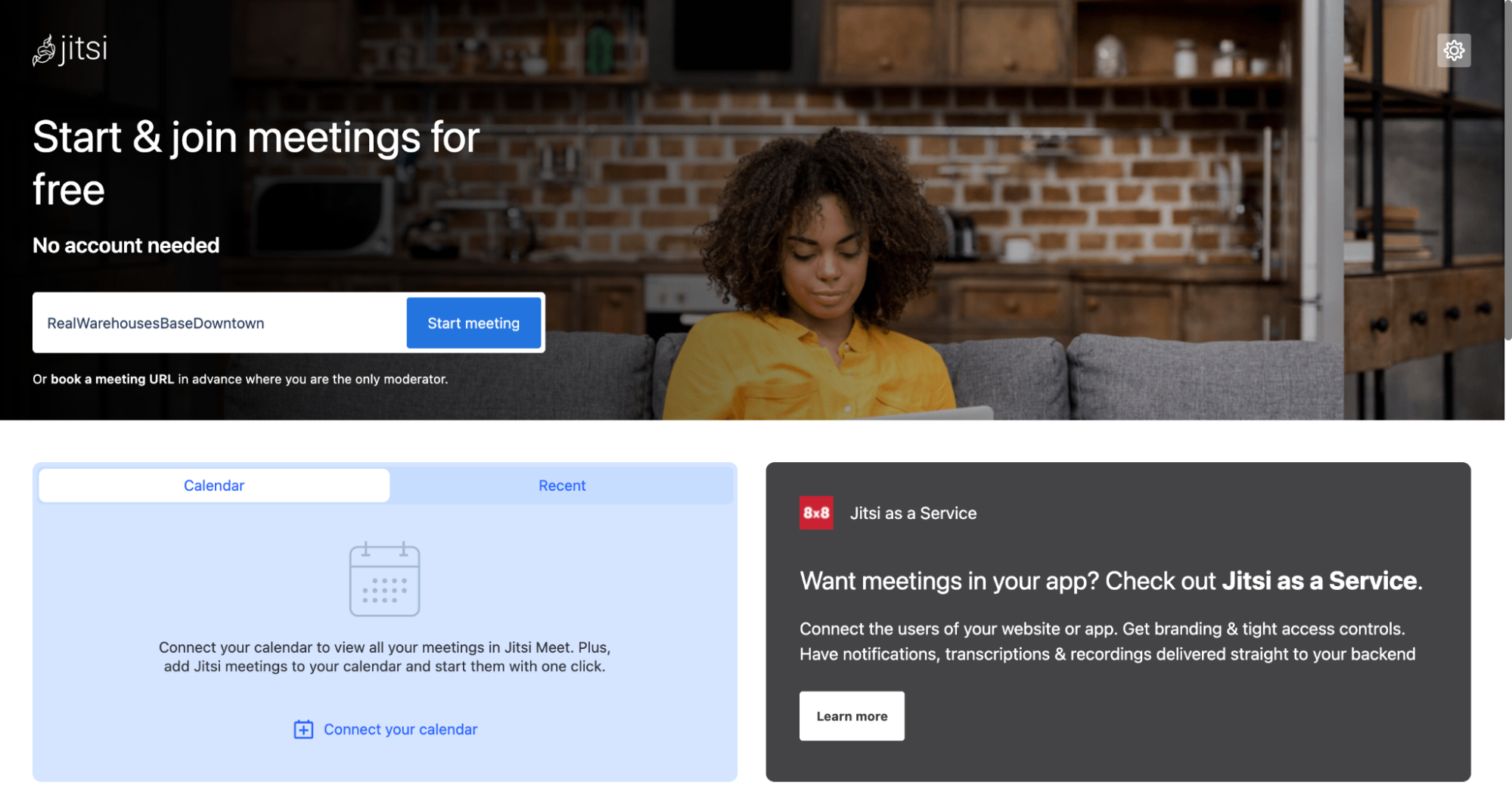
Jitsi for a lightweight option
Krisp as an overall AI Meeting Assistant (works with all apps above)
What Makes the Best Online Meeting App?
The most important aspect of any online meeting app is the quality of the video. This isn’t just about how clear the picture looks—it’s also about ensuring that the connection is stable, with minimal disruptions like people cutting out or calls dropping. To evaluate the best online meeting apps, only relying on video quality is finding one piece of the puzzle. There are important needs of businesses that require more robust features for meetings.
Reliable High-Quality Video and Audio: The foundation of any great online meeting app is its ability to deliver clear video and audio consistently.
Easy Meeting Management: Scheduling, starting, and joining meetings should be straightforward. The best apps allow you to quickly schedule meetings, sync them with your calendar, and provide clear, accessible links to join when it’s time.
Collaboration Tools: Basic collaboration features like screen sharing and chat are essential. However, the top apps go further, offering tools like whiteboarding and direct document collaboration to enhance teamwork.
Simple Video Recording: Not everyone can attend every meeting, so the ability to easily record and share meetings is crucial. The best meeting app for recording makes this process as simple as clicking a button, ensuring that you can easily capture and review important discussions.
Seamless External Participation: It should be easy to invite people from outside your organization to join your meetings. A simple link should allow them to join with minimal hassle, while security features ensure that only invited participants can enter.
Built-in Noise Cancellation Tools: Background noise, whether it’s the hum of a busy office, the chatter of a café, or household sounds, can be distracting for both the speaker and the participants. Many online meeting apps excel in areas like video quality and collaboration tools, noise cancellation is an often overlooked but critical feature. Finding an online meeting app with a noise cancellation tool can effectively filter out these unwanted sounds, allowing everyone to focus on the conversation without interruptions.
App
Best For
Noise Cancellation
Pricing
Zoom
Reliable, large video calls
Basic, built-in
Free for up to 100 participants and 40-minute meetings; Pro plan starts from $15.99/month
Google Meet
Google Workspace users
Basic, built-in
Free for up to 100 participants and 60-minute meetings; part of Google Workspace
Microsoft Teams
Integrating team chat with video conferencing
Basic, built-in
From $4/user/month (billed annually) for just Teams
Jitsi
A lightweight option
None
Free
Krisp
AI Meeting Assistant
Advanced AI-driven, compatible with any meeting app
Free for personal use; Pro plan from $8/month per user
Zoom: Best for reliable, large video calls
What’s Available for Free:
40-minute limit on group meetings, 100 participants maximum.
Local recording, screen sharing, virtual backgrounds, breakout rooms, private and group chat, whiteboarding, TLS encryption, end-to-end encryption, waiting room, and filters.
Paid Features:
30-hour group meetings.
Up to 1,000 participants on the Enterprise plan.
Co-hosting, recording transcriptions, live transcription, cloud recordings, and enhanced support options like ticketing, live chat, and phone support.
Zoom
Key features
Reliable and easy to use
Collaboration features and video recording
Simple to add people outside your org
Pros
Reliable and easy to use
Includes collaboration features and video recording
Makes it simple to add people outside your org
Cons
Not part of a software bundle, which can get expensive in large organizations
Google Meet: Best for Google Workspace users
What’s Available for Free:
Up to 1 hour per meeting, with a 24-hour max duration for one-on-one meetings.
Up to 100 meeting participants.
Screen sharing, virtual backgrounds, chat, whiteboarding (Jamboard), live closed captions, and encryption in transit and at rest.
Upgrade for These Features:
24-hour duration for group meetings.
Up to 250 participants on the Enterprise plan.
Hand Raising and Breakout Rooms
Polls and Q&A
Recordings to Google Drive
Noise Cancellation
Live Translated Captions
Stackable Video Effects and Emoji Reactions
24/7 Support
Google Meet
Key features
Deep integration with Google Workspace apps
Live captions
Up to 100k participants in view-only mode
Bundled with Google Workspace
Pros
Deep integration with Google Workspace apps
Live captions
Up to 100,000 participants in view-only mode
Comes bundled with Google Workspace
Cons
Can be laggy on large video conference calls
Microsoft Teams: Best for combining team chat and video conferencing
What’s Available for Free:
Up to 60 minutes each.
Up to 100 meeting participants.
Screen sharing, virtual backgrounds, breakout rooms (available on the desktop app), chat, whiteboard app add-on, encryption at rest and in transit, and a virtual lobby.
Upgrade for These Features:
24-hour group meetings.
Up to 300 meeting participants.
Live Captions
Recordings
Enhanced Support
AI-powered meeting recaps, customizable backgrounds, watermarking for sensitive content, and Copilot integration for AI-driven insights and summaries.
Microsoft Teams
Key features
Great video conferencing that integrates seamlessly with Office 365
Plenty of collaboration features
High video quality, works well with large calls
Pros
Seamless integration with Microsoft Office 365
Plenty of collaboration features
Great video quality, even with large calls
Cons
Utterly confusing if you’re not using Teams as your team chat app
Jitsi: Best for a lightweight option
What’s Available for Free:
Unlimited Meeting Duration
Participants
Recording
Breakout Rooms
Screen Sharing
Chat
Raise/Lower Hand
Virtual Backgrounds
End-to-End Encryption
Jitsi
Key features
Free and open source; no account required
Good video quality
Integrations available
Pros
Free and open source; no account required
Good video quality
Integrations available
Cons
Not as feature-rich as other options
Occasionally laggy
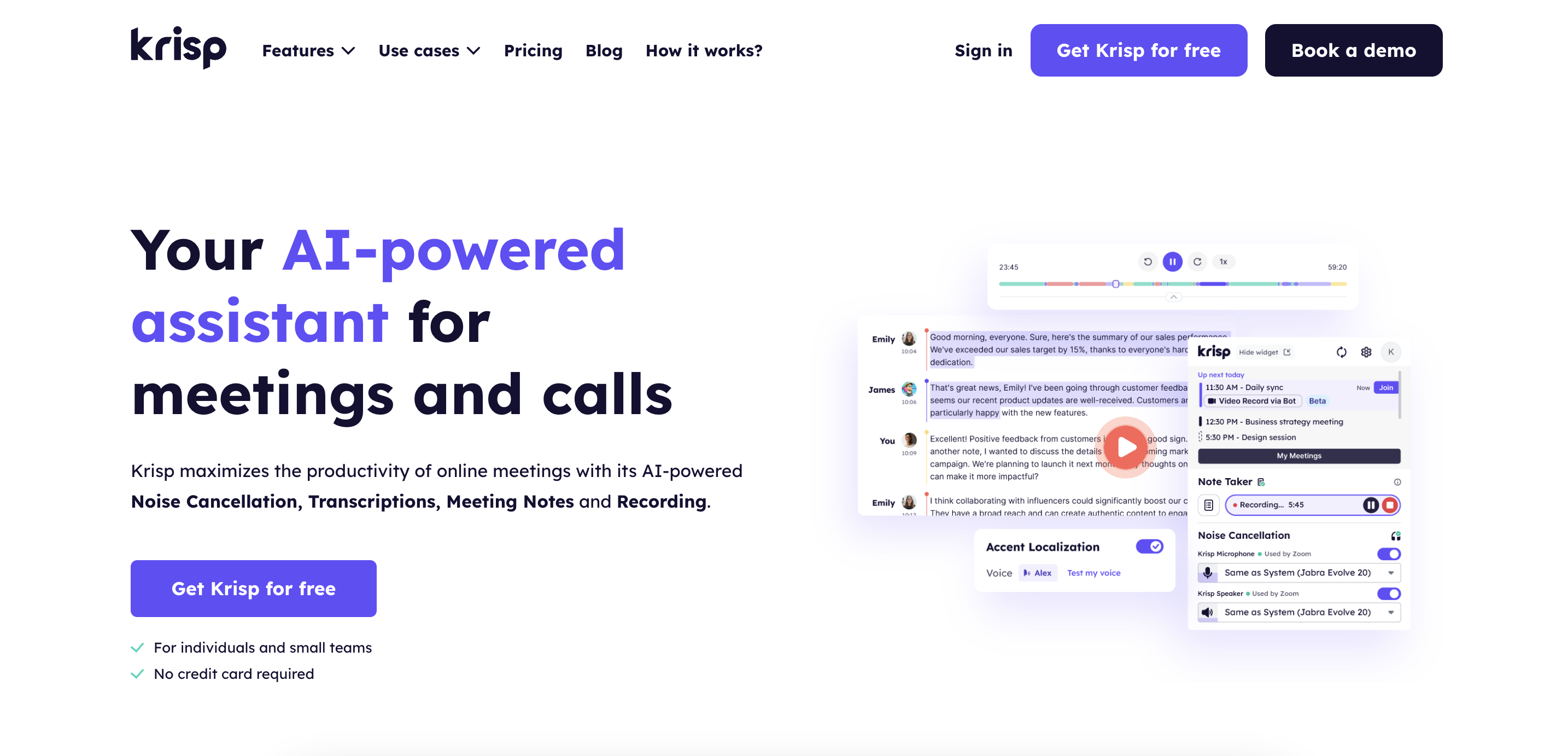
Krisp: Best for noiseless calls and compatible with all apps
Selecting the right meeting app for your team comes down to your specific needs and priorities. The best app is the one that fits seamlessly into your team’s workflow, boosts collaboration, and meets your communication needs. Whether you’re a small business, a large enterprise, or a remote team, consider your team’s size, the tools you already use, and the features that matter most to you when making your choice.
FAQ
Krisp offers a free plan that includes 60 minutes per day of background noise, voice, and echo cancellation. It’s a great option for improving the audio quality of your meetings without any cost. Krisp is compatible with a variety of meeting apps, making it a versatile choice for enhancing your online meetings.
Krisp is an excellent choice for group meetings, particularly if you’re looking to improve audio quality by reducing background noise and enhancing voice clarity. Krisp can be used alongside popular meeting apps like Zoom, Google Meet, and Microsoft Teams to ensure a noiseless and clear communication experience for all participants.
Yes, you can use Krisp in Google Meet. Krisp acts as an AI-powered meeting assistant that provides noise and echo cancellation, voice clarity enhancement, and virtual backgrounds. It integrates with Google Meet to enhance the audio quality of your meetings, ensuring a clearer and more focused conversation.
Yes, you can use Krisp in Zoom. By integrating Krisp with Zoom, you can take advantage of its advanced noise and echo cancellation features to enhance the audio quality of your Zoom meetings, ensuring a clearer and more professional communication environment.