Two calls can have the same thirty-second silence and require completely different follow-up.
In one, the agent is searching a knowledge base that does not contain the answer. In the other, a required workflow step is still incomplete. The calls sound identical but don’t tell the whole story.
Most contact centers manually review less than 2% of calls. Krisp Speech Analytics analyzes 100% of calls post-call and surfaces the calls and moments that need closer review. But deciding what should happen next often requires more than the audio and transcript. Reviewers also need to see the work happening behind the conversation.
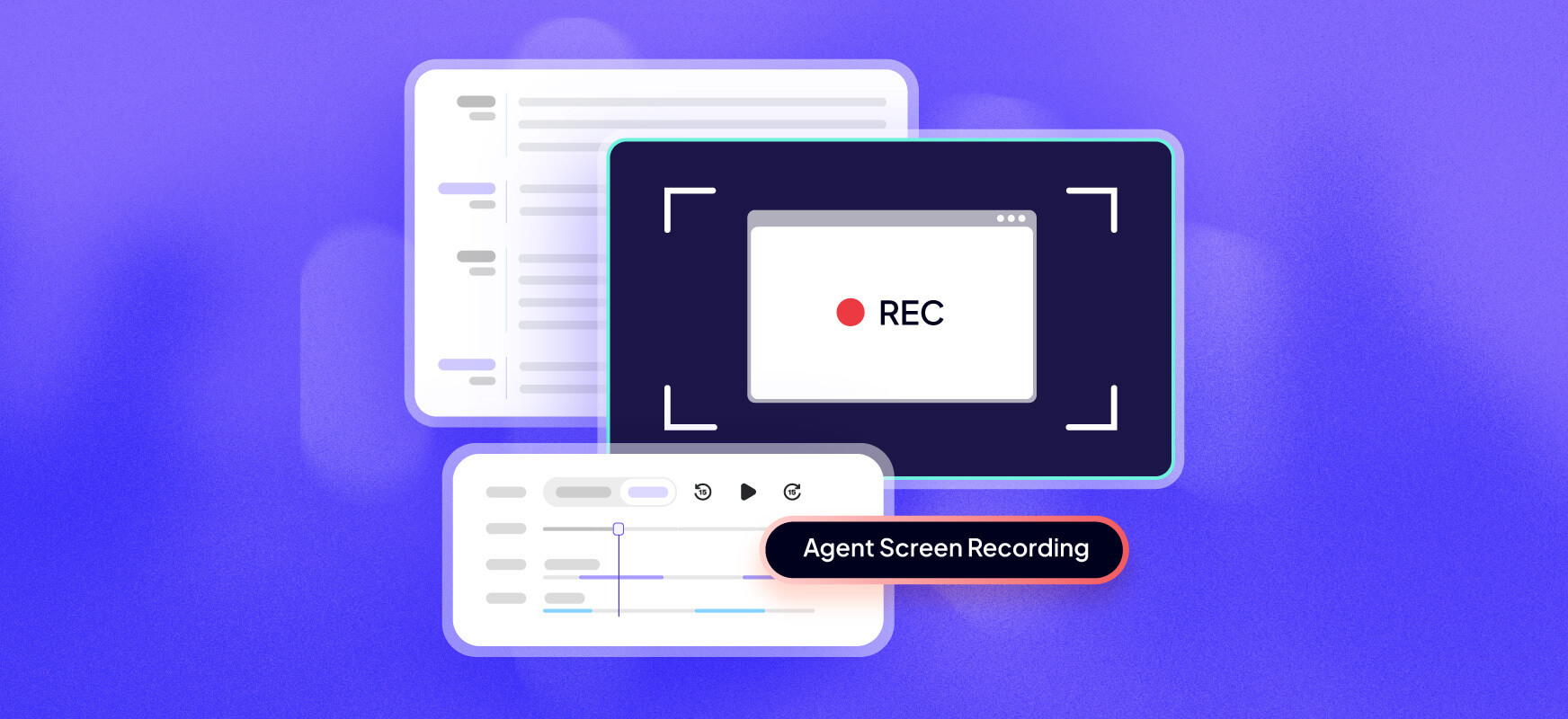
Agent screen recording shows the work behind the call
When enabled by an Admin, agent screen recording captures the agent’s screen during active calls only and attaches each video to the corresponding call in Krisp Speech Analytics.
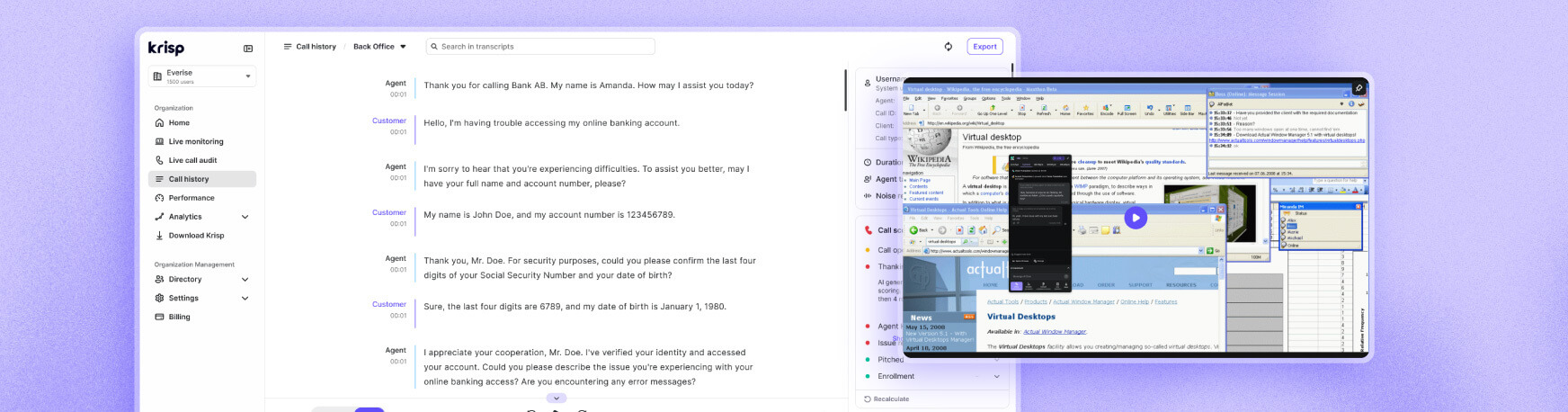
Reviewers can see what was open, what the agent tried, whether a required step was completed, and where the process appeared to stall. They interpret that screen video alongside the audio and transcript, grounding their assessment in observable evidence.
This makes it easier to distinguish an agent coaching opportunity from a gap in a knowledge source, workflow, or system. It also supports fairer evaluations by separating what the agent did from what their working environment allowed.
For BPOs, the recording can document visible issues in client-provided tools and processes. For enterprise contact centers, it helps teams route follow-up to the right owner. When supervisors and agents review the same on-screen moment together, calibration and coaching start from shared evidence rather than different interpretations of the call.
How Agent screen recording works
Agent screen recording is built into the existing Krisp desktop deployment, so teams do not need separate call center screen capture software, call center recording software, or additional infrastructure.
Recording begins when a call starts and ends when the it finishes. INothing is captured before, after, or between calls.
On the call details page, reviewers can play the screen video in sync with the call audio and transcript, then navigate to the relevant point in the conversation. The recording contains screen video only. Krisp does not transcribe, analyze, score, index, or redact it, and its contents are not searchable. Review remains human-led.
Recordings are available only to users assigned the Admin or Analyst role for that team in the admin portal. Admins can also configure the retention period for screen video independently of other call data.
To learn more and confirm availability for your team, contact your Krisp Account Executive or book a demo of Speech Analytics.