AI note taker for Microsoft Teams meetings

Meetings should be about ideas, not note-taking. Krisp’s AI note taker for Teams makes every meeting count with clear, automatic notes and summaries.

Green check mark For individuals and teams Green check mark No credit card required
AI Meeting Assistant

Trusted by the world’s largest global brands

Smarter meetings with MS Teams AI meeting notes

Bot-free recordings

Record Microsoft Teams meetings without a bot joining your call, and revisit key moments anytime. Krisp AI Recorder for Teams captures everything in the background, so you never miss important details.

checkbox
Capture every discussion without extra steps
checkbox
Rewatch and search recordings when needed
checkbox
Jump to specific moments with timestamped recordings

Accurate and shareable transcripts

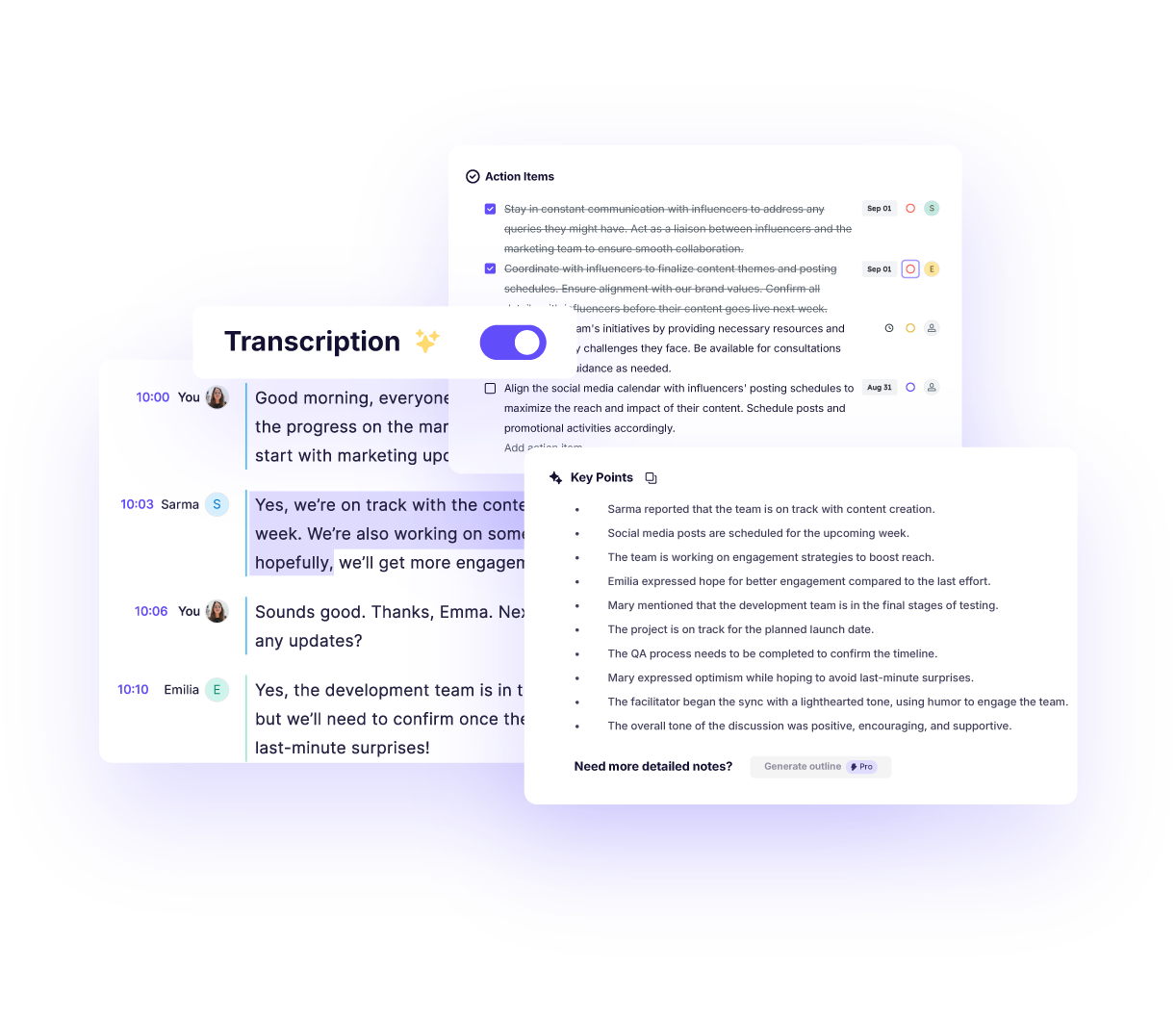
Get a complete transcript of every MS Teams meeting, making it easy to search, reference, and share conversations. Krisp’s Teams AI note taker transcribes discussions in real time and saves them for later use.

checkbox
96% accuracy of meeting transcriptions
checkbox
Searchable transcripts to find details quickly
checkbox
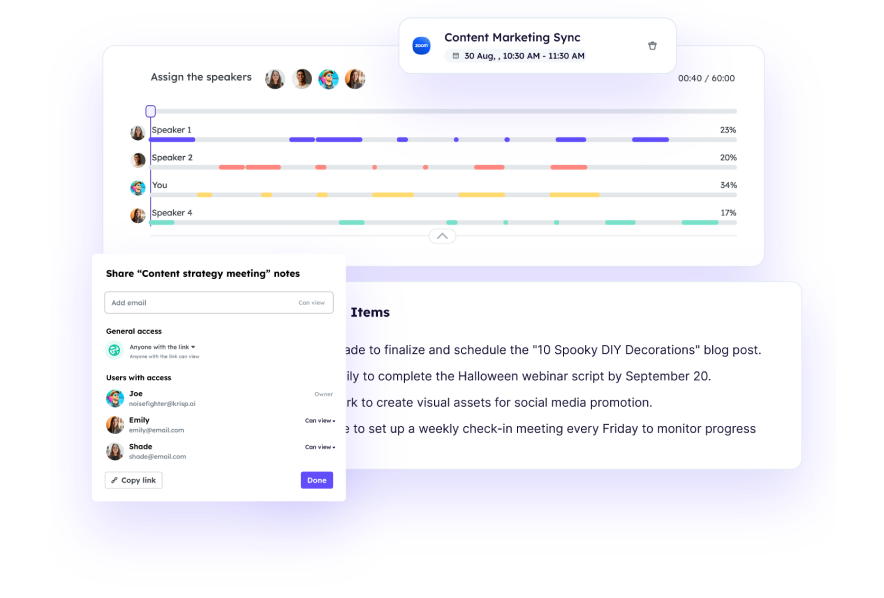
Speaker identification for attribution of who said what

AI notes and summary

Stay engaged in conversations while Krisp AI Meeting Assistant for Teams captures and organizes your meeting notes. It identifies key points, action items, and decisions, so you don’t have to write everything down.

checkbox
Automatically summarizes Teams discussions into clear notes
checkbox
Allows you to assign tasks to team members instantly
checkbox
Ensures you stay aligned and follow through efficiently

Seamless integration

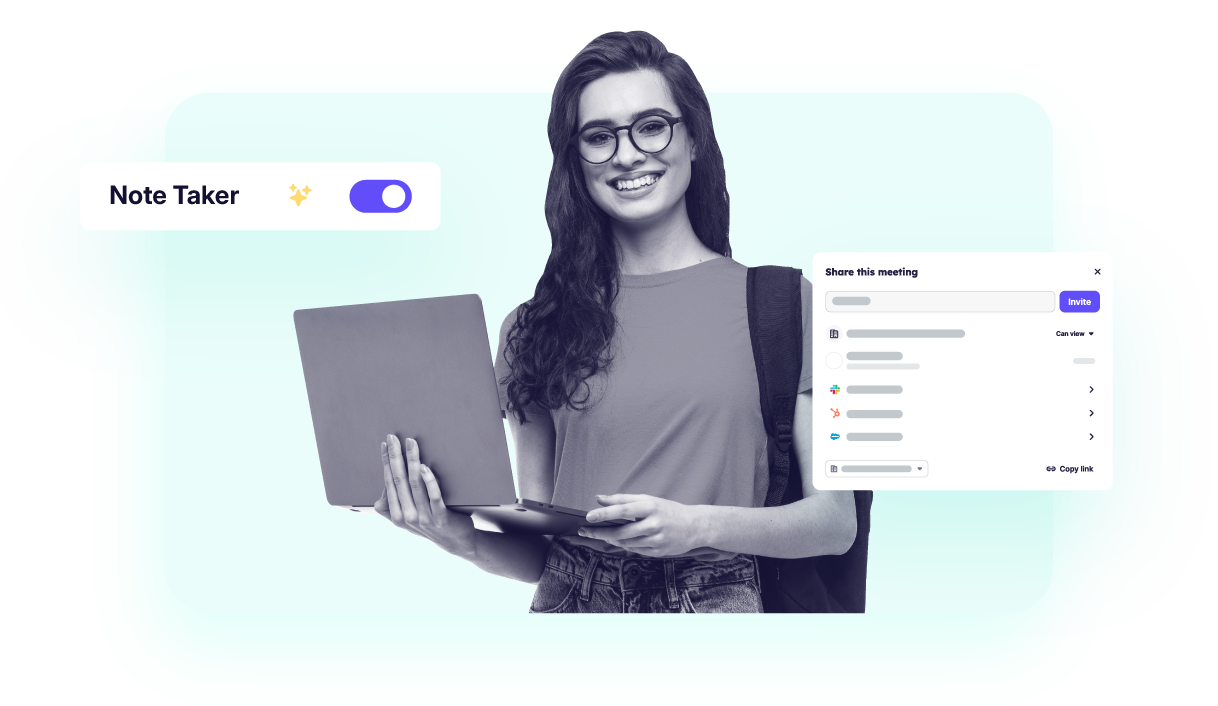
Keep everyone on the same page with organized Teams AI meeting notes that are easy to access and share. Krisp AI note taker for Teams ensures notes are synced across tools like Salesforce, HubSpot, Notion, Zapier, Affinity, and your calendar, helping your team stay aligned.

checkbox
Share meeting summaries with your team instantly
checkbox
Integrate Krisp’s MS Teams AI Note Taker with your favorite apps
checkbox
Keep data private with secure storage

Why teams choose Krisp for Teams AI meeting notes

Multilingual support

Microsoft Teams AI note taker supports 17 languages, allowing global teams to follow conversations without distraction, knowing key points are captured automatically for easy reference later, regardless of the language spoken.

AI chat and insights

Krisp AI Note Taker provides an AI-powered chat that lets you interact with your meeting content in real time. Ask questions about Teams AI notes and discussions, quickly retrieve key details and get quick answers without manually searching through transcripts.

Noise Cancellation and Accent Conversion

Krisp AI note taker for Teams enhances meeting clarity with industry-leading noise cancellation and real-time accent conversion on both the speaker and listener side, helping everyone communicate without accent barriers. Krisp ensures conversations become easier to follow, leading to more accurate transcriptions and higher-quality notes.

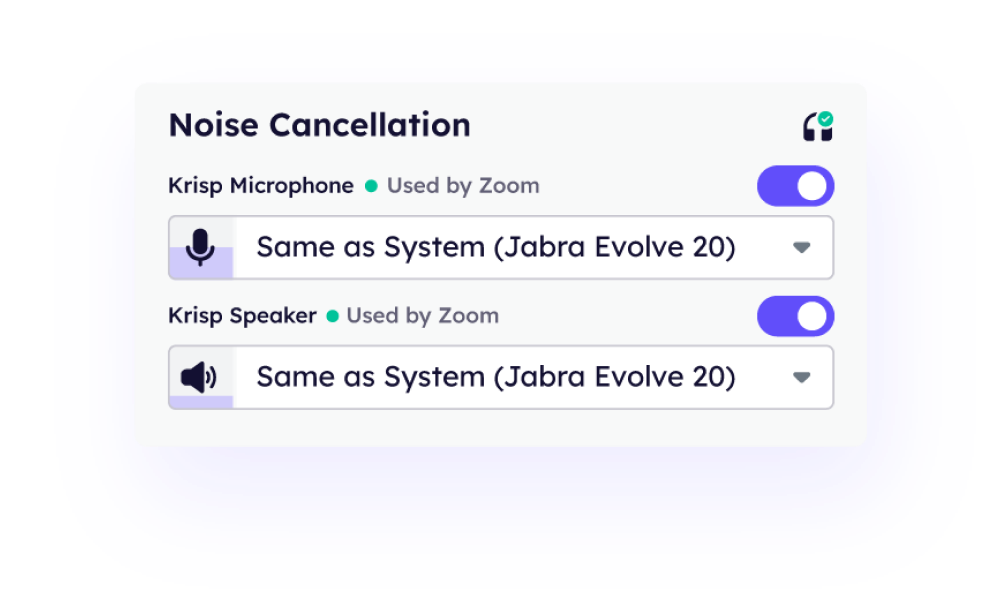
Get started with MS Teams AI note taker in minutes

Download and install
Sign up and install the latest version of Krisp to enable the Microsoft Teams AI note taker. Once installed, it’s ready to use, allowing you to capture and organize meeting insights.
Download and install
Configure
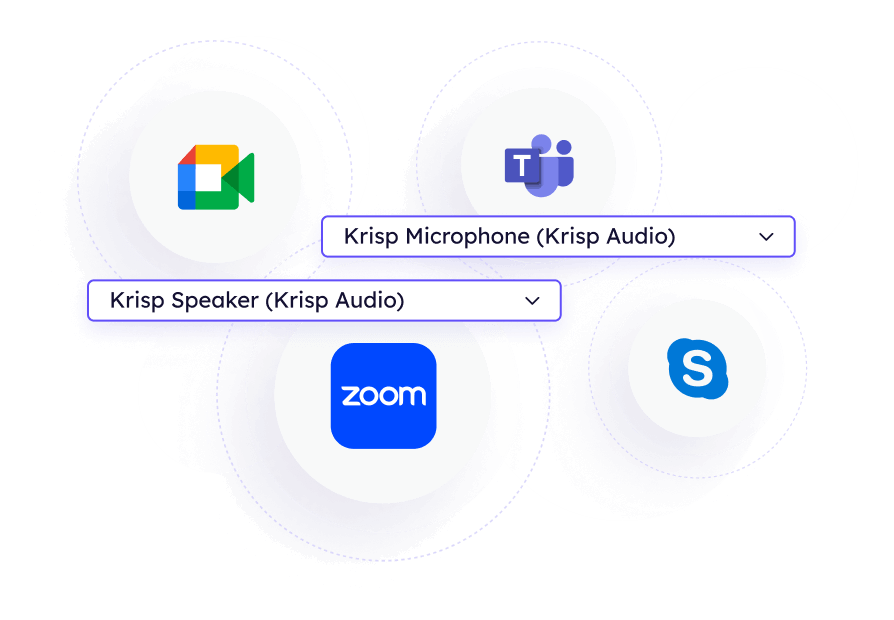
Open your communication app and select Krisp as both your microphone and speaker. In the Krisp app, toggle Note Taker ON. Choose whether to transcribe or both transcribe and record your meetings. For easier scheduling, connect your calendar to Krisp for one-click access to upcoming meetings.
Configure
Collaborate
After the meeting, review and refine your Teams meeting notes before sharing. Easily distribute summaries to your team, assign action items, and set deadlines. Keep discussions organized and ensure follow-ups happen smoothly.
Collaborate
Download and install Configure Collaborate

Automate Note-Taking in Microsoft Teams Easily

Krisp AI Note Taker integrates smoothly with Microsoft Teams, requiring no complicated setup. It also supports note-taking in Zoom and Google Meet and other platforms, giving you a seamless note-taking experience across your favorite meeting platforms. Simply enable it, and it works in the background.
Automate Note-Taking in Microsoft Teams Easily

Who Teams Note Taker is for

Business professionals
Stay organized and keep track of key meetings without spending time on manual notes.
  • Feature presentation Get structured summaries for quick reference
  • Feature presentation Save time reviewing discussions
  • Feature presentation Keep a clear record of decisions
Business professionals
Remote and hybrid teams
Krisp note-taking AI for Teams ensures no one misses important updates, no matter where they are.
  • Feature presentation Share meeting notes across time zones
  • Feature presentation Keep track of project discussions
  • Feature presentation Improve collaboration with clear summaries

Remote and hybrid teams
Sales teams
Maintain accurate records of customer interactions and follow-ups.
  • Feature presentation Automatically document client conversations
  • Feature presentation Track sales calls and commitments
  • Feature presentation Improve customer communication with detailed notes
Sales teams
Content creators and podcasters
  • Feature presentation Convert interviews into written content
  • Feature presentation Create accurate transcripts for editing
  • Feature presentation Keep track of brainstorming sessions
Content creators and podcasters
Educators and students
Stay focused during lectures while Krisp takes care of note-taking in MS Teams meetings.
  • Feature presentation Generate lecture notes automatically
  • Feature presentation Review discussions anytime
  • Feature presentation Keep a record of key learning moments
Educators and students

World-class recognition and awards

gartner cool vendor Cool Vendor in Digital Workplace Programs and Applications
forbes most promising award America’s Most Promising AI Companies
Webby award winner People's Voice Winner in Productivity & Collaboration
G2 Leader in noise cancellation Leader in Noise Cancellation and Voice Recognition

Got questions? We’ve got answers.

What is the best AI note taker for Teams?
The best AI note taker for Teams should transcribe meetings in real time, summarize key points, and organize action items for easy follow-ups. It should also integrate seamlessly with Teams and provide noise cancellation for clear conversations. Krisp offers all of these features, helping teams stay focused while it captures everything automatically.
How does Krisp’s MS Teams AI note taker work?
Krisp listens to your meetings and generates structured notes automatically. It captures key points, decisions, and action items, so you don’t have to write everything down. Our AI meeting note taker organizes everything in a format that’s easy to read and share. It works with Microsoft Teams AI note taking, providing a smooth experience without extra effort.
Does Krisp support Microsoft Teams AI note taking?
Yes, Krisp integrates with Microsoft Teams to generate meeting notes, transcriptions, and summaries automatically. It ensures that key discussions are captured, making follow-ups easier and keeping everyone aligned. The tool also provides secure sharing options, so meeting insights are accessible to the right people.
Is there a limit on how many notes I can take?
No, Krisp offers unlimited notetaking, so you can document as many meetings as you need. Whether you have daily check-ins or long strategy meetings, you’ll always have a complete transcript available. The transcripts are easy to search and review, helping teams stay organized.
Can I share notes and recordings with my team?
Yes, Krisp makes it simple to share meeting summaries, transcripts, and recordings. You can send notes instantly, collaborate on edits, and ensure that important insights are available to everyone who needs them. The secure sharing features help keep data private while allowing seamless teamwork.
Is my data private and secure?
Yes, Krisp is designed with security in mind. All meeting notes, transcripts, and recordings are encrypted and protected. Your data is never shared with third parties, and Krisp does not store sensitive audio files, ensuring your information remains private.

You're one click away from automatic meeting notes in Teams