Built inside enterprise contact centers, where accuracy is not optional
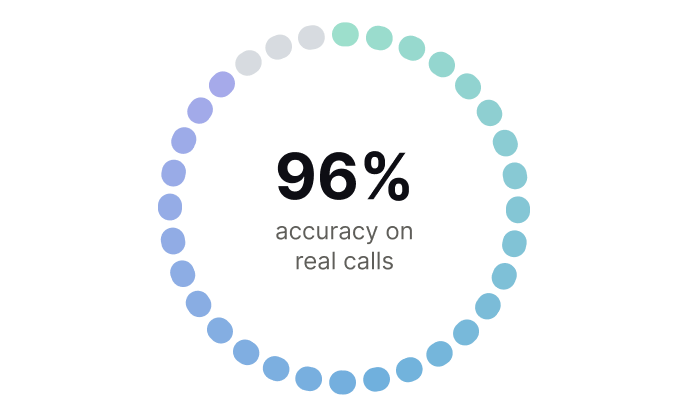
96% Accuracy
Most voice translation APIs report accuracy on clean benchmark recordings. Krisp's 96% comes from live enterprise calls with real customers, real accents, and real background noise.
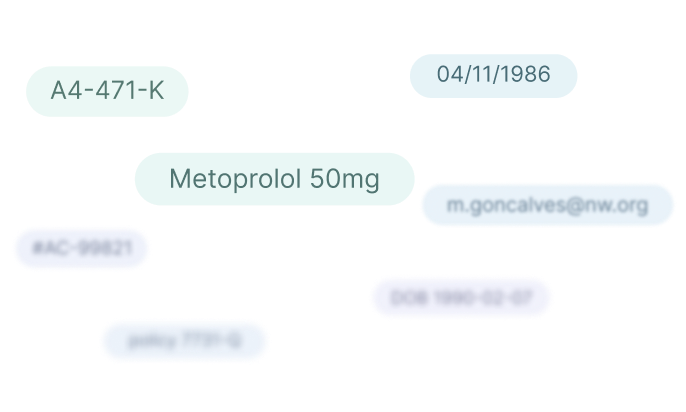
Names, Numbers, Emails…
Policy numbers, medication names, account details, dates of birth. The kind of content that typically gets hallucinated or garbled comes through accurately.
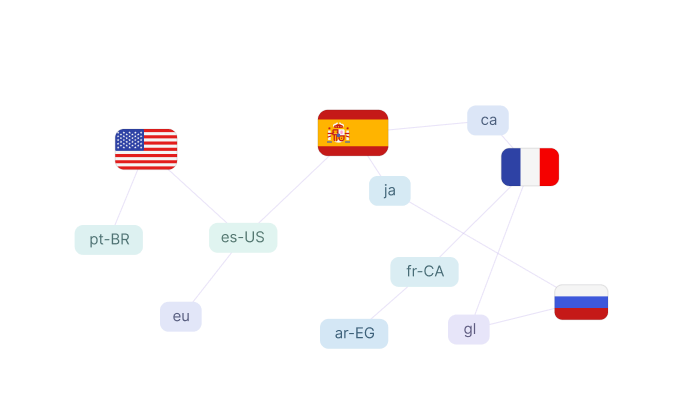
61 Languages, Any-to-Any
Translate from any source language to any target language, including locale-specific variants like US Spanish, French Canadian, Egyptian Arabic, Catalan, Basque, and Galician.
Background Voice Cancellation
Built-in BVC handles background noise, competing voices, and reverberation. Real-world audio from mobile phones, headsets, and call center environments works without preprocessing.
Accent Robust
Indian, Hispanic, and other accented speech translates with little to no accuracy degradation.
Custom Vocabulary and Dictionary
Add your terms (medication names, product names, jargon) so the engine recognizes them, then set how each translates per language pair ("copay" → "copago" in Spanish).
The same technology powering Krisp CX Enterprise
The core engine behind live enterprise contact center deployments, now available as an API.
96%
Accuracy on live calls, real accents, real noise
1M+
Minutes of production call translation
60+
languages, any-to-any
99.9%
Enterprise Uptime SLA
From zero to translated audio in 5 minutes
A real-time translation API you can self-serve from minute one. Sign up, get an API key, and start translating. No sales call, no procurement cycle.
# 1. Get a short-lived session key
session_key = get_vt_session_key(API_KEY)["session_key"]

# 2. Build a session config
config = VtSessionConfig(
    auth_token           = session_key,
    input_language_code  = "en-US",         # BCP-47, source
    output_language_code = "fr-FR",         # BCP-47, target
    voice                = VtVoice.FEMALE,  # output voice
    custom_vocabulary    = VtCustomVocabularyData(
        vocabulary = ["Krisp", "AcmeCorp"], # ASR boost for domain terms (optional)
        dictionary = {                      # force specific translations (optional)
            "hello": "bonjour",
            "goodbye": "au revoir",
        },
    ),
    metadata             = VtSessionMetadata(
        reference_id = "your-reference-id",  # optional correlation id for support
    ),
    background_voice_cancellation = True,
)

# 3. Open the session with callbacks
vt = Vt.create(
    config,
    original_transcript_callback   = on_source_text,       # source text
    translated_transcript_callback = on_target_text,       # translated text
    audio_result_callback          = on_translated_audio,  # translated PCM
    event_callback                 = on_event,             # flow control
    error_callback                 = on_error,             # error handling
)

# 4. Stream audio - one PCM chunk per 20ms
#    16 kHz mono s16le = 640 bytes per chunk
for chunk in pcm_chunks:
    vt.process(chunk)
    sleep(0.020)

# 5. Close when done
sleep(2.0)   # let final events land
vt.close()
# Source transcript - interim partials and final utterances
def on_source_text(r):
    r.transcript  # str - interim partial OR final utterance
    r.type        # INTERIM | FINAL
    r.chunk_id    # groups interim updates for one utterance
    r.duration    # ms covered by this transcript
    r.timestamp   # server-side start time

# Translated transcript - same shape as source
def on_target_text(r):
    r.transcript  # translated text
    r.type        # INTERIM | FINAL

# Translated audio - raw PCM bytes
def on_translated_audio(r):
    r.output_samples  # bytes - int16 PCM, 16 kHz mono

# Flow control events
def on_event(e):          # INPUT_ALLOWED | INPUT_NOT_ALLOWED
    ...

# Error handling with recovery hints
def on_error(e):
    if vt_is_retryable(e):
        ...              # exponential backoff, reconnect
    log(vt_recovery_hint(e))
const { Vt, VtSessionConfig, VtCustomVocabularyData,
        VtVoice, mintVtSessionKey } = require('krisp-audio-node-sdk').vt;

// 1. Get a short-lived session key
const { session_key } = await mintVtSessionKey(API_KEY);

// 2. Build a session config
const config = new VtSessionConfig({
  authToken:          session_key,
  inputLanguageCode:  'en-US',          // BCP-47, source
  outputLanguageCode: 'fr-FR',          // BCP-47, target
  voice:              VtVoice.FEMALE,  // output voice
  customVocabulary: new VtCustomVocabularyData({
    vocabulary: ['Krisp', 'AcmeCorp'],  // ASR boost for domain terms (optional)
    dictionary: {                       // force specific translations (optional)
      'hello':   'bonjour',
      'goodbye': 'au revoir',
    },
  }),
});

// 3. Open the session with callbacks
const vt = await Vt.create(
  config,
  onSourceText,       // original transcript
  onTargetText,       // translated transcript
  onTranslatedAudio,  // translated PCM
  onEvent,            // flow control
  onError,            // error handling
);

// 4. Stream audio - one PCM chunk per 20 ms
//    16 kHz mono s16le = 640 bytes per chunk
for (const chunk of pcmChunks) {
  vt.process(chunk);
  await sleep(20);
}

// 5. Close when done
await sleep(2000);  // let final events land
await vt.close();
// Source transcript - interim partials and final utterances
function onSourceText(r) {
  r.transcript  // string - interim partial OR final utterance
  r.type        // VtTranscriptionType.INTERIM | FINAL
  r.chunkId     // groups interim updates for one utterance
  r.duration    // ms covered by this transcript
  r.timestamp   // server-side start time
}

// Translated transcript - same shape as source
function onTargetText(r) {
  r.transcript  // translated text
  r.type        // VtTranscriptionType.INTERIM | FINAL
}

// Translated audio - raw PCM Buffer
function onTranslatedAudio(r) {
  r.outputSamples  // Buffer - int16 PCM, 16 kHz mono
}

// Flow control events
function onEvent(e) { }  // VtEventType.INPUT_ALLOWED | INPUT_NOT_ALLOWED

// Error handling with recovery hints
function onError(e) {
  if (vtIsRetryable(e)) {
    // exponential backoff, reconnect
  }
  console.log(vtRecoveryHint(e));
}
Developer Experience
Self-serve access
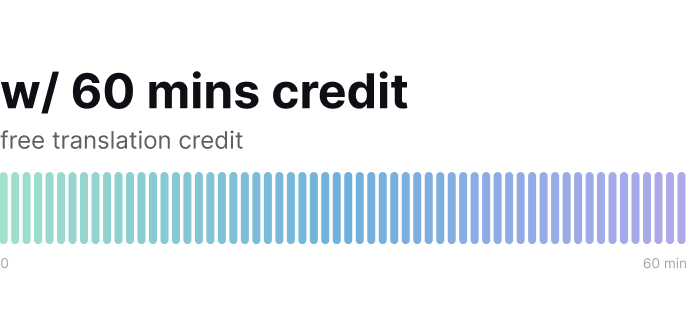
Sign up, get 60 minutes of free translation credit, and start building. No sales call required.
Configure every session in a single JSON
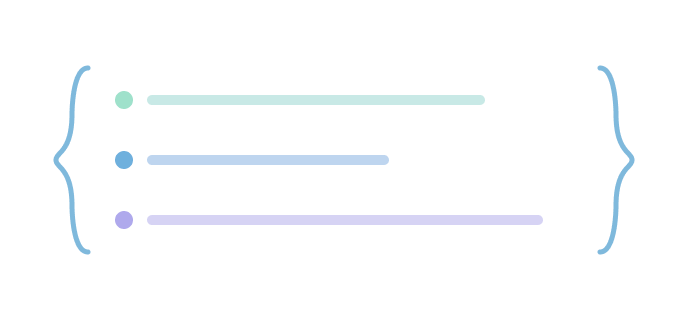
Languages, voice, custom vocabulary, BVC, and transcripts, all controllable per session via a single config payload.
WebSocket API
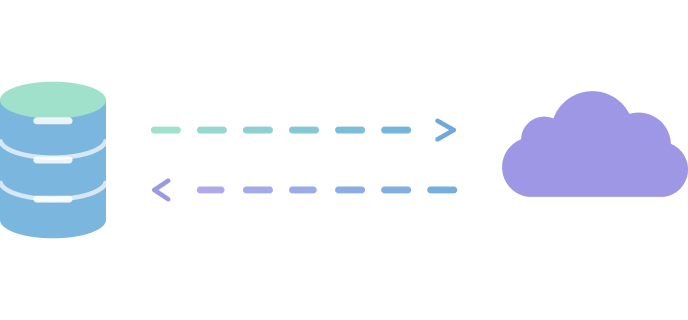
Persistent bidirectional connection at wss://streaming.krisp.ai/vt with two-step auth: API key to short-lived session key. Audio format is PCM S16LE, 16 KHz, mono (640 bytes per 20ms chunk). Python and JavaScript SDKs available with sample code. C++ coming soon.
Both powered by 8 years of production audio and a trillion+ minutes processed.
EnglishPortuguese
EnglishSpanish
EnglishRussian
EnglishFrench
Try it yourself
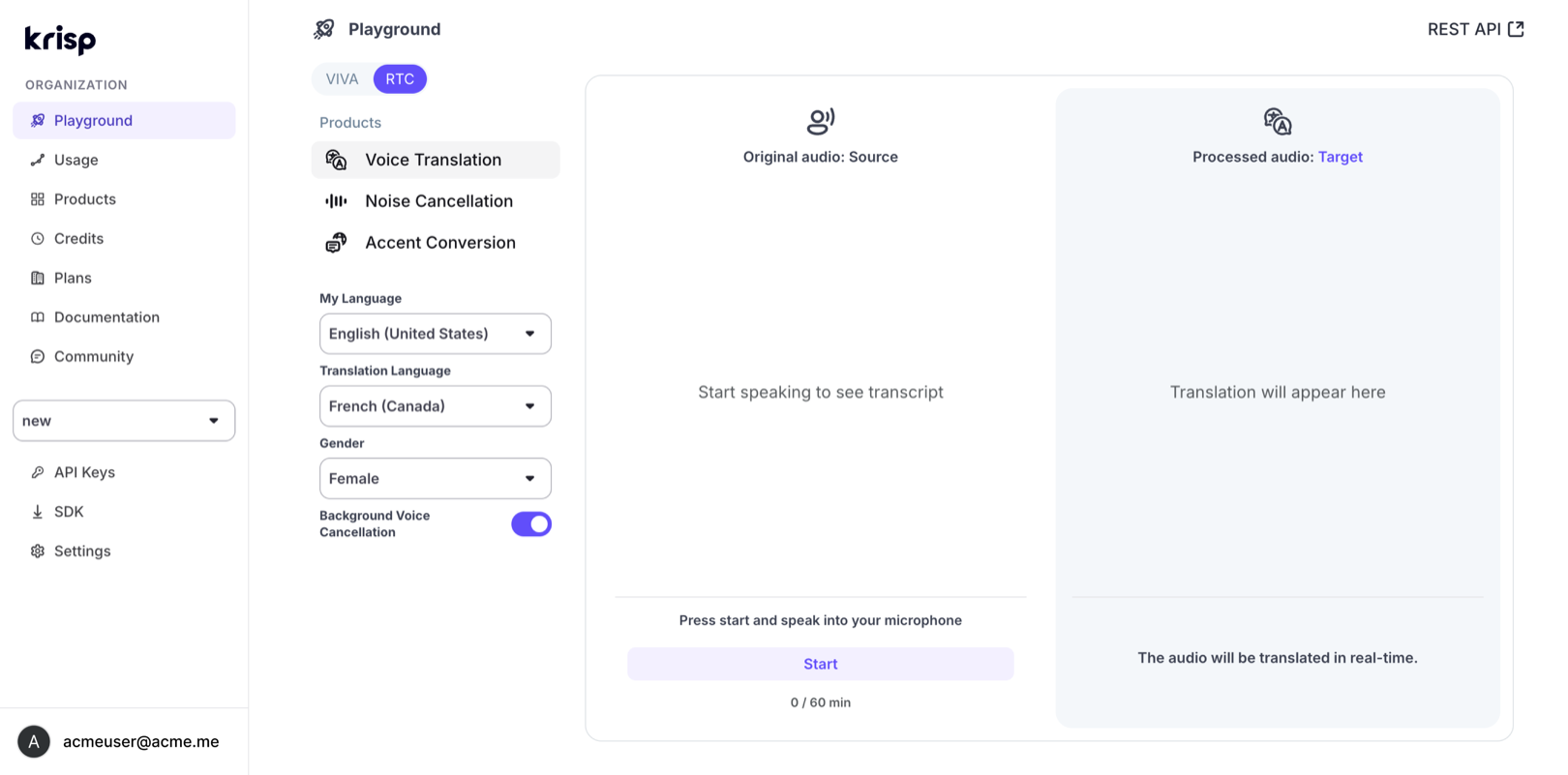
Select your language pair, pick a voice, toggle BVC, and speak. Hear the translated output in real time, with live transcripts on both sides. 60 minutes of free translation credit on every account.
The Krisp engine was built inside enterprise contact centers, the most unforgiving environment for voice AI. That means it handles noisy audio, heavy accents, domain-specific terminology, and high-stakes content (names, numbers, medication names, policy details) with production-grade accuracy. The accuracy claims come from live production calls, not benchmarks on clean audio.
Is this the same engine as the enterprise product?
Yes. Same model, same accuracy, same language support. The API provides the core translation engine. Enterprise-specific operational features like AutoQA, Live Call Monitoring, and Quick Phrases are part of the enterprise product and serve contact center workflows. The API gives you the engine directly, to build your own experience on top of.
How many languages does the voice translation API support?
61 production languages including locale-specific variants: US Spanish vs. European Spanish, French Canadian vs. metropolitan French, Egyptian Arabic, Catalan, Basque, Galician, and more. The engine was benchmarked across 30 languages in 6 business domains (finance, healthcare, insurance, retail, travel, universal) with 870 conversations evaluated.
How do Custom Vocabulary and Dictionary work?
Custom Vocabulary lets you add domain-specific terms so the engine recognizes them correctly during transcription. If you're in healthcare, you add your medication names. If you're in insurance, you add your product terms. Dictionary lets you define how specific terms should translate per language pair, e.g. "copay" → "quote-part" for French. Both are configurable per session via the API.
Does the AI voice translation API work with noisy audio?
No. The engine includes built-in Background Voice Cancellation, the same noise handling technology that powers Krisp's standalone noise cancellation products. It handles background noise, competing voices, and room reverberation. Real-world audio from mobile phones, headsets, laptops, and call center environments works without preprocessing.
What SDKs and languages are available?
Python and JavaScript SDKs with sample code and a quickstart guide. C++ SDK is coming soon. For deeper voice pipeline integration, the VIVA and RTC SDK families are available on request.
How does speech-to-speech translation work?
Speech-to-speech translation converts spoken audio in one language into spoken audio in another language in real time. Krisp's API processes the incoming audio stream, transcribes it, translates the text, and synthesizes natural-sounding speech in the target language — all in a single pipeline with sub-second latency. Unlike text translation APIs, the input and output are both audio.
The most accurate Voice Translation API for real-world calls
If you are building accuracy-critical solution. Get your API key today.



 Free API Key