

- Quick Picks
- What to Look for in a Note-taking AI for Students
- Quick look at the best note-taking apps for students
- Best Note-Taking Apps for Students (Ranked)
- Krisp — Best Overall · Best for Lectures
- Otter.ai — Best for Live Lecture Transcription
- Google NotebookLM — Best for PDFs and Textbooks
- RemNote — Best for Flashcards + Spaced Repetition
- Tactiq — Best for Zoom and Google Meet Classes
- Fireflies.ai — Best for Study Groups and Team Projects
- GoodNotes 6 — Best for iPad Handwriting and Annotation
- Notability — Best for iPad Notes with Audio Sync
- Microsoft OneNote — Best Free Cross-Platform Option
- AudioPen — Best for Quick Voice Capture
- Notion AI — Best for Organisation and Class Hub
- Evernote — Best for Research Organisation
- Reflect — Best for Networked / Second-Brain Notes
- Study Workflows to Copy
- Frequently Asked Questions


Rewatching a 90-minute lecture to find one formula. Highlighting an entire PDF and still blanking on the exam. Cramming the night before because your notes are a wall of half-sentences. Every student knows the cycle, and in 2026, there’s a better way.
Note taking apps for students now transcribe lectures in real time, turn PDFs into structured study guides and generate flashcards automatically. The difference between the tools is where they excel, and which workflows they actually support end to end.
This guide covers 13 best ai note taking apps for students for every use case: live lecture capture, PDF/textbook studying, iPad handwriting, flashcards and spaced repetition, and group study sessions. You’ll find a comparison table, honest pros and cons, and four copy-paste workflows to steal.
Quick Picks
Use Case |
Best Pick |
Best overall |
Krisp |
Best for lecture transcription |
Otter.ai |
Best for PDFs & readings |
Google NotebookLM |
Best for flashcards / spaced repetition |
RemNote |
Best for iPad handwriting |
GoodNotes 6 |
Best free option |
Google NotebookLM |
What to Look for in a Note-taking AI for Students
The Four Student Modes
Class note-taking apps in 2026 cover four distinct workflows:
- Lecture mode — Real-time transcription of live or recorded classes, structured notes output, speaker labels. The bottleneck is audio quality and accuracy in real classroom conditions.
- Reading mode — PDF or textbook to study-ready material. The main risk is hallucination. Source-grounded tools cite the passage they drew from, so you can verify before studying.
- Handwriting mode (iPad) — Apple Pencil notes with OCR search and export. Write freely, then search or pipe notes into a quiz generator.
- Exam mode — Notes converted into flashcards, active recall quizzes, and review sheets — ideally linked back to the source note for context.
How to Choose
Picking the best note-taking app for students can be challenging because different use cases need to be considered.
- Mostly fast lectures? → Krisp, Otter.ai, Tactiq
- Mostly PDFs and readings? → Google NotebookLM, RemNote
- iPad and Apple Pencil? → GoodNotes 6, Notability
- Memorisation-heavy subjects? → RemNote (spaced repetition built in)
- Online classes only? → Krisp, Tactiq, Fireflies.ai
Accuracy Checklist: Don’t Study Wrong Information
AI summaries can be confidently wrong. Before studying from any AI output:
- Compare the summary to the original transcript or PDF — spot-check 3–5 facts.
- Flag anything you cannot verify against the source. Delete it or mark it for manual review.
- Treat AI outputs as a draft, not truth. Fill gaps from the real source.
- Check technical terminology — subject-specific terms are where errors cluster most.
- Never study AI flashcards without reviewing each card first.
Academic Integrity + Privacy
If you’re a college student, class note-taking apps can help review, summarize, and organize your own material.. Submitting AI-generated content as your own original work crosses into academic misconduct. Check your institution’s AI use policy before using any of these tools for graded work.
On recording: most colleges require instructor consent. Tools like Fireflies and Otter join meetings as a visible bot, and your professor can see this in an online class. Check where your audio is stored, how long it is retained, and whether it is used for model training, especially for sensitive seminars or clinical placements.
Quick look at the best note-taking apps for students
| Company | Input types | Transcript quality | Summaries | iPad | Best for |
| Krisp | Live meetings ( through Zoom/Meet/Slack/Webex/MS Teams) and video files in the following formats: AAC, MP3, M4A, WAV, WMA, MP4, WMV | 96% accuracy | Yes | iOS app | Lectures (online + in-person) |
| Otter AI | Audio formats (AAC, MP3, M4A, WAV, WMA, OGG), Video formats (AVI, MOV, MPEG, MP4, WMV, MPG, MKV, M4P, 3GP) | 80-90% accuracy | Yes | Yes | Live Lecture Transcription |
| NotebookLM | PDFs, websites, YouTube videos, audio files, Google Docs, Google Slides | 80-85% accuracy | Yes | Yes (with iOS 17 and higher) | PDF/textbook studying |
| RemNote | PDFs and web pages (.doc, .docx, .odt), PowerPoint / slide presentations (.ppt, .pptx, .odp), and ePub ebooks. | 90-95% accuracy | Yes | Yes | Flashcards + spaced rep |
| Notion AI | HEIC, ICO, JPEG, JPG, PNG, TIF, TIFF, GIF, SVG, PDF, WEBP, MP3, MP4, WAV, OGG,
Embed videos from YouTube, Vimeo, and other major sources. |
90-95% accuracy | Yes | Yes | Organisation hub |
| Tactiq | MP4, MOV, M4A, MP3, VTT, TXT, DOCX, PDF, RTF, ODT, and PPTX | 95-98% accuracy | Yes | No | Online class transcription |
| Fireflies.ai | Audio files: MP3, M4A, WAV Video files: MP4 |
95% accuracy | Yes | No | Study groups/projects |
| Goodnotes 6 | PDF, Image (.jpg, .png), Word (.doc, .docx), PowerPoint (.ppt, .pptx) (iPadOS/iOS only), Comma- or Tab-Separated Values file (.csv, .tsv). | 80-85% accuracy | No | Yes | iPad handwriting + annotation |
| Notability | PDF, Note, JPEG, PNG, or NTB (Notability Cloud) | 80-85% accuracy | No | Yes | iPad notes + audio sync |
| OneNote | Text, images, tables, note tags, and other types of user-defined content. | 85-90% accuracy | Yes (Copilot) | Yes | Cross-platform M365 users |
| AudioPen | .mp3, .mp4 (Audio), .m4a, .wav, .aac, .ogg, .flac | 85-90% accuracy | Yes | Yes | Quick voice capture |
| Evernote | PDF, Word Documents (.docx),
Text Files (.txt), HTML Files (.html), Markdown Files (.md), Images (.jpg, .png, etc.), Audio Files, Compressed/Archive Files (.zip) |
~90% accuracy | Yes | Yes | Research organization |
| Reflect | Images, PDFs, and general attachments to notes, OCR that extracts text from images and PDFs | 85-90% accuracy | Yes | Yes | Second brain/linked notes |
Best Note-Taking Apps for Students (Ranked)
-
Krisp — Best Overall · Best for Lectures
Best for: Students attending online (Zoom/Meet/Teams/Slack/Webex) and in-person classes who want structured notes from every session.
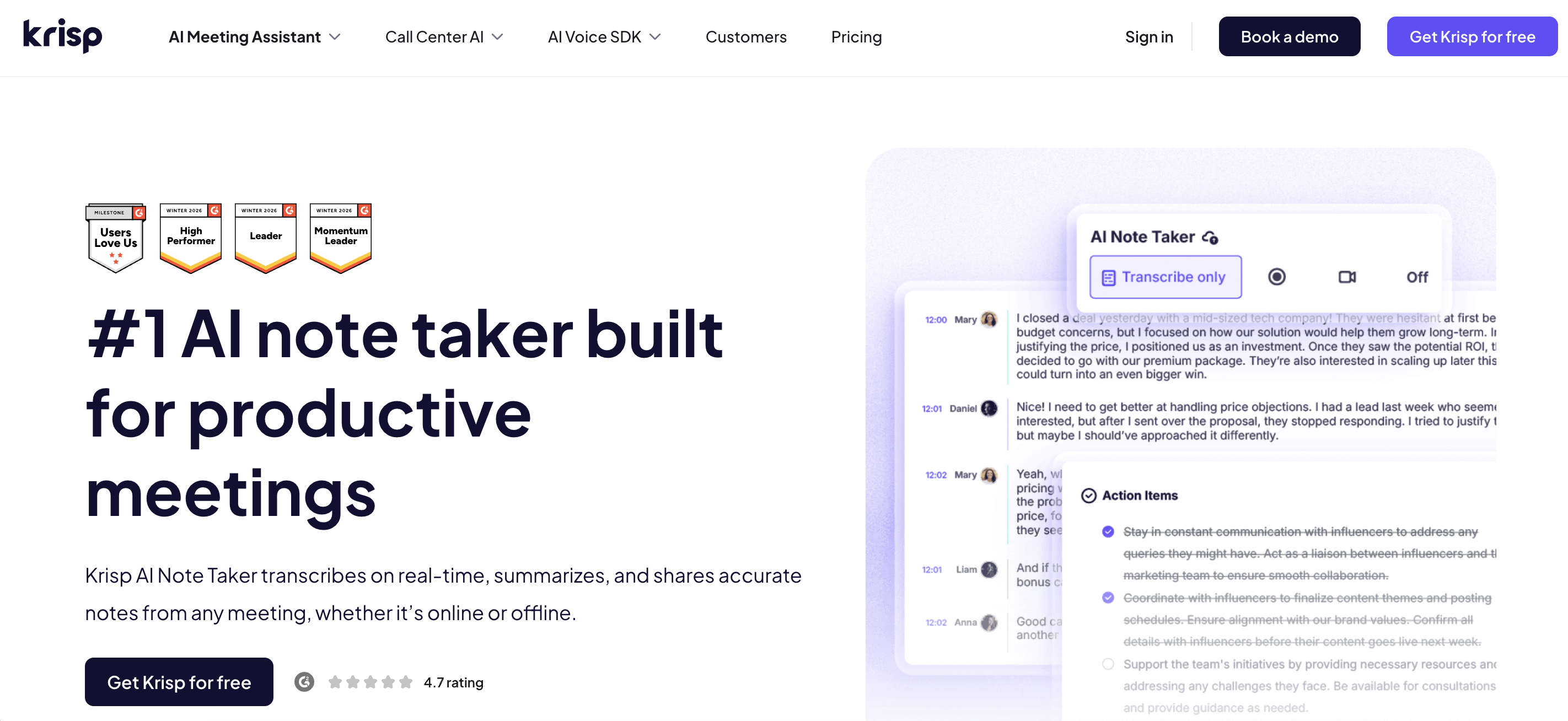
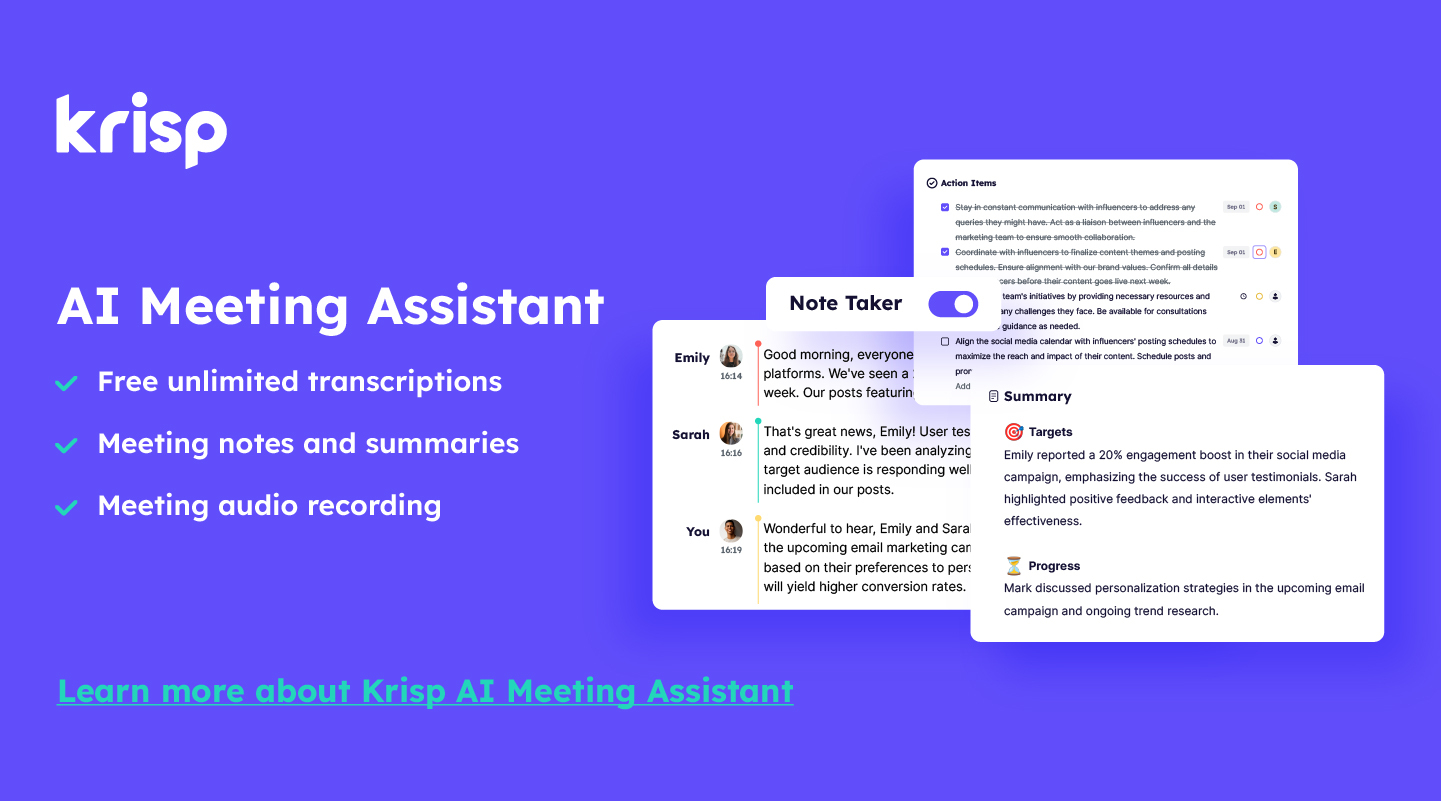
Krisp combines best-in-class noise cancellation with a full AI note taker – covering both online classes and recorded audio/video conversion from lectures in college. It transcribes the conversations at 96% accuracy, turning them into structured notes, summaries, key points and action items, not just raw transcripts, so you can study from the output immediately. Noise cancellation filters background sound before it reaches the speech-to-text engine, which means accuracy holds up in noisy lecture halls and dorms where other tools struggle. All these capabilities make Krisp one of the best note-taking apps for students.
Outputs: Structured notes, summary, key points, action items, accurate transcripts
Pros
- Works across online meetings and in-person audio and video class recordings
- Noise cancellation improves transcript accuracy and ensures a distraction free online class
- Accent conversion helps students understand the accented speech of lecturers more easily
- Structured AI notes output — study-ready, not just raw text
- iPad-friendly iOS and Android apps for mobile capture
Cons
- No flashcard or spaced repetition output
Pricing: Free tier available; Pro plan starting from $8
-
Otter.ai — Best for Live Lecture Transcription
Best for: Students who want accurate live transcription of in-person lectures with speaker identification.
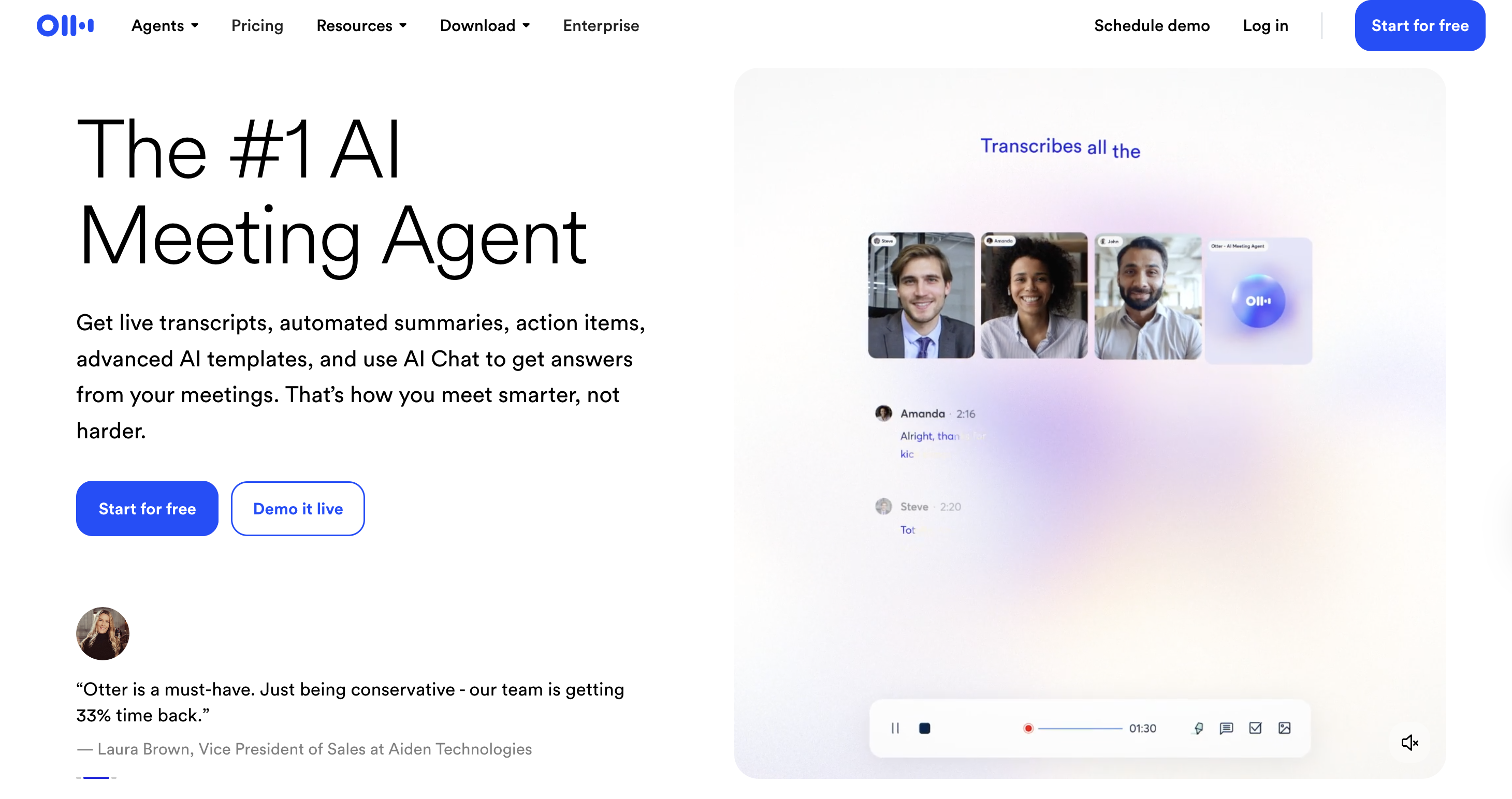
Otter.ai quickly records voice, makes text that can be searched, and speaker labels function well with most types of lectures. The AI summary and key takeaways features work well for regular material. There is no native quiz or flashcard output; the clean transcript translates nicely to RemNote or Notion for further study. The free tier provides you with 300 minutes a month, which is adequate to try but not enough for a full course load.
Outputs: Live transcript, AI summary, key takeaways, action items
Pros
- Fast, accurate live transcription with speaker labels
- Clean, searchable interface with annotation tools
- Direct integration with Zoom, Google Meet, and Microsoft Teams
Cons
- No flashcard or quiz output natively
- 300 min/month free tier runs out quickly for full-time students
Pricing: Free (300 min/month); Pro plan available starting from $8.33
-
Google NotebookLM — Best for PDFs and Textbooks
Best for: Students with heavy reading loads, textbooks, research papers, and assigned PDFs, who need study guides grounded in the actual source.
NotebookLM is the most important free tool for reading-mode studying. Every answer it generates cites the exact passage it drew from, this is the key property that makes it safe to study from. Upload a PDF, Google Doc, YouTube video, or web URL and it generates study guides, key terms, FAQs, and timelines. The Audio Overview feature creates a two-host discussion of your material, which works well for auditory review before an exam.
Outputs: Study guides, key terms, FAQs, timelines, quizzes, Audio Overview — all grounded in uploaded sources
Pros
- Source-grounded: every claim cites the exact passage in your document
- Handles multiple sources simultaneously, compares chapters or cross-references papers
- Audio Overview useful for auditory learners
Cons
- Not a lecture capture tool — document inputs only
- No spaced repetition or flashcard deck export
Pricing: Free plan available, Pro plan starting from $4.99
-
RemNote — Best for Flashcards + Spaced Repetition
Best for: Memorisation-heavy subjects, anatomy, biochemistry, history, languages
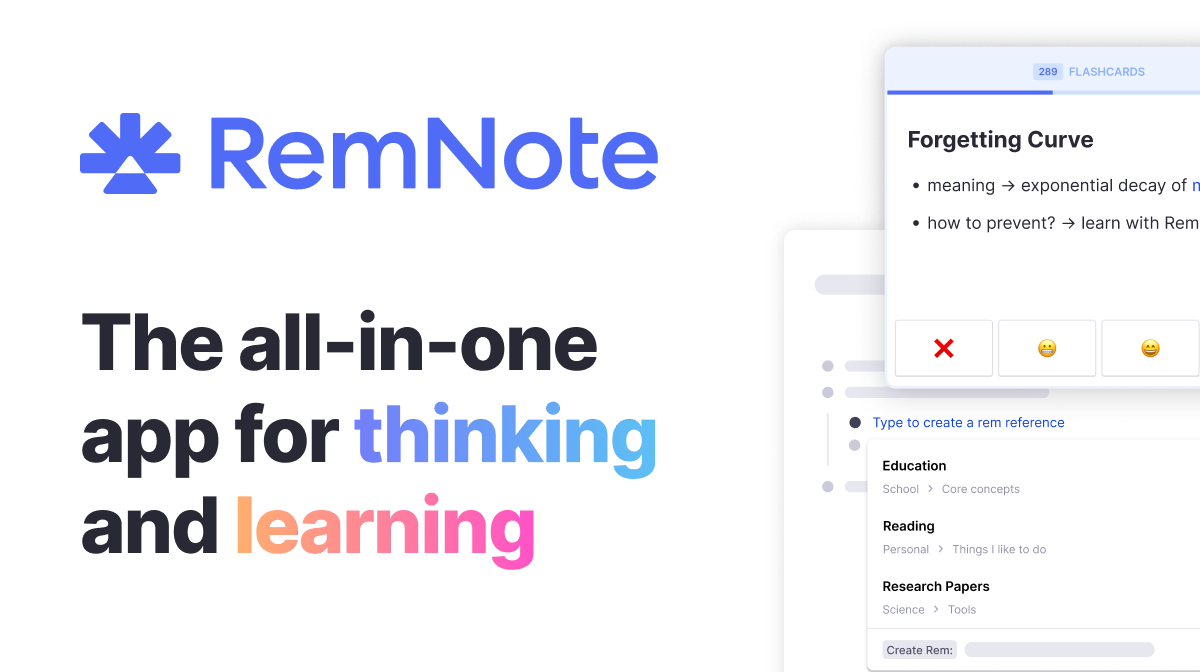
RemNote is one of the best note taking apps for college students that integrates note-taking and spaced repetition into one system. Write notes, and the AI converts concepts into flashcards that enter a built-in spaced repetition scheduler, the same mechanism as Anki, without the separate app. PDF upload to flashcard generation works well.
Outputs: Structured notes, flashcards with spaced repetition scheduling, Anki export, PDF export
Pros
- Native spaced repetition built into notes, no separate Anki required
- PDF upload to flashcard generation pipeline is practical
- Anki export for migration or sharing with others
Cons
- Steeper learning curve than simpler tools
- AI-generated cards need manual review before studying
- Mobile app less polished than web version
Pricing: Limited free tier available; Pro plans starting from $8
-
Tactiq — Best for Zoom and Google Meet Classes
Best for: Students in fully online programmes or hybrid classes using Zoom or Meet as their primary classroom.
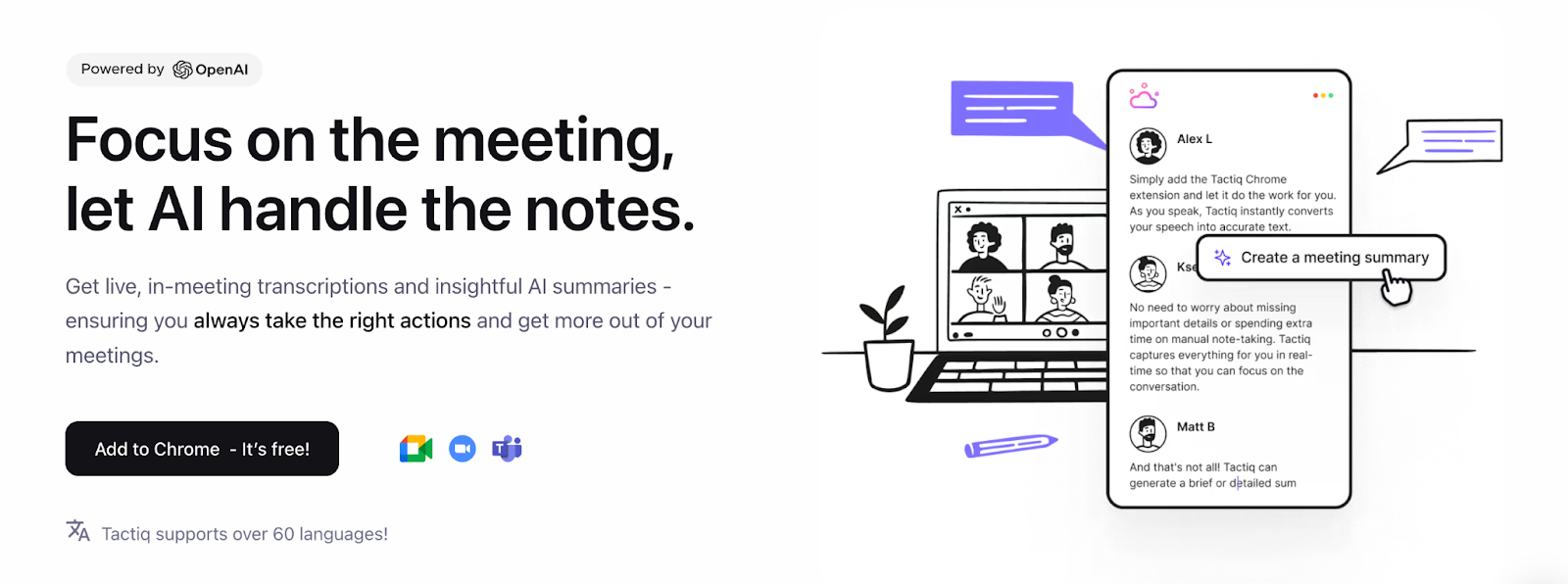
Tactiq is a browser extension that captures transcripts directly from Zoom, Google Meet, and Microsoft Teams. No bot joins your lecture — useful if you want to avoid signalling to instructors that you are recording. AI summary and highlights work cleanly, and transcripts export directly to Notion, Google Docs, or Slack. These features make Tactiq one of the best note-taking apps for college and university students who frequently attend online classes.
Outputs: Live transcript, AI summary, highlights, key topics
Pros
- No bot joins the meeting — less visible to instructors than bot-based tools
- Minimal setup — install the extension and it works
- Direct export to Notion, Google Docs, Slack
Cons
- Browser-only; no mobile capture for in-person use
- No quiz or flashcard output
Pricing: Limited free tier available; Pro plans starting from $8
-
Fireflies.ai — Best for Study Groups and Team Projects
Best for: Students running group study sessions or project calls who need a shared searchable recap.
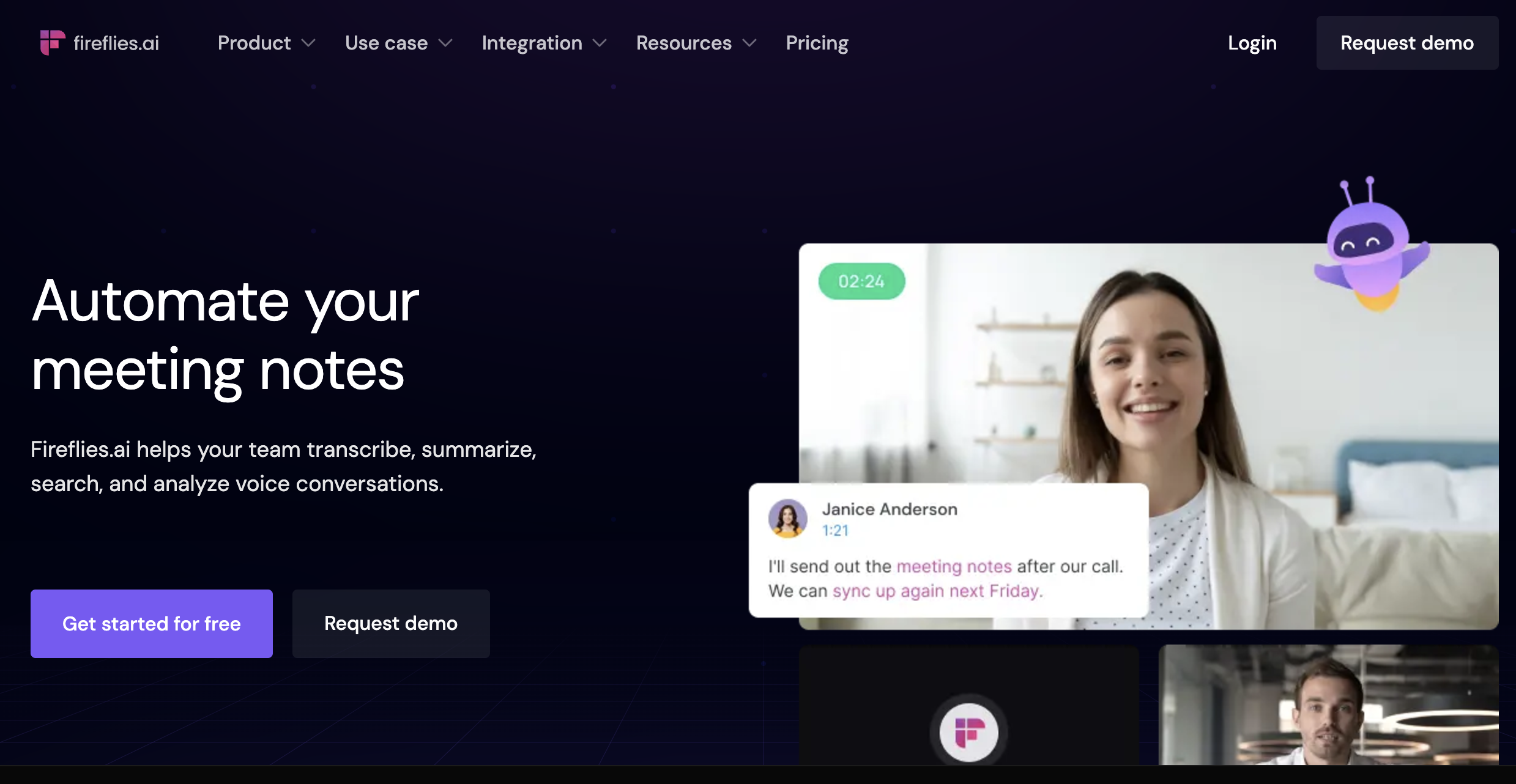
Fireflies can be used as a note-taking AI for students as it joins your meeting as a bot, records and transcribes the session, and produces a searchable transcript with AI summary, topic threads, and action items. The team workspace lets all members search, comment on, and clip moments from any shared session. Also handles uploaded audio files, so you can transcribe a recorded lecture from your phone.
Outputs: Full transcript, AI summary, topic threads, action items, shared team workspace
Pros
- Team workspace with shared search — ideal for project groups
- Handles uploaded audio files as well as live meetings
- Topic-level navigation through long sessions
Cons
- Bot joins the meeting visibly — consent considerations apply
- No flashcard or quiz output
- Free tier limits storage and AI features
Pricing: Limited free tier available; Pro plans starting from $10
-
GoodNotes 6 — Best for iPad Handwriting and Annotation
Best for: iPad users who think and sketch better with a stylus and want best-in-class OCR search across handwritten notes.
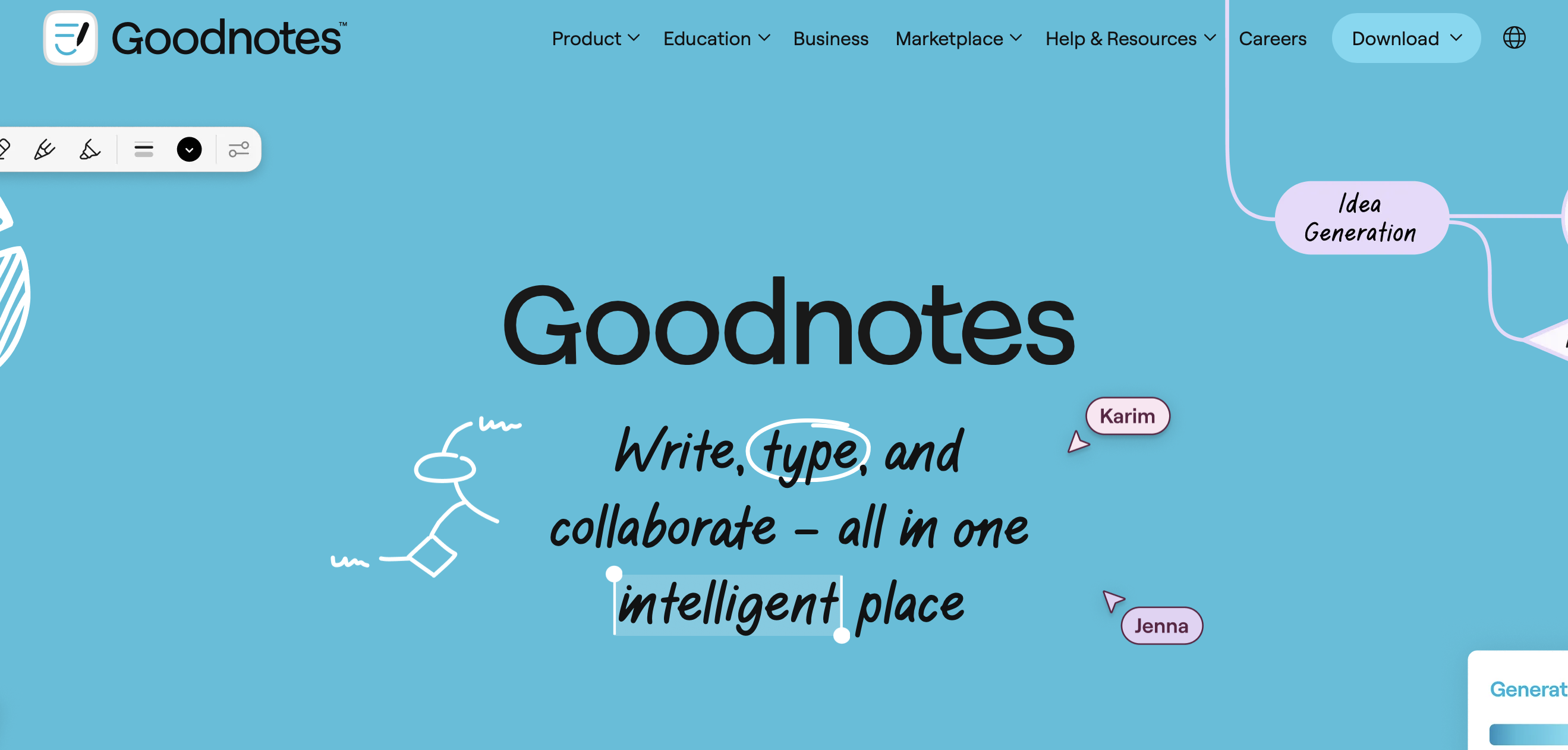
GoodNotes 6 is the gold standard for Apple Pencil note-taking. OCR is fast and accurate — search handwritten notes as if they were typed. PDF annotation is excellent: import lecture slides or textbook pages and write directly over them. The GoodNotes AI layer adds handwriting-to-text conversion and smart erasing. Due to iPad annotations, GoodNotes is widely used and is one of the best note taking apps for college.
Outputs: Handwritten notes, annotated PDFs, OCR-searchable text, exported PDFs and images
Pros
- Best-in-class handwriting recognition and OCR search
- Excellent PDF annotation — write directly on slides or textbook pages
- Offline capable — works without internet during note-taking
Cons
- No transcription, quiz, or flashcard features
- iPad and Apple Pencil only — not cross-platform
Pricing: Limited free tier available; Pro plans starting from $11.99
-
Notability — Best for iPad Notes with Audio Sync
Best for: iPad students who want to record lecture audio synced to the exact moment they were writing.
Notability’s signature feature is audio-synced handwriting: record audio while writing notes, then tap any word you wrote to jump to that moment in the recording. For dense lectures where you couldn’t get everything down, this is invaluable. Strong PDF annotation and OCR search round out the package.
Outputs: Handwritten notes with audio sync, annotated PDFs, OCR search, exported PDFs
Pros
- Audio-synced notes — tap any handwritten word to hear what was said at that moment
- Strong PDF annotation and template support
- Good OCR search across handwritten content
Cons
- Subscription model — ongoing cost vs GoodNotes one-time purchase
- AI transcription less accurate than Krisp or Otter
Pricing: Limited free tier available; Pro plans starting from $19.99
-
Microsoft OneNote — Best Free Cross-Platform Option
Best for: Students already in the Microsoft 365 ecosystem who want a free notebook that works on every device.
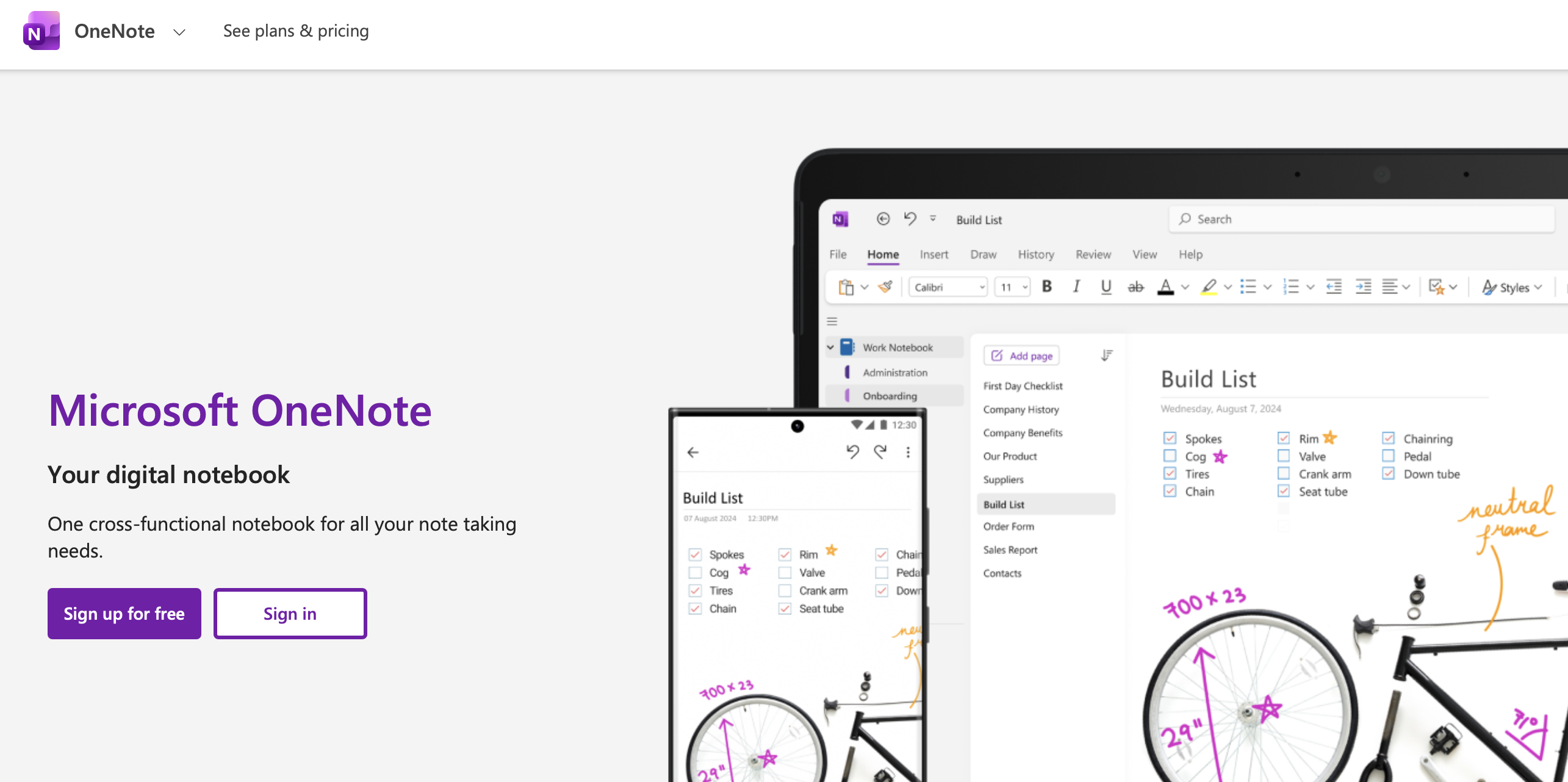
OneNote is a solid choice as a note taking app for college students, as it’s free with any Microsoft account and runs on Windows, Mac, iOS, Android, and web. It supports typed notes, handwriting (Apple Pencil or Surface Pen), audio recordings, image insertion, and PDF annotation. Microsoft Copilot adds AI summaries where available. Not the best at any single thing, but its breadth and zero cost make it a solid default — especially for students with university Microsoft 365 access.
Outputs: Typed notes, handwritten notes, audio recordings, Copilot summaries, exported DOCX/PDF
Pros
- Completely free with a Microsoft or university account
- Genuinely cross-platform — Windows, Mac, iOS, Android, Web
- Handles handwriting, audio, typed notes, and images in one place
Cons
- Not the best at transcription, handwriting, or flashcards specifically
- Copilot AI features require Microsoft 365 subscription
Pricing: Free tier available; Pro plans starting from $6.99
-
AudioPen — Best for Quick Voice Capture
Best for: Students who want to dictate post-lecture reflections or reading reactions and get structured notes back automatically.
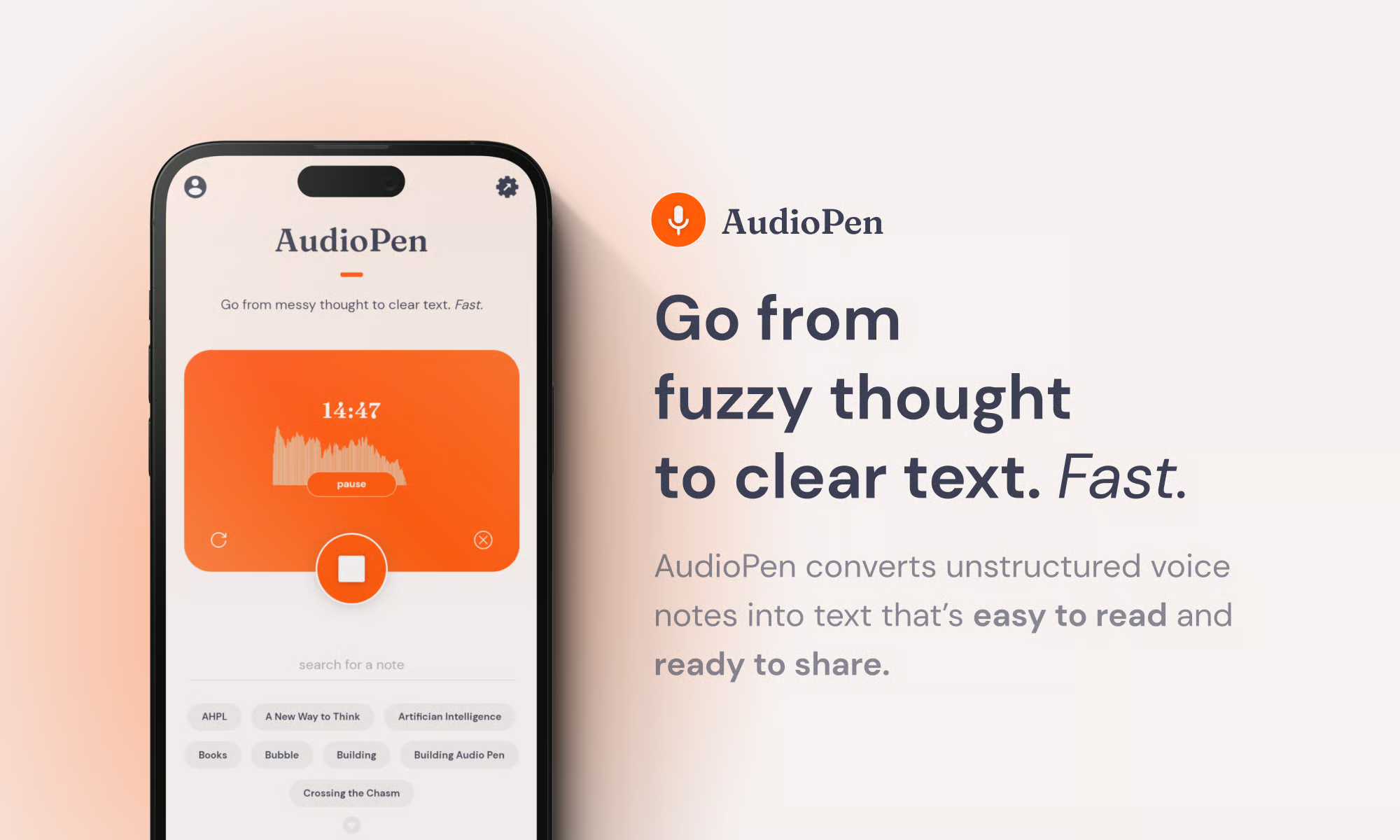
AudioPen is focused: speak for up to 30 minutes, get a clean structured summary back. Designed for quick voice memos, idea capture between classes, or talking through a problem and getting organised notes. Not a full lecture transcription tool, but its simplicity is the point.
Outputs: Structured written summary from voice input
Pros
- Near-zero setup — speak and get structured notes
- Good for post-lecture reflections and idea capture on the move
- Accurately restructures rambling speech into clear notes
Cons
- Not suitable for full lecture transcription
- No flashcards, quizzes, or deeper study output
Pricing: Free plan available; $99 for yearly pass
-
Notion AI — Best for Organisation and Class Hub
Best for: Students who want one workspace for all course content — notes, readings, assignments, and deadlines — with AI built in.
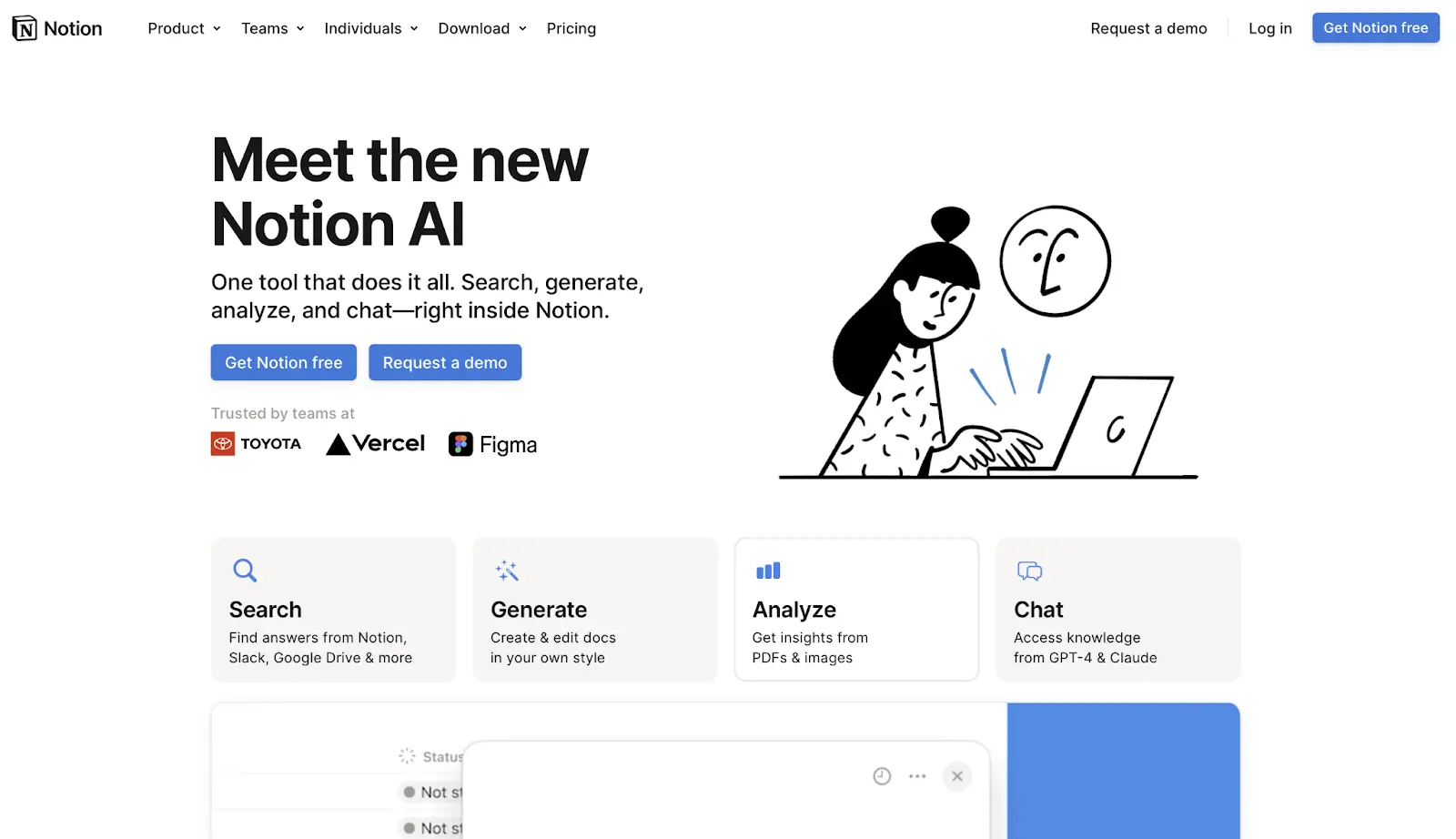
Notion AI is one of best choices among note taking apps for students as it adds AI summarisation, writing assistance, and Q&A to Notion’s powerful database and page system. It is not a capture tool, but it is the best home base for organising notes that come from other tools. Common workflow: capture lectures in Krisp, export the transcript, paste into Notion, use Notion AI to extract key points or draft a review sheet.
Outputs: AI summaries, Q&A over notes, writing drafts, organised databases and pages
Pros
- Excellent organisation system — databases, tags, linked pages, templates
- AI Q&A works well over pasted transcript or reading notes
- Flexible enough to manage assignments and deadlines too
Cons
- Not a capture or PDF-grounded study tool
- AI features require paid Notion AI add-on
Pricing: Free tier (limited AI); Notion AI add-on paid; check for student pricing
-
Evernote — Best for Research Organisation
Best for: Students managing large volumes of web research, clipped articles, and mixed-media notes across multiple courses.
Evernote is a mature note organiser with strong web clipping, PDF annotation, and cross-device sync. Evernote is a solid note-taking AI for students as its AI features on paid plans add summarisation. Not a transcription tool, but its powerful full-text search — including inside PDFs — makes it solid for research-heavy courses.
Outputs: Organised notes, web clips, annotated PDFs, AI summaries (paid)
Pros
- Excellent web clipper — save articles and PDFs with one click
- Full-text search across all content including inside PDFs
- Mature, stable platform with reliable cross-device sync
Cons
- AI features require paid plan
- No transcription, flashcard, or quiz output
Pricing: Free tier available; Pro plans starting from $8.25
-
Reflect — Best for Networked / Second-Brain Notes
Best for: Students who want to build a connected knowledge base, linking ideas across courses over a full semester.
Reflect is the best networked note-taking app for college built on bidirectional links and daily notes. The AI layer (GPT-4 powered) helps with summarisation, brainstorming, and writing drafts inside your notes. The value is long-term: students who use Reflect consistently build a connected web of ideas that makes revision and essay writing faster.
Outputs: Linked notes, AI summaries, writing drafts, daily notes, Markdown export
Pros
- Bidirectional links surface unexpected connections between course topics
- AI writing and summarisation feels natural inside the note-writing flow
- Clean, distraction-free interface
Cons
- No free tier — paid only
- No transcription, flashcard, or quiz features
Pricing: Starts from $10
Study Workflows to Copy
Workflow A: Lecture → Notes → Quiz
- Capture the lecture with Krisp AI Lecture Note Taker (in-person or online).
- Review the AI-structured notes immediately after class — correct errors while the lecture is fresh.
- Paste key concepts into RemNote or NotebookLM and generate practice questions.
- Answer questions without looking at notes (active recall) — mark anything you got wrong.
- Schedule wrong-answer cards for spaced repetition review before the exam.
Workflow B: PDF → Source-Grounded Study Guide → Exam Sheet
- Upload the PDF, chapter, or paper to Google NotebookLM.
- Ask it to generate: key terms, a study guide outline, and 10 likely exam questions.
- Verify every key claim against the cited source passage — delete anything unverifiable.
- Export the verified study guide to Notion or a Word document.
- The night before the exam: read the guide, cover it, write out everything you remember.
Workflow C: iPad Handwritten Notes → Export → AI Quiz
- Take handwritten notes in GoodNotes 6 or Notability during the lecture.
- Use GoodNotes OCR search to find any concepts for review.
- Export note pages as PDF.
- Upload the PDF to NotebookLM and generate quiz questions from your handwriting.
- Study with the original handwritten notes open for context.
Workflow D: Group Study Session → Recap → Topics List
- Run the group session on Zoom or Meet with Fireflies.ai (or Krisp) active.
- After the session, review the AI-generated action items and topic list.
- Each person takes one topic thread — writes summary notes in their own tool.
- Share summaries in a shared Notion workspace.
- Use Notion AI to synthesise all contributions into a single exam prep document.
Frequently Asked Questions