

- The Real Challenge in Online Meetings: Real-Time Understanding
- What Subtitles Do Well and Where They Fall Short
- What Transcripts Are Good For and Where They Miss the Live Moment
- What Accent Conversion Does Differently
- Krisp Listener-side Accent Conversion vs Subtitles vs Transcripts
- When Subtitles and Transcripts Are Still Useful
- Why Krisp Is the Better Choice for Real-Time Meeting Understanding
- Best Use Cases for Krisp Listener-side Accent Conversion
- Final Takeaway
- FAQ


Online meetings connect teams across countries and time zones, but listeners do not always understand spoken English clearly in real time. In global calls, unfamiliar pronunciation patterns can make speech harder to follow, especially when listeners are processing information quickly and cannot pause the conversation. When words are difficult to catch, participants may ask for repetition, miss important details, or hesitate before responding.
Many teams address this challenge with subtitles or transcripts, which convert speech into text. Subtitles can help during the meeting, while transcripts support review afterward. However, both require listeners to divide attention between hearing the speaker and reading the screen.
A different approach focuses on speech intelligibility itself. Krisp Listener-side Accent Conversion adapts the audio in real time so listeners can understand spoken English more clearly, without requiring the speaker to change how they talk.
In this article, I compare accent conversion vs subtitles vs transcripts in online meetings and explain when each approach is most useful.
The Real Challenge in Online Meetings: Real-Time Understanding
The main difficulty in many meetings is not simply capturing what people say, but understanding speech while the conversation is happening.
Even when everyone speaks English well, listeners may struggle with unfamiliar pronunciation patterns, especially in fast discussions where there is little time to mentally adjust. In some cases, fluent English speakers can find it difficult to understand unfamiliar accents in real-time discussions. Certain hard English words to pronounce can become difficult for listeners to catch in fast conversations.
Psycholinguistic research shows that listeners need additional processing time when they hear unfamiliar pronunciation patterns. This challenge is explored in more detail in our guide on Understanding Accents in Meetings, which explains why accent variation can affect real-time comprehension.
At the same time, meeting dynamics can increase the difficulty. Conversations often move quickly, people interrupt each other, and overlapping speech can make discussions harder to follow.
Technical factors can also affect clarity. Microphone quality, background noise, or unstable internet connections may distort parts of speech.
However, even when audio quality is acceptable, pronunciation differences alone can make speech harder to understand in real time, particularly in international teams.
To manage these challenges, many teams rely on subtitles and transcripts. These text-based tools convert speech into text, helping users follow parts of the discussion during the meeting or review what was said afterward. However, they have limitations in live conversations. Subtitles require participants to divide attention between listening and reading, while transcripts mainly support post-meeting review rather than real-time comprehension.
As a result, there is still a gap between capturing speech as text and making spoken language easier to understand during the conversation itself.
What Subtitles Do Well and Where They Fall Short
In many online meetings, I notice that subtitles are often the first tool people rely on when speech becomes difficult to understand.
Most conferencing platforms now offer live captions that convert spoken words into text while the conversation is happening. This can help participants follow parts of the discussion, especially when audio quality is inconsistent or when a word is hard to catch.
Subtitles can be particularly useful for accessibility and for clarifying specific details during a meeting. At the same time, they introduce some limitations when conversations move quickly and participants need to focus on listening rather than reading.
Where subtitles help |
Where subtitles fall short |
|---|---|
| Support accessibility for deaf or hard-of-hearing participants | Require reading while listening, which divides attention |
| Help when audio quality is poor or unstable | Captions can appear slightly after speech |
| Clarify names, numbers, or technical terms | Shift focus away from speakers, slides, and discussion |
| Provide visual confirmation of spoken words | Do not improve the clarity of the audio itself |
| Help users follow parts of the conversation | Assist after speech appears, not during auditory processing |
For example, Microsoft Teams can detect what is said and display real-time captions during meetings. However, Microsoft also distinguishes captions from transcripts and notes that captions are typically not saved unless transcription is enabled.
Subtitles are helpful when I want to confirm a word or quickly check something I did not hear clearly. But because they require reading while listening, they can pull attention away from the conversation itself. In fast discussions, this can make it harder to stay fully engaged with the speaker and the flow of the meeting.
What Transcripts Are Good For and Where They Miss the Live Moment
I also see teams rely on transcripts to capture what was said.
A transcript creates a written record of the conversation, turning spoken dialogue into searchable text. Transcripts are especially valuable when teams need to summarize discussions, track decisions, or record action items.
Many teams combine meeting transcription with an AI Note Taker to automatically generate summaries, action items, and searchable meeting records. These workflows are often powered by a meeting assistant that organizes transcripts, notes, and action items after the call.
They make it easier to revisit key moments without relying on memory.
What transcripts are good for |
Where transcripts fall short |
|---|---|
| Creating a written record of the meeting | Not designed for real-time listening support |
| Supporting note-taking and summaries | Checking the transcript takes attention away from the conversation |
| Identifying decisions and action items | By the time you read it, the discussion may have moved on |
| Enabling search and review after meetings | Does not reduce the effort of decoding speech in the moment |
| Supporting documentation and compliance | Helps after the meeting, not during live comprehension |
For example, Zoom ties caption accuracy to transcription quality and uses transcripts as the foundation for meeting summaries, in-meeting questions, and action items.
Transcripts are one of the best tools for reviewing conversations later. However, they do not solve the core challenge of understanding speech while the meeting is happening.
What Accent Conversion Does Differently
Accent conversion approaches the problem of meeting comprehension differently from subtitles or transcripts. This approach is part of a broader category known as Accent AI technology, which focuses on improving how speech is perceived and understood in real-time communication. Instead of converting speech into text, it focuses on improving how clearly the listener hears and understands spoken language.
Accent conversion for the listener is not about replacing speech with text. It adapts the audio itself so the listener can understand the speaker more easily in real time. In other words, the goal is to improve speech intelligibility during the conversation, rather than helping people read what was said afterward.
Krisp Listener-side Accent Conversion is designed around this idea. The feature works on the listener’s side, meaning the person speaking does not need to install anything or change how they talk. The system processes the incoming audio and adjusts pronunciation cues so speech becomes easier to understand for the listener.
- Listener-side processing → Only the listener enables the feature; the speaker does nothing.
- Real-time understanding → Audio is adapted while the conversation is happening.
- No change for the speaker → Speakers continue talking normally.
- Cross-platform compatibility → Works across Zoom, Microsoft Teams, Google Meet, and other meeting apps through Krisp’s audio layer.
- Low latency → Processing happens with near real-time delay (around 200 ms or less).
- On-device processing → Audio is processed locally on the user’s device.
Because the system adapts the audio itself, it reduces the need for participants to switch between listening and reading. Instead of relying on captions or transcripts, listeners can focus on the conversation while hearing speech more clearly.
In this sense, accent conversion differs fundamentally from text-based tools. Subtitles and transcripts document speech, while listener-side accent conversion improves how speech is understood in real time.
Krisp Listener-side Accent Conversion vs Subtitles vs Transcripts
In online meetings, subtitles, transcripts, and accent conversion all aim to help people understand conversations. However, they solve different parts of the communication problem.
Subtitles and transcripts convert speech into text. This can help users read what was said, either during the meeting or afterward. Krisp Listener-side Accent Conversion, on the other hand, focuses on improving how clearly speech is understood while the conversation is happening.
The key difference is simple: text-based tools document speech, while accent conversion helps listeners understand speech in real time.
| Category | Subtitles | Transcripts | Krisp Listener-side Accent Conversion |
|---|---|---|---|
| Goal | Display spoken words as text | Create a written record of the meeting | Improve intelligibility of speech in real time |
| Best moment of value | During the meeting | After the meeting | During the meeting while listening |
| Mental effort | ⚠️Higher — users split attention between reading and listening | ⚠️Higher or delayed — users read text after or during the meeting | ✅Lower — users continue listening naturally |
| Speaker setup | ⚠️Depends on meeting platform features | ⚠️Depends on meeting platform features | ✅Speaker changes nothing; the listener enables the feature |
Looking at these differences, I can confirm that subtitles and transcripts work best as support tools for documentation and accessibility. They help users verify what was said or review conversations later.
However, Krisp Listener-side Accent Conversion addresses a different challenge: understanding speech clearly while the meeting is still happening, as it improves the audio for the listener, participants can focus on the conversation instead of shifting attention between listening and reading.
When Subtitles and Transcripts Are Still Useful
Even though subtitles and transcripts have limitations for real-time comprehension, I still find them valuable in many situations during and after online meetings. Both tools play an important role in making meetings more accessible and easier to review later.
- One of the most important use cases is accessibility support. Subtitles help participants who are deaf or hard of hearing follow the conversation. In many organizations, captions are also used to support inclusive communication across global teams.
- Transcripts are especially helpful for post-meeting documentation. After a meeting ends, having a written record makes it easier to review what was discussed, confirm decisions, and track follow-up actions. Teams often rely on transcripts for note-taking, summaries, and action items, particularly when meetings contain many details.
- A transcript allows participants to quickly find specific parts of the conversation without replaying the entire meeting recording. This is useful when looking for a decision, a number, or a key point mentioned during the discussion.
- Subtitles and transcripts can also help when participants need to catch proper nouns, product names, or technical terms that might be difficult to hear clearly during the meeting. Seeing the word written on the screen can clarify the meaning.
In some industries, transcripts are also important for compliance and record keeping, especially when meetings involve formal documentation or regulatory requirements.
So, I see subtitles and transcripts as strong complementary tools in online meetings, but they do not replace tools that improve real-time speech understanding during the conversation itself.
Why Krisp Is the Better Choice for Real-Time Meeting Understanding
As you may have already understood from the discussion above, the biggest challenge in online meetings is understanding speech while the conversation is happening.
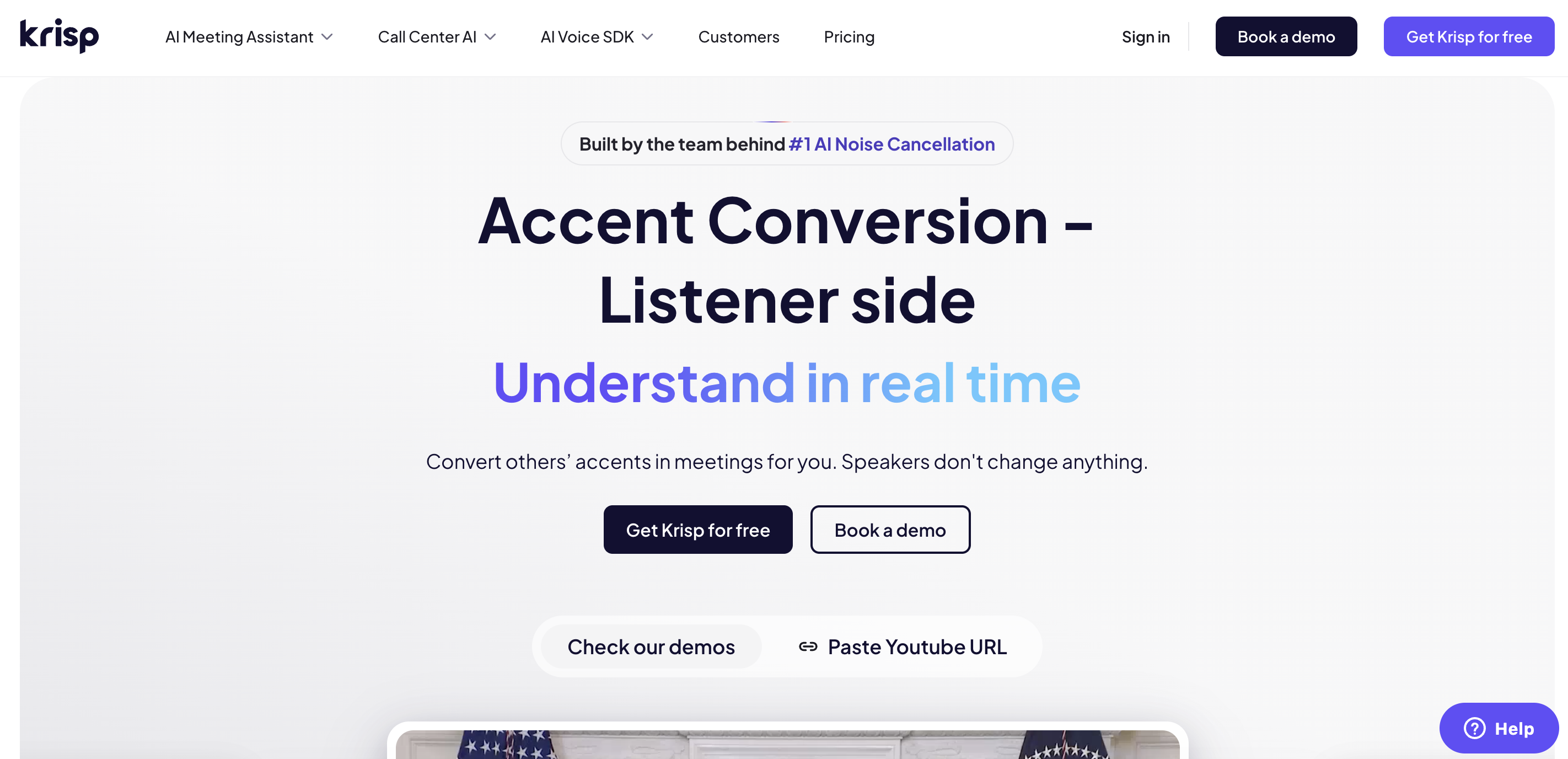
That is why I want to introduce Krisp Listener-side Accent Conversion, which is designed specifically to address this problem. Instead of converting speech into text, the technology improves how clearly the listener hears the speaker during the conversation itself.
Key characteristics of this approach include:
- Real-time understanding → The system adapts incoming audio so listeners can understand speech more easily while the meeting is happening.
- Natural meeting flow → Participants continue listening instead of switching between reading captions and following the discussion.
- No effort from the speaker → The feature works on the listener’s side, so speakers do not need to install anything or change how they talk.
- Cross-platform compatibility → Works across Zoom, Microsoft Teams, Google Meet, and other conferencing apps through Krisp’s audio layer.
- On-device processing → Audio is processed locally on the user’s device, helping maintain privacy while enabling real-time performance.
- Preserved meaning and identity → The system improves intelligibility without changing what the speaker says.
For global teams working across accents and regions, this approach helps meetings stay clearer, smoother, and easier to follow while the conversation is still happening.
Best Use Cases for Krisp Listener-side Accent Conversion
Krisp Listener-side Accent Conversion is most valuable in meetings where participants need to understand speech immediately in order to respond, ask questions, or make decisions.
Common scenarios include:
- Global team meetings
- Customer or partner calls
- Interviews and recruiting
- Cross-functional discussions
- Fast-paced standups or decision meetings
- Fluent English speakers communicating across different accents
In these situations, clearer audio can help conversations move more smoothly.
Final Takeaway
Subtitles show what speakers say in text form.
Transcripts let you review what speakers said after the meeting.
Krisp Listener-side Accent Conversion helps listeners understand speech in real time while the meeting is happening.
For teams working across regions, accents, and fast-paced discussions, understanding speech clearly in real time makes the difference between just hearing words and actually following the conversation.
FAQ