Real-Time Voice Translation for Customer Experience
Real-time voice translation has long been one of the most challenging problems in voice AI. Unlike text-based translation or offline speech processing, live voice conversations introduce strict constraints on latency, accuracy, and conversational flow.
At Krisp, we develop voice translation technology inside our own products first, validate it in large-scale customer experience (CX) deployments, and only then make it available to developers. After running Voice Translation in production environments for over six months, we’re excited to introduce the Krisp Voice Translation SDK.
Why Real-Time Voice Translation Is Hard
Real-time voice translation is significantly more complex than translating text or processing pre-recorded audio.
A production-ready system must operate on continuous, live audio streams while balancing several competing constraints at once. It needs to accurately recognize speech across different accents, speaking styles, and pronunciation patterns, often in noisy environments where background sounds and secondary voices are present. These conditions are especially common in customer experience and call center settings.
At the same time, the system must preserve natural conversational flow. Aggressively minimizing latency can lead to incomplete context and translation errors, while waiting too long for additional speech context can disrupt turn-taking and make conversations feel unnatural. This trade-off becomes particularly visible when handling numbers, names, dates, and identifiers, where even small mistakes can have serious consequences.
Delivering accurate, natural-sounding translations in real time therefore requires carefully balancing quality and latency, a challenge that only becomes apparent at scale in real-world deployments.
Translation quality is continuously evaluated across languages and domains using a combination of automated metrics and human review, with detailed results shared with customers on request.
Key Features of the Voice Translation SDK
The Krisp Voice Translation SDK is designed to support real-world, live customer conversations at scale.
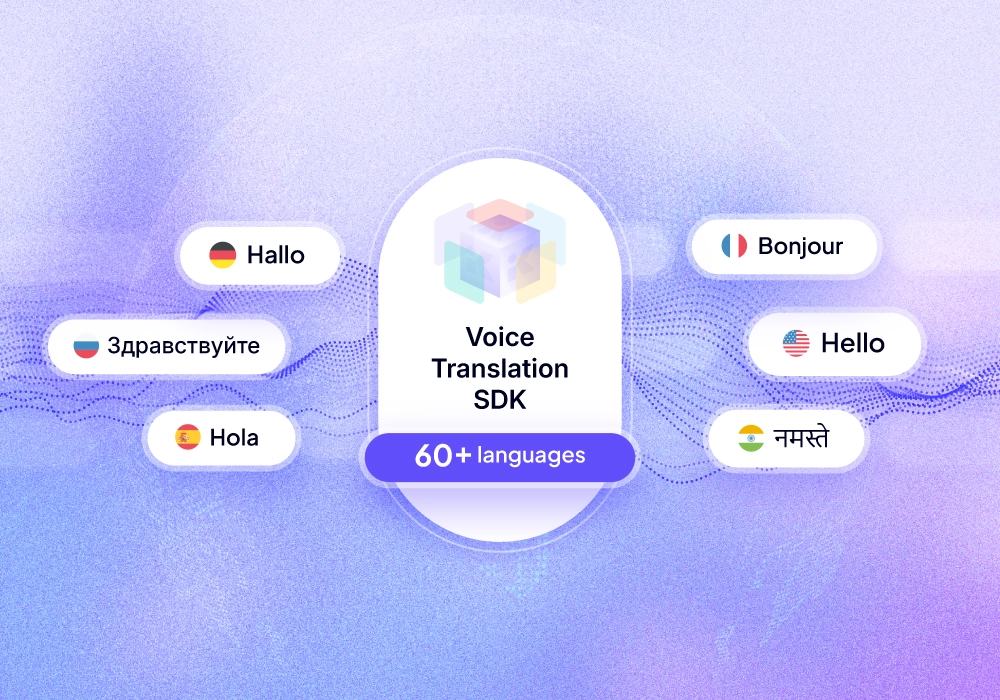
It enables real-time voice translation across 60+ languages, allowing applications to support multilingual interactions without relying on human interpreters. The SDK is optimized for live, synchronous conversations, where accuracy and conversational clarity matter more than minimizing latency at all costs.
The SDK is built to perform reliably in noisy, real-world environments. As a best practice, Krisp Noise Cancellation can be applied locally to remove ambient noise and secondary voices before audio is sent to the Voice Translation services in the Krisp cloud. Cleaning the audio upstream helps isolate the primary speaker’s voice and significantly improves speech recognition accuracy and overall translation quality.
To further improve accuracy in professional domains, the SDK supports custom vocabulary and custom dictionaries, allowing teams to adapt translation behavior to domain-specific terminology and enforce consistent outputs.
The Voice Translation SDK is available across Windows, macOS, and Web platforms, making it easy to embed live voice translation into both native desktop applications and browser-based experiences.
Getting Started
Getting started with the Krisp Voice Translation SDK is straightforward.
Users can explore Voice Translation directly from the Playground in the Krisp SDK portal. To integrate the Voice Translation SDK into an application, developers will need to request SDK access from Krisp Developers page.
Below is a simple JavaScript example demonstrating real-time voice translation from English to Spanish.
// GET A SESSION KEY
const axios = require('axios');

let config = {
method: 'get',
maxBodyLength: Infinity,
url: 'https://sdkapi.krisp.ai/v2/sdk/voice-translation/session/token?expiration_ttl=100',
headers: {
'Authorization': 'api-key API_KEY'
}
};

axios.request(config)
.then((response) => {
const SESSION_KEY = response.data.data.session_key
})
.catch((error) => {
console.log(error);
});

import { KrispVTSDK, LogLevel } from 'krisp-vt-sdk';

// 1. Initialize SDK
const sdk = new KrispVTSDK({
apiKey: SESSION_KEY,
logLevel: LogLevel.WARN // NONE, ERROR, WARN, INFO, or DEBUG
});

// 2. Set up event hooks
sdk.setHooks({
onProcessedAudio: (stream) => {
// Play or send the translated audio
const audio = new Audio();
audio.srcObject = stream;
audio.play();
},
onMessage: (event) => {
// Handle transcripts
console.log('Transcript:', event.data.text);
}
});

// 3. Start translation service
await sdk.start({
from: 'en-US', // Source language
to: 'es-ES', // Target language
gender: 'female',
});

// 4. Get microphone and process audio
const mic = await navigator.mediaDevices.getUserMedia({ audio: true });
await sdk.process(mic);

// 5. Stop when done
await sdk.stop();
// 4. Get microphone and process audio
const mic = await navigator.mediaDevices.getUserMedia({ audio: true });
await sdk.process(mic);

// 5. Stop when done
await sdk.stop();
Full documentation, platform-specific guides, and additional examples are available in the Voice Translation SDK documentation: https://sdk-docs.krisp.ai/docs/voice-translation